ScannerGo PDF Document Scanner
Robust PDF and Document maker
iPhone, iPad, iPod touch向けに設計
無料 · アプリ内課金
- 対象年齢4+
- カテゴリユーティリティ
- 開発元Appyhigh Technology LLP
- 言語英語
- サイズ112.6 MB
App Storeの公式ページにリンクしています
Download.orgはScannerGo PDF Document Scannerのファイルを一切ホストしていません。ボタンを押すと、Appyhigh Technology LLPが公開しているApp Storeのアプリページが開きます。ページの最終確認:2026/11/14。
スクリーンショット

概要
開発元はこのテキストをお使いの言語で提供していません。
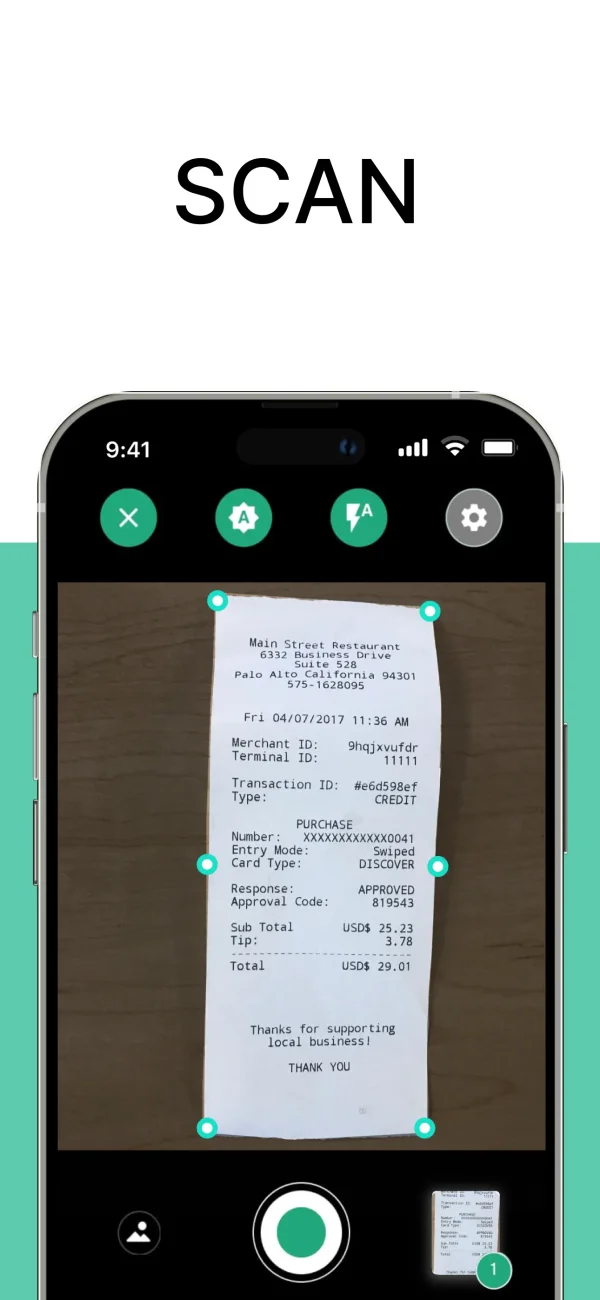
Scanner Go is a powerful cam scanner app and doc scanner application for scanning documents anywhere and anytime. You can scan, save, archive, and share the documents to be more productive.
Turn your phone camera to a PDF Scanner and instantly share scanned files in PDF or JPG format
ScannerGo, the camera scanner app is a must have application for those people who are always traveling for business, students, and lawyers. In one tap easily send scanned documents while being on the move, PDF Conversion is completely offline and requires no internet connection.
Using this Pdf Maker, save your PDF file in history and in the list of recently used documents.
SAFE PRIVACY
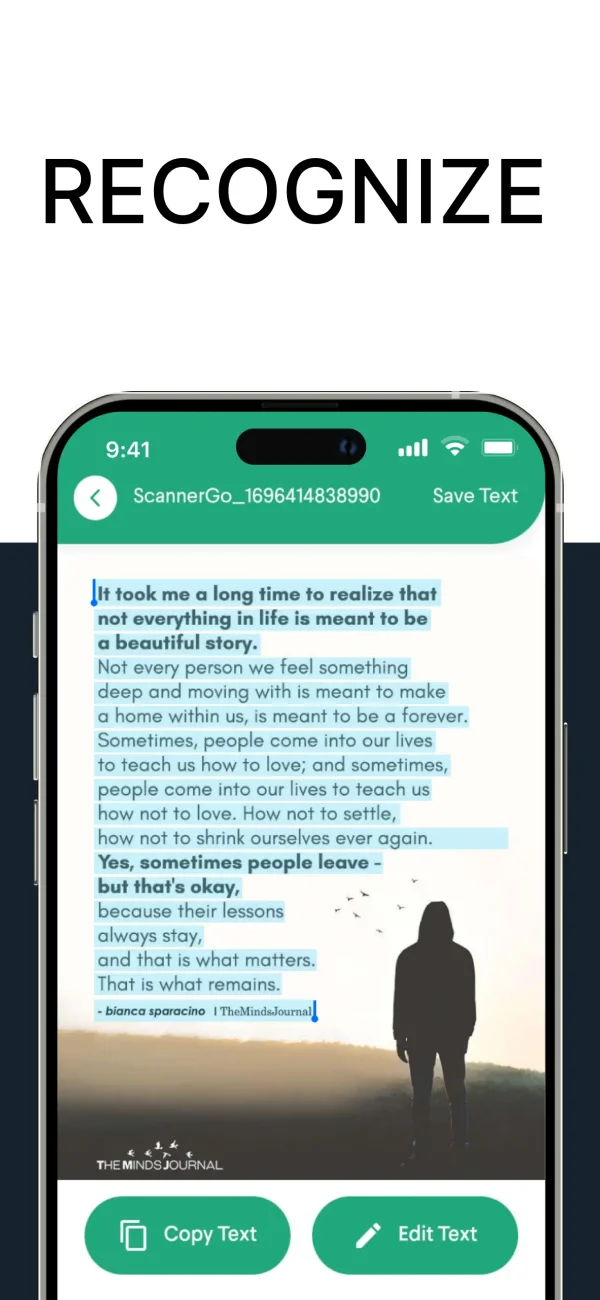
The documents scanned in are not uploaded to any server for any processing. Document recognition in the photos after scanning is done on the device.
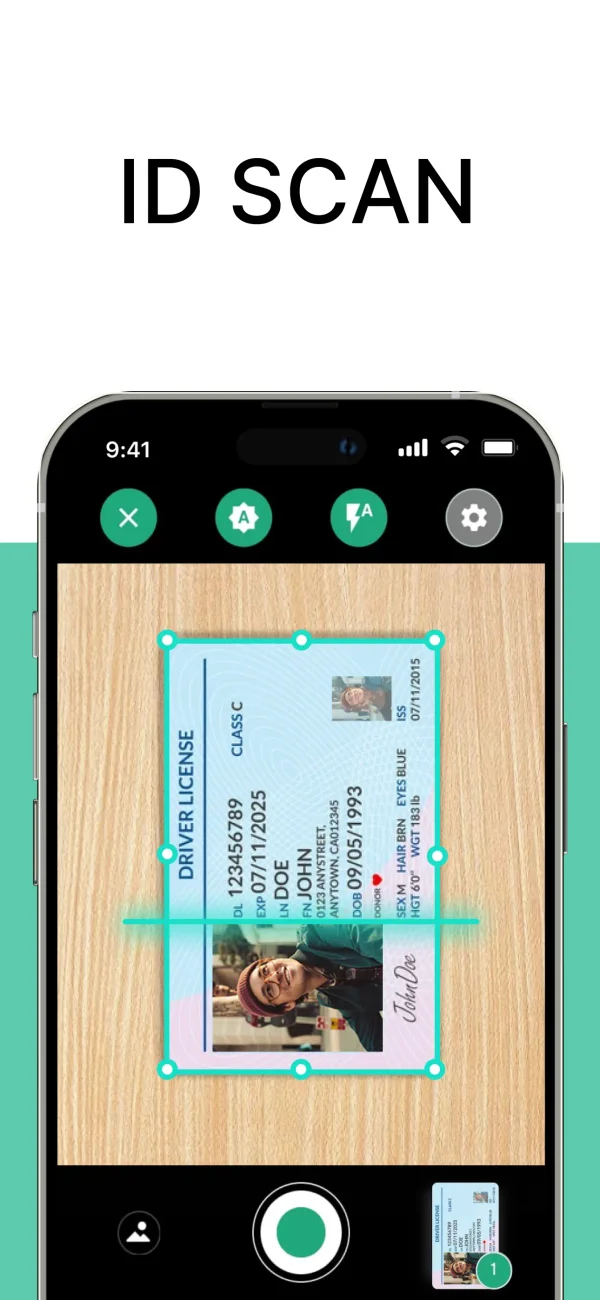
Scan almost anything from receipts to business cards to QR codes with the Camera scanner or Document scanner.
ENVIRONMENT FRIENDLY
No need to store your documents on paper. Just scan it with Scanner Go and keep it offline on your devices.
How to scan documents –
1. Just click on the create new pdf tab and start scanning your document.
2. You can also select an image or a document from your gallery to scan.
3. Crop the edges according to your requirement.
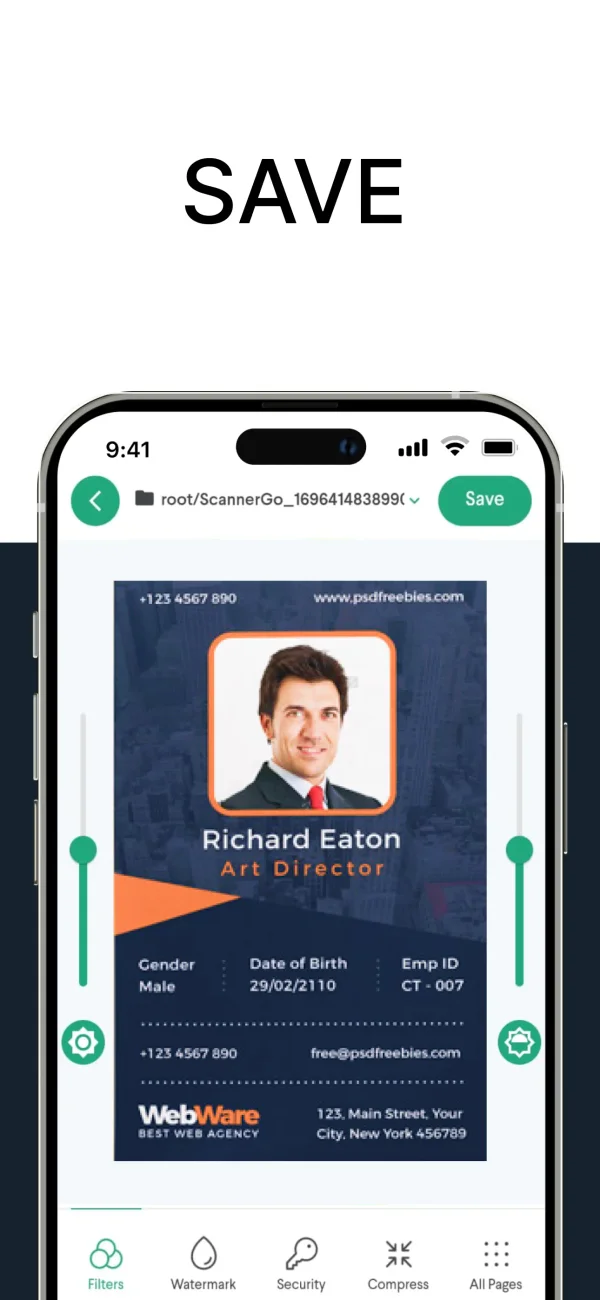
4. Free filters for your documents and also you can use a brush to add your own colors.
5. You can compress your file according to the size you need.
6. You can choose the page type e.g A4, Legal, Ledger etc
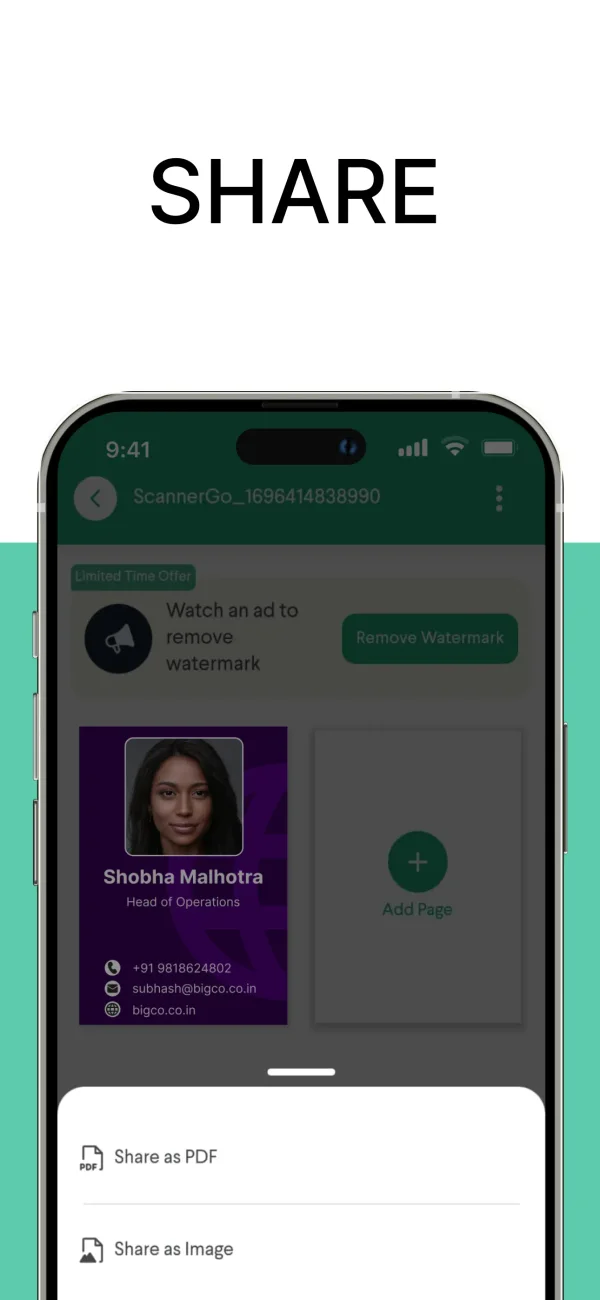
7. Send and share documents via email, Whatsapp etc
8. PDF maker to make your life easy with managing documents
Features of Scanner Go -
1. Unlimited scans of documents.
2. Completely free with no subscriptions whatsoever
3. No internet needed to scan the documents.
4. PDF Maker : Select images to make a single pdf, Also use pdf converter
5. PDF reader, Additional pdf converter features added recently e.g text to pdf, excel to pdf, images to pdf.You can create a password protected pdf file also.
6. Remove the duplicate pages .
7. Automatic edge Detection
ScannerGo detects the edges of your document automatically so that only the document is scanned and nothing else.
新機能
バージョン 2.3.0 · 2024/4/23
Pesky bug fixes and Enhancements
アプリのプライバシー
このアプリのデータの取り扱いについて、Appyhigh Technology LLPがApp Storeで申告している内容です。
-
ユーザーのトラッキングに使用されるデータ
他社のアプリやウェブサイトを横断してユーザーをトラッキングする目的で使用される場合があります。
- 連絡先情報
- 使用状況データ
-
ユーザーに関連付けられたデータ
収集され、ユーザーの識別情報に関連付けられる場合があります。
- 連絡先情報
- ID
-
ユーザーに関連付けられないデータ
収集される場合がありますが、ユーザーの識別情報には関連付けられません。
- ユーザーコンテンツ
- ID
- 使用状況データ
- 診断
プライバシーの取り扱いは、ご利用の機能やお客様の年齢などに応じて異なる場合があります。
情報
- 販売元
- Appyhigh Technology LLP
- カテゴリ
- ユーティリティ
- バージョン
- 2.3.0
- 更新日
- 2024/4/23
- リリース
- 2021/5/31
- サイズ
- 112.6 MB
- 必要条件
- iOS 13.0以降
- 対象年齢
- 4+
- 価格
- 無料
- アプリ内課金
- あり
- 言語
- 英語
- 著作権
- © 2022 ATL