ScannerGo PDF Document Scanner
Robust PDF and Document maker
Được thiết kế cho iPhone, iPad, iPod touch
Miễn phí · Mua hàng trong ứng dụng
- Độ tuổi4+
- Danh mụcTiện Ích
- Nhà phát triểnAppyhigh Technology LLP
- Ngôn ngữTiếng Anh
- Kích thước112,6 MB
Liên kết đến trang App Store chính thức
Download.org không lưu trữ tệp nào của ScannerGo PDF Document Scanner. Nút này mở trang ứng dụng trên App Store, nơi Appyhigh Technology LLP phát hành ứng dụng. Trang được kiểm tra lần cuối: 14/11/2026.
Ảnh chụp màn hình

Giới thiệu
Nhà phát triển chưa cung cấp nội dung này bằng ngôn ngữ của bạn.
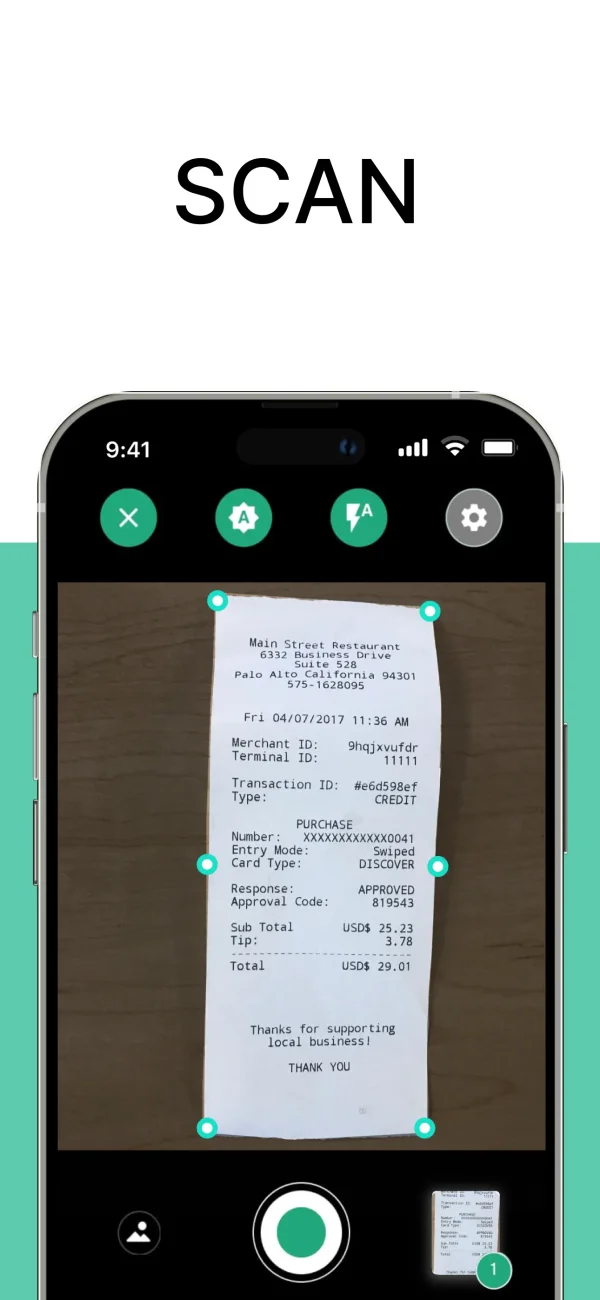
Scanner Go is a powerful cam scanner app and doc scanner application for scanning documents anywhere and anytime. You can scan, save, archive, and share the documents to be more productive.
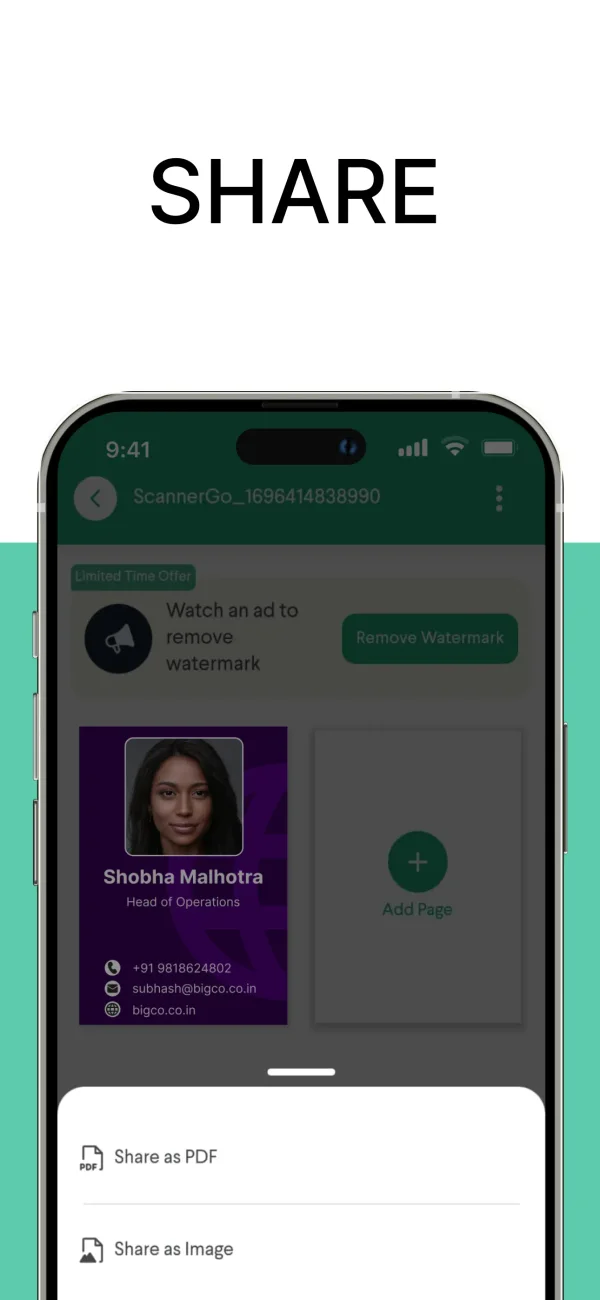
Turn your phone camera to a PDF Scanner and instantly share scanned files in PDF or JPG format
ScannerGo, the camera scanner app is a must have application for those people who are always traveling for business, students, and lawyers. In one tap easily send scanned documents while being on the move, PDF Conversion is completely offline and requires no internet connection.
Using this Pdf Maker, save your PDF file in history and in the list of recently used documents.
SAFE PRIVACY
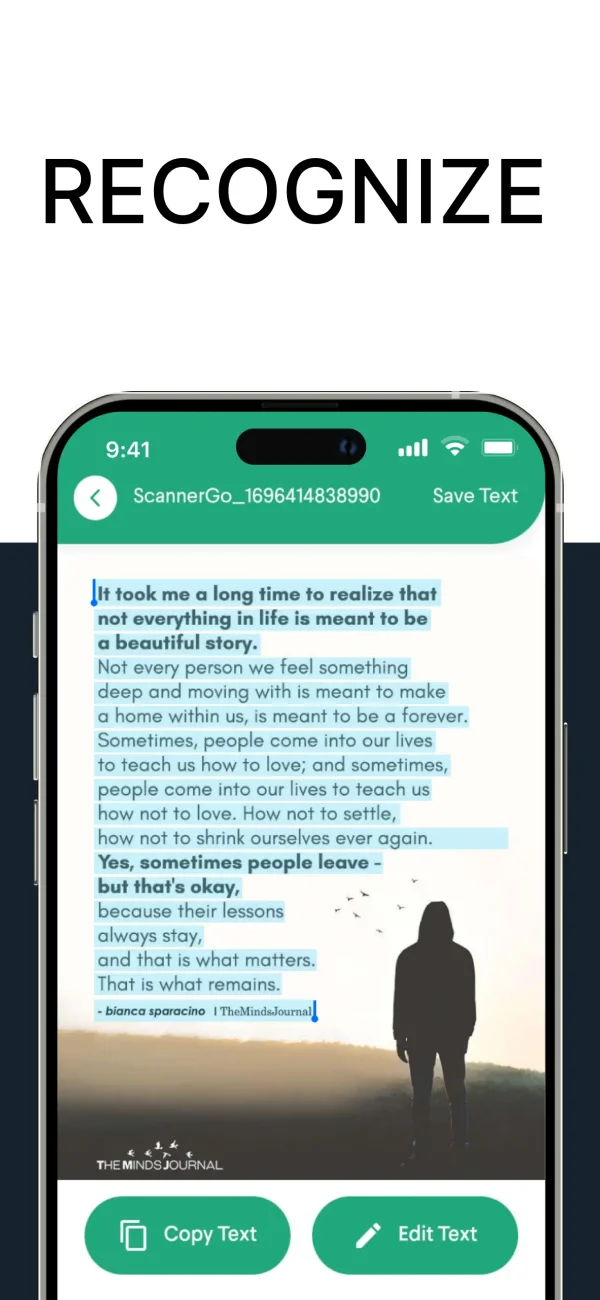
The documents scanned in are not uploaded to any server for any processing. Document recognition in the photos after scanning is done on the device.
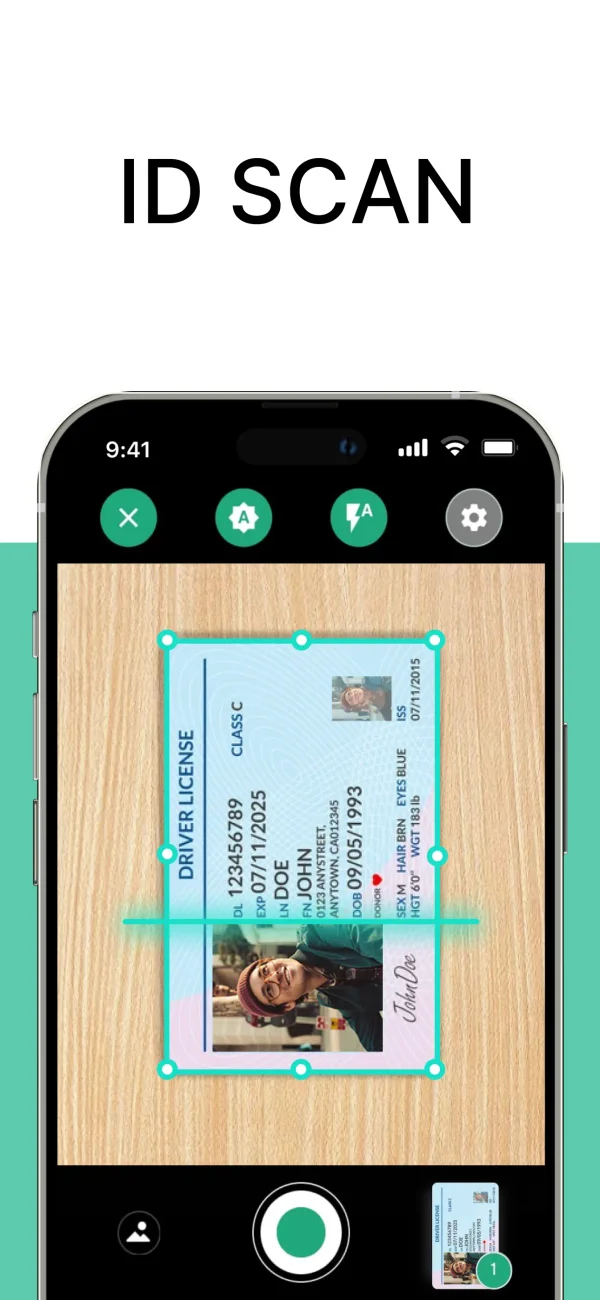
Scan almost anything from receipts to business cards to QR codes with the Camera scanner or Document scanner.
ENVIRONMENT FRIENDLY
No need to store your documents on paper. Just scan it with Scanner Go and keep it offline on your devices.
How to scan documents –
1. Just click on the create new pdf tab and start scanning your document.
2. You can also select an image or a document from your gallery to scan.
3. Crop the edges according to your requirement.
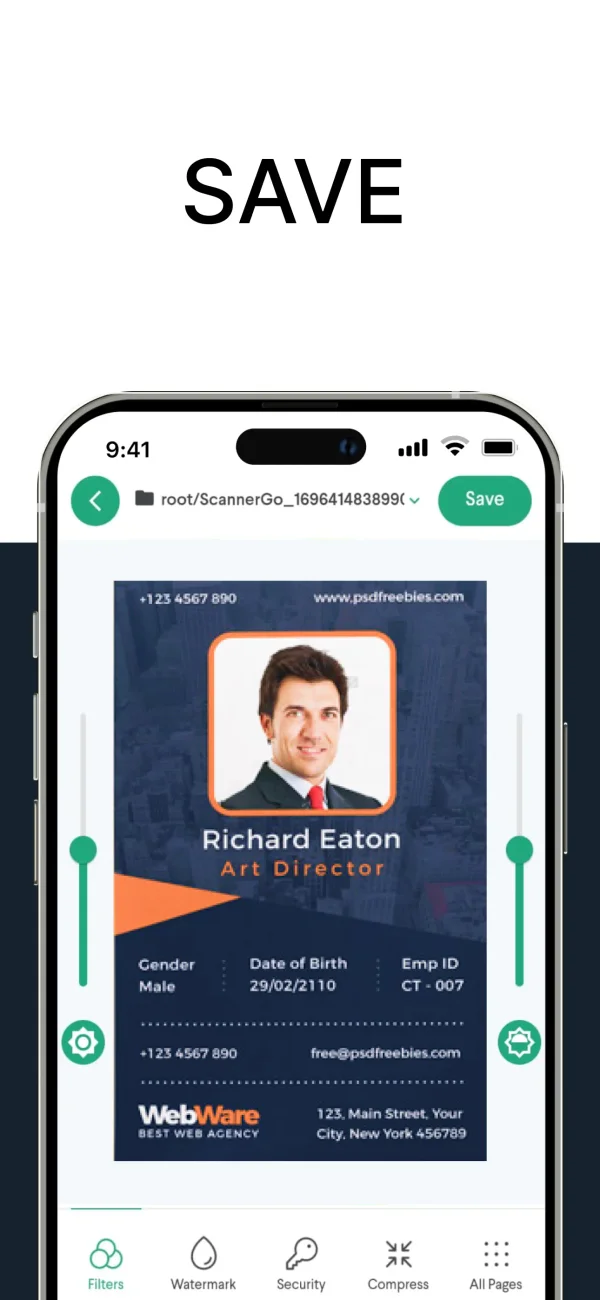
4. Free filters for your documents and also you can use a brush to add your own colors.
5. You can compress your file according to the size you need.
6. You can choose the page type e.g A4, Legal, Ledger etc
7. Send and share documents via email, Whatsapp etc
8. PDF maker to make your life easy with managing documents
Features of Scanner Go -
1. Unlimited scans of documents.
2. Completely free with no subscriptions whatsoever
3. No internet needed to scan the documents.
4. PDF Maker : Select images to make a single pdf, Also use pdf converter
5. PDF reader, Additional pdf converter features added recently e.g text to pdf, excel to pdf, images to pdf.You can create a password protected pdf file also.
6. Remove the duplicate pages .
7. Automatic edge Detection
ScannerGo detects the edges of your document automatically so that only the document is scanned and nothing else.
Có gì mới
Phiên bản 2.3.0 · 23/04/2024
Pesky bug fixes and Enhancements
Quyền riêng tư của ứng dụng
Những gì Appyhigh Technology LLP khai báo trên App Store về cách ứng dụng này xử lý dữ liệu.
-
Dữ liệu được sử dụng để theo dõi bạn
Có thể được sử dụng để theo dõi bạn trên các ứng dụng và trang web do công ty khác sở hữu.
- Thông tin liên hệ
- Dữ liệu sử dụng
-
Dữ liệu liên kết với bạn
Có thể được thu thập và liên kết với danh tính của bạn.
- Thông tin liên hệ
- Mã định danh
-
Dữ liệu không liên kết với bạn
Có thể được thu thập nhưng không liên kết với danh tính của bạn.
- Nội dung của người dùng
- Mã định danh
- Dữ liệu sử dụng
- Chẩn đoán
Phương thức đảm bảo quyền riêng tư có thể khác nhau, chẳng hạn như tuỳ theo các tính năng bạn sử dụng hoặc độ tuổi của bạn.
Thông tin
- Người bán
- Appyhigh Technology LLP
- Danh mục
- Tiện Ích
- Phiên bản
- 2.3.0
- Cập nhật
- 23/04/2024
- Phát hành
- 31/05/2021
- Kích thước
- 112,6 MB
- Yêu cầu
- iOS 13.0 trở lên
- Độ tuổi
- 4+
- Giá
- Miễn phí
- Mua hàng trong ứng dụng
- Có
- Ngôn ngữ
- Tiếng Anh
- Bản quyền
- © 2022 ATL
Có thể bạn cũng thích
-
 Bộ chuyển đổi BMPChuyển đổi tệp BMP
-
 Bộ chuyển đổi DDSChuyển đổi tệp DDS
-
 Bộ chuyển đổi DJVUChuyển đổi tệp DJVU
-
 Bộ chuyển đổi XPSChuyển đổi tệp XPS
-
 Chuyển đổi JPG, JPG sang PDFChuyển đổi tệp JPG
-
 Bộ chuyển đổi PDF, PDF to JPGChuyển đổi tệp PDF
-
 Bộ chuyển đổi PNGChuyển đổi tệp PNG
-
 Bộ chuyển đổi ODPChuyển đổi tệp ODP
-
 Bộ chuyển đổi từChuyển đổi tệp Word
-
 Bộ chuyển đổi txtChuyển đổi tệp TXT