ScannerGo PDF Document Scanner
Robust PDF and Document maker
Conçue pour iPhone, iPad, iPod touch
Gratuit · Achats intégrés
- Classification d’âge4+
- CatégorieUtilitaires
- DéveloppeurAppyhigh Technology LLP
- LanguesAnglais
- Taille112,6 Mo
Renvoie vers la page App Store officielle
Download.org n’héberge aucun fichier de ScannerGo PDF Document Scanner. Le bouton ouvre la page de l’application sur App Store, où Appyhigh Technology LLP la publie. Fiche vérifiée pour la dernière fois le 14/11/2026.
Captures d’écran

À propos
Le développeur n’a pas fourni ce texte dans votre langue.
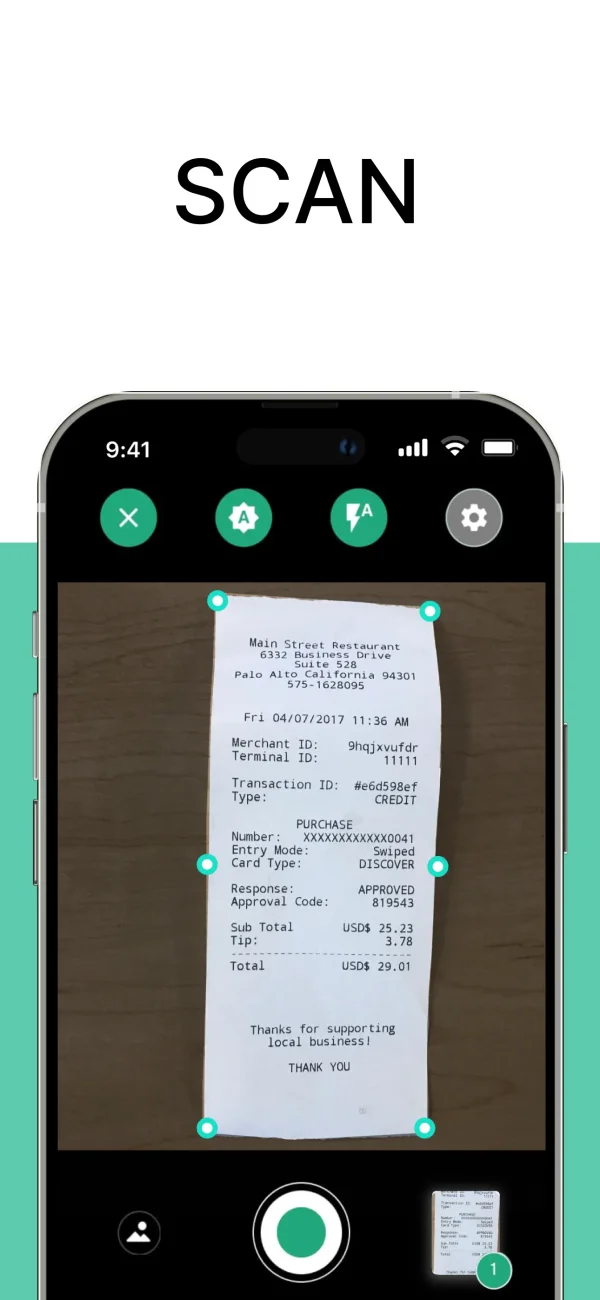
Scanner Go is a powerful cam scanner app and doc scanner application for scanning documents anywhere and anytime. You can scan, save, archive, and share the documents to be more productive.
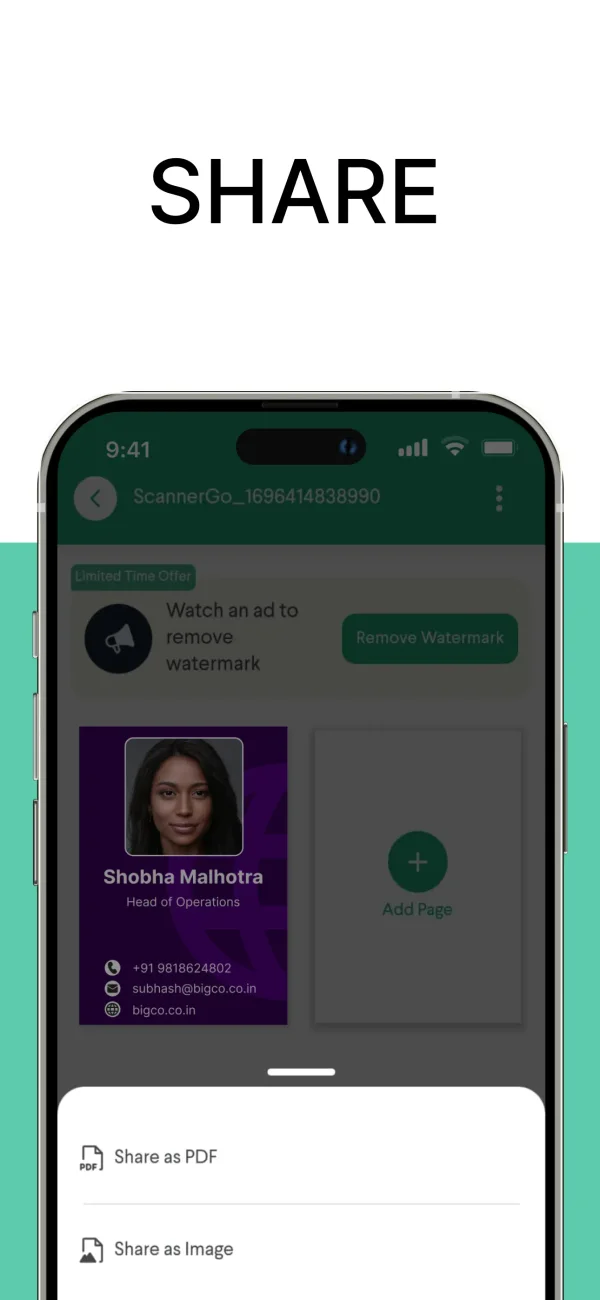
Turn your phone camera to a PDF Scanner and instantly share scanned files in PDF or JPG format
ScannerGo, the camera scanner app is a must have application for those people who are always traveling for business, students, and lawyers. In one tap easily send scanned documents while being on the move, PDF Conversion is completely offline and requires no internet connection.
Using this Pdf Maker, save your PDF file in history and in the list of recently used documents.
SAFE PRIVACY
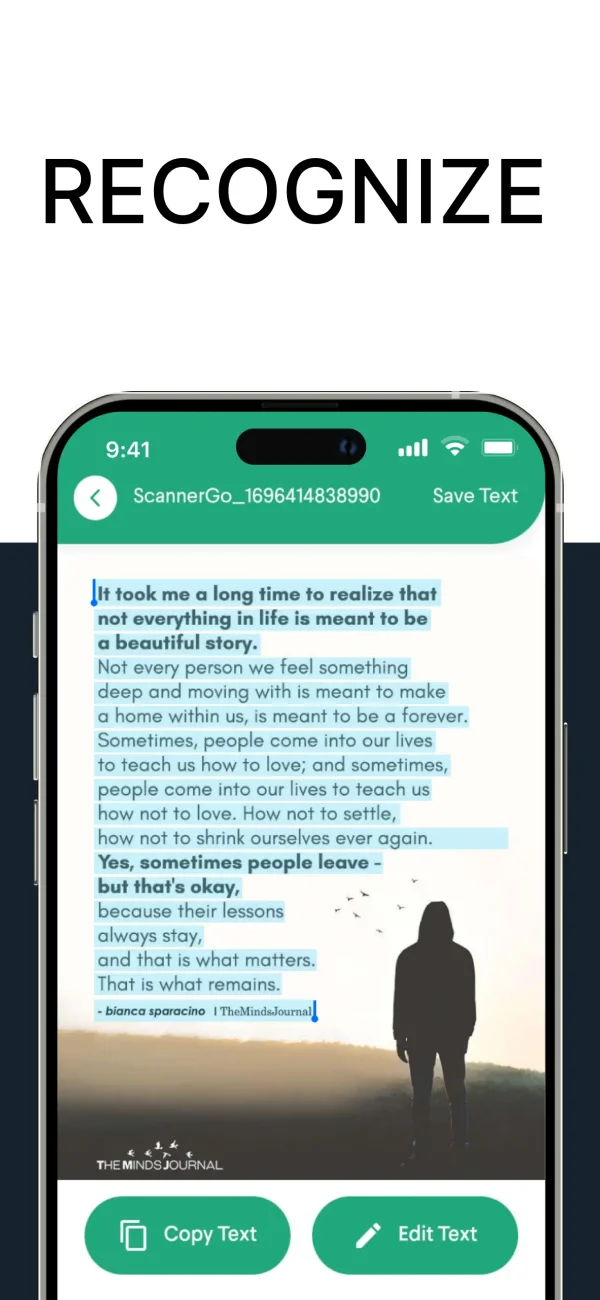
The documents scanned in are not uploaded to any server for any processing. Document recognition in the photos after scanning is done on the device.
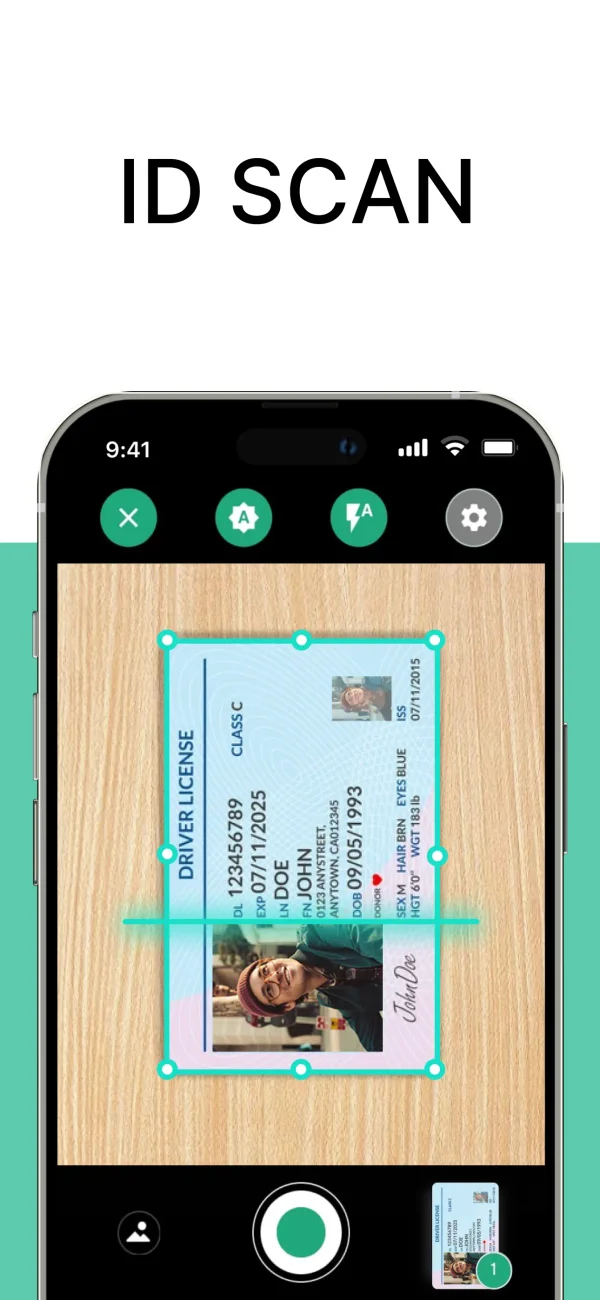
Scan almost anything from receipts to business cards to QR codes with the Camera scanner or Document scanner.
ENVIRONMENT FRIENDLY
No need to store your documents on paper. Just scan it with Scanner Go and keep it offline on your devices.
How to scan documents –
1. Just click on the create new pdf tab and start scanning your document.
2. You can also select an image or a document from your gallery to scan.
3. Crop the edges according to your requirement.
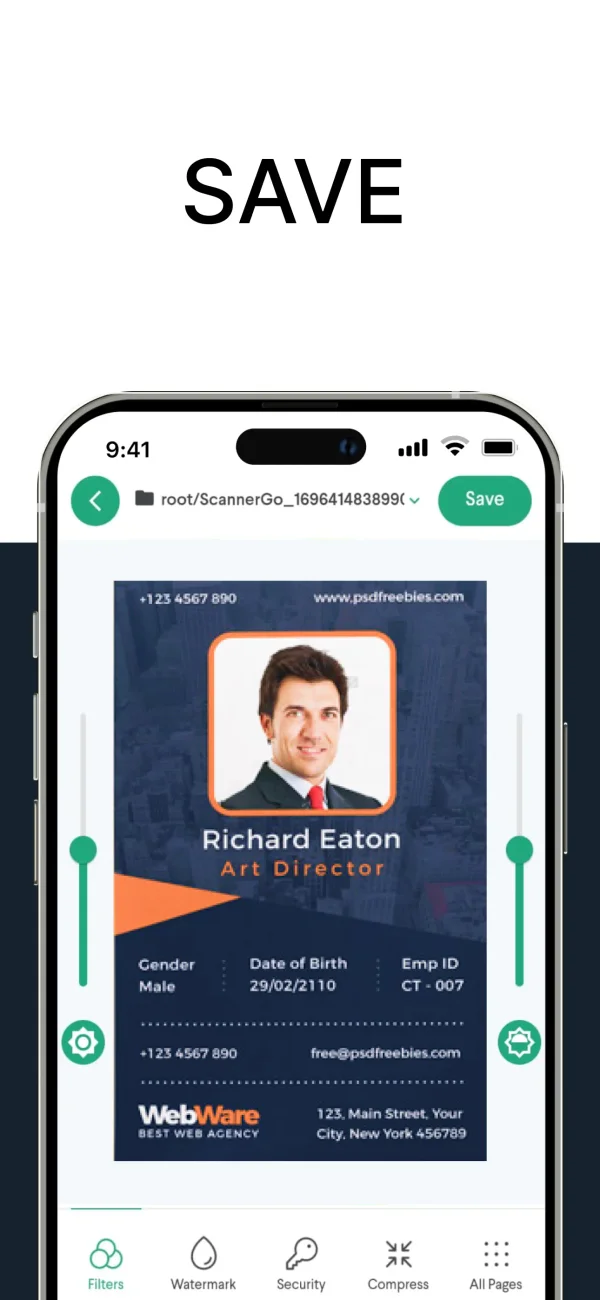
4. Free filters for your documents and also you can use a brush to add your own colors.
5. You can compress your file according to the size you need.
6. You can choose the page type e.g A4, Legal, Ledger etc
7. Send and share documents via email, Whatsapp etc
8. PDF maker to make your life easy with managing documents
Features of Scanner Go -
1. Unlimited scans of documents.
2. Completely free with no subscriptions whatsoever
3. No internet needed to scan the documents.
4. PDF Maker : Select images to make a single pdf, Also use pdf converter
5. PDF reader, Additional pdf converter features added recently e.g text to pdf, excel to pdf, images to pdf.You can create a password protected pdf file also.
6. Remove the duplicate pages .
7. Automatic edge Detection
ScannerGo detects the edges of your document automatically so that only the document is scanned and nothing else.
Nouveautés
Version 2.3.0 · 23/04/2024
Pesky bug fixes and Enhancements
Confidentialité de l’application
Ce que Appyhigh Technology LLP déclare sur l’App Store au sujet du traitement des données par cette application.
-
Données utilisées pour vous suivre
Peuvent être utilisées pour vous suivre sur des applications et des sites web appartenant à d’autres sociétés.
- Coordonnées
- Données d’utilisation
-
Données établissant un lien avec vous
Peuvent être collectées et liées à votre identité.
- Coordonnées
- Identifiants
-
Données n’établissant aucun lien avec vous
Peuvent être collectées, mais ne sont pas liées à votre identité.
- Contenu utilisateur
- Identifiants
- Données d’utilisation
- Diagnostic
Les pratiques en matière de confidentialité peuvent varier, notamment en fonction des fonctionnalités que vous utilisez ou de votre âge.
Informations
- Vendeur
- Appyhigh Technology LLP
- Catégorie
- Utilitaires
- Version
- 2.3.0
- Mis à jour
- 23/04/2024
- Publié
- 31/05/2021
- Taille
- 112,6 Mo
- Nécessite
- iOS 13.0 ou version ultérieure
- Classification d’âge
- 4+
- Prix
- Gratuit
- Achats intégrés
- Oui
- Langues
- Anglais
- Copyright
- © 2022 ATL
Vous aimerez peut-être aussi
-
 Convertisseur BMPConvertir des fichiers BMP
-
 Convertisseur DDSConvertir fichiers DDS
-
 DJVU Convertisseur PDFConvertissez vos fichiers DJVU
-
 Convertisseur XPSConvertir fichiers XPS
-
 Convertisseur JPG, JPG en PDFConvertir fichiers JPG
-
 Convertisseur PDF, PDF en JPGConvertir des fichiers PDF
-
 Convertisseur PNGConvertir fichiers PNG
-
 Convertisseur ODPConvertir fichiers ODP
-
 Convertisseur WORDConvertir fichiers WORD
-
 Convertisseur TXTConvertir fichiers TXT