
- Altersfreigabe4+
- KategorieProduktivität
- EntwicklerHermann Maurer
- SprachenEnglisch
- Größe22,7 MB
Verlinkt auf die offizielle App Store-Seite
Download.org hostet keine Datei von Sentinel Connect. Die Schaltfläche öffnet die App-Seite bei App Store, wo Hermann Maurer die App veröffentlicht. Eintrag zuletzt geprüft am 12.11.2026.
Screenshots


Info
Der Entwickler hat diesen Text nicht in Ihrer Sprache bereitgestellt.
Sentinel Connect is the unofficial Microsoft Sentinel companion app, where you can access different information like Incidents, Watchlists, Analytics rules and more.
INCIDENTS:
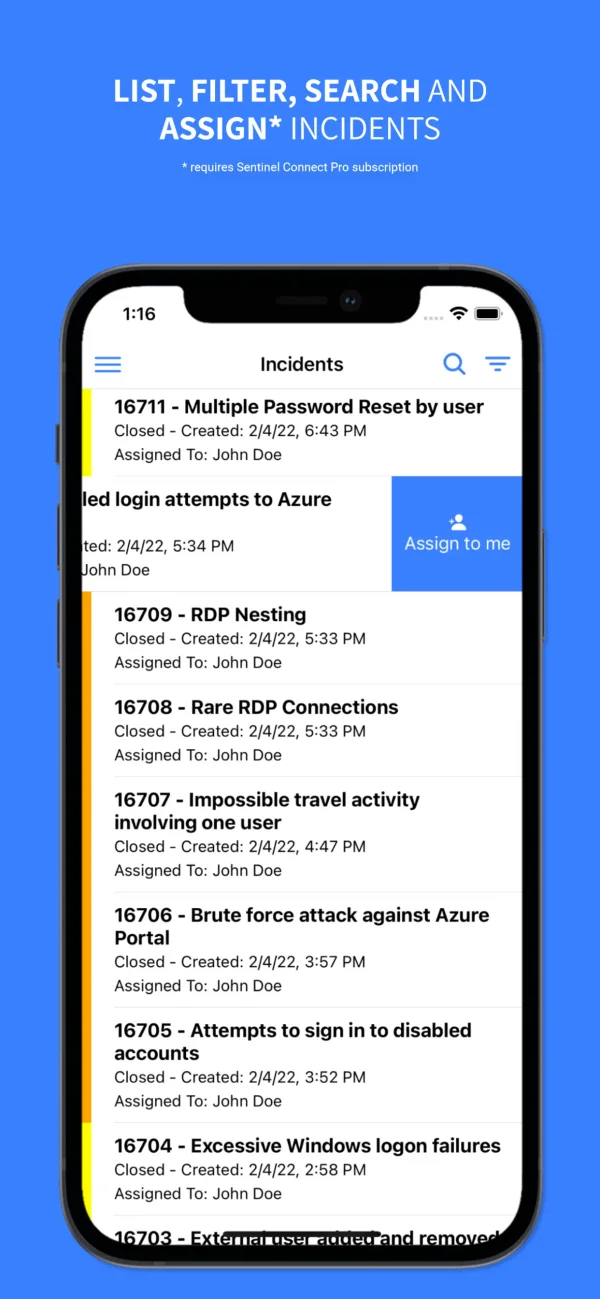
- Overview: Get a list of your incidents. The color indicates the severity of the incident. Filter, sort and search the list. Swipe left to "Assign to Me" the incident, swipe right to delete the incident. Click on one Incident to see details. Click the + Button to create a new incident.
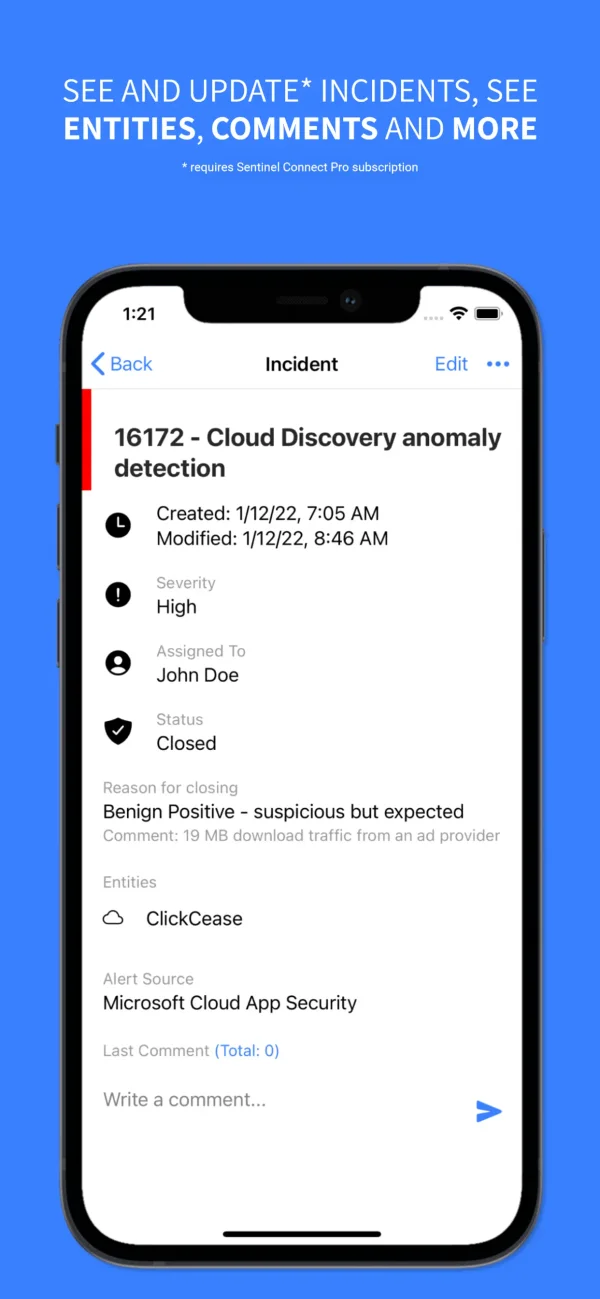
- Detail: Get different detail information about a specific incident including description, status, severity, assignment, creation and modification time, entities, alert source, analytics rule, tactics, tags and comments. You can open the incident directly in the browser, share it or copy the incident url. Update Incidents by using "Edit".
- Entity details: Get all information about entities for each entity kind for further investigation.
- Alert details: Get all information about alerts for further investigation.
- Comments: Send and Delete comments in the incident detail view or in the comment view of a specific incident
- Tasks: Add, Edit, Complete and Delete Tasks for Incidents
WATCHLISTS:
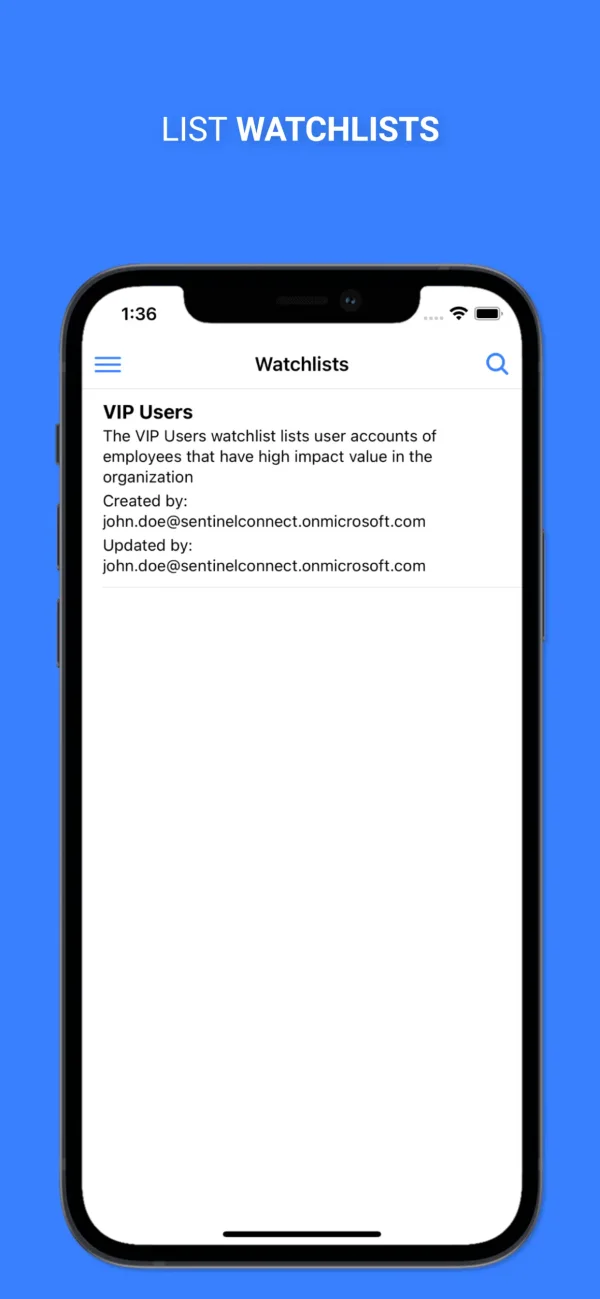
- Watchlist overview: Get a list of your watchlists and search a specific watchlist. Click on one Watchlist to see the Watchlist items.
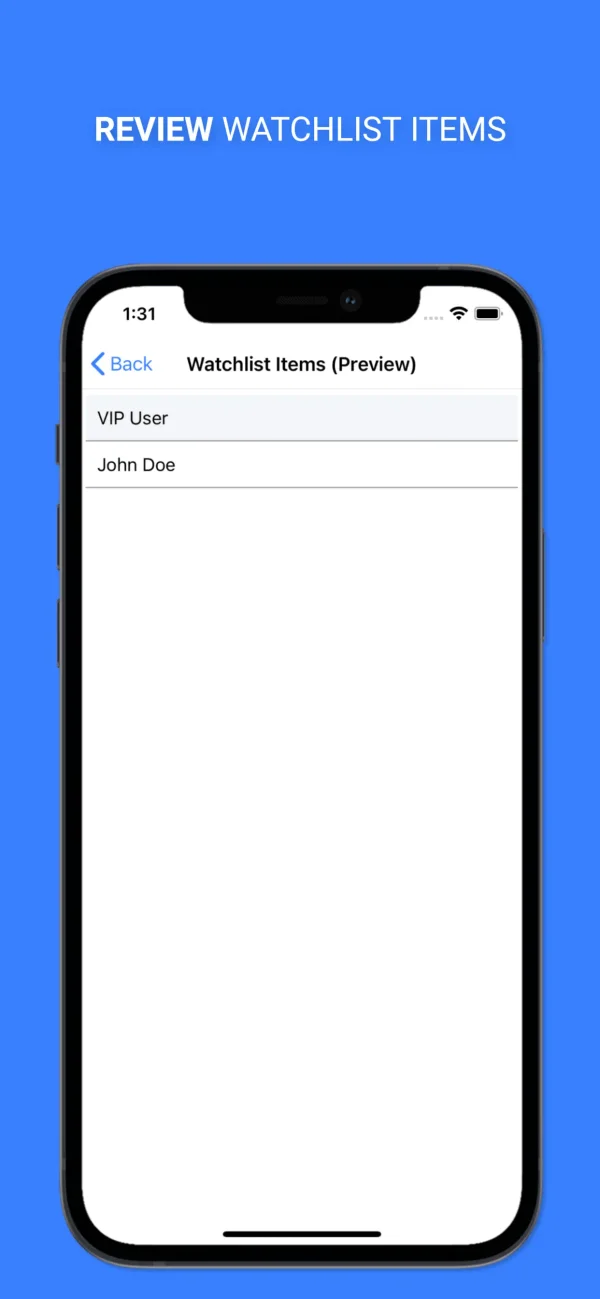
- Watchlist items: Get a list of all items of a watchlist you selected.
ANALYTICS RULES:
- Overview: Get a list of your Analytics Rules. The color indicates the status of the Analytics Rule. You can search through the list and click on one Analytics Rule to get details. Change status or delete Analytics Rules by swiping left or right.
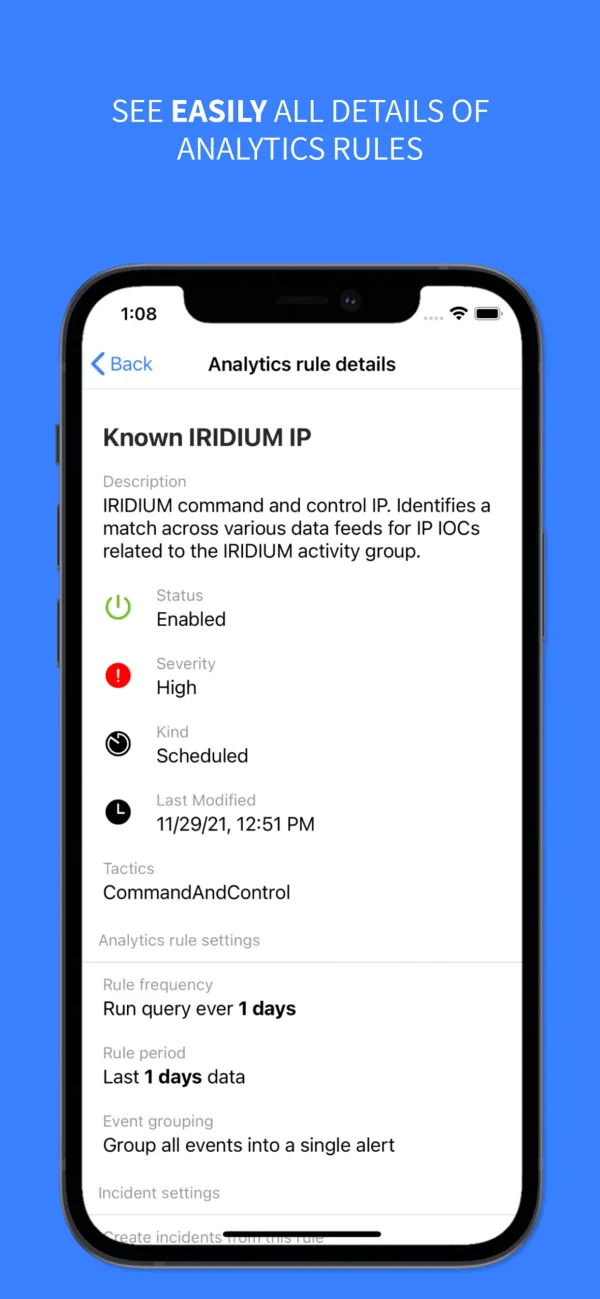
- Detail: Get different detail information about the previously selected Analytics Rule including full description, status, severity, kind, modification date, tactics, If the kind is "Scheduled": Analytics rule settings (frequency, period, threshold), incident settings and the complete query to review. Update the Analytics Rule by using the "Edit" and Trash button.
SETTINGS:
- Settings: Auto-Refresh incidents every 1 minute, keep display awake and privacy screen.
This app uses AdMob to cover the costs for development.
Requires a Microsoft Sentinel subscription! This app relies on Microsoft APIs. In case these APIs change this app may not work anymore!
Terms of Use: https://www.apple.com/legal/internet-services/itunes/dev/stdeula/
Privacy Policy: https://buildthingsdigital.com/privacy/
Neue Funktionen
Version 1.4.2 · 19.08.2025
Security and dependency updates.
Fixed: Watchlists were not loading correctly.
App-Datenschutz
Was Hermann Maurer im App Store zum Umgang dieser App mit Daten angibt.
-
Keine Daten erfasst
Der Entwickler erfasst keine Daten von dieser App.
Die Datenschutzpraktiken können variieren, zum Beispiel je nach den von Ihnen verwendeten Funktionen oder Ihrem Alter.
Informationen
- Anbieter
- Hermann Maurer
- Kategorie
- Produktivität
- Version
- 1.4.2
- Aktualisiert
- 19.08.2025
- Veröffentlicht
- 31.03.2022
- Größe
- 22,7 MB
- Erfordert
- iOS 15.6 oder neuer
- Altersfreigabe
- 4+
- Preis
- Kostenlos
- Sprachen
- Englisch
- Copyright
- © 2026 BuildThingsDigital.io
Das könnte Ihnen auch gefallen
-
 LeanFITT™ ProProduktivität
-
 HighKey CRMProduktivität
-
 TimeCamp PlannerProduktivität
-
 MyWorkDriveProduktivität
-
 VimlikeProduktivität
-
 OBDAI OBD2 Scanner & ELM327 AIProduktivität
-
 Smart Assistant: One AI ChatProduktivität
-
 Crestron Device AssistantProduktivität
-
 QRmaint CMMSProduktivität
-
 G-Kraft Messer+ BeschleunigungAuto G-Kräfte, 0-60 & Bremsen