
- Độ tuổi4+
- Danh mụcHiệu Suất
- Nhà phát triểnHermann Maurer
- Ngôn ngữTiếng Anh
- Kích thước22,7 MB
Liên kết đến trang App Store chính thức
Download.org không lưu trữ tệp nào của Sentinel Connect. Nút này mở trang ứng dụng trên App Store, nơi Hermann Maurer phát hành ứng dụng. Trang được kiểm tra lần cuối: 12/11/2026.
Ảnh chụp màn hình


Giới thiệu
Nhà phát triển chưa cung cấp nội dung này bằng ngôn ngữ của bạn.
Sentinel Connect is the unofficial Microsoft Sentinel companion app, where you can access different information like Incidents, Watchlists, Analytics rules and more.
INCIDENTS:
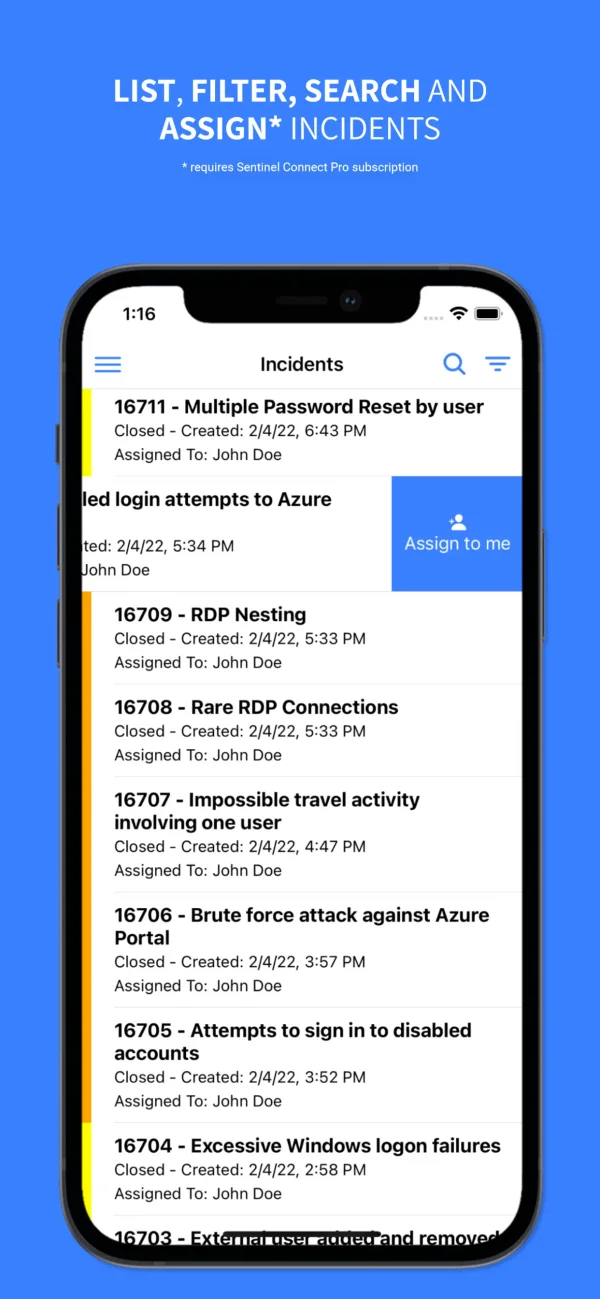
- Overview: Get a list of your incidents. The color indicates the severity of the incident. Filter, sort and search the list. Swipe left to "Assign to Me" the incident, swipe right to delete the incident. Click on one Incident to see details. Click the + Button to create a new incident.
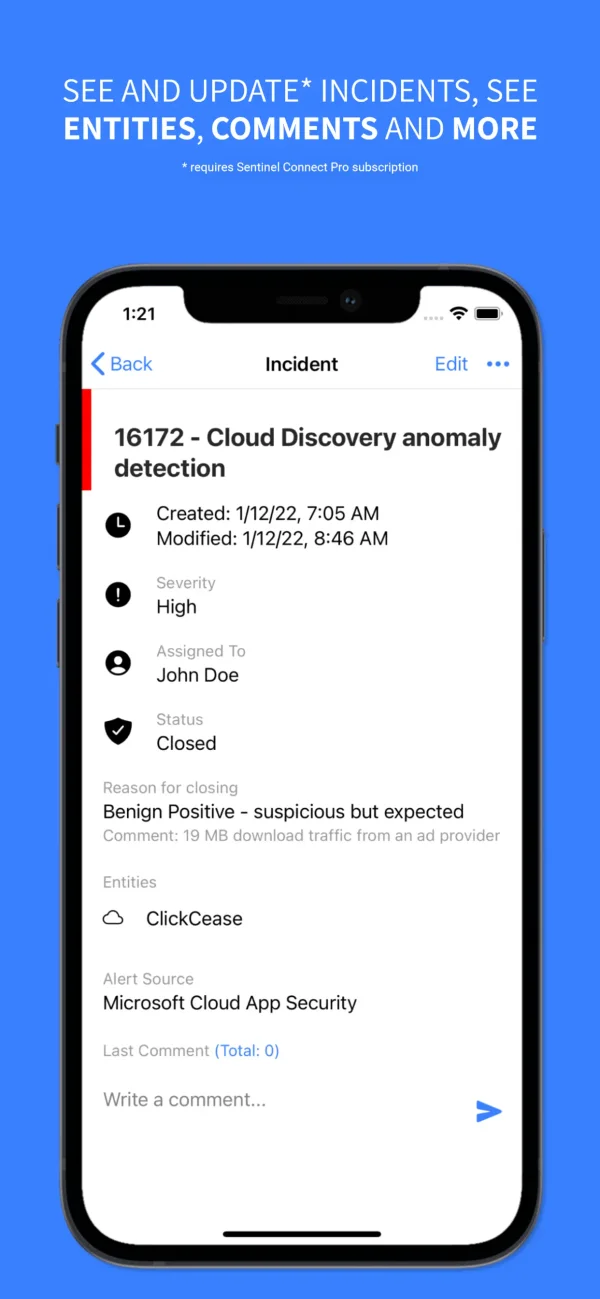
- Detail: Get different detail information about a specific incident including description, status, severity, assignment, creation and modification time, entities, alert source, analytics rule, tactics, tags and comments. You can open the incident directly in the browser, share it or copy the incident url. Update Incidents by using "Edit".
- Entity details: Get all information about entities for each entity kind for further investigation.
- Alert details: Get all information about alerts for further investigation.
- Comments: Send and Delete comments in the incident detail view or in the comment view of a specific incident
- Tasks: Add, Edit, Complete and Delete Tasks for Incidents
WATCHLISTS:
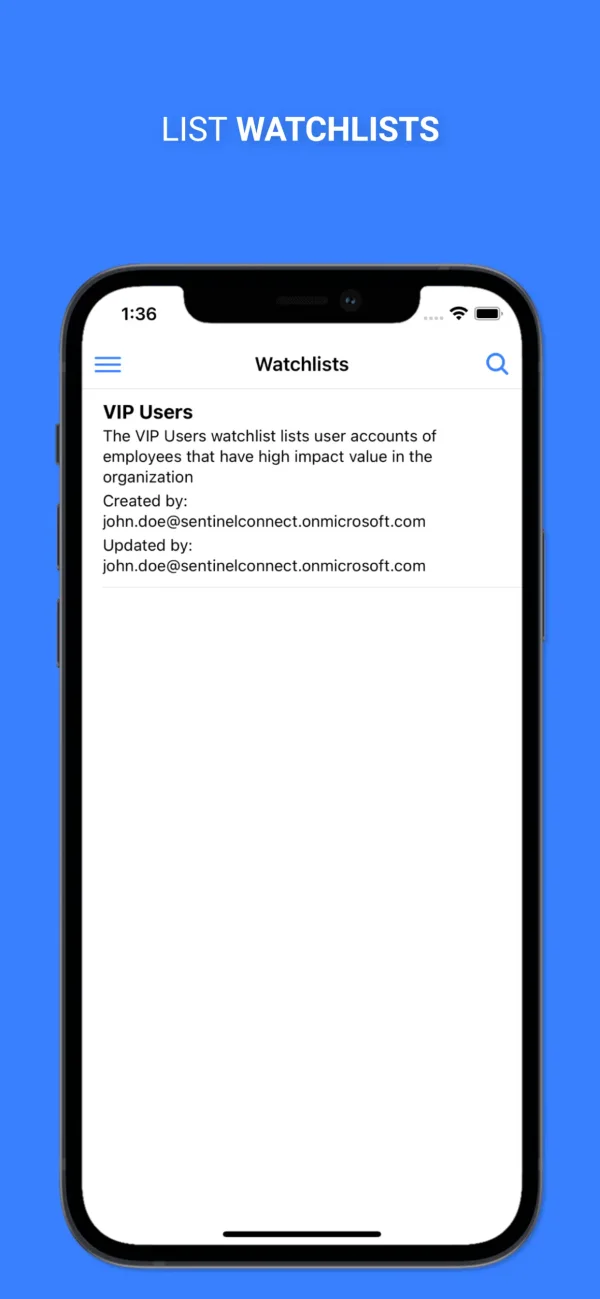
- Watchlist overview: Get a list of your watchlists and search a specific watchlist. Click on one Watchlist to see the Watchlist items.
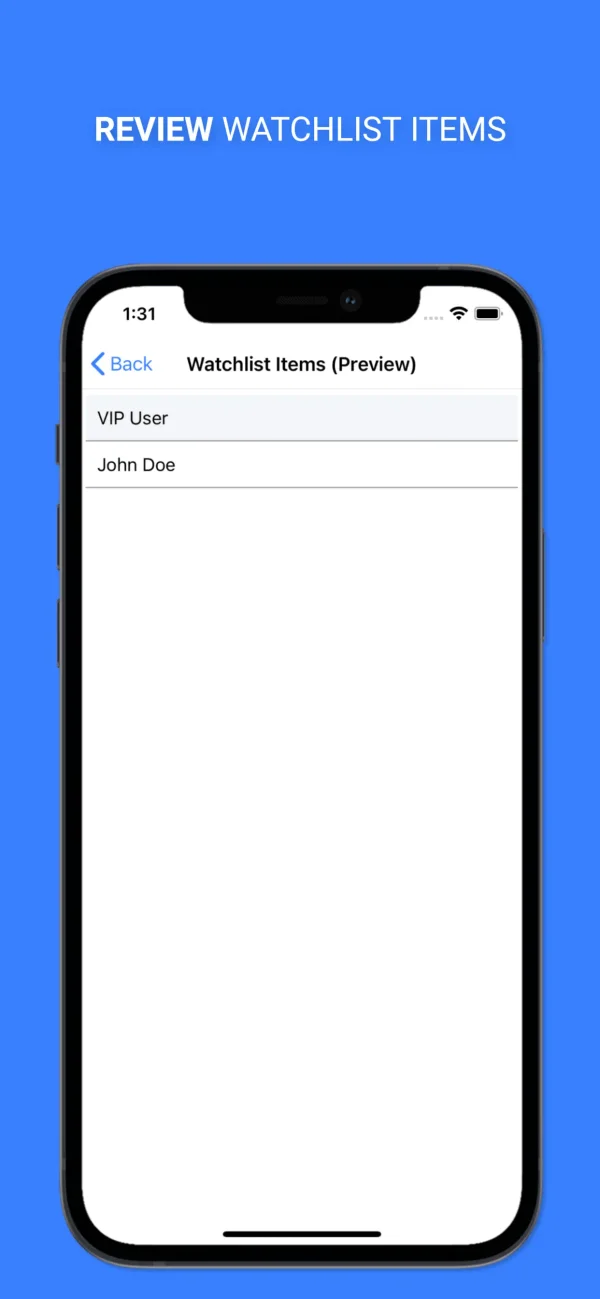
- Watchlist items: Get a list of all items of a watchlist you selected.
ANALYTICS RULES:
- Overview: Get a list of your Analytics Rules. The color indicates the status of the Analytics Rule. You can search through the list and click on one Analytics Rule to get details. Change status or delete Analytics Rules by swiping left or right.
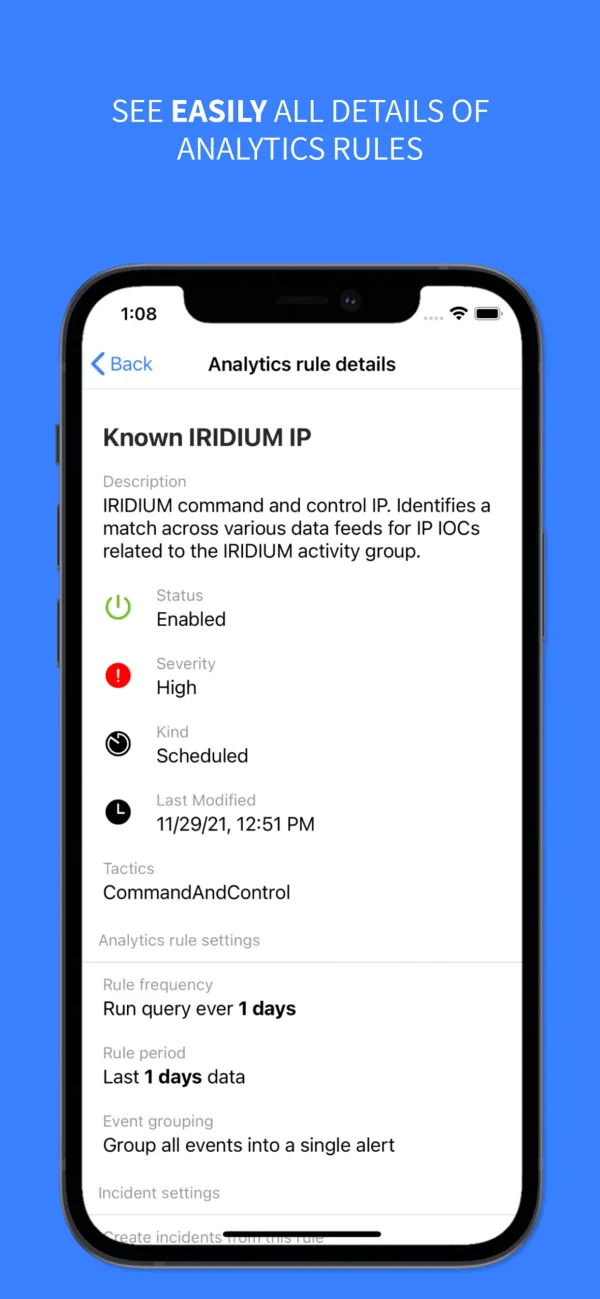
- Detail: Get different detail information about the previously selected Analytics Rule including full description, status, severity, kind, modification date, tactics, If the kind is "Scheduled": Analytics rule settings (frequency, period, threshold), incident settings and the complete query to review. Update the Analytics Rule by using the "Edit" and Trash button.
SETTINGS:
- Settings: Auto-Refresh incidents every 1 minute, keep display awake and privacy screen.
This app uses AdMob to cover the costs for development.
Requires a Microsoft Sentinel subscription! This app relies on Microsoft APIs. In case these APIs change this app may not work anymore!
Terms of Use: https://www.apple.com/legal/internet-services/itunes/dev/stdeula/
Privacy Policy: https://buildthingsdigital.com/privacy/
Có gì mới
Phiên bản 1.4.2 · 19/08/2025
Security and dependency updates.
Fixed: Watchlists were not loading correctly.
Quyền riêng tư của ứng dụng
Những gì Hermann Maurer khai báo trên App Store về cách ứng dụng này xử lý dữ liệu.
-
Dữ liệu không được thu thập
Nhà phát triển không thu thập bất kỳ dữ liệu nào từ ứng dụng này.
Phương thức đảm bảo quyền riêng tư có thể khác nhau, chẳng hạn như tuỳ theo các tính năng bạn sử dụng hoặc độ tuổi của bạn.
Thông tin
- Người bán
- Hermann Maurer
- Danh mục
- Hiệu Suất
- Phiên bản
- 1.4.2
- Cập nhật
- 19/08/2025
- Phát hành
- 31/03/2022
- Kích thước
- 22,7 MB
- Yêu cầu
- iOS 15.6 trở lên
- Độ tuổi
- 4+
- Giá
- Miễn phí
- Ngôn ngữ
- Tiếng Anh
- Bản quyền
- © 2026 BuildThingsDigital.io