
- Classification d’âge4+
- CatégorieProductivité
- DéveloppeurHermann Maurer
- LanguesAnglais
- Taille22,7 Mo
Sentinel Connect n’est peut-être pas disponible sur App Store pour le moment
La fiche de la boutique était inaccessible lors de notre dernière vérification. Le lien mène toujours à la page App Store officielle.
Captures d’écran


À propos
Le développeur n’a pas fourni ce texte dans votre langue.
Sentinel Connect is the unofficial Microsoft Sentinel companion app, where you can access different information like Incidents, Watchlists, Analytics rules and more.
INCIDENTS:
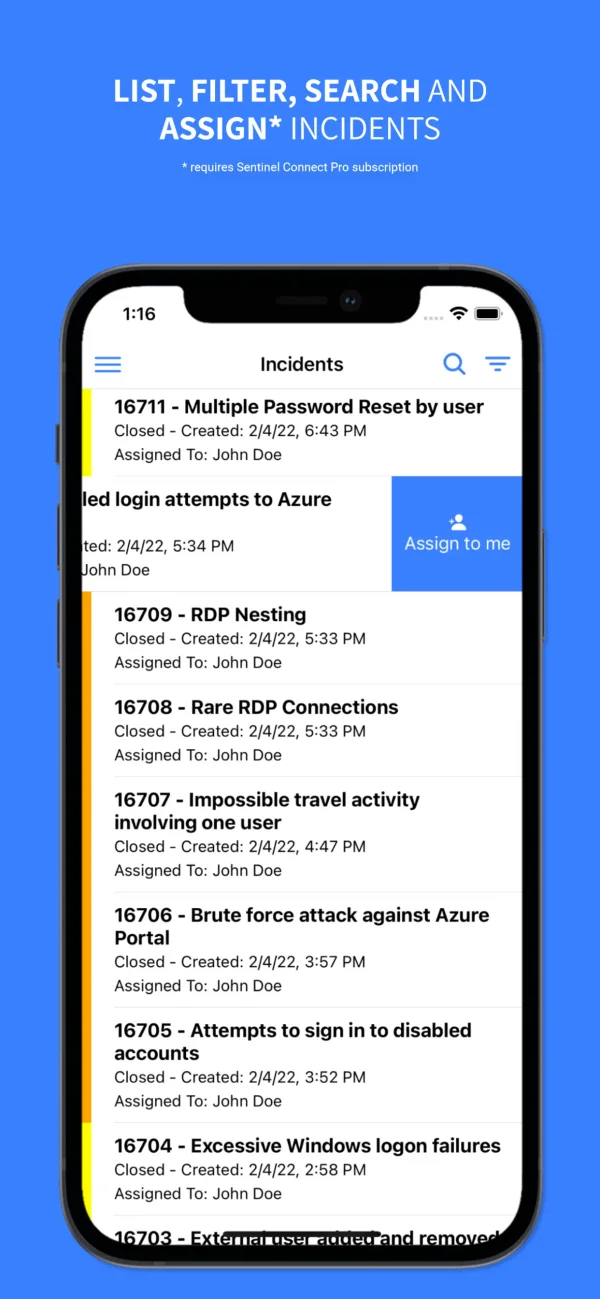
- Overview: Get a list of your incidents. The color indicates the severity of the incident. Filter, sort and search the list. Swipe left to "Assign to Me" the incident, swipe right to delete the incident. Click on one Incident to see details. Click the + Button to create a new incident.
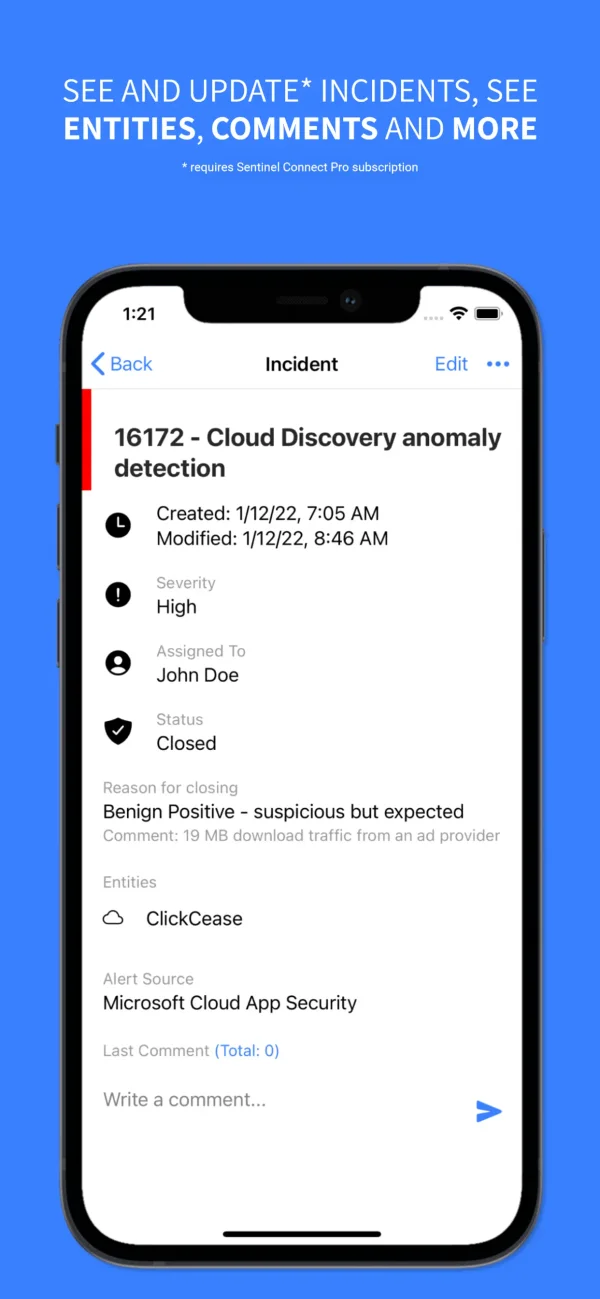
- Detail: Get different detail information about a specific incident including description, status, severity, assignment, creation and modification time, entities, alert source, analytics rule, tactics, tags and comments. You can open the incident directly in the browser, share it or copy the incident url. Update Incidents by using "Edit".
- Entity details: Get all information about entities for each entity kind for further investigation.
- Alert details: Get all information about alerts for further investigation.
- Comments: Send and Delete comments in the incident detail view or in the comment view of a specific incident
- Tasks: Add, Edit, Complete and Delete Tasks for Incidents
WATCHLISTS:
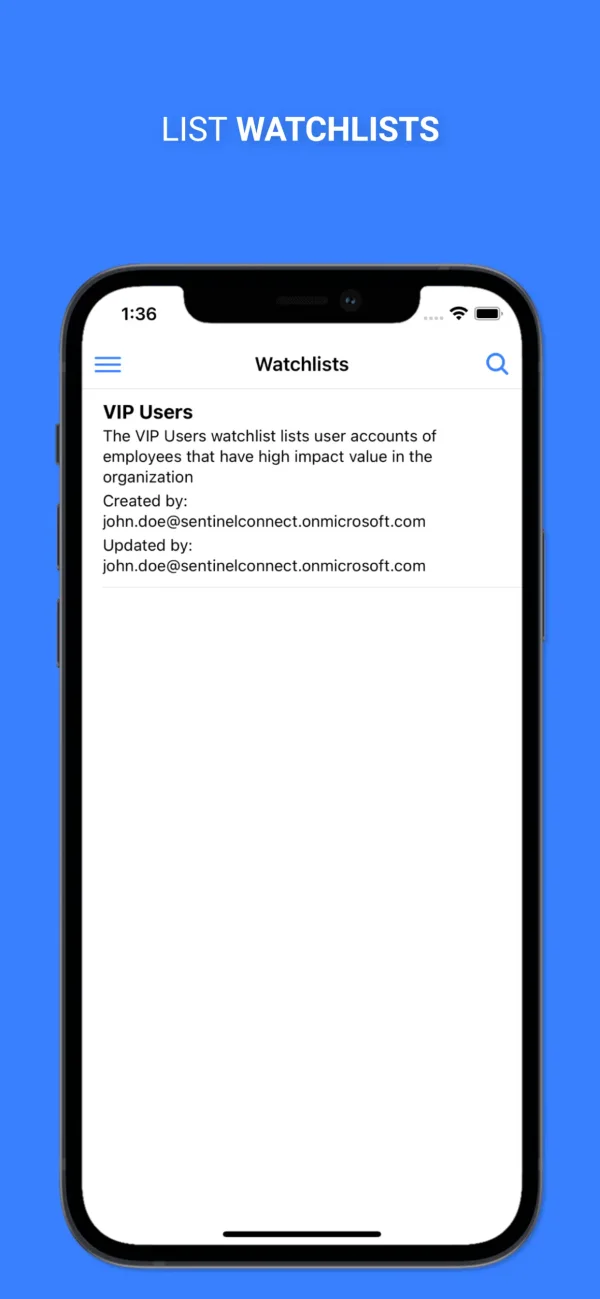
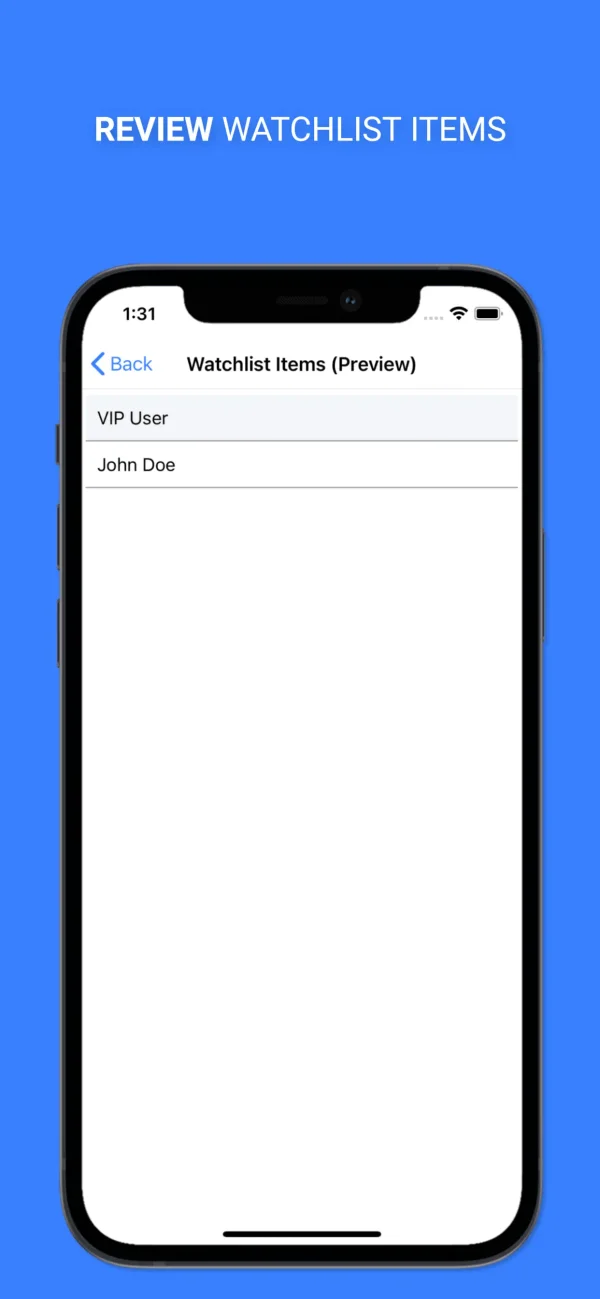
- Watchlist overview: Get a list of your watchlists and search a specific watchlist. Click on one Watchlist to see the Watchlist items.
- Watchlist items: Get a list of all items of a watchlist you selected.
ANALYTICS RULES:
- Overview: Get a list of your Analytics Rules. The color indicates the status of the Analytics Rule. You can search through the list and click on one Analytics Rule to get details. Change status or delete Analytics Rules by swiping left or right.
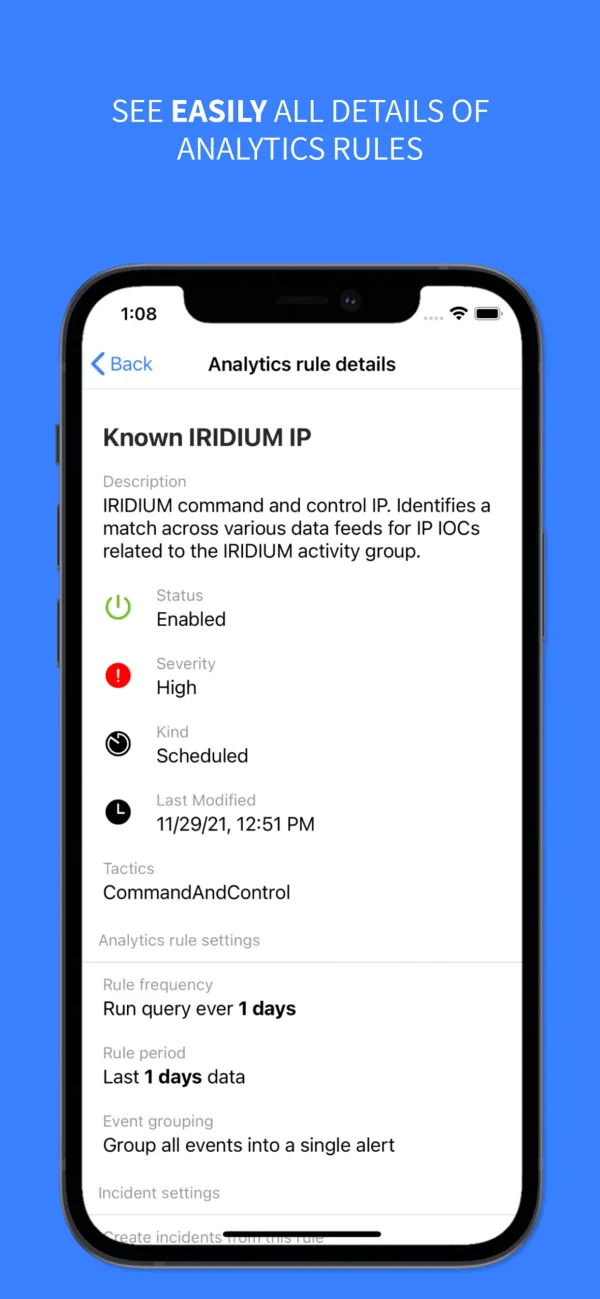
- Detail: Get different detail information about the previously selected Analytics Rule including full description, status, severity, kind, modification date, tactics, If the kind is "Scheduled": Analytics rule settings (frequency, period, threshold), incident settings and the complete query to review. Update the Analytics Rule by using the "Edit" and Trash button.
SETTINGS:
- Settings: Auto-Refresh incidents every 1 minute, keep display awake and privacy screen.
This app uses AdMob to cover the costs for development.
Requires a Microsoft Sentinel subscription! This app relies on Microsoft APIs. In case these APIs change this app may not work anymore!
Terms of Use: https://www.apple.com/legal/internet-services/itunes/dev/stdeula/
Privacy Policy: https://buildthingsdigital.com/privacy/
Nouveautés
Version 1.4.2 · 19/08/2025
Security and dependency updates.
Fixed: Watchlists were not loading correctly.
Confidentialité de l’application
Ce que Hermann Maurer déclare sur l’App Store au sujet du traitement des données par cette application.
-
Données non collectées
Le développeur ne collecte aucune donnée à partir de cette application.
Les pratiques en matière de confidentialité peuvent varier, notamment en fonction des fonctionnalités que vous utilisez ou de votre âge.
Informations
- Vendeur
- Hermann Maurer
- Catégorie
- Productivité
- Version
- 1.4.2
- Mis à jour
- 19/08/2025
- Publié
- 31/03/2022
- Taille
- 22,7 Mo
- Nécessite
- iOS 15.6 ou version ultérieure
- Classification d’âge
- 4+
- Langues
- Anglais
- Copyright
- © 2026 BuildThingsDigital.io
Vous aimerez peut-être aussi
-
 LeanFITT™ ProProductivité
-
 HighKey CRMProductivité
-
 TimeCamp PlannerProductivité
-
 MyWorkDriveProductivité
-
 VimlikeProductivité
-
 OBDAI OBD2 Scanner & ELM327 AIProductivité
-
 Smart Assistant: One AI ChatProductivité
-
 Crestron Device AssistantProductivité
-
 QRmaint CMMSProductivité
-
 G-Force Mètre+ AccéléromètreG en voiture, 0-60 et freinage