- 対象年齢4+
- カテゴリ仕事効率化
- 開発元Hermann Maurer
- 言語英語
- サイズ22.7 MB
App Storeの公式ページにリンクしています
Download.orgはSentinel Connectのファイルを一切ホストしていません。ボタンを押すと、Hermann Maurerが公開しているApp Storeのアプリページが開きます。ページの最終確認:2026/11/12。
スクリーンショット


概要
開発元はこのテキストをお使いの言語で提供していません。
Sentinel Connect is the unofficial Microsoft Sentinel companion app, where you can access different information like Incidents, Watchlists, Analytics rules and more.
INCIDENTS:
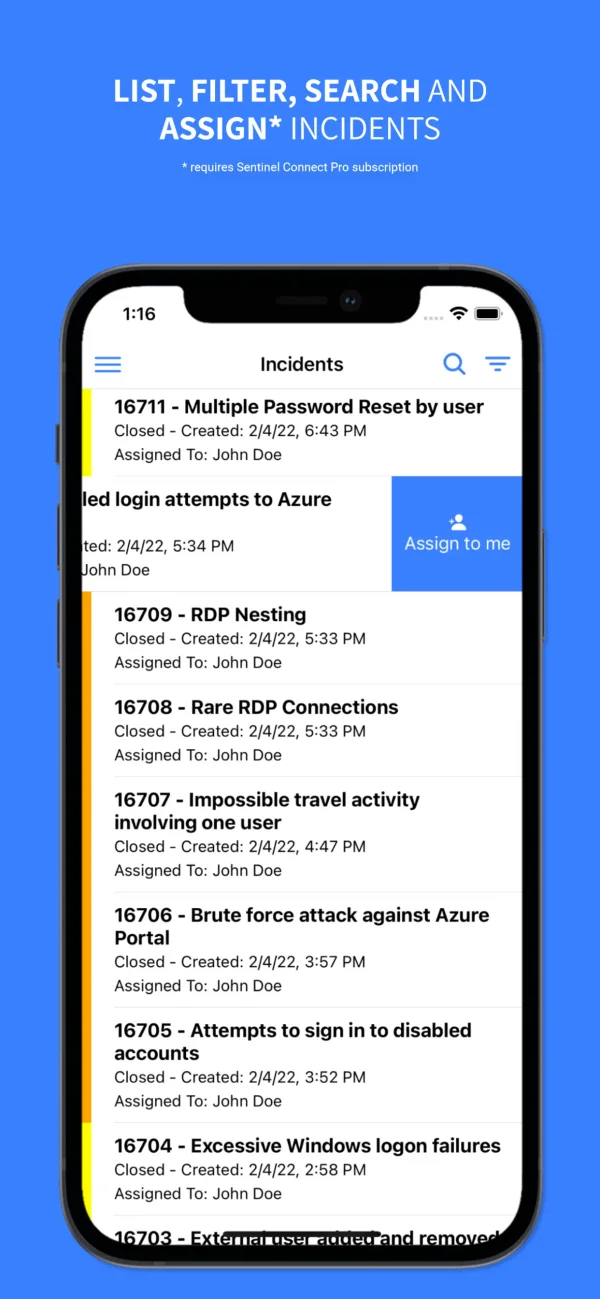
- Overview: Get a list of your incidents. The color indicates the severity of the incident. Filter, sort and search the list. Swipe left to "Assign to Me" the incident, swipe right to delete the incident. Click on one Incident to see details. Click the + Button to create a new incident.
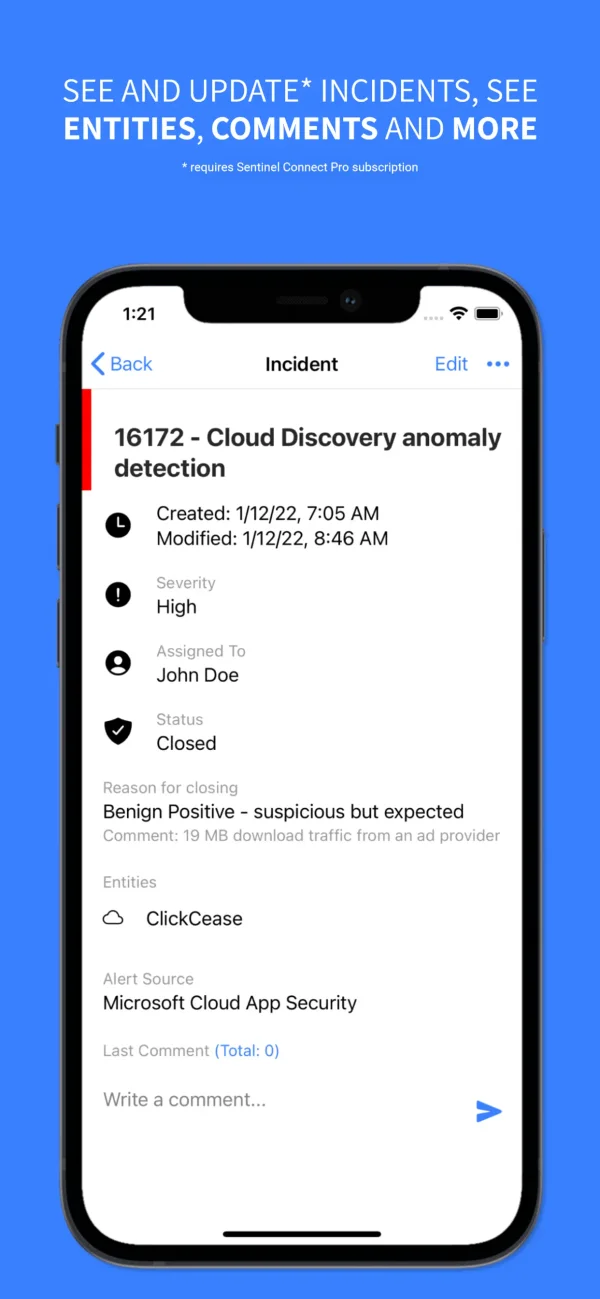
- Detail: Get different detail information about a specific incident including description, status, severity, assignment, creation and modification time, entities, alert source, analytics rule, tactics, tags and comments. You can open the incident directly in the browser, share it or copy the incident url. Update Incidents by using "Edit".
- Entity details: Get all information about entities for each entity kind for further investigation.
- Alert details: Get all information about alerts for further investigation.
- Comments: Send and Delete comments in the incident detail view or in the comment view of a specific incident
- Tasks: Add, Edit, Complete and Delete Tasks for Incidents
WATCHLISTS:
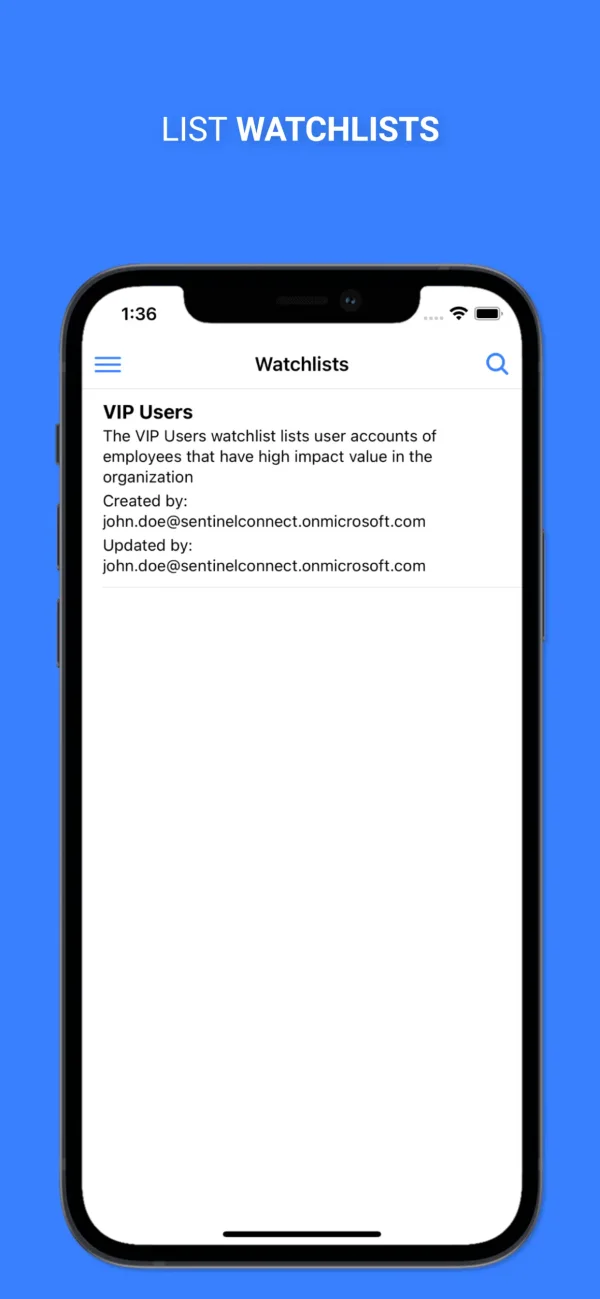
- Watchlist overview: Get a list of your watchlists and search a specific watchlist. Click on one Watchlist to see the Watchlist items.
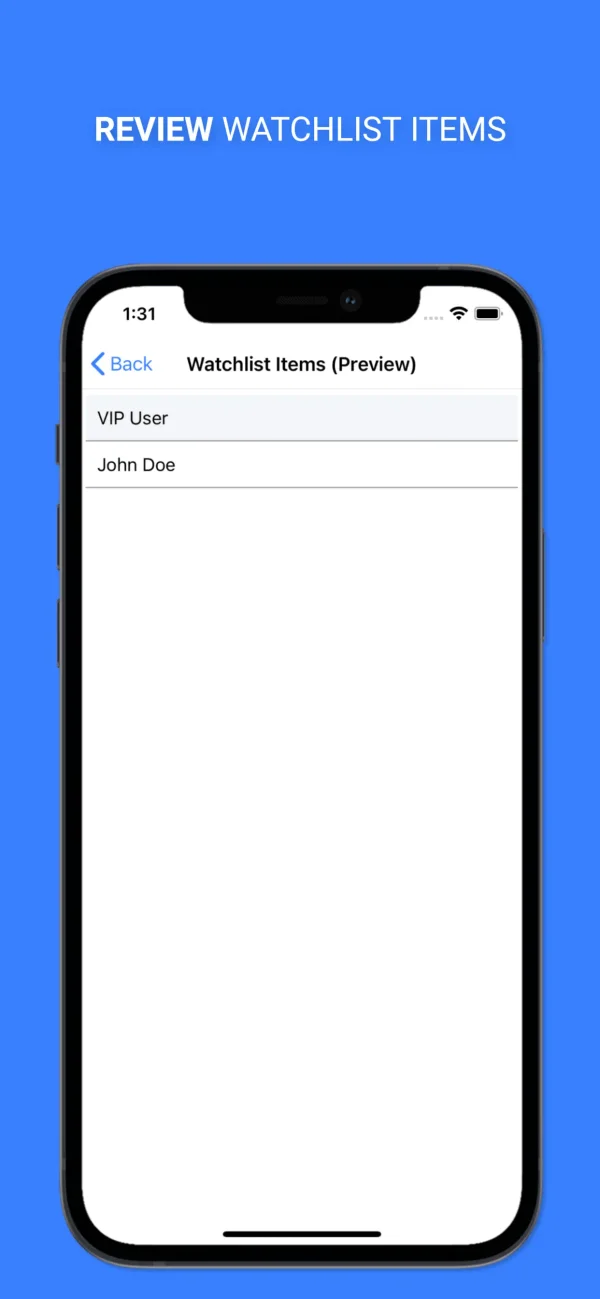
- Watchlist items: Get a list of all items of a watchlist you selected.
ANALYTICS RULES:
- Overview: Get a list of your Analytics Rules. The color indicates the status of the Analytics Rule. You can search through the list and click on one Analytics Rule to get details. Change status or delete Analytics Rules by swiping left or right.
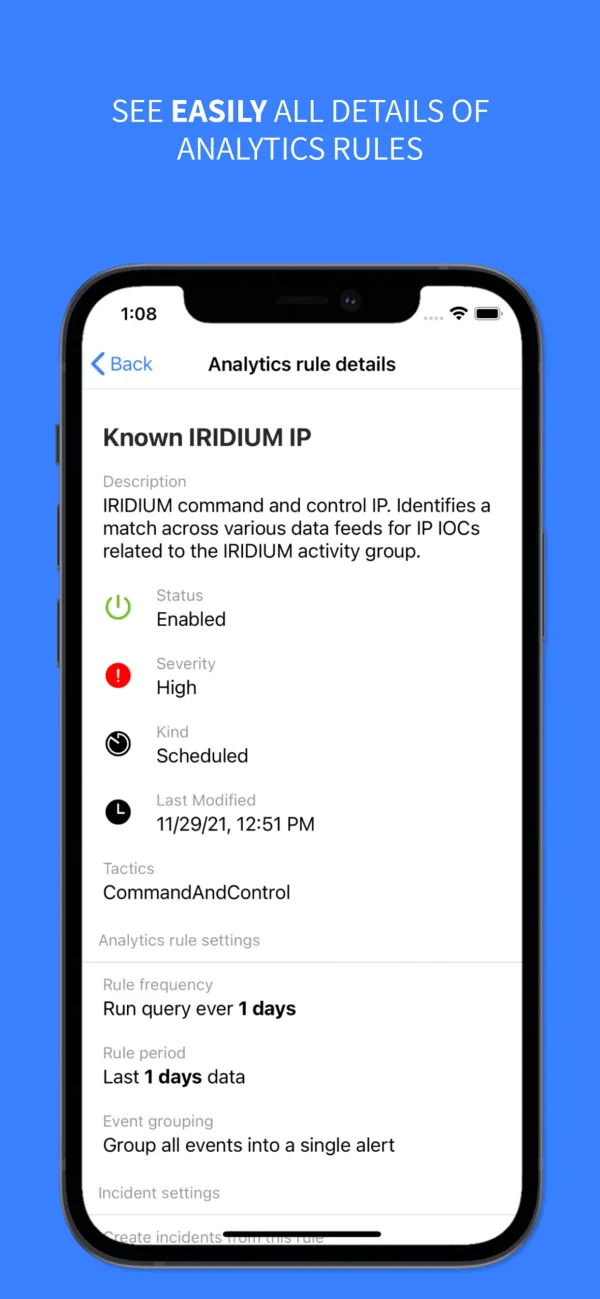
- Detail: Get different detail information about the previously selected Analytics Rule including full description, status, severity, kind, modification date, tactics, If the kind is "Scheduled": Analytics rule settings (frequency, period, threshold), incident settings and the complete query to review. Update the Analytics Rule by using the "Edit" and Trash button.
SETTINGS:
- Settings: Auto-Refresh incidents every 1 minute, keep display awake and privacy screen.
This app uses AdMob to cover the costs for development.
Requires a Microsoft Sentinel subscription! This app relies on Microsoft APIs. In case these APIs change this app may not work anymore!
Terms of Use: https://www.apple.com/legal/internet-services/itunes/dev/stdeula/
Privacy Policy: https://buildthingsdigital.com/privacy/
新機能
バージョン 1.4.2 · 2025/8/19
Security and dependency updates.
Fixed: Watchlists were not loading correctly.
アプリのプライバシー
このアプリのデータの取り扱いについて、Hermann MaurerがApp Storeで申告している内容です。
-
データの収集なし
開発元はこのアプリからデータを収集しません。
プライバシーの取り扱いは、ご利用の機能やお客様の年齢などに応じて異なる場合があります。
情報
- 販売元
- Hermann Maurer
- カテゴリ
- 仕事効率化
- バージョン
- 1.4.2
- 更新日
- 2025/8/19
- リリース
- 2022/3/31
- サイズ
- 22.7 MB
- 必要条件
- iOS 15.6以降
- 対象年齢
- 4+
- 価格
- 無料
- 言語
- 英語
- 著作権
- © 2026 BuildThingsDigital.io