simpleGRID: Image Grid Overlay
Drawing grid & photo tiles
Entwickelt für iPhone
Kostenlos
- Altersfreigabe4+
- KategorieFoto und Video
- EntwicklerDAWID MICHAL MILCZAREK
- SprachenEnglisch+ 5 weitere
- Größe1,0 MB
Verlinkt auf die offizielle App Store-Seite
Download.org hostet keine Datei von simpleGRID: Image Grid Overlay. Die Schaltfläche öffnet die App-Seite bei App Store, wo DAWID MICHAL MILCZAREK die App veröffentlicht. Eintrag zuletzt geprüft am 17.11.2026.
Screenshots
Info
Der Entwickler hat diesen Text nicht in Ihrer Sprache bereitgestellt.
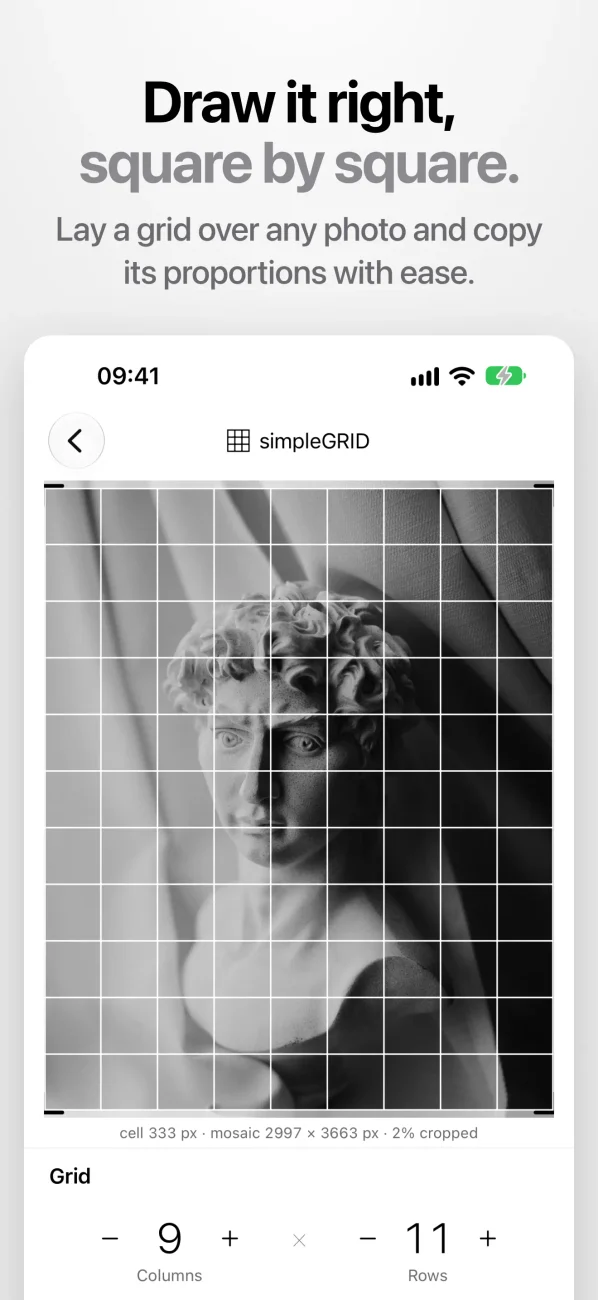
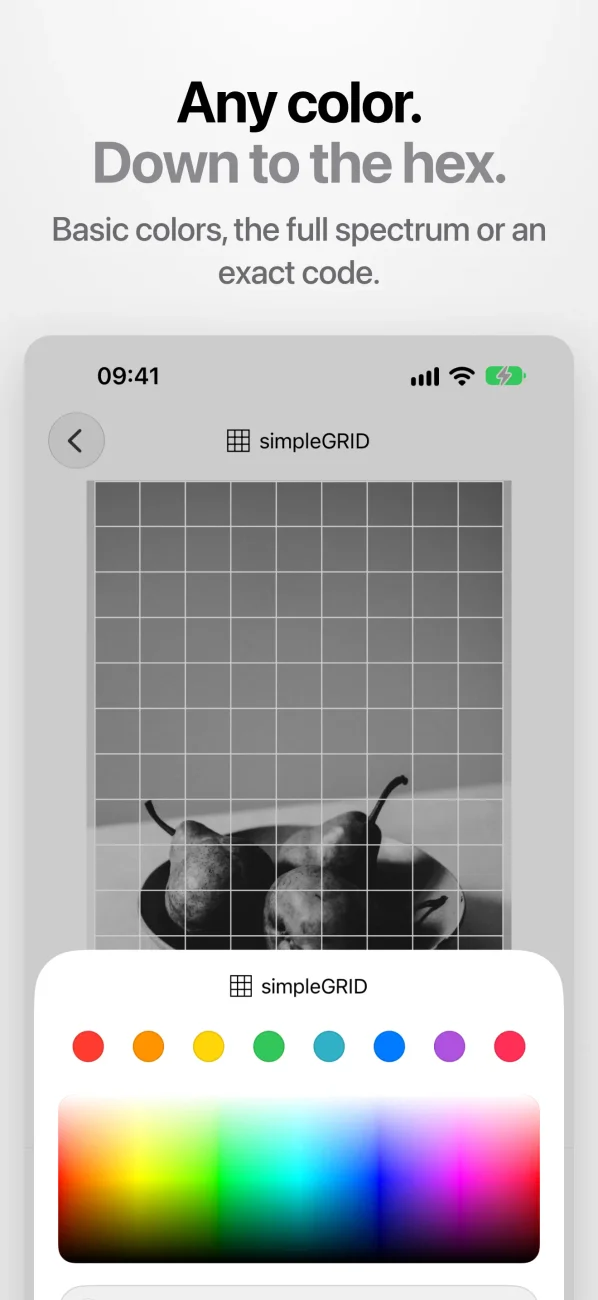
simpleGRID lays a grid of perfect squares over any photo. Use it to draw and paint with the classic grid method, or split the photo into equal tiles, then save the result as one image or as separate photos.
FOR ARTISTS
Drawing or painting from a reference? Put a grid over the photo, draw the same grid on paper or canvas and copy the picture square by square, so the proportions stay right. It works for sketches, paintings, murals and learning to draw. Keep the gridded photo on your iPhone next to your work, or print it.
FOR SOCIAL MEDIA
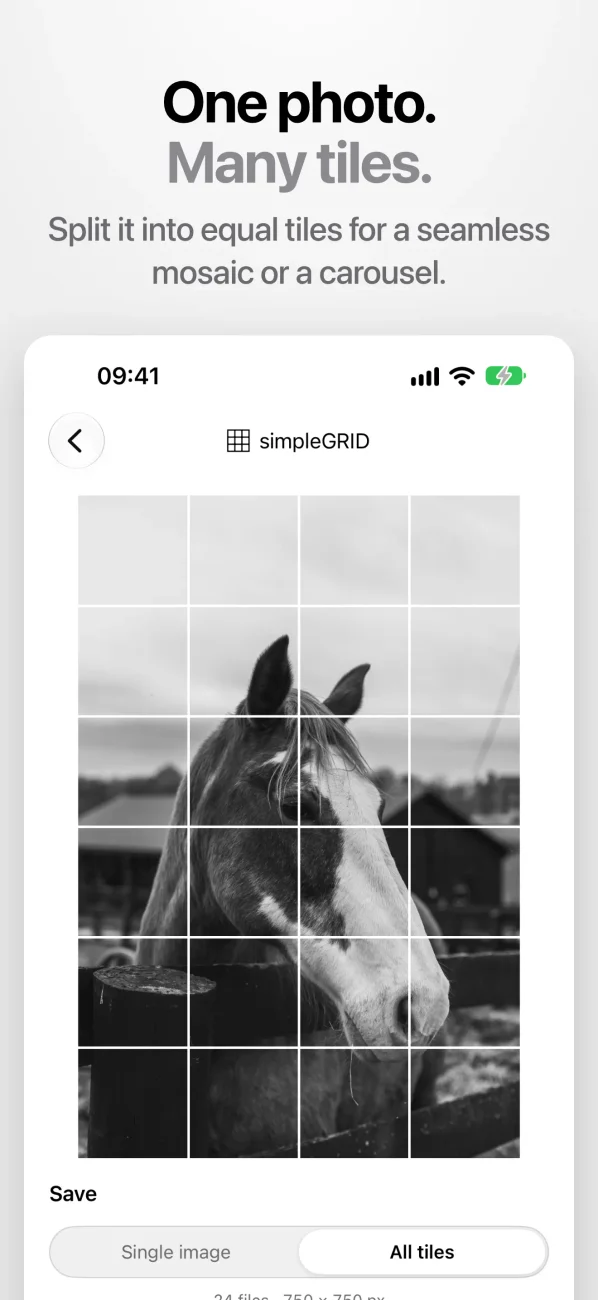
Split one photo into equal tiles and post them in order to build a seamless mosaic on your profile, or a carousel that people swipe through.
AND MORE
Print a big picture across several sheets, make a photo puzzle, plan a cross-stitch, quilt or tile pattern, or prepare a lesson for an art class.
HOW IT WORKS
• Grid: choose 1 to 40 columns and rows. With Fit to photo on, the grid is always as large as your photo allows. Drag the grid to choose what stays in the frame, or drag a corner to set the size yourself.
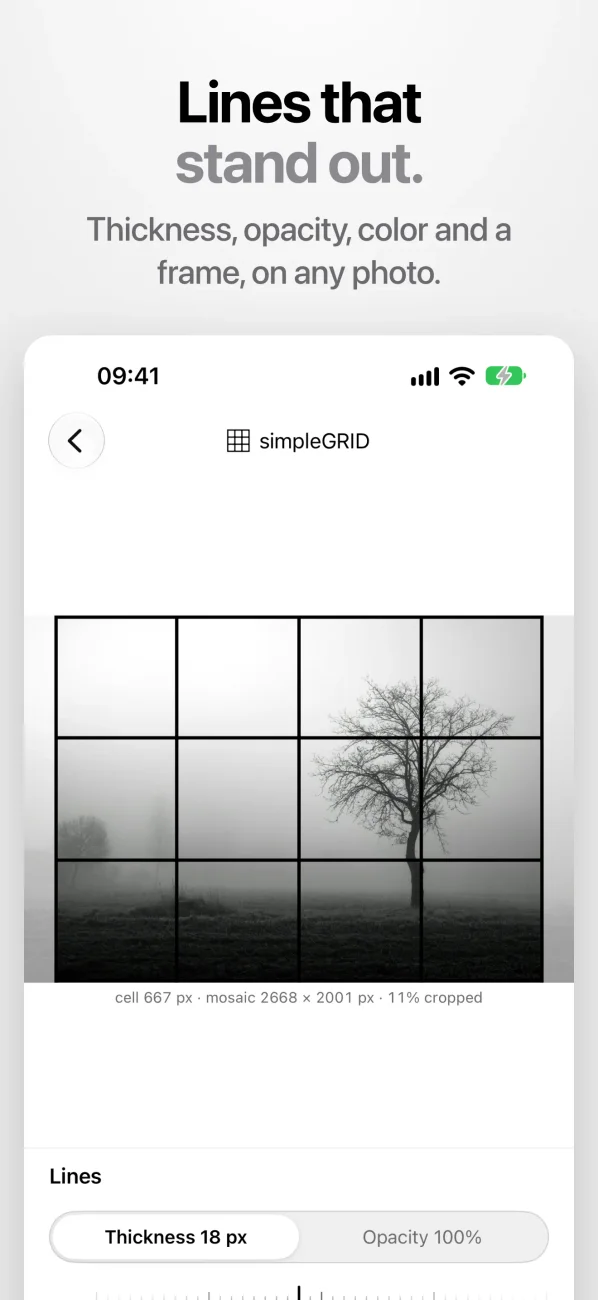
• Lines: set the thickness, opacity and color (white, black or any color, down to the exact hex code) and add a frame around the edge if you like.
• Save: one image with the grid drawn on it, or every tile as its own photo, row by row from the top left. Choose JPEG, HEIC or PNG, then save to Photos or share with AirDrop, Messages and Files.
PRIVATE BY DESIGN
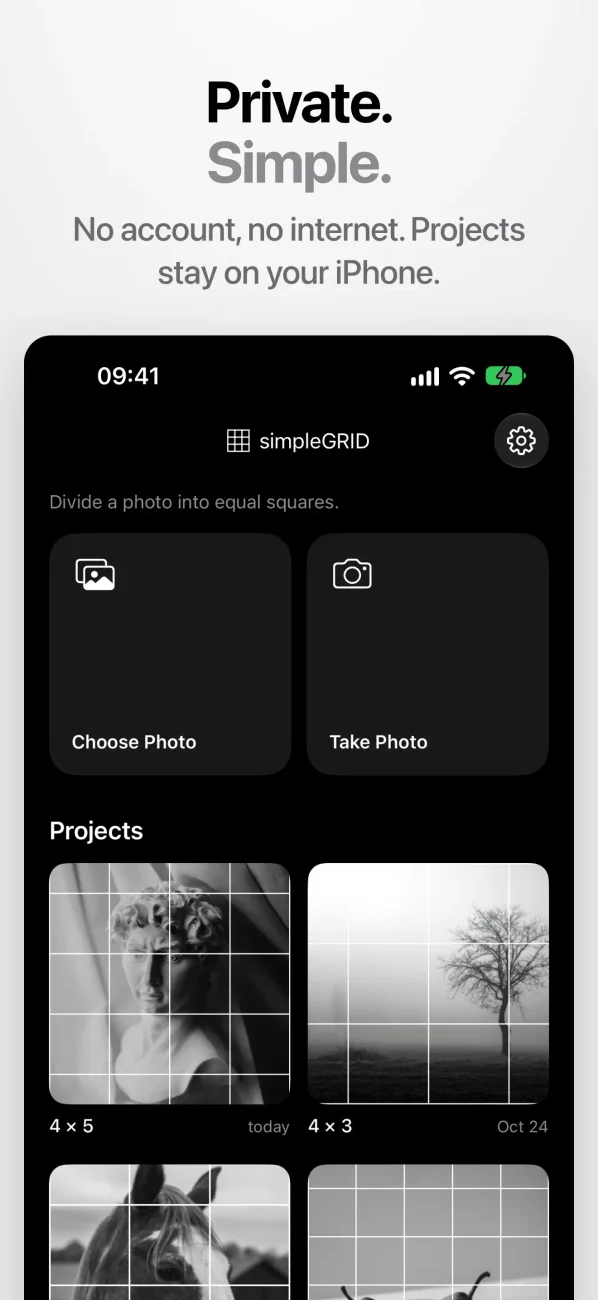
• No account, no internet, no ads, no tracking.
• You pick a photo in the system picker, so the app sees only that photo, never your library.
• Location data is always removed from saved files.
• Projects save automatically and stay on your iPhone.
Light and dark themes. Available in English, Polish, German, Italian, Spanish and French.
App-Datenschutz
Was DAWID MICHAL MILCZAREK im App Store zum Umgang dieser App mit Daten angibt.
-
Keine Daten erfasst
Der Entwickler erfasst keine Daten von dieser App.
Die Datenschutzpraktiken können variieren, zum Beispiel je nach den von Ihnen verwendeten Funktionen oder Ihrem Alter.
Informationen
- Anbieter
- DAWID MICHAL MILCZAREK
- Kategorie
- Foto und Video
- Version
- 1.0
- Aktualisiert
- 27.10.2026
- Veröffentlicht
- 27.10.2026
- Größe
- 1,0 MB
- Erfordert
- iOS 17.0 oder neuer
- Altersfreigabe
- 4+
- Preis
- Kostenlos
- Sprachen
- Englisch, Französisch, Deutsch, Italienisch, Polnisch, Spanisch
- Copyright
- © 2026 Dawid Milczarek
Das könnte Ihnen auch gefallen
-
 TukdaFoto und Video
-
 SnapLine: Raster biegenNeue Linien für fertige Fotos
-
 Perspective LabFoto und Video
-
 Face Guard ImageGesichter per Tipp maskieren
-
 MatchFrames:Overlay PhotosFoto und Video
-
 GridFixStürzende Linien begradigen
-
 XBlur: Face Blur & CensorFoto und Video
-
 DuoCanvas: Foto Collage & GridBilder verbinden & aufteilen
-
 Easy Blur Face AI Hide MosaicAI Gesichter verpixeln, Zensur
-
 Vanishing FrameFoto und Video