simpleGRID: Image Grid Overlay
Drawing grid & photo tiles
Conçue pour iPhone
Gratuit
- Classification d’âge4+
- CatégoriePhoto et vidéo
- DéveloppeurDAWID MICHAL MILCZAREK
- LanguesAnglais+ 5 de plus
- Taille1,0 Mo
Renvoie vers la page App Store officielle
Download.org n’héberge aucun fichier de simpleGRID: Image Grid Overlay. Le bouton ouvre la page de l’application sur App Store, où DAWID MICHAL MILCZAREK la publie. Fiche vérifiée pour la dernière fois le 17/11/2026.
Captures d’écran
À propos
Le développeur n’a pas fourni ce texte dans votre langue.
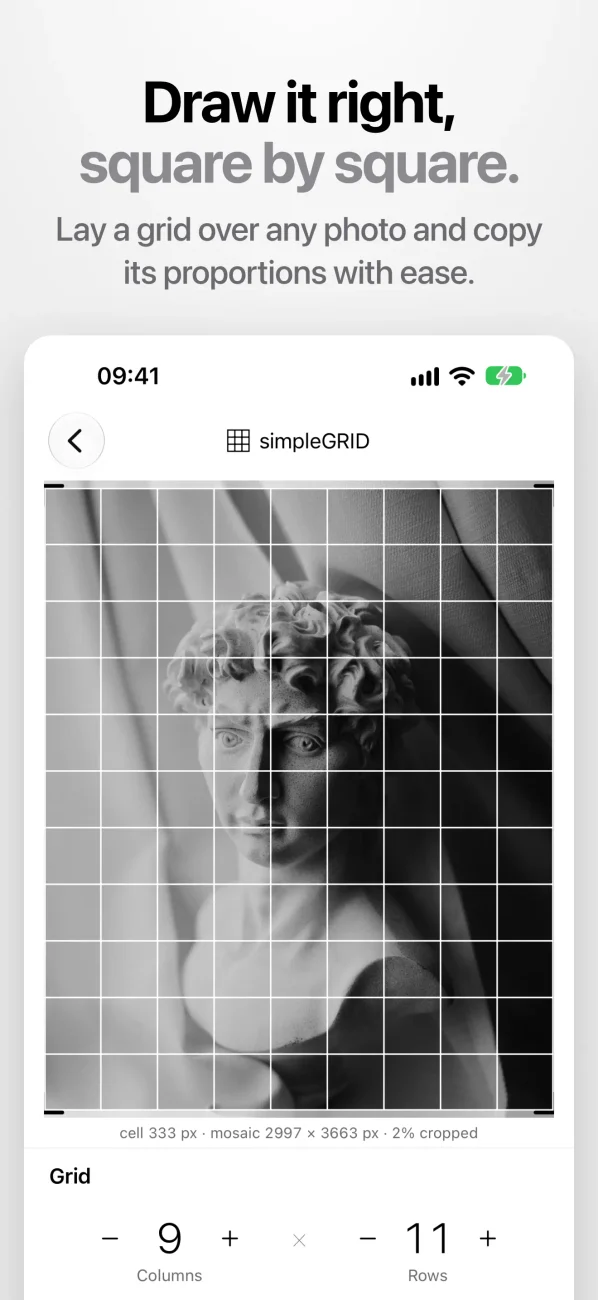
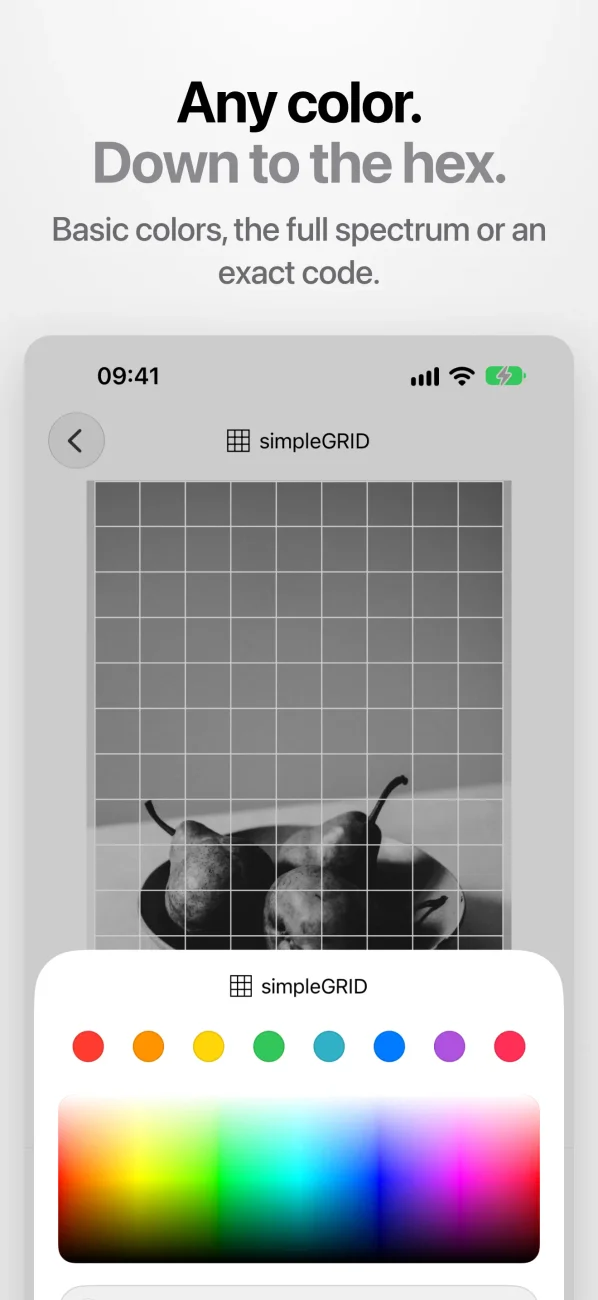
simpleGRID lays a grid of perfect squares over any photo. Use it to draw and paint with the classic grid method, or split the photo into equal tiles, then save the result as one image or as separate photos.
FOR ARTISTS
Drawing or painting from a reference? Put a grid over the photo, draw the same grid on paper or canvas and copy the picture square by square, so the proportions stay right. It works for sketches, paintings, murals and learning to draw. Keep the gridded photo on your iPhone next to your work, or print it.
FOR SOCIAL MEDIA
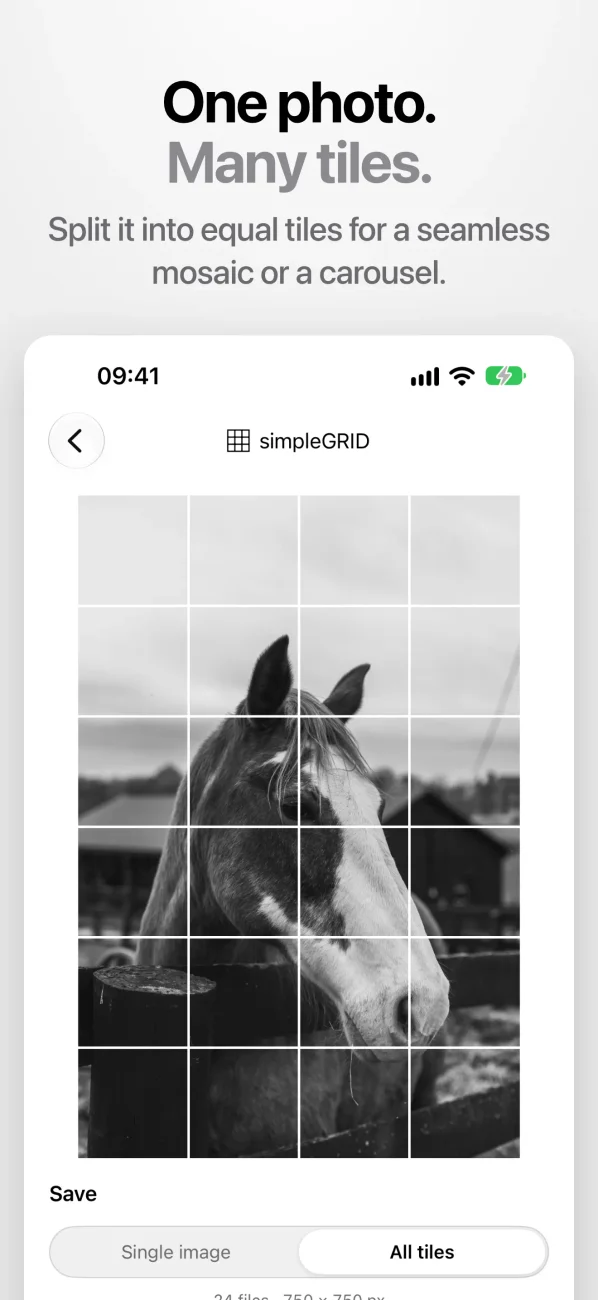
Split one photo into equal tiles and post them in order to build a seamless mosaic on your profile, or a carousel that people swipe through.
AND MORE
Print a big picture across several sheets, make a photo puzzle, plan a cross-stitch, quilt or tile pattern, or prepare a lesson for an art class.
HOW IT WORKS
• Grid: choose 1 to 40 columns and rows. With Fit to photo on, the grid is always as large as your photo allows. Drag the grid to choose what stays in the frame, or drag a corner to set the size yourself.
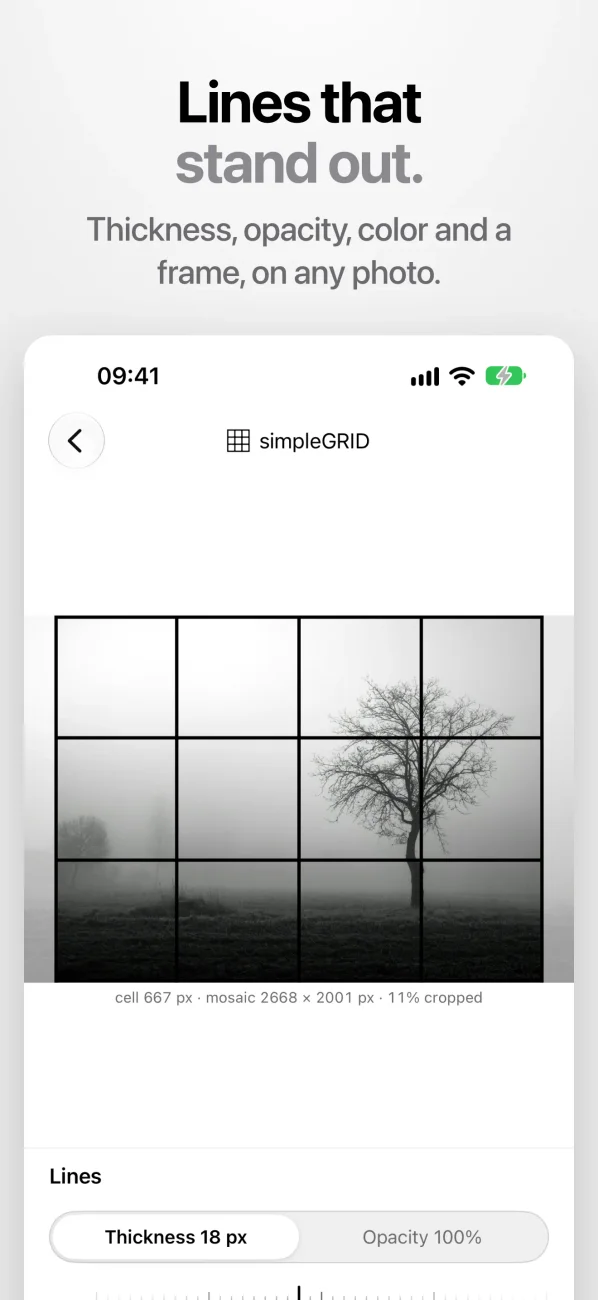
• Lines: set the thickness, opacity and color (white, black or any color, down to the exact hex code) and add a frame around the edge if you like.
• Save: one image with the grid drawn on it, or every tile as its own photo, row by row from the top left. Choose JPEG, HEIC or PNG, then save to Photos or share with AirDrop, Messages and Files.
PRIVATE BY DESIGN
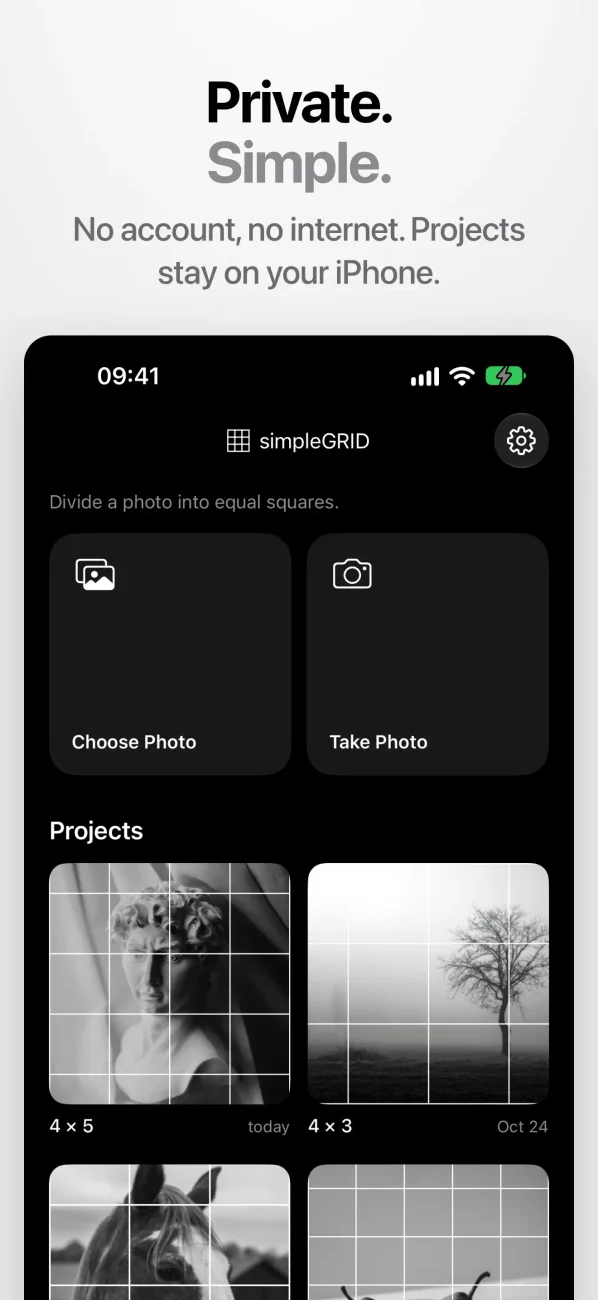
• No account, no internet, no ads, no tracking.
• You pick a photo in the system picker, so the app sees only that photo, never your library.
• Location data is always removed from saved files.
• Projects save automatically and stay on your iPhone.
Light and dark themes. Available in English, Polish, German, Italian, Spanish and French.
Confidentialité de l’application
Ce que DAWID MICHAL MILCZAREK déclare sur l’App Store au sujet du traitement des données par cette application.
-
Données non collectées
Le développeur ne collecte aucune donnée à partir de cette application.
Les pratiques en matière de confidentialité peuvent varier, notamment en fonction des fonctionnalités que vous utilisez ou de votre âge.
Informations
- Vendeur
- DAWID MICHAL MILCZAREK
- Catégorie
- Photo et vidéo
- Version
- 1.0
- Mis à jour
- 27/10/2026
- Publié
- 27/10/2026
- Taille
- 1,0 Mo
- Nécessite
- iOS 17.0 ou version ultérieure
- Classification d’âge
- 4+
- Prix
- Gratuit
- Langues
- Anglais, Français, Allemand, Italien, Polonais, Espagnol
- Copyright
- © 2026 Dawid Milczarek
Vous aimerez peut-être aussi
-
 Personal Loan - Easy Cash CalcFinance
-
 SnapLine : Grille pliableLignes neuves sur vos clichés
-
 Perspective LabPhoto et vidéo
-
 Face Guard ImageMasquez les visages d'un tap
-
 MatchFrames:Overlay PhotosPhoto et vidéo
-
 GridFixPerspective et lignes droites
-
 XBlur: Face Blur & CensorPhoto et vidéo
-
 DuoCanvas : Collage photoMontage, grille et assemblage
-
 Easy Blur Face AI Hide MosaicFlouter Visage & Flou Photo AI
-
 Vanishing FramePhoto et vidéo