simpleGRID: Image Grid Overlay
Drawing grid & photo tiles
Diseñada para iPhone
Gratis
- Clasificación por edad4+
- CategoríaFoto y vídeo
- DesarrolladorDAWID MICHAL MILCZAREK
- IdiomasInglés+ 5 más
- Tamaño1,0 MB
Enlaza a la página oficial de App Store
Download.org no aloja ningún archivo de simpleGRID: Image Grid Overlay. El botón abre la página de la aplicación en App Store, donde la publica DAWID MICHAL MILCZAREK. Ficha comprobada por última vez el 17/11/2026.
Capturas de pantalla
Acerca de
El desarrollador no ha proporcionado este texto en tu idioma.
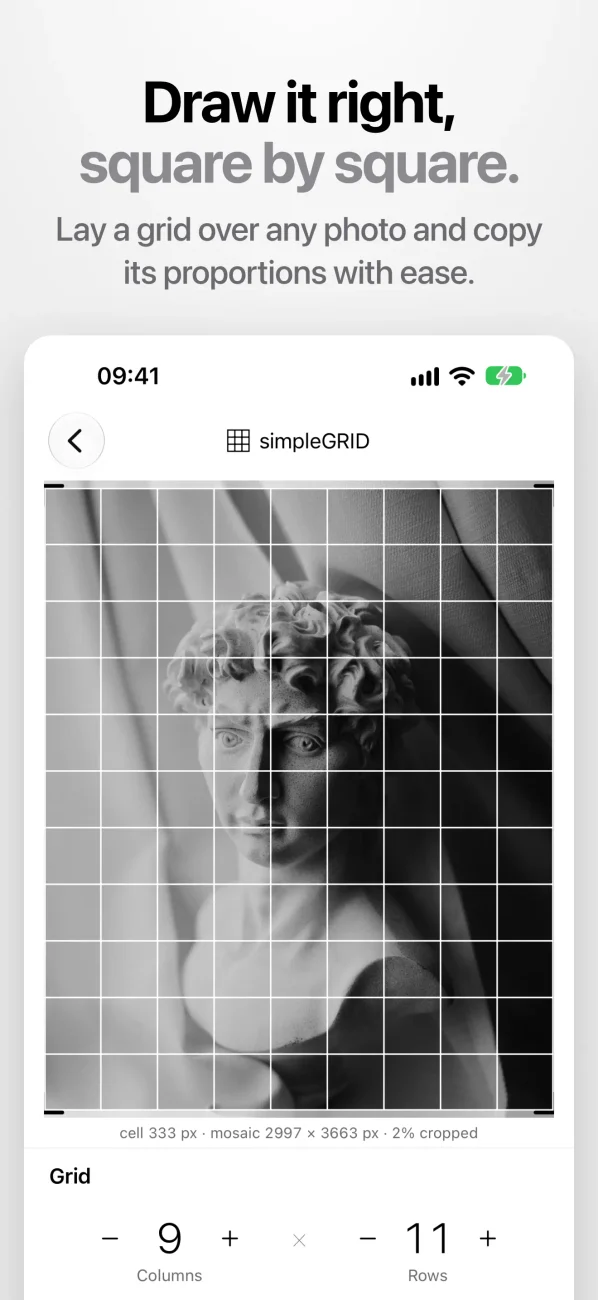
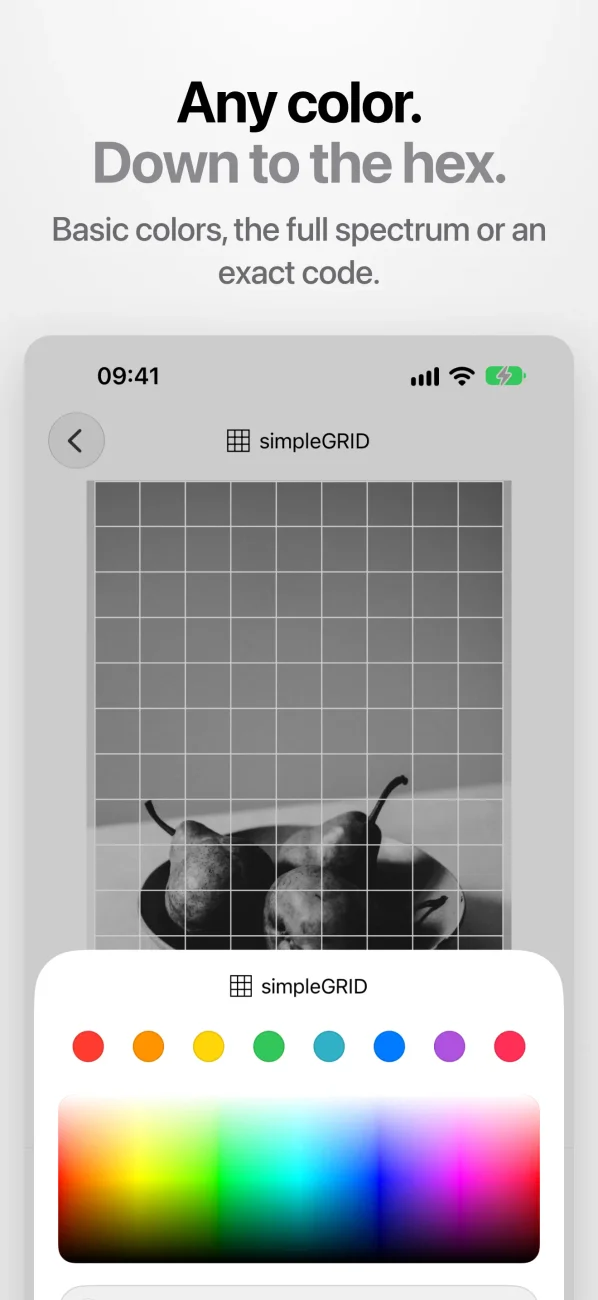
simpleGRID lays a grid of perfect squares over any photo. Use it to draw and paint with the classic grid method, or split the photo into equal tiles, then save the result as one image or as separate photos.
FOR ARTISTS
Drawing or painting from a reference? Put a grid over the photo, draw the same grid on paper or canvas and copy the picture square by square, so the proportions stay right. It works for sketches, paintings, murals and learning to draw. Keep the gridded photo on your iPhone next to your work, or print it.
FOR SOCIAL MEDIA
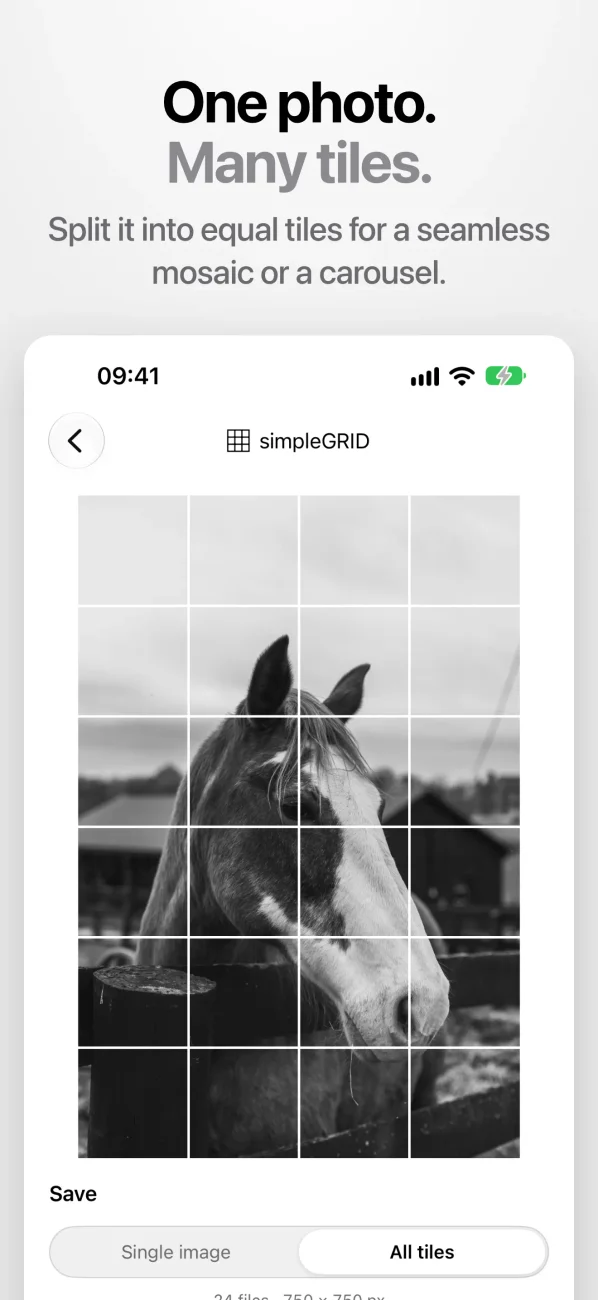
Split one photo into equal tiles and post them in order to build a seamless mosaic on your profile, or a carousel that people swipe through.
AND MORE
Print a big picture across several sheets, make a photo puzzle, plan a cross-stitch, quilt or tile pattern, or prepare a lesson for an art class.
HOW IT WORKS
• Grid: choose 1 to 40 columns and rows. With Fit to photo on, the grid is always as large as your photo allows. Drag the grid to choose what stays in the frame, or drag a corner to set the size yourself.
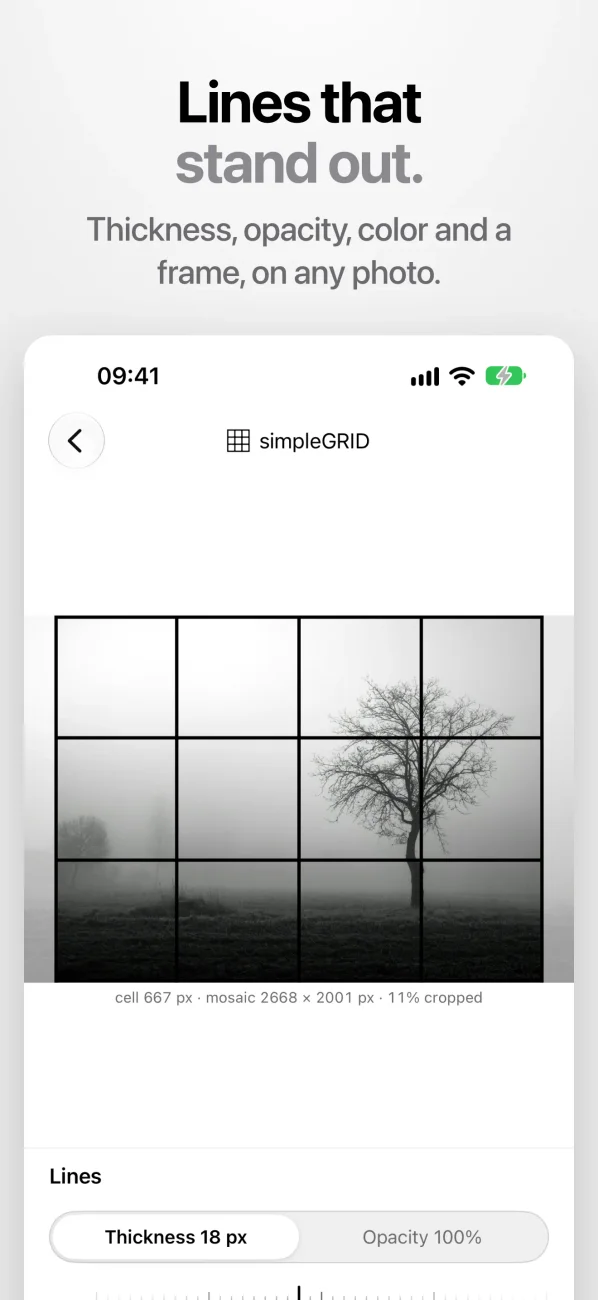
• Lines: set the thickness, opacity and color (white, black or any color, down to the exact hex code) and add a frame around the edge if you like.
• Save: one image with the grid drawn on it, or every tile as its own photo, row by row from the top left. Choose JPEG, HEIC or PNG, then save to Photos or share with AirDrop, Messages and Files.
PRIVATE BY DESIGN
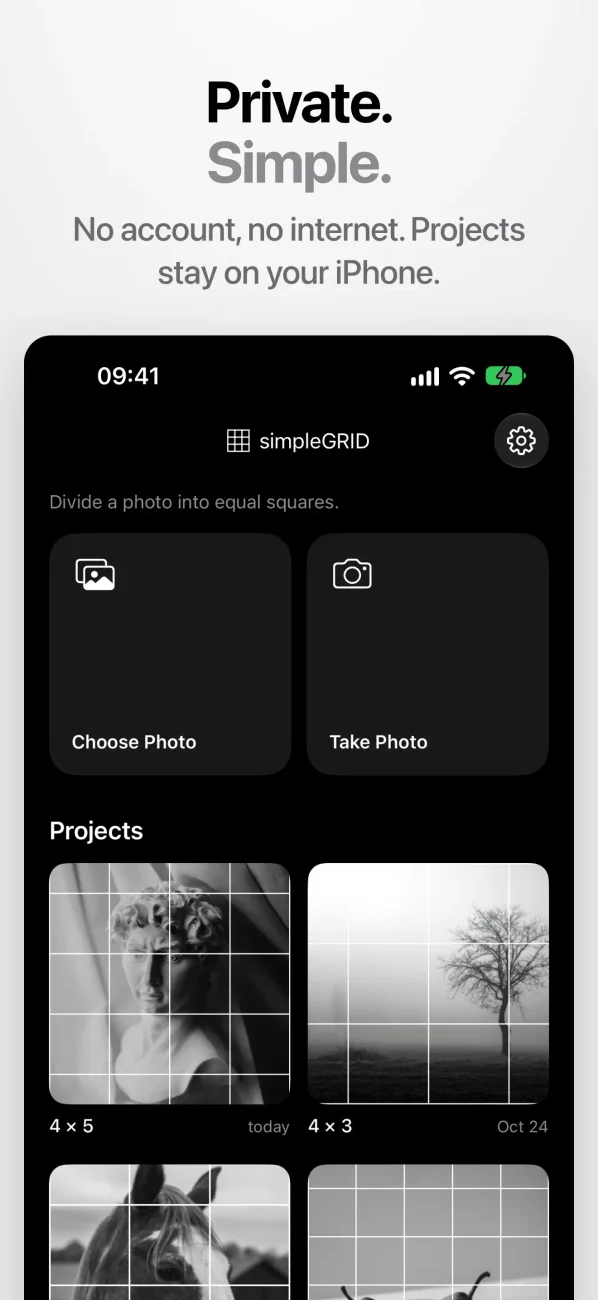
• No account, no internet, no ads, no tracking.
• You pick a photo in the system picker, so the app sees only that photo, never your library.
• Location data is always removed from saved files.
• Projects save automatically and stay on your iPhone.
Light and dark themes. Available in English, Polish, German, Italian, Spanish and French.
Privacidad de la aplicación
Lo que DAWID MICHAL MILCZAREK declara en App Store sobre cómo esta aplicación gestiona los datos.
-
No se recopilan datos
El desarrollador no recopila ningún dato de esta aplicación.
Las prácticas de privacidad pueden variar, por ejemplo, según las funciones que uses o tu edad.
Información
- Vendedor
- DAWID MICHAL MILCZAREK
- Categoría
- Foto y vídeo
- Versión
- 1.0
- Actualizado
- 27/10/2026
- Publicado
- 27/10/2026
- Tamaño
- 1,0 MB
- Requiere
- iOS 17.0 o posterior
- Clasificación por edad
- 4+
- Precio
- Gratis
- Idiomas
- Inglés, Francés, Alemán, Italiano, Polaco, Español
- Copyright
- © 2026 Dawid Milczarek
Quizá también te guste
-
 Personal Loan - Easy Cash CalcFinanzas
-
 SnapLine: Dobla la cuadrículaNuevas líneas para tus fotos
-
 Perspective LabFoto y vídeo
-
 Face Guard ImageOculta caras con un toque
-
 MatchFrames:Overlay PhotosFoto y vídeo
-
 GridFixEndereza perspectiva y líneas
-
 XBlur: Face Blur & CensorFoto y vídeo
-
 DuoCanvas: Collage de fotosJunta y divide imágenes
-
 Easy Blur Face AI Hide MosaicDifuminar Caras con IA y Foto
-
 Vanishing FrameFoto y vídeo