simpleGRID: Image Grid Overlay
Drawing grid & photo tiles
Được thiết kế cho iPhone
Miễn phí
- Độ tuổi4+
- Danh mụcẢnh & Video
- Nhà phát triểnDAWID MICHAL MILCZAREK
- Ngôn ngữTiếng Anh+ 5 ngôn ngữ khác
- Kích thước1,0 MB
Liên kết đến trang App Store chính thức
Download.org không lưu trữ tệp nào của simpleGRID: Image Grid Overlay. Nút này mở trang ứng dụng trên App Store, nơi DAWID MICHAL MILCZAREK phát hành ứng dụng. Trang được kiểm tra lần cuối: 17/11/2026.
Ảnh chụp màn hình
Giới thiệu
Nhà phát triển chưa cung cấp nội dung này bằng ngôn ngữ của bạn.
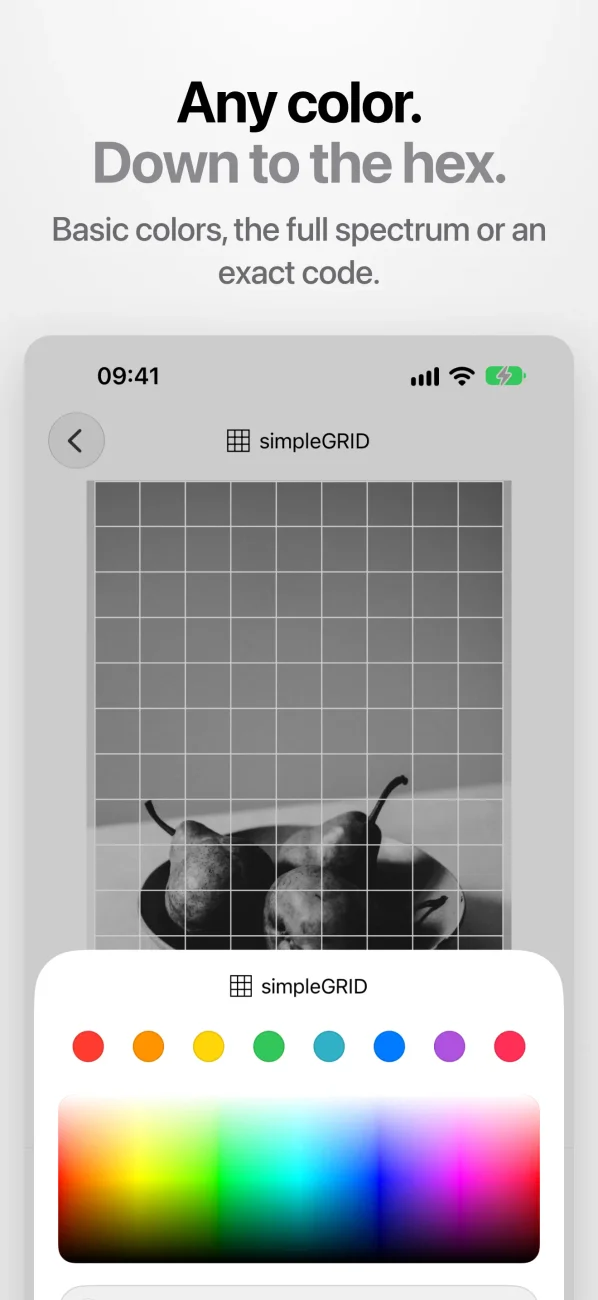
simpleGRID lays a grid of perfect squares over any photo. Use it to draw and paint with the classic grid method, or split the photo into equal tiles, then save the result as one image or as separate photos.
FOR ARTISTS
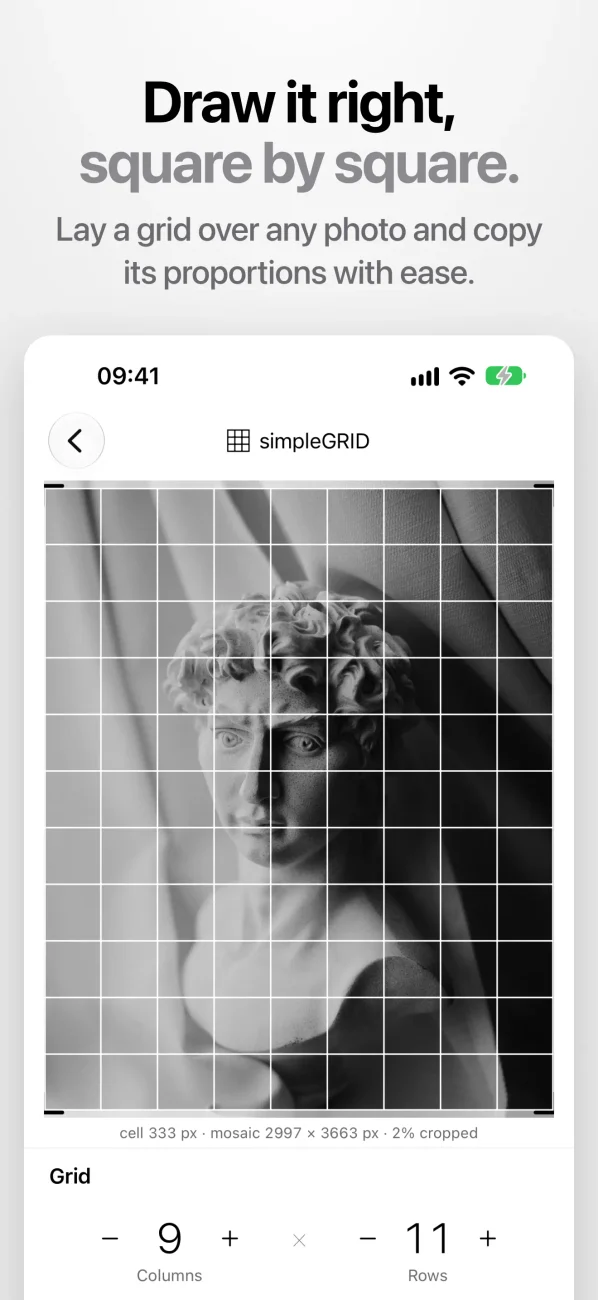
Drawing or painting from a reference? Put a grid over the photo, draw the same grid on paper or canvas and copy the picture square by square, so the proportions stay right. It works for sketches, paintings, murals and learning to draw. Keep the gridded photo on your iPhone next to your work, or print it.
FOR SOCIAL MEDIA
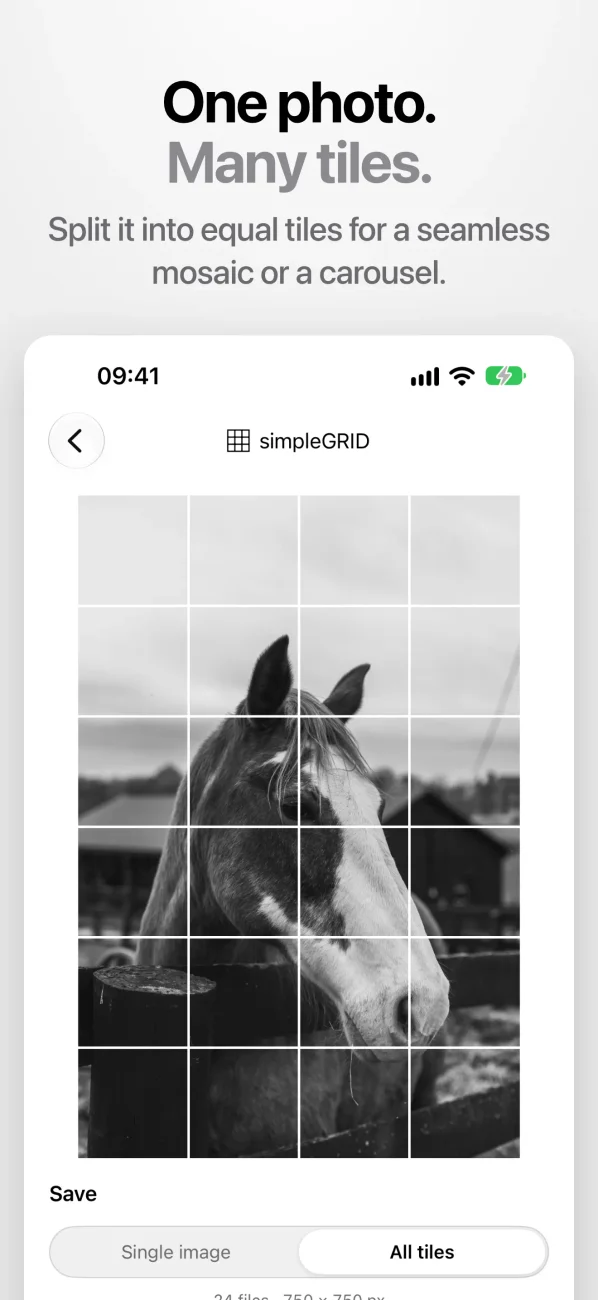
Split one photo into equal tiles and post them in order to build a seamless mosaic on your profile, or a carousel that people swipe through.
AND MORE
Print a big picture across several sheets, make a photo puzzle, plan a cross-stitch, quilt or tile pattern, or prepare a lesson for an art class.
HOW IT WORKS
• Grid: choose 1 to 40 columns and rows. With Fit to photo on, the grid is always as large as your photo allows. Drag the grid to choose what stays in the frame, or drag a corner to set the size yourself.
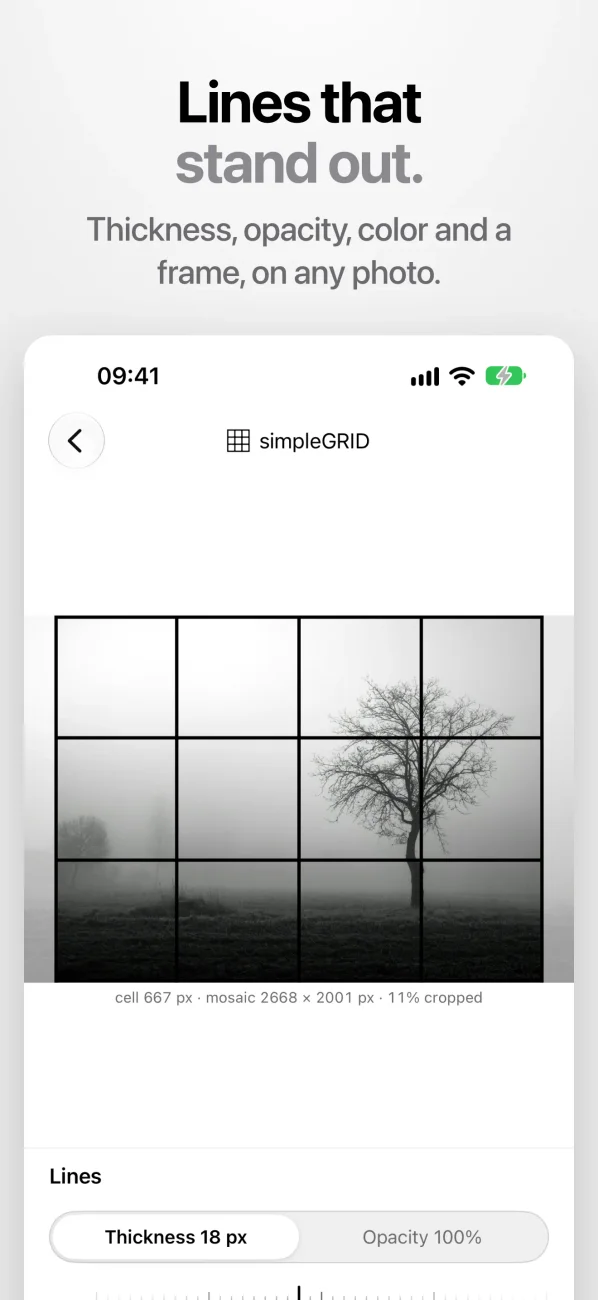
• Lines: set the thickness, opacity and color (white, black or any color, down to the exact hex code) and add a frame around the edge if you like.
• Save: one image with the grid drawn on it, or every tile as its own photo, row by row from the top left. Choose JPEG, HEIC or PNG, then save to Photos or share with AirDrop, Messages and Files.
PRIVATE BY DESIGN
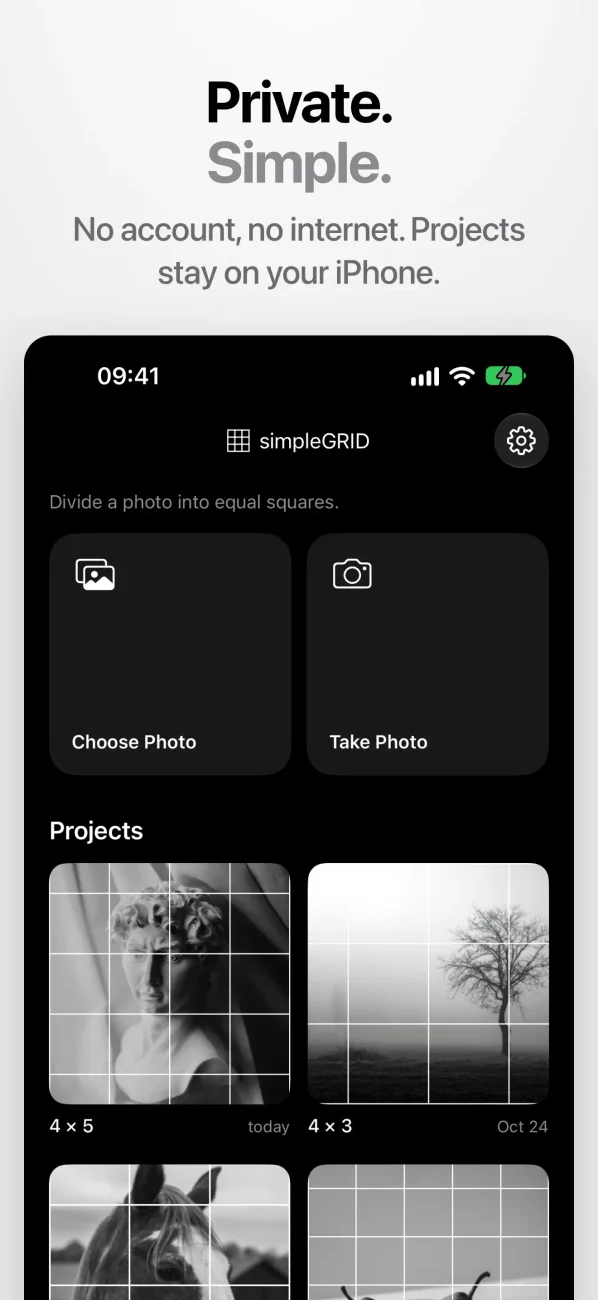
• No account, no internet, no ads, no tracking.
• You pick a photo in the system picker, so the app sees only that photo, never your library.
• Location data is always removed from saved files.
• Projects save automatically and stay on your iPhone.
Light and dark themes. Available in English, Polish, German, Italian, Spanish and French.
Quyền riêng tư của ứng dụng
Những gì DAWID MICHAL MILCZAREK khai báo trên App Store về cách ứng dụng này xử lý dữ liệu.
-
Dữ liệu không được thu thập
Nhà phát triển không thu thập bất kỳ dữ liệu nào từ ứng dụng này.
Phương thức đảm bảo quyền riêng tư có thể khác nhau, chẳng hạn như tuỳ theo các tính năng bạn sử dụng hoặc độ tuổi của bạn.
Thông tin
- Người bán
- DAWID MICHAL MILCZAREK
- Danh mục
- Ảnh & Video
- Phiên bản
- 1.0
- Cập nhật
- 27/10/2026
- Phát hành
- 27/10/2026
- Kích thước
- 1,0 MB
- Yêu cầu
- iOS 17.0 trở lên
- Độ tuổi
- 4+
- Giá
- Miễn phí
- Ngôn ngữ
- Tiếng Anh, Tiếng Pháp, Tiếng Đức, Tiếng Ý, Tiếng Ba Lan, Tiếng Tây Ban Nha
- Bản quyền
- © 2026 Dawid Milczarek
Có thể bạn cũng thích
-
 Vay Cá Nhân - Tính LãiTính Lãi & Khoản Vay
-
 SnapLine: Uốn lưới ảnhĐường kẻ mới cho tấm đã chụp
-
 Perspective LabẢnh & Video
-
 Face Guard ImageChe mặt chỉ bằng một chạm
-
 MatchFrames:Overlay PhotosMatch perfect photo and video.
-
 GridFix: Perspective FixẢnh & Video
-
 XBlur: Face Blur & CensorẢnh & Video
-
 DuoCanvas: Photo Collage MakerẢnh & Video
-
 Easy Blur Face AI Hide MosaicẢnh & Video
-
 Vanishing FrameẢnh & Video