Smart Adding Machine
Tape can be edited and printed
Entwickelt für iPhone, iPad, Mac
3,99 €
- Altersfreigabe4+
- KategorieDienstprogramme
- EntwicklerHarry Detrick
- SprachenEnglisch
- Größe455,0 KB
Verlinkt auf die offizielle App Store-Seite
Download.org hostet keine Datei von Smart Adding Machine. Die Schaltfläche öffnet die App-Seite bei App Store, wo Harry Detrick die App veröffentlicht. Eintrag zuletzt geprüft am 16.11.2026.
Screenshots
Info
Der Entwickler hat diesen Text nicht in Ihrer Sprache bereitgestellt.
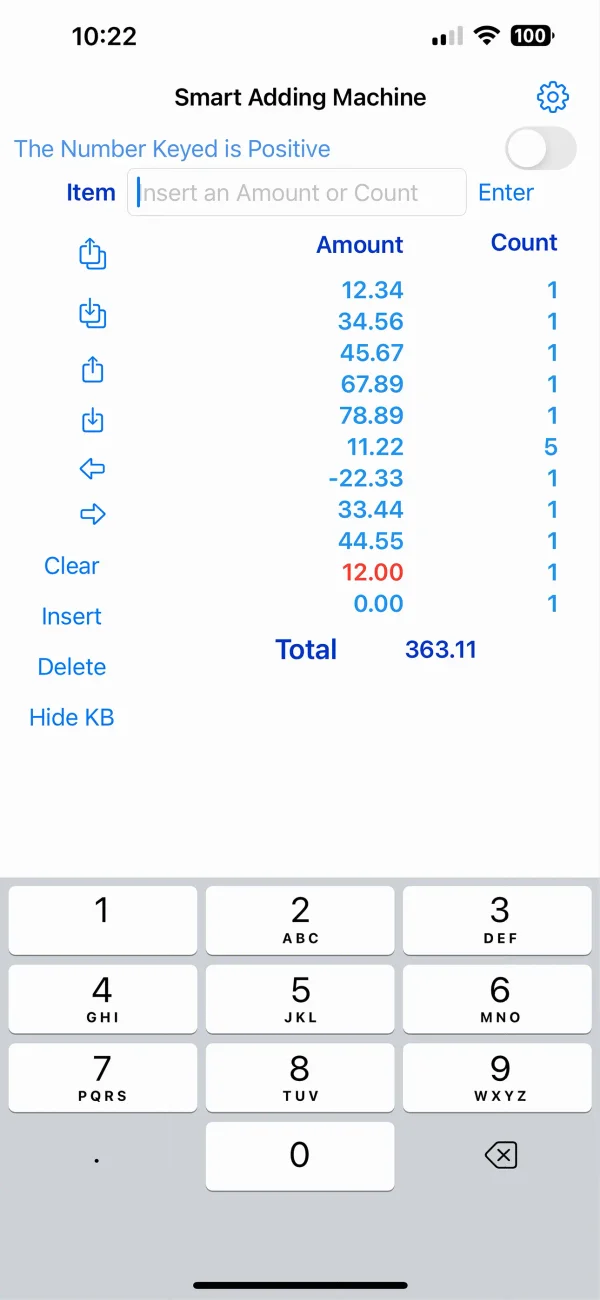
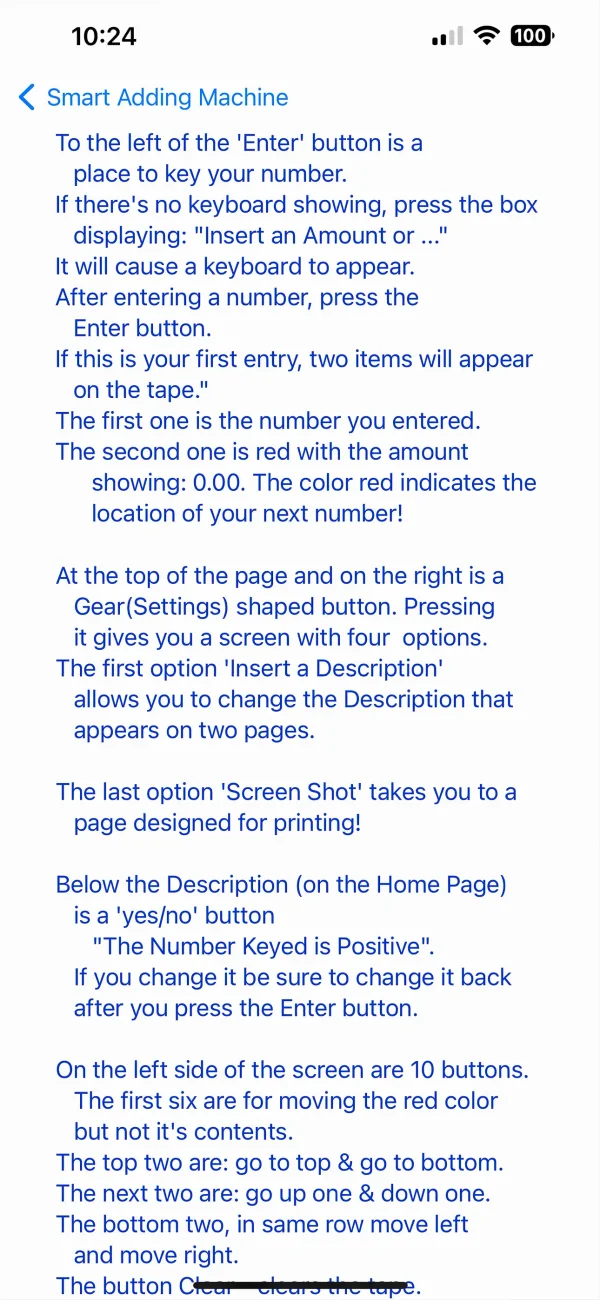
This app has a numeric keyboard. It may not always be visible.
If it is not visible, pressing the input button that has the text
'Insert an Amount or ...', will cause one to appear. If you want to
hide it, select the button on the left titled 'Hide KB'.
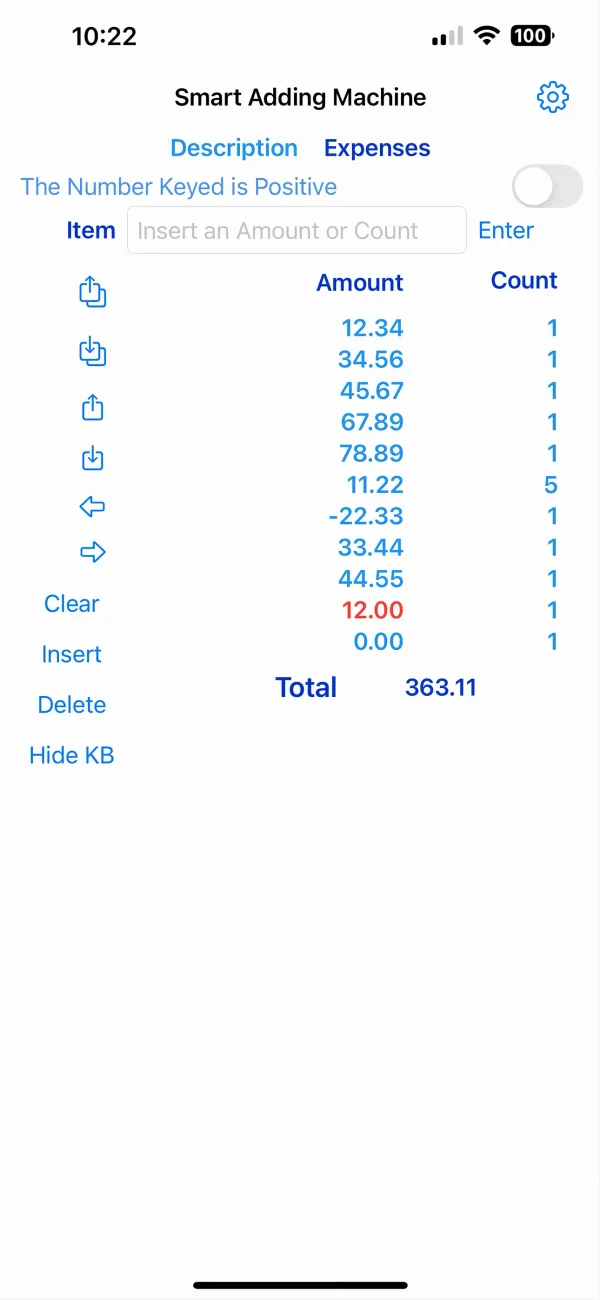
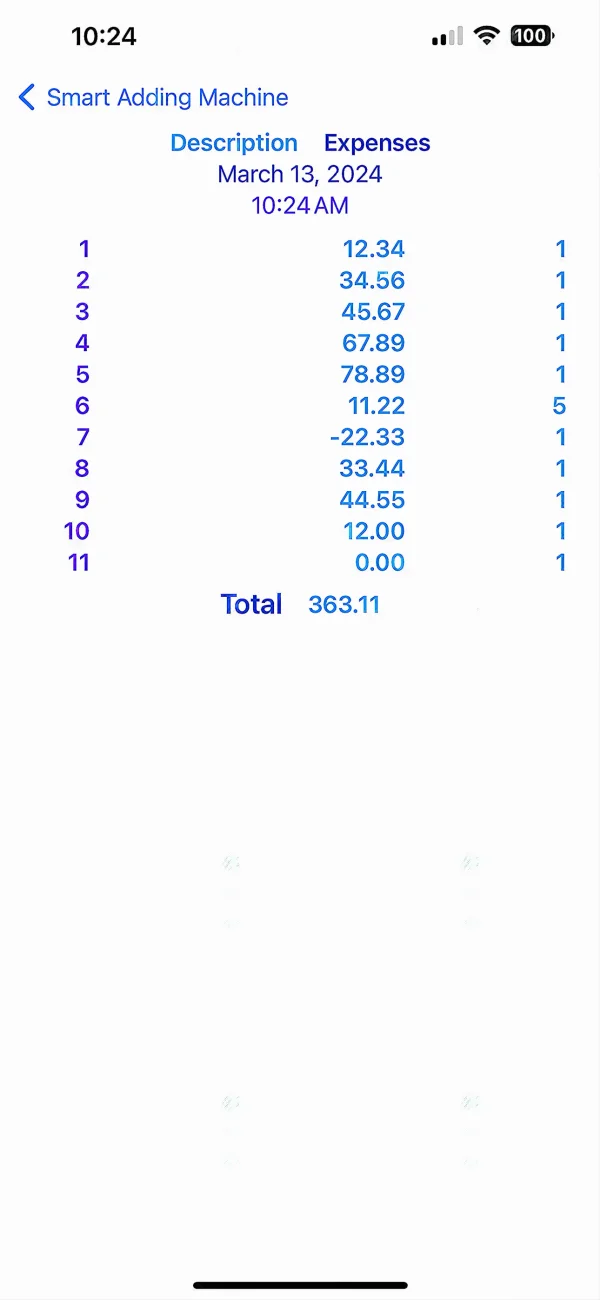
The Adding Machine contains a visual tape with two columns of numbers.
The left is the amount you keyed. The right column has in a '1' which is
the count. The system puts in a '1' for you. As you add items, the tape
grows. The last item is always followed by an empty item colored red.
This color red is important because it indicates where your next entry will be placed!!!
After entering a number, press the 'Save' button. If this is your
first entry, two items will appear on the tape. The first one will
contain the number you keyed. The second will be red with the
amount showing: 0.00 and a count showing 1. This pattern will continue as
you add items
On the left side of the screen are 11 buttons in a column. The first
six are for moving the red color - but not its contents. This allows for
the correction of errors.
The first two are: first - go to tape start & second to tape end (red item).
The second two go up one item and down one item on the tape.
The last of the group switch between amount & count
- usually used to change the count from 1.
There a 4 named buttons the effect the tape: Clear, Insert (an empty row where the red is, Delete(the row that a red item) and Hide KB.
The keyboard has no minus sign. There is a slider button that can be used to cause an number to be negative. It is red for emphasis
At least 50 items can be entered. The tape can be scrolled by using
your finger to see the entire tape.
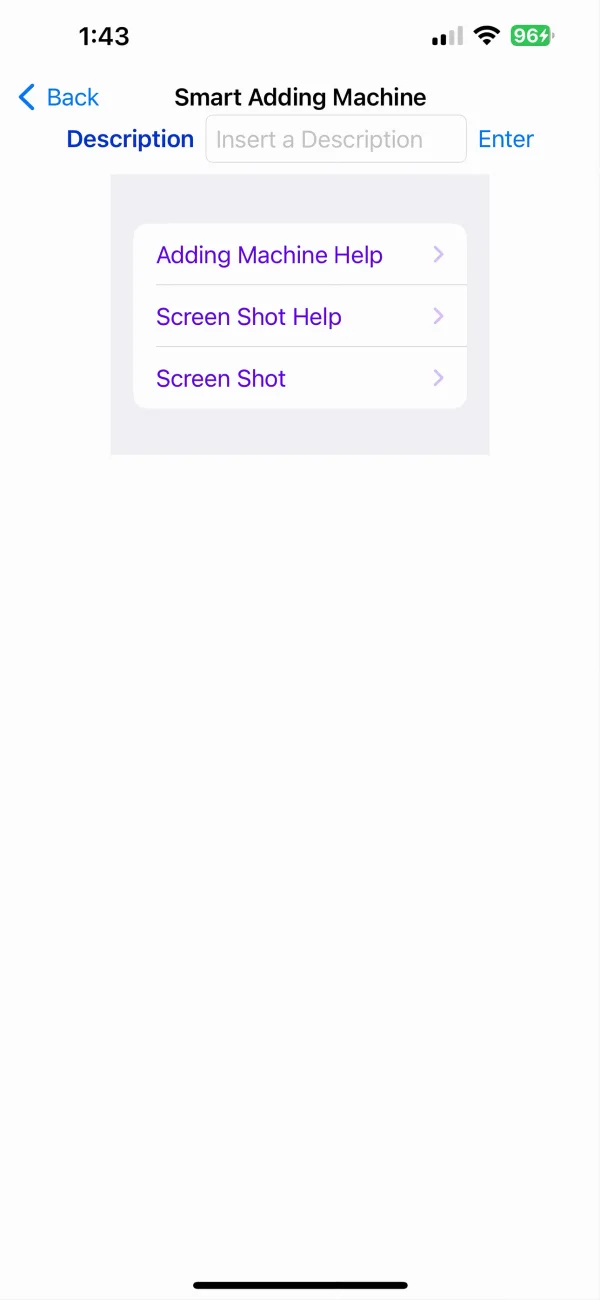
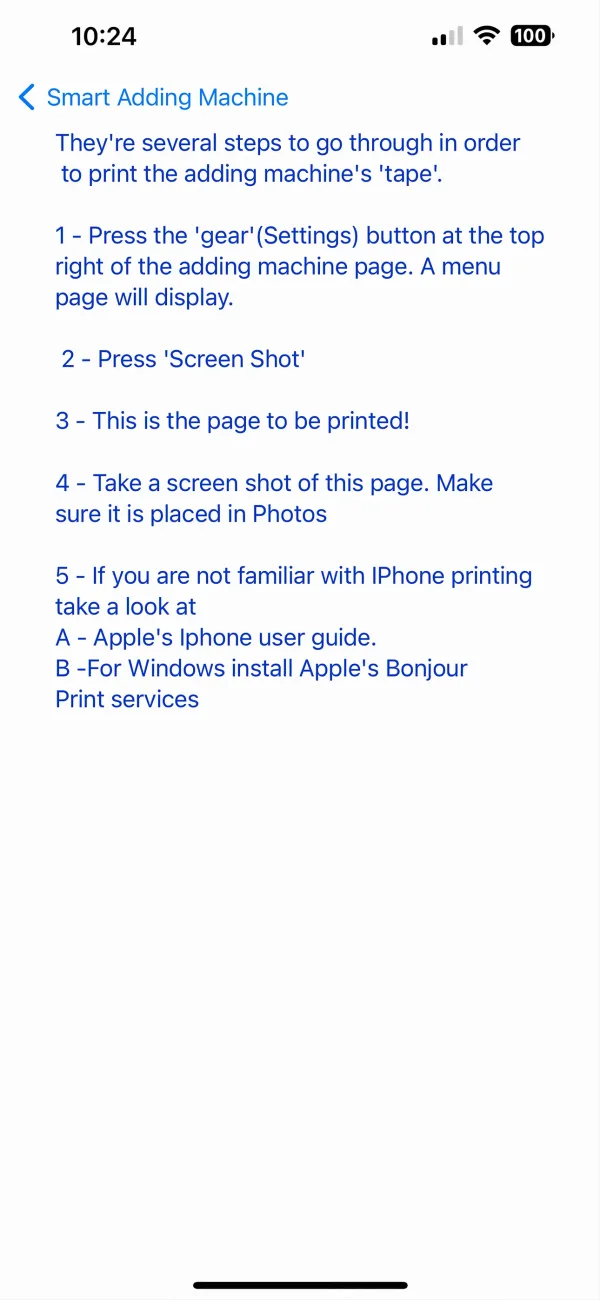
At the very top of the screen is a 'Help' chevron that switches to a
page of help text.
Neue Funktionen
Version 4.0 · 15.03.2024
To make data entry more easier, we've added a text which proceeds the data entry control.
App-Datenschutz
Was Harry Detrick im App Store zum Umgang dieser App mit Daten angibt.
-
Keine Daten erfasst
Der Entwickler erfasst keine Daten von dieser App.
Die Datenschutzpraktiken können variieren, zum Beispiel je nach den von Ihnen verwendeten Funktionen oder Ihrem Alter.
Informationen
- Anbieter
- Harry Detrick
- Kategorie
- Dienstprogramme
- Version
- 4.0
- Aktualisiert
- 15.03.2024
- Veröffentlicht
- 01.11.2023
- Größe
- 455,0 KB
- Erfordert
- iOS 17.0 oder neuer
- Altersfreigabe
- 4+
- Preis
- 3,99 €
- Sprachen
- Englisch
- Copyright
- © 2024 Fox Hills Micro
Das könnte Ihnen auch gefallen
-
 BigCalcMiniDienstprogramme
-
 Tip Calculator - Tap Tip ProDienstprogramme
-
 Typster - Big Keys KeyboardDienstprogramme
-
 Print CalculatorDienstprogramme
-
 TinyMath Rechner + VerlaufEinfach, ohne Werbung, offline
-
 HP 15c Wissenschaft. RechnerOffiziell Emulator von HP 15c
-
 HP15C: Scientific CalculatorDienstprogramme
-
 ZeturnDienstprogramme
-
 Rechner + Verlauf & ProzentWissen, Brüche & Einheiten
-
 Bed Time | Große UhrFür Schreibtisch oder Bett