- 対象年齢4+
- カテゴリユーティリティ
- 開発元Harry Detrick
- 言語英語
- サイズ455.0 KB
App Storeの公式ページにリンクしています
Download.orgはSmart Adding Machineのファイルを一切ホストしていません。ボタンを押すと、Harry Detrickが公開しているApp Storeのアプリページが開きます。ページの最終確認:2026/11/16。
スクリーンショット
概要
開発元はこのテキストをお使いの言語で提供していません。
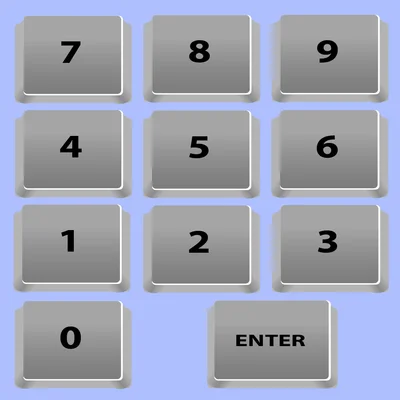
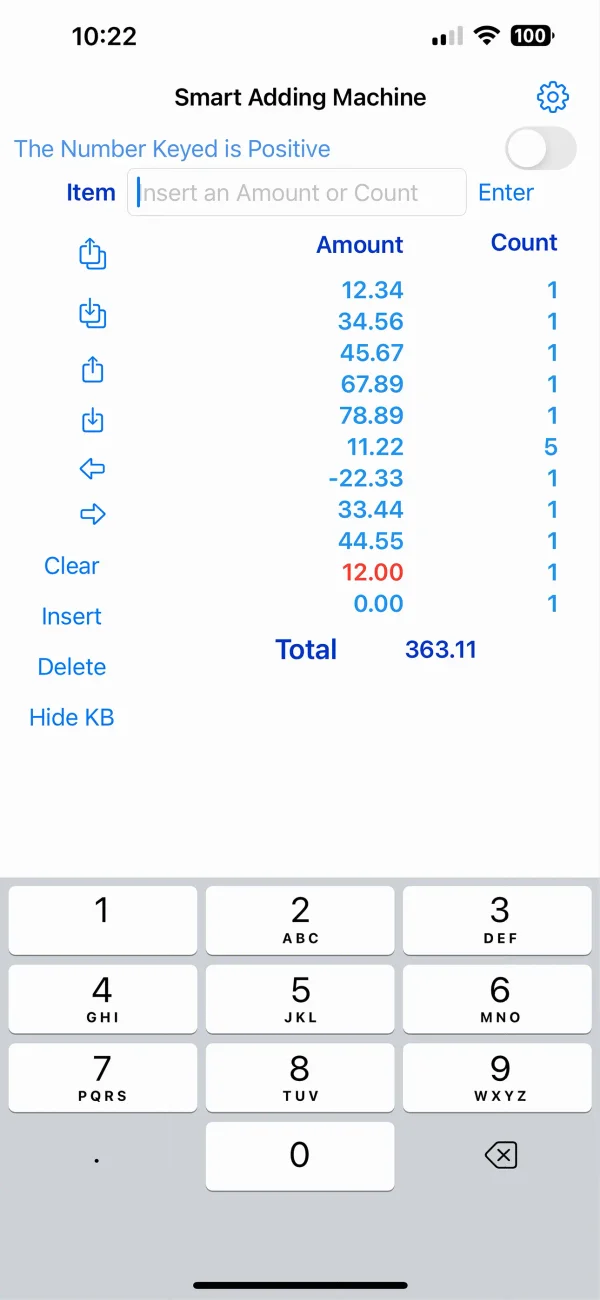
This app has a numeric keyboard. It may not always be visible.
If it is not visible, pressing the input button that has the text
'Insert an Amount or ...', will cause one to appear. If you want to
hide it, select the button on the left titled 'Hide KB'.
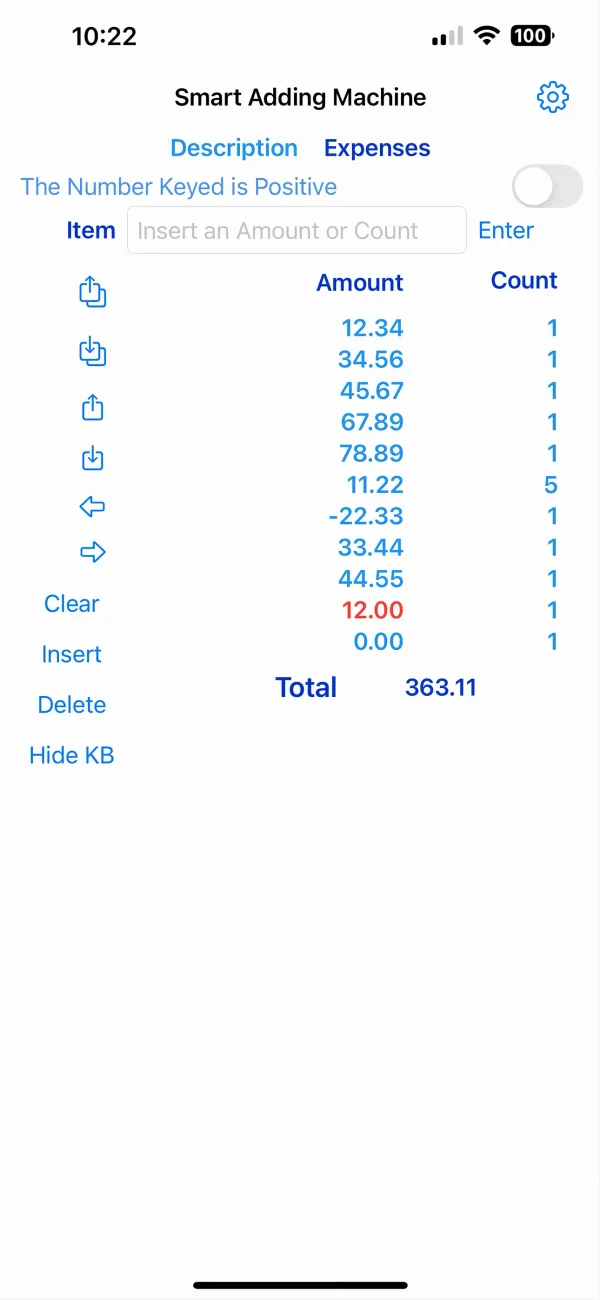
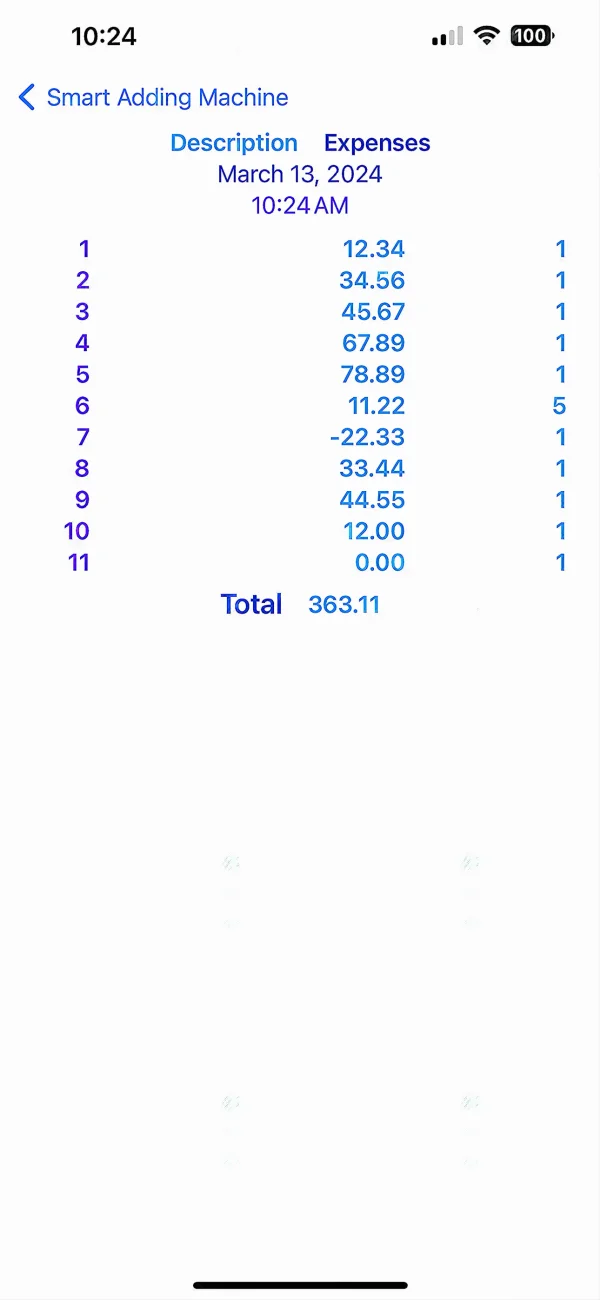
The Adding Machine contains a visual tape with two columns of numbers.
The left is the amount you keyed. The right column has in a '1' which is
the count. The system puts in a '1' for you. As you add items, the tape
grows. The last item is always followed by an empty item colored red.
This color red is important because it indicates where your next entry will be placed!!!
After entering a number, press the 'Save' button. If this is your
first entry, two items will appear on the tape. The first one will
contain the number you keyed. The second will be red with the
amount showing: 0.00 and a count showing 1. This pattern will continue as
you add items
On the left side of the screen are 11 buttons in a column. The first
six are for moving the red color - but not its contents. This allows for
the correction of errors.
The first two are: first - go to tape start & second to tape end (red item).
The second two go up one item and down one item on the tape.
The last of the group switch between amount & count
- usually used to change the count from 1.
There a 4 named buttons the effect the tape: Clear, Insert (an empty row where the red is, Delete(the row that a red item) and Hide KB.
The keyboard has no minus sign. There is a slider button that can be used to cause an number to be negative. It is red for emphasis
At least 50 items can be entered. The tape can be scrolled by using
your finger to see the entire tape.
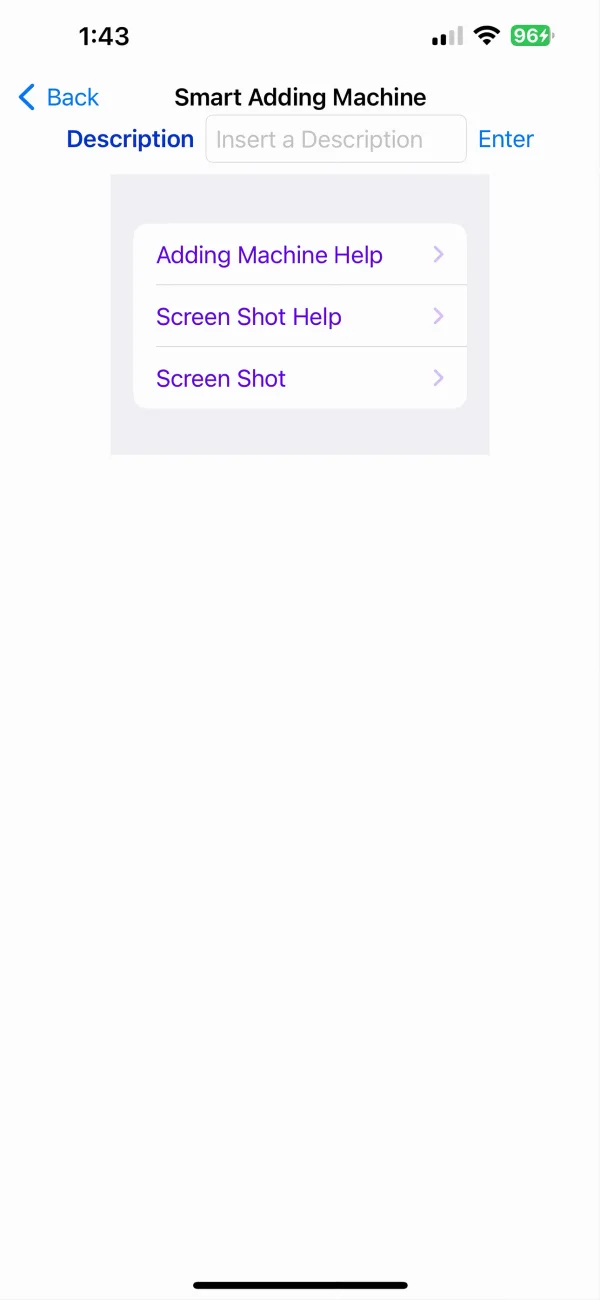
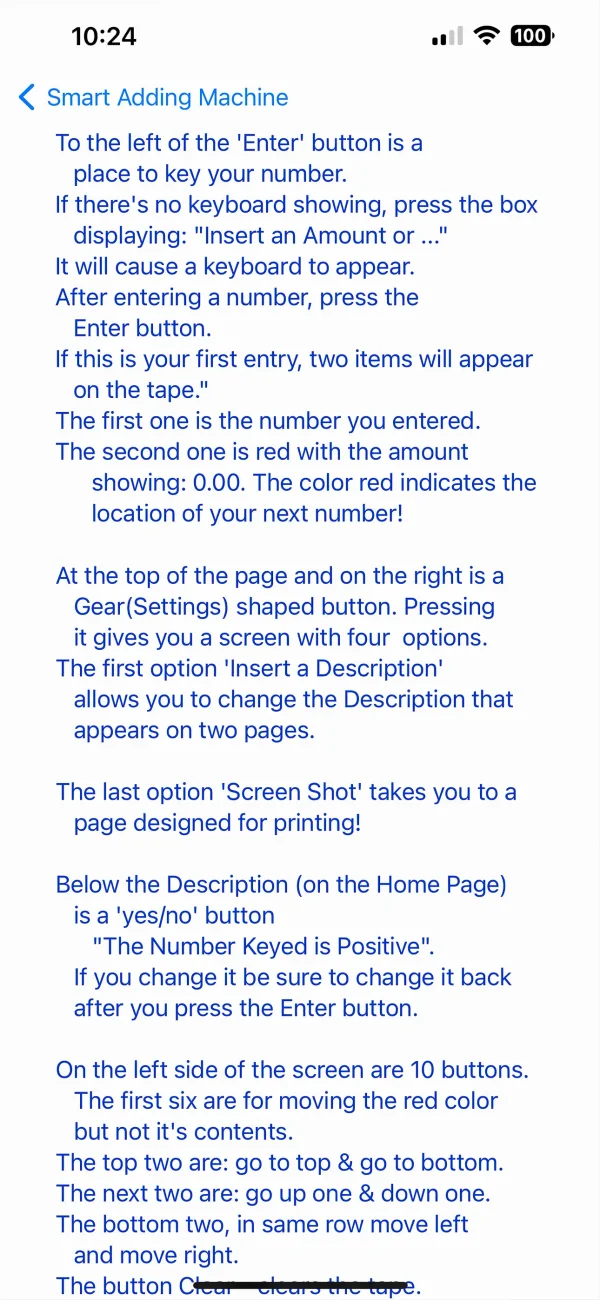
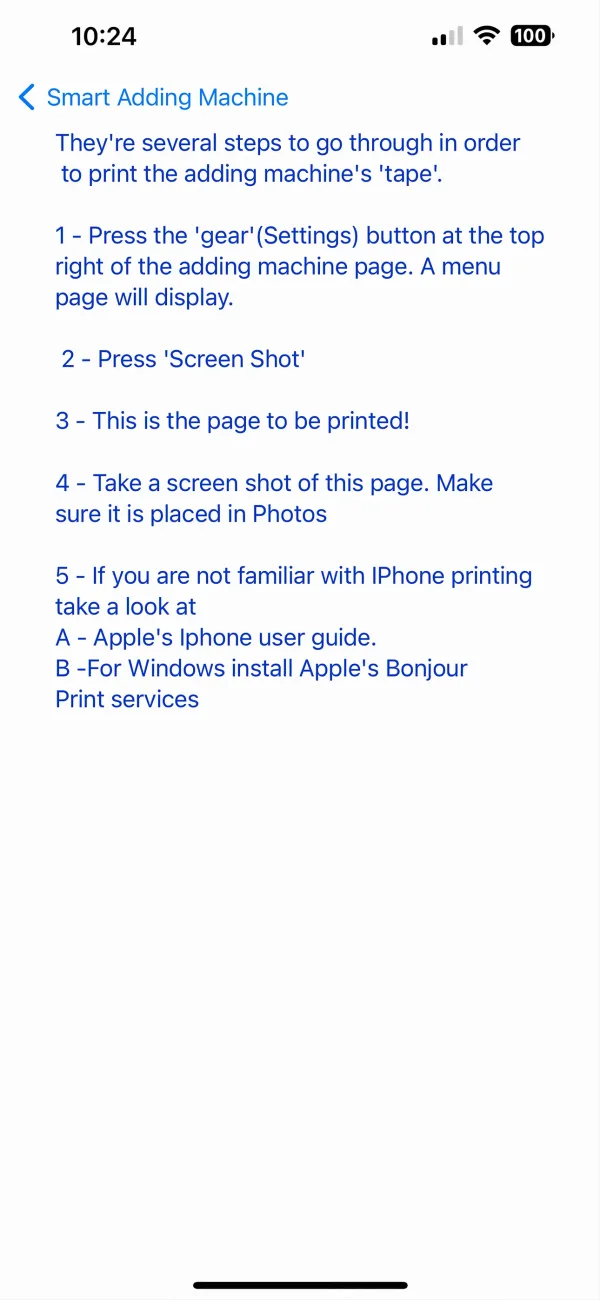
At the very top of the screen is a 'Help' chevron that switches to a
page of help text.
新機能
バージョン 4.0 · 2024/3/15
To make data entry more easier, we've added a text which proceeds the data entry control.
アプリのプライバシー
このアプリのデータの取り扱いについて、Harry DetrickがApp Storeで申告している内容です。
-
データの収集なし
開発元はこのアプリからデータを収集しません。
プライバシーの取り扱いは、ご利用の機能やお客様の年齢などに応じて異なる場合があります。
情報
- 販売元
- Harry Detrick
- カテゴリ
- ユーティリティ
- バージョン
- 4.0
- 更新日
- 2024/3/15
- リリース
- 2023/11/1
- サイズ
- 455.0 KB
- 必要条件
- iOS 17.0以降
- 対象年齢
- 4+
- 価格
- ¥600
- 言語
- 英語
- 著作権
- © 2024 Fox Hills Micro