Smart Adding Machine
Tape can be edited and printed
Designed for iPhone, iPad, Mac
$3.99
- Age rating4+
- CategoryUtilities
- DeveloperHarry Detrick
- LanguagesEnglish
- Size455.0 KB
Links to the official App Store page
Download.org hosts no file of Smart Adding Machine. The button opens its official App Store page, published by Harry Detrick. Listing last checked on Nov 16, 2026.
Screenshots
About
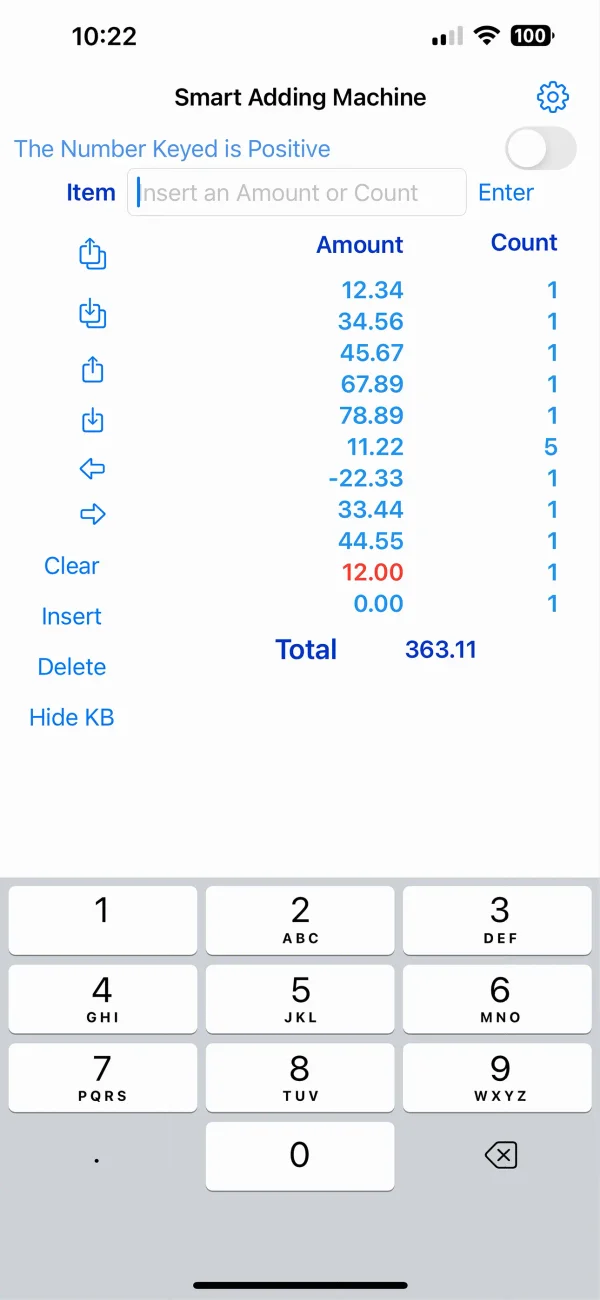
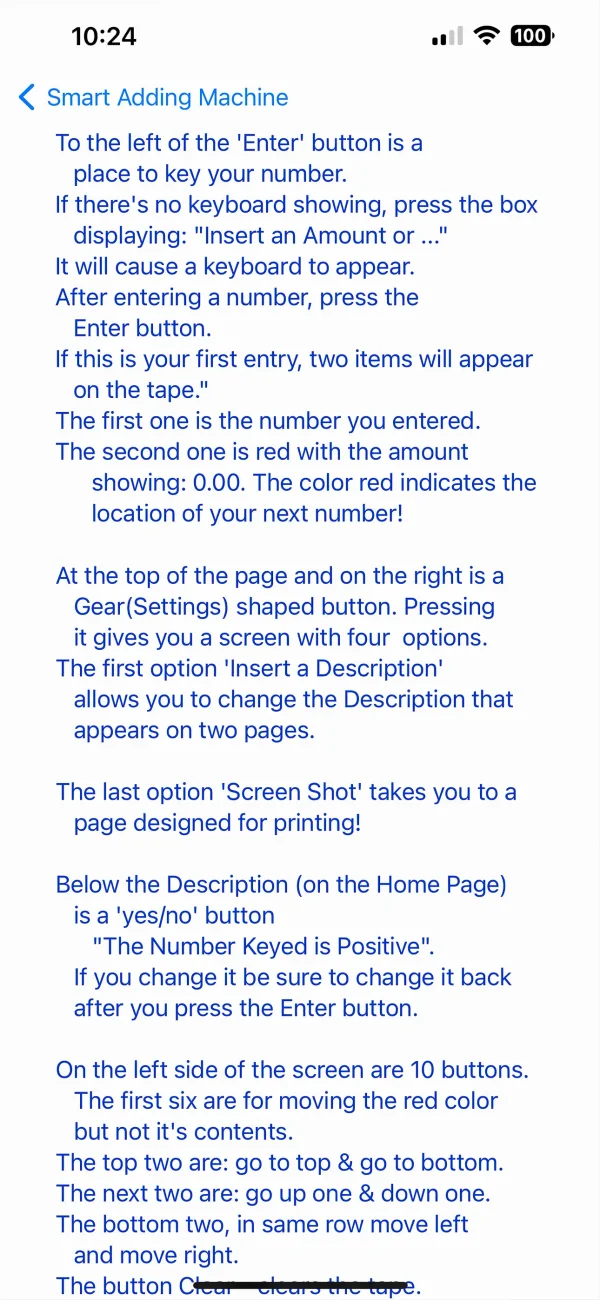
This app has a numeric keyboard. It may not always be visible.
If it is not visible, pressing the input button that has the text
'Insert an Amount or ...', will cause one to appear. If you want to
hide it, select the button on the left titled 'Hide KB'.
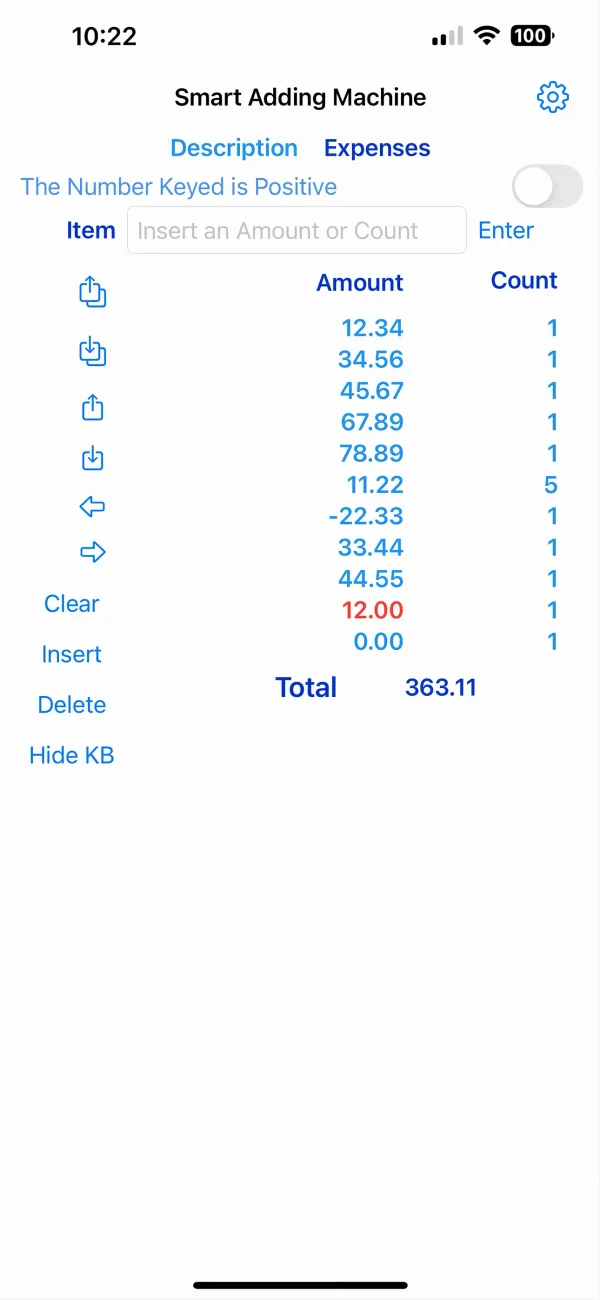
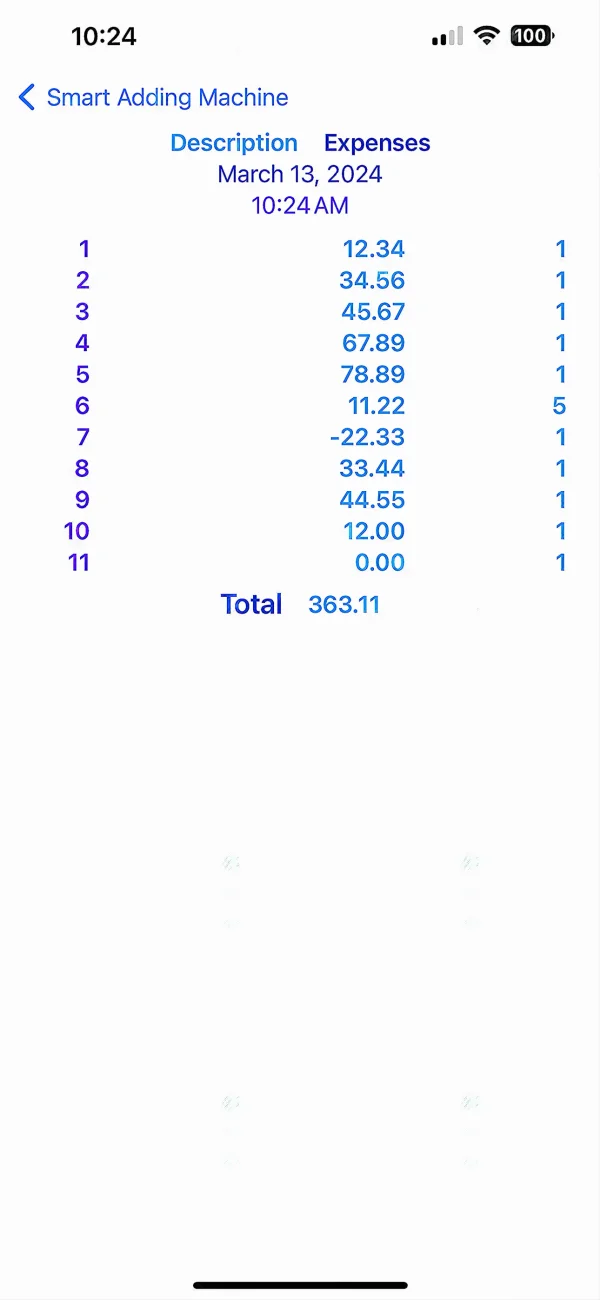
The Adding Machine contains a visual tape with two columns of numbers.
The left is the amount you keyed. The right column has in a '1' which is
the count. The system puts in a '1' for you. As you add items, the tape
grows. The last item is always followed by an empty item colored red.
This color red is important because it indicates where your next entry will be placed!!!
After entering a number, press the 'Save' button. If this is your
first entry, two items will appear on the tape. The first one will
contain the number you keyed. The second will be red with the
amount showing: 0.00 and a count showing 1. This pattern will continue as
you add items
On the left side of the screen are 11 buttons in a column. The first
six are for moving the red color - but not its contents. This allows for
the correction of errors.
The first two are: first - go to tape start & second to tape end (red item).
The second two go up one item and down one item on the tape.
The last of the group switch between amount & count
- usually used to change the count from 1.
There a 4 named buttons the effect the tape: Clear, Insert (an empty row where the red is, Delete(the row that a red item) and Hide KB.
The keyboard has no minus sign. There is a slider button that can be used to cause an number to be negative. It is red for emphasis
At least 50 items can be entered. The tape can be scrolled by using
your finger to see the entire tape.
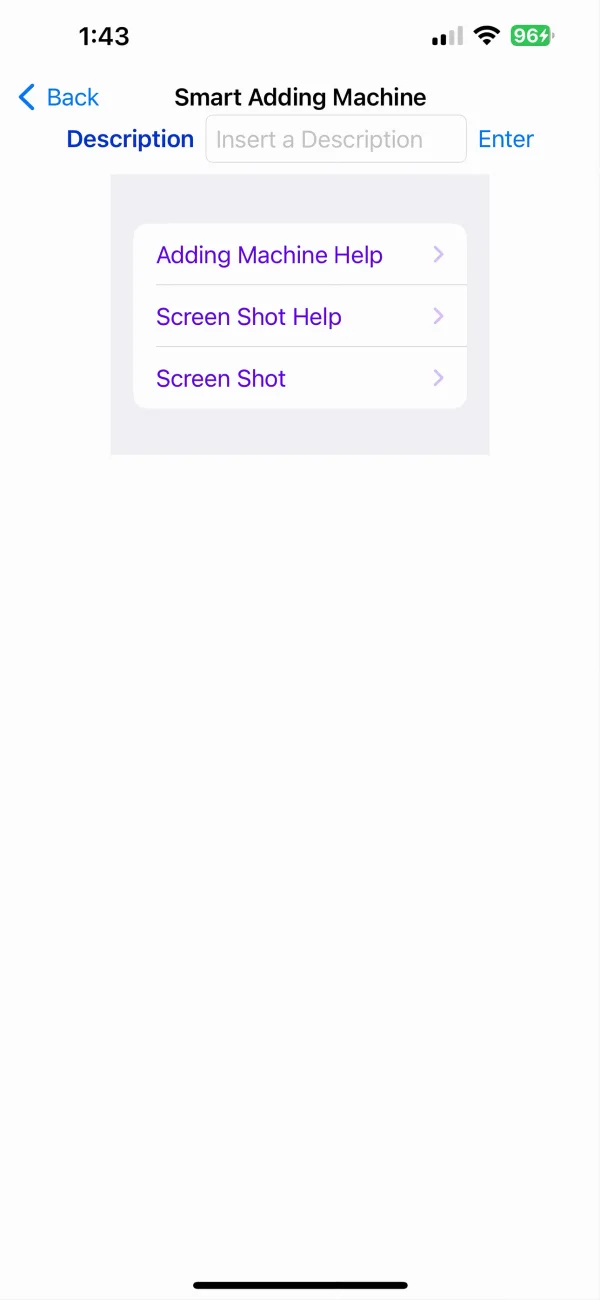
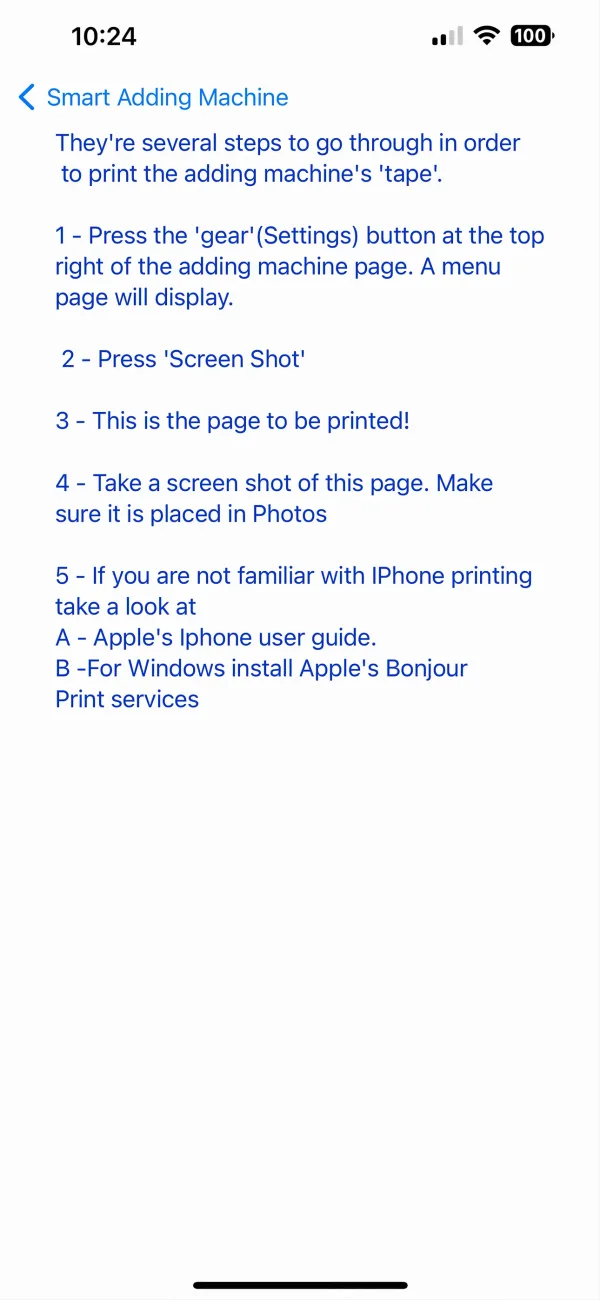
At the very top of the screen is a 'Help' chevron that switches to a
page of help text.
What’s new
Version 4.0 · Mar 15, 2024
To make data entry more easier, we've added a text which proceeds the data entry control.
App privacy
What Harry Detrick declares on the App Store about how this app handles data.
-
Data not collected
The developer does not collect any data from this app.
Privacy practices may vary, for example with the features you use or your age.
Information
- Seller
- Harry Detrick
- Category
- Utilities
- Version
- 4.0
- Updated
- Mar 15, 2024
- Released
- Nov 1, 2023
- Size
- 455.0 KB
- Requires
- iOS 17.0 or later
- Age rating
- 4+
- Price
- $3.99
- Languages
- English
- Copyright
- © 2024 Fox Hills Micro
You might also like
-
 BigCalcMiniUtilities
-
 Tip Calculator - Tap Tip ProWith Check % Splitter
-
 Typster - Big Keys KeyboardType with ease on large keys
-
 Print CalculatorPrint your paper tape history
-
 TinyMath Simple CalculatorFast. Clean. No Ads.
-
 HP 15c CalculatorOfficial emulator of HP 15c
-
 HP15C: Scientific CalculatorClassic Science Calc for you
-
 ZeturnUtilities
-
 Calculator: History & PercentScientific, Fractions & Units
-
 Bed Time | Large ClockA large bedside or desk clock