Smart Printer : PDF Scanner
Scan, Edit & Print Photo, PDF
Entwickelt für iPhone
Kostenlos · In-App-Käufe
- Altersfreigabe4+
- KategorieWirtschaft
- EntwicklerThi My Tam Truong
- SprachenEnglisch
- Größe48,7 MB
Verlinkt auf die offizielle App Store-Seite
Download.org hostet keine Datei von Smart Printer : PDF Scanner. Die Schaltfläche öffnet die App-Seite bei App Store, wo Thi My Tam Truong die App veröffentlicht. Eintrag zuletzt geprüft am 12.11.2026.
Screenshots


Info
Der Entwickler hat diesen Text nicht in Ihrer Sprache bereitgestellt.
Smart Printer: PDF Scanner is an all-in-one app to print, scan, convert, and manage documents right from your iPhone.
Create PDFs from photos, prepare files with powerful PDF tools, and print what you need in just a few taps.
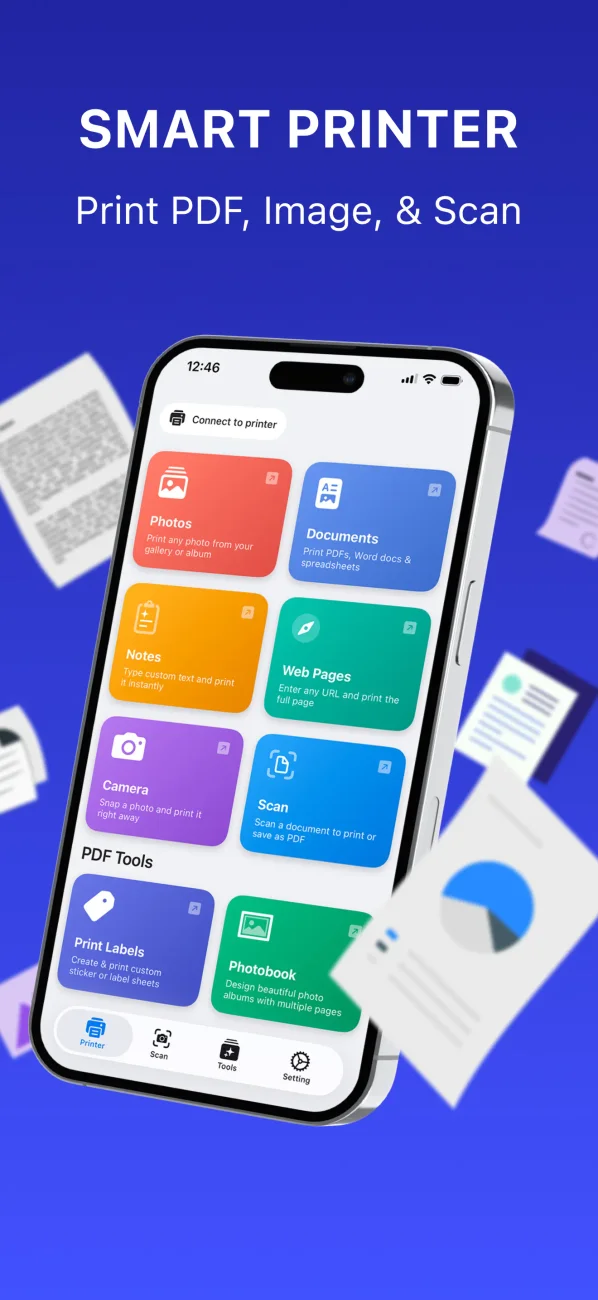
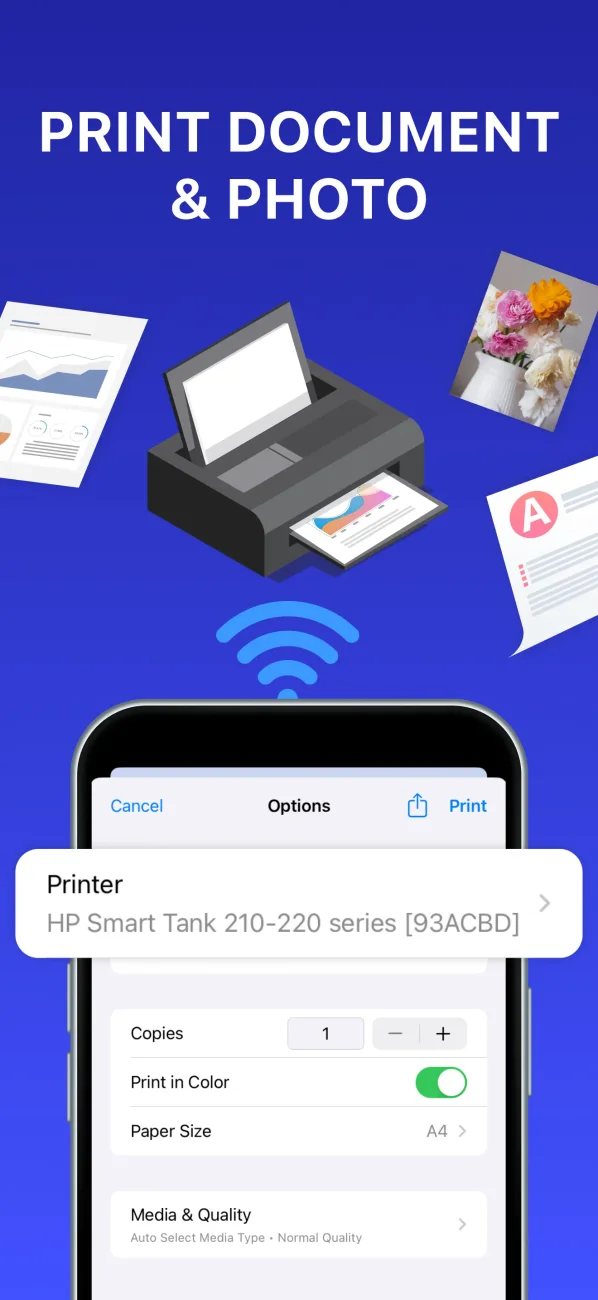
PRINT FROM YOUR IPHONE
- Photos: print from your gallery
- Documents: print PDF and document files
- Notes: type text and print instantly
- Web Pages: print web pages cleanly
- Camera: take a picture and print
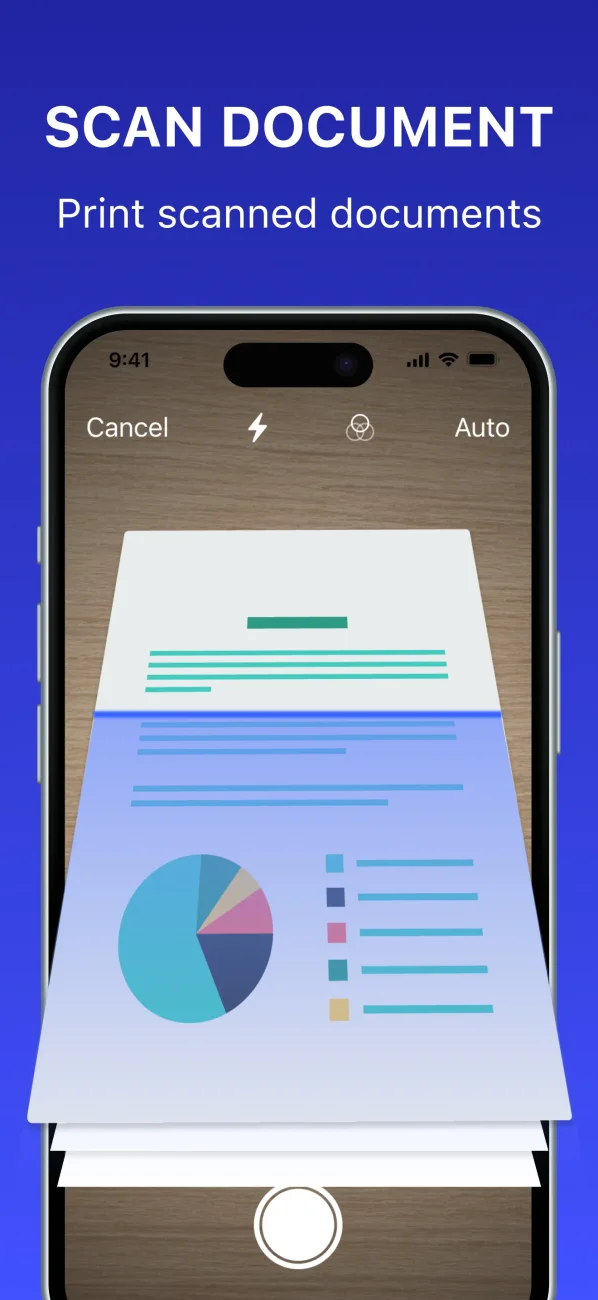
- Scan: scan with your camera and save as PDF
SCAN DOCUMENTS
-Turn paper into digital files quickly. Scan, save, and share your documents as PDFs for school, work, or home.
PDF TOOLS
Edit and prepare files before sharing or printing:
- PDF to Images (JPG/PNG)
- Images to PDF (combine multiple photos into one PDF)
- Merge PDFs (combine PDFs into a single file)
- Split PDF (extract selected pages)
- Rotate Pages (90° / 180° / 270°)
- Extract Text (copy text content from PDFs)
- Add Watermark (protect and brand your PDFs)
- Compress PDF (reduce file size)
IMAGE TOOLS
- Compress Images to reduce file size
- Photo Converter to convert images between formats
PRINTABLES
Browse ready-to-print templates for everyday use—office pages, kids activities, learning sheets, and more.
Smart Printer: PDF Scanner helps you go from scan → edit → share/print in minutes.
Smart Printer: PDF Scanner supports most printers including models like Brother, Canon, Dell, Epson, HP, Kyocera, Lenovo, Lexmark, Panasonic, RICOH, Toshiba, Xerox and many others.
This app supports most AirPrint printers.
---
DISCLAIMER
We are not affiliated with the mentioned companies in any way. We have only developed and tested our App with these devices.
Terms of Use: https://sites.google.com/view/terms-of-use-mt-software
Privacy Policy: https://sites.google.com/view/privacy-policy-mt-software
Neue Funktionen
Version 2.2 · 08.09.2026
- Added popular U.S. document templates to make printing everyday documents faster and easier.
- Refined the interface and improved the overall user experience for smoother, more intuitive printing.
Update now and enjoy a better Smart Printer experience!
App-Datenschutz
Was Thi My Tam Truong im App Store zum Umgang dieser App mit Daten angibt.
-
Daten, die zum Tracking Ihrer Person verwendet werden
Können verwendet werden, um Sie über Apps und Websites anderer Unternehmen hinweg zu verfolgen.
- Nutzungsdaten
- Diagnose
-
Mit Ihnen verknüpfte Daten
Können erfasst und mit Ihrer Identität verknüpft werden.
- Nutzungsdaten
- Diagnose
Die Datenschutzpraktiken können variieren, zum Beispiel je nach den von Ihnen verwendeten Funktionen oder Ihrem Alter.
Informationen
- Anbieter
- Thi My Tam Truong
- Kategorie
- Wirtschaft
- Version
- 2.2
- Aktualisiert
- 08.09.2026
- Veröffentlicht
- 04.07.2024
- Größe
- 48,7 MB
- Erfordert
- iOS 16.0 oder neuer
- Altersfreigabe
- 4+
- Preis
- Kostenlos
- In-App-Käufe
- Ja
- Sprachen
- Englisch
- Copyright
- © MT Software
Das könnte Ihnen auch gefallen
-
 HP Smart Printer App+ HPSmartWirtschaft
-
 PDF Manager: Scan, Sign & EditWirtschaft
-
 Smart Printer : AirPrinter AppWirtschaft
-
 Smart Printer: Scan Master ProDocs, PDF, Photo: Create, Edit
-
 Drucker App - Smart AirprintAir Printer: Scannen & Drucken
-
 Drucker Smart : Scanner AppFür HP, Canon, Epson, Brother
-
 Smart Drucker App für HP ℠iPrint für canon,epson,brother
-
 Air Printer App - Print & ScanWirtschaft
-
 Drucker-App: KI-Scanner & PDFDrucken, Scannen & PDF-Editor
-
 Cloud Ready printerProduktivität