- 対象年齢4+
- カテゴリビジネス
- 開発元Thi My Tam Truong
- 言語英語
- サイズ48.7 MB
App Storeの公式ページにリンクしています
Download.orgはSmart Printer : PDF Scannerのファイルを一切ホストしていません。ボタンを押すと、Thi My Tam Truongが公開しているApp Storeのアプリページが開きます。ページの最終確認:2026/11/12。
スクリーンショット


概要
開発元はこのテキストをお使いの言語で提供していません。
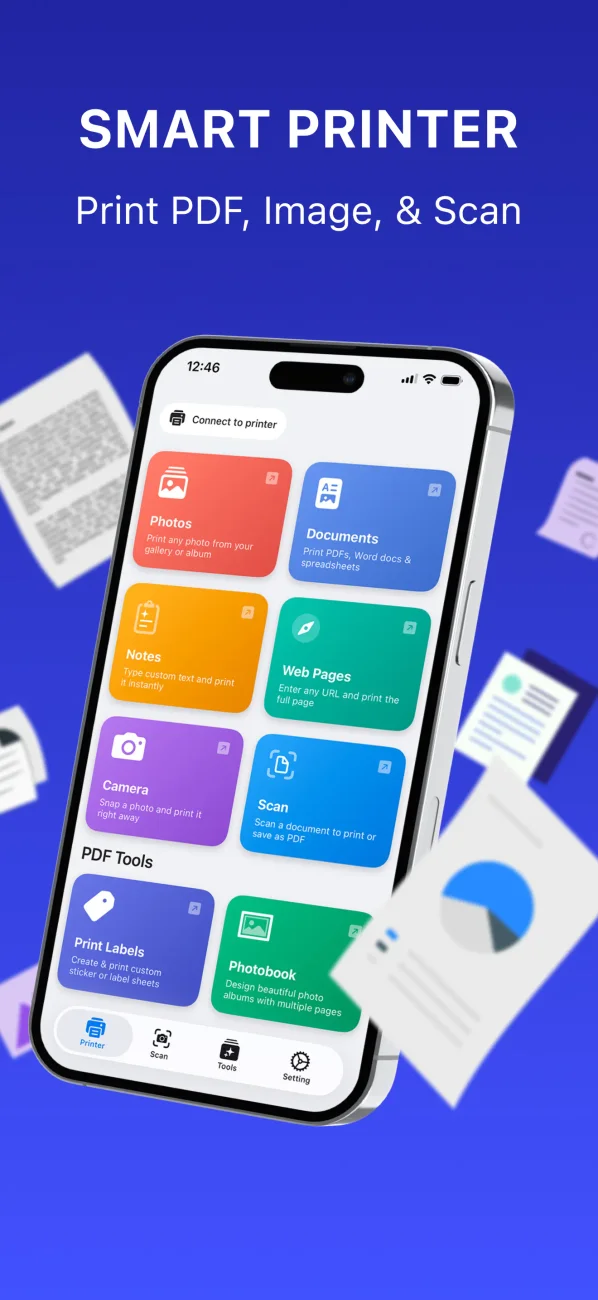
Smart Printer: PDF Scanner is an all-in-one app to print, scan, convert, and manage documents right from your iPhone.
Create PDFs from photos, prepare files with powerful PDF tools, and print what you need in just a few taps.
PRINT FROM YOUR IPHONE
- Photos: print from your gallery
- Documents: print PDF and document files
- Notes: type text and print instantly
- Web Pages: print web pages cleanly
- Camera: take a picture and print
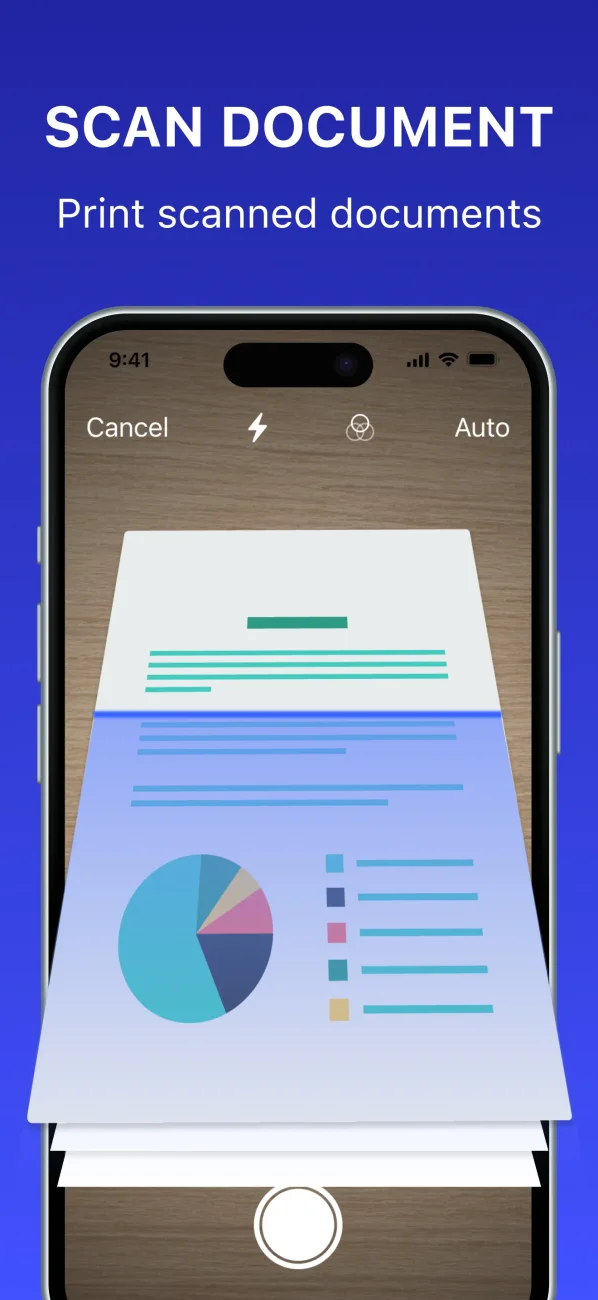
- Scan: scan with your camera and save as PDF
SCAN DOCUMENTS
-Turn paper into digital files quickly. Scan, save, and share your documents as PDFs for school, work, or home.
PDF TOOLS
Edit and prepare files before sharing or printing:
- PDF to Images (JPG/PNG)
- Images to PDF (combine multiple photos into one PDF)
- Merge PDFs (combine PDFs into a single file)
- Split PDF (extract selected pages)
- Rotate Pages (90° / 180° / 270°)
- Extract Text (copy text content from PDFs)
- Add Watermark (protect and brand your PDFs)
- Compress PDF (reduce file size)
IMAGE TOOLS
- Compress Images to reduce file size
- Photo Converter to convert images between formats
PRINTABLES
Browse ready-to-print templates for everyday use—office pages, kids activities, learning sheets, and more.
Smart Printer: PDF Scanner helps you go from scan → edit → share/print in minutes.
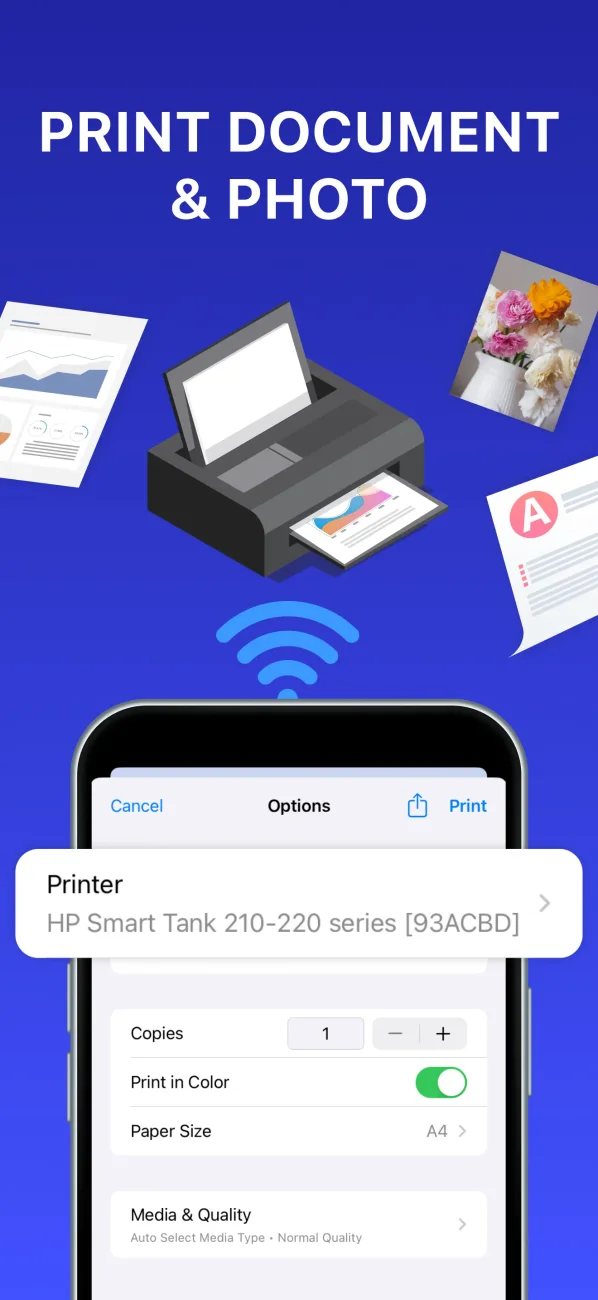
Smart Printer: PDF Scanner supports most printers including models like Brother, Canon, Dell, Epson, HP, Kyocera, Lenovo, Lexmark, Panasonic, RICOH, Toshiba, Xerox and many others.
This app supports most AirPrint printers.
---
DISCLAIMER
We are not affiliated with the mentioned companies in any way. We have only developed and tested our App with these devices.
Terms of Use: https://sites.google.com/view/terms-of-use-mt-software
Privacy Policy: https://sites.google.com/view/privacy-policy-mt-software
新機能
バージョン 2.2 · 2026/9/8
- Added popular U.S. document templates to make printing everyday documents faster and easier.
- Refined the interface and improved the overall user experience for smoother, more intuitive printing.
Update now and enjoy a better Smart Printer experience!
アプリのプライバシー
このアプリのデータの取り扱いについて、Thi My Tam TruongがApp Storeで申告している内容です。
-
ユーザーのトラッキングに使用されるデータ
他社のアプリやウェブサイトを横断してユーザーをトラッキングする目的で使用される場合があります。
- 使用状況データ
- 診断
-
ユーザーに関連付けられたデータ
収集され、ユーザーの識別情報に関連付けられる場合があります。
- 使用状況データ
- 診断
プライバシーの取り扱いは、ご利用の機能やお客様の年齢などに応じて異なる場合があります。
情報
- 販売元
- Thi My Tam Truong
- カテゴリ
- ビジネス
- バージョン
- 2.2
- 更新日
- 2026/9/8
- リリース
- 2024/7/4
- サイズ
- 48.7 MB
- 必要条件
- iOS 16.0以降
- 対象年齢
- 4+
- 価格
- 無料
- アプリ内課金
- あり
- 言語
- 英語
- 著作権
- © MT Software
こちらもおすすめ
-
 HP Smart Printer App+ HPSmartビジネス
-
 PDFマネージャー:スキャン・署名・編集書類・写真スキャン&PDF変換
-
 Smart Printer : AirPrinter Appビジネス
-
 Smart Printer: Scan Master ProDocs, PDF, Photo: Create, Edit
-
 スマート プリンター: モバイル エアープリントAirprint - 書類や写真をスキャン、編集、印刷する
-
 印刷 アプリ : スマートプリンタスキャナスキャン & プリント PDF, 写真, Air プリンター
-
 Printer App For HP, Canonプリンター For Brother, Epson
-
 Air Printer App - Print & Scanビジネス
-
 プリンター: AIスキャナー・PDF印刷、スキャン、PDF編集
-
 Cloud Ready printerPrint to canon, brother, HP ..