Smart Printer : PDF Scanner
Scan, Edit & Print Photo, PDF
Designed for iPhone
Free · In-app purchases
- Age rating4+
- CategoryBusiness
- DeveloperThi My Tam Truong
- LanguagesEnglish
- Size48.7 MB
Links to the official App Store page
Download.org hosts no file of Smart Printer : PDF Scanner. The button opens its official App Store page, published by Thi My Tam Truong. Listing last checked on Nov 12, 2026.
Screenshots


About
Smart Printer: PDF Scanner is an all-in-one app to print, scan, convert, and manage documents right from your iPhone.
Create PDFs from photos, prepare files with powerful PDF tools, and print what you need in just a few taps.
PRINT FROM YOUR IPHONE
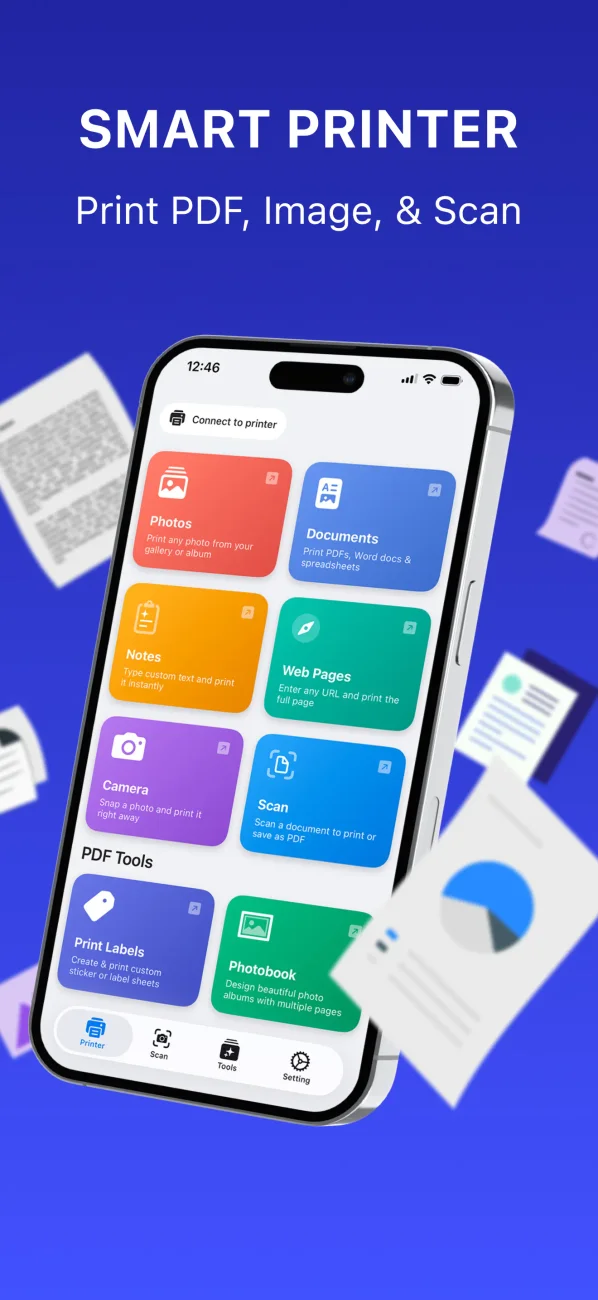
- Photos: print from your gallery
- Documents: print PDF and document files
- Notes: type text and print instantly
- Web Pages: print web pages cleanly
- Camera: take a picture and print
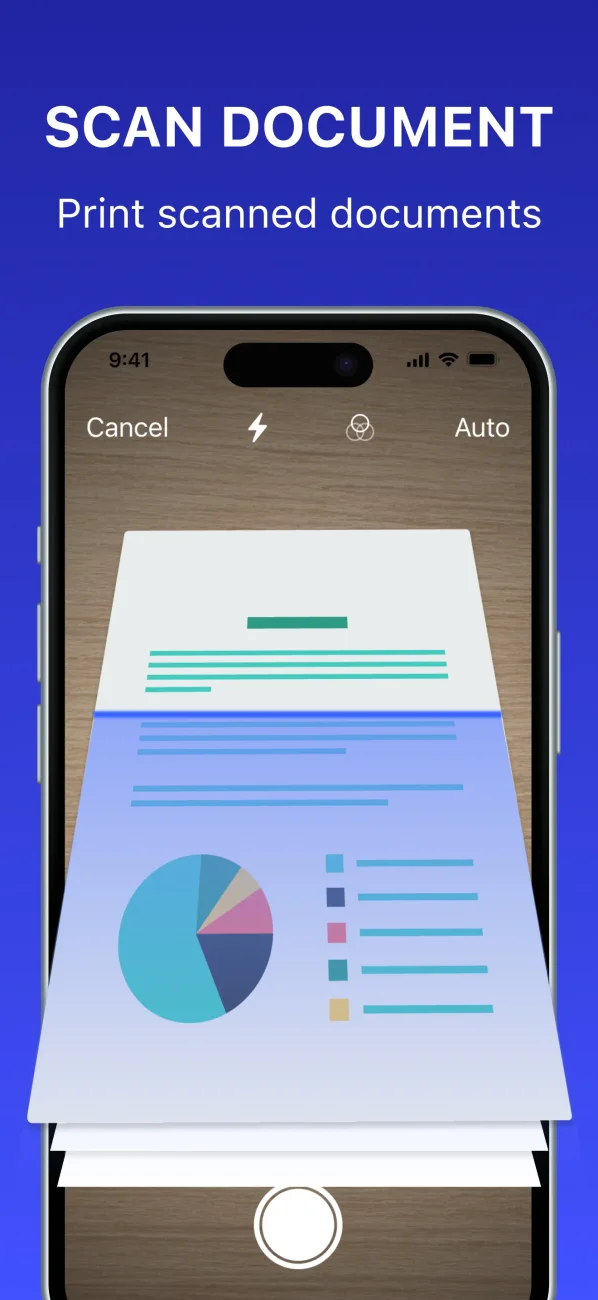
- Scan: scan with your camera and save as PDF
SCAN DOCUMENTS
-Turn paper into digital files quickly. Scan, save, and share your documents as PDFs for school, work, or home.
PDF TOOLS
Edit and prepare files before sharing or printing:
- PDF to Images (JPG/PNG)
- Images to PDF (combine multiple photos into one PDF)
- Merge PDFs (combine PDFs into a single file)
- Split PDF (extract selected pages)
- Rotate Pages (90° / 180° / 270°)
- Extract Text (copy text content from PDFs)
- Add Watermark (protect and brand your PDFs)
- Compress PDF (reduce file size)
IMAGE TOOLS
- Compress Images to reduce file size
- Photo Converter to convert images between formats
PRINTABLES
Browse ready-to-print templates for everyday use—office pages, kids activities, learning sheets, and more.
Smart Printer: PDF Scanner helps you go from scan → edit → share/print in minutes.
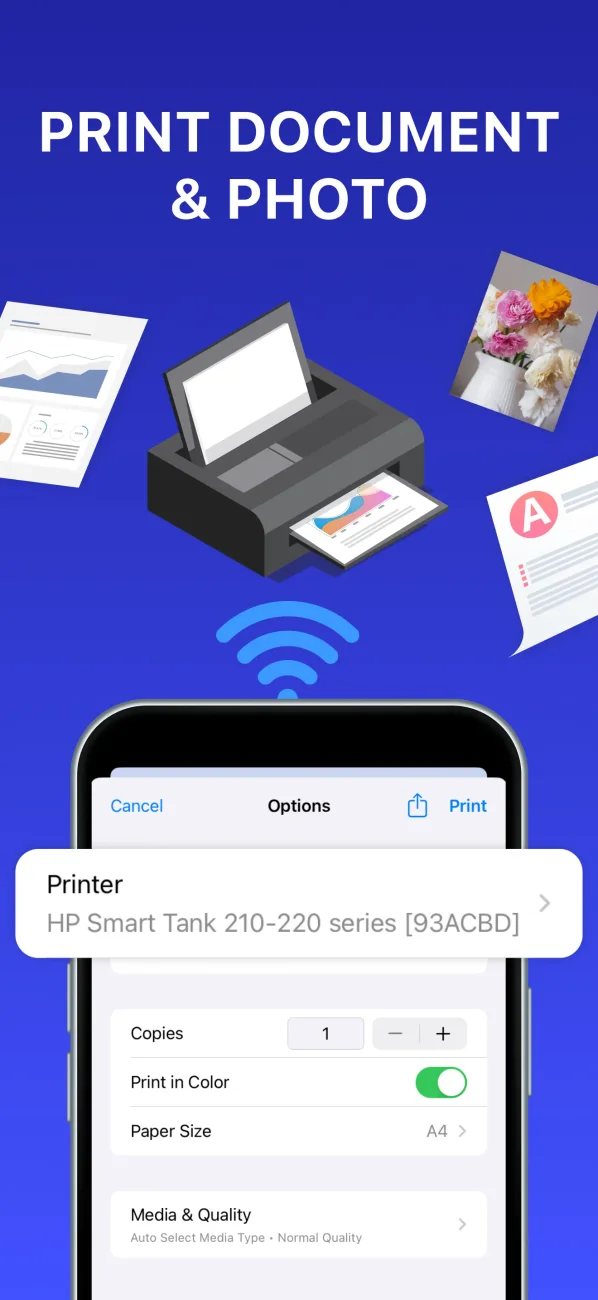
Smart Printer: PDF Scanner supports most printers including models like Brother, Canon, Dell, Epson, HP, Kyocera, Lenovo, Lexmark, Panasonic, RICOH, Toshiba, Xerox and many others.
This app supports most AirPrint printers.
---
DISCLAIMER
We are not affiliated with the mentioned companies in any way. We have only developed and tested our App with these devices.
Terms of Use: https://sites.google.com/view/terms-of-use-mt-software
Privacy Policy: https://sites.google.com/view/privacy-policy-mt-software
What’s new
Version 2.2 · Sep 8, 2026
- Added popular U.S. document templates to make printing everyday documents faster and easier.
- Refined the interface and improved the overall user experience for smoother, more intuitive printing.
Update now and enjoy a better Smart Printer experience!
App privacy
What Thi My Tam Truong declares on the App Store about how this app handles data.
-
Data used to track you
May be used to track you across apps and websites owned by other companies.
- Usage data
- Diagnostics
-
Data linked to you
May be collected and linked to your identity.
- Usage data
- Diagnostics
Privacy practices may vary, for example with the features you use or your age.
Information
- Seller
- Thi My Tam Truong
- Category
- Business
- Version
- 2.2
- Updated
- Sep 8, 2026
- Released
- Jul 4, 2024
- Size
- 48.7 MB
- Requires
- iOS 16.0 or later
- Age rating
- 4+
- Price
- Free
- In-app purchases
- Yes
- Languages
- English
- Copyright
- © MT Software
You might also like
-
 HP Smart Printer App+ HPSmartPrint Photo & PDF Documents
-
 PDF Manager: Scan, Sign & EditDocuments and Photo Scanning
-
 Smart Printer : AirPrinter AppPhoto Scan, Label Print, PDF
-
 Smart Printer: Scan Master ProDocs, PDF, Photo: Create, Edit
-
 Smart Printer: Imprimante aррAirprint Smart Print Master
-
 Smart Printer App & iPrintPrint Documents Photo & Files
-
 Smart Printer App for HP ℠For HP, Canon, Epson, Brother
-
 Air Printer App - Print & ScanPrint, Scan & Share Documents
-
 Printer App: AI Scanner & PDFPrint, Scan & PDF Editor
-
 Cloud Ready printerPrint to canon, brother, HP ..