Smart Printer : PDF Scanner
Scan, Edit & Print Photo, PDF
Được thiết kế cho iPhone
Miễn phí · Mua hàng trong ứng dụng
- Độ tuổi4+
- Danh mụcKinh Doanh
- Nhà phát triểnThi My Tam Truong
- Ngôn ngữTiếng Anh
- Kích thước48,7 MB
Liên kết đến trang App Store chính thức
Download.org không lưu trữ tệp nào của Smart Printer : PDF Scanner. Nút này mở trang ứng dụng trên App Store, nơi Thi My Tam Truong phát hành ứng dụng. Trang được kiểm tra lần cuối: 12/11/2026.
Ảnh chụp màn hình


Giới thiệu
Nhà phát triển chưa cung cấp nội dung này bằng ngôn ngữ của bạn.
Smart Printer: PDF Scanner is an all-in-one app to print, scan, convert, and manage documents right from your iPhone.
Create PDFs from photos, prepare files with powerful PDF tools, and print what you need in just a few taps.
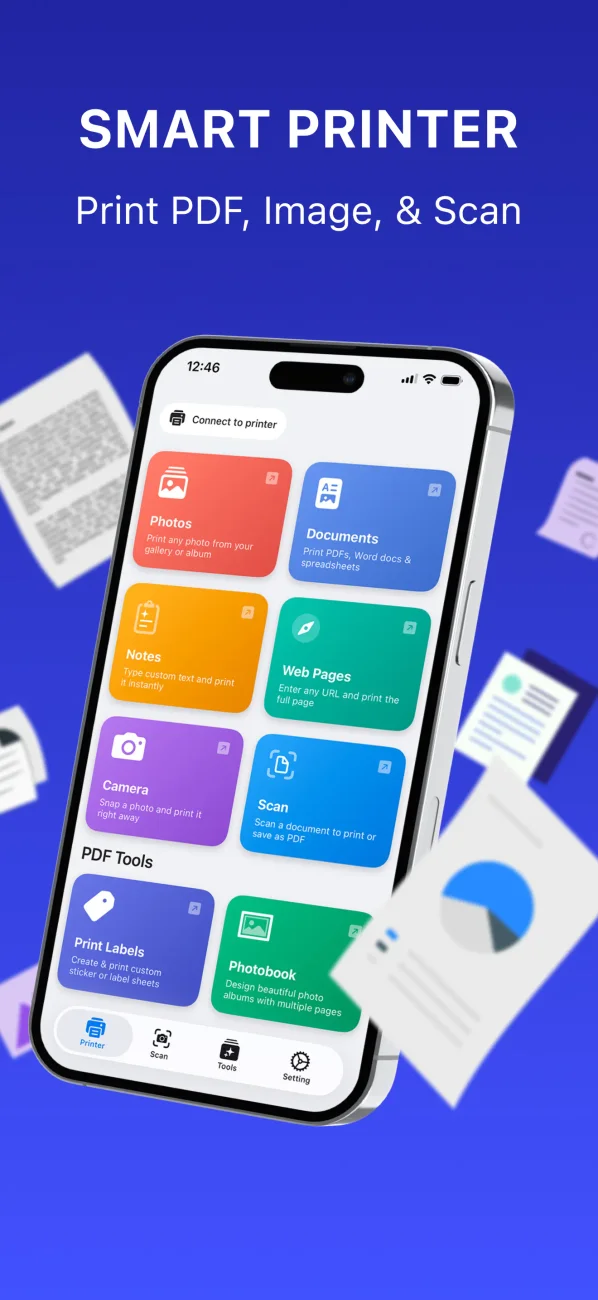
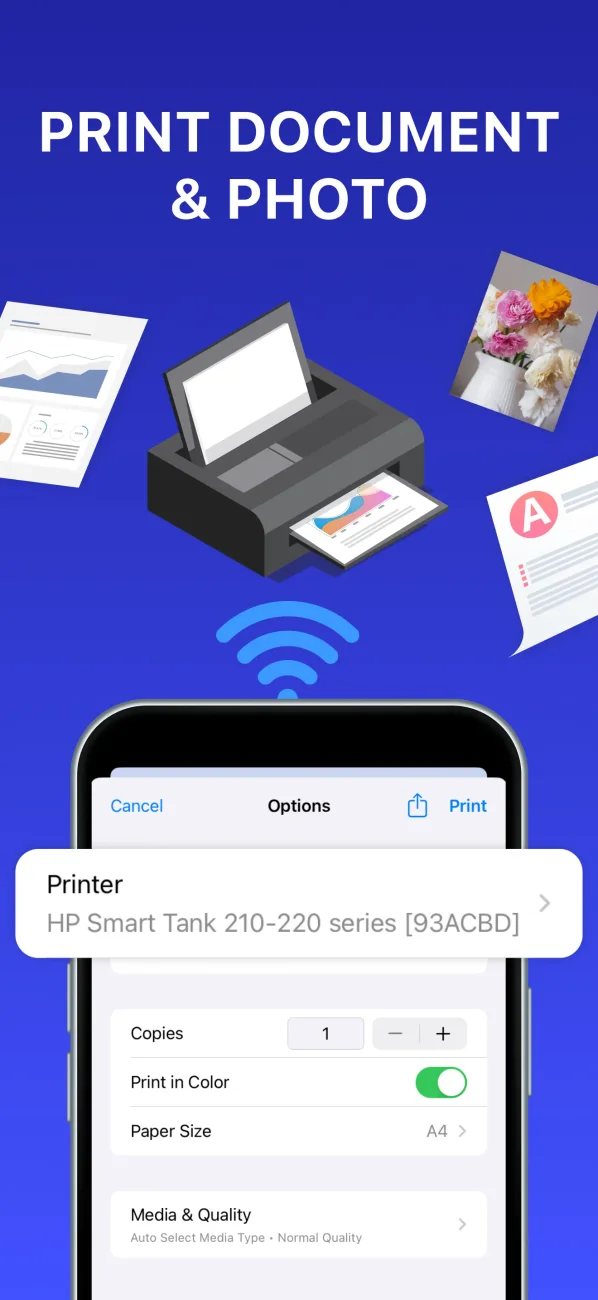
PRINT FROM YOUR IPHONE
- Photos: print from your gallery
- Documents: print PDF and document files
- Notes: type text and print instantly
- Web Pages: print web pages cleanly
- Camera: take a picture and print
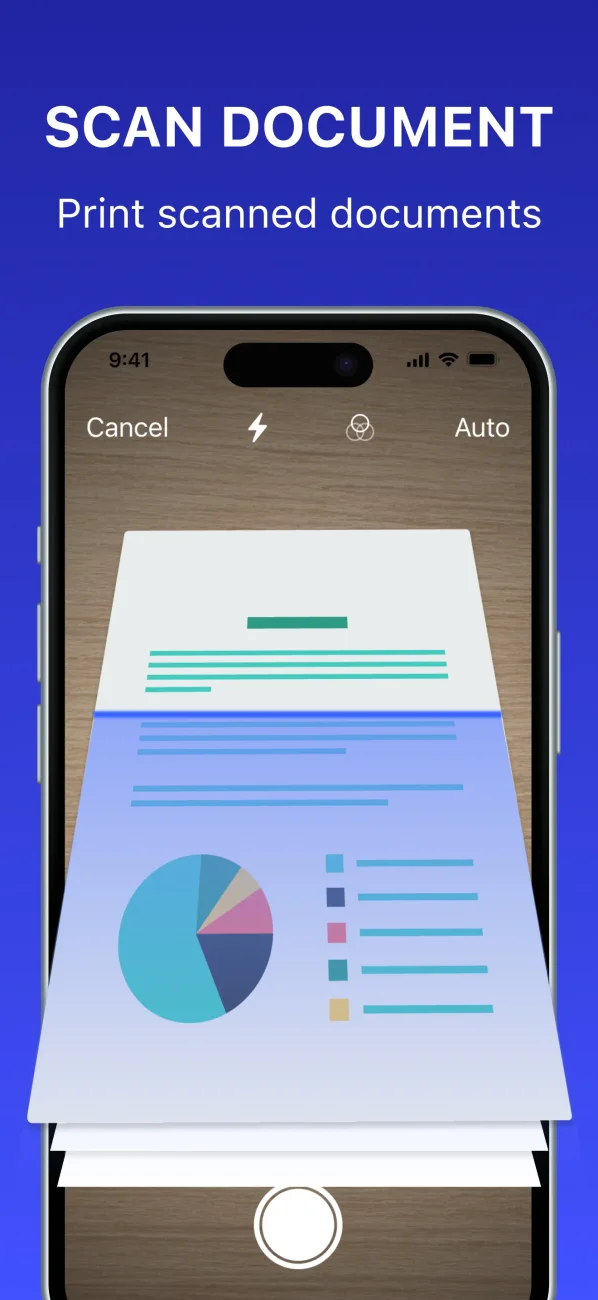
- Scan: scan with your camera and save as PDF
SCAN DOCUMENTS
-Turn paper into digital files quickly. Scan, save, and share your documents as PDFs for school, work, or home.
PDF TOOLS
Edit and prepare files before sharing or printing:
- PDF to Images (JPG/PNG)
- Images to PDF (combine multiple photos into one PDF)
- Merge PDFs (combine PDFs into a single file)
- Split PDF (extract selected pages)
- Rotate Pages (90° / 180° / 270°)
- Extract Text (copy text content from PDFs)
- Add Watermark (protect and brand your PDFs)
- Compress PDF (reduce file size)
IMAGE TOOLS
- Compress Images to reduce file size
- Photo Converter to convert images between formats
PRINTABLES
Browse ready-to-print templates for everyday use—office pages, kids activities, learning sheets, and more.
Smart Printer: PDF Scanner helps you go from scan → edit → share/print in minutes.
Smart Printer: PDF Scanner supports most printers including models like Brother, Canon, Dell, Epson, HP, Kyocera, Lenovo, Lexmark, Panasonic, RICOH, Toshiba, Xerox and many others.
This app supports most AirPrint printers.
---
DISCLAIMER
We are not affiliated with the mentioned companies in any way. We have only developed and tested our App with these devices.
Terms of Use: https://sites.google.com/view/terms-of-use-mt-software
Privacy Policy: https://sites.google.com/view/privacy-policy-mt-software
Có gì mới
Phiên bản 2.2 · 08/09/2026
- Added popular U.S. document templates to make printing everyday documents faster and easier.
- Refined the interface and improved the overall user experience for smoother, more intuitive printing.
Update now and enjoy a better Smart Printer experience!
Quyền riêng tư của ứng dụng
Những gì Thi My Tam Truong khai báo trên App Store về cách ứng dụng này xử lý dữ liệu.
-
Dữ liệu được sử dụng để theo dõi bạn
Có thể được sử dụng để theo dõi bạn trên các ứng dụng và trang web do công ty khác sở hữu.
- Dữ liệu sử dụng
- Chẩn đoán
-
Dữ liệu liên kết với bạn
Có thể được thu thập và liên kết với danh tính của bạn.
- Dữ liệu sử dụng
- Chẩn đoán
Phương thức đảm bảo quyền riêng tư có thể khác nhau, chẳng hạn như tuỳ theo các tính năng bạn sử dụng hoặc độ tuổi của bạn.
Thông tin
- Người bán
- Thi My Tam Truong
- Danh mục
- Kinh Doanh
- Phiên bản
- 2.2
- Cập nhật
- 08/09/2026
- Phát hành
- 04/07/2024
- Kích thước
- 48,7 MB
- Yêu cầu
- iOS 16.0 trở lên
- Độ tuổi
- 4+
- Giá
- Miễn phí
- Mua hàng trong ứng dụng
- Có
- Ngôn ngữ
- Tiếng Anh
- Bản quyền
- © MT Software
Có thể bạn cũng thích
-
 HP Smart Printer App+ HPSmartKinh Doanh
-
 PDF Manager: Scan, Sign & EditKinh Doanh
-
 Smart Printer : AirPrinter AppKinh Doanh
-
 Smart Printer: Scan Master ProKinh Doanh
-
 Smart Printer: Imprimante aррKinh Doanh
-
 Smart Print - Printer AppScan, Edit & Print Photo, PDF
-
 Smart Printer App for CanonFor HP, Epson,Brother, Pantum
-
 Air Printer App - Print & ScanKinh Doanh
-
 Printer App: AI Scanner & PDFKinh Doanh
-
 Cloud Ready printerHiệu Suất