SnapDoc: PDF Scanner & Editor
Scan, Annotate & Export to PDF
Entwickelt für iPhone, iPad
Kostenlos
- Altersfreigabe4+
- KategorieProduktivität
- EntwicklerSoe Htut
- SprachenEnglisch
- Größe7,6 MB
Verlinkt auf die offizielle App Store-Seite
Download.org hostet keine Datei von SnapDoc: PDF Scanner & Editor. Die Schaltfläche öffnet die App-Seite bei App Store, wo Soe Htut die App veröffentlicht. Eintrag zuletzt geprüft am 10.11.2026.
Screenshots
Info
Der Entwickler hat diesen Text nicht in Ihrer Sprache bereitgestellt.
SnapDoc is your all-in-one document scanner and PDF editor for iPhone and iPad.
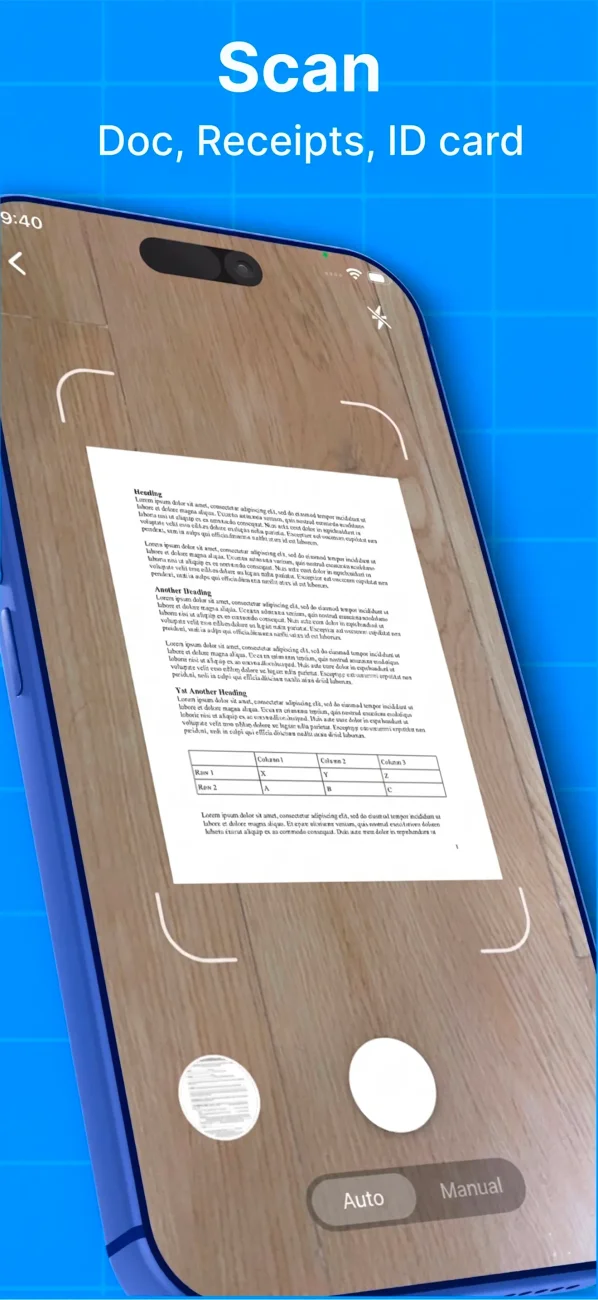
Scan documents, receipts, IDs, notes, and whiteboards in seconds. Automatically detect edges, correct perspective, enhance image quality, then edit, annotate, sign, organize, and share your PDFs — all with a fast, private, on-device experience.
SCAN WITH EASE
• Automatic edge detection with a live scanning overlay
• Auto-capture when your document is steady, or capture manually
• Perspective correction for clean, straightened pages
• Scan documents, receipts, IDs, notes, and whiteboards
ENHANCE YOUR SCANS
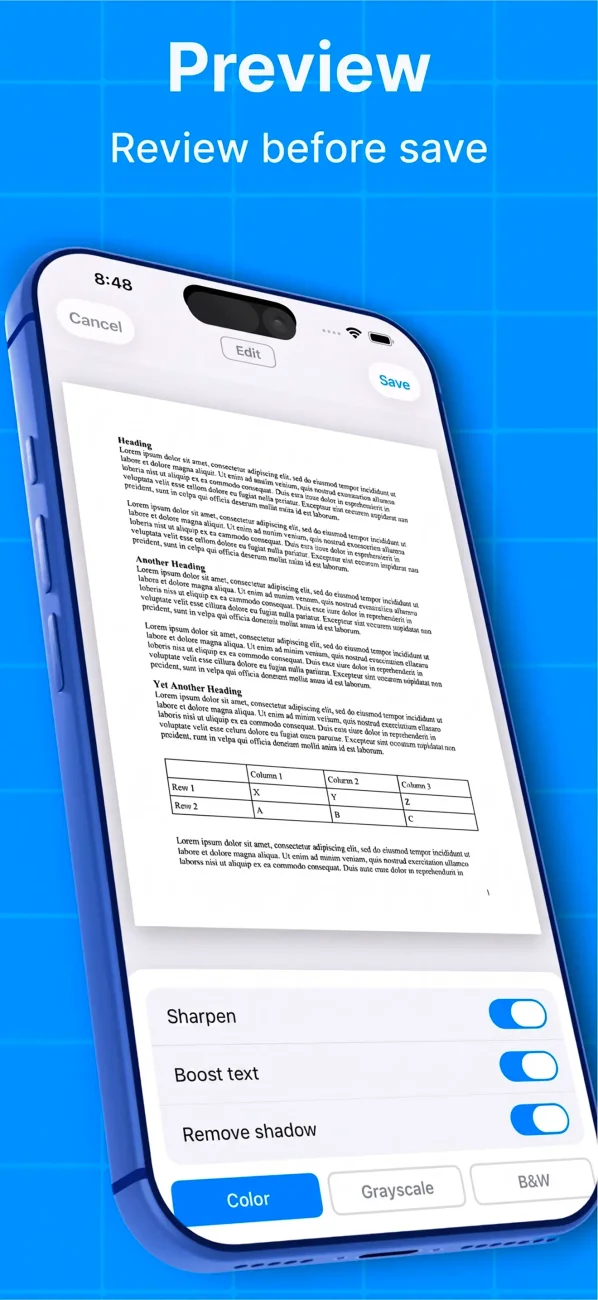
• Boost text for sharper, more readable documents
• Remove shadows and uneven lighting
• Sharpen, Grayscale, and Black & White filters
• Turn photos and scans into clean PDFs
EDIT & ANNOTATE PDFs
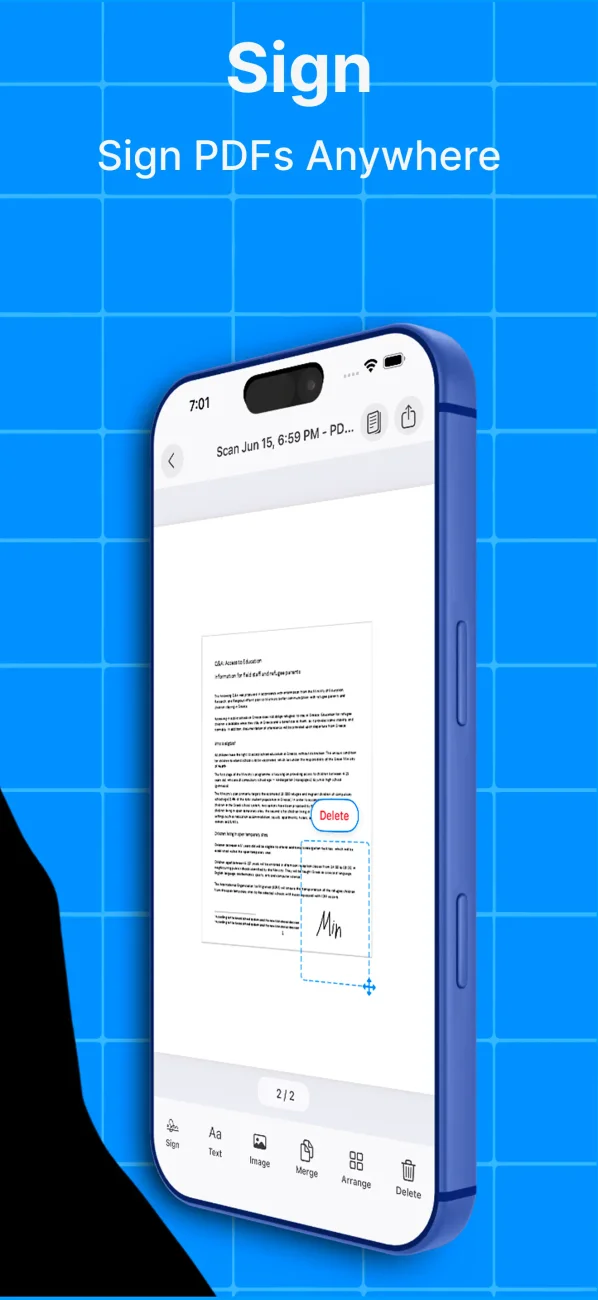
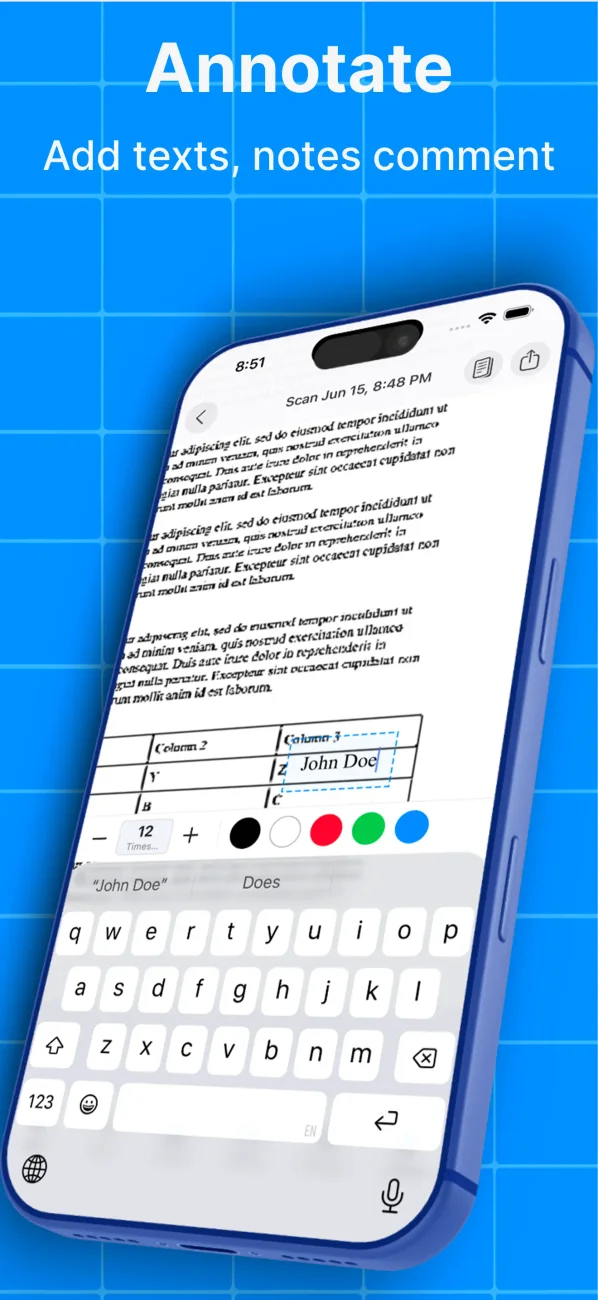
• Add text and images to your PDFs
• Draw naturally with Pen
• Add stamps for quick annotations
• Sign documents with your signature
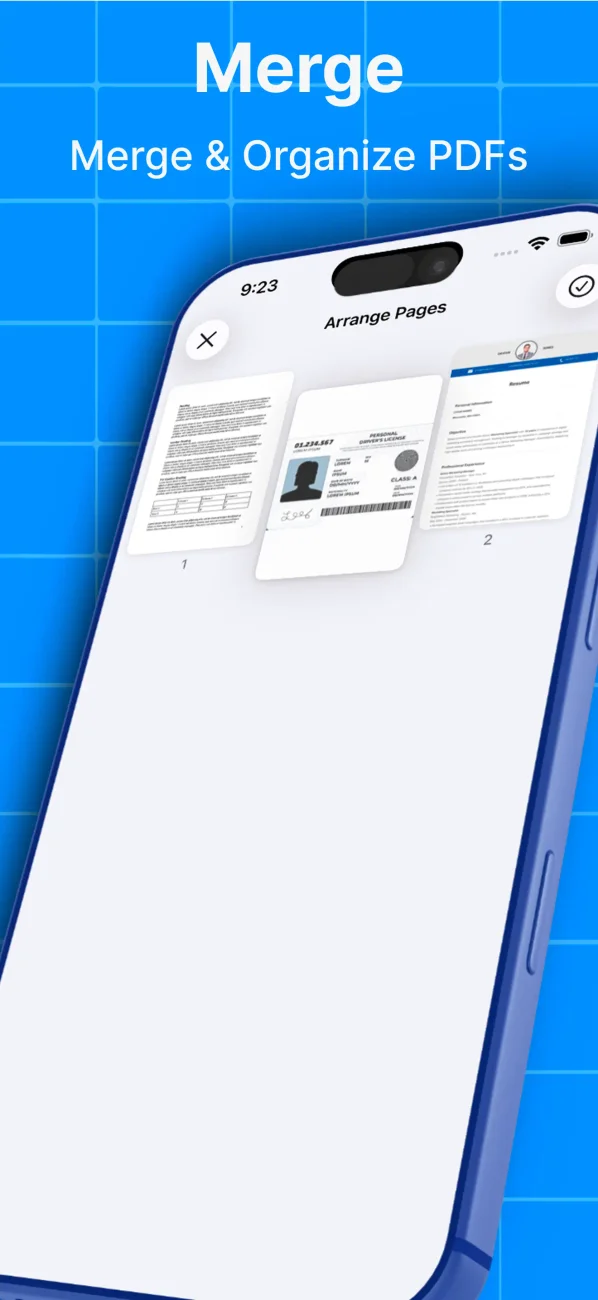
• Reorder, rotate, and delete pages
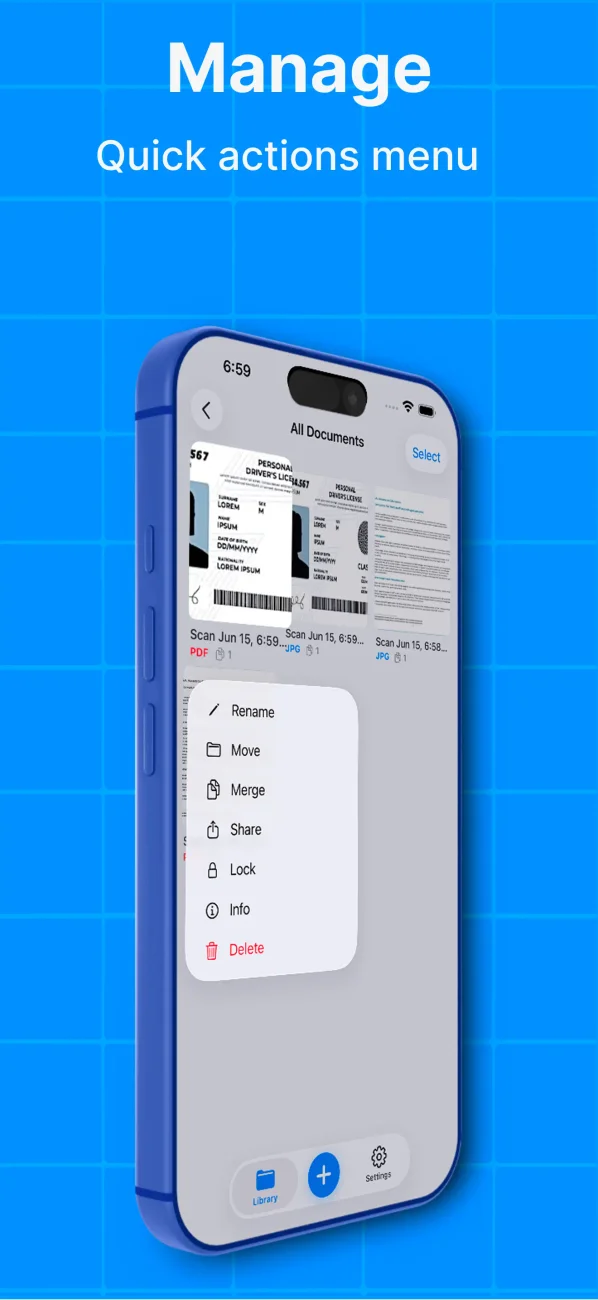
• Merge multiple PDFs into one
PROTECT YOUR DOCUMENTS
• Password-protect PDF documents
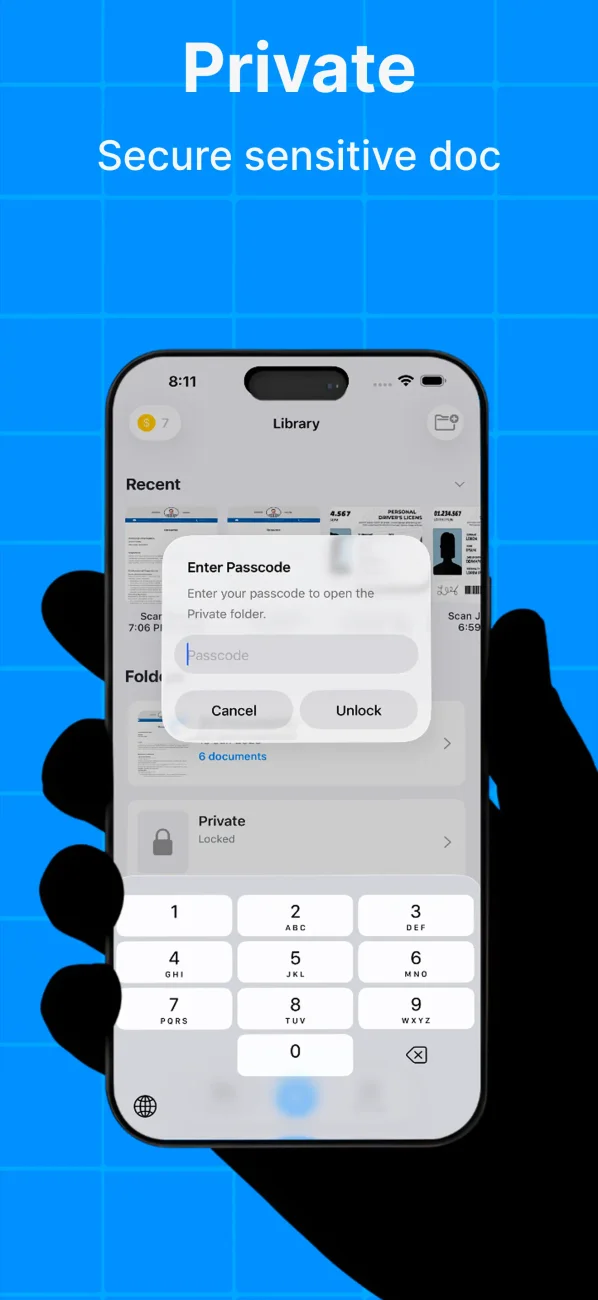
• Keep sensitive files in a Private Folder
• Protect your Private Folder with a passcode and Face ID
READ PDFs YOUR WAY
• Full-screen reading mode for a distraction-free experience
• Adjust your reading view for a comfortable experience
• Easily navigate through multi-page documents
STAY ORGANIZED
• Organize documents into folders
• Keep important files in one place
• Protect sensitive documents with a private folder, passcode, and Face ID
SHARE & EXPORT
• Export high-quality, selectable PDFs
• Save documents to Files
• Share via Mail, Messages, AirDrop, and other apps
PRIVATE BY DESIGN
Your scans and documents are processed on your device and are never uploaded to our servers.
Scan. Edit. Annotate. Sign. Read.
SnapDoc gives you everything you need to work with documents on iPhone and iPad.
Neue Funktionen
Version 1.6 · 26.08.2026
• Added iPad support
• Optimized the PDF editing experience for iPad
• Improved document reading and annotation
• Password-protected PDFs and share
• Performance and stability improvements
App-Datenschutz
Was Soe Htut im App Store zum Umgang dieser App mit Daten angibt.
-
Daten, die zum Tracking Ihrer Person verwendet werden
Können verwendet werden, um Sie über Apps und Websites anderer Unternehmen hinweg zu verfolgen.
- Kennungen
- Nutzungsdaten
-
Mit Ihnen verknüpfte Daten
Können erfasst und mit Ihrer Identität verknüpft werden.
- Kennungen
- Nutzungsdaten
-
Nicht mit Ihnen verknüpfte Daten
Können erfasst werden, sind aber nicht mit Ihrer Identität verknüpft.
- Diagnose
Die Datenschutzpraktiken können variieren, zum Beispiel je nach den von Ihnen verwendeten Funktionen oder Ihrem Alter.
Informationen
- Anbieter
- Soe Htut
- Kategorie
- Produktivität
- Version
- 1.6
- Aktualisiert
- 26.08.2026
- Veröffentlicht
- 22.06.2026
- Größe
- 7,6 MB
- Erfordert
- iOS 16.6 oder neuer
- Altersfreigabe
- 4+
- Preis
- Kostenlos
- Sprachen
- Englisch
- Copyright
- © 2026 Soe Htut
Das könnte Ihnen auch gefallen
-
 Snapdoc ScannerScan to PDF
-
 Toolverse: Scanner & FotoOCR, PDF, Retusche & Entfernen
-
 Scanmint: PDF Document ScannerProduktivität
-
 PDF Scanner - Scan & OCRProduktivität
-
 ScanNest: PDF Scanner & OCRProduktivität
-
 Snap Doc Pro: PDF ScannerProduktivität
-
 SnapDoc PDF - AI ScannerProduktivität
-
 Doc Scanner : scan to pdfProduktivität
-
 ScannerBest - PDF Scanner AppProduktivität
-
 SnapDocs - DokumentenscannerErfassen Sie Ihre Dokumente