StoryGrid
Split photos into clean grids
Entwickelt für iPhone
Kostenlos · In-App-Käufe
- Altersfreigabe4+
- KategorieFoto und Video
- EntwicklerPETR URBANEK
- SprachenEnglisch
- Größe2,7 MB
Verlinkt auf die offizielle App Store-Seite
Download.org hostet keine Datei von StoryGrid. Die Schaltfläche öffnet die App-Seite bei App Store, wo PETR URBANEK die App veröffentlicht. Eintrag zuletzt geprüft am 26.11.2026.
Screenshots





Info
Der Entwickler hat diesen Text nicht in Ihrer Sprache bereitgestellt.
CUT PHOTOS AND VIDEOS INTO A STORY
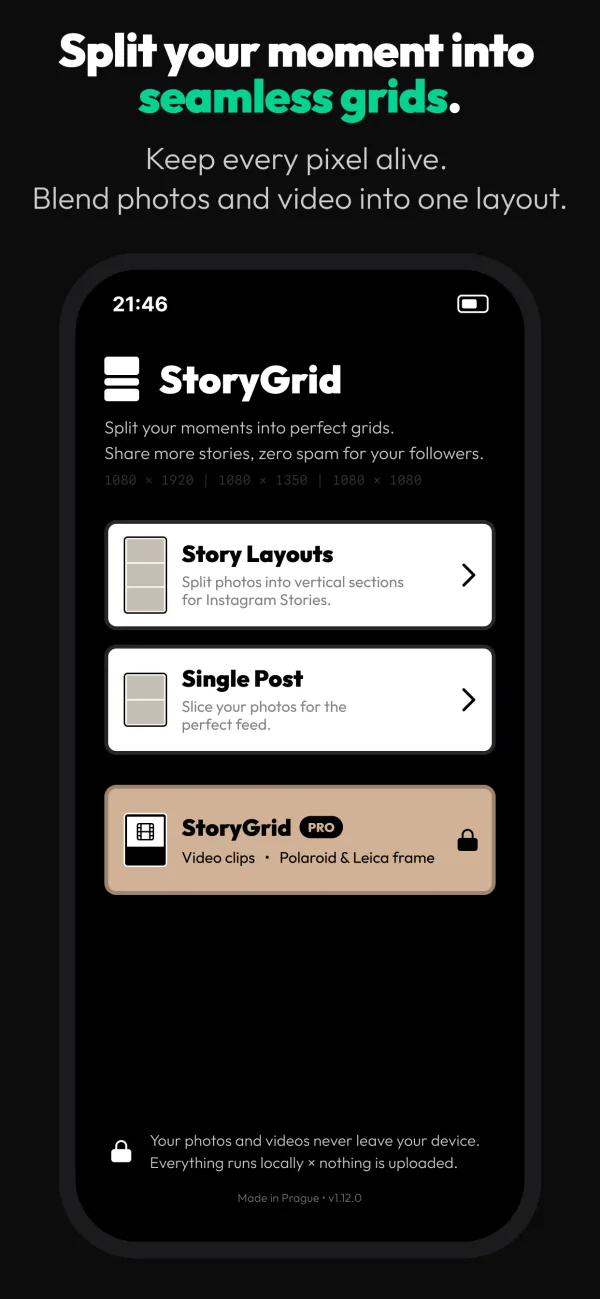
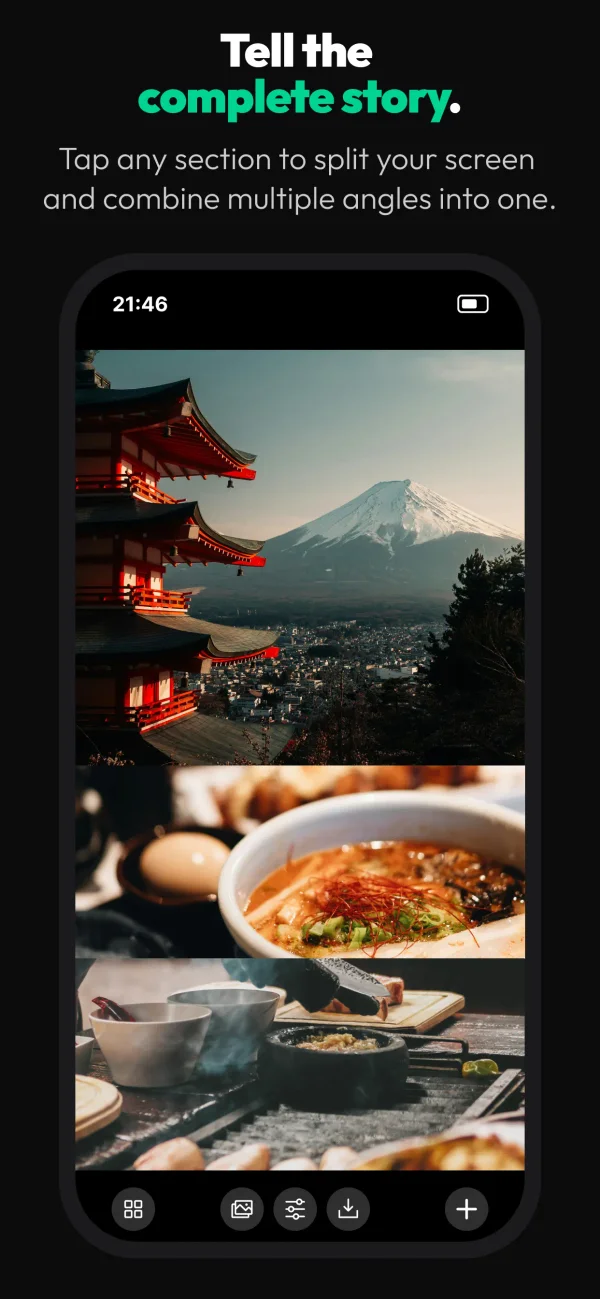
Every other grid app cuts your post into equal squares. StoryGrid puts the divider where the picture actually wants it — drag it, and the percentages follow, live.
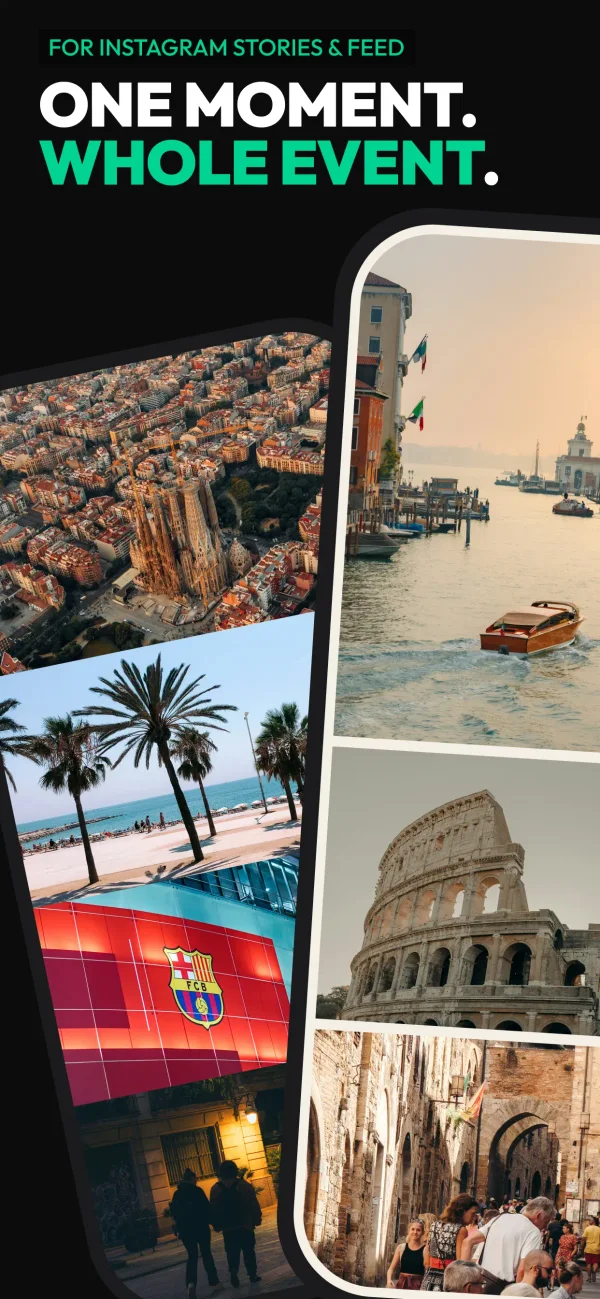
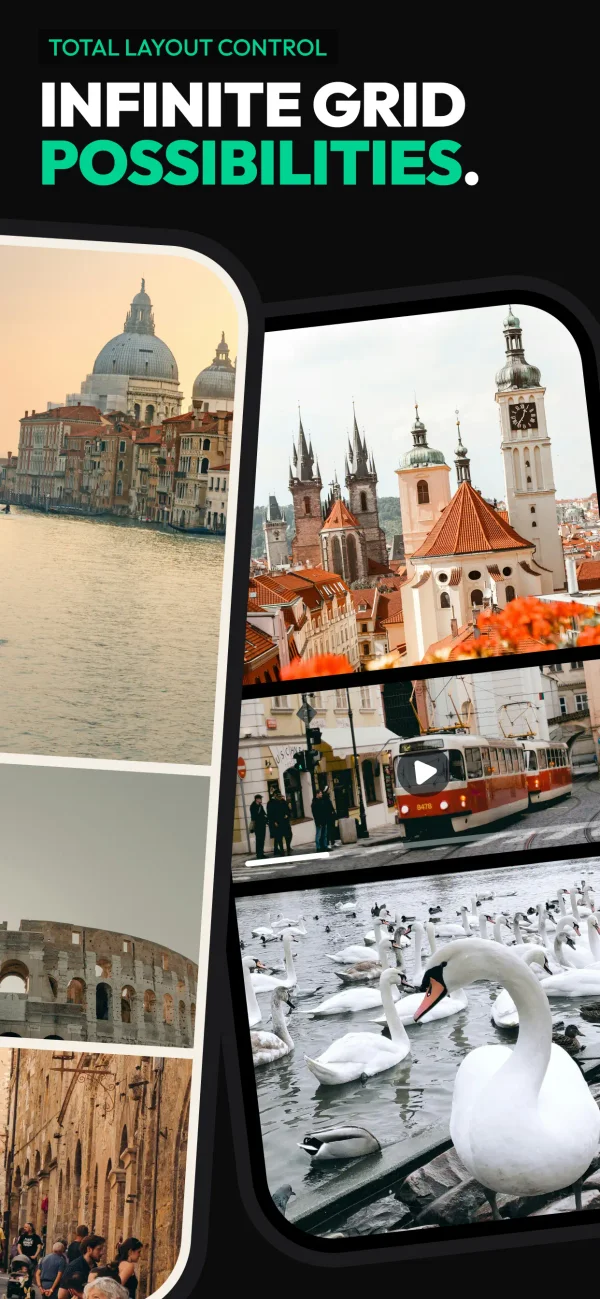
Split one photo across the sections so it reads as one continuous shot, or drop a different photo or clip into each block — up to three clips in one story, all playing in sync.
SERIES
• Cut a whole run of up to 20 stories or posts from one pick.
• Pick the format, add your photos and clips, set how many — it tells you how many your picks fill.
• Every post on one board: tap a photo, then tap a block. Or let the wand mix them by colour.
• One design for the whole series — blocks, gap, frame, corners, colour — or a saved grid.
• Step through it post by post in the full editor, and swipe through it in the story preview.
• Delete any post from the board with one tap.
• Save every filled post to Photos in one go.
CUT
• 1 to 6 vertical sections — thirds are a default, not a rule.
• Drag any divider to any proportion, with live percentages.
• 12 grids to start from, or drag your own.
• Undo and redo every change, up to 30 steps.
FINISH
• Gap width and corner radius, from an invisible split to a bold edge.
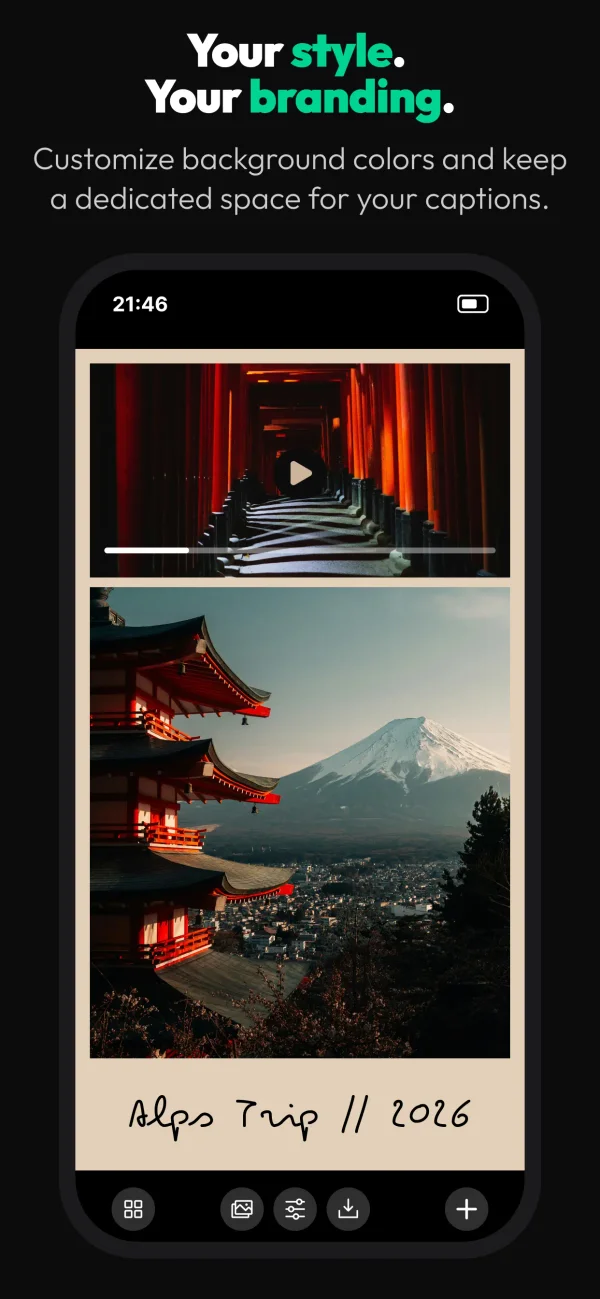
• Any background colour behind the grid — mix it from the sliders or pick it straight off your photo with the eyedropper.
• Or your own gradient of two or three colours: turn the dial for its direction, slide Blend from soft to sharp.
• Four one-tap looks set the background, gap, frame and corners at once.
• Pan, zoom and free-rotate a photo or a clip inside its block. The magnet levels it for you.
• The hidden part of the picture shows while you move it, so you never place a photo or a clip blind.
• Zoom a photo out past the frame so it spans the full width.
SHIP
• Stories 1080 × 1920, portrait 1080 × 1350, square 1080 × 1080 — saved in HD or 4K, your pick. No re-cropping.
• Videos at 30 or 60 fps or the clip's own rate, with the file size shown before you save.
• Story preview: see the grid inside a mock story, chrome and all, before you post.
• Save a layout and reload it in one tap.
• Full-resolution export, as a photo or a video. No account, no ads, no watermark.
• Export and keep editing, or Export & clear for the next story — your design always stays.
NOTHING LEAVES YOUR PHONE
No account, no upload, no tracking. Every export is rendered on your device.
STORYGRID PRO
Everything above stays free. PRO adds:
• Up to three video clips in one grid — pan, zoom and rotate each.
• Clips in a series, too.
• Pick the clip that sets the length and the one whose sound plays.
• Shorter clips start over or play back, your choice per clip.
• Every clip plays in sync while you edit and preview.
• Export the whole grid as video, at full resolution.
• Polaroid and Leica edges, plus the taller top margin.
SUBSCRIPTION
• Yearly $19.99 — save over 40%, with a 7-day free trial for new users.
• Monthly $2.99.
• Payment will be charged to your Apple ID account at confirmation of purchase.
• Subscription automatically renews unless canceled at least 24 hours before the end of the current period.
• Account will be charged for renewal within 24 hours prior to the end of the current period.
• Manage or cancel your subscription anytime in your App Store Account Settings after purchase.
Made in Prague.
Follow @storygrid.app on Instagram for layouts and new grids.
Terms of Use: https://story-grid.app/terms
Privacy Policy: https://story-grid.app/privacy
Neue Funktionen
Version 2.5.0 · 25.11.2026
New
• Mix your own background colour, or a gradient of two or three.
• Turn the dial to aim the gradient, and slide Blend from soft to sharp.
• Export & clear empties the blocks for the next story — your design stays.
Improved
• Buttons over your photos step aside while you drag a slider.
• 60 and 120 fps videos save sharper.
Fixed
• Choosing a saved grid for a series closes the panel.
App-Datenschutz
Was PETR URBANEK im App Store zum Umgang dieser App mit Daten angibt.
-
Keine Daten erfasst
Der Entwickler erfasst keine Daten von dieser App.
Die Datenschutzpraktiken können variieren, zum Beispiel je nach den von Ihnen verwendeten Funktionen oder Ihrem Alter.
Informationen
- Anbieter
- PETR URBANEK
- Kategorie
- Foto und Video
- Version
- 2.5.0
- Aktualisiert
- 25.11.2026
- Veröffentlicht
- 23.06.2026
- Größe
- 2,7 MB
- Erfordert
- iOS 17.0 oder neuer
- Altersfreigabe
- 4+
- Preis
- Kostenlos
- In-App-Käufe
- Ja
- Sprachen
- Englisch
- Copyright
- © 2026 Petr Urbanek
Das könnte Ihnen auch gefallen
-
 Panels: Photo & Video CollageFoto und Video
-
 SnapStack: Raster & CollageFotos zu Layouts und Collagen
-
 Panoply: Photo & VideoSlice panoramas for Instagram
-
 Montra: Photo & Video CollageFoto und Video
-
 Video Tiles: Collage and GridFoto und Video
-
 ReelGrid: Video-CollageMehrere Videos im Splitscreen
-
 Posting PixelsFoto und Video
-
 GridMakr: Karussell & CollageNahtlose Panoramen & Fotowände
-
 FutureGridFoto und Video
-
 Preset HubFoto und Video