
StoryGrid
Split photos into clean grids
Designed for iPhone
Free · In-app purchases
- Age rating4+
- CategoryPhoto & Video
- DeveloperPETR URBANEK
- LanguagesEnglish
- Size2.5 MB
Links to the official App Store page
Download.org hosts no file of StoryGrid. The button opens its official App Store page, published by PETR URBANEK. Listing last checked on Nov 23, 2026.
Screenshots
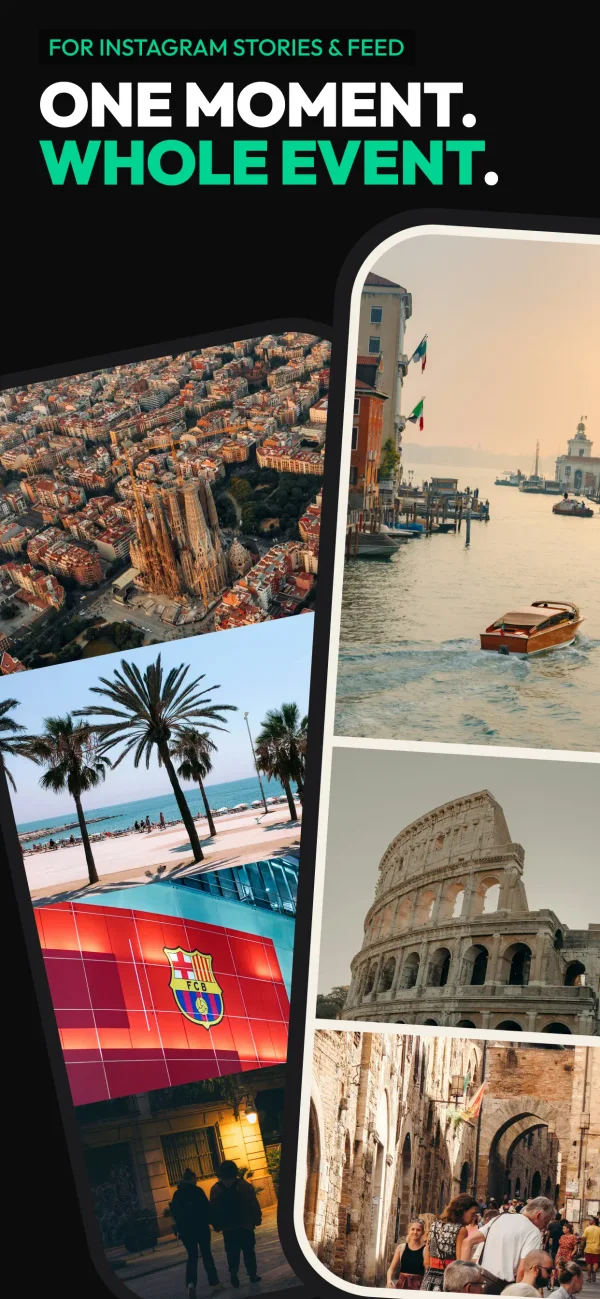

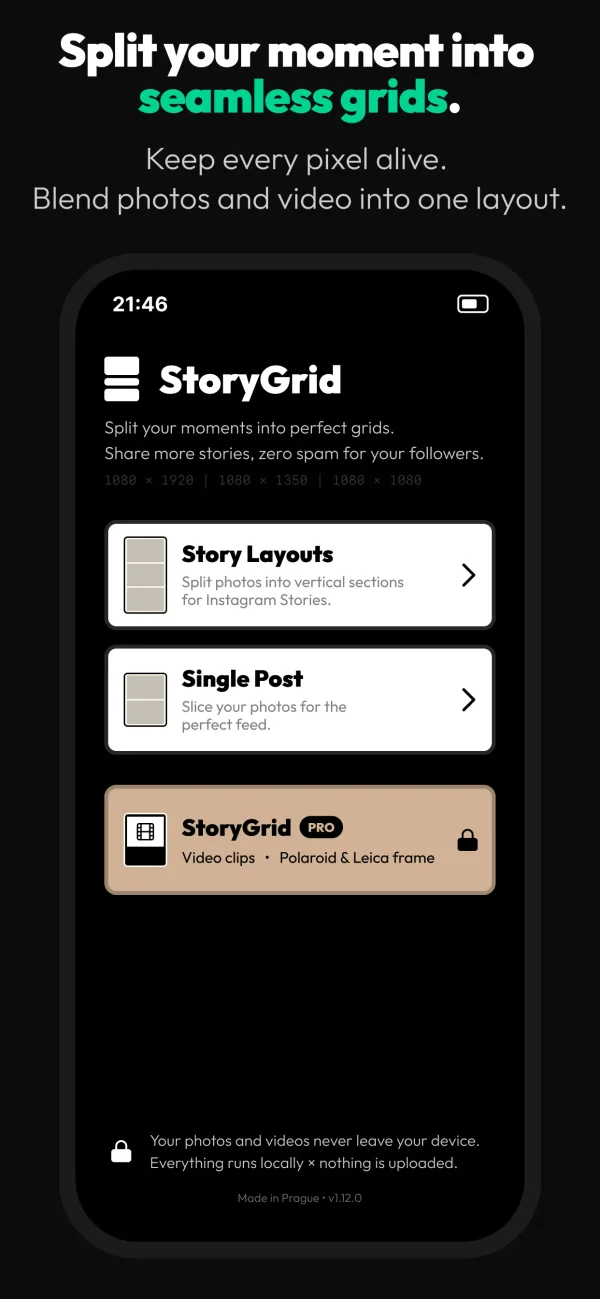
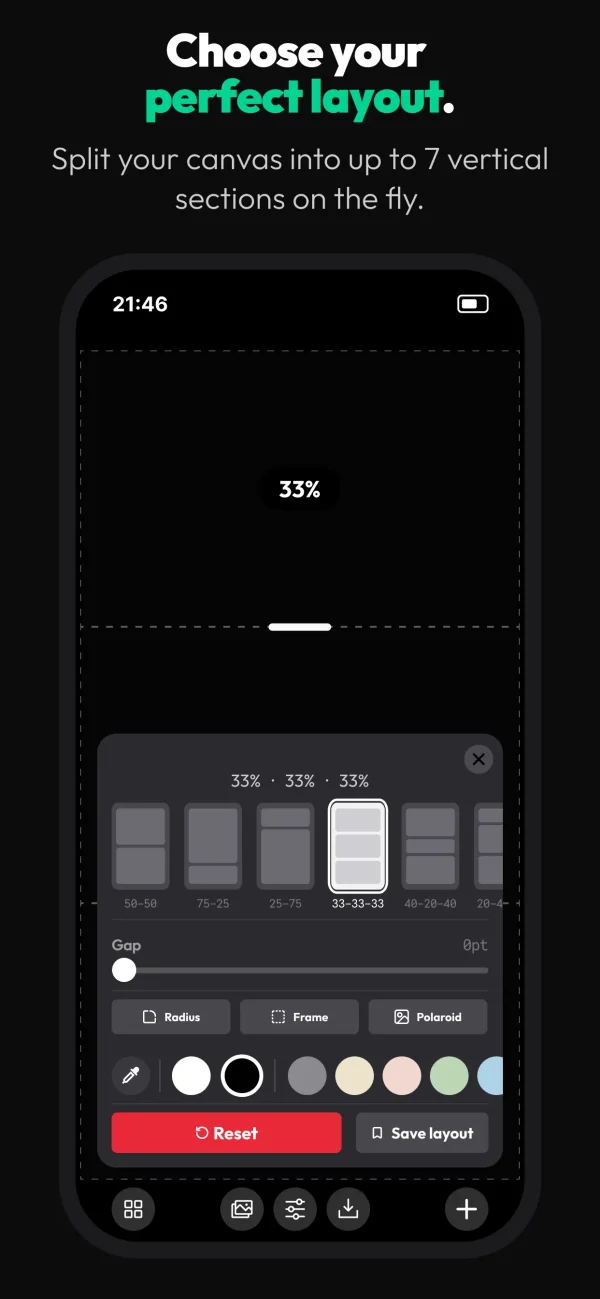

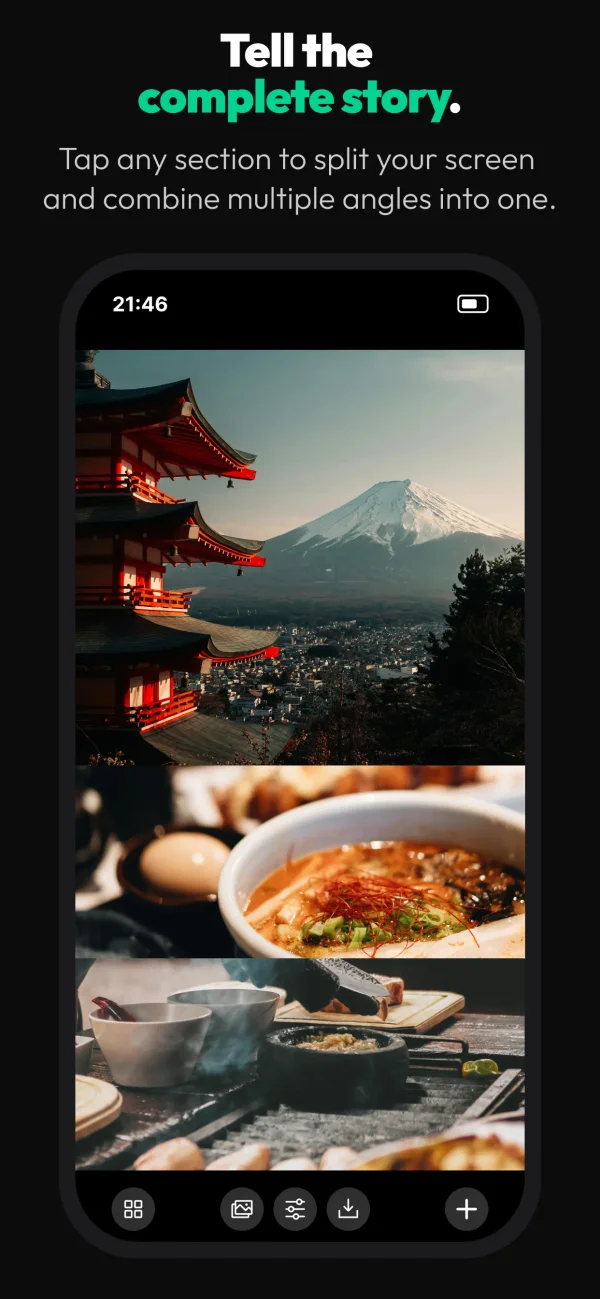
About
CUT PHOTOS AND VIDEOS INTO A STORY
Every other grid app cuts your post into equal squares. StoryGrid puts the divider where the picture actually wants it — drag it, and the percentages follow, live.
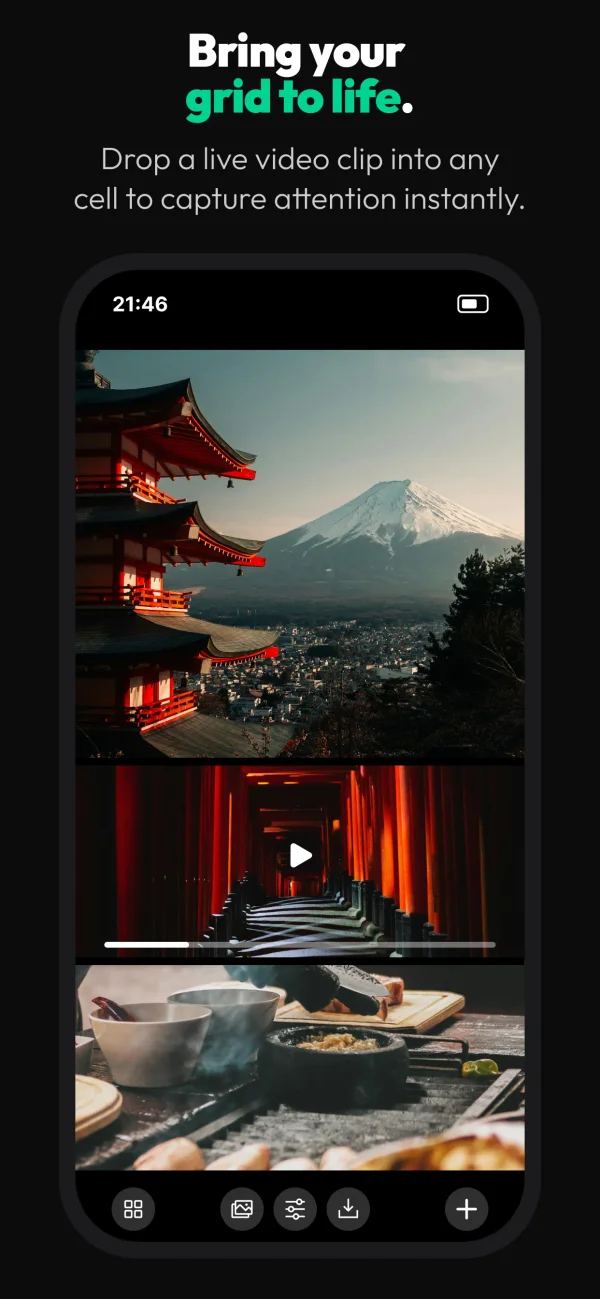
Split one photo across the sections so it reads as one continuous shot, or drop a different photo or clip into each block — up to three clips in one story, all playing in sync.
SERIES
• Cut a whole run of up to 20 stories or posts from one pick.
• Pick the format, add your photos and clips, set how many — it tells you how many your picks fill.
• Every post on one board: tap a photo, then tap a block. Or let the wand mix them by colour.
• One design for the whole series — blocks, gap, frame, corners, colour — or a saved grid.
• Step through it post by post in the full editor, and swipe through it in the story preview.
• Save every filled post to Photos in one go.
CUT
• 1 to 6 vertical sections — thirds are a default, not a rule.
• Drag any divider to any proportion, with live percentages.
• 12 grids to start from, or drag your own.
• Undo and redo every change, up to 30 steps.
FINISH
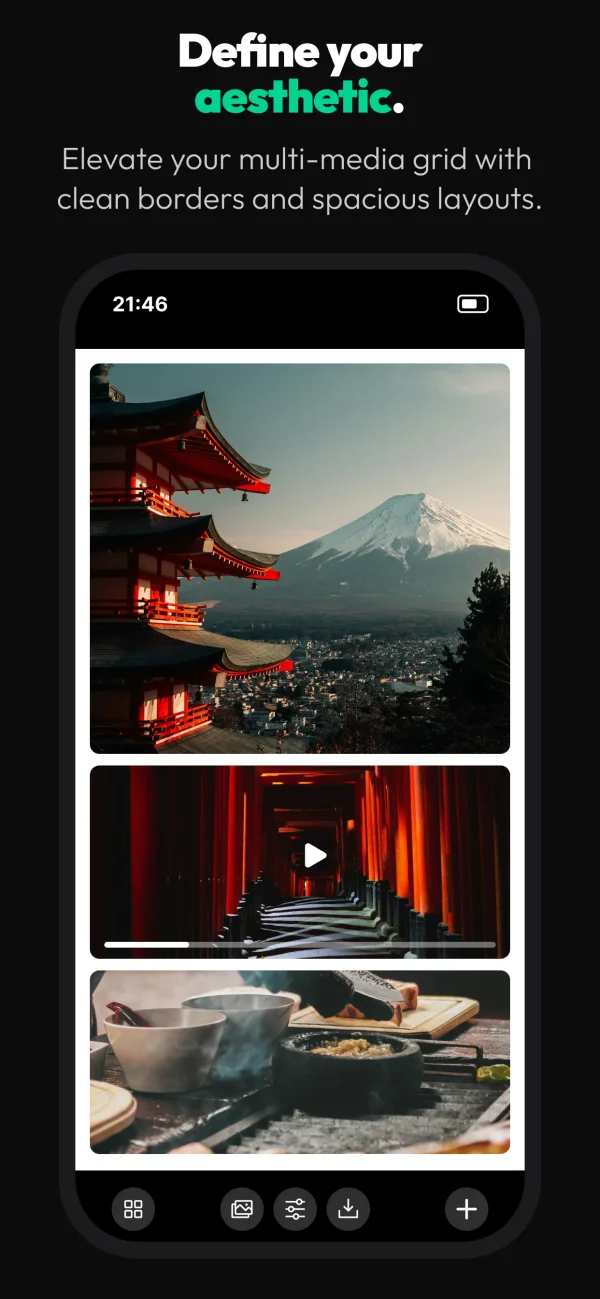
• Gap width and corner radius, from an invisible split to a bold edge.
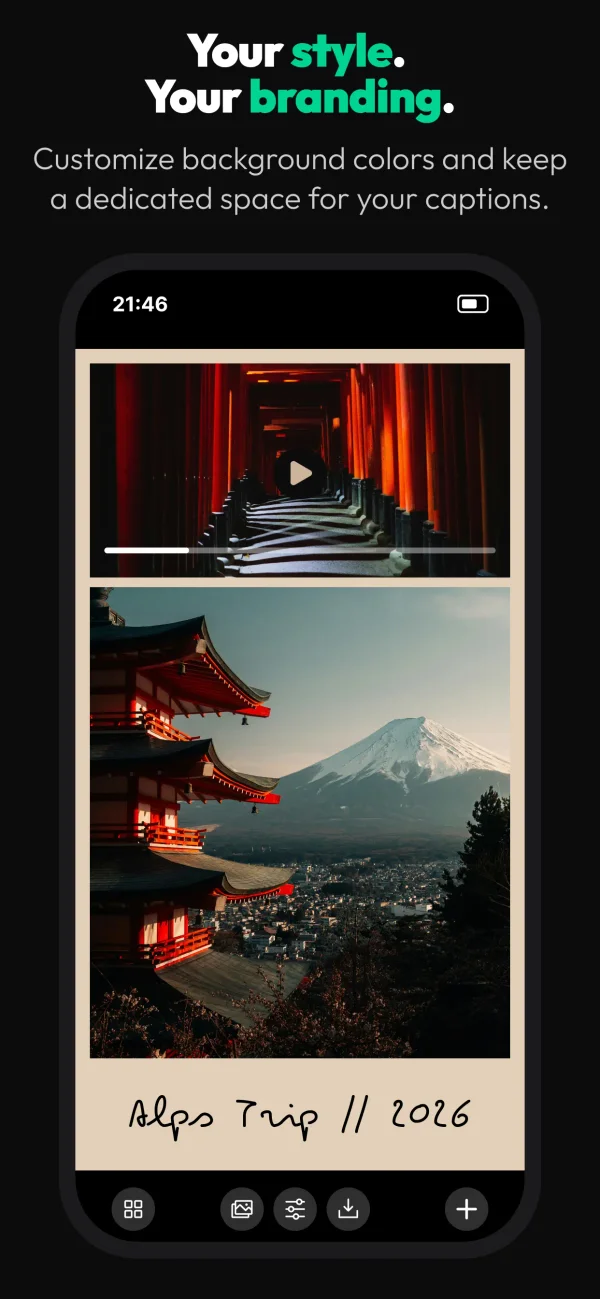
• Any background colour behind the grid, or a diagonal gradient — or pick a colour straight off your photo with the eyedropper.
• Four one-tap looks set the background, gap, frame and corners at once.
• Pan, zoom and free-rotate a photo or a clip inside its block. The magnet levels it for you.
• The hidden part of the picture shows while you move it, so you never place a photo or a clip blind.
• Zoom a photo out past the frame so it spans the full width.
SHIP
• Stories 1080 × 1920, portrait 1080 × 1350, square 1080 × 1080 — exported at 2× for sharper detail. No re-cropping.
• Story preview: see the grid inside a mock story, chrome and all, before you post.
• Save a layout and reload it in one tap.
• Full-resolution export, as a photo or a video. No account, no ads, no watermark.
NOTHING LEAVES YOUR PHONE
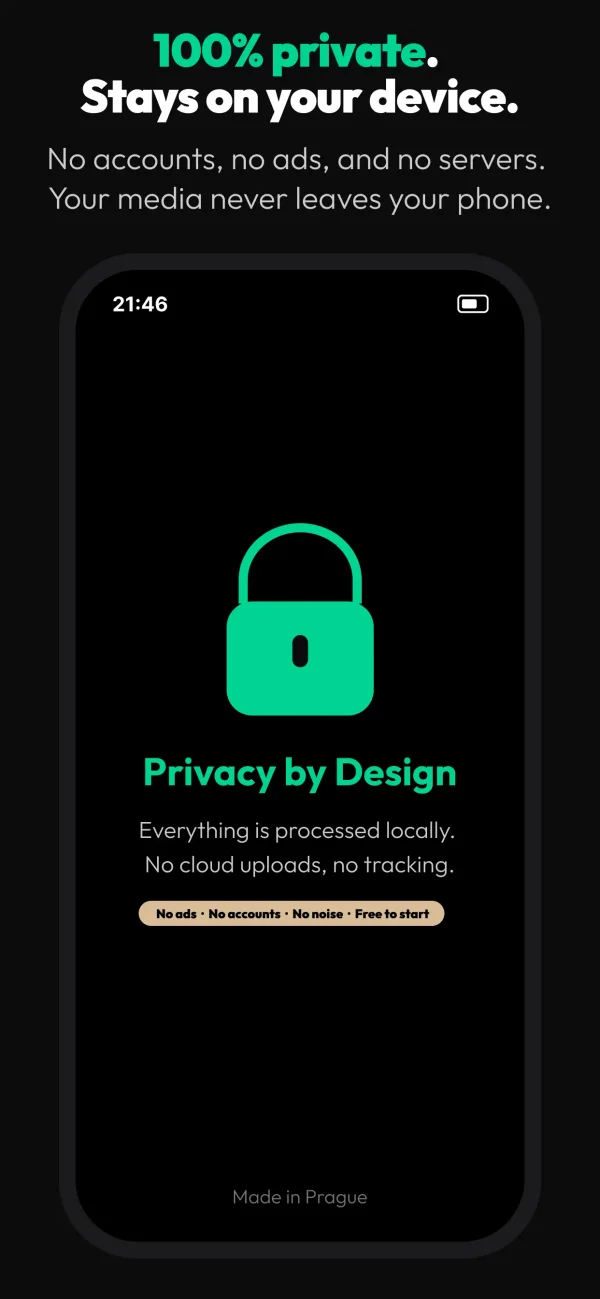
No account, no upload, no tracking. Every export is rendered on your device.
STORYGRID PRO
Everything above stays free. PRO adds:
• Up to three video clips in one grid — pan, zoom and rotate each.
• Clips in a series, too.
• Pick the clip that sets the length and the one whose sound plays.
• Shorter clips start over or play back, your choice per clip.
• Every clip plays in sync while you edit and preview.
• Export the whole grid as video, at full resolution.
• Polaroid and Leica edges, plus the taller top margin.
SUBSCRIPTION
• Yearly $19.99 — save over 40%, with a 7-day free trial for new users.
• Monthly $2.99.
• Payment will be charged to your Apple ID account at confirmation of purchase.
• Subscription automatically renews unless canceled at least 24 hours before the end of the current period.
• Account will be charged for renewal within 24 hours prior to the end of the current period.
• Manage or cancel your subscription anytime in your App Store Account Settings after purchase.
Made in Prague.
Follow @_story_grid_ on Instagram for layouts and new grids.
Terms of Use: https://story-grid.app/terms
Privacy Policy: https://story-grid.app/privacy
What’s new
Version 2.3.0 · Nov 20, 2026
New
• Saving a video shows how far along it is, in big numbers.
• See and change Photos access right from the home screen.
Improved
• Videos come in just as you recorded them.
• The screen stays on while a long save runs, so it isn't cut short.
• Saving a series moves along with each clip.
Fixed
• A video stuck loading can be cancelled, or skipped in a series.
• A video that can't load tells you so.
• Leftover clip files no longer pile up on your phone.
App privacy
What PETR URBANEK declares on the App Store about how this app handles data.
-
Data not collected
The developer does not collect any data from this app.
Privacy practices may vary, for example with the features you use or your age.
Information
- Seller
- PETR URBANEK
- Category
- Photo & Video
- Version
- 2.3.0
- Updated
- Nov 20, 2026
- Released
- Jun 23, 2026
- Size
- 2.5 MB
- Requires
- iOS 17.0 or later
- Age rating
- 4+
- Price
- Free
- In-app purchases
- Yes
- Languages
- English
- Copyright
- © 2026 Petr Urbanek
You might also like
-
 Panels: Photo & Video CollageMoving grids for reels & more
-
 SnapStack: Grid & CollagePhoto Layout Maker & Editor
-
 Panoply: Photo & VideoSlice panoramas for Instagram
-
 Montra: Photo & Video CollageLayout & grid maker for pics
-
 Video Tiles: Collage and GridSplit Screen Video Maker
-
 ReelGrid: Video Collage MakerSplit Screen Grid & Reels
-
 Posting PixelsSeamless carousel photo posts
-
 GridMakr: Carousel & CollageSeamless panorama & grid posts
-
 FutureGridVisual Grid Planner & Drafts
-
 Preset HubOne-Tap Creative Filters