StoryGrid
Split photos & videos to grids
Được thiết kế cho iPhone
Miễn phí · Mua hàng trong ứng dụng
- Độ tuổi4+
- Danh mụcẢnh & Video
- Nhà phát triểnPETR URBANEK
- Ngôn ngữTiếng Anh
- Kích thước2,9 MB
Liên kết đến trang App Store chính thức
Download.org không lưu trữ tệp nào của StoryGrid. Nút này mở trang ứng dụng trên App Store, nơi PETR URBANEK phát hành ứng dụng. Trang được kiểm tra lần cuối: 28/11/2026.
Ảnh chụp màn hình






Giới thiệu
Nhà phát triển chưa cung cấp nội dung này bằng ngôn ngữ của bạn.
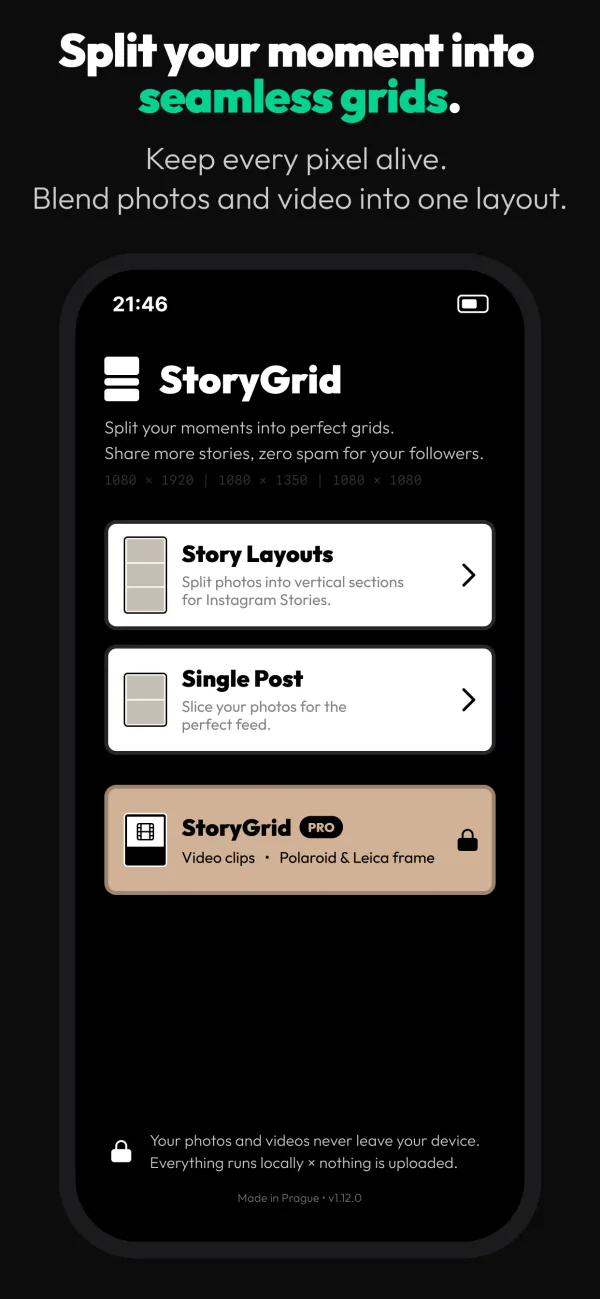
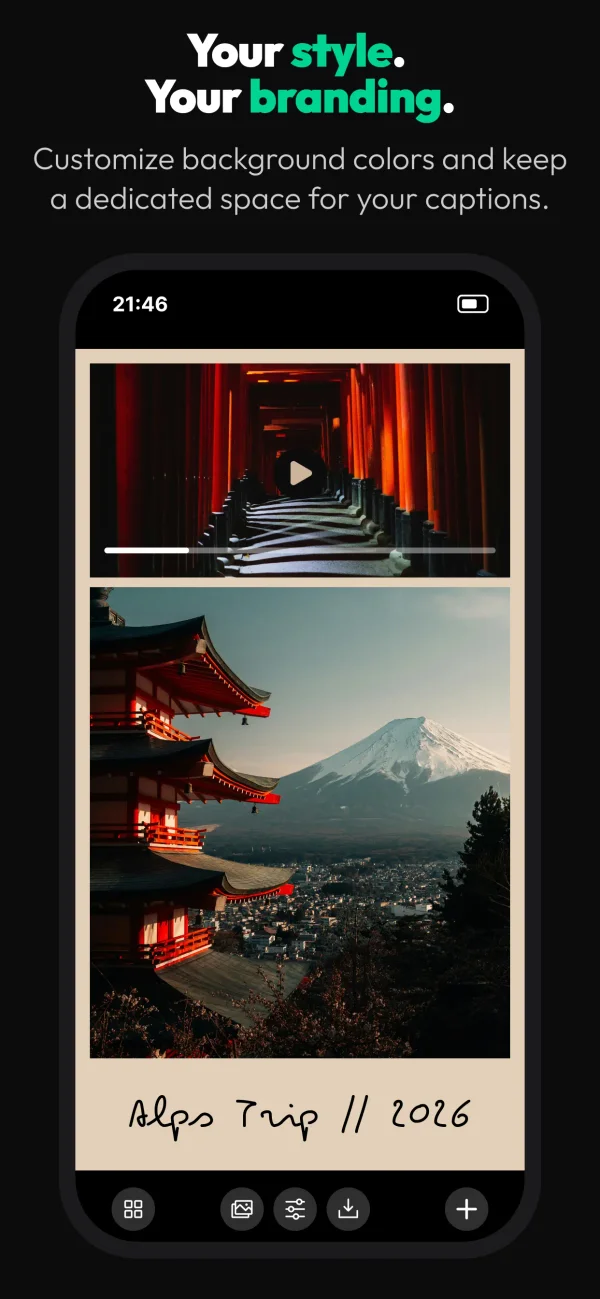
CUT PHOTOS AND VIDEOS INTO A STORY
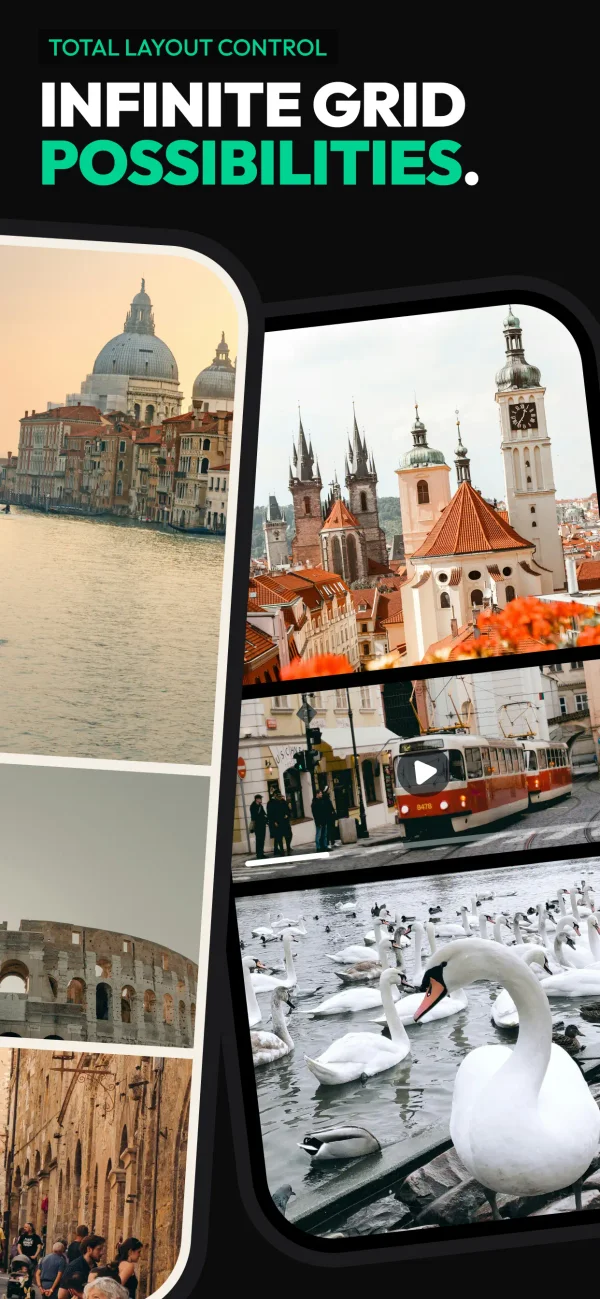
Every other grid app cuts your post into equal squares. StoryGrid puts the divider where the picture actually wants it — drag it, and the percentages follow, live.
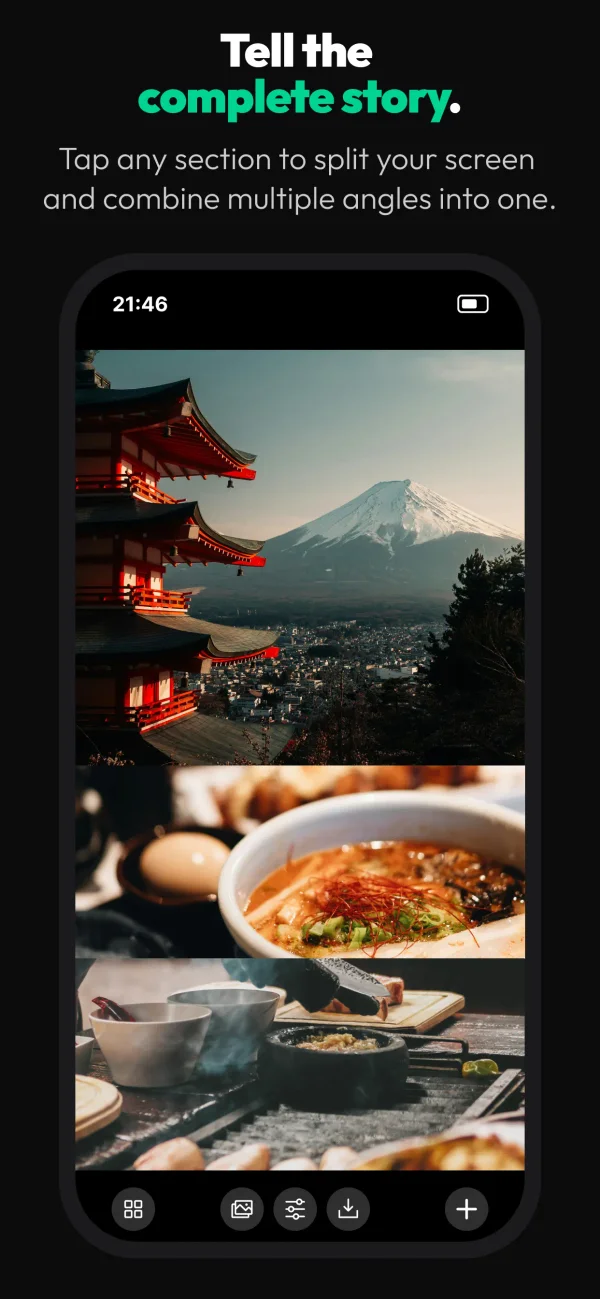
Split one photo across the sections so it reads as one continuous shot, or drop a different photo or clip into each block — up to three clips in one story, all playing in sync.
SERIES
• Cut a whole run of up to 20 stories or posts from one pick.
• Pick the format, add your photos and clips, set how many — it tells you how many your picks fill.
• Every post on one board: tap a photo, then tap a block. Or let the wand mix them by colour.
• One design for the whole series — blocks, gap, frame, corners, colour — or a saved grid.
• Step through it post by post in the full editor, and swipe through it in the story preview.
• Delete any post from the board with one tap.
• Save every filled post to Photos in one go.
CUT
• 1 to 6 vertical sections — thirds are a default, not a rule.
• Drag any divider to any proportion, with live percentages.
• 12 grids to start from, or drag your own.
• Undo and redo every change, up to 30 steps.
LOOKS & EFFECTS
• Hold any photo or clip and tap Edit — eleven looks, each previewed on your own picture.
• Golden, Vivid, Azure, Lagoon, Cobalt, Glacier, Film, Teal, Nordic, Matte and Mono.
• Slide Intensity from a hint to the full grade.
• Add an effect: Starburst, Anamorphic streaks, Glow, Halation, Glass, Zoom, Spin, Light leak, VHS or Glitch.
• On a clip, VHS, Glitch and the light leak move with the video.
FINISH
• Gap width and corner radius, from an invisible split to a bold edge.
• Any background colour behind the grid — mix it from the sliders or pick it straight off your photo with the eyedropper.
• Or your own gradient of two or three colours: turn the dial for its direction, slide Blend from soft to sharp.
• Four one-tap looks set the background, gap, frame and corners at once.
• Pan, zoom and free-rotate a photo or a clip inside its block. The magnet levels it for you.
• The hidden part of the picture shows while you move it, so you never place a photo or a clip blind.
• Zoom a photo out past the frame so it spans the full width.
SHIP
• Stories 1080 × 1920, portrait 1080 × 1350, square 1080 × 1080 — saved in HD or 4K, your pick. No re-cropping.
• Videos at 30 or 60 fps or the clip's own rate, with the file size shown before you save.
• Story preview: see the grid inside a mock story, chrome and all, before you post.
• Save a layout and reload it in one tap.
• Full-resolution export, as a photo or a video — looks and effects included. No account, no ads, no watermark.
• Export and keep editing, or Export & clear for the next story — your design always stays.
NOTHING LEAVES YOUR PHONE
No account, no upload, no tracking. Every export — looks and effects too — is rendered on your device.
STORYGRID PRO
Everything above stays free. PRO adds:
• Up to three video clips in one grid — pan, zoom and rotate each.
• Clips in a series, too.
• Pick the clip that sets the length and the one whose sound plays.
• Shorter clips start over or play back, your choice per clip.
• Every clip plays in sync while you edit and preview.
• Export the whole grid as video, at full resolution.
• Polaroid and Leica edges, plus the taller top margin.
SUBSCRIPTION
• Yearly $19.99 — save over 40%, with a 7-day free trial for new users.
• Monthly $2.99.
• Payment will be charged to your Apple ID account at confirmation of purchase.
• Subscription automatically renews unless canceled at least 24 hours before the end of the current period.
• Account will be charged for renewal within 24 hours prior to the end of the current period.
• Manage or cancel your subscription anytime in your App Store Account Settings after purchase.
Made in Prague.
Follow @storygrid.app on Instagram for layouts and new grids.
Terms of Use: https://story-grid.app/terms
Privacy Policy: https://story-grid.app/privacy
Có gì mới
Phiên bản 2.6.1 · 27/11/2026
New
• Spin — blurs the picture round its centre, sharp in the middle.
Improved
• Effects fit what you see in the block — zoomed in, moved or turned.
• Flare is stronger — longer, brighter streaks off the lights.
Fixed
• The export panel slides in with everything on it.
• With PRO, Video in the block menu no longer looks locked.
• Picking more photos while one is still loading no longer freezes the picker.
• Holding a rounded block keeps its corners rounded.
Quyền riêng tư của ứng dụng
Những gì PETR URBANEK khai báo trên App Store về cách ứng dụng này xử lý dữ liệu.
-
Dữ liệu không được thu thập
Nhà phát triển không thu thập bất kỳ dữ liệu nào từ ứng dụng này.
Phương thức đảm bảo quyền riêng tư có thể khác nhau, chẳng hạn như tuỳ theo các tính năng bạn sử dụng hoặc độ tuổi của bạn.
Thông tin
- Người bán
- PETR URBANEK
- Danh mục
- Ảnh & Video
- Phiên bản
- 2.6.1
- Cập nhật
- 27/11/2026
- Phát hành
- 23/06/2026
- Kích thước
- 2,9 MB
- Yêu cầu
- iOS 17.0 trở lên
- Độ tuổi
- 4+
- Giá
- Miễn phí
- Mua hàng trong ứng dụng
- Có
- Ngôn ngữ
- Tiếng Anh
- Bản quyền
- © 2026 Petr Urbanek
Có thể bạn cũng thích
-
 Panels: Photo & Video CollageẢnh & Video
-
 SnapStack: Grid & CollageẢnh & Video
-
 Panoply: Photo & VideoẢnh & Video
-
 Montra: Photo & Video CollageẢnh & Video
-
 Video Tiles: Collage and GridẢnh & Video
-
 ReelGrid: Video Collage MakerẢnh & Video
-
 Posting PixelsẢnh & Video
-
 GridMakr: Carousel & CollageẢnh & Video
-
 FutureGridẢnh & Video
-
 Preset HubẢnh & Video