- 対象年齢4+
- カテゴリ写真/ビデオ
- 開発元PETR URBANEK
- 言語英語
- サイズ2.8 MB
App Storeの公式ページにリンクしています
Download.orgはStoryGridのファイルを一切ホストしていません。ボタンを押すと、PETR URBANEKが公開しているApp Storeのアプリページが開きます。ページの最終確認:2026/11/27。
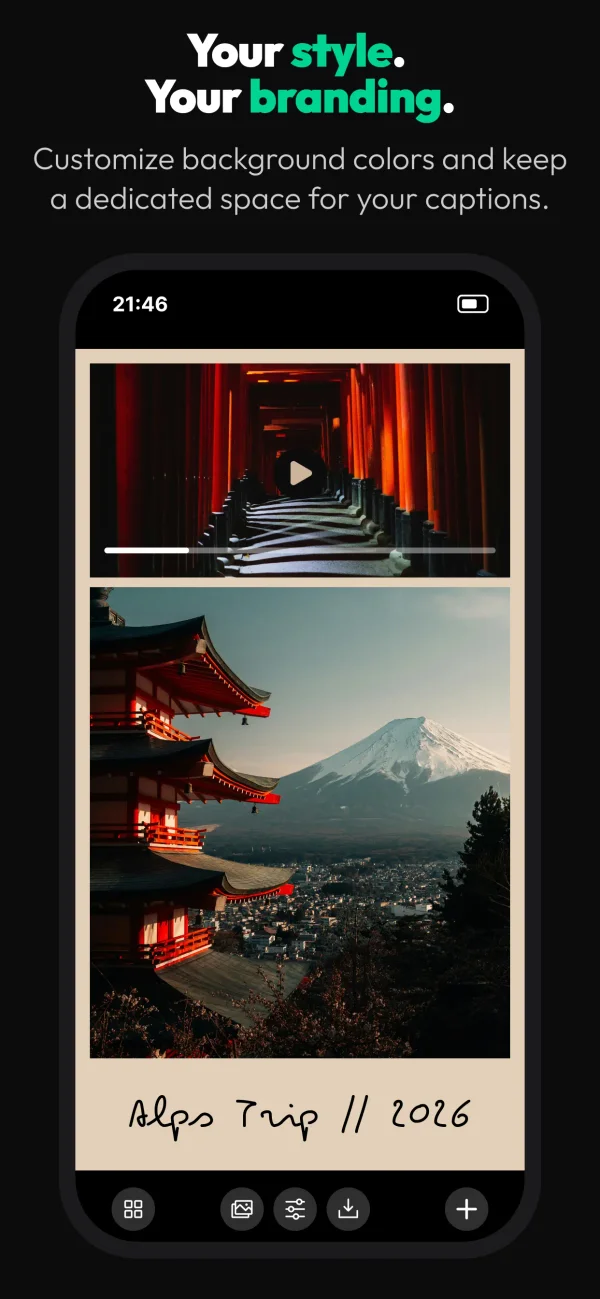
スクリーンショット





概要
開発元はこのテキストをお使いの言語で提供していません。
CUT PHOTOS AND VIDEOS INTO A STORY
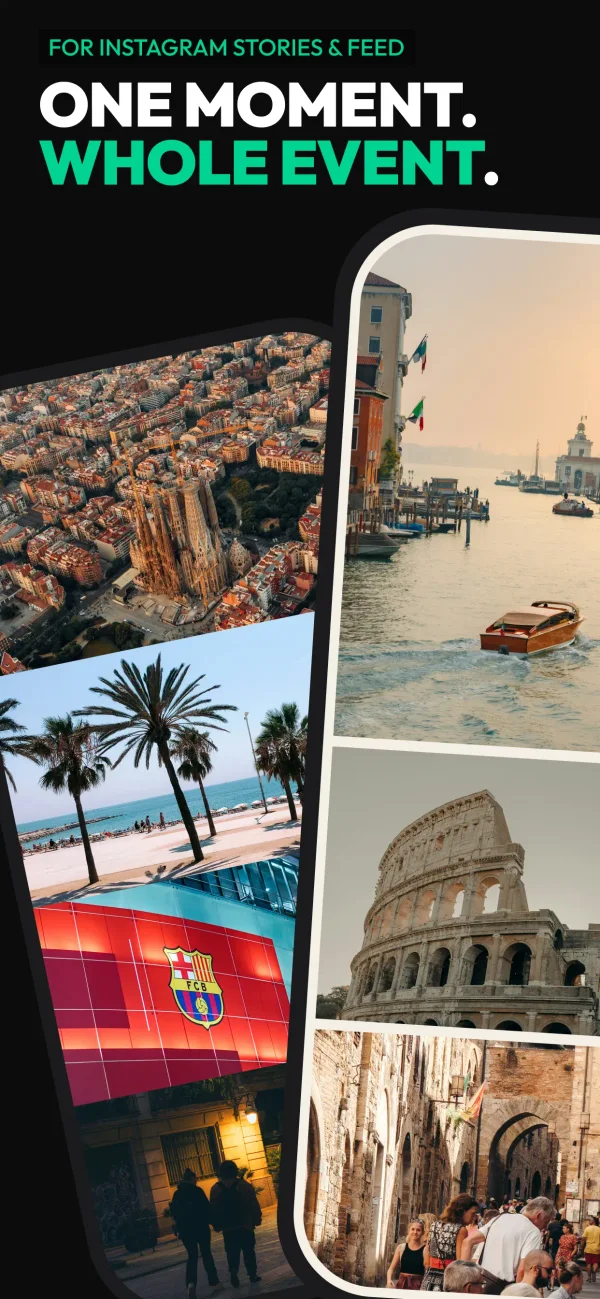
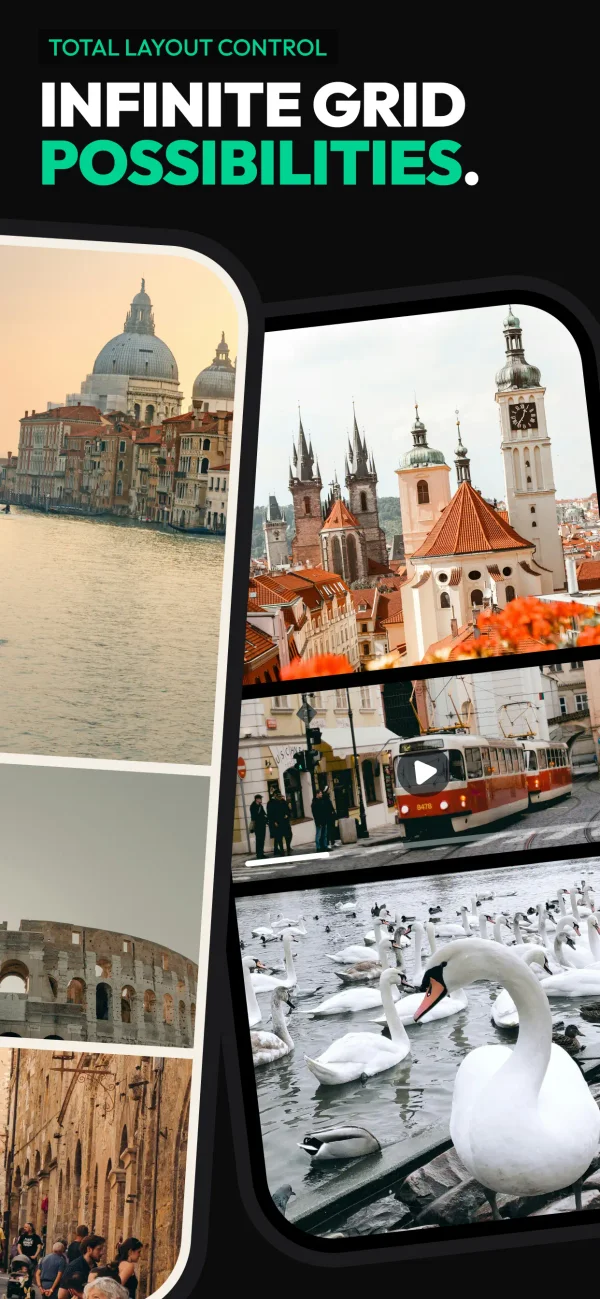
Every other grid app cuts your post into equal squares. StoryGrid puts the divider where the picture actually wants it — drag it, and the percentages follow, live.
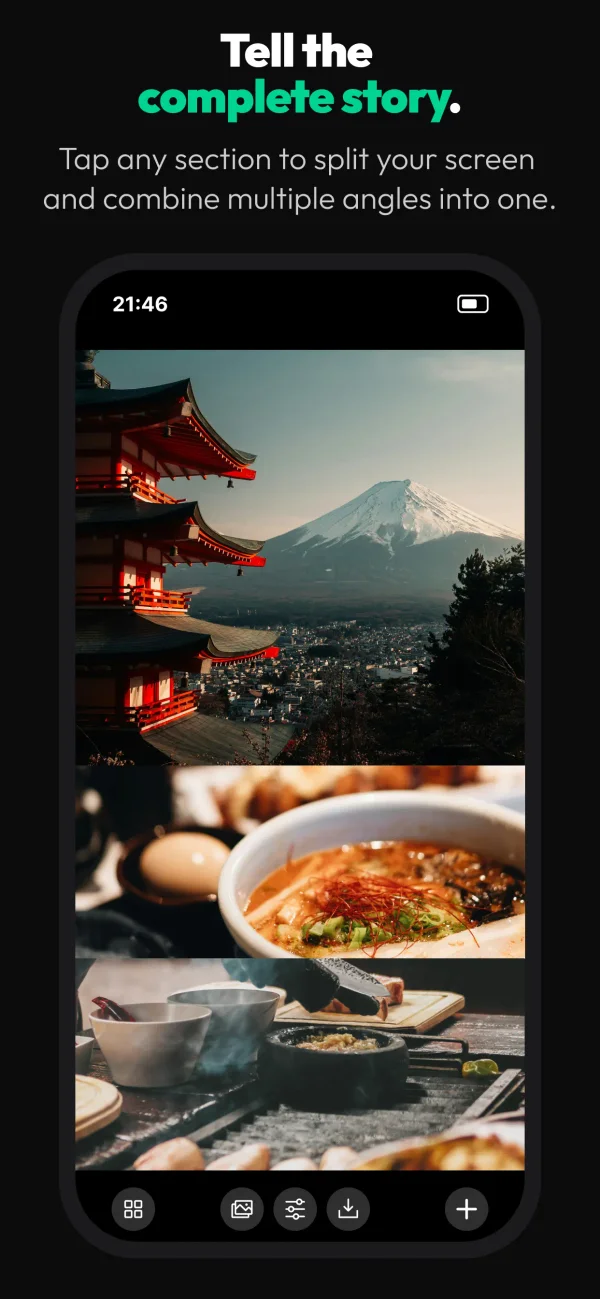
Split one photo across the sections so it reads as one continuous shot, or drop a different photo or clip into each block — up to three clips in one story, all playing in sync.
SERIES
• Cut a whole run of up to 20 stories or posts from one pick.
• Pick the format, add your photos and clips, set how many — it tells you how many your picks fill.
• Every post on one board: tap a photo, then tap a block. Or let the wand mix them by colour.
• One design for the whole series — blocks, gap, frame, corners, colour — or a saved grid.
• Step through it post by post in the full editor, and swipe through it in the story preview.
• Delete any post from the board with one tap.
• Save every filled post to Photos in one go.
CUT
• 1 to 6 vertical sections — thirds are a default, not a rule.
• Drag any divider to any proportion, with live percentages.
• 12 grids to start from, or drag your own.
• Undo and redo every change, up to 30 steps.
LOOKS & EFFECTS
• Hold any photo or clip and tap Edit — eleven looks, each previewed on your own picture.
• Golden, Vivid, Azure, Lagoon, Cobalt, Glacier, Film, Teal, Nordic, Matte and Mono.
• Slide Intensity from a hint to the full grade.
• Add an effect: Starburst, Anamorphic streaks, Glow, Halation, Glass, Zoom, Light leak, VHS or Glitch.
• On a clip, VHS, Glitch and the light leak move with the video.
FINISH
• Gap width and corner radius, from an invisible split to a bold edge.
• Any background colour behind the grid — mix it from the sliders or pick it straight off your photo with the eyedropper.
• Or your own gradient of two or three colours: turn the dial for its direction, slide Blend from soft to sharp.
• Four one-tap looks set the background, gap, frame and corners at once.
• Pan, zoom and free-rotate a photo or a clip inside its block. The magnet levels it for you.
• The hidden part of the picture shows while you move it, so you never place a photo or a clip blind.
• Zoom a photo out past the frame so it spans the full width.
SHIP
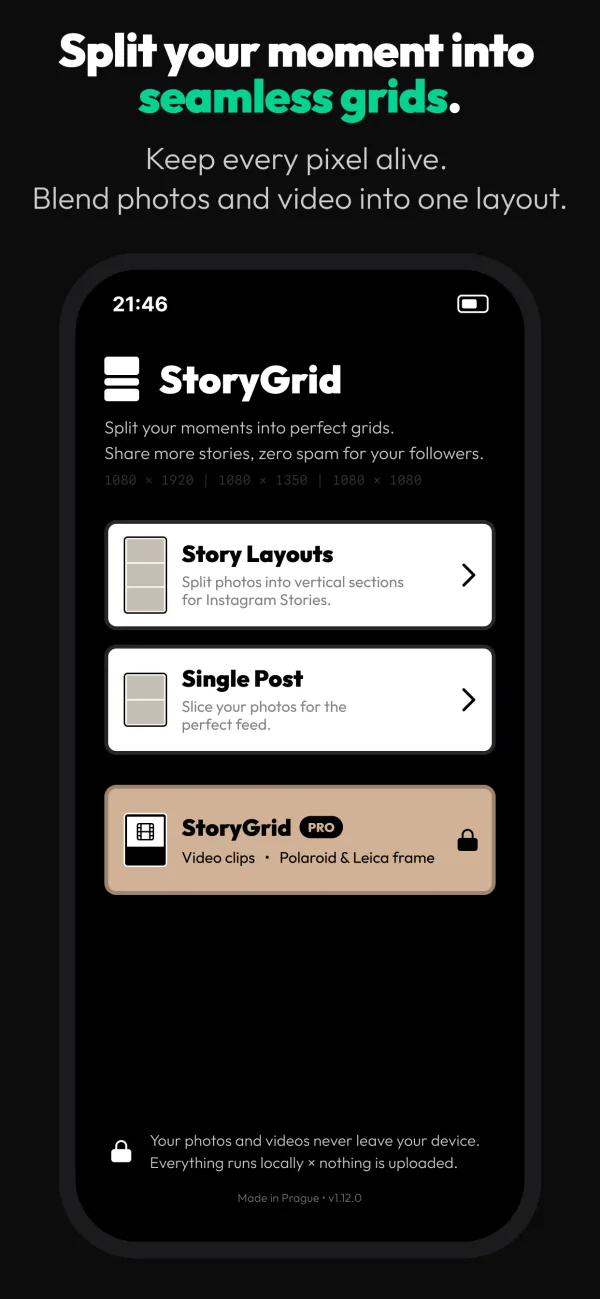
• Stories 1080 × 1920, portrait 1080 × 1350, square 1080 × 1080 — saved in HD or 4K, your pick. No re-cropping.
• Videos at 30 or 60 fps or the clip's own rate, with the file size shown before you save.
• Story preview: see the grid inside a mock story, chrome and all, before you post.
• Save a layout and reload it in one tap.
• Full-resolution export, as a photo or a video — looks and effects included. No account, no ads, no watermark.
• Export and keep editing, or Export & clear for the next story — your design always stays.
NOTHING LEAVES YOUR PHONE
No account, no upload, no tracking. Every export — looks and effects too — is rendered on your device.
STORYGRID PRO
Everything above stays free. PRO adds:
• Up to three video clips in one grid — pan, zoom and rotate each.
• Clips in a series, too.
• Pick the clip that sets the length and the one whose sound plays.
• Shorter clips start over or play back, your choice per clip.
• Every clip plays in sync while you edit and preview.
• Export the whole grid as video, at full resolution.
• Polaroid and Leica edges, plus the taller top margin.
SUBSCRIPTION
• Yearly $19.99 — save over 40%, with a 7-day free trial for new users.
• Monthly $2.99.
• Payment will be charged to your Apple ID account at confirmation of purchase.
• Subscription automatically renews unless canceled at least 24 hours before the end of the current period.
• Account will be charged for renewal within 24 hours prior to the end of the current period.
• Manage or cancel your subscription anytime in your App Store Account Settings after purchase.
Made in Prague.
Follow @storygrid.app on Instagram for layouts and new grids.
Terms of Use: https://story-grid.app/terms
Privacy Policy: https://story-grid.app/privacy
新機能
バージョン 2.6.0 · 2026/11/25
New
• Looks — eleven colour grades for any photo or clip, from Golden and Vivid to Azure, Cobalt and Mono.
• Set how strongly a look sits on the picture with the Intensity slider.
• Effects — Starburst, Anamorphic, Glow, Halation, Glass, Zoom, Light leak, VHS and Glitch, each with its own strength.
• On a clip, VHS, Glitch and the light leak move with the video.
Improved
• Hold a block for a cleaner menu, with Edit up front.
• While you edit, the story slides up so the block always shows above the panel.
• Tap another photo to edit it straight away.
アプリのプライバシー
このアプリのデータの取り扱いについて、PETR URBANEKがApp Storeで申告している内容です。
-
データの収集なし
開発元はこのアプリからデータを収集しません。
プライバシーの取り扱いは、ご利用の機能やお客様の年齢などに応じて異なる場合があります。
情報
- 販売元
- PETR URBANEK
- カテゴリ
- 写真/ビデオ
- バージョン
- 2.6.0
- 更新日
- 2026/11/25
- リリース
- 2026/6/23
- サイズ
- 2.8 MB
- 必要条件
- iOS 17.0以降
- 対象年齢
- 4+
- 価格
- 無料
- アプリ内課金
- あり
- 言語
- 英語
- 著作権
- © 2026 Petr Urbanek