
SwitchCam - Live Camera Switch
Switch cameras mid-recording
Entwickelt für iPhone
Kostenlos
- Altersfreigabe4+
- KategorieFoto und Video
- Entwickler优尔公司
- SprachenEnglisch+ 4 weitere
- Größe5,7 MB
Verlinkt auf die offizielle App Store-Seite
Download.org hostet keine Datei von SwitchCam - Live Camera Switch. Die Schaltfläche öffnet die App-Seite bei App Store, wo 优尔公司 die App veröffentlicht. Eintrag zuletzt geprüft am 18.11.2026.
Screenshots

Info
Der Entwickler hat diesen Text nicht in Ihrer Sprache bereitgestellt.
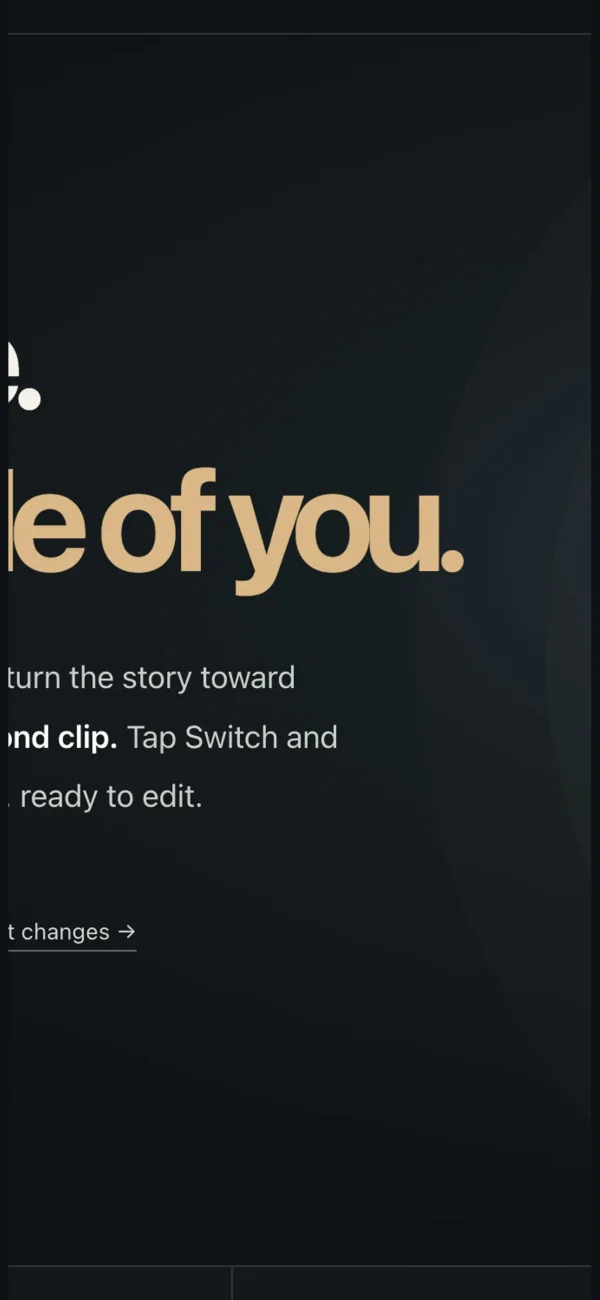
One sentence: switch between the front and rear cameras while you record — something the built-in Camera app cannot do.
■ Why we built it
With the built-in iPhone Camera app, once you press Record you can no longer switch between the front and rear cameras. To switch, you have to stop, change cameras, and start a new clip. SwitchCam solves that: switch whenever you like, and it is still one single video file.
■ How switching works
· While recording, tap Switch and the picture moves to the other camera right away
· Both cameras work at the same time (in 1080p), so the switch is nearly seamless (a measured gap of 2–21 ms on real devices)
· The front and rear cameras are matched to the same resolution and frame rate first, so nothing jumps after a switch
· Audio never drops: the microphone is captured independently of the camera session, so your voice stays continuous
■ Quality and specs
· Three settings — 1080p / 2K / 4K — one tap to change, frame rate fixed at 30
· 2K is captured at 4K and scaled down to 2560×1440, so the framing matches 4K exactly (it is not upscaled 1080p)
· 1080p runs both cameras at once for nearly seamless switching; 2K and 4K put image quality first
■ The interface (just three buttons)
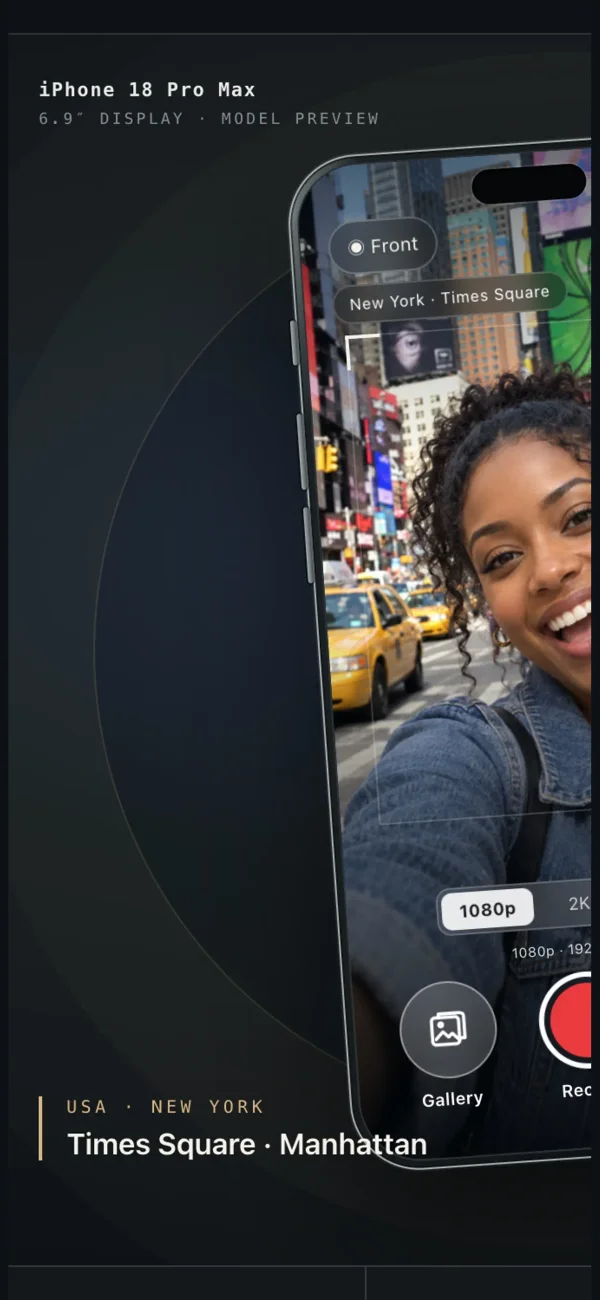
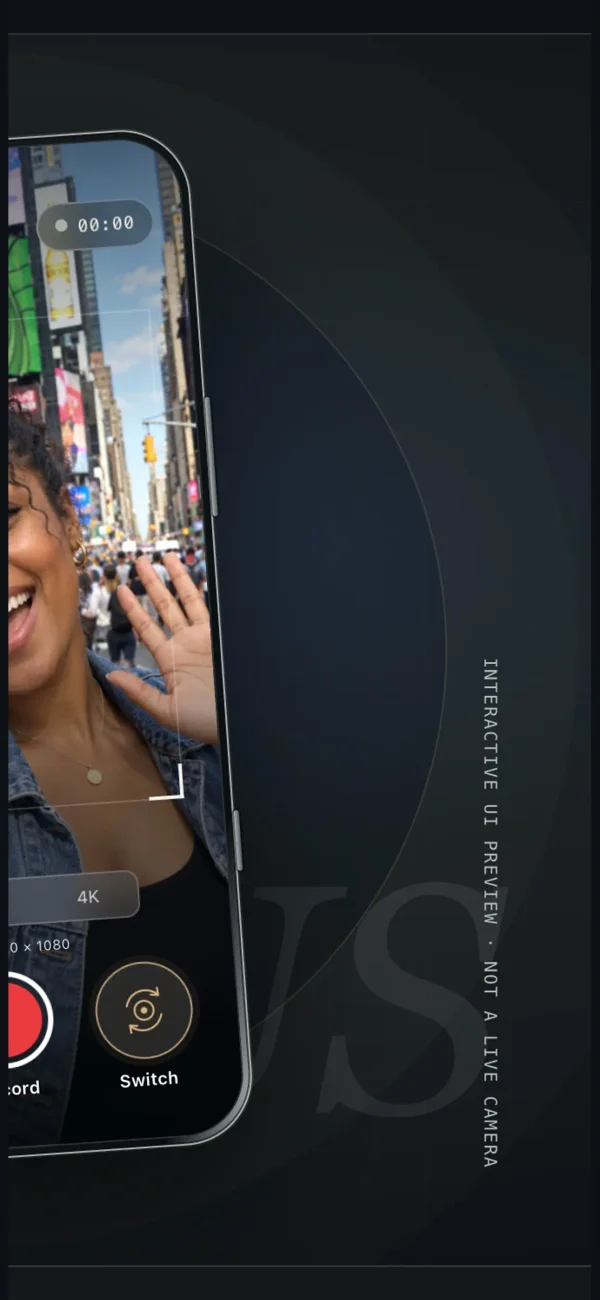
· Three buttons at the bottom: Photos / Record / Switch — one tap on Photos opens the system Photos app
· The picture cuts straight over with no stutter and no black frame, and the audio stays a single continuous track from start to finish
· Tap to focus, pinch to zoom (up to 10x)
· While recording, a red dot and a timer stay on screen, so you always know you are rolling
■ Privacy
· No data collected: no server, no account, no ads, no third-party analytics
· Finished videos are saved straight to your own Photos library, with no copy left behind in the app
■ Good to know
· The first launch asks for Camera, Microphone, and Photos (add-only) access
· Running both cameras at once uses more battery, so plug in for long recordings
Neue Funktionen
Version 1.1.1 · 17.10.2026
What is new in 1.0.1 (build 54):
· Removed the unused Beauty / Color entry — the bottom bar is now just Photos / Record / Switch
· Focused on the main idea: switch between the front and rear cameras while recording, one file, with audio that never drops
App-Datenschutz
Was 优尔公司 im App Store zum Umgang dieser App mit Daten angibt.
-
Keine Daten erfasst
Der Entwickler erfasst keine Daten von dieser App.
Die Datenschutzpraktiken können variieren, zum Beispiel je nach den von Ihnen verwendeten Funktionen oder Ihrem Alter.
Informationen
- Anbieter
- Ningbo Yoer Network Service Co., Ltd.
- Kategorie
- Foto und Video
- Version
- 1.1.1
- Aktualisiert
- 17.10.2026
- Veröffentlicht
- 08.10.2026
- Größe
- 5,7 MB
- Erfordert
- iOS 17.0 oder neuer
- Altersfreigabe
- 4+
- Preis
- Kostenlos
- Sprachen
- Englisch, Arabisch, Japanisch, Koreanisch, Vereinf. Chinesisch
- Copyright
- © 2026 Ningbo Yoer Network Service Co., Ltd.
Das könnte Ihnen auch gefallen
-
 Dual: Front und Rückkamera PiPVideo Recorder & Kamera App
-
 Flip CameraFoto und Video
-
 SplitCam Dual Camera RecorderVlog Kamera Reaktion Aufnahme
-
 SplitRig: Dual Kamera VlogVorne und hinten gleichzeitig
-
 Nonstop Cam : Pause & SwitchResume where you left off
-
 DoubleTake - Multicam videoPowerful Multi-Cam Video
-
 2Camera Dual Camera RecorderFoto und Video
-
 MixCam: Front- und RückkameraMit beiden Kameras aufnehmen
-
 Dual Camera Split Videos: RevoFoto und Video
-
 MixCam - Dual Video RecorderFoto und Video