
SwitchCam - Live Camera Switch
Switch cameras mid-recording
Được thiết kế cho iPhone
Miễn phí
- Độ tuổi4+
- Danh mụcẢnh & Video
- Nhà phát triển优尔公司
- Ngôn ngữTiếng Anh+ 4 ngôn ngữ khác
- Kích thước5,7 MB
Liên kết đến trang App Store chính thức
Download.org không lưu trữ tệp nào của SwitchCam - Live Camera Switch. Nút này mở trang ứng dụng trên App Store, nơi 优尔公司 phát hành ứng dụng. Trang được kiểm tra lần cuối: 18/11/2026.
Ảnh chụp màn hình

Giới thiệu
Nhà phát triển chưa cung cấp nội dung này bằng ngôn ngữ của bạn.
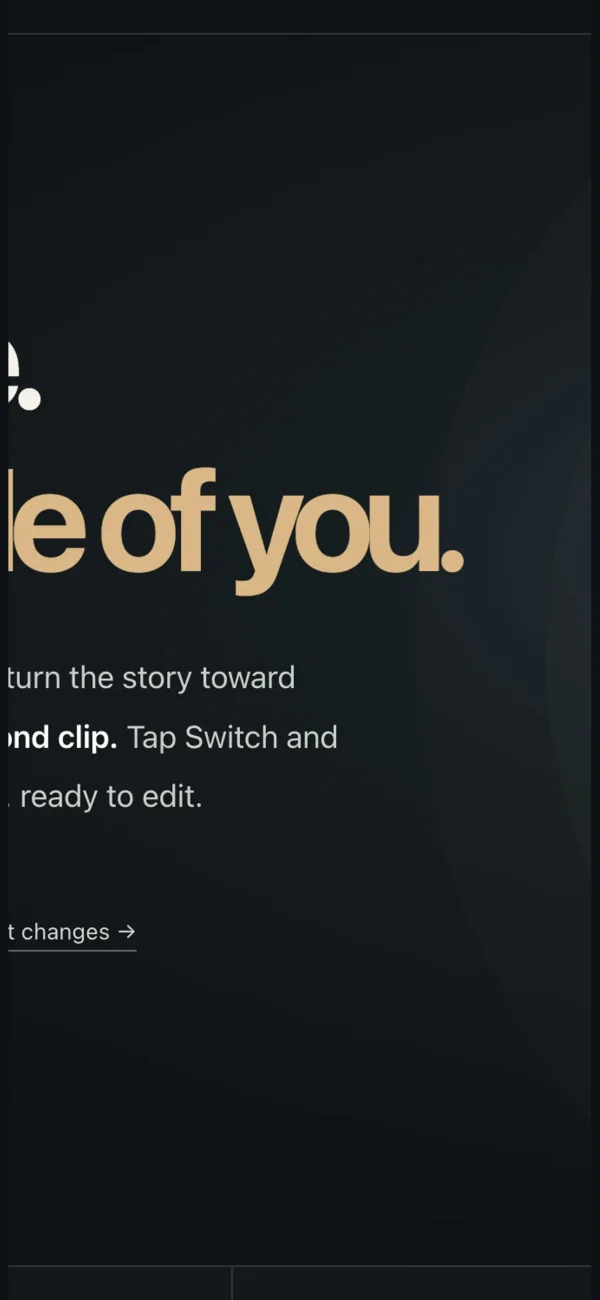
One sentence: switch between the front and rear cameras while you record — something the built-in Camera app cannot do.
■ Why we built it
With the built-in iPhone Camera app, once you press Record you can no longer switch between the front and rear cameras. To switch, you have to stop, change cameras, and start a new clip. SwitchCam solves that: switch whenever you like, and it is still one single video file.
■ How switching works
· While recording, tap Switch and the picture moves to the other camera right away
· Both cameras work at the same time (in 1080p), so the switch is nearly seamless (a measured gap of 2–21 ms on real devices)
· The front and rear cameras are matched to the same resolution and frame rate first, so nothing jumps after a switch
· Audio never drops: the microphone is captured independently of the camera session, so your voice stays continuous
■ Quality and specs
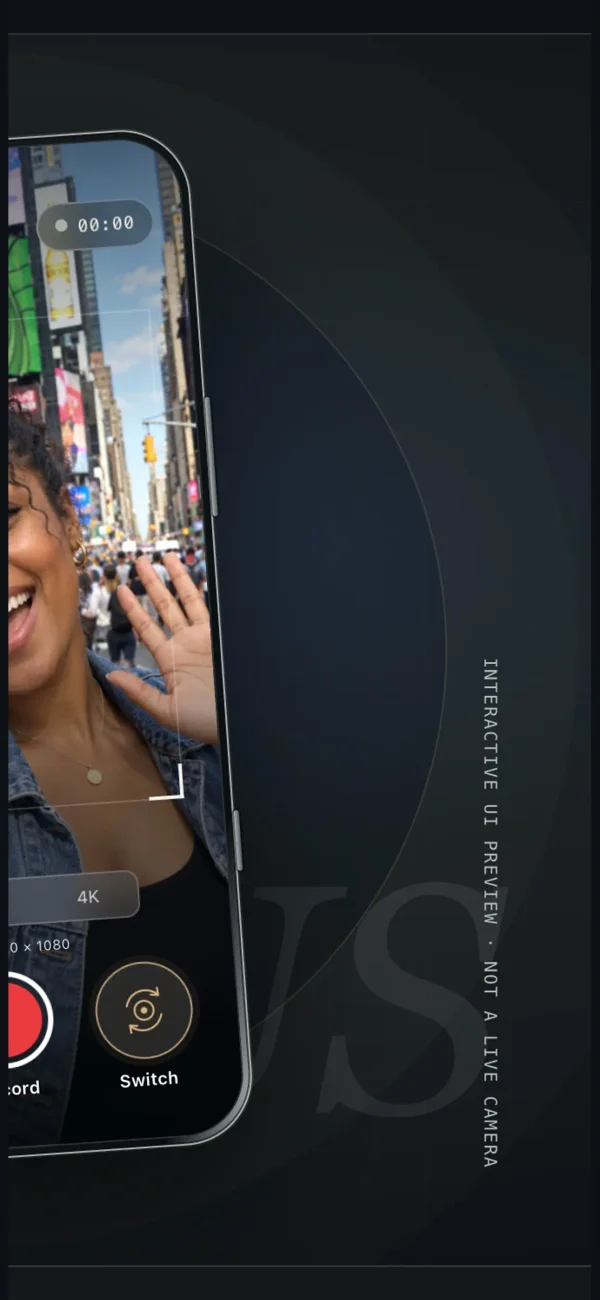
· Three settings — 1080p / 2K / 4K — one tap to change, frame rate fixed at 30
· 2K is captured at 4K and scaled down to 2560×1440, so the framing matches 4K exactly (it is not upscaled 1080p)
· 1080p runs both cameras at once for nearly seamless switching; 2K and 4K put image quality first
■ The interface (just three buttons)
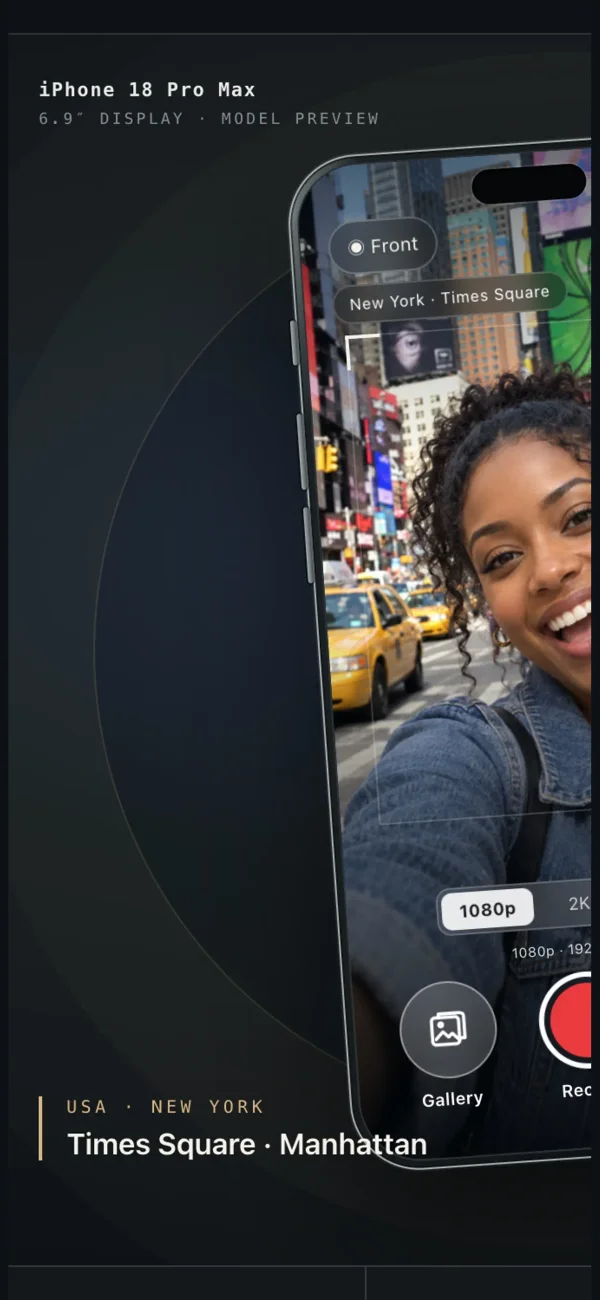
· Three buttons at the bottom: Photos / Record / Switch — one tap on Photos opens the system Photos app
· The picture cuts straight over with no stutter and no black frame, and the audio stays a single continuous track from start to finish
· Tap to focus, pinch to zoom (up to 10x)
· While recording, a red dot and a timer stay on screen, so you always know you are rolling
■ Privacy
· No data collected: no server, no account, no ads, no third-party analytics
· Finished videos are saved straight to your own Photos library, with no copy left behind in the app
■ Good to know
· The first launch asks for Camera, Microphone, and Photos (add-only) access
· Running both cameras at once uses more battery, so plug in for long recordings
Có gì mới
Phiên bản 1.1.1 · 17/10/2026
What is new in 1.0.1 (build 54):
· Removed the unused Beauty / Color entry — the bottom bar is now just Photos / Record / Switch
· Focused on the main idea: switch between the front and rear cameras while recording, one file, with audio that never drops
Quyền riêng tư của ứng dụng
Những gì 优尔公司 khai báo trên App Store về cách ứng dụng này xử lý dữ liệu.
-
Dữ liệu không được thu thập
Nhà phát triển không thu thập bất kỳ dữ liệu nào từ ứng dụng này.
Phương thức đảm bảo quyền riêng tư có thể khác nhau, chẳng hạn như tuỳ theo các tính năng bạn sử dụng hoặc độ tuổi của bạn.
Thông tin
- Người bán
- Ningbo Yoer Network Service Co., Ltd.
- Danh mục
- Ảnh & Video
- Phiên bản
- 1.1.1
- Cập nhật
- 17/10/2026
- Phát hành
- 08/10/2026
- Kích thước
- 5,7 MB
- Yêu cầu
- iOS 17.0 trở lên
- Độ tuổi
- 4+
- Giá
- Miễn phí
- Ngôn ngữ
- Tiếng Anh, Tiếng Ả Rập, Tiếng Nhật, Tiếng Hàn, Tiếng Trung Giản thể
- Bản quyền
- © 2026 Ningbo Yoer Network Service Co., Ltd.
Có thể bạn cũng thích
-
 Dual Camera Trước Sau & PiPQuay Video Reaction, Vlog Kép
-
 Flip CameraẢnh & Video
-
 SplitCam Dual Camera RecorderẢnh & Video
-
 SplitRig: Máy Quay 2 CameraVlog cả trước và sau, miễn phí
-
 Nonstop Cam : Pause & SwitchẢnh & Video
-
 DoubleTake - Multicam videoẢnh & Video
-
 2Camera Dual Camera RecorderẢnh & Video
-
 MixCam: Camera trước & sauChụp hai camera cùng một lúc
-
 Dual Camera Split Videos: RevoẢnh & Video
-
 MixCam - Dual Video RecorderẢnh & Video