
Tiny Click: Photo Compressor
Shrink pics, keep date & place
Entwickelt für iPhone
In-App-Käufe
- Altersfreigabe4+
- KategorieFoto und Video
- EntwicklerDhruv Kothari
- SprachenEnglisch
- Größe2,1 MB
Tiny Click: Photo Compressor ist bei App Store derzeit möglicherweise nicht verfügbar
Bei unserer letzten Prüfung war der Store-Eintrag nicht erreichbar. Der Link führt weiterhin zur offiziellen App Store-Seite.
Screenshots
Info
Der Entwickler hat diesen Text nicht in Ihrer Sprache bereitgestellt.
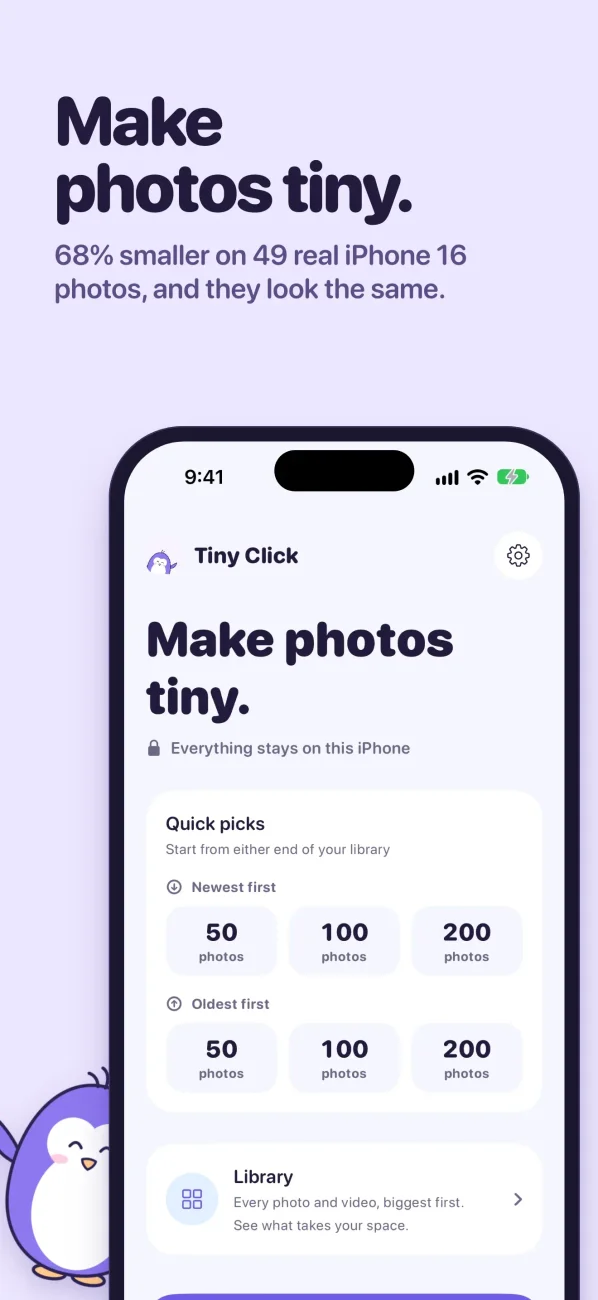
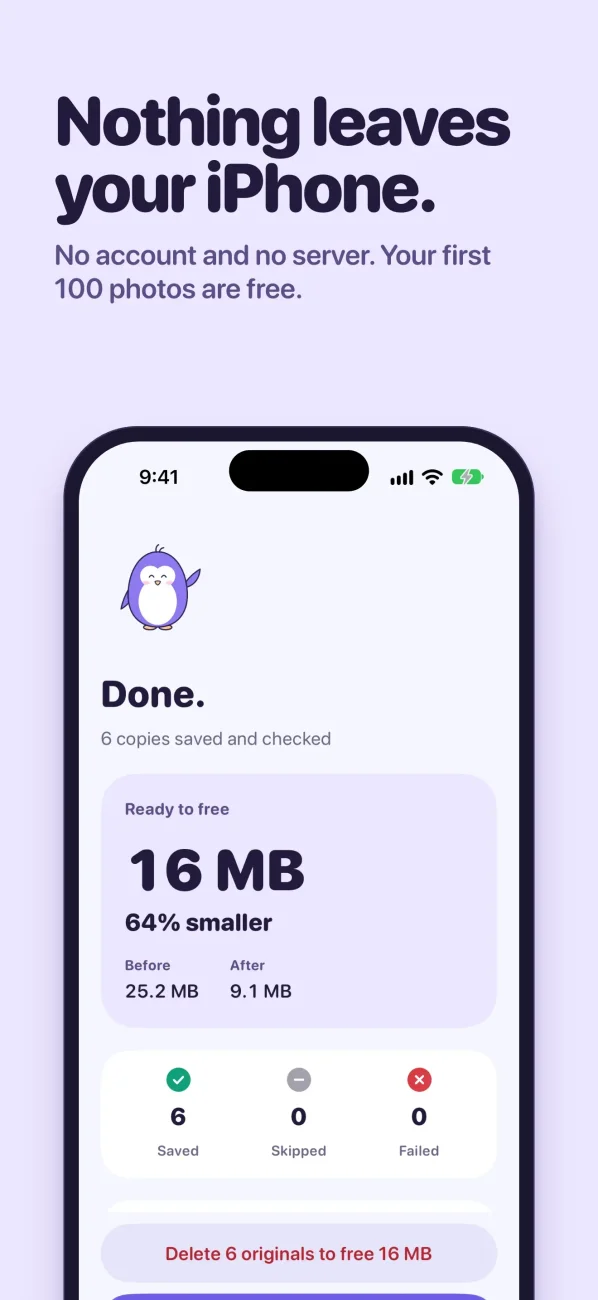
Tiny Click makes smaller copies of your iPhone photos, right on your iPhone. On 49 real iPhone 16 photos, the copies took 68% less space and looked the same on screen.
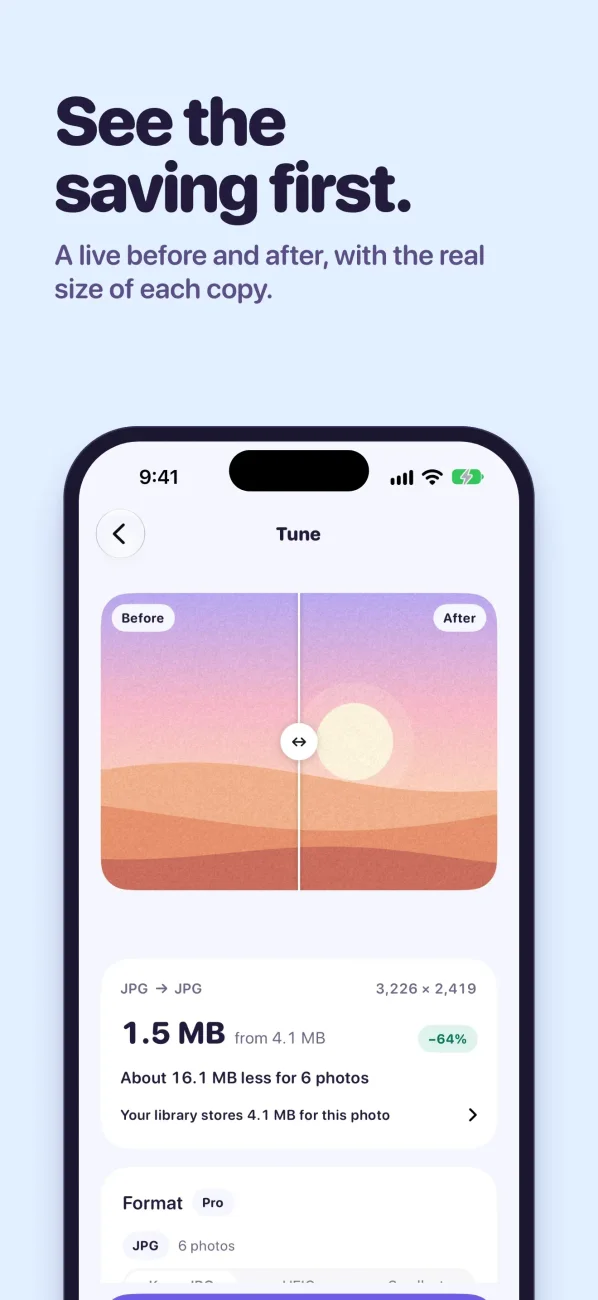
SEE THE SAVING FIRST
Slide between the original and the copy before you save anything. The size you see is the real size of the copy.
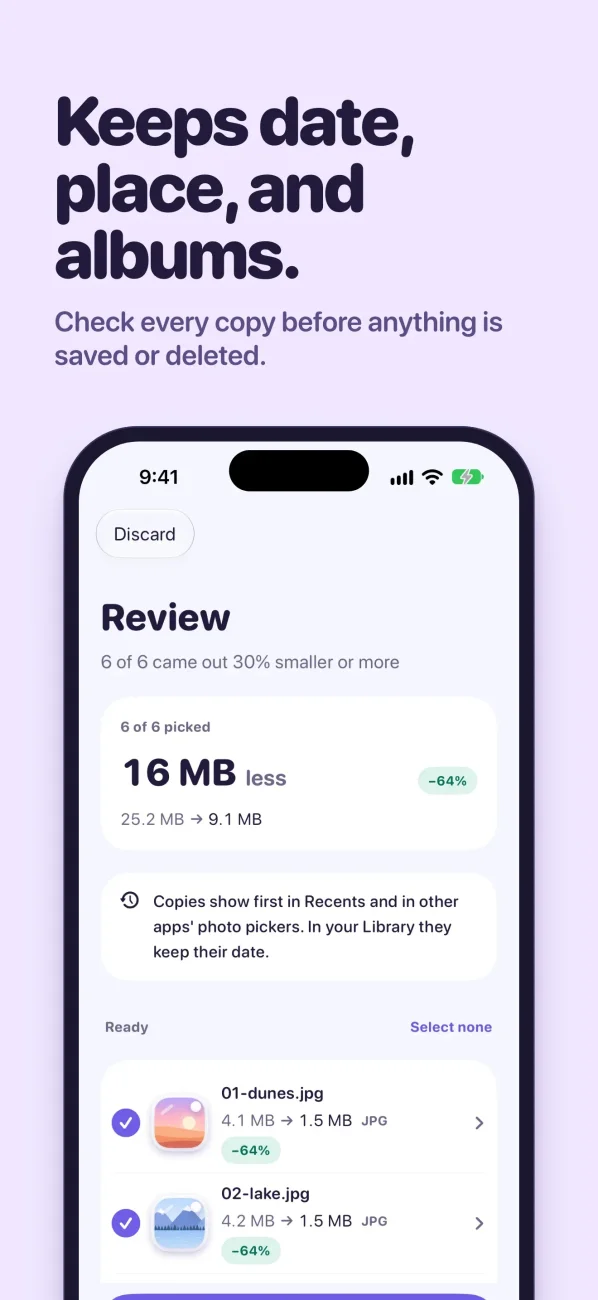
KEEPS WHAT MATTERS
Each copy keeps its capture date, place, camera details, favorite, and albums, so it sits in the same spot in Photos. HDR highlights still glow.
YOU DECIDE WHAT GOES
Tiny Click reads every copy back from your library before it counts. You choose which copies to save, and you delete the originals when the copies look right. iOS asks you first.
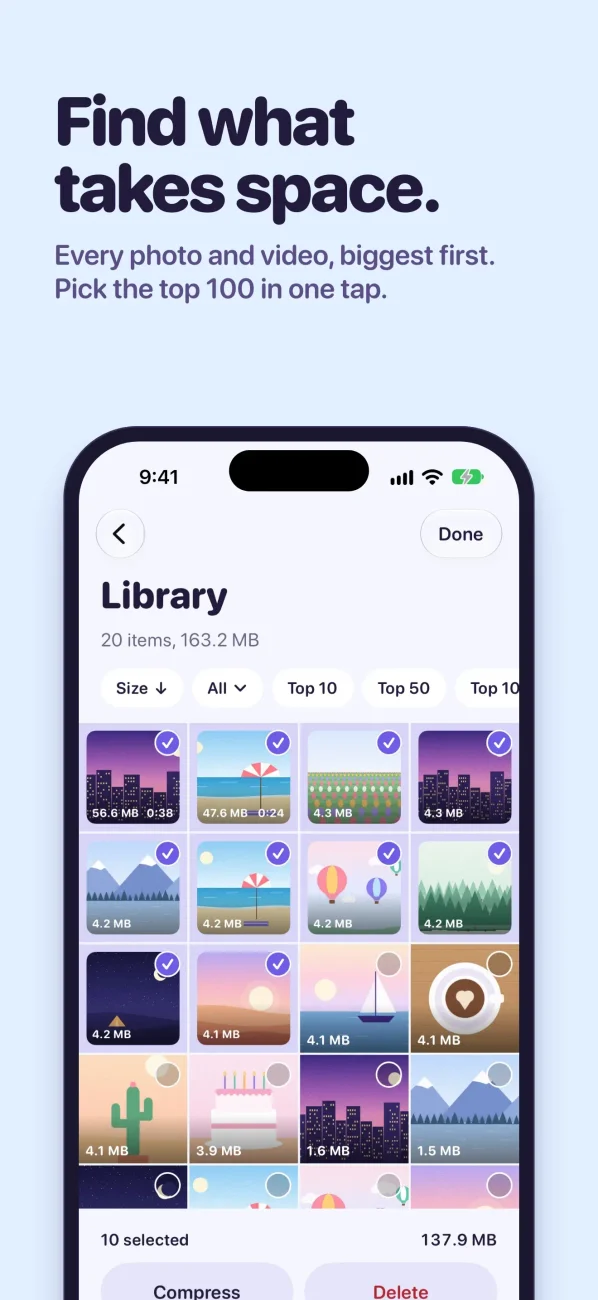
FIND WHAT TAKES SPACE
Sort every photo and video by size. Select the biggest 100 in one tap, then delete them or make them tiny.
KNOW WHAT CHANGES
iOS does not let any app shrink a photo in place, so a copy is a new photo to Photos. Faces in People come back when your iPhone scans the copies, but Memories and groups by the app that saved a photo start fresh. Tiny Click tells you this before your first batch and again before you delete.
PRIVATE BY DESIGN
Everything happens on your iPhone. Tiny Click has no account and no server, and it collects no data.
FREE TO START
Your first 100 photos are free. Tiny Click Pro is a one-time purchase that unlocks every photo and every setting, with Family Sharing.
Privacy policy: https://tinyclick.kothariji.in/privacy
Terms of use: https://www.apple.com/legal/internet-services/itunes/dev/stdeula/
Neue Funktionen
Version 1.0.1 · 10.11.2026
Safer copies, clearer choices.
- Screenshots become HEIC copies at full size: 82 to 88% smaller, with sharp text.
- Tiny Click now leaves alone what a copy cannot fully replace: bursts, spatial photos, photos with a RAW file, and see-through or animated images.
- Every copy is read back at its full size before its original can be deleted.
- Quality starts at 70% for more headroom. Copies are still about 68% smaller.
- Each setting on Tune has a short note that says what it does.
- Before you delete, Tiny Click says what happens to faces, Live Photos, and Portrait depth.
- Library is now a card on Home. It shows your biggest photos and videos first.
- A thank-you when you unlock Pro.
App-Datenschutz
Was Dhruv Kothari im App Store zum Umgang dieser App mit Daten angibt.
-
Keine Daten erfasst
Der Entwickler erfasst keine Daten von dieser App.
Die Datenschutzpraktiken können variieren, zum Beispiel je nach den von Ihnen verwendeten Funktionen oder Ihrem Alter.
Informationen
- Anbieter
- Dhruv Kothari
- Kategorie
- Foto und Video
- Version
- 1.0.1
- Aktualisiert
- 10.11.2026
- Veröffentlicht
- 09.11.2026
- Größe
- 2,1 MB
- Erfordert
- iOS 17.0 oder neuer
- Altersfreigabe
- 4+
- In-App-Käufe
- Ja
- Sprachen
- Englisch
- Copyright
- © 2026 Dhruv Kothari
Das könnte Ihnen auch gefallen
-
 Shrinkaway: Bilder verkleinernFotos für Uploads komprimieren
-
 Tiny Photo CompressorFoto und Video
-
 Bildkompressor OfflineFoto unter dem Größenlimit
-
 Photo Compress , Resize & CropFoto und Video
-
 Compress Photos: Shrink ImagesFoto und Video
-
 White Background FrameFoto und Video
-
 Photon KameraDSLR & RAW & Manuell & Makro
-
 Cooraft: Niedliche KI-KameraTurn ordinary photos into Arts
-
 Fotos ausblenden - Hide it ProVerstecken Sie Foto, Video
-
 (Not Boring) CameraPro Camera with Natural Photos