
Tiny Click: Photo Compressor
Shrink pics, keep date & place
Diseñada para iPhone
Compras en la aplicación
- Clasificación por edad4+
- CategoríaFoto y vídeo
- DesarrolladorDhruv Kothari
- IdiomasInglés
- Tamaño2,1 MB
Es posible que Tiny Click: Photo Compressor no esté disponible en App Store en este momento
No se pudo acceder a la ficha de la tienda en nuestra última comprobación. El enlace sigue llevando a la página oficial de App Store.
Capturas de pantalla
Acerca de
El desarrollador no ha proporcionado este texto en tu idioma.
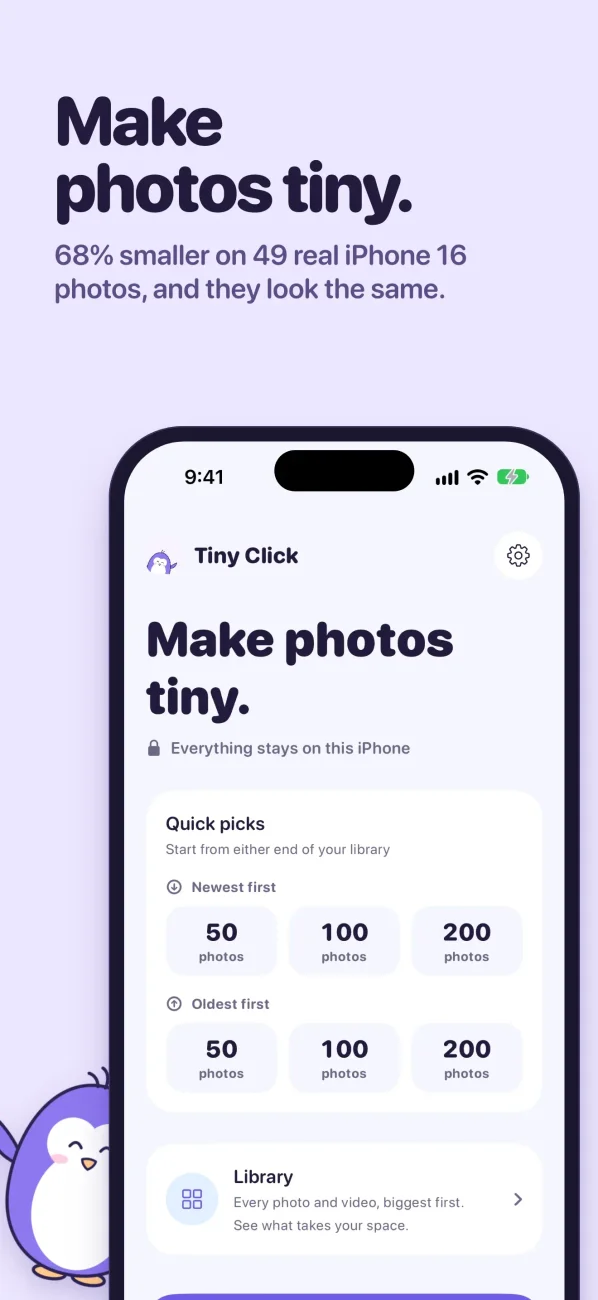
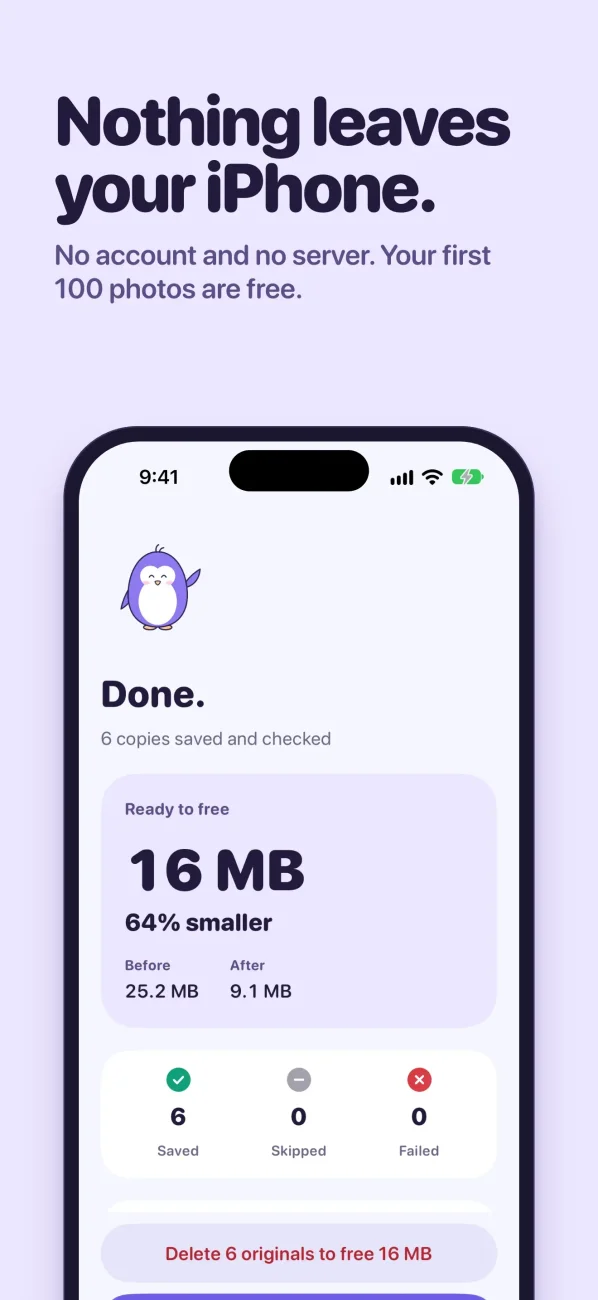
Tiny Click makes smaller copies of your iPhone photos, right on your iPhone. On 49 real iPhone 16 photos, the copies took 68% less space and looked the same on screen.
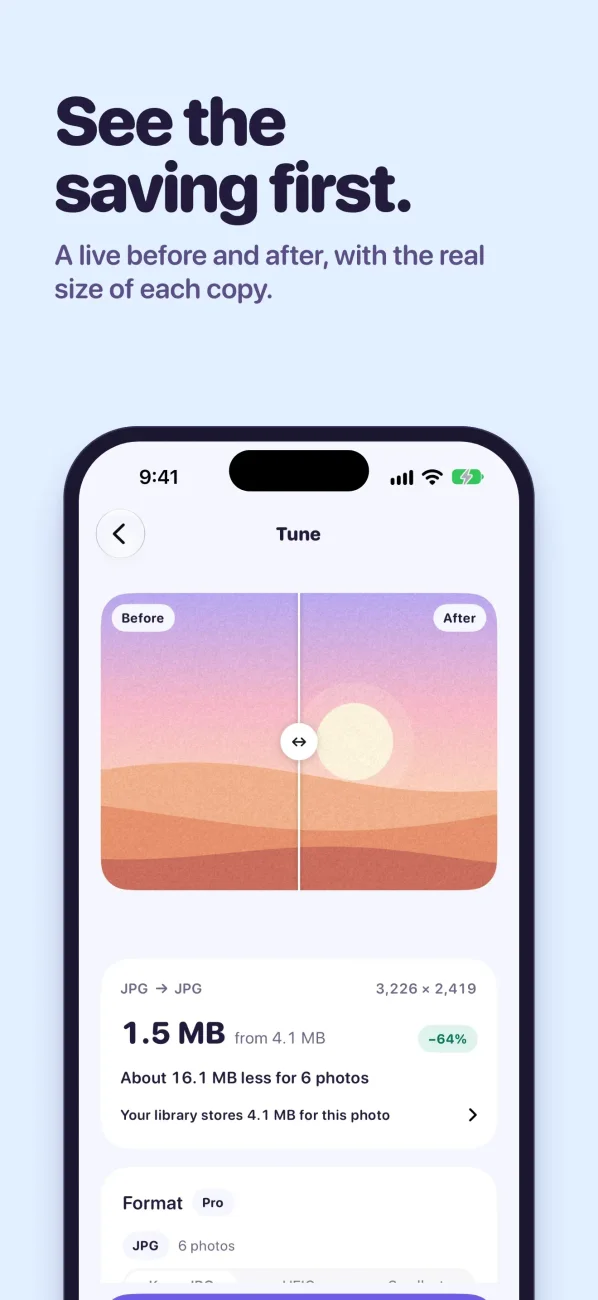
SEE THE SAVING FIRST
Slide between the original and the copy before you save anything. The size you see is the real size of the copy.
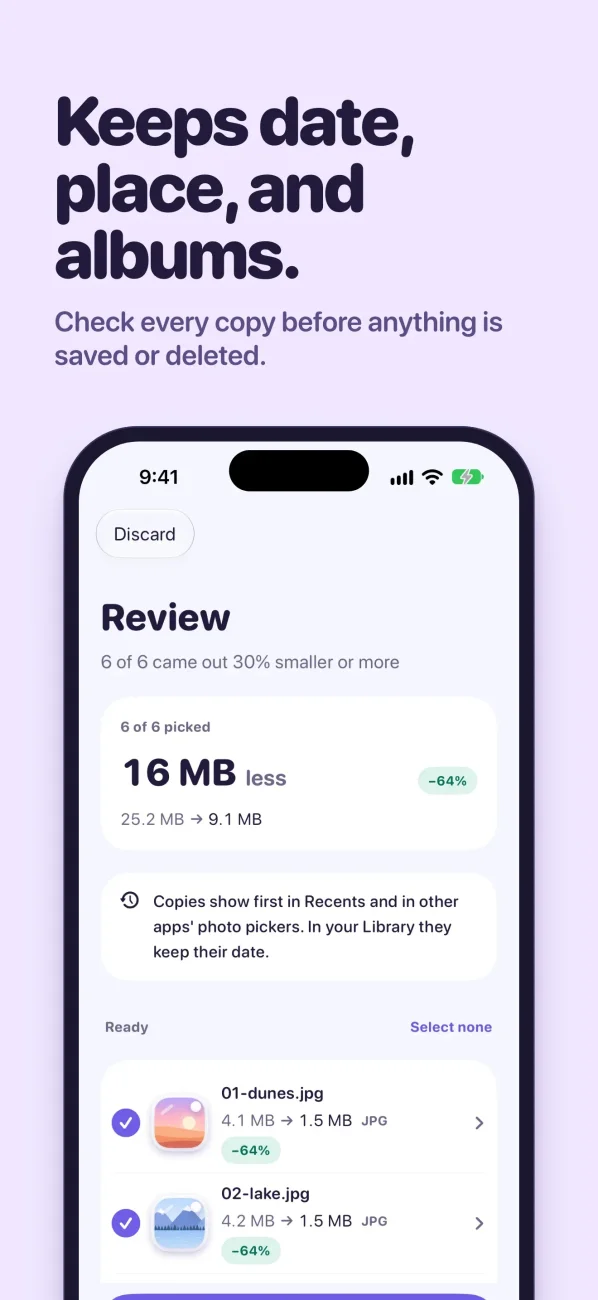
KEEPS WHAT MATTERS
Each copy keeps its capture date, place, camera details, favorite, and albums, so it sits in the same spot in Photos. HDR highlights still glow.
YOU DECIDE WHAT GOES
Tiny Click reads every copy back from your library before it counts. You choose which copies to save, and you delete the originals when the copies look right. iOS asks you first.
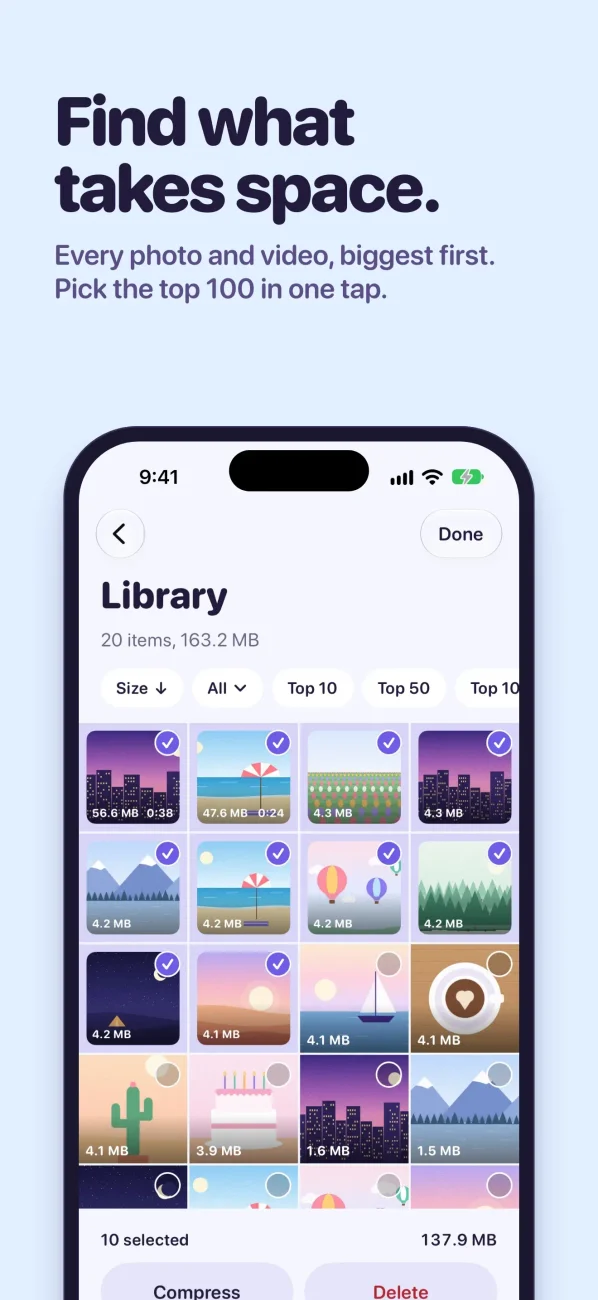
FIND WHAT TAKES SPACE
Sort every photo and video by size. Select the biggest 100 in one tap, then delete them or make them tiny.
KNOW WHAT CHANGES
iOS does not let any app shrink a photo in place, so a copy is a new photo to Photos. Faces in People come back when your iPhone scans the copies, but Memories and groups by the app that saved a photo start fresh. Tiny Click tells you this before your first batch and again before you delete.
PRIVATE BY DESIGN
Everything happens on your iPhone. Tiny Click has no account and no server, and it collects no data.
FREE TO START
Your first 100 photos are free. Tiny Click Pro is a one-time purchase that unlocks every photo and every setting, with Family Sharing.
Privacy policy: https://tinyclick.kothariji.in/privacy
Terms of use: https://www.apple.com/legal/internet-services/itunes/dev/stdeula/
Novedades
Versión 1.0.1 · 10/11/2026
Safer copies, clearer choices.
- Screenshots become HEIC copies at full size: 82 to 88% smaller, with sharp text.
- Tiny Click now leaves alone what a copy cannot fully replace: bursts, spatial photos, photos with a RAW file, and see-through or animated images.
- Every copy is read back at its full size before its original can be deleted.
- Quality starts at 70% for more headroom. Copies are still about 68% smaller.
- Each setting on Tune has a short note that says what it does.
- Before you delete, Tiny Click says what happens to faces, Live Photos, and Portrait depth.
- Library is now a card on Home. It shows your biggest photos and videos first.
- A thank-you when you unlock Pro.
Privacidad de la aplicación
Lo que Dhruv Kothari declara en App Store sobre cómo esta aplicación gestiona los datos.
-
No se recopilan datos
El desarrollador no recopila ningún dato de esta aplicación.
Las prácticas de privacidad pueden variar, por ejemplo, según las funciones que uses o tu edad.
Información
- Vendedor
- Dhruv Kothari
- Categoría
- Foto y vídeo
- Versión
- 1.0.1
- Actualizado
- 10/11/2026
- Publicado
- 9/11/2026
- Tamaño
- 2,1 MB
- Requiere
- iOS 17.0 o posterior
- Clasificación por edad
- 4+
- Compras en la aplicación
- Sí
- Idiomas
- Inglés
- Copyright
- © 2026 Dhruv Kothari
Quizá también te guste
-
 Shrinkaway: Comprimir imágenesReduce tus fotos para subirlas
-
 Tiny Photo CompressorFoto y vídeo
-
 Compresor de imagenes offlineFotos bajo un límite de peso
-
 Photo Compress , Resize & CropFoto y vídeo
-
 Compress Photos: Shrink ImagesFoto y vídeo
-
 White Background FramePlanifica tu cuadrícula
-
 Photon CameraDSLR, RAW, Manual, Macro
-
 Cooraft: Ultimate AI CameraTurn ordinary photos into Arts
-
 Ocultar foto video Hide it ProOcultar fotos, videos, notas
-
 (Not Boring) CameraPro Camera with Natural Photos