
Tiny Click: Photo Compressor
Shrink pics, keep date & place
Designed for iPhone
Free · In-app purchases
- Age rating4+
- CategoryPhoto & Video
- DeveloperDhruv Kothari
- LanguagesEnglish
- Size2.1 MB
Links to the official App Store page
Download.org hosts no file of Tiny Click: Photo Compressor. The button opens its official App Store page, published by Dhruv Kothari. Listing last checked on Nov 18, 2026.
Screenshots
About
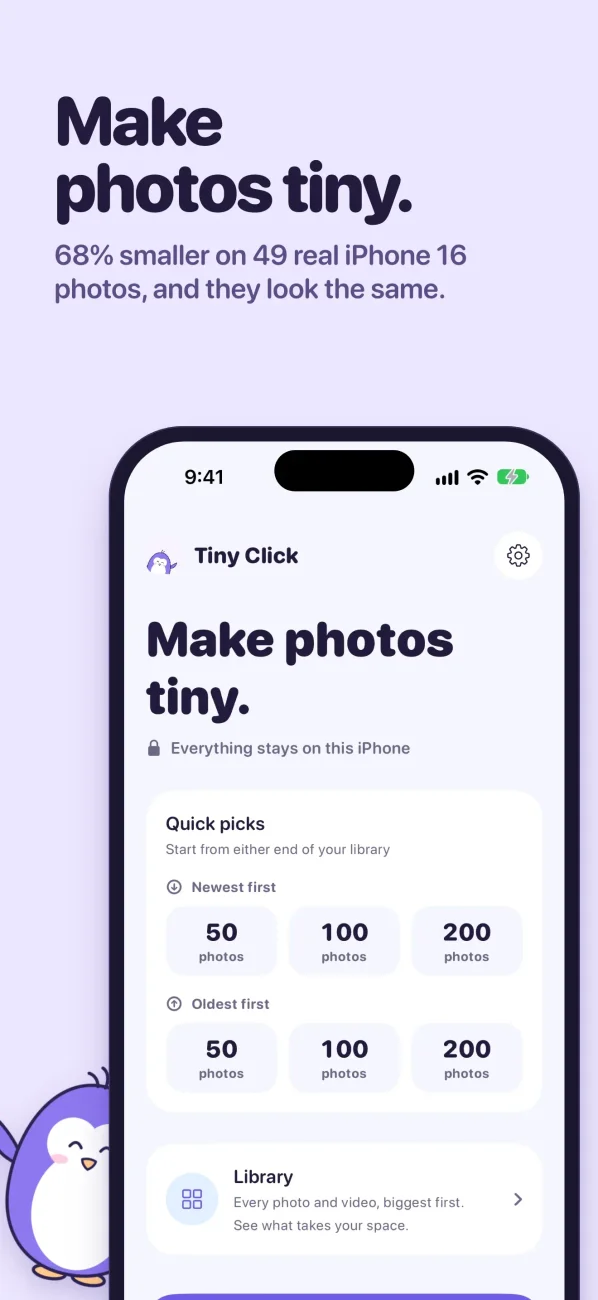
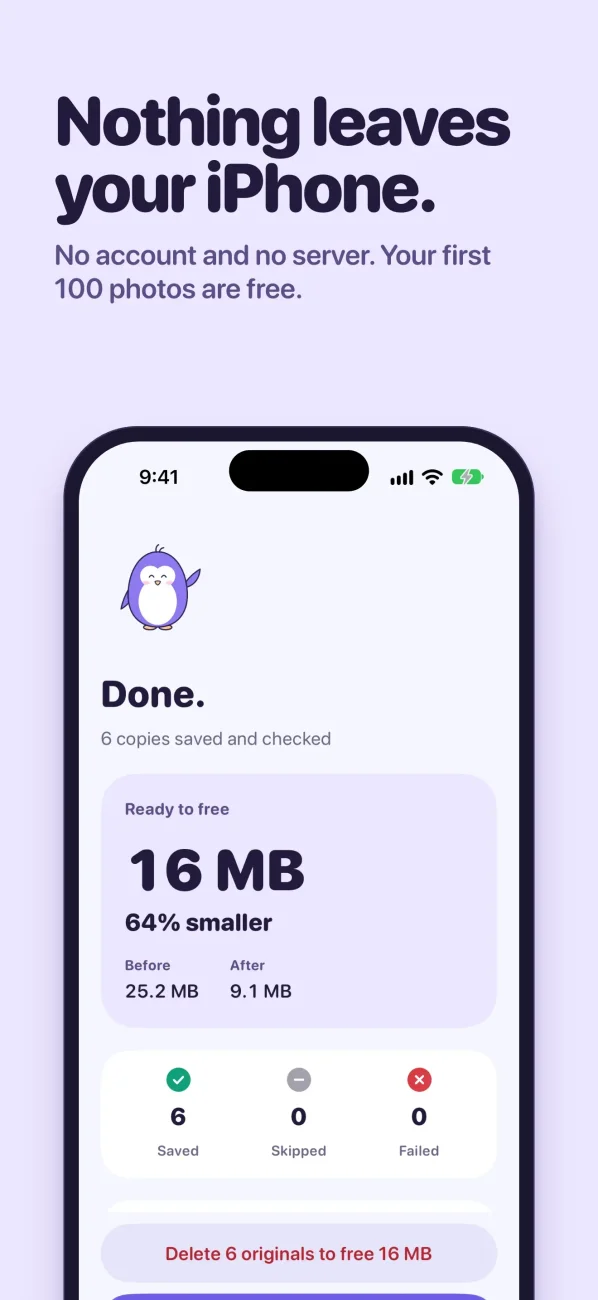
Tiny Click makes smaller copies of your iPhone photos, right on your iPhone. On 49 real iPhone 16 photos, the copies took 68% less space and looked the same on screen.
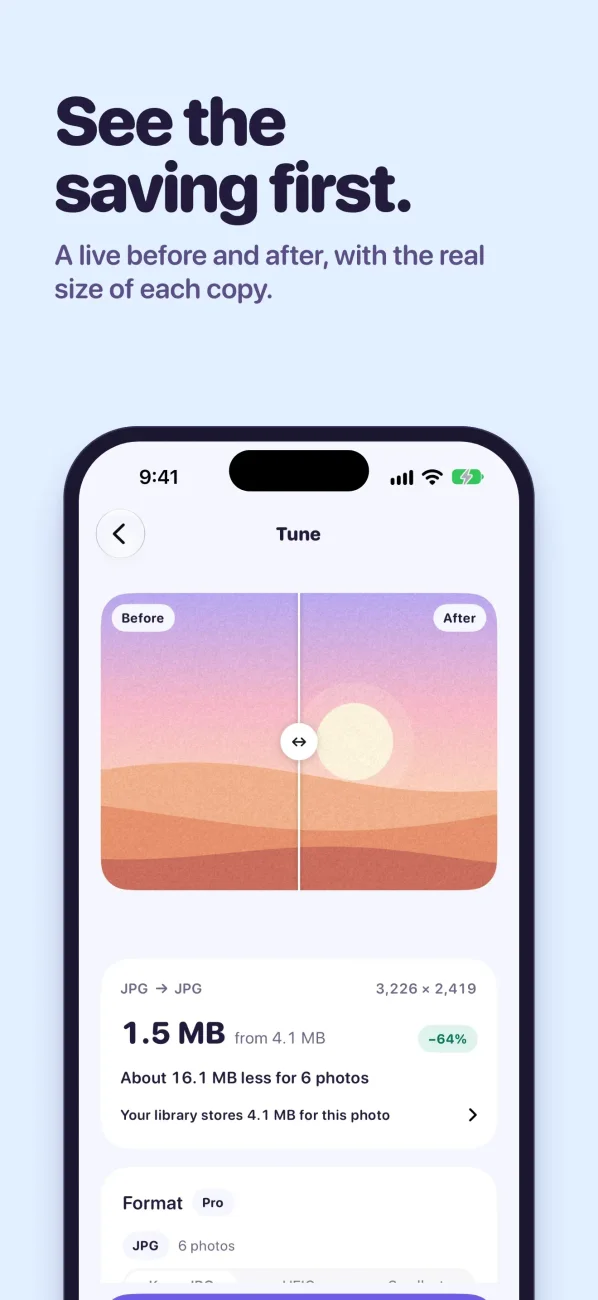
SEE THE SAVING FIRST
Slide between the original and the copy before you save anything. The size you see is the real size of the copy.
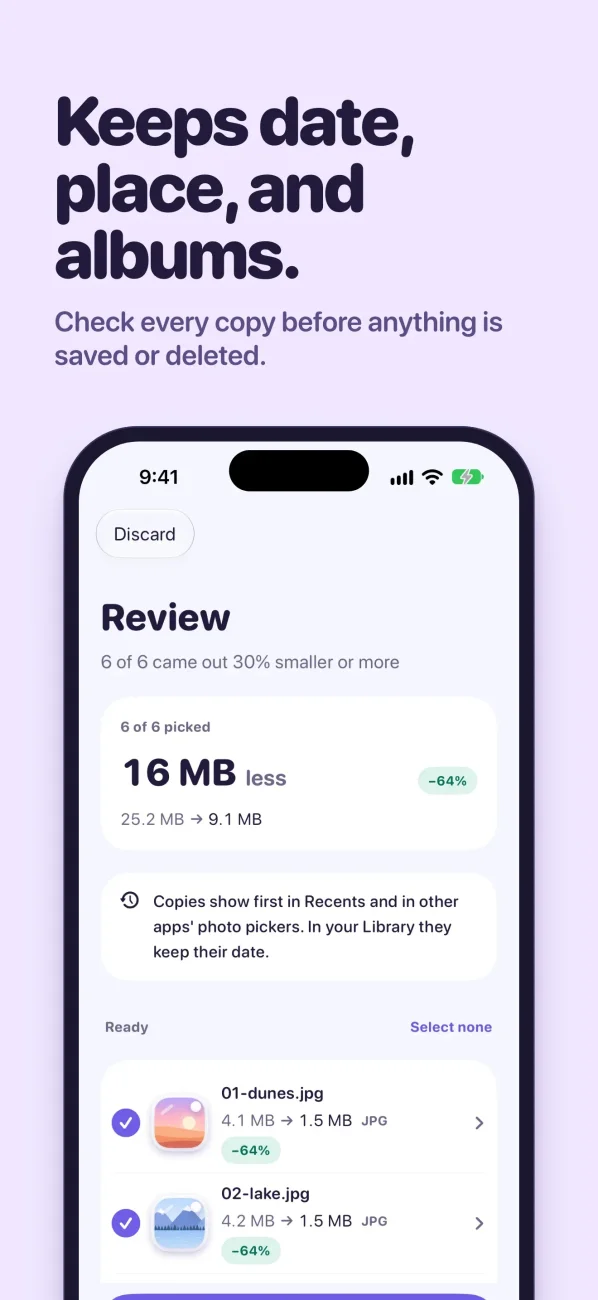
KEEPS WHAT MATTERS
Each copy keeps its capture date, place, camera details, favorite, and albums, so it sits in the same spot in Photos. HDR highlights still glow.
YOU DECIDE WHAT GOES
Tiny Click reads every copy back from your library before it counts. You choose which copies to save, and you delete the originals when the copies look right. iOS asks you first.
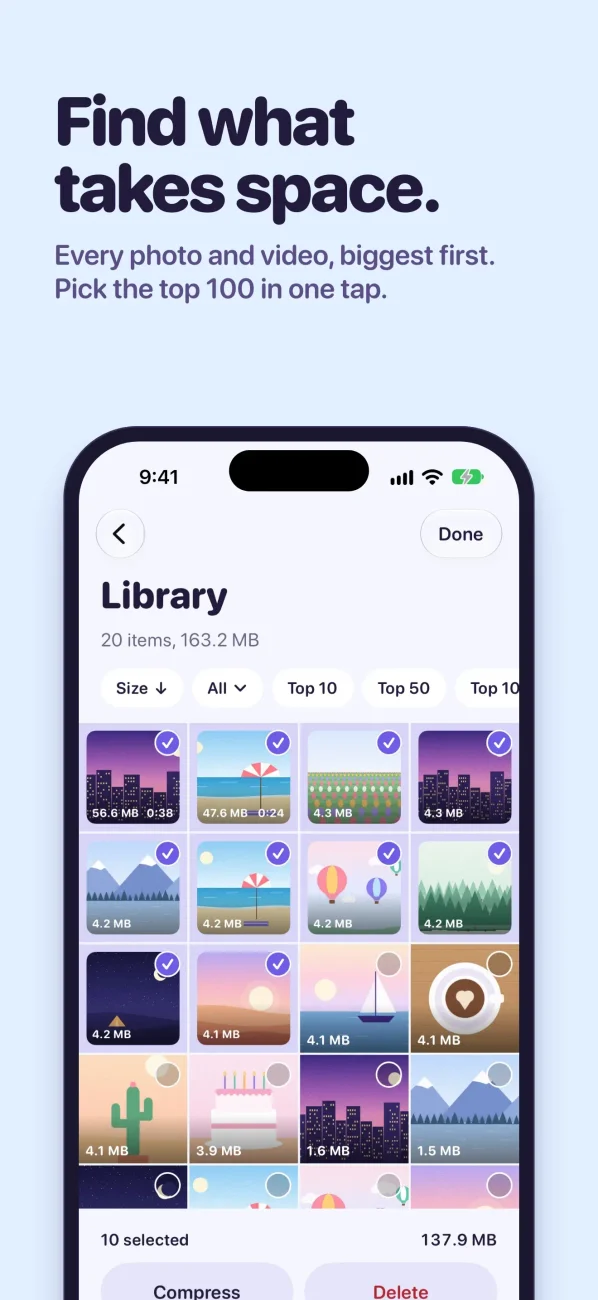
FIND WHAT TAKES SPACE
Sort every photo and video by size. Select the biggest 100 in one tap, then delete them or make them tiny.
KNOW WHAT CHANGES
iOS does not let any app shrink a photo in place, so a copy is a new photo to Photos. Faces in People come back when your iPhone scans the copies, but Memories and groups by the app that saved a photo start fresh. Tiny Click tells you this before your first batch and again before you delete.
PRIVATE BY DESIGN
Everything happens on your iPhone. Tiny Click has no account and no server, and it collects no data.
FREE TO START
Your first 100 photos are free. Tiny Click Pro is a one-time purchase that unlocks every photo and every setting, with Family Sharing.
Privacy policy: https://tinyclick.kothariji.in/privacy
Terms of use: https://www.apple.com/legal/internet-services/itunes/dev/stdeula/
What’s new
Version 1.0.1 · Nov 10, 2026
Safer copies, clearer choices.
- Screenshots become HEIC copies at full size: 82 to 88% smaller, with sharp text.
- Tiny Click now leaves alone what a copy cannot fully replace: bursts, spatial photos, photos with a RAW file, and see-through or animated images.
- Every copy is read back at its full size before its original can be deleted.
- Quality starts at 70% for more headroom. Copies are still about 68% smaller.
- Each setting on Tune has a short note that says what it does.
- Before you delete, Tiny Click says what happens to faces, Live Photos, and Portrait depth.
- Library is now a card on Home. It shows your biggest photos and videos first.
- A thank-you when you unlock Pro.
App privacy
What Dhruv Kothari declares on the App Store about how this app handles data.
-
Data not collected
The developer does not collect any data from this app.
Privacy practices may vary, for example with the features you use or your age.
Information
- Seller
- Dhruv Kothari
- Category
- Photo & Video
- Version
- 1.0.1
- Updated
- Nov 10, 2026
- Released
- Nov 9, 2026
- Size
- 2.1 MB
- Requires
- iOS 17.0 or later
- Age rating
- 4+
- Price
- Free
- In-app purchases
- Yes
- Languages
- English
- Copyright
- © 2026 Dhruv Kothari
You might also like
-
 Shrinkaway: Image CompressorShrink photos to fit uploads
-
 Tiny Photo CompressorOffline photo resizing
-
 Image Compressor OfflineFit photos under a size limit
-
 Photo Compress , Resize & CropImage Compressor & Cropper
-
 Compress Photos: Shrink ImagesPhoto compressor, Image Size
-
 White Background FramePlan Your Grid, Frame Photos
-
 Photon CameraPro DSLR Manual RAW Focus Peak
-
 Cooraft: Ultimate AI CameraTurn ordinary photos into Arts
-
 Hide Photos Video -Hide it ProHide photos, videos, apps
-
 (Not Boring) CameraPro Camera with Natural Photos