
- 対象年齢4+
- カテゴリ写真/ビデオ
- 開発元Dhruv Kothari
- 言語英語
- サイズ2.1 MB
App Storeの公式ページにリンクしています
Download.orgはTiny Click: Photo Compressorのファイルを一切ホストしていません。ボタンを押すと、Dhruv Kothariが公開しているApp Storeのアプリページが開きます。ページの最終確認:2026/11/18。
スクリーンショット
概要
開発元はこのテキストをお使いの言語で提供していません。
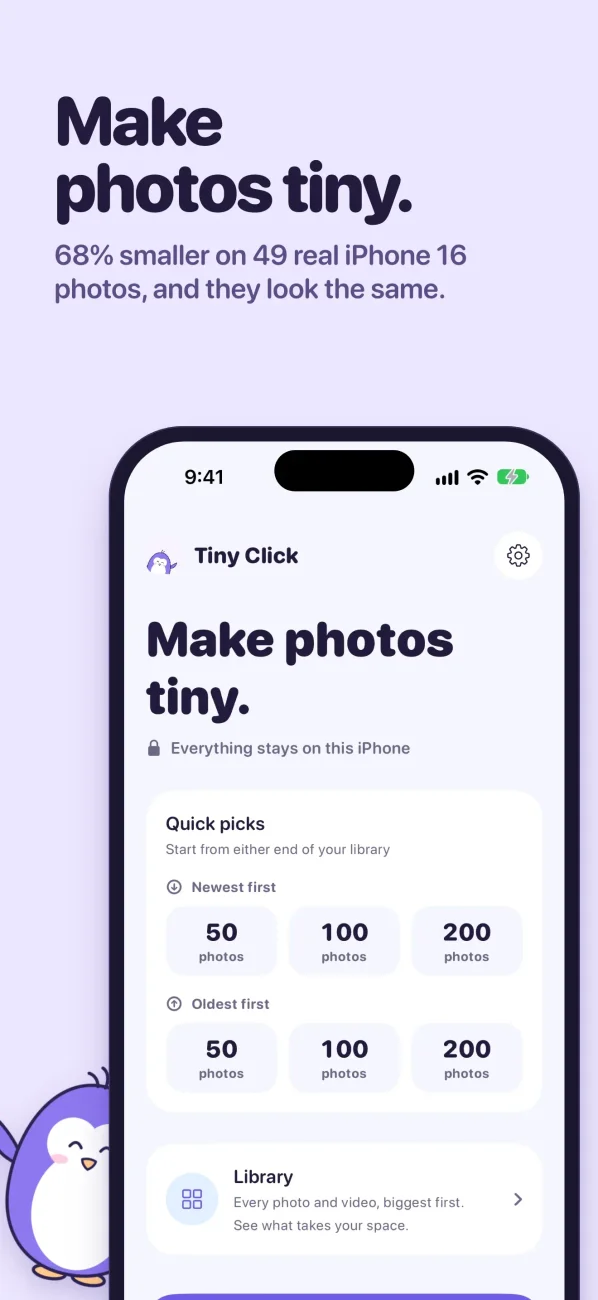
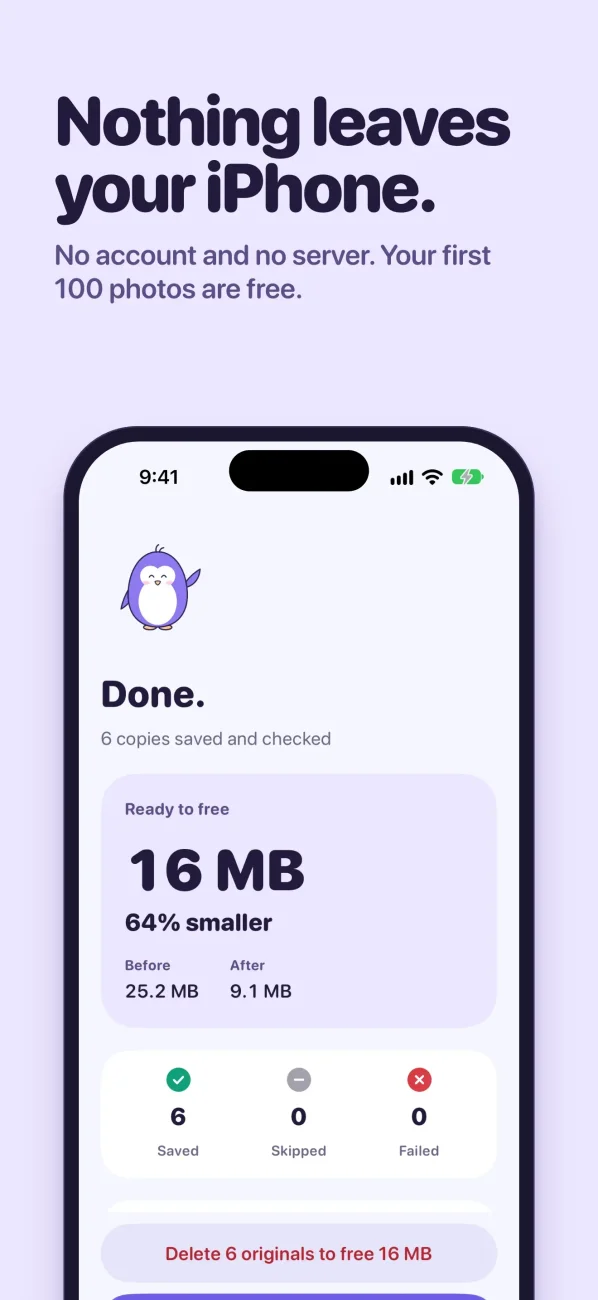
Tiny Click makes smaller copies of your iPhone photos, right on your iPhone. On 49 real iPhone 16 photos, the copies took 68% less space and looked the same on screen.
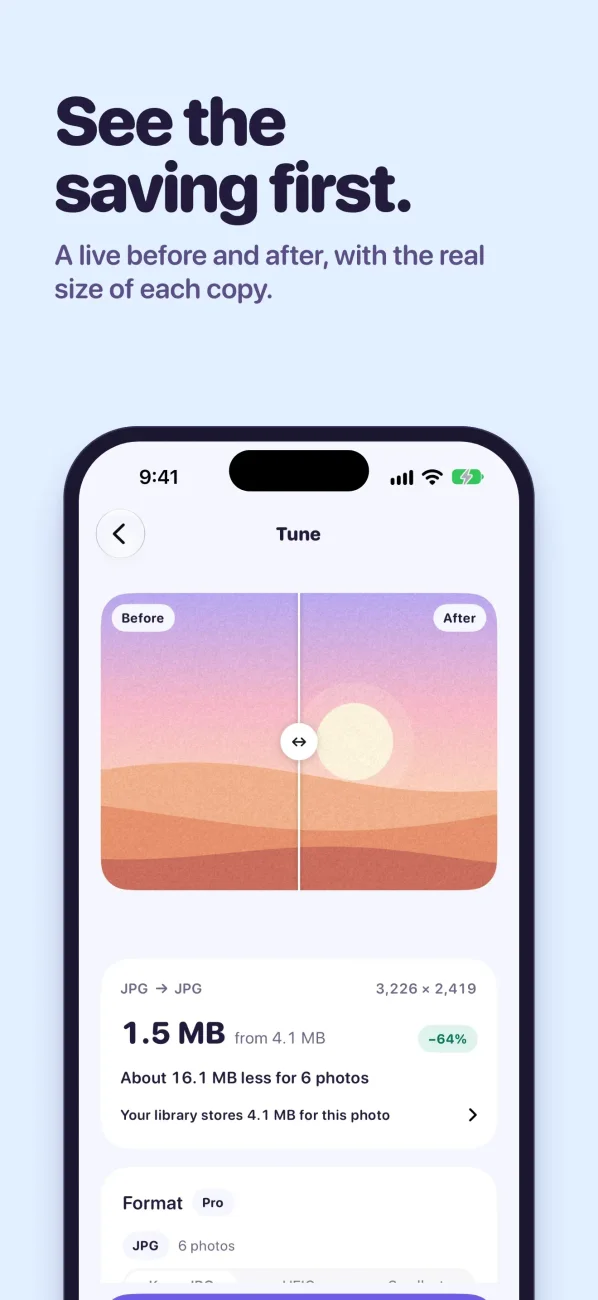
SEE THE SAVING FIRST
Slide between the original and the copy before you save anything. The size you see is the real size of the copy.
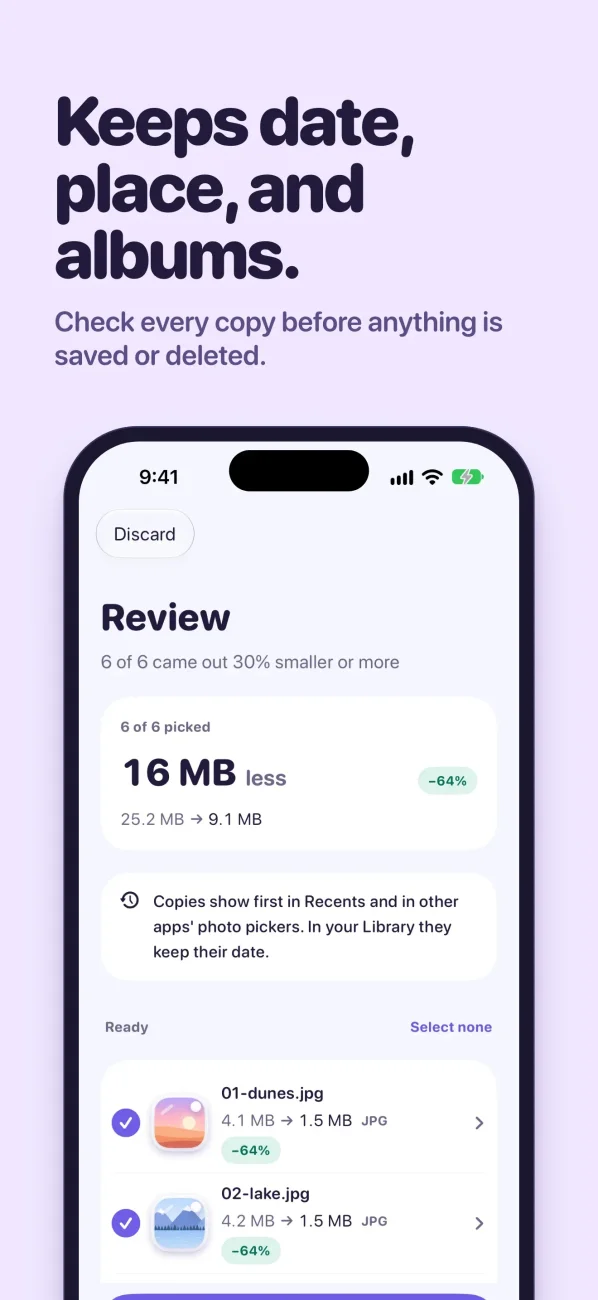
KEEPS WHAT MATTERS
Each copy keeps its capture date, place, camera details, favorite, and albums, so it sits in the same spot in Photos. HDR highlights still glow.
YOU DECIDE WHAT GOES
Tiny Click reads every copy back from your library before it counts. You choose which copies to save, and you delete the originals when the copies look right. iOS asks you first.
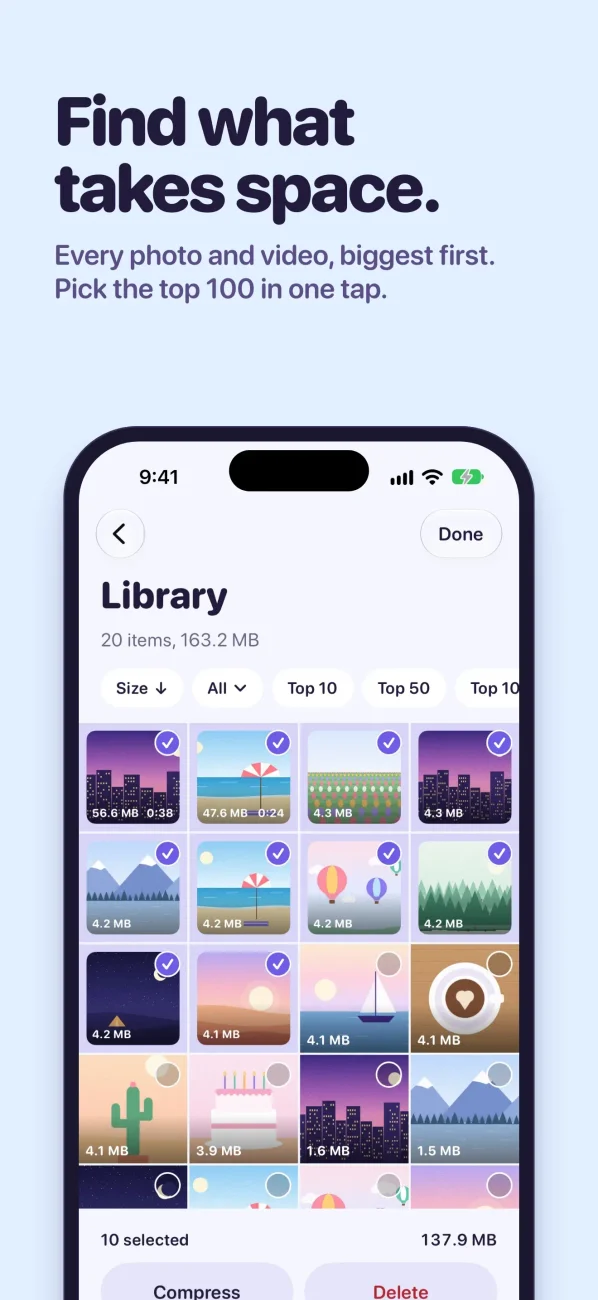
FIND WHAT TAKES SPACE
Sort every photo and video by size. Select the biggest 100 in one tap, then delete them or make them tiny.
KNOW WHAT CHANGES
iOS does not let any app shrink a photo in place, so a copy is a new photo to Photos. Faces in People come back when your iPhone scans the copies, but Memories and groups by the app that saved a photo start fresh. Tiny Click tells you this before your first batch and again before you delete.
PRIVATE BY DESIGN
Everything happens on your iPhone. Tiny Click has no account and no server, and it collects no data.
FREE TO START
Your first 100 photos are free. Tiny Click Pro is a one-time purchase that unlocks every photo and every setting, with Family Sharing.
Privacy policy: https://tinyclick.kothariji.in/privacy
Terms of use: https://www.apple.com/legal/internet-services/itunes/dev/stdeula/
新機能
バージョン 1.0.1 · 2026/11/10
Safer copies, clearer choices.
- Screenshots become HEIC copies at full size: 82 to 88% smaller, with sharp text.
- Tiny Click now leaves alone what a copy cannot fully replace: bursts, spatial photos, photos with a RAW file, and see-through or animated images.
- Every copy is read back at its full size before its original can be deleted.
- Quality starts at 70% for more headroom. Copies are still about 68% smaller.
- Each setting on Tune has a short note that says what it does.
- Before you delete, Tiny Click says what happens to faces, Live Photos, and Portrait depth.
- Library is now a card on Home. It shows your biggest photos and videos first.
- A thank-you when you unlock Pro.
アプリのプライバシー
このアプリのデータの取り扱いについて、Dhruv KothariがApp Storeで申告している内容です。
-
データの収集なし
開発元はこのアプリからデータを収集しません。
プライバシーの取り扱いは、ご利用の機能やお客様の年齢などに応じて異なる場合があります。
情報
- 販売元
- Dhruv Kothari
- カテゴリ
- 写真/ビデオ
- バージョン
- 1.0.1
- 更新日
- 2026/11/10
- リリース
- 2026/11/9
- サイズ
- 2.1 MB
- 必要条件
- iOS 17.0以降
- 対象年齢
- 4+
- 価格
- 無料
- アプリ内課金
- あり
- 言語
- 英語
- 著作権
- © 2026 Dhruv Kothari
こちらもおすすめ
-
 消せる圧縮 - 画像を小さくアップロード用に画像サイズを圧縮
-
 Tiny Photo Compressor写真/ビデオ
-
 画像圧縮 - オフライン写真を上限サイズに収める
-
 Photo Compress , Resize & Crop写真/ビデオ
-
 Compress Photos: Shrink Images写真/ビデオ
-
 White Background Frame写真/ビデオ
-
 Photon Camera写真/ビデオ
-
 Cooraft: Ultimate AI Camera写真を芸術作品に変える
-
 Hide Photos Video -Hide it Pro写真/ビデオ
-
 (Not Boring) CameraPro Camera with Natural Photos