
Tomato: Screen Time Control
App Blocker & Focus Timer
Entwickelt für iPhone, iPad
In-App-Käufe
- Altersfreigabe4+
- KategorieProduktivität
- EntwicklerGalton Ma
- SprachenEnglisch
- Größe17,1 MB
Tomato: Screen Time Control ist bei App Store derzeit möglicherweise nicht verfügbar
Bei unserer letzten Prüfung war der Store-Eintrag nicht erreichbar. Der Link führt weiterhin zur offiziellen App Store-Seite.
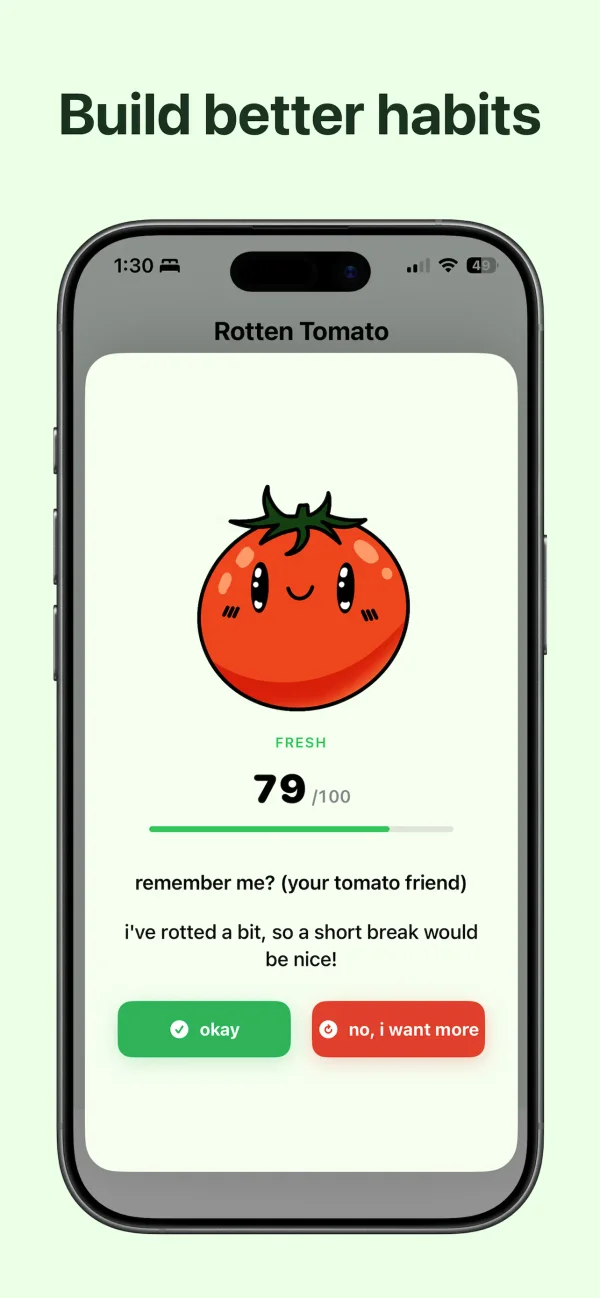
Screenshots
Info
Der Entwickler hat diesen Text nicht in Ihrer Sprache bereitgestellt.
Spend less time scrolling and more time living.
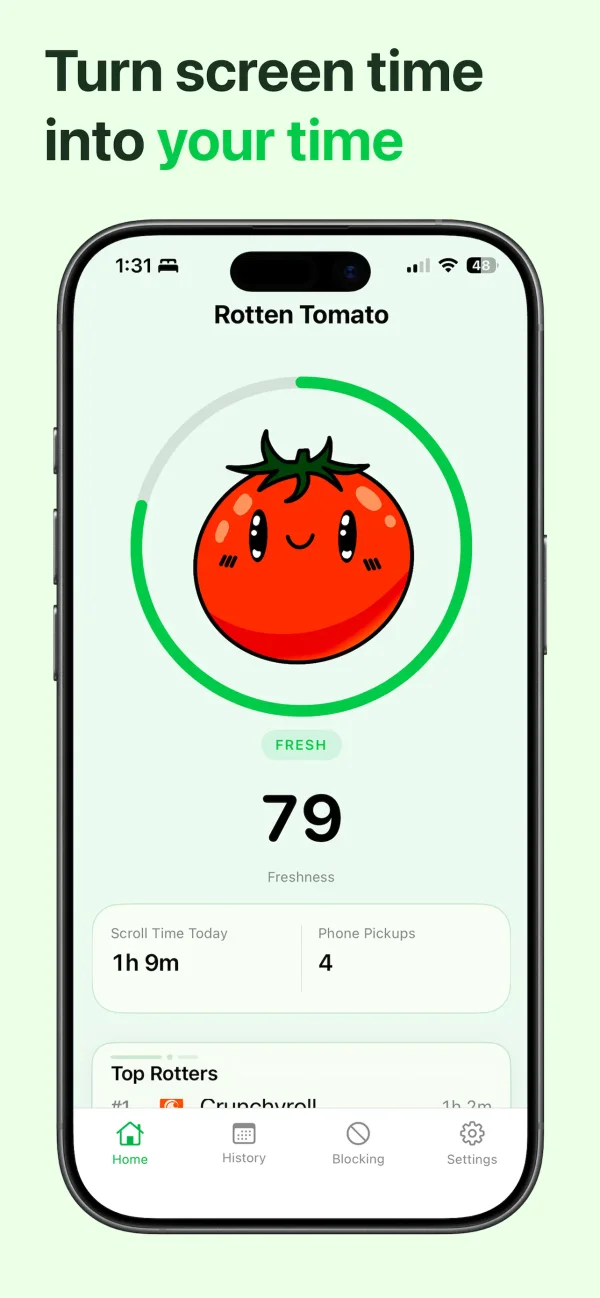
Tomato is a screen time and focus app that helps you cut distractions, build better habits, and stay in control of your day.
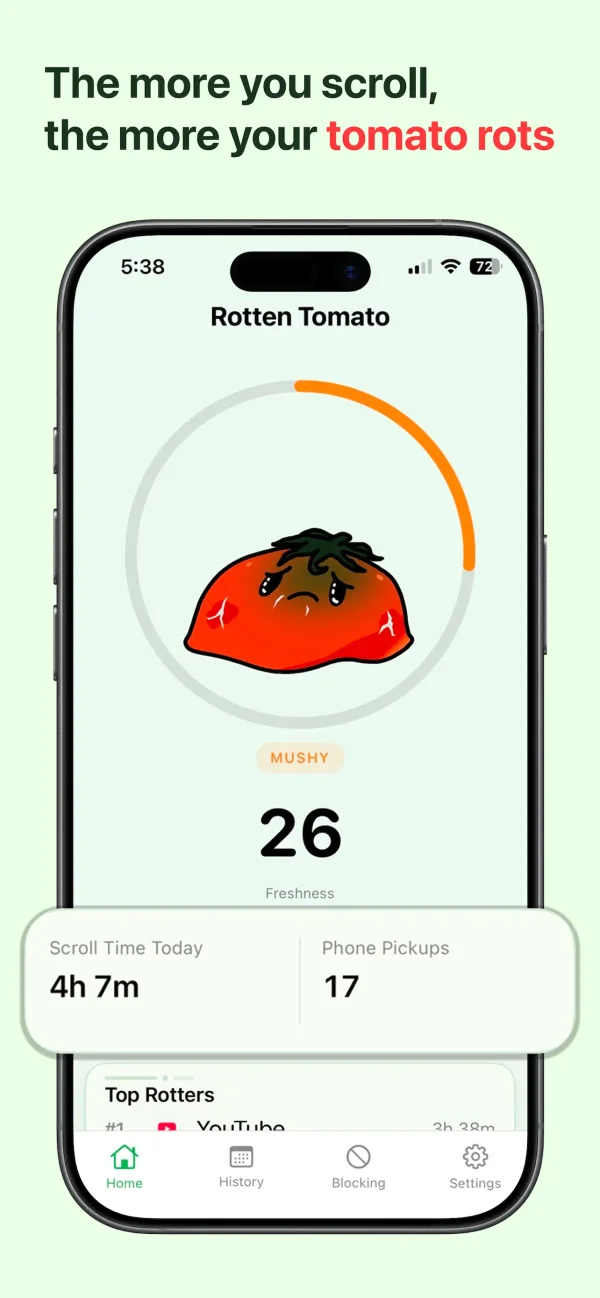
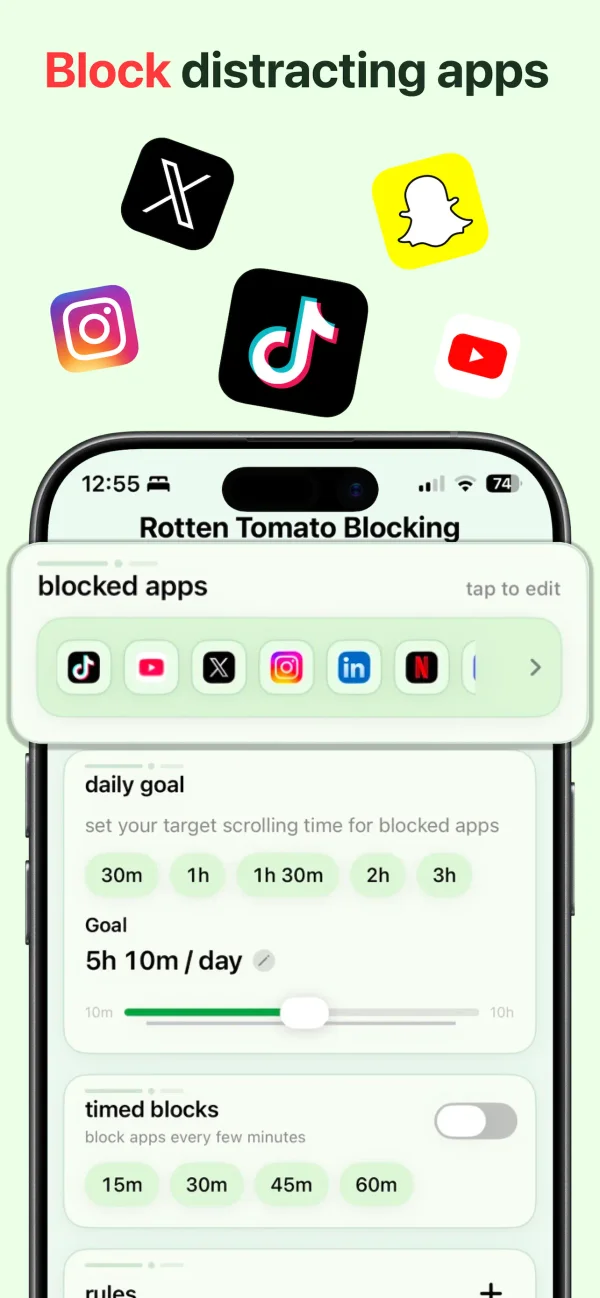
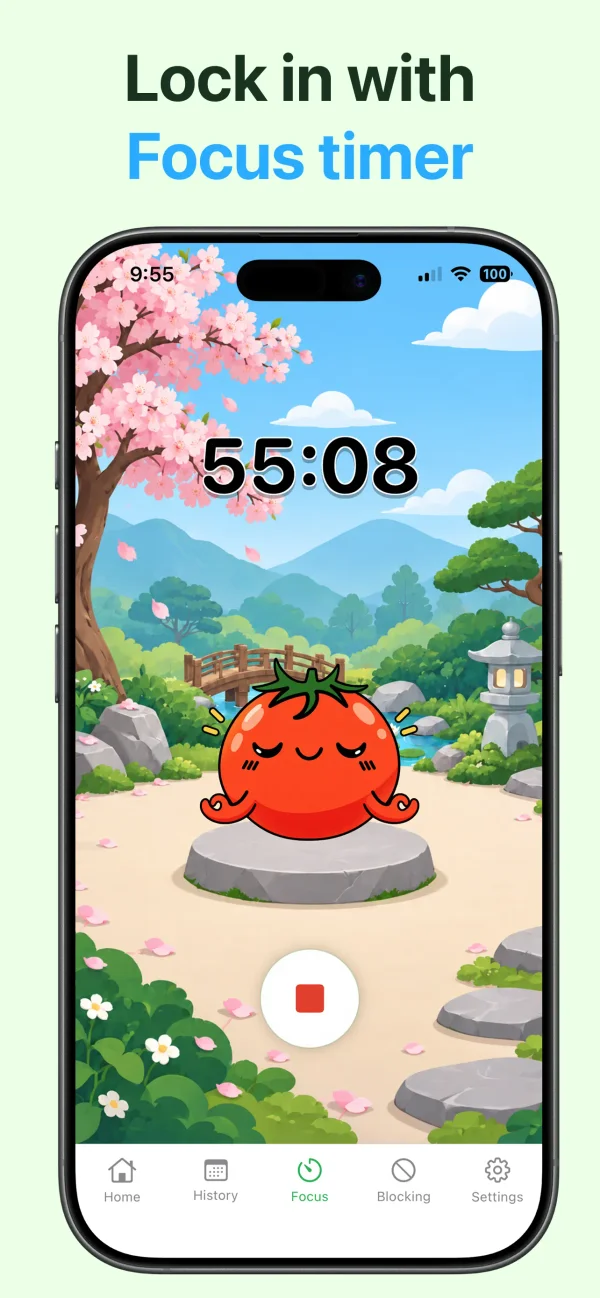
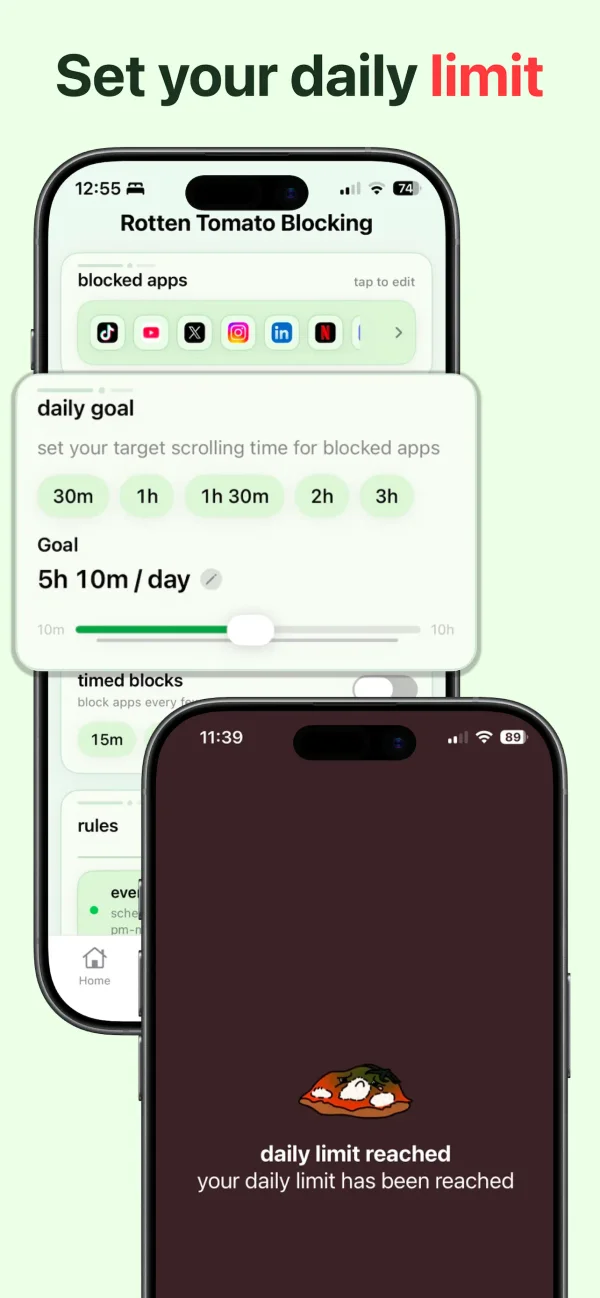
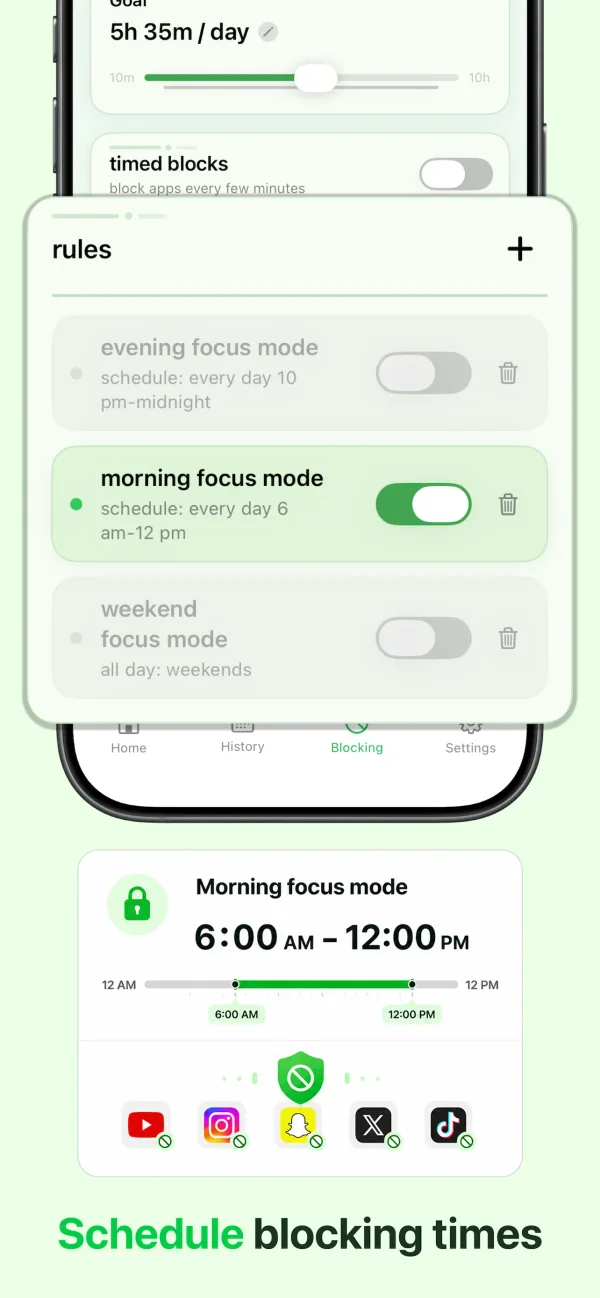
Choose the apps that distract you, set a daily limit, schedule times when you want them blocked, or start a Focus Timer when you need to lock in. As your screen time increases, your tomato changes, giving you a simple visual reminder to step away and use your time more intentionally.
FEATURES
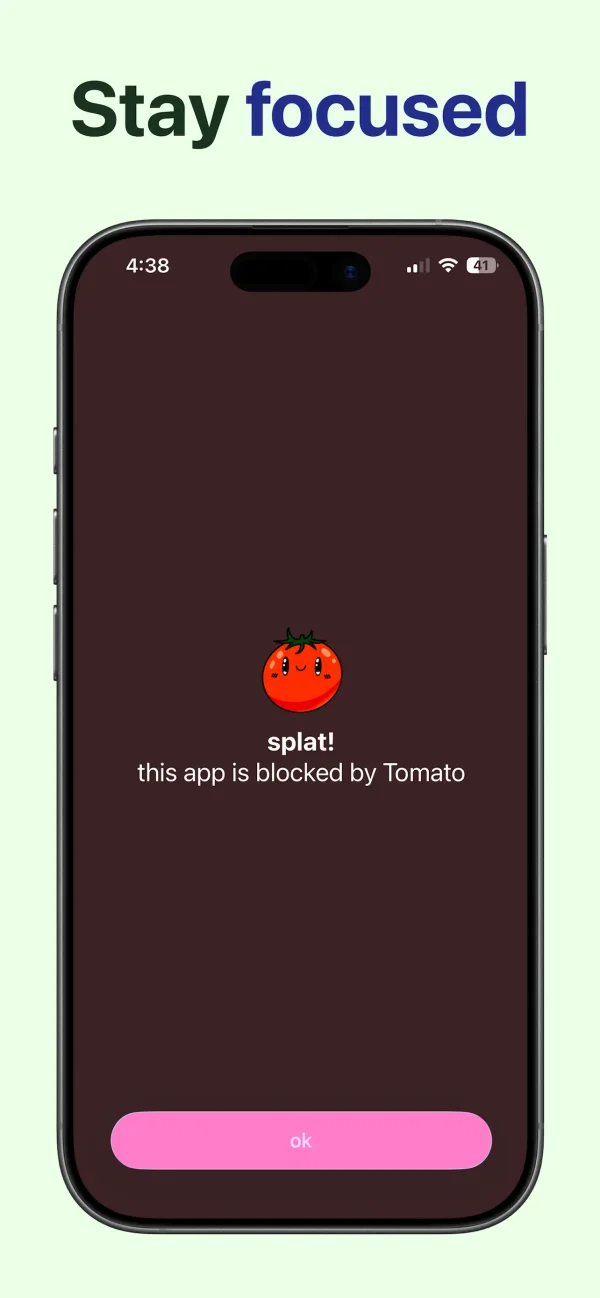
• Block distracting apps
• Set a daily screen time limit
• Schedule blocking times
• Use the Focus Timer for distraction-free sessions
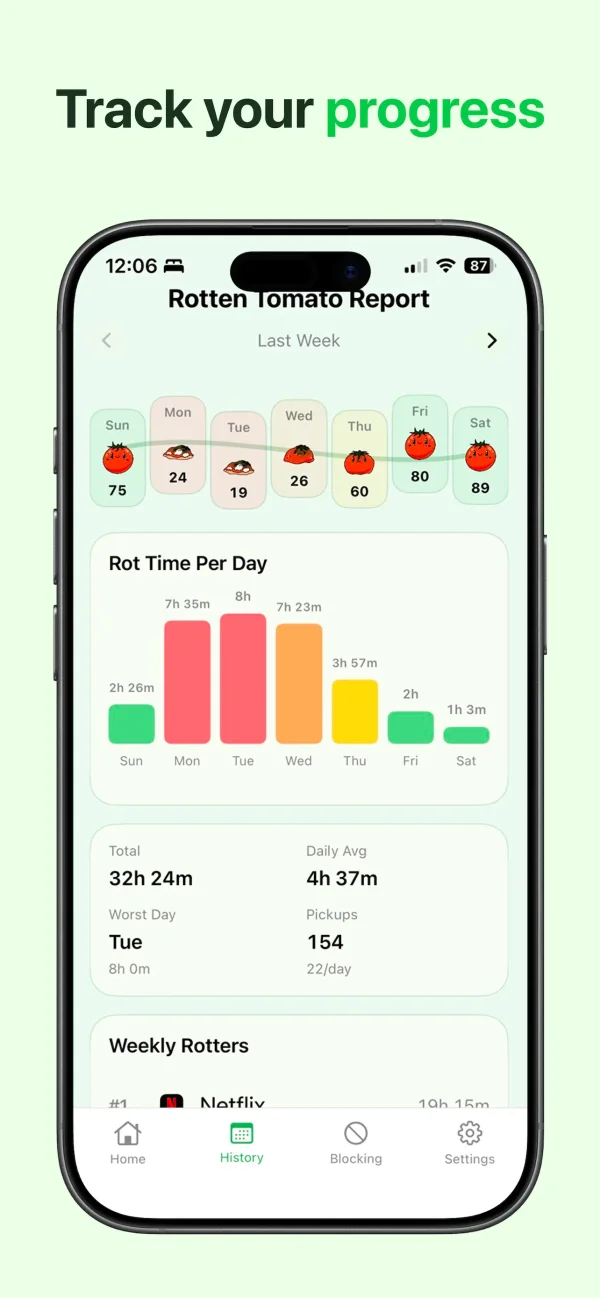
• Track your progress over time
• See which selected apps use the most time
• Build healthier habits with simple check-ins
• Stay motivated with your visual tomato companion
Whether you’re studying, working, reading, or just trying to spend less time on your phone, Tomato gives you simple tools to stay focused and make your time count.
Tomato uses Apple’s Screen Time tools to help you manage selected apps while keeping your activity private.
Some features require a Tomato Premium subscription. Subscriptions automatically renew unless cancelled at least 24 hours before the end of the current period. You can manage or cancel your subscription in your Apple ID settings.
Privacy Policy: [https://sites.google.com/view/tomato-screen-time-privacy/home](https://sites.google.com/view/tomato-screen-time-privacy/home)
Terms of Use: [https://sites.google.com/view/tomato-screen-time-terms/home](https://sites.google.com/view/tomato-screen-time-terms/home)
Neue Funktionen
Version 1.0.4 · 07.09.2026
Added a new Focus Timer to help you stay locked in and avoid distractions
Fixed bugs and improved overall app stability
App-Datenschutz
Was Galton Ma im App Store zum Umgang dieser App mit Daten angibt.
-
Nicht mit Ihnen verknüpfte Daten
Können erfasst werden, sind aber nicht mit Ihrer Identität verknüpft.
- Käufe
Die Datenschutzpraktiken können variieren, zum Beispiel je nach den von Ihnen verwendeten Funktionen oder Ihrem Alter.
Informationen
- Anbieter
- Galton Ma
- Kategorie
- Produktivität
- Version
- 1.0.4
- Aktualisiert
- 07.09.2026
- Veröffentlicht
- 18.07.2026
- Größe
- 17,1 MB
- Erfordert
- iOS 17.0 oder neuer
- Altersfreigabe
- 4+
- In-App-Käufe
- Ja
- Sprachen
- Englisch
- Copyright
- © 2026 Galton Ma
Das könnte Ihnen auch gefallen
-
 Fried: Screen Time ControlProduktivität
-
 Evolith: Voice to MarkdownProduktivität
-
 BeActive: Screen Time ControlProduktivität
-
 Unhook: Screen Time ControlProduktivität
-
 Escape Matrix - App BlockerProduktivität
-
 Brink — Weniger BildschirmzeitApps sperren, Scrollen stoppen
-
 Mozy: Weniger BildschirmzeitApps sperren, Schritte öffnen
-
 Peep: Earn Screen TimeProduktivität
-
 Chirp: Kids Earn Screen TimeProduktivität
-
 Rotato: Screen Time ControlProduktivität