
Tomato: Screen Time Control
App Blocker & Focus Timer
Designed for iPhone, iPad
Free · In-app purchases
- Age rating4+
- CategoryProductivity
- DeveloperGalton Ma
- LanguagesEnglish
- Size17.1 MB
Links to the official App Store page
Download.org hosts no file of Tomato: Screen Time Control. The button opens its official App Store page, published by Galton Ma. Listing last checked on Nov 15, 2026.
Screenshots
About
Spend less time scrolling and more time living.
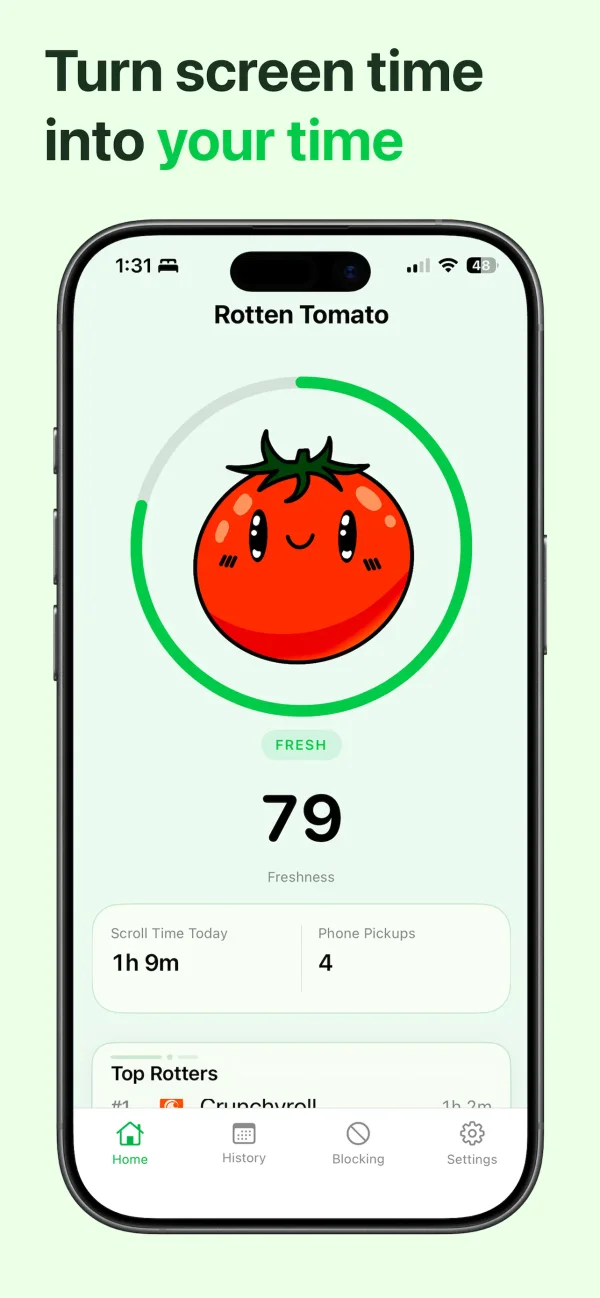
Tomato is a screen time and focus app that helps you cut distractions, build better habits, and stay in control of your day.
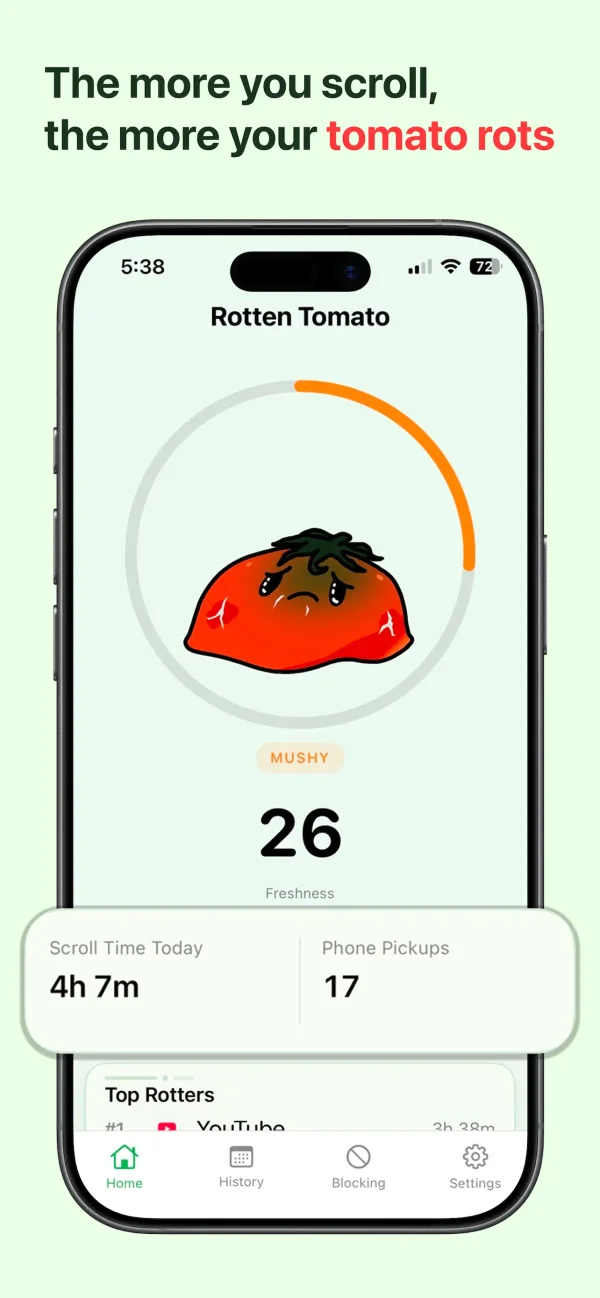
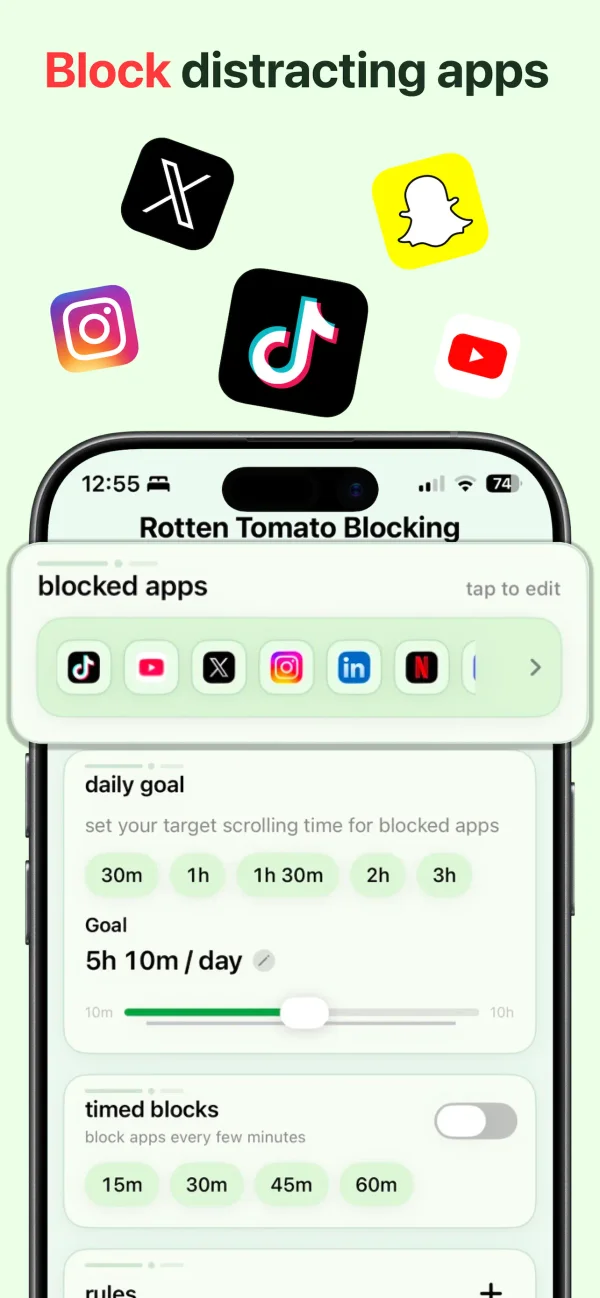
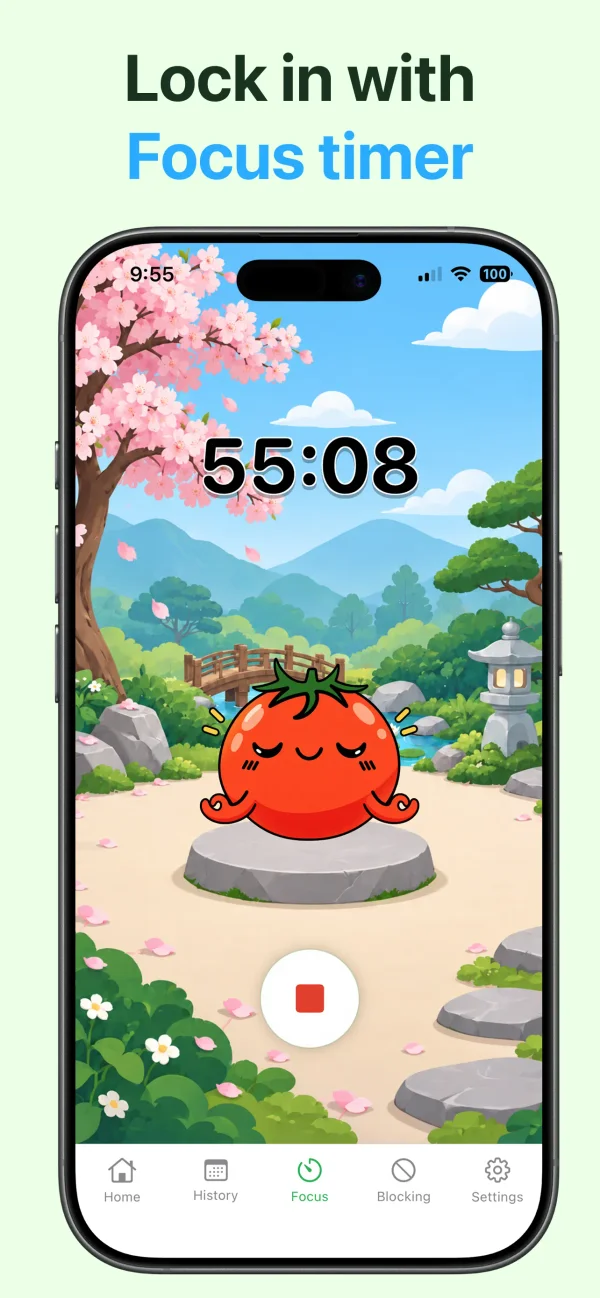
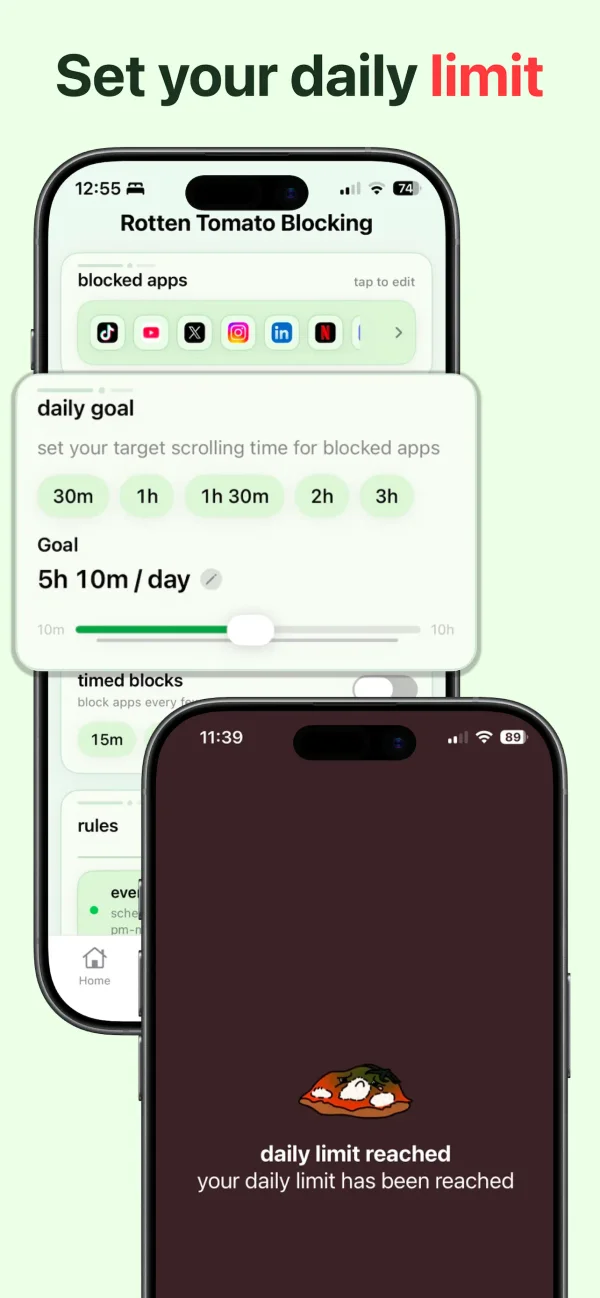
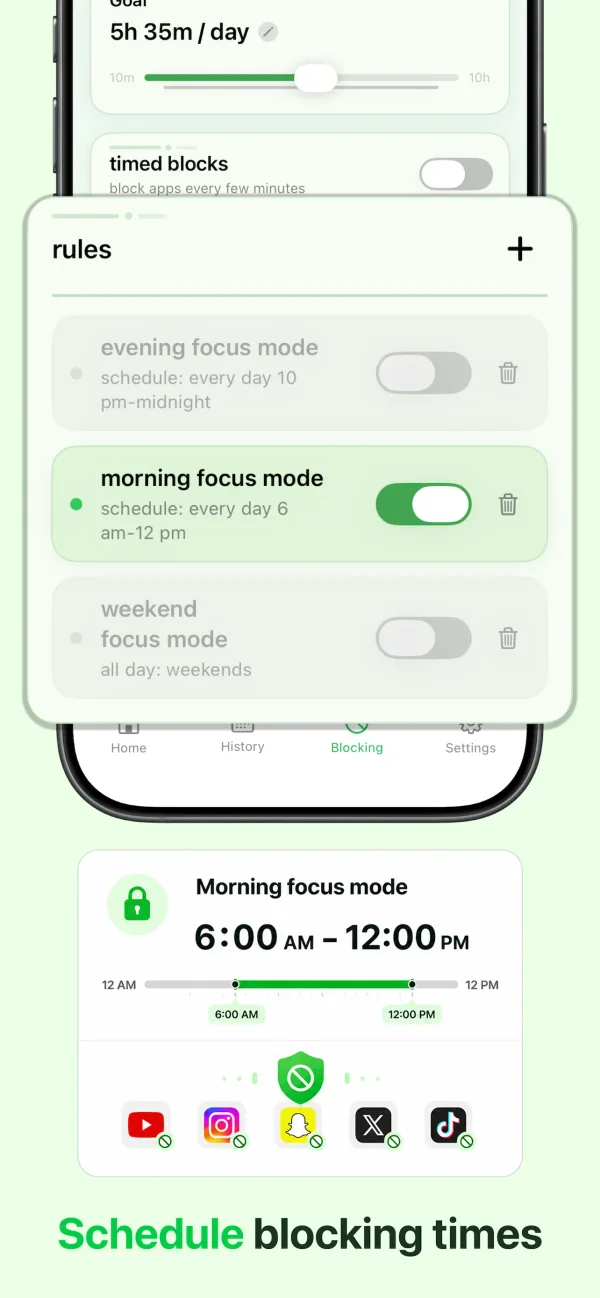
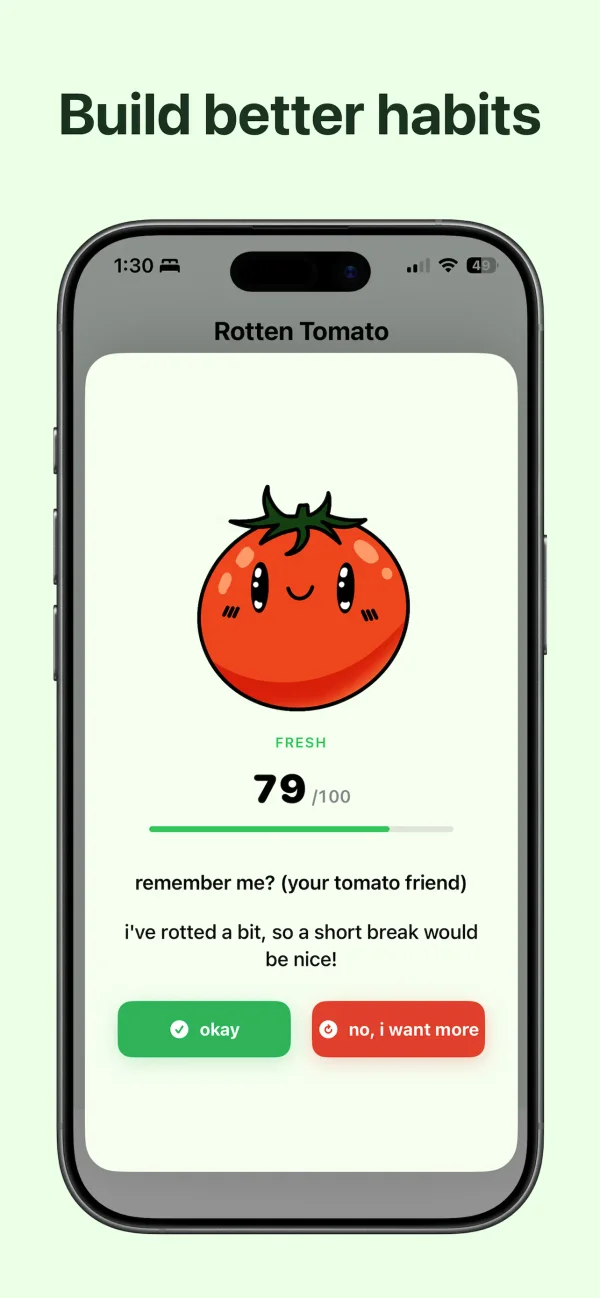
Choose the apps that distract you, set a daily limit, schedule times when you want them blocked, or start a Focus Timer when you need to lock in. As your screen time increases, your tomato changes, giving you a simple visual reminder to step away and use your time more intentionally.
FEATURES
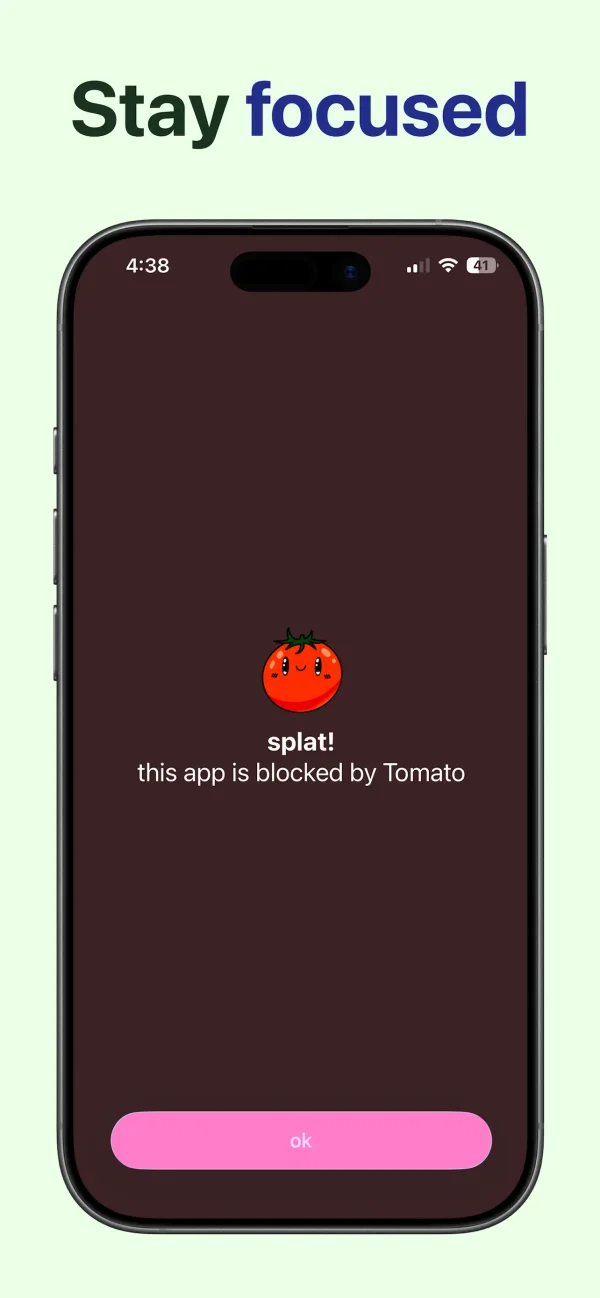
• Block distracting apps
• Set a daily screen time limit
• Schedule blocking times
• Use the Focus Timer for distraction-free sessions
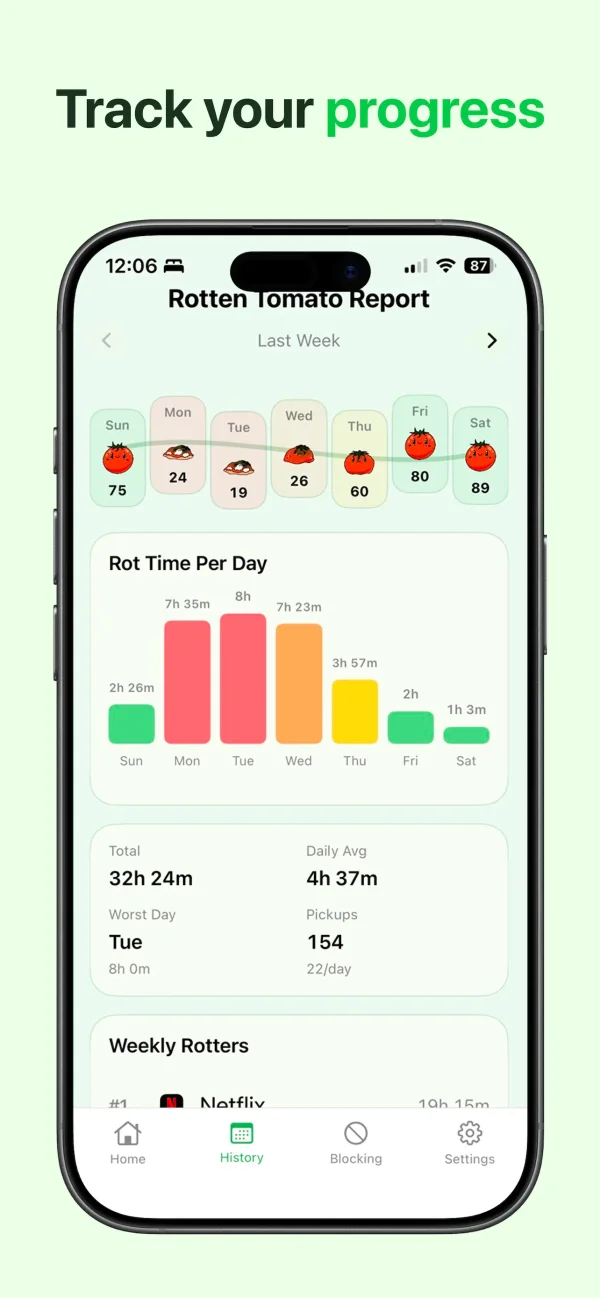
• Track your progress over time
• See which selected apps use the most time
• Build healthier habits with simple check-ins
• Stay motivated with your visual tomato companion
Whether you’re studying, working, reading, or just trying to spend less time on your phone, Tomato gives you simple tools to stay focused and make your time count.
Tomato uses Apple’s Screen Time tools to help you manage selected apps while keeping your activity private.
Some features require a Tomato Premium subscription. Subscriptions automatically renew unless cancelled at least 24 hours before the end of the current period. You can manage or cancel your subscription in your Apple ID settings.
Privacy Policy: [https://sites.google.com/view/tomato-screen-time-privacy/home](https://sites.google.com/view/tomato-screen-time-privacy/home)
Terms of Use: [https://sites.google.com/view/tomato-screen-time-terms/home](https://sites.google.com/view/tomato-screen-time-terms/home)
What’s new
Version 1.0.4 · Sep 7, 2026
Added a new Focus Timer to help you stay locked in and avoid distractions
Fixed bugs and improved overall app stability
App privacy
What Galton Ma declares on the App Store about how this app handles data.
-
Data not linked to you
May be collected but is not linked to your identity.
- Purchases
Privacy practices may vary, for example with the features you use or your age.
Information
- Seller
- Galton Ma
- Category
- Productivity
- Version
- 1.0.4
- Updated
- Sep 7, 2026
- Released
- Jul 18, 2026
- Size
- 17.1 MB
- Requires
- iOS 17.0 or later
- Age rating
- 4+
- Price
- Free
- In-app purchases
- Yes
- Languages
- English
- Copyright
- © 2026 Galton Ma
You might also like
-
 Fried: Screen Time ControlApp Blocker & Focus Timer
-
 Evolith: Voice to MarkdownOn-device notes for your AI
-
 BeActive: Screen Time ControlApp blocker, Reduce screentime
-
 Unhook: Screen Time ControlEarn your screen time
-
 Escape Matrix - App BlockerBlock Apps & Build Focus
-
 Brink — Stop DoomscrollingDoomscroll Timer, Block Reels
-
 Mozy: Walk to Earn Screen TimeApp Blocker: Steps Unlock Apps
-
 Peep: Earn Screen TimeThe chore app for families
-
 Chirp: Kids Earn Screen TimeChore Chart & Reward Tracker
-
 Rotato: Screen Time ControlRetrain Your Brain