
Tomato: Screen Time Control
App Blocker & Focus Timer
Diseñada para iPhone, iPad
Compras en la aplicación
- Clasificación por edad4+
- CategoríaProductividad
- DesarrolladorGalton Ma
- IdiomasInglés
- Tamaño17,1 MB
Es posible que Tomato: Screen Time Control no esté disponible en App Store en este momento
No se pudo acceder a la ficha de la tienda en nuestra última comprobación. El enlace sigue llevando a la página oficial de App Store.
Capturas de pantalla
Acerca de
El desarrollador no ha proporcionado este texto en tu idioma.
Spend less time scrolling and more time living.
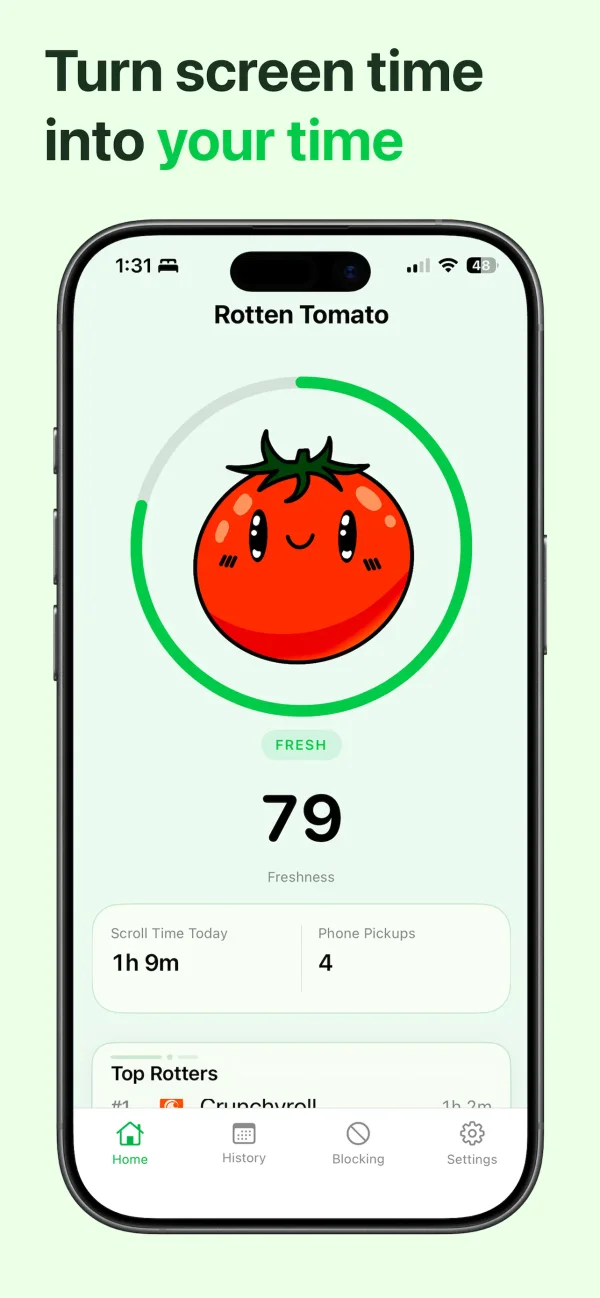
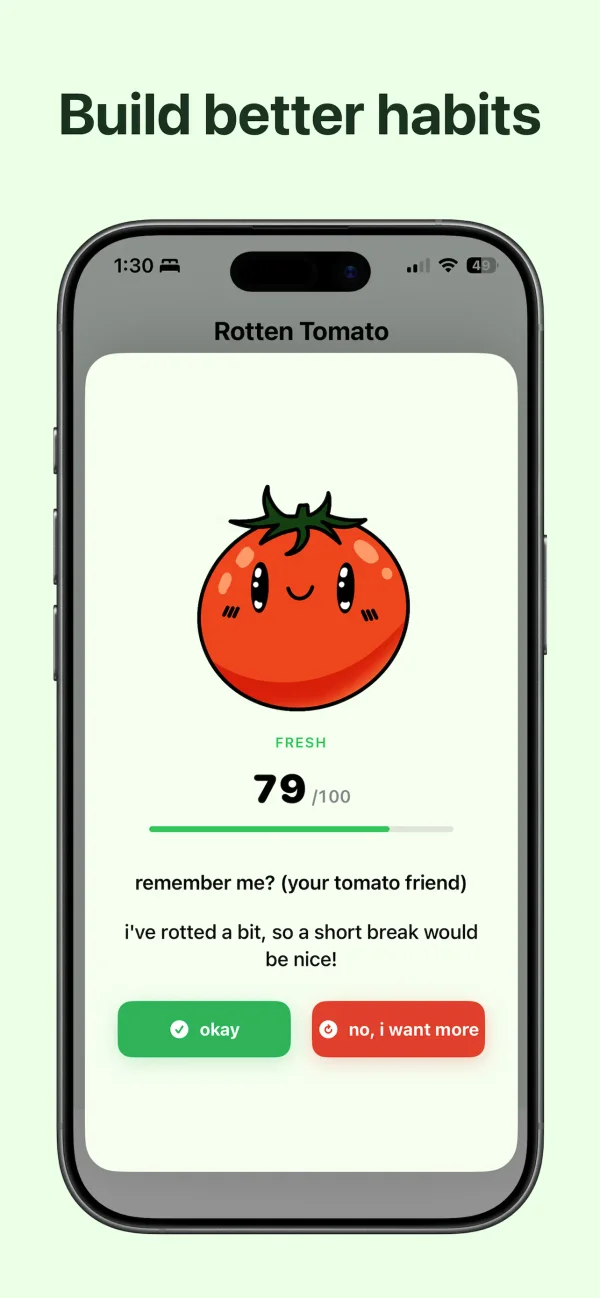
Tomato is a screen time and focus app that helps you cut distractions, build better habits, and stay in control of your day.
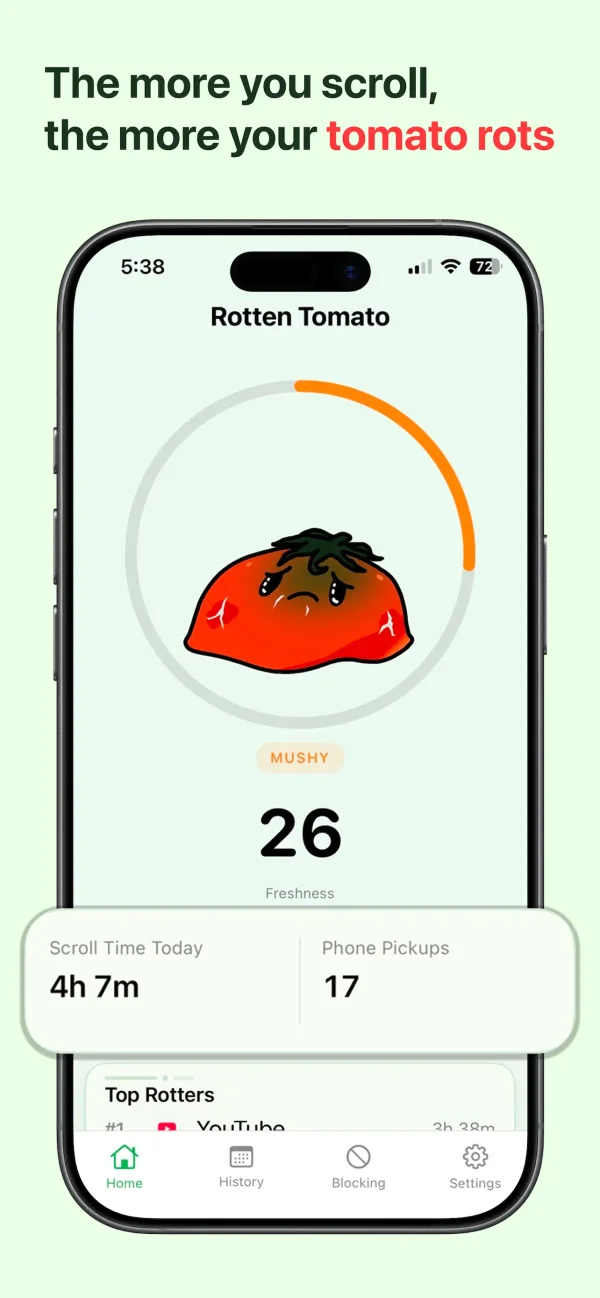
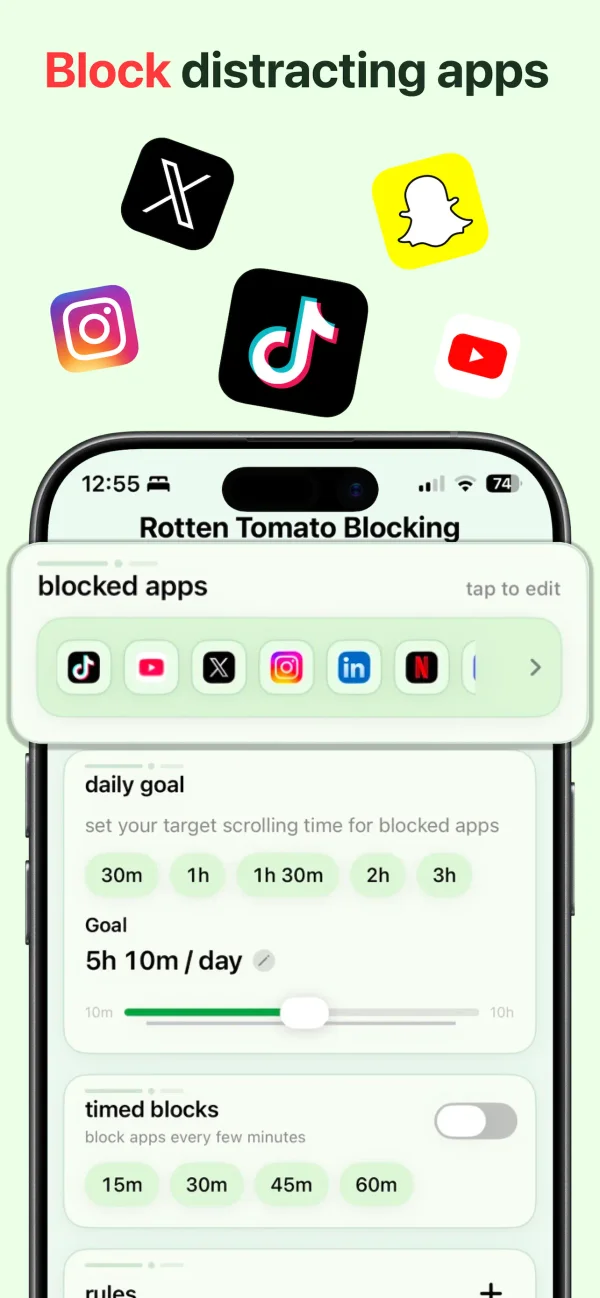
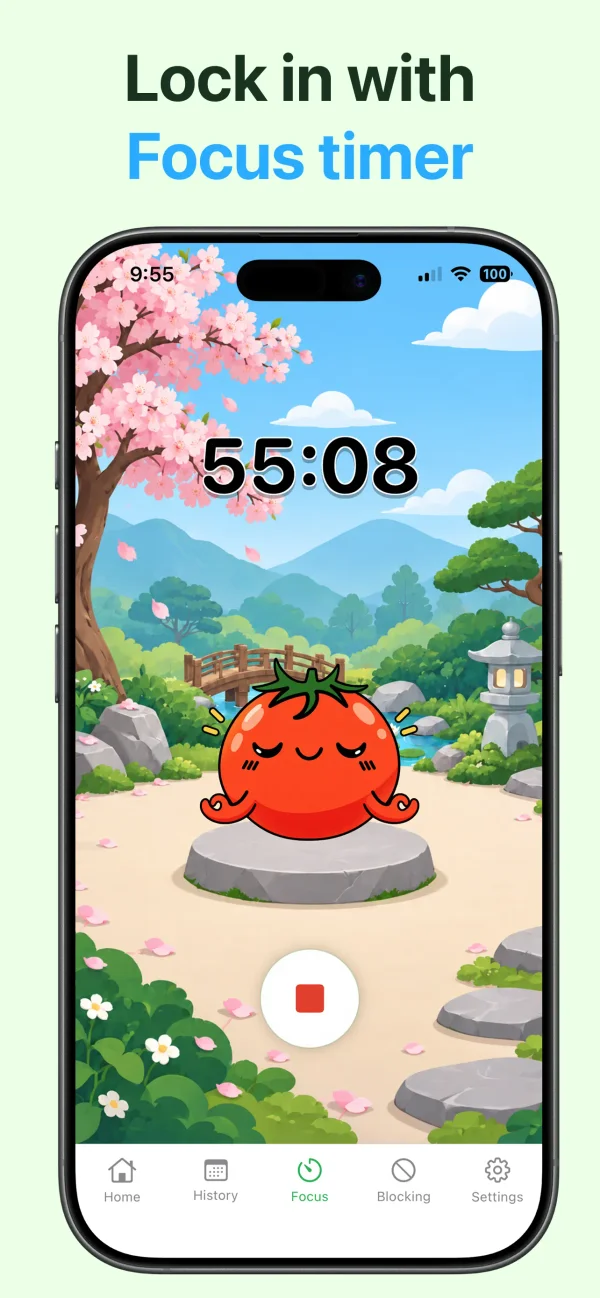
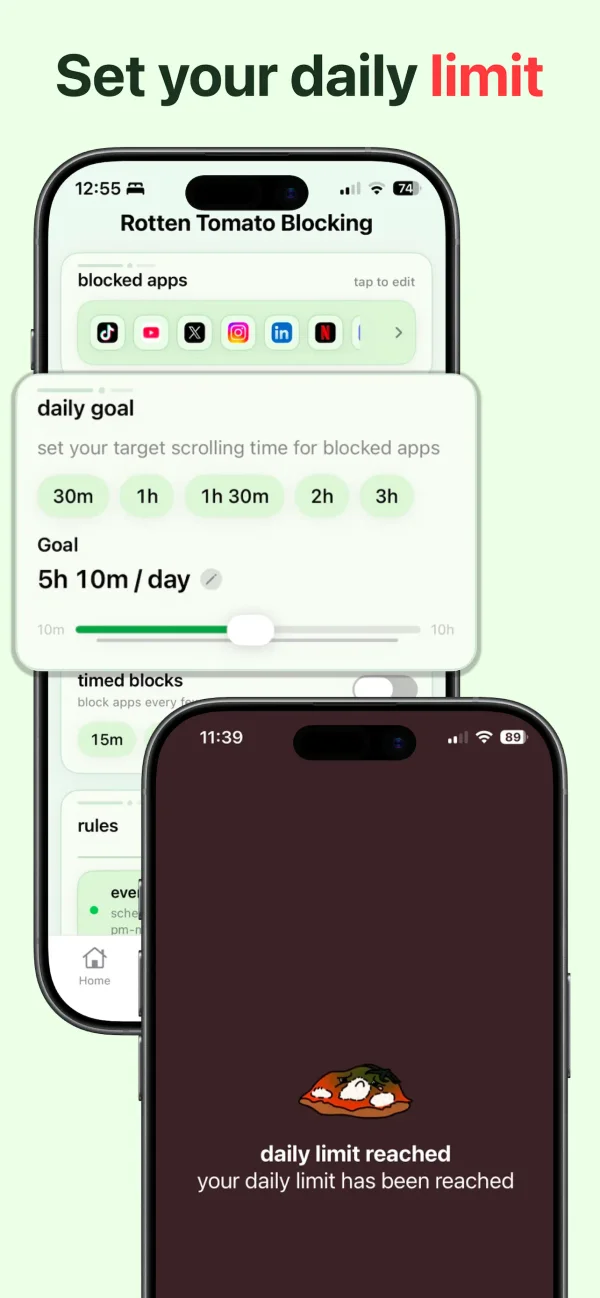
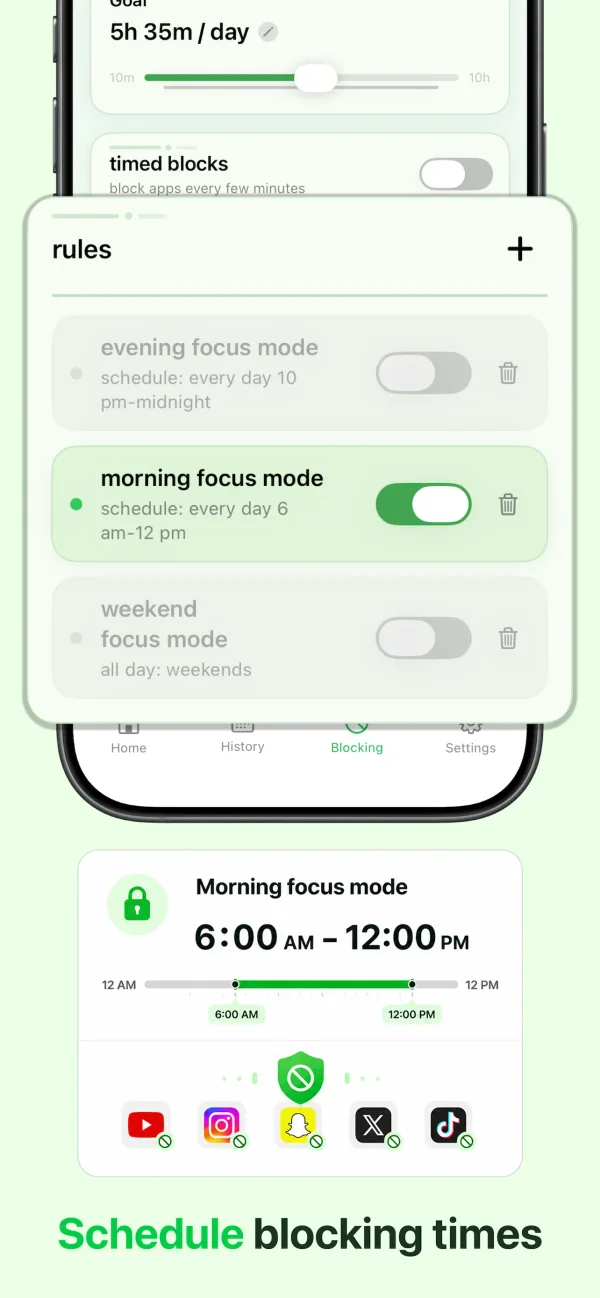
Choose the apps that distract you, set a daily limit, schedule times when you want them blocked, or start a Focus Timer when you need to lock in. As your screen time increases, your tomato changes, giving you a simple visual reminder to step away and use your time more intentionally.
FEATURES
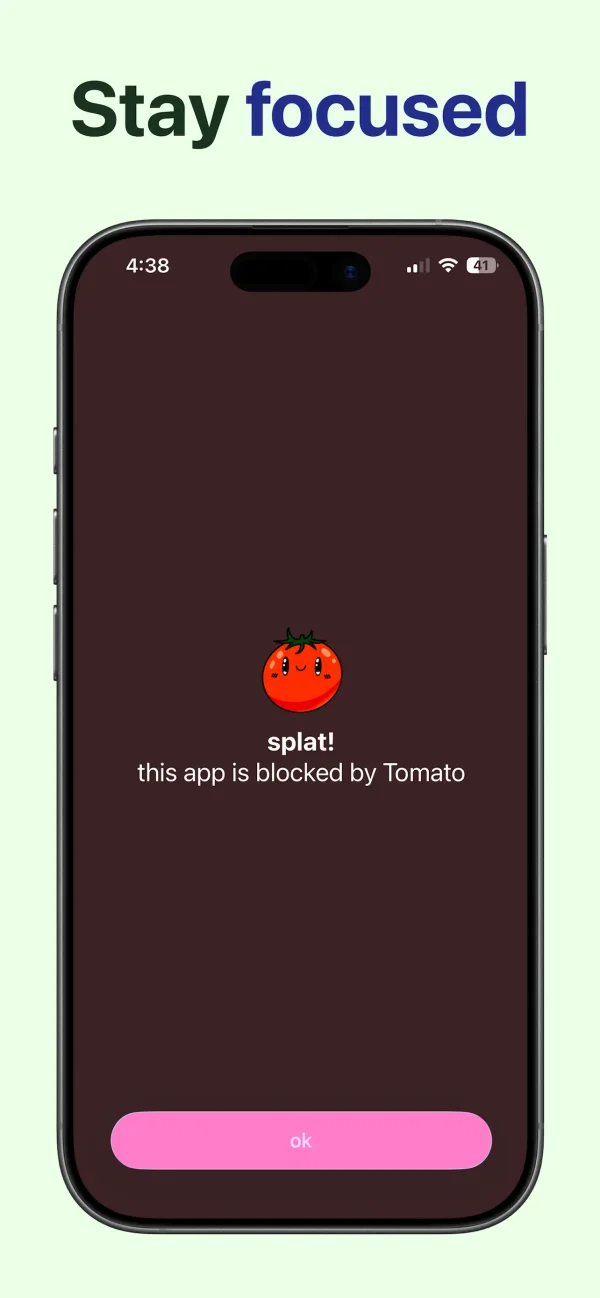
• Block distracting apps
• Set a daily screen time limit
• Schedule blocking times
• Use the Focus Timer for distraction-free sessions
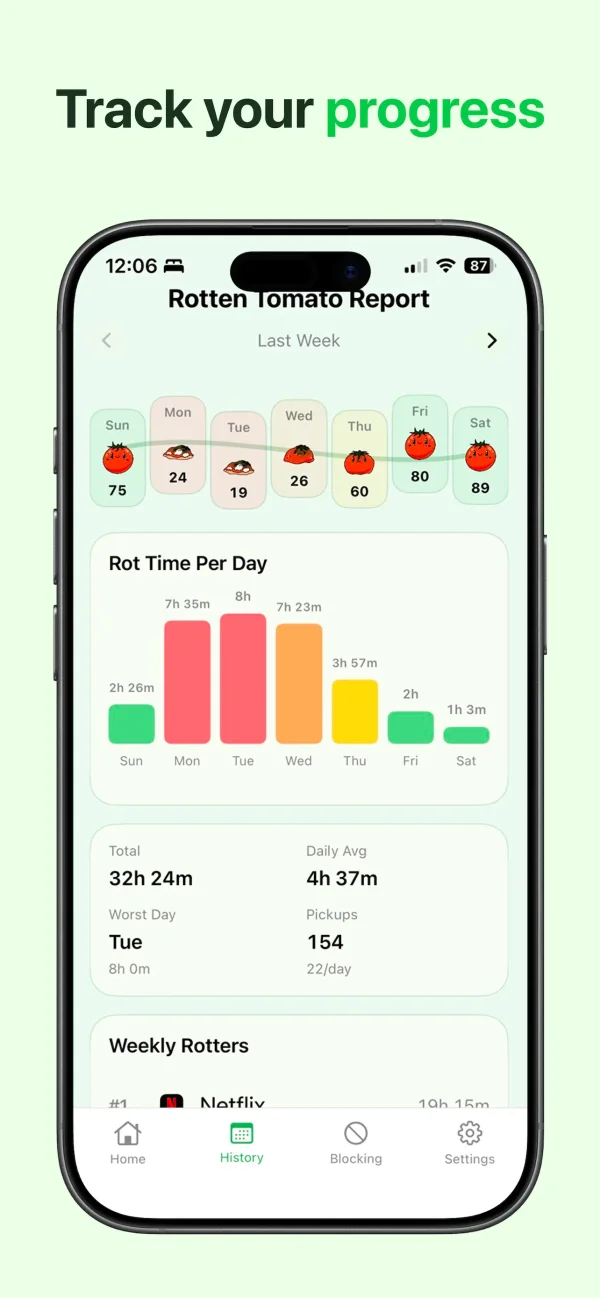
• Track your progress over time
• See which selected apps use the most time
• Build healthier habits with simple check-ins
• Stay motivated with your visual tomato companion
Whether you’re studying, working, reading, or just trying to spend less time on your phone, Tomato gives you simple tools to stay focused and make your time count.
Tomato uses Apple’s Screen Time tools to help you manage selected apps while keeping your activity private.
Some features require a Tomato Premium subscription. Subscriptions automatically renew unless cancelled at least 24 hours before the end of the current period. You can manage or cancel your subscription in your Apple ID settings.
Privacy Policy: [https://sites.google.com/view/tomato-screen-time-privacy/home](https://sites.google.com/view/tomato-screen-time-privacy/home)
Terms of Use: [https://sites.google.com/view/tomato-screen-time-terms/home](https://sites.google.com/view/tomato-screen-time-terms/home)
Novedades
Versión 1.0.4 · 7/9/2026
Added a new Focus Timer to help you stay locked in and avoid distractions
Fixed bugs and improved overall app stability
Privacidad de la aplicación
Lo que Galton Ma declara en App Store sobre cómo esta aplicación gestiona los datos.
-
Datos no vinculados a ti
Pueden recopilarse, pero no se vinculan a tu identidad.
- Compras
Las prácticas de privacidad pueden variar, por ejemplo, según las funciones que uses o tu edad.
Información
- Vendedor
- Galton Ma
- Categoría
- Productividad
- Versión
- 1.0.4
- Actualizado
- 7/9/2026
- Publicado
- 18/7/2026
- Tamaño
- 17,1 MB
- Requiere
- iOS 17.0 o posterior
- Clasificación por edad
- 4+
- Compras en la aplicación
- Sí
- Idiomas
- Inglés
- Copyright
- © 2026 Galton Ma
Quizá también te guste
-
 Fried: Screen Time ControlProductividad
-
 Evolith: Voice to MarkdownProductividad
-
 BeActive: Screen Time ControlProductividad
-
 Unhook: Screen Time ControlProductividad
-
 Escape Matrix - Tiempo de usoBloquea apps y concéntrate
-
 Brink — Bloquear Apps y RedesLimitar tiempo de pantalla
-
 Mozy: Bloqueo de aplicacionesCaminar para desbloquear apps
-
 Peep: Earn Screen TimeProductividad
-
 Chirp: Kids Earn Screen TimeProductividad
-
 Rotato: Screen Time ControlProductividad