
Tomato: Screen Time Control
App Blocker & Focus Timer
Conçue pour iPhone, iPad
Achats intégrés
- Classification d’âge4+
- CatégorieProductivité
- DéveloppeurGalton Ma
- LanguesAnglais
- Taille17,1 Mo
Tomato: Screen Time Control n’est peut-être pas disponible sur App Store pour le moment
La fiche de la boutique était inaccessible lors de notre dernière vérification. Le lien mène toujours à la page App Store officielle.
Captures d’écran
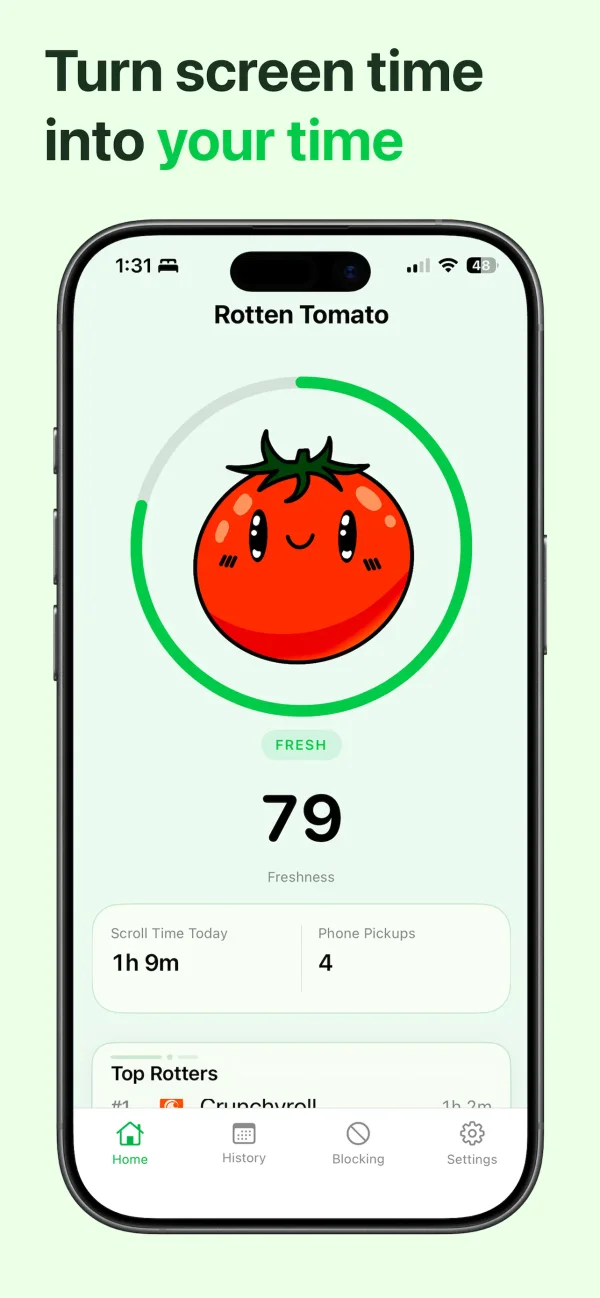
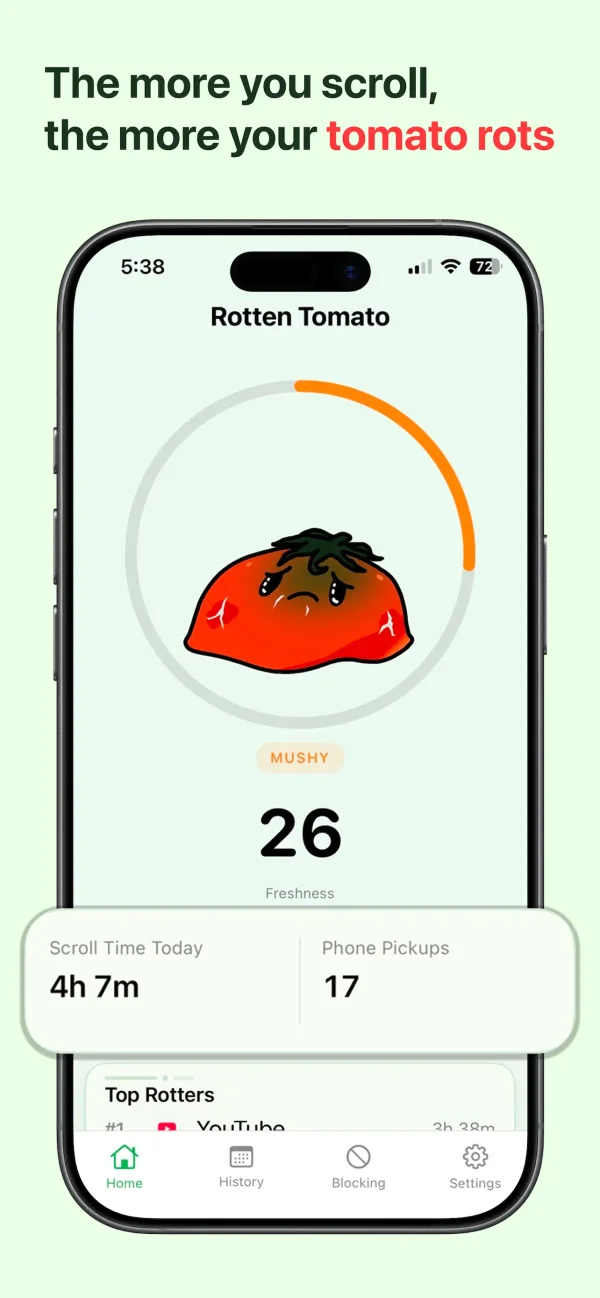
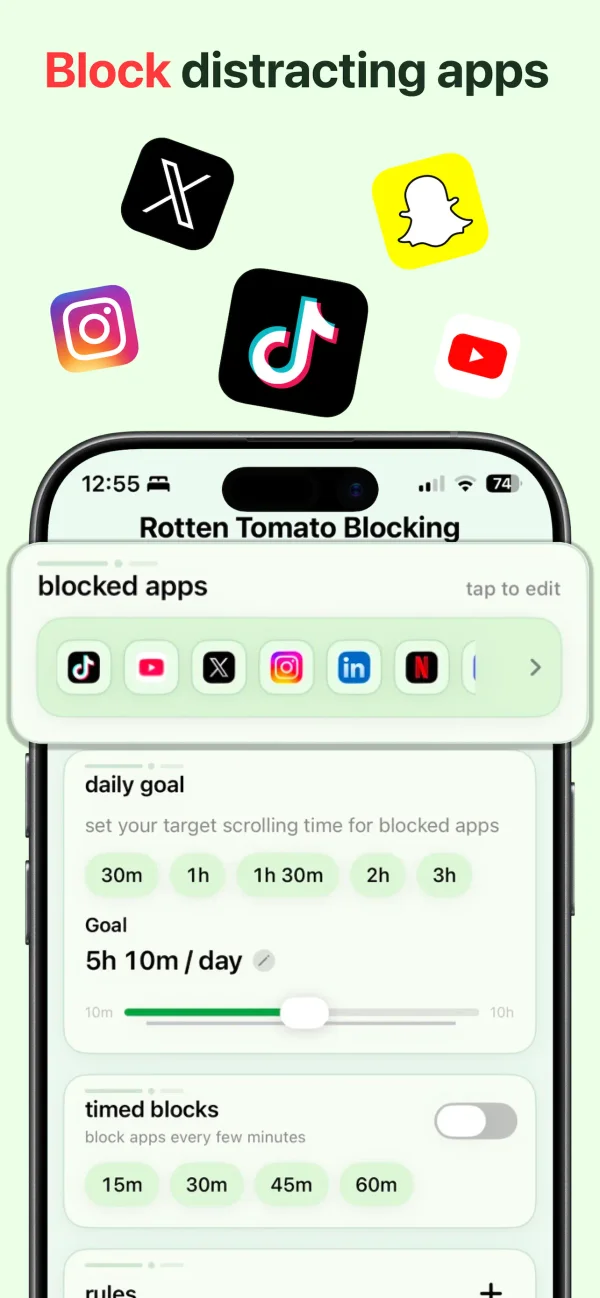
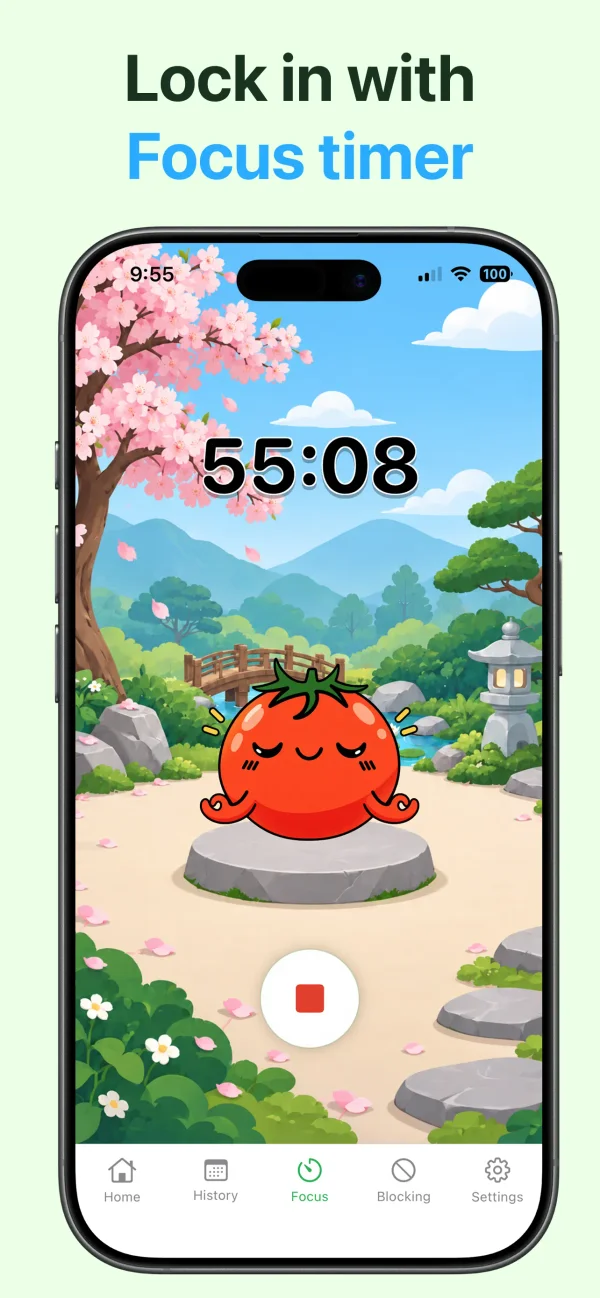
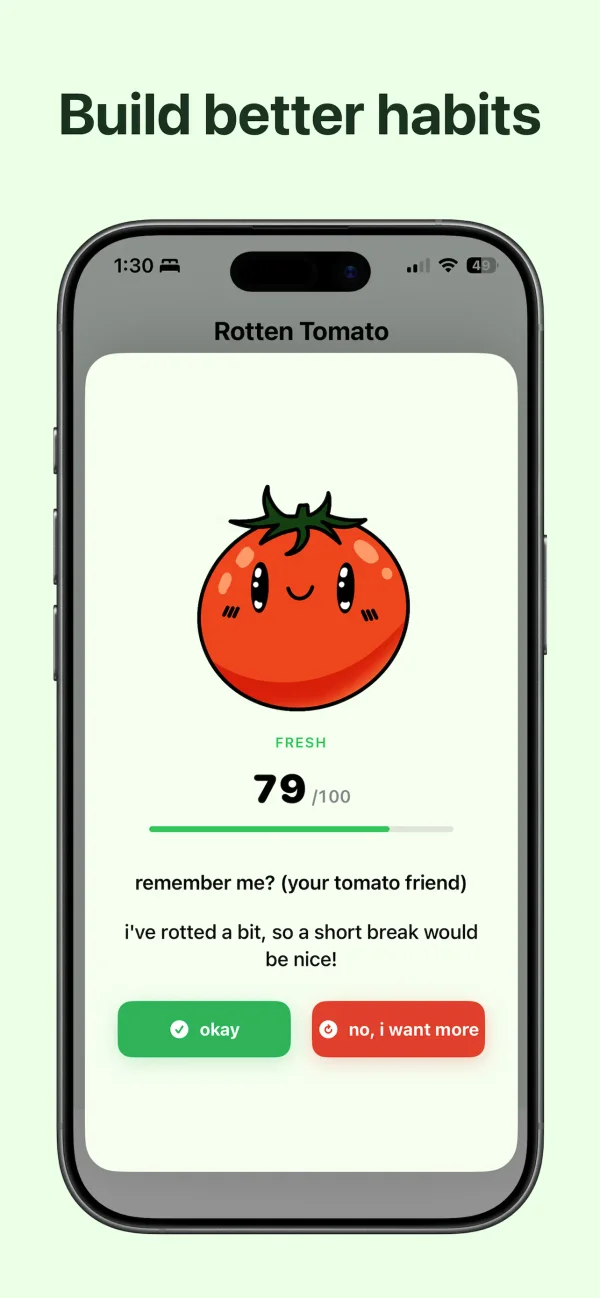
À propos
Le développeur n’a pas fourni ce texte dans votre langue.
Spend less time scrolling and more time living.
Tomato is a screen time and focus app that helps you cut distractions, build better habits, and stay in control of your day.
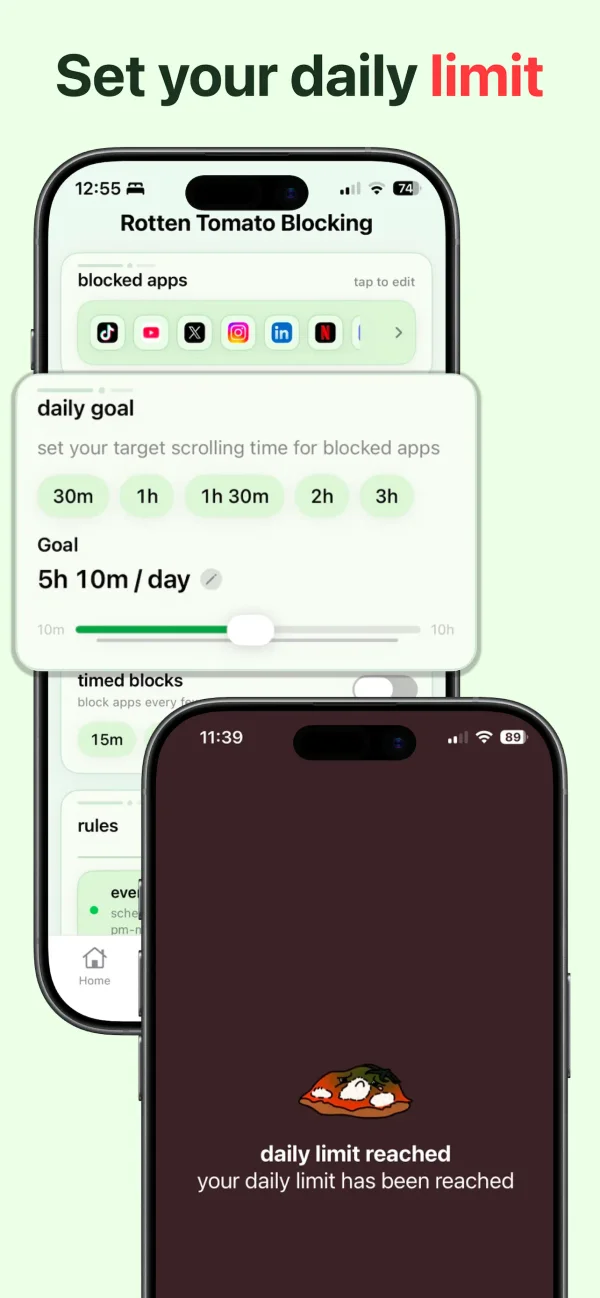
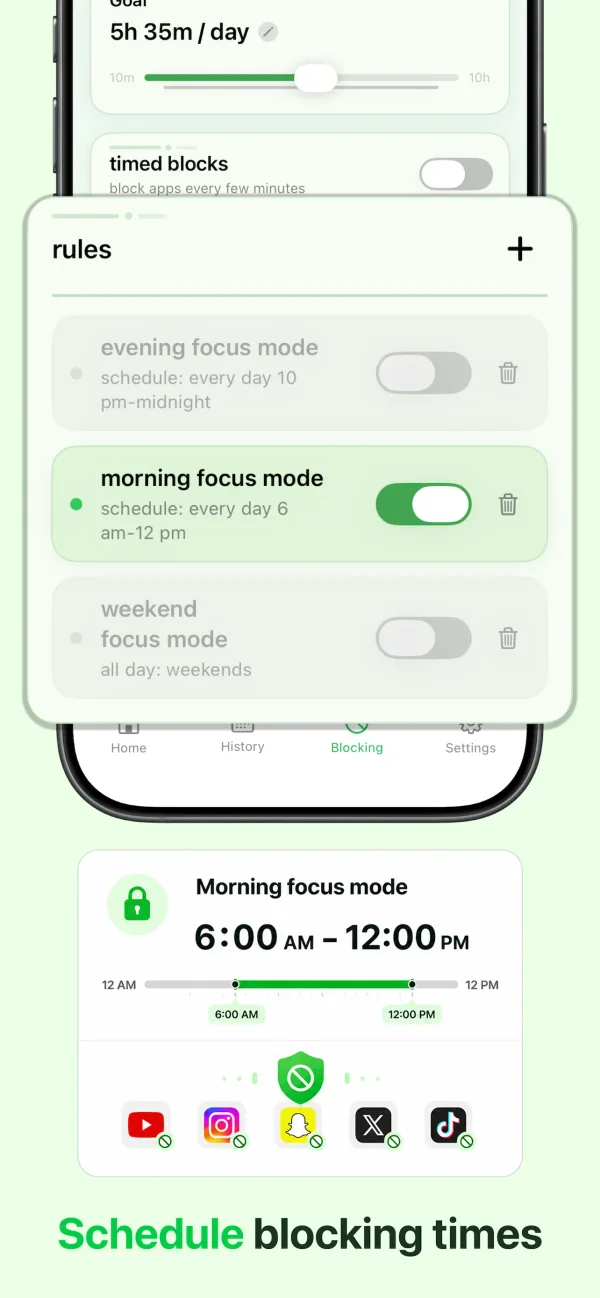
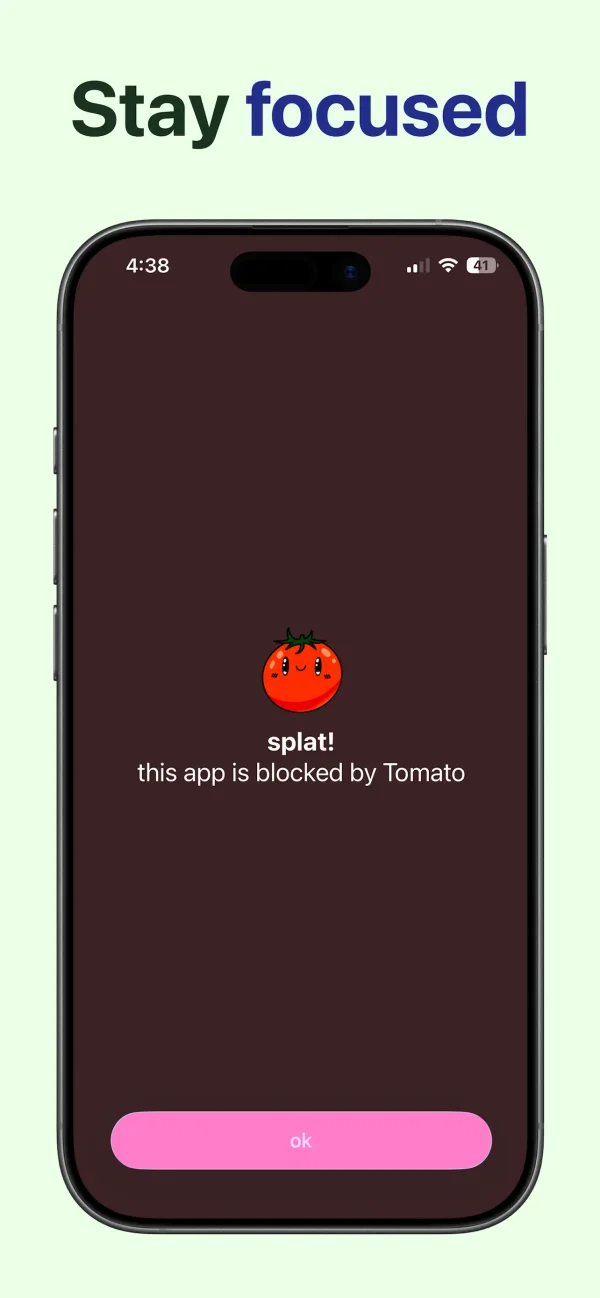
Choose the apps that distract you, set a daily limit, schedule times when you want them blocked, or start a Focus Timer when you need to lock in. As your screen time increases, your tomato changes, giving you a simple visual reminder to step away and use your time more intentionally.
FEATURES
• Block distracting apps
• Set a daily screen time limit
• Schedule blocking times
• Use the Focus Timer for distraction-free sessions
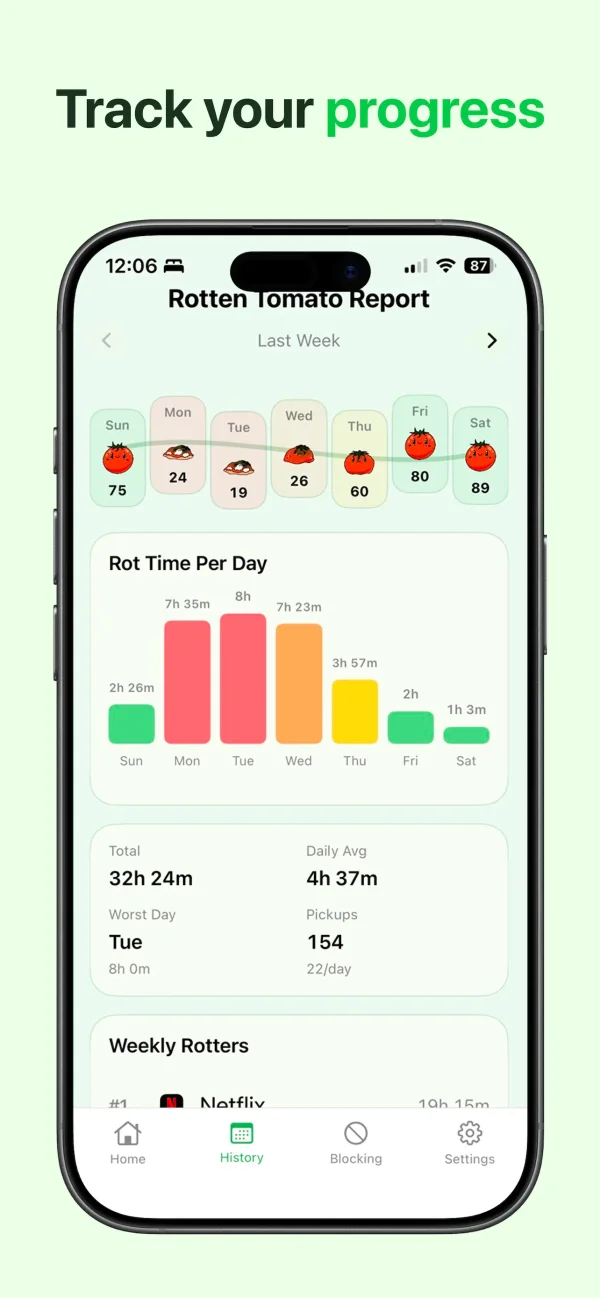
• Track your progress over time
• See which selected apps use the most time
• Build healthier habits with simple check-ins
• Stay motivated with your visual tomato companion
Whether you’re studying, working, reading, or just trying to spend less time on your phone, Tomato gives you simple tools to stay focused and make your time count.
Tomato uses Apple’s Screen Time tools to help you manage selected apps while keeping your activity private.
Some features require a Tomato Premium subscription. Subscriptions automatically renew unless cancelled at least 24 hours before the end of the current period. You can manage or cancel your subscription in your Apple ID settings.
Privacy Policy: [https://sites.google.com/view/tomato-screen-time-privacy/home](https://sites.google.com/view/tomato-screen-time-privacy/home)
Terms of Use: [https://sites.google.com/view/tomato-screen-time-terms/home](https://sites.google.com/view/tomato-screen-time-terms/home)
Nouveautés
Version 1.0.4 · 07/09/2026
Added a new Focus Timer to help you stay locked in and avoid distractions
Fixed bugs and improved overall app stability
Confidentialité de l’application
Ce que Galton Ma déclare sur l’App Store au sujet du traitement des données par cette application.
-
Données n’établissant aucun lien avec vous
Peuvent être collectées, mais ne sont pas liées à votre identité.
- Achats
Les pratiques en matière de confidentialité peuvent varier, notamment en fonction des fonctionnalités que vous utilisez ou de votre âge.
Informations
- Vendeur
- Galton Ma
- Catégorie
- Productivité
- Version
- 1.0.4
- Mis à jour
- 07/09/2026
- Publié
- 18/07/2026
- Taille
- 17,1 Mo
- Nécessite
- iOS 17.0 ou version ultérieure
- Classification d’âge
- 4+
- Achats intégrés
- Oui
- Langues
- Anglais
- Copyright
- © 2026 Galton Ma
Vous aimerez peut-être aussi
-
 Fried: Screen Time ControlProductivité
-
 Evolith: Voice to MarkdownProductivité
-
 BeActive: Screen Time ControlProductivité
-
 Unhook: Screen Time ControlProductivité
-
 Escape Matrix - App BlockerProductivité
-
 Brink — Bloquer ApplicationsLimiter le temps d'écran
-
 Mozy: Limiter temps d’écranBloque tes applis, va marcher
-
 Peep: Earn Screen TimeProductivité
-
 Chirp: Kids Earn Screen TimeProductivité
-
 Rotato: Screen Time ControlProductivité