Typtic Typst Editor
Offline Typst Compiler
Dirancang untuk iPhone, iPad
Gratis · Pembelian dalam aplikasi
- Batasan usia4+
- KategoriProduktivitas
- PengembangVerbosus.com
- BahasaInggris
- Ukuran67,6 MB
Tertaut ke halaman resmi App Store
Download.org tidak menyimpan file Typtic Typst Editor apa pun. Tombol ini membuka halaman aplikasi di App Store, tempat Verbosus.com menerbitkannya. Halaman terakhir diperiksa pada 23/11/2026.
Tangkapan layar
Tentang
Pengembang belum menyediakan teks ini dalam bahasa Anda.
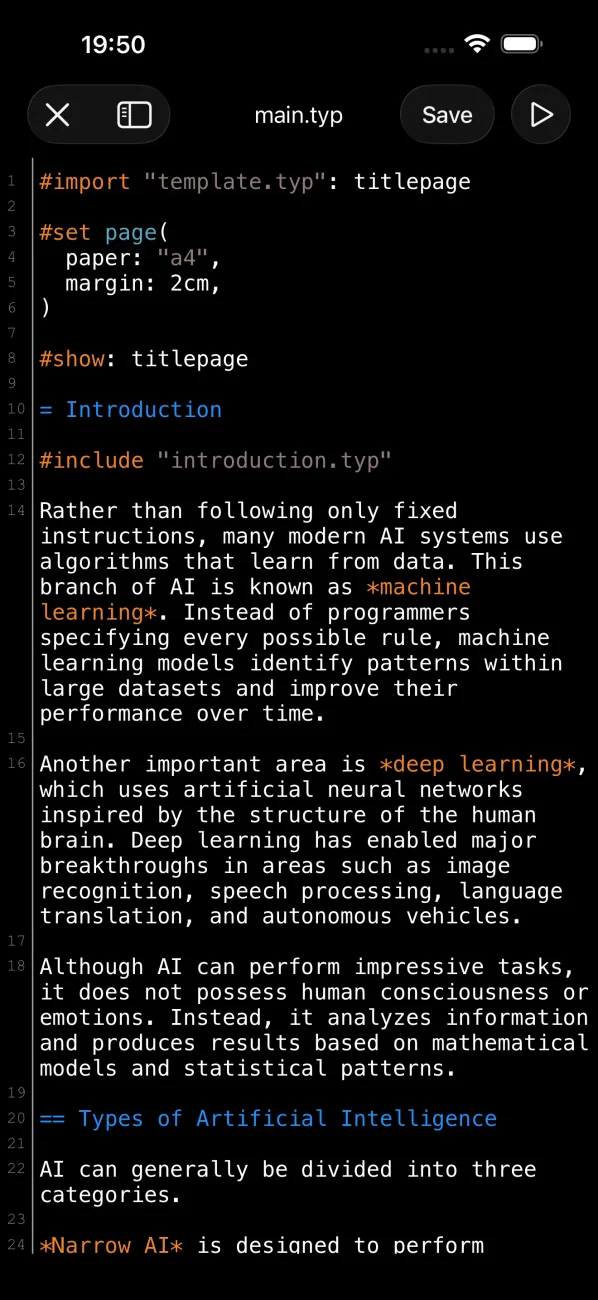
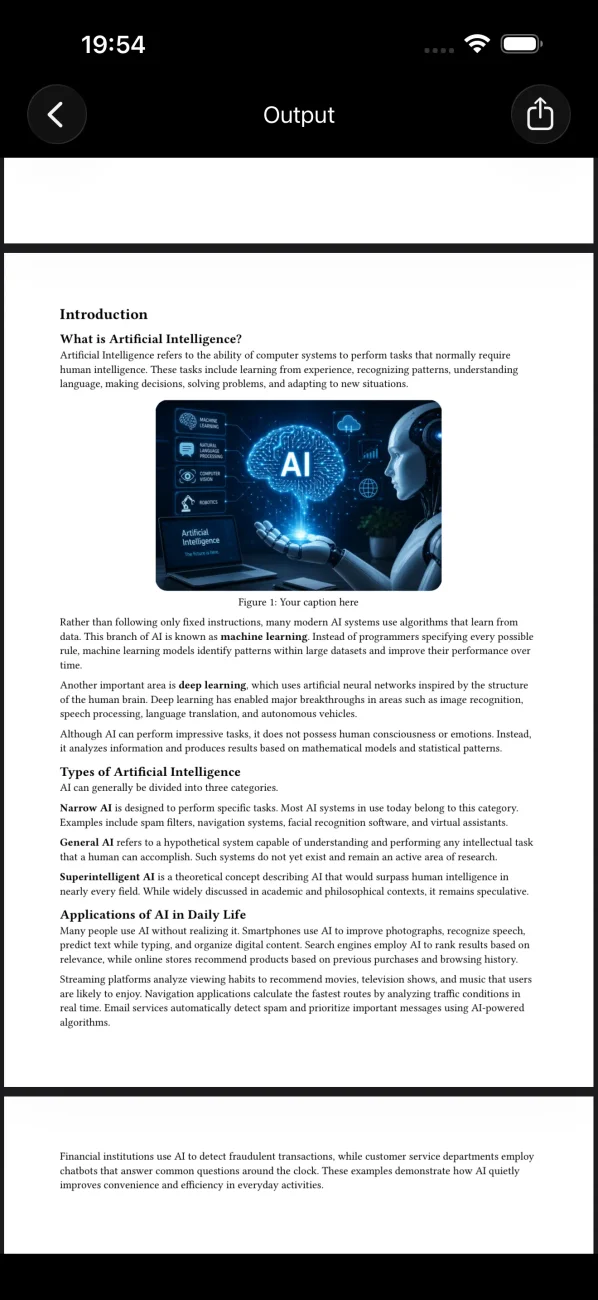
Typtic is a free, collaborative Typst Editor for your iOS device. It allows you to create and manage Typst projects directly on your iOS device and generate a PDF offline (enabled by default) or online (by using Verbosus).
This software is provided "as is" without warranties or conditions of any kind, either expressed or implied.
Features:
* Use Typst to generate a PDF
* Offline compilation (enabled by default)
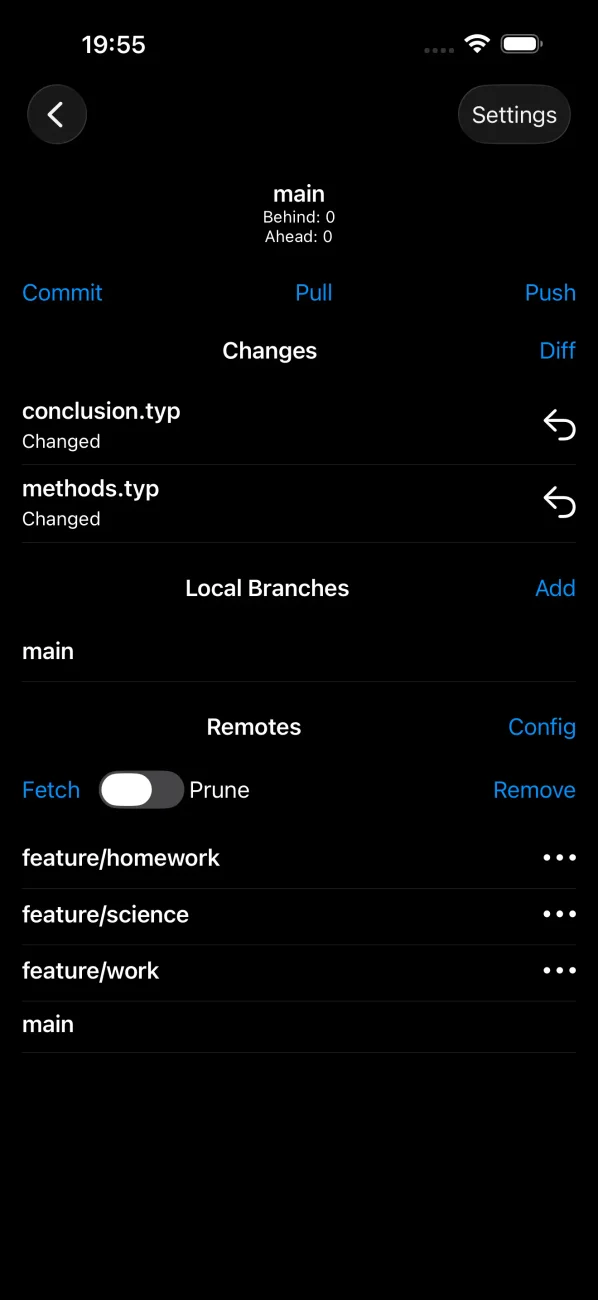
* Git integration (Local Mode)
* iCloud integration (Local Mode)
* Automatic Dropbox synchronization (Local Mode)
* Automatic Box synchronization (Local Mode)
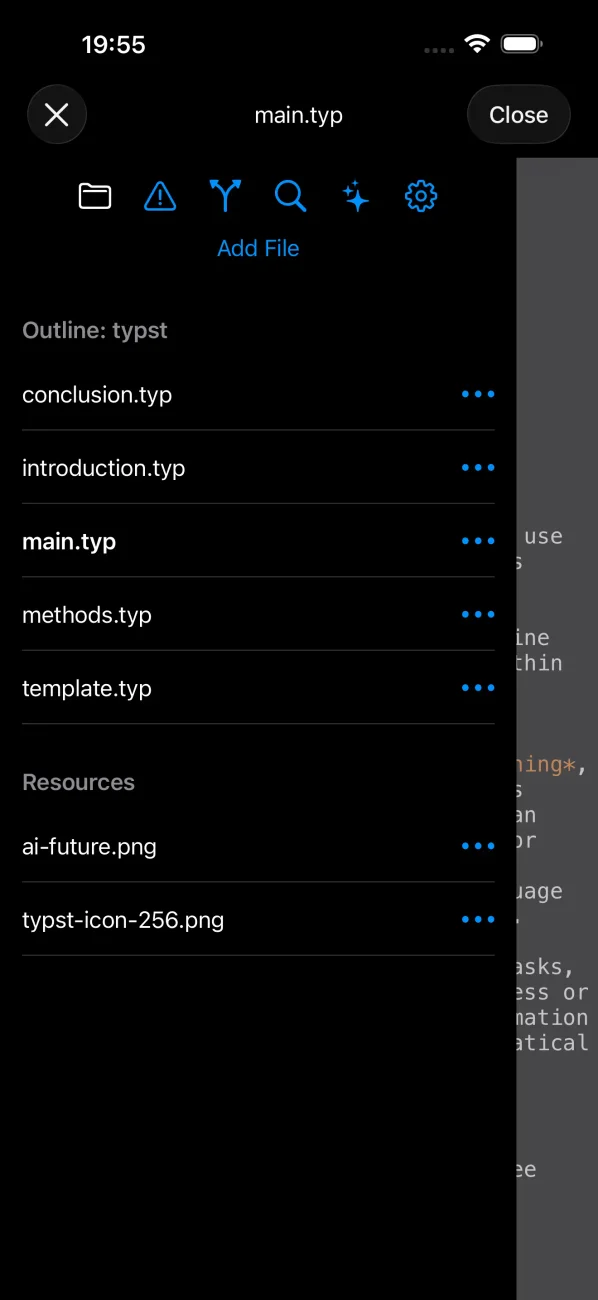
* AI assistant (available in supported regions)
* Zotero integration (Local Mode)
* Mendeley integration (Local Mode)
* 2 Modes: Local Mode (stores projects on your device) and Cloud Mode (synchronizes your projects with Verbosus)
* No account needed (Local Mode)
* Syntax highlighting
* Hotkeys (see below, can be changed)
* Two factor authentication (Cloud Mode, in combination with Copiosus)
* Autosave (Local Mode)
* No ads
Additional features in Typtic Pro:
* Unlimited number of projects (Local Mode)
* Unlimited number of documents (Local Mode)
* Unlimited number of projects (Cloud Mode)
* Unlimited number of documents (Cloud Mode)
Limitations in free Typtic version:
* Max. number of projects (Local Mode): 2
* Max. number of documents per project (Local Mode): 2
* Max. number of files to upload per project (Local Mode): 2
* Max. number of projects (Cloud Mode): 2
* Max. number of documents per project (Cloud Mode): 2
Import or export existing projects (Local Mode):
* Git integration lets you create a new or clone an existing repository.
* Automatic Dropbox or Box synchronization (App -> Link to Dropbox or Box). Synchronization is done once a minute.
If you experience any performance issues while using the editor please try
* to disable syntax highlighting and line numbers
* to split up your project into multiple .typ files
Hotkeys in editor:
ctrl+,: Settings
ctrl+s: Save
ctrl+g: Generate PDF
ctrl+f: Find and replace
ctrl+p: Toggle preview
ctrl+n: New document
ctrl+d: Delete document
ctrl+.: Next document
Terms of Use: https://www.apple.com/legal/internet-services/itunes/dev/stdeula
Yang baru
Versi 1.0.8 · 20/11/2026
* Add system font picker
* UI improvements
Privasi aplikasi
Yang dinyatakan Verbosus.com di App Store tentang cara aplikasi ini menangani data.
-
Data tidak dikumpulkan
Pengembang tidak mengumpulkan data apa pun dari aplikasi ini.
Praktik privasi dapat bervariasi, misalnya berdasarkan fitur yang Anda gunakan atau usia Anda.
Informasi
- Penjual
- Daniel Kuster
- Kategori
- Produktivitas
- Versi
- 1.0.8
- Diperbarui
- 20/11/2026
- Dirilis
- 27/7/2026
- Ukuran
- 67,6 MB
- Memerlukan
- iOS 18.6 atau yang lebih baru
- Batasan usia
- 4+
- Harga
- Gratis
- Pembelian dalam aplikasi
- Ya
- Bahasa
- Inggris
- Hak cipta
- © verbosus.com