Typtic Typst Editor
Offline Typst Compiler
Được thiết kế cho iPhone, iPad
Miễn phí · Mua hàng trong ứng dụng
- Độ tuổi4+
- Danh mụcHiệu Suất
- Nhà phát triểnVerbosus.com
- Ngôn ngữTiếng Anh
- Kích thước67,6 MB
Liên kết đến trang App Store chính thức
Download.org không lưu trữ tệp nào của Typtic Typst Editor. Nút này mở trang ứng dụng trên App Store, nơi Verbosus.com phát hành ứng dụng. Trang được kiểm tra lần cuối: 23/11/2026.
Ảnh chụp màn hình
Giới thiệu
Nhà phát triển chưa cung cấp nội dung này bằng ngôn ngữ của bạn.
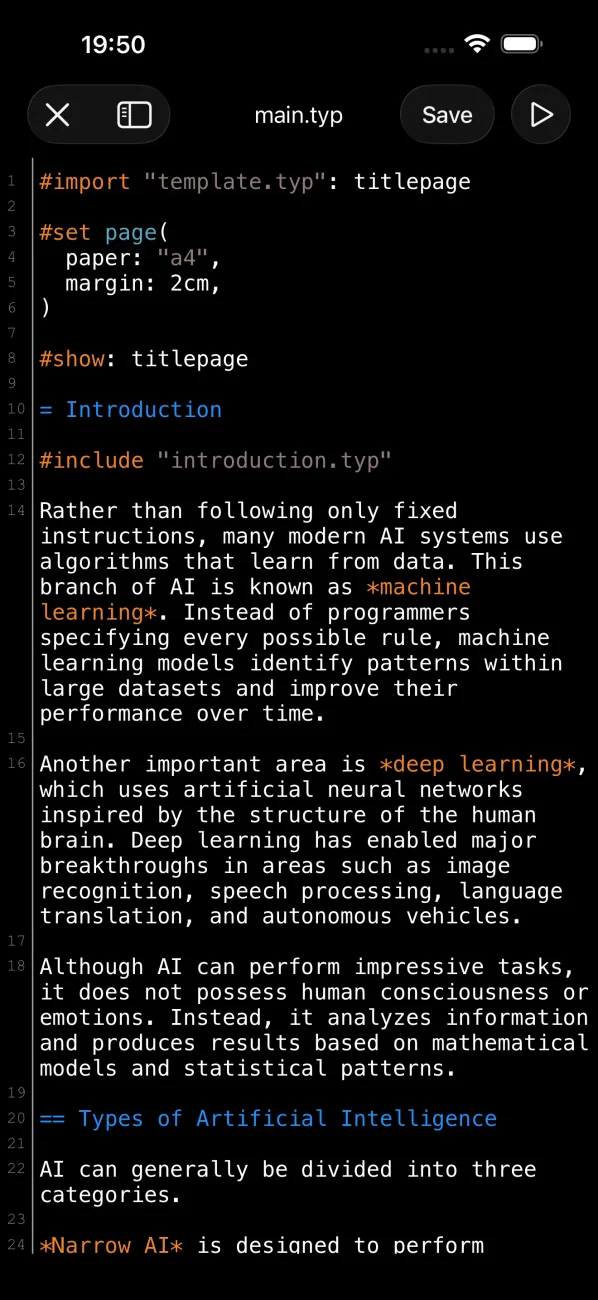
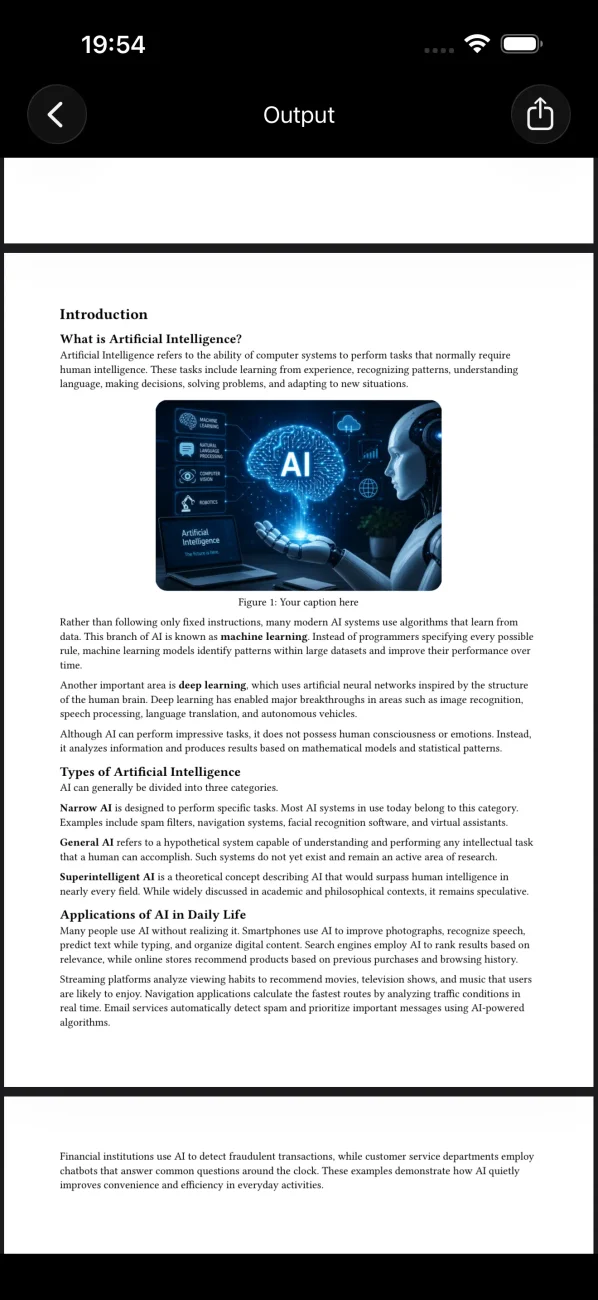
Typtic is a free, collaborative Typst Editor for your iOS device. It allows you to create and manage Typst projects directly on your iOS device and generate a PDF offline (enabled by default) or online (by using Verbosus).
This software is provided "as is" without warranties or conditions of any kind, either expressed or implied.
Features:
* Use Typst to generate a PDF
* Offline compilation (enabled by default)
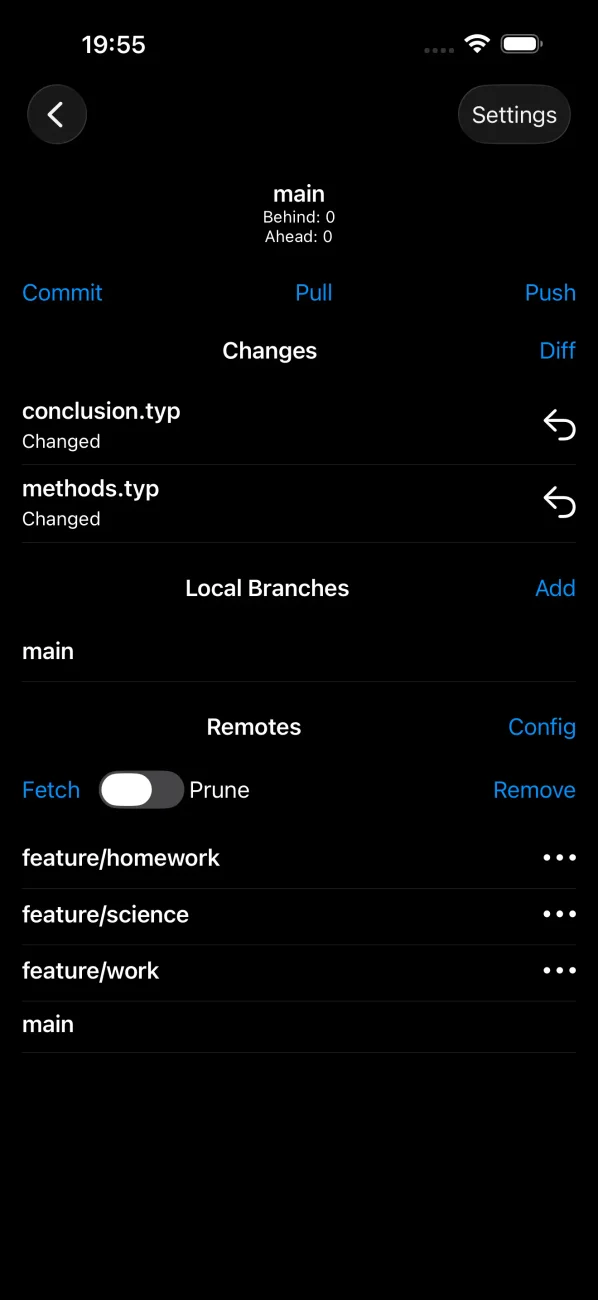
* Git integration (Local Mode)
* iCloud integration (Local Mode)
* Automatic Dropbox synchronization (Local Mode)
* Automatic Box synchronization (Local Mode)
* AI assistant (available in supported regions)
* Zotero integration (Local Mode)
* Mendeley integration (Local Mode)
* 2 Modes: Local Mode (stores projects on your device) and Cloud Mode (synchronizes your projects with Verbosus)
* No account needed (Local Mode)
* Syntax highlighting
* Hotkeys (see below, can be changed)
* Two factor authentication (Cloud Mode, in combination with Copiosus)
* Autosave (Local Mode)
* No ads
Additional features in Typtic Pro:
* Unlimited number of projects (Local Mode)
* Unlimited number of documents (Local Mode)
* Unlimited number of projects (Cloud Mode)
* Unlimited number of documents (Cloud Mode)
Limitations in free Typtic version:
* Max. number of projects (Local Mode): 2
* Max. number of documents per project (Local Mode): 2
* Max. number of files to upload per project (Local Mode): 2
* Max. number of projects (Cloud Mode): 2
* Max. number of documents per project (Cloud Mode): 2
Import or export existing projects (Local Mode):
* Git integration lets you create a new or clone an existing repository.
* Automatic Dropbox or Box synchronization (App -> Link to Dropbox or Box). Synchronization is done once a minute.
If you experience any performance issues while using the editor please try
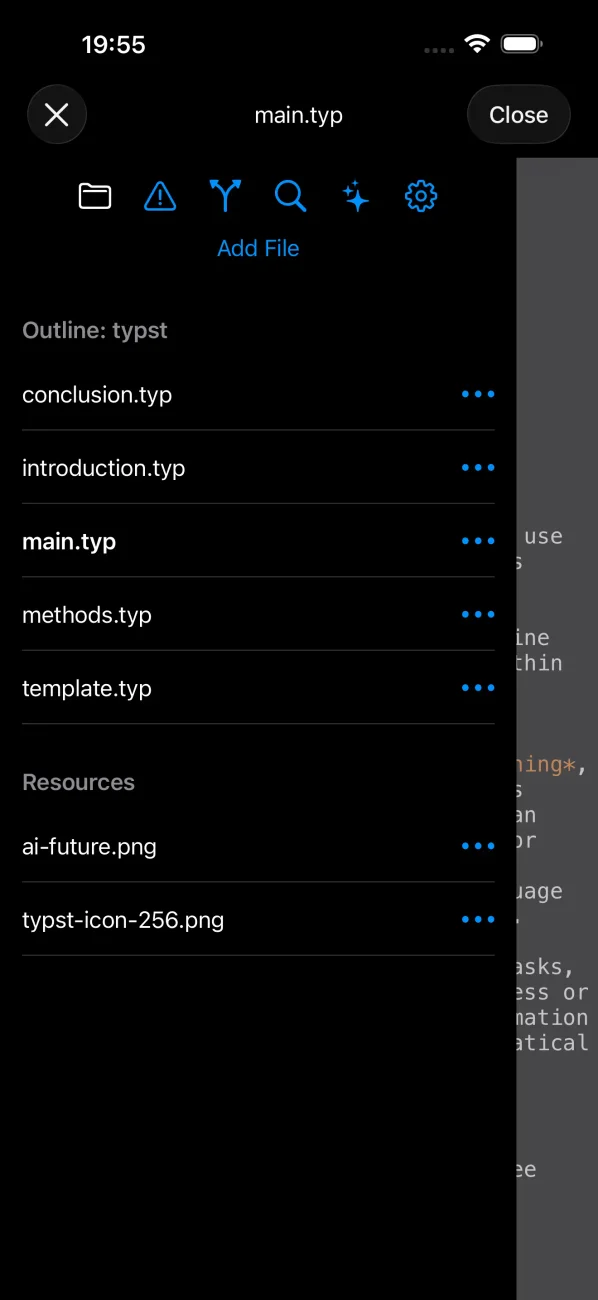
* to disable syntax highlighting and line numbers
* to split up your project into multiple .typ files
Hotkeys in editor:
ctrl+,: Settings
ctrl+s: Save
ctrl+g: Generate PDF
ctrl+f: Find and replace
ctrl+p: Toggle preview
ctrl+n: New document
ctrl+d: Delete document
ctrl+.: Next document
Terms of Use: https://www.apple.com/legal/internet-services/itunes/dev/stdeula
Có gì mới
Phiên bản 1.0.8 · 20/11/2026
* Add system font picker
* UI improvements
Quyền riêng tư của ứng dụng
Những gì Verbosus.com khai báo trên App Store về cách ứng dụng này xử lý dữ liệu.
-
Dữ liệu không được thu thập
Nhà phát triển không thu thập bất kỳ dữ liệu nào từ ứng dụng này.
Phương thức đảm bảo quyền riêng tư có thể khác nhau, chẳng hạn như tuỳ theo các tính năng bạn sử dụng hoặc độ tuổi của bạn.
Thông tin
- Người bán
- Daniel Kuster
- Danh mục
- Hiệu Suất
- Phiên bản
- 1.0.8
- Cập nhật
- 20/11/2026
- Phát hành
- 27/07/2026
- Kích thước
- 67,6 MB
- Yêu cầu
- iOS 18.6 trở lên
- Độ tuổi
- 4+
- Giá
- Miễn phí
- Mua hàng trong ứng dụng
- Có
- Ngôn ngữ
- Tiếng Anh
- Bản quyền
- © verbosus.com