Tancha Easter Watch Face
Tancha Watch Faces- PEGI 3Clasificación por edad
- PersonalizaciónCategoría
- 25/10/2026Actualizado
- GratisPrecio
Enlaza a la ficha oficial de com.watchfacestudio.tanchaeaster en Google Play. Última comprobación el 21/11/2026.

Capturas de pantalla
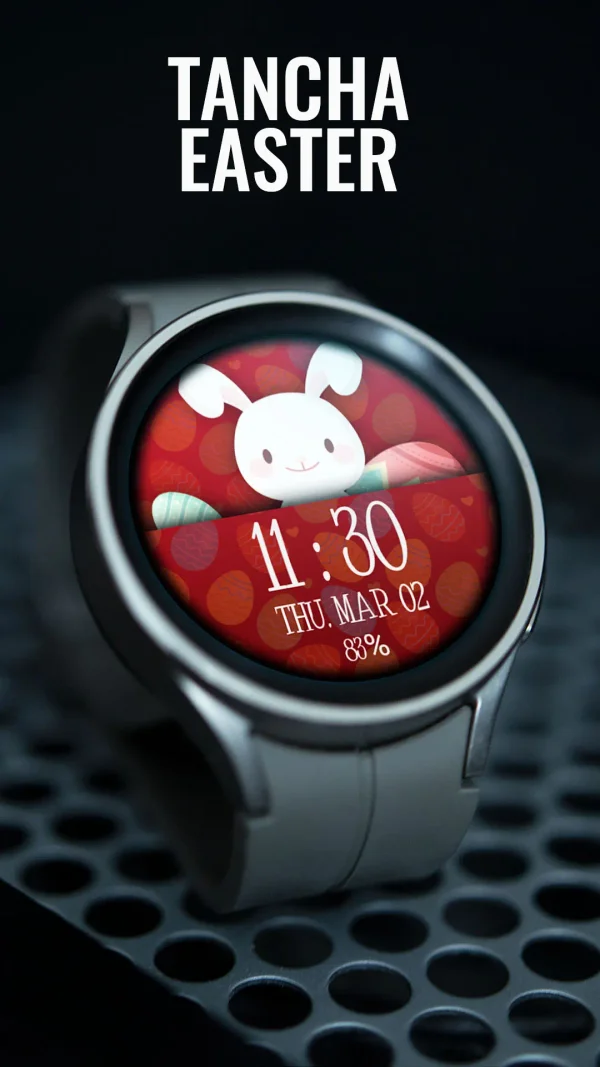
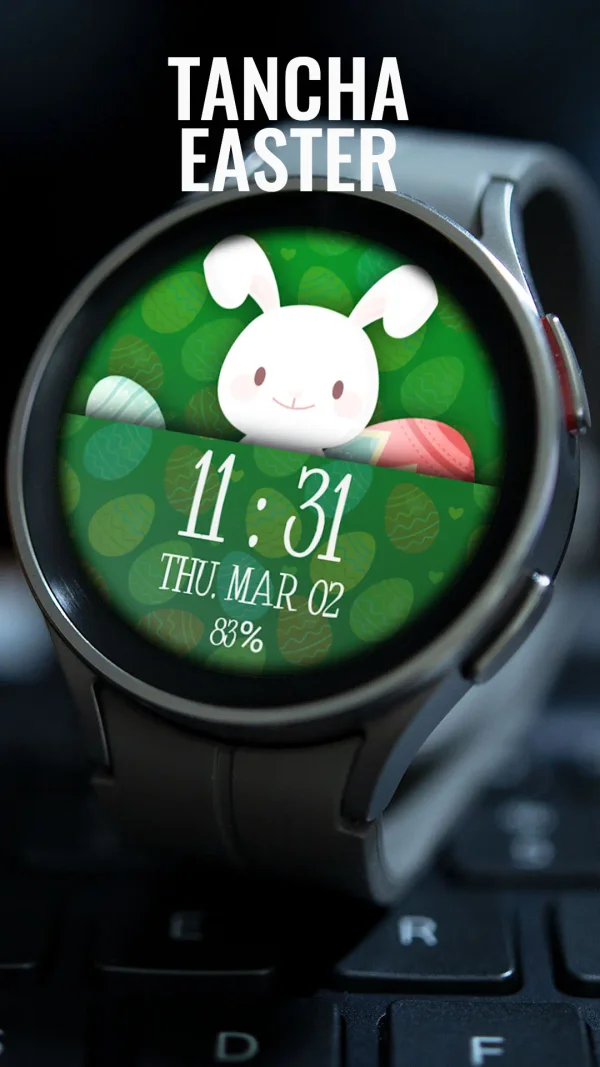
Acerca de esta aplicación
Traducción automática de Google. Idioma original: Inglés (Estados Unidos).
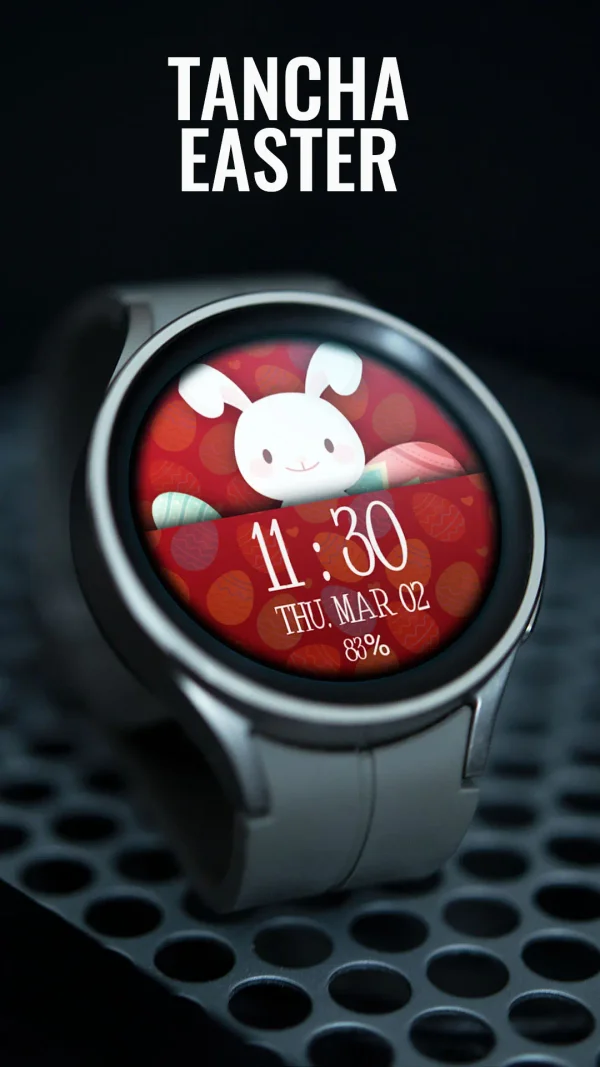
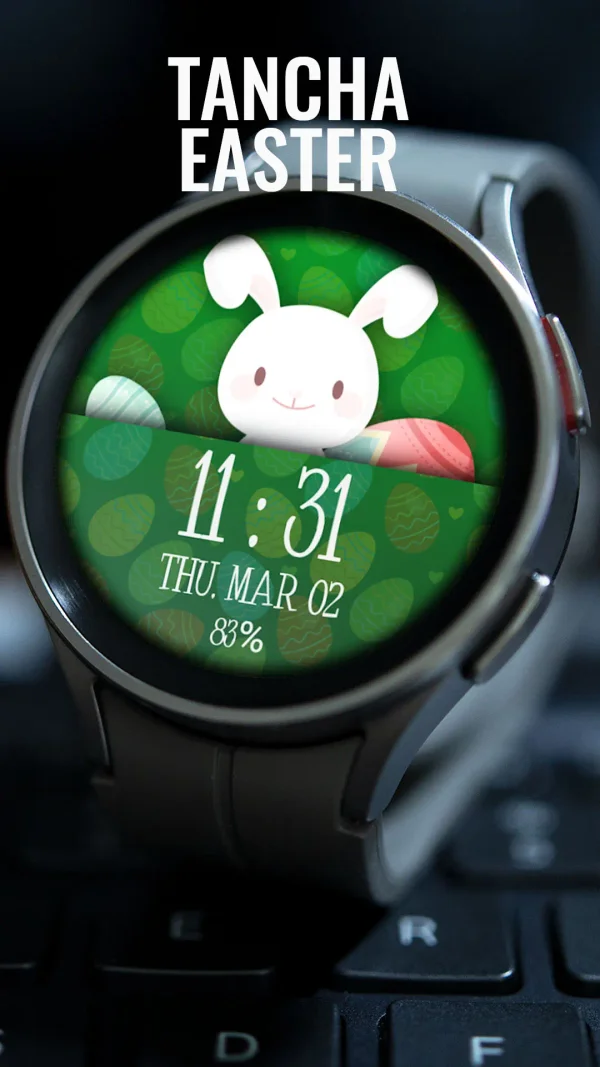
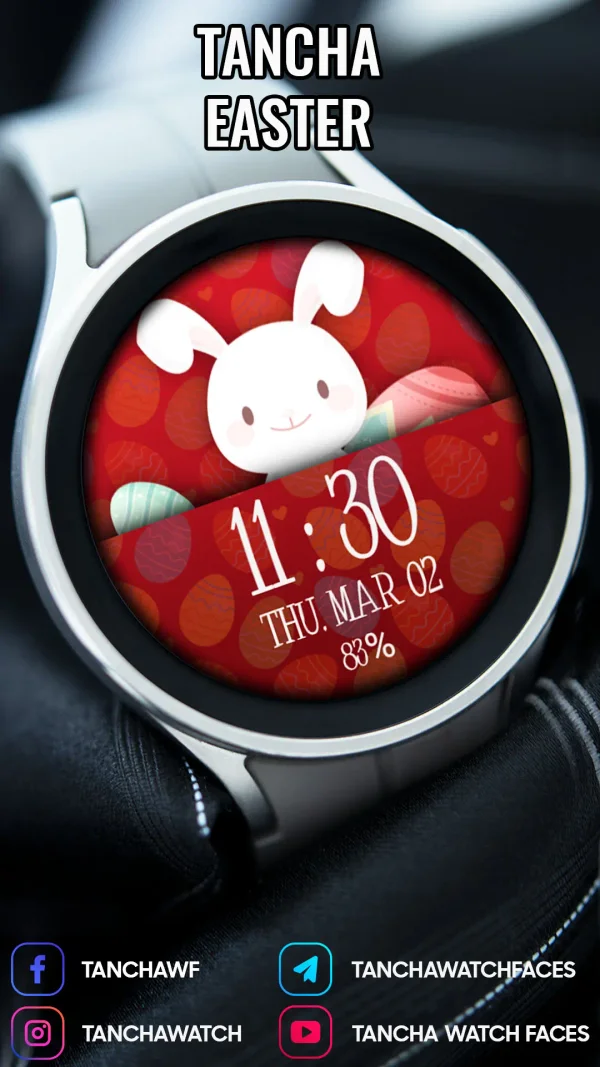
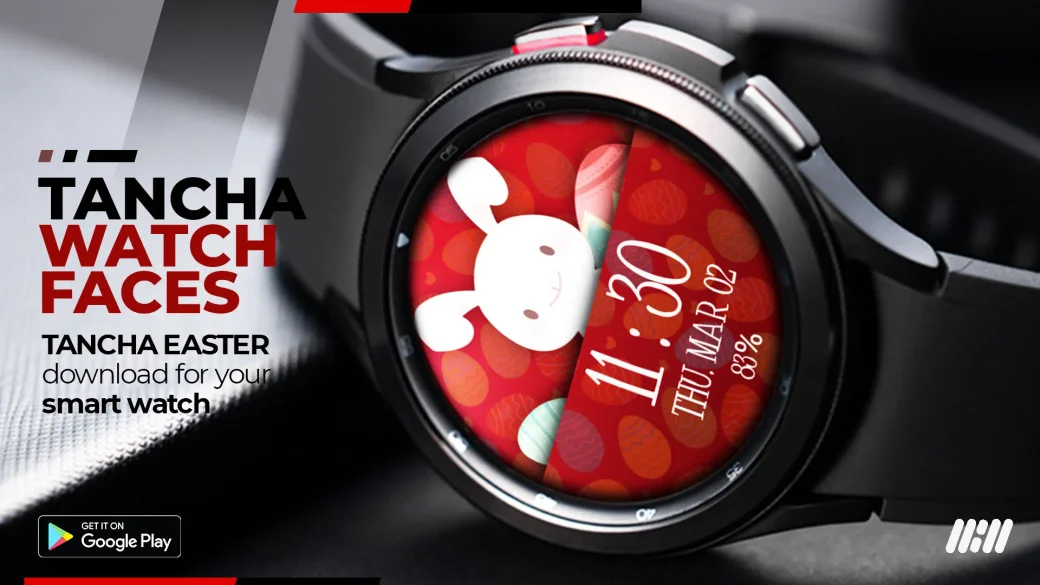
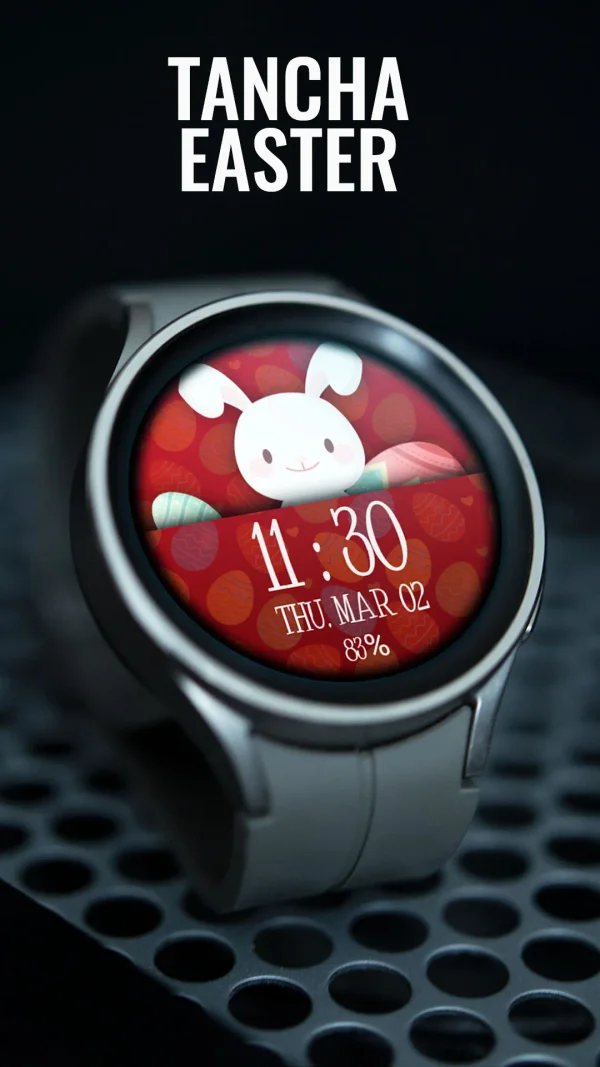
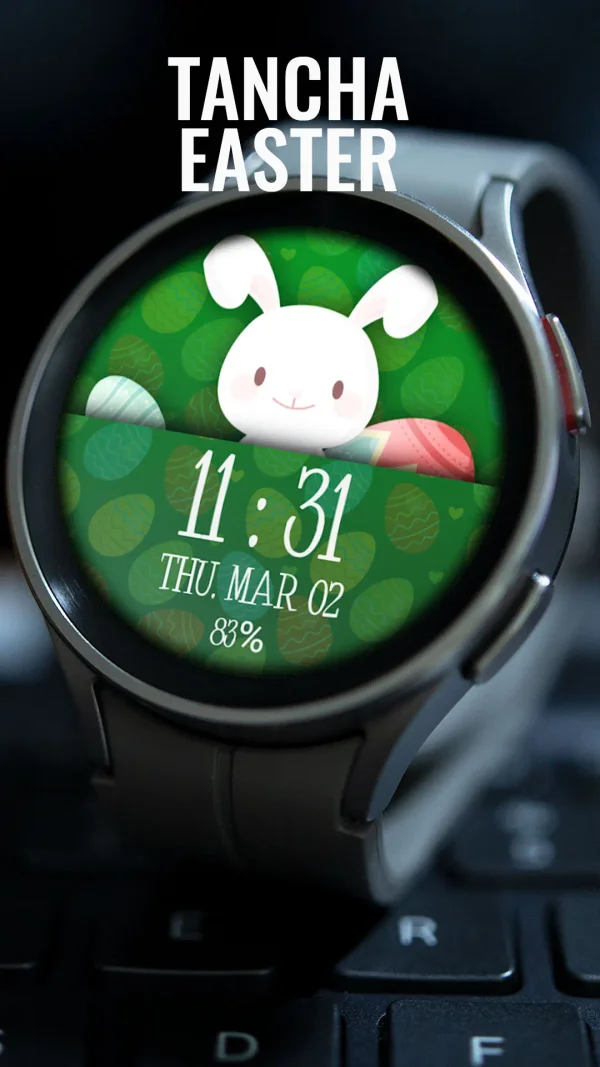
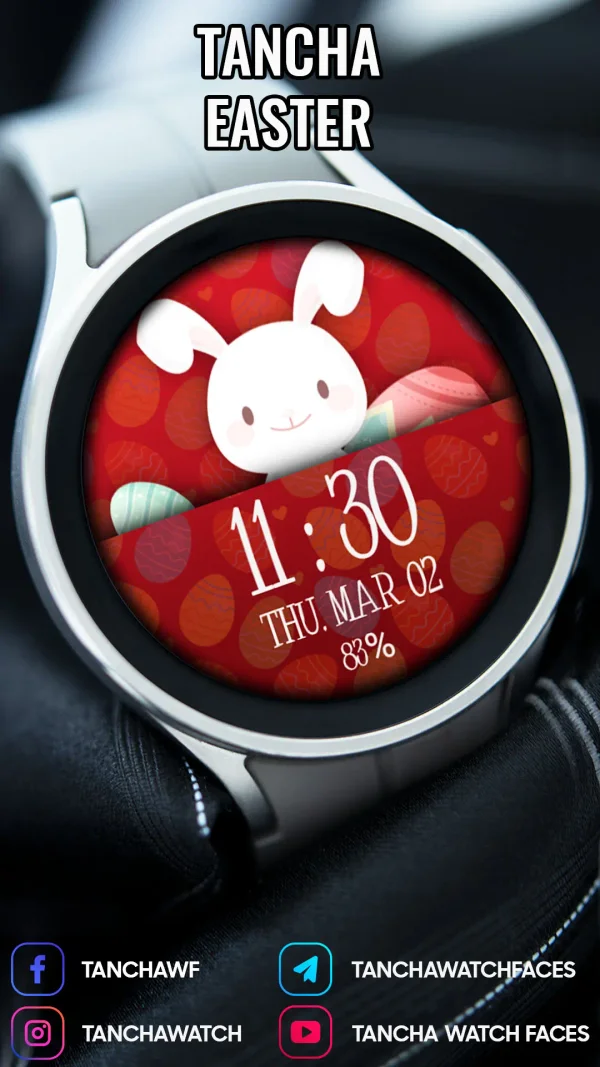
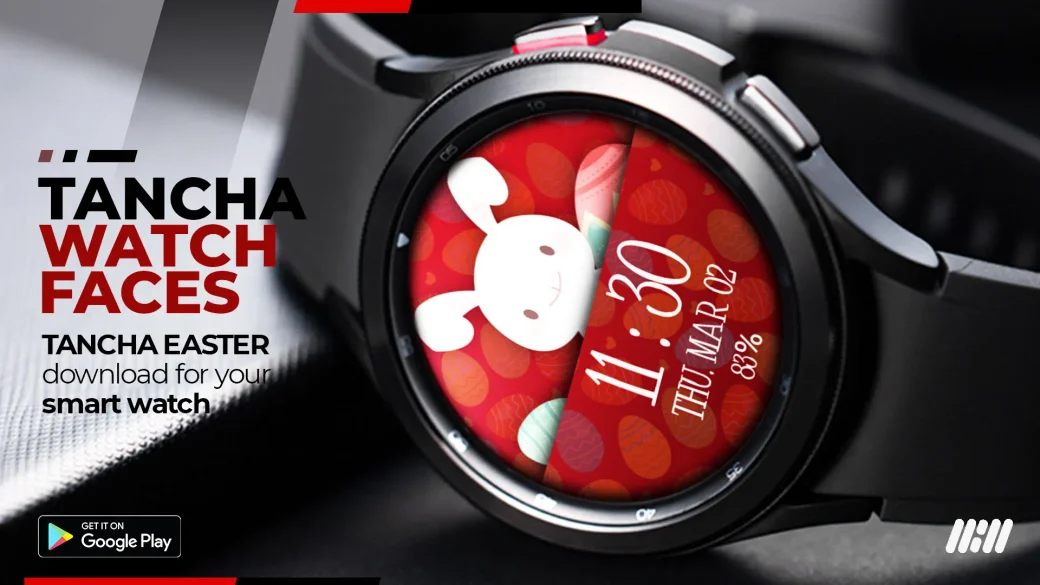
Esfera de reloj con temática de Pascua. Perfecto para añadir un toque festivo a tu reloj inteligente.
Tancha Easter Watch Face para dispositivos Wear OS.
CARACTERÍSTICAS:
Esfera del reloj digital de Pascua
* Colores de fondo rojo y verde.
* Formato de hora digital
* Información de fecha
* Estado de la batería
* Vista siempre activa
PREGUNTAS MÁS FRECUENTES :
1- ¿La esfera del reloj está instalada en tu reloj pero no aparece en el catálogo?
SIGUE ESTOS PASOS:
Mantenga presionada la pantalla de su reloj.
Desliza el dedo hacia la derecha hasta que veas el texto "Agregar esfera del reloj".
Presione el botón '+ Agregar esfera del reloj'.
Busque y active la esfera del reloj que instaló.
2- Si la aplicación complementaria está instalada pero la esfera del reloj no, siga los pasos a continuación:
SIGUE ESTOS PASOS:
Abra la aplicación complementaria en su teléfono (asegúrese de que su reloj inteligente esté conectado a su teléfono).
A continuación, toque el botón 'INSTALAR WATCH FACE ON WATCH' en la parte inferior de la aplicación.
Esto abrirá Play Store en su reloj inteligente WEAR OS, mostrará la esfera del reloj comprada y le permitirá instalarla directamente.
Si tiene alguna pregunta o solicitud, no dude en ponerse en contacto conmigo en tanchawatch@gmail.com.
Gracias sinceramente por su apoyo.
Atentamente,
Esferas de reloj Tancha
Mostrar el texto original
Tancha Easter Watch Face for Wear OS devices.
FEATURES:
Easter digital watch face
* Red and green background colors
* Digital time format
* Date information
* Battery status
* Always-on view
FAQ :
1- The watch face is installed on your watch but does not appear in the catalog?
FOLLOW THESE STEPS:
Press and hold your watch screen.
Swipe right until you see the text 'Add watch face.'
Press the '+ Add watch face' button.
Find and activate the watch face you installed.
2- If the companion app is installed but the watch face is not, follow the steps below:
FOLLOW THESE STEPS:
Open the companion app on your phone (ensure that your smartwatch is connected to your phone).
Next, tap the 'INSTALL WATCH FACE ON WATCH' button at the bottom of the app.
This will open the Play Store on your WEAR OS smartwatch, displaying the purchased watch face and allowing you to install it directly.
If you have any questions or requests, please don't hesitate to get in touch with me at tanchawatch@gmail.com.
Thank you sincerely for your support.
Best regards,
Tancha Watch Faces
Seguridad de los datos
Lo que Tancha Watch Faces declara en Google Play sobre los datos que esta aplicación recopila y comparte.
- No se comparten datos con tercerosMás información sobre cómo los desarrolladores declaran lo que comparten
- No se recogen datosMás información sobre cómo los desarrolladores declaran lo que recogen
Contacto del desarrollador
- Sitio webtanchawatch.com
- Correo electrónicotanchawatch@gmail.com
- Política de privacidadtanchawatch.com
- Dirección13 STRATSIN str., 4th floor, apartment 8 6000 Stara Zagora Bulgaria
Información
- Ofrecida por
- Tancha Watch Faces
- Categoría
- Personalización
- Actualizado
- 25/10/2026
- Publicado
- 12/4/2022
- Clasificación por edad
- PEGI 3
- Precio
- Gratis
- Nombre del paquete
- com.watchfacestudio.tanchaeaster