Tancha Easter Watch Face
Tancha Watch Faces- PEGI 3Classification d’âge
- PersonnalisationCatégorie
- 25/10/2026Mis à jour
- GratuitPrix
Renvoie vers la fiche Google Play officielle de com.watchfacestudio.tanchaeaster. Dernière vérification le 21/11/2026.

Captures d’écran
À propos de cette application
Traduction automatique par Google. Langue d’origine : Anglais (États-Unis).
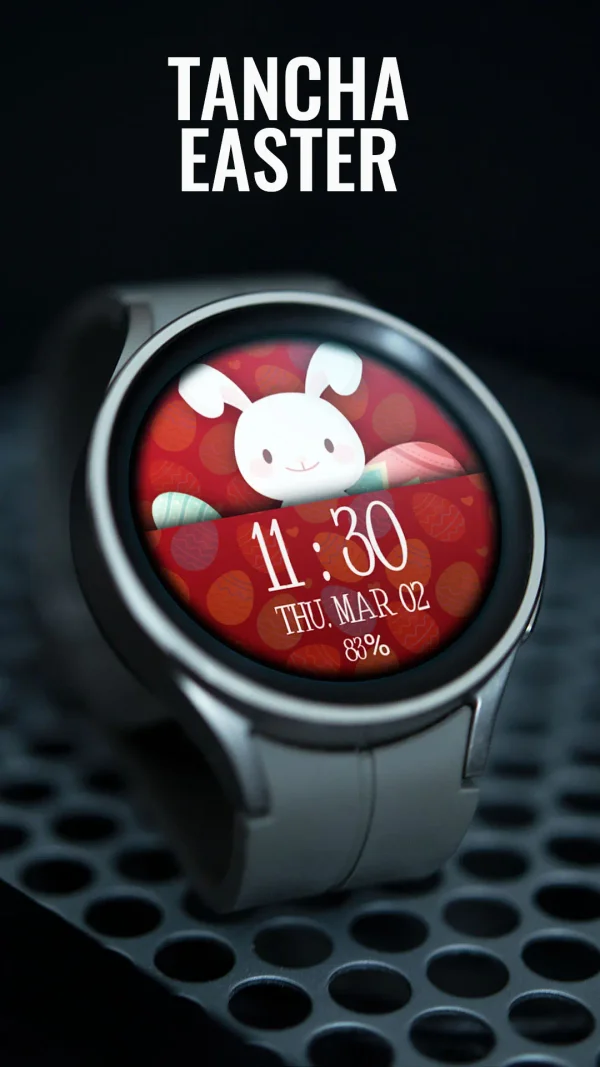
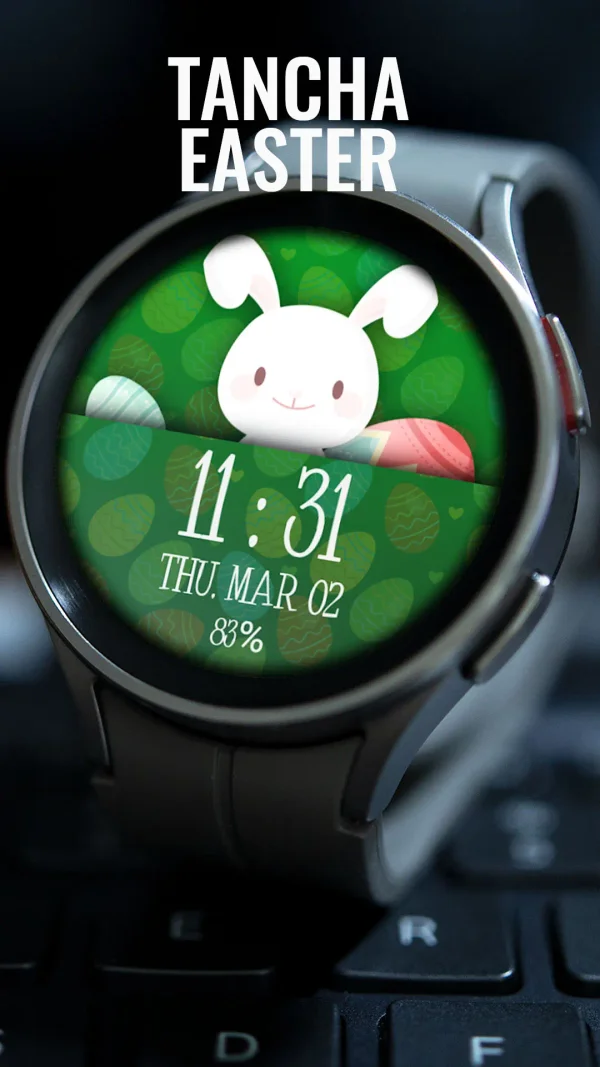
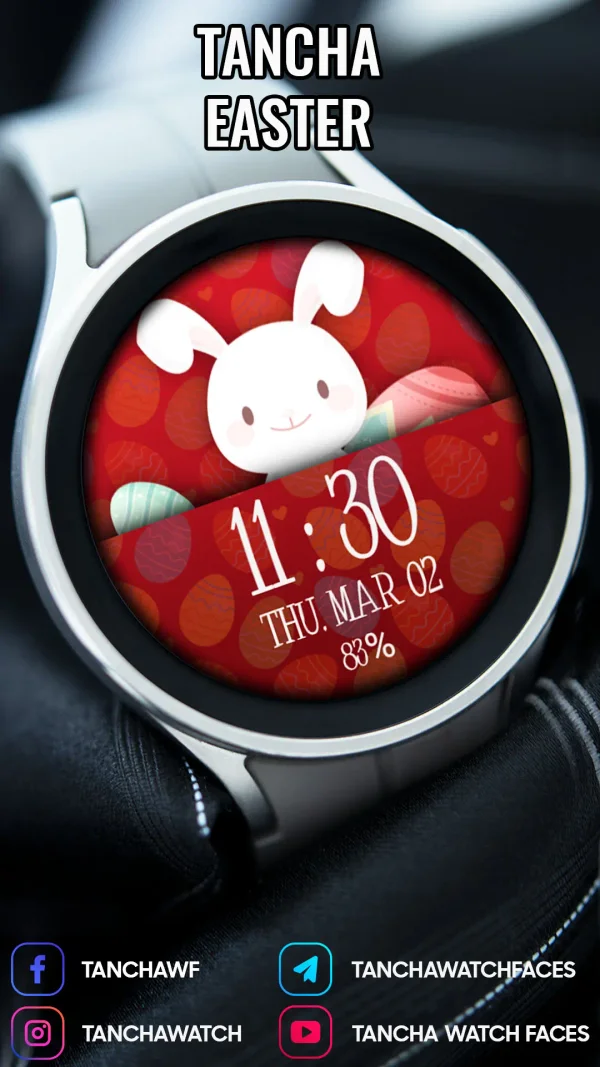
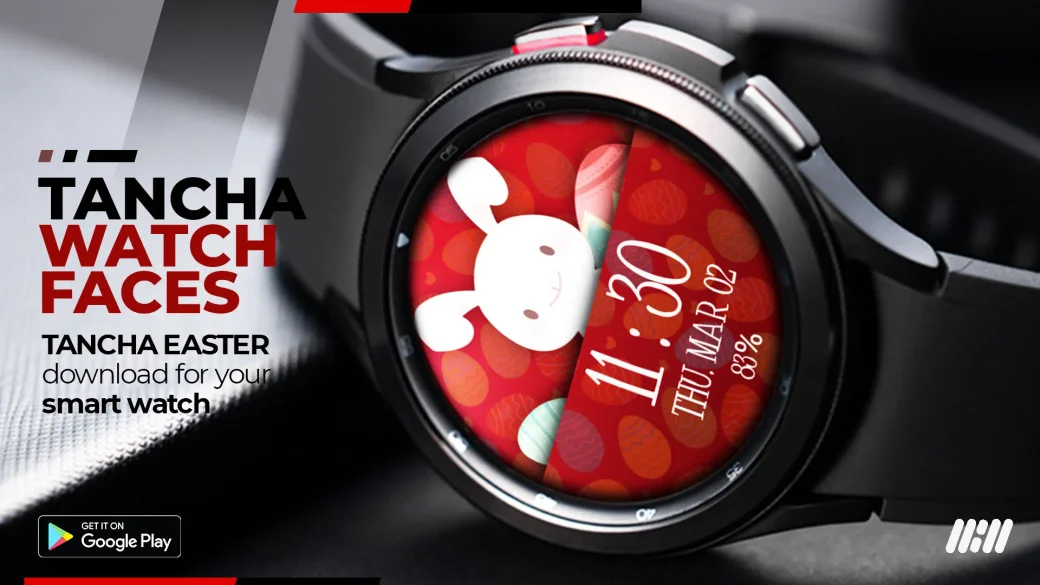
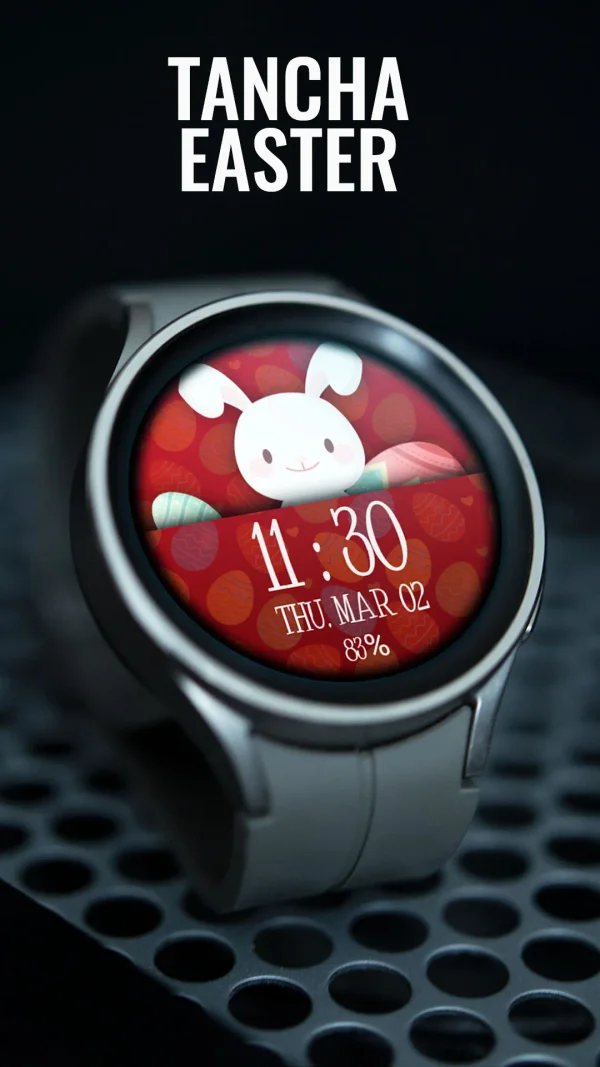
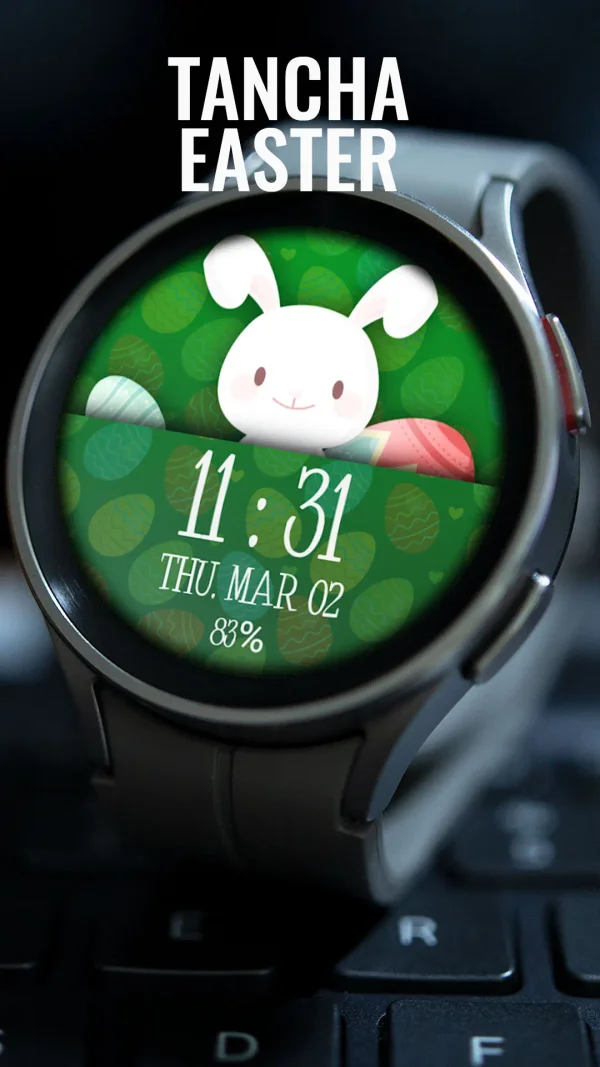
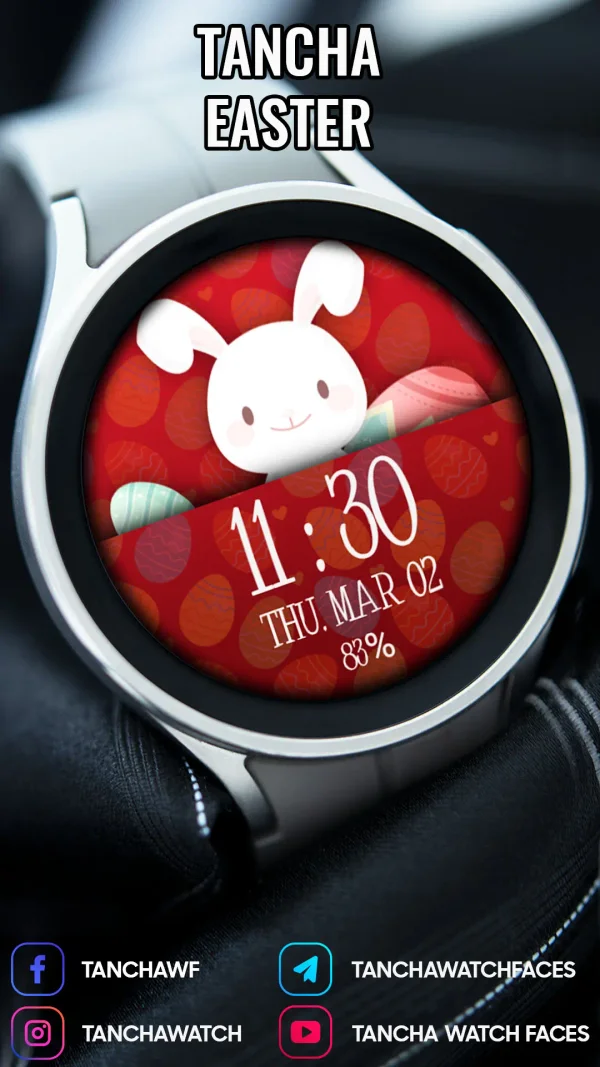
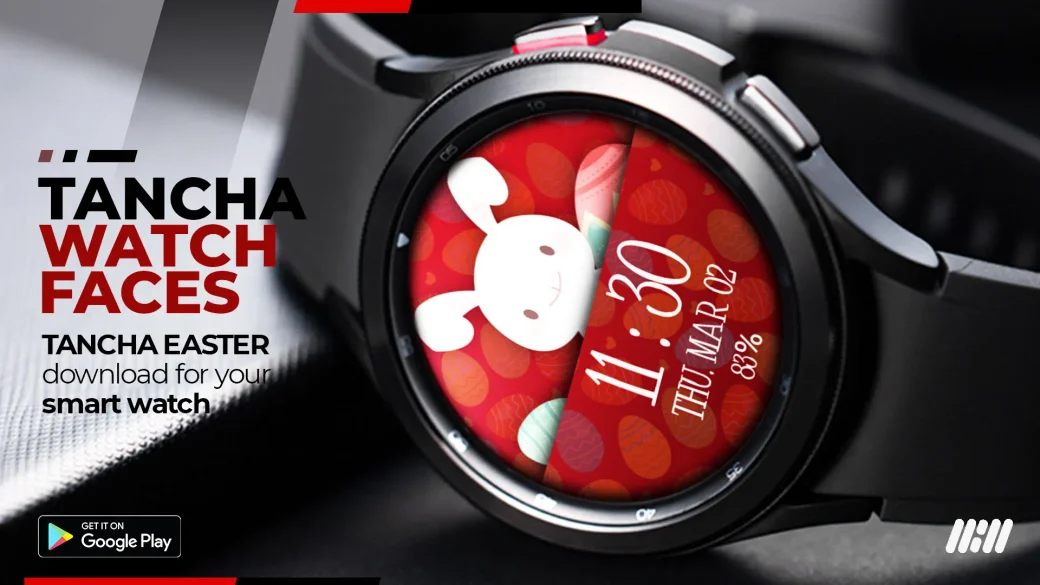
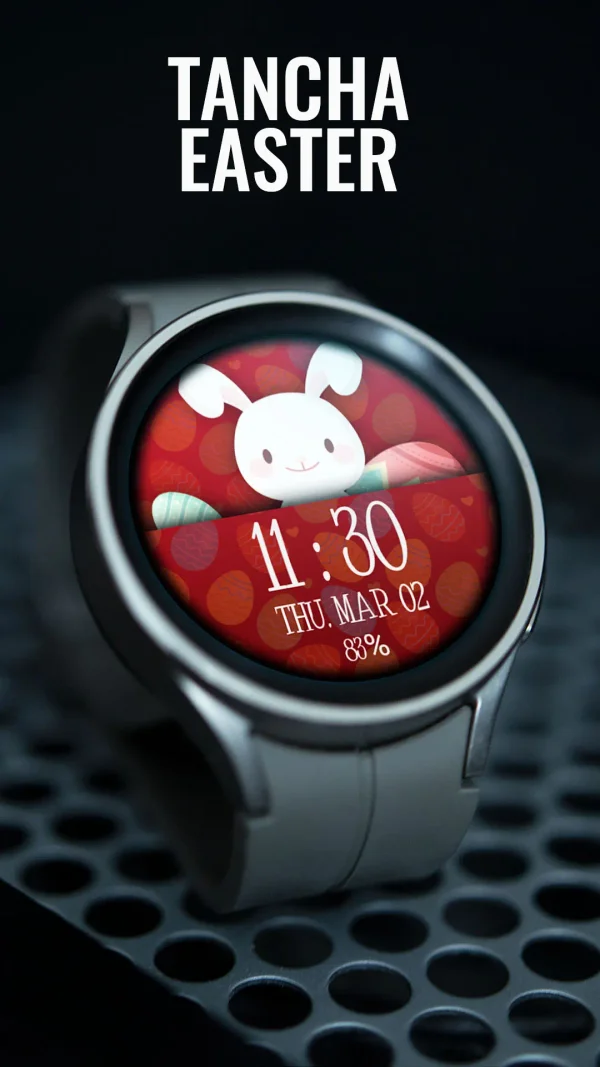
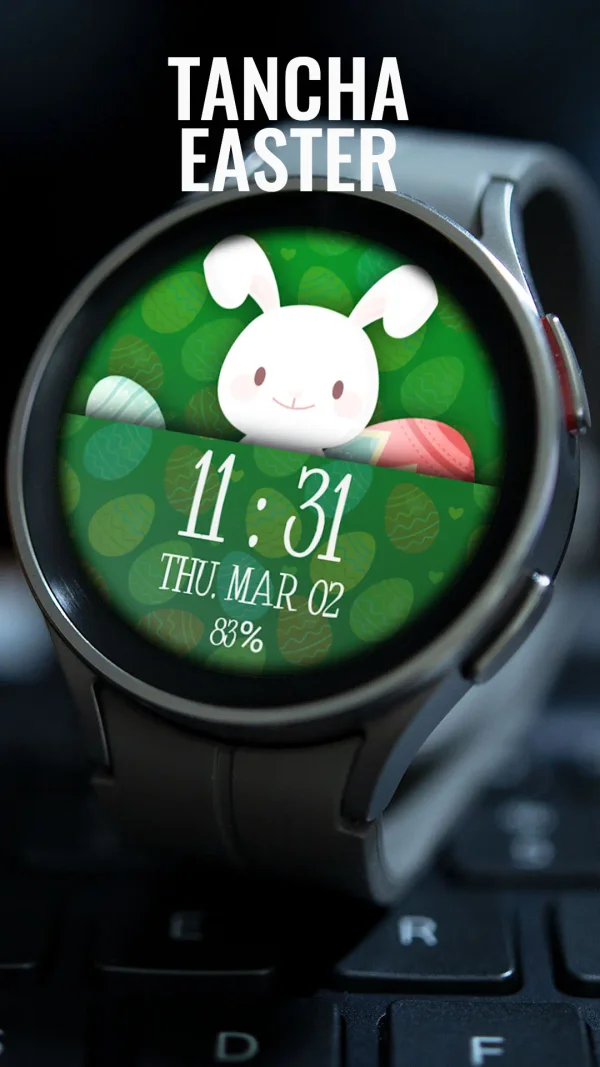
Cadran sur le thème de Pâques. Parfait pour ajouter une touche festive à votre smartwatch.
Cadran de montre Tancha Easter pour les appareils Wear OS.
CARACTÉRISTIQUES:
Cadran de montre numérique de Pâques
* Couleurs de fond rouge et vert
* Format de l'heure numérique
*Informations sur les dates
* État de la batterie
* Vue toujours active
FAQ :
1- Le cadran est installé sur votre montre mais n'apparaît pas dans le catalogue ?
SUIVEZ CES ÉTAPES:
Appuyez et maintenez l'écran de votre montre.
Faites glisser votre doigt vers la droite jusqu'à ce que le texte "Ajouter un cadran de montre" s'affiche.
Appuyez sur le bouton « + Ajouter un cadran de montre ».
Recherchez et activez le cadran de la montre que vous avez installé.
2- Si l'application compagnon est installée mais que le cadran de la montre ne l'est pas, suivez les étapes ci-dessous :
SUIVEZ CES ÉTAPES:
Ouvrez l'application compagnon sur votre téléphone (assurez-vous que votre montre intelligente est connectée à votre téléphone).
Ensuite, appuyez sur le bouton « INSTALLER LE CADRAN DE LA MONTRE SUR LA MONTRE » en bas de l'application.
Cela ouvrira le Play Store sur votre montre intelligente WEAR OS, affichant le cadran de la montre acheté et vous permettant de l'installer directement.
Si vous avez des questions ou des demandes, n'hésitez pas à me contacter à tanchawatch@gmail.com.
Merci sincèrement pour votre soutien.
Cordialement,
Cadrans de montre Tancha
Afficher le texte d’origine
Tancha Easter Watch Face for Wear OS devices.
FEATURES:
Easter digital watch face
* Red and green background colors
* Digital time format
* Date information
* Battery status
* Always-on view
FAQ :
1- The watch face is installed on your watch but does not appear in the catalog?
FOLLOW THESE STEPS:
Press and hold your watch screen.
Swipe right until you see the text 'Add watch face.'
Press the '+ Add watch face' button.
Find and activate the watch face you installed.
2- If the companion app is installed but the watch face is not, follow the steps below:
FOLLOW THESE STEPS:
Open the companion app on your phone (ensure that your smartwatch is connected to your phone).
Next, tap the 'INSTALL WATCH FACE ON WATCH' button at the bottom of the app.
This will open the Play Store on your WEAR OS smartwatch, displaying the purchased watch face and allowing you to install it directly.
If you have any questions or requests, please don't hesitate to get in touch with me at tanchawatch@gmail.com.
Thank you sincerely for your support.
Best regards,
Tancha Watch Faces
Sécurité des données
Ce que Tancha Watch Faces déclare sur Google Play au sujet des données que cette application collecte et partage.
- Aucune donnée partagée avec des tiersEn savoir plus sur la manière dont les développeurs déclarent le partage
- Aucune donnée collectéeEn savoir plus sur la manière dont les développeurs déclarent la collecte
Coordonnées du développeur
- Site webtanchawatch.com
- E-mailtanchawatch@gmail.com
- Politique de confidentialitétanchawatch.com
- Adresse13 STRATSIN str., 4th floor, apartment 8 6000 Stara Zagora Bulgaria
Informations
- Proposée par
- Tancha Watch Faces
- Catégorie
- Personnalisation
- Mis à jour
- 25/10/2026
- Publié
- 12/04/2022
- Classification d’âge
- PEGI 3
- Prix
- Gratuit
- Nom du package
- com.watchfacestudio.tanchaeaster