Tancha Easter Watch Face
Tancha Watch Faces- 3 歳以上対象年齢
- カスタマイズカテゴリ
- 2026/10/25更新日
- 無料価格
com.watchfacestudio.tanchaeasterのGoogle Play公式ページにリンクしています。最終確認:2026/11/21。

スクリーンショット
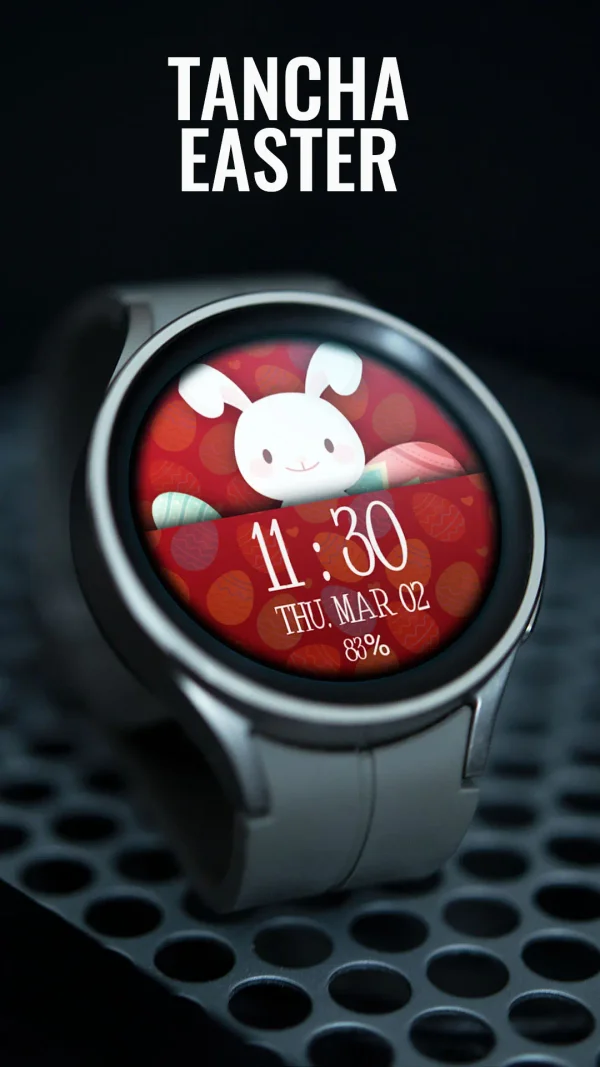
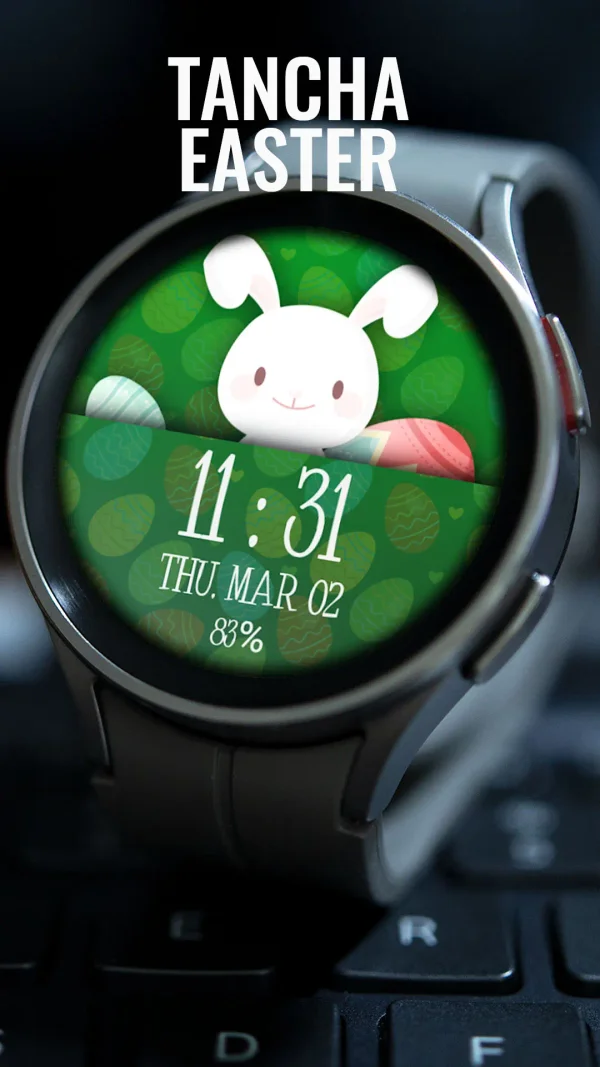
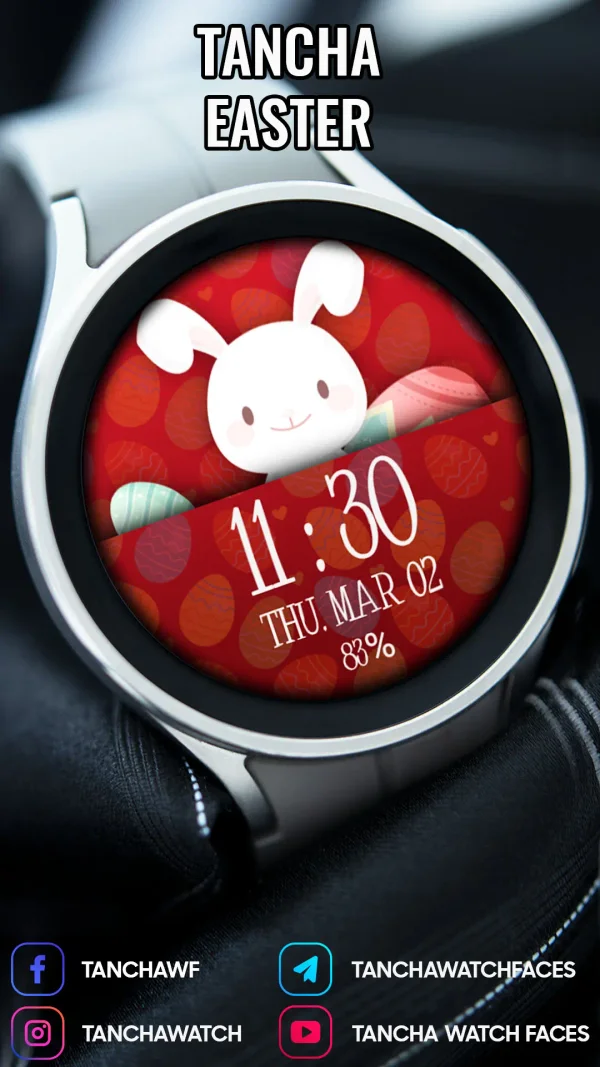
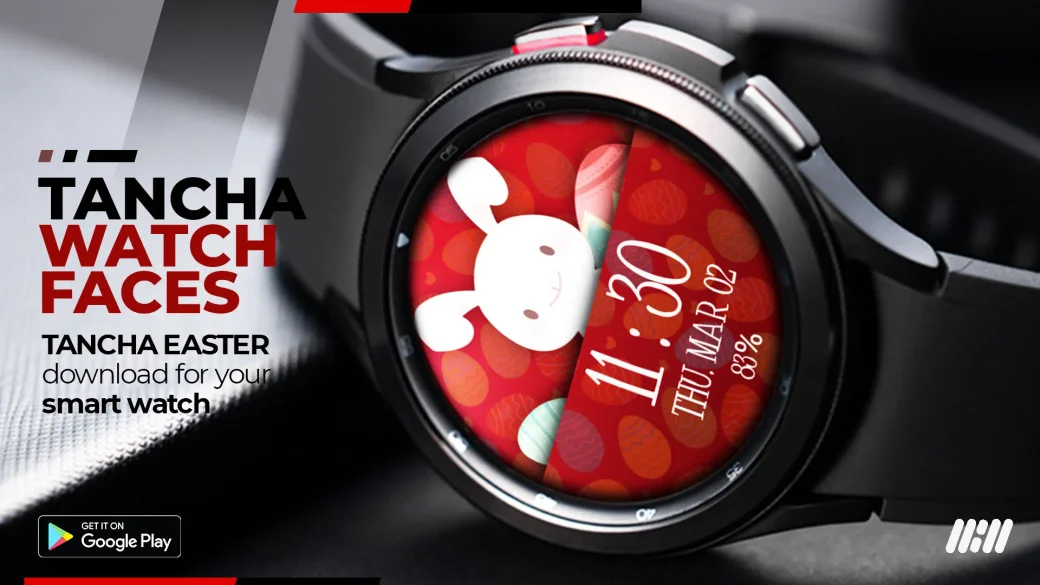
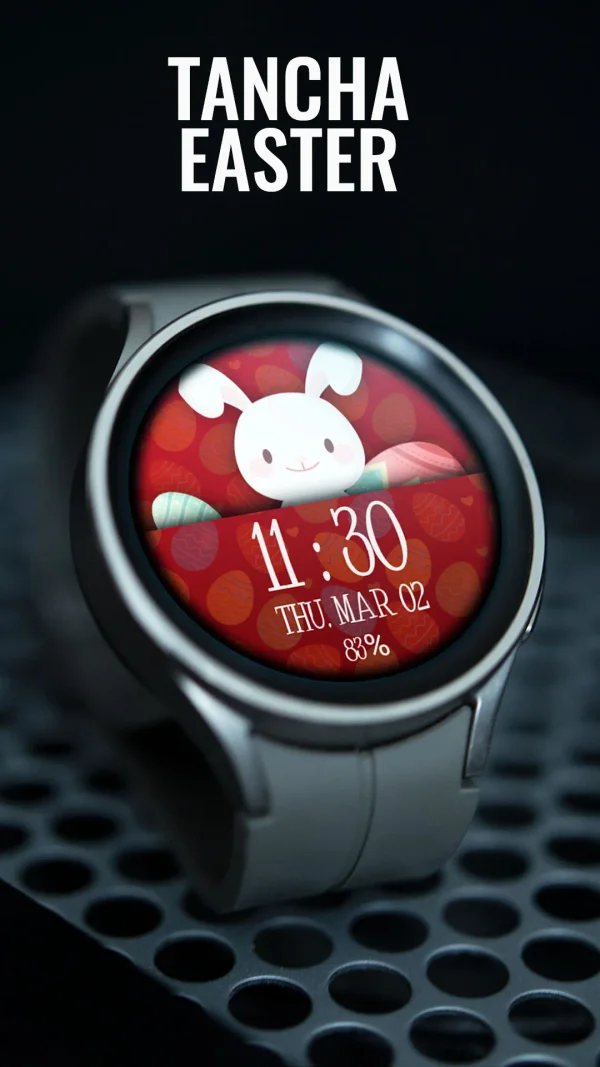
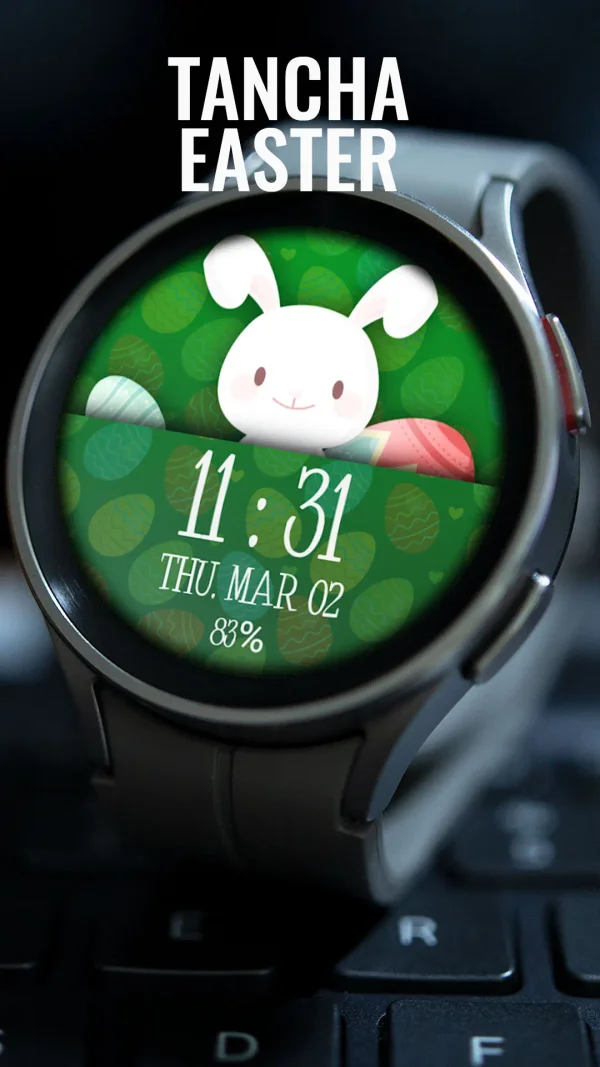
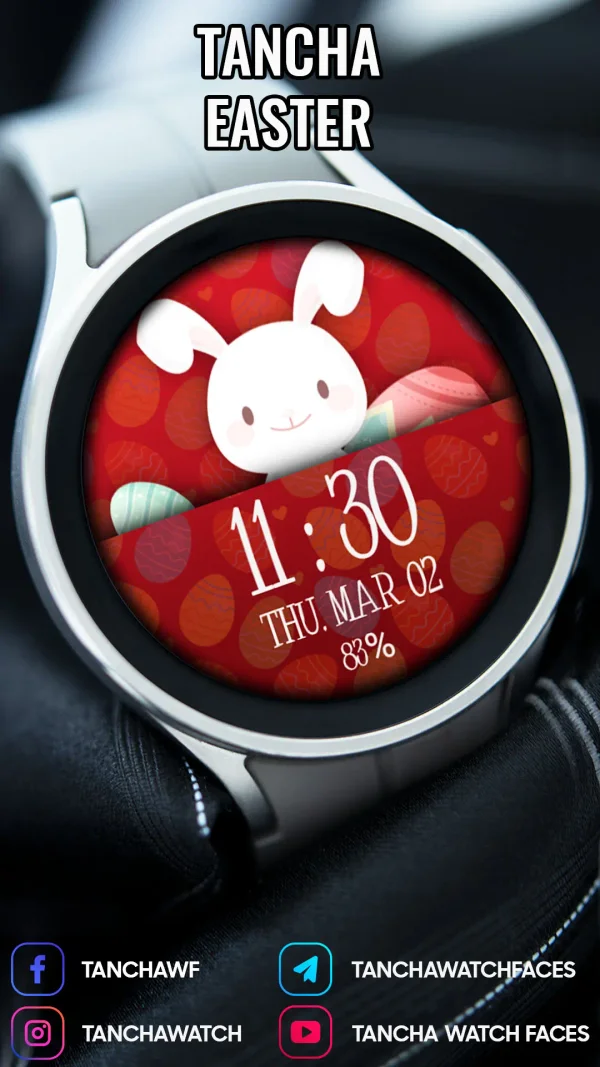
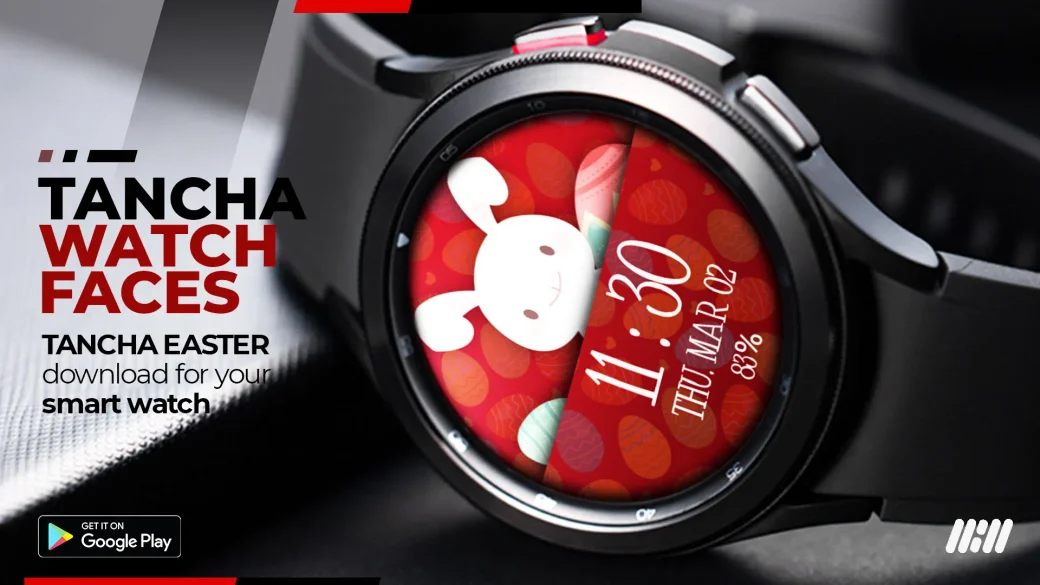
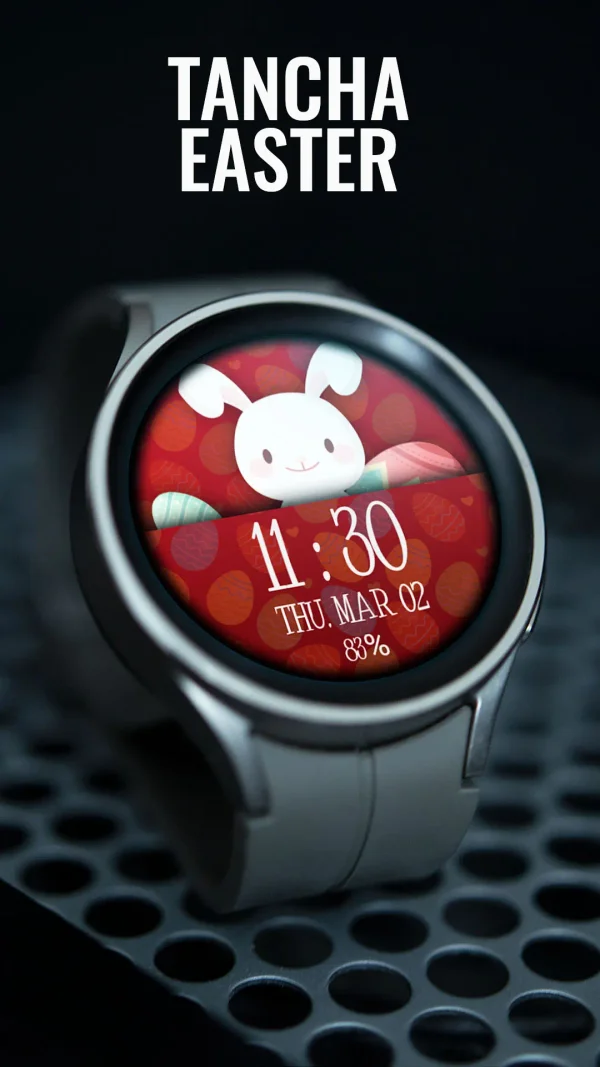
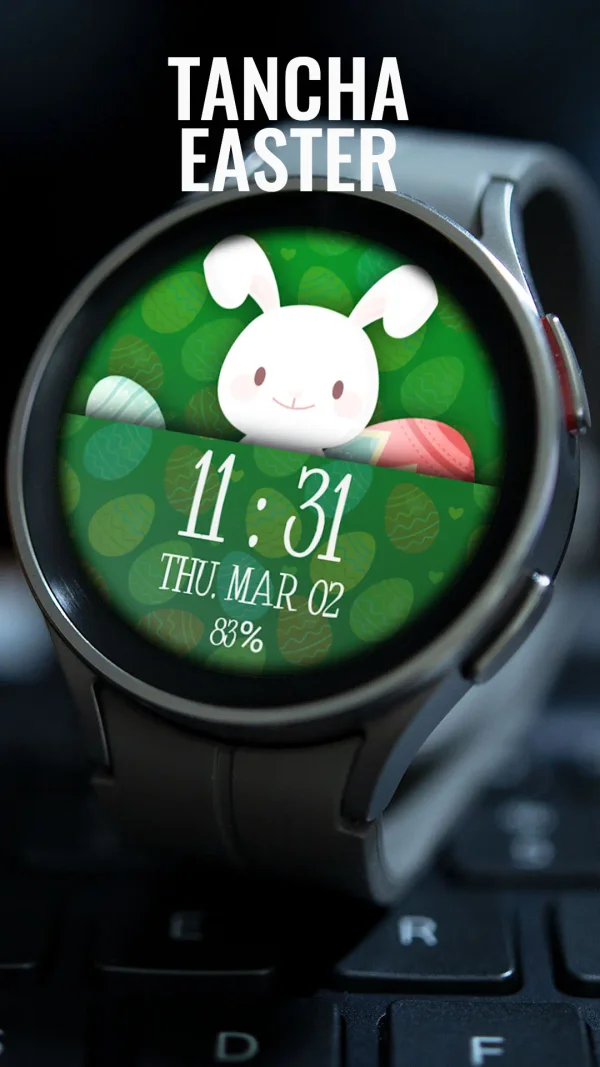
このアプリについて
Googleによる英語 (アメリカ合衆国)からの自動翻訳です。
イースターをテーマにした文字盤。スマートウォッチにお祝いの雰囲気を加えるのに最適です。
Wear OS デバイス用の Tancha Easter ウォッチフェイス。
特徴:
イースターのデジタル文字盤
* 赤と緑の背景色
* デジタル時刻形式
※日付情報
* バッテリー状態
* 常時表示
よくある質問 :
1- ウォッチフェイスはウォッチにインストールされていますが、カタログに表示されませんか?
次の手順を実行します:
時計の画面を長押しします。
「ウォッチフェイスを追加」というテキストが表示されるまで右にスワイプします。
「+ウォッチフェイスを追加」ボタンを押します。
インストールしたウォッチフェイスを見つけてアクティブにします。
2- コンパニオン アプリはインストールされているが、ウォッチフェイスがインストールされていない場合は、次の手順に従います。
次の手順を実行します:
携帯電話でコンパニオン アプリを開きます (スマートウォッチが携帯電話に接続されていることを確認してください)。
次に、アプリの下部にある「ウォッチフェイスをウォッチにインストール」ボタンをタップします。
これにより、WEAR OS スマートウォッチで Play ストアが開き、購入した文字盤が表示され、直接インストールできるようになります。
ご質問やご要望がございましたらtanchawatch@gmail.comまでお気軽にご連絡ください。
ご支援に心より感謝申し上げます。
よろしくお願いします、
谷茶ウォッチフェイス
原文を表示
Tancha Easter Watch Face for Wear OS devices.
FEATURES:
Easter digital watch face
* Red and green background colors
* Digital time format
* Date information
* Battery status
* Always-on view
FAQ :
1- The watch face is installed on your watch but does not appear in the catalog?
FOLLOW THESE STEPS:
Press and hold your watch screen.
Swipe right until you see the text 'Add watch face.'
Press the '+ Add watch face' button.
Find and activate the watch face you installed.
2- If the companion app is installed but the watch face is not, follow the steps below:
FOLLOW THESE STEPS:
Open the companion app on your phone (ensure that your smartwatch is connected to your phone).
Next, tap the 'INSTALL WATCH FACE ON WATCH' button at the bottom of the app.
This will open the Play Store on your WEAR OS smartwatch, displaying the purchased watch face and allowing you to install it directly.
If you have any questions or requests, please don't hesitate to get in touch with me at tanchawatch@gmail.com.
Thank you sincerely for your support.
Best regards,
Tancha Watch Faces
データ セーフティ
このアプリが収集・共有するデータについて、Tancha Watch FacesがGoogle Playで申告している内容です。
- 第三者と共有されるデータはありません詳しくは、デベロッパーが共有を申告する方法についての説明をご覧ください
- データは収集されません詳しくは、デベロッパーが収集を申告する方法についての説明をご覧ください
開発元の連絡先
- ウェブサイトtanchawatch.com
- メールtanchawatch@gmail.com
- プライバシーポリシーtanchawatch.com
- 住所13 STRATSIN str., 4th floor, apartment 8 6000 Stara Zagora Bulgaria
情報
- 提供元
- Tancha Watch Faces
- カテゴリ
- カスタマイズ
- 更新日
- 2026/10/25
- リリース
- 2022/4/12
- 対象年齢
- 3 歳以上
- 価格
- 無料
- パッケージ名
- com.watchfacestudio.tanchaeaster