Touch Screen Test +
Microsys Com Ltd.Contiene anuncios
- PEGI 3Clasificación por edad
- HerramientasCategoría
- 20/8/2026Actualizado
- GratisPrecio
Enlaza a la ficha oficial de com.microsys.TouchScreenTestPlus en Google Play. Última comprobación el 19/11/2026.

Capturas de pantalla
Acerca de esta aplicación
Traducción automática de Google. Idioma original: Inglés (Estados Unidos).
Pruebas y procedimientos rápidos para ayudarte a revisar y reparar tu pantalla táctil.
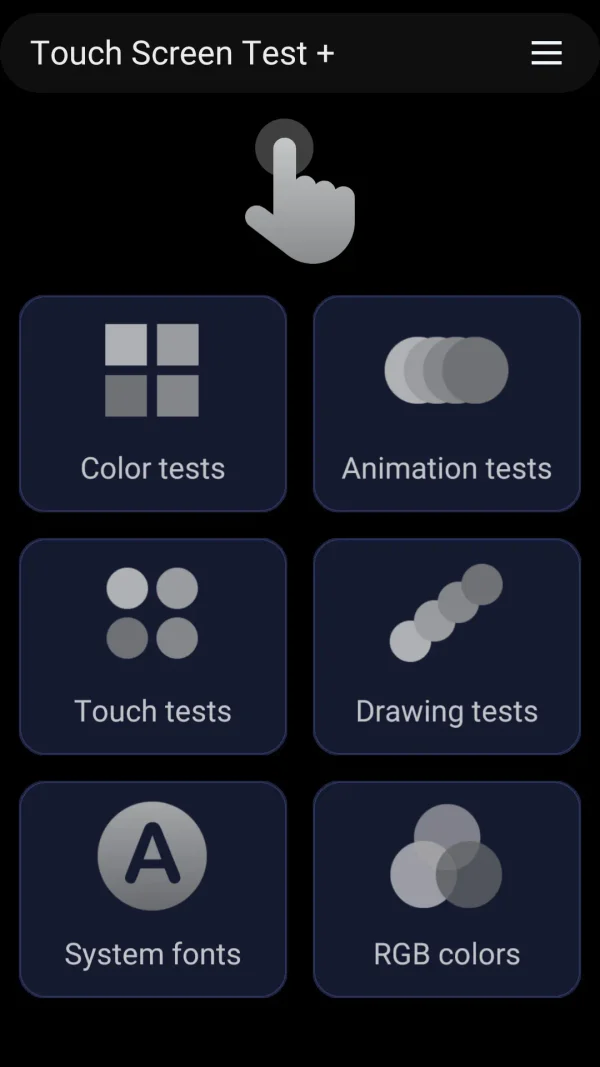
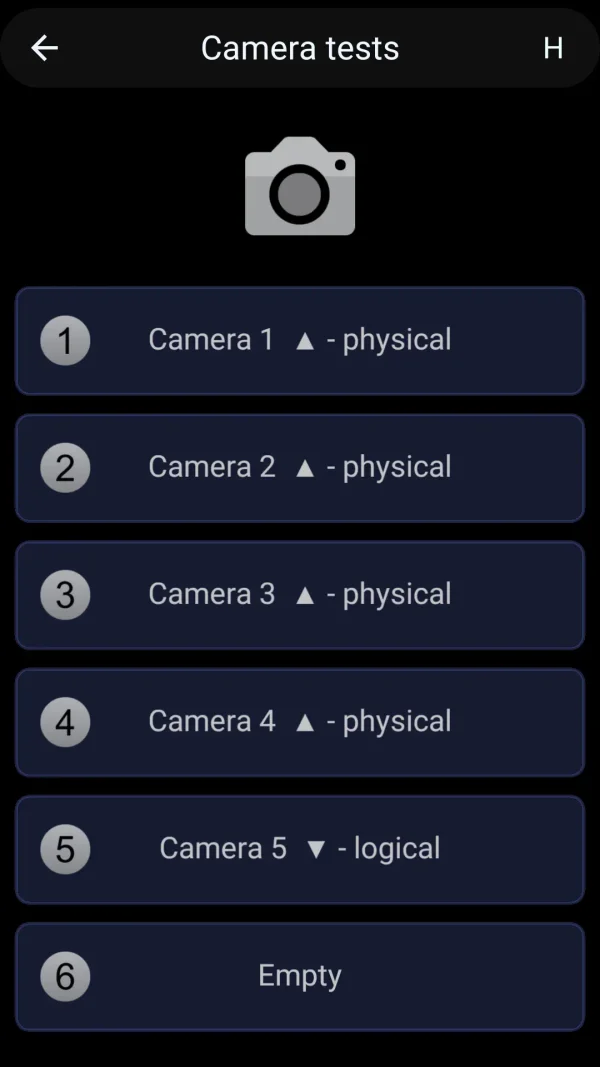
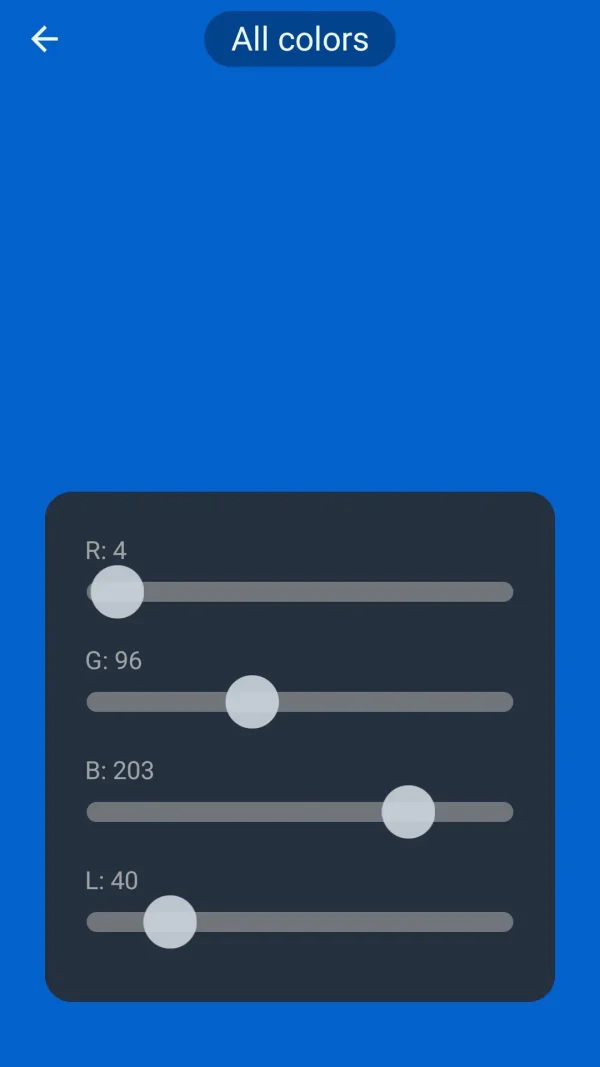
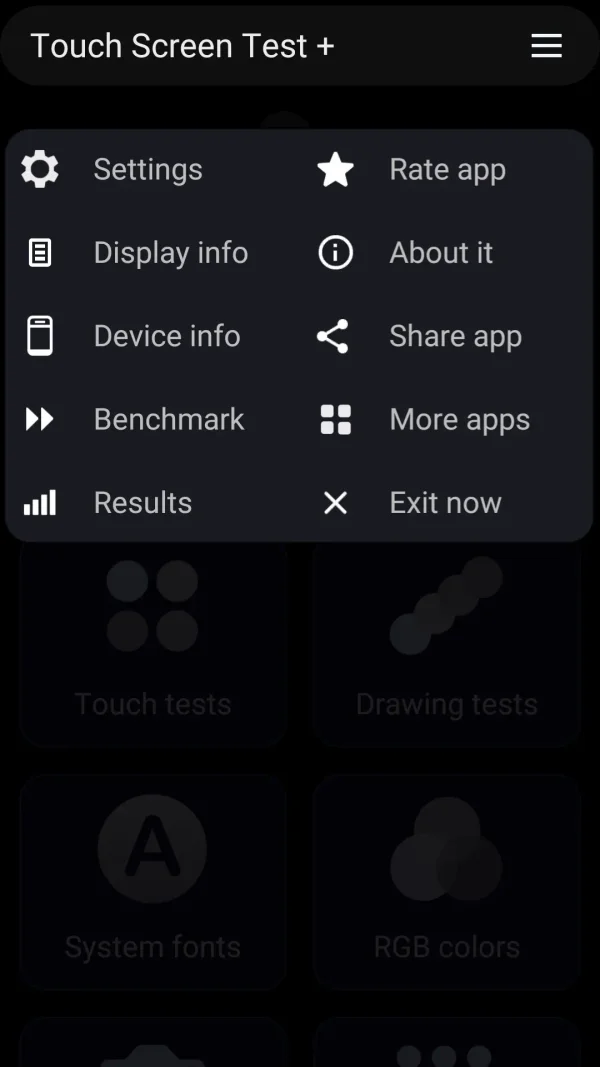
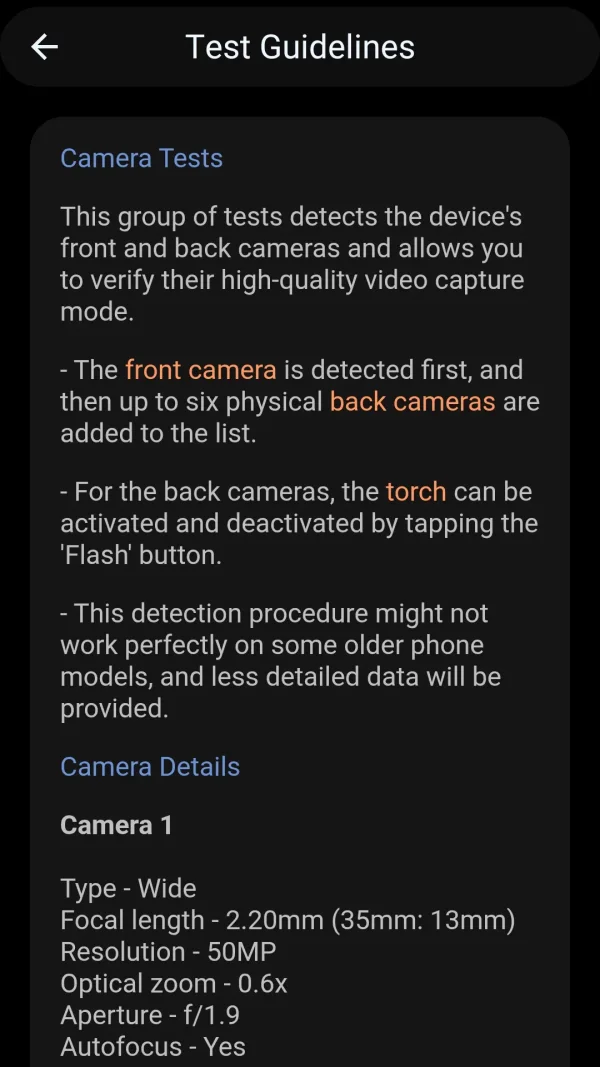
Touch Screen Test + es una aplicación profesional muy útil para evaluar rápidamente la calidad de la pantalla de tu smartphone y sus capacidades gráficas, o para corregir píxeles muertos. Cuenta con diez grupos principales de pruebas: COLOR, ANIMACIÓN, TÁCTIL, DIBUJO, FUENTES, COLORES RGB, CÁMARA, CORREGIR PÍXELES, CONTRASTE y EXTRA. La información de la pantalla y del dispositivo, junto con las pruebas de rendimiento y los resultados, completan el conjunto de pruebas y convierten a esta aplicación gratuita en un software imprescindible para la mayoría de los smartphones y tablets Android. Puedes averiguar fácilmente la resolución de la pantalla, la densidad de píxeles, la relación de aspecto o el nivel de brillo actual; también puedes comprobar la velocidad de fotogramas para otras aplicaciones 2D y 3D, o si los sensores de gravedad/aceleración funcionan correctamente. Ejecuta todas las pruebas y podrás decidir rápidamente, por ejemplo, si debes activar el modo de protección ocular para evitar la fatiga visual, si necesitas ajustar el nivel de brillo o si la sensibilidad táctil sigue siendo buena en toda la superficie de la pantalla.
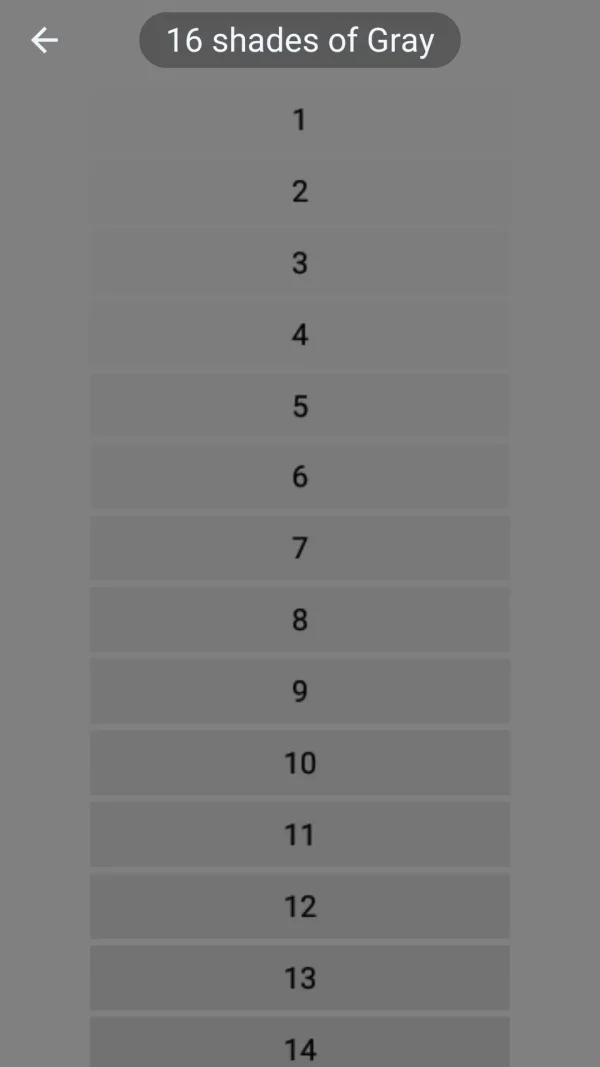
Pruebas de color muestra cinco botones adicionales, uno para cada prueba de color disponible: Pureza, Degradados, Escalas, Tonos y Prueba gamma. Estas pruebas permiten verificar la uniformidad de los colores principales en la pantalla, el contraste que ofrecen con el nivel de brillo actual y la cantidad de tonos que se pueden identificar. La prueba gamma muestra una gama de tonos de color que permite determinar el valor gamma (indica la precisión con la que el nivel de brillo del dispositivo refleja la señal de entrada).
Pruebas de animación incluye animaciones 2D y 3D, pruebas de gravedad 2D y 3D, y una página que muestra barras móviles de diferentes colores. Al ejecutar estas pruebas, se puede conocer el valor de FPS (fotogramas por segundo) de la pantalla para diferentes animaciones 2D y 3D, así como el estado de funcionamiento de los sensores de inclinación y gravedad (cuyos valores determinan el movimiento de una bola en la pantalla).
El grupo de Pruebas táctiles incluye dos pruebas de un solo toque, dos pruebas multitáctiles y una página llamada Zoom y rotación. Las primeras pruebas permiten verificar la sensibilidad de la pantalla táctil e identificar las áreas que podrían presentar problemas de funcionamiento; finalizan cuando toda la pantalla se llena de rectángulos azules, incluyendo el área ocupada por el texto superior.
Las Pruebas de dibujo permiten comprobar si la pantalla táctil es lo suficientemente sensible como para dibujar líneas continuas o punteadas (que permanecen o se desvanecen en unos segundos) con el dedo o el lápiz óptico. La quinta prueba está diseñada específicamente para lápices ópticos y comprueba si se puede utilizar uno para tocar áreas muy pequeñas de la pantalla.
La página Reparar píxeles contiene seis procedimientos especiales para reparar los píxeles muertos de la pantalla táctil: líneas/cuadrados en movimiento, ruido blanco/intenso, colores intermitentes y patrones especiales.
¡ADVERTENCIA!
- Cada uno de estos procedimientos ajusta el brillo de la pantalla al máximo y contiene imágenes parpadeantes, por lo que recomendamos evitar mirar directamente a la pantalla mientras se ejecutan.
- Dado que utilizan intensivamente el controlador gráfico, recomendamos mantener el cargador conectado al dispositivo móvil.
- ¡Realice estos procedimientos bajo su propia responsabilidad! (Cada procedimiento debe estar activo durante al menos 3 minutos para obtener buenos resultados. Toque la pantalla en cualquier parte para salir).
Novedades
1. Hemos añadido dos nuevos grupos de pruebas: Contraste y Pruebas adicionales, para ofrecerle una perspectiva aún mejor.
2. Página de Guía detallada para cada grupo de pruebas, adaptada a su modelo de teléfono.
3. Pruebas mejoradas, mejoras visuales y avisos para cambiar la configuración del dispositivo.
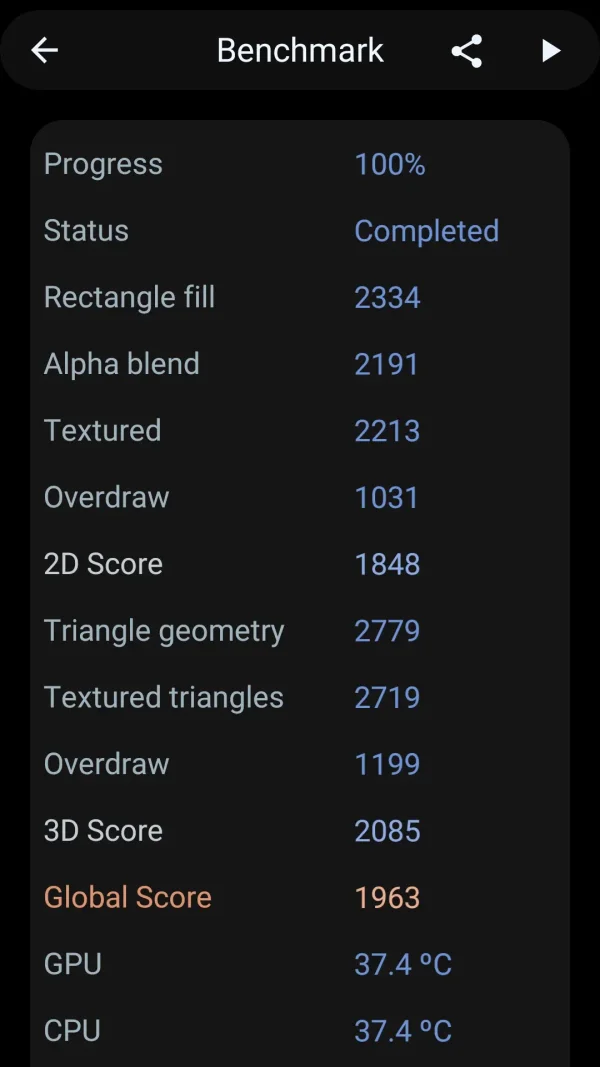
4. Prueba de rendimiento de la GPU, con pruebas 2D y 3D para medir el rendimiento de vídeo de su dispositivo.
Características principales
-- Pruebas exhaustivas para pantallas táctiles
-- Aplicación gratuita, con algunos anuncios discretos
-- No requiere permisos, excepto para las pruebas de cámara
-- Orientación vertical
-- Compatible con la mayoría de tabletas y smartphones
-- Interfaz sencilla e intuitiva
Mostrar el texto original
Touch Screen Test + is a professional app that is very useful when you want to quickly assess the quality of your smartphone screen and its graphic capabilities, or when you want to fix some dead pixels it may have. There are ten big groups of procedures: COLOR, ANIMATION, TOUCH, DRAWING, FONTS, RGB COLORS, CAMERA, FIX PIXELS, CONTRAST, and EXTRA. Display and Device information, along with Benchmark and Results, complete the package of tests and make this free application a must-have software for most Android smartphones and tablets. You can easily find out which is the screen resolution, pixel density, aspect ratio, or current level of brightness; also, you can find out the frame rate for other 2D and 3D applications or if the gravity/acceleration sensors are working fine. Run all tests and you can rapidly decide, for example, if the eye comfort mode must be enabled to prevent eye strain, if the brightness level requires some adjustment or if the touch sensitivity is still good all over the screen's surface.
Color tests shows five more buttons, one for each color test available: Purity, Gradients, Scales, Shades, and Gamma test. These tests allow you to simply verify the uniformity of the main colors on the screen, the contrast they offer at the current level of brightness, and see how many of their shades may be identified. The gamma test displays a suite of color shades that allows you to find out the gamma value (it indicates how well the brightness level of your device reflects the input signal).
Animation tests includes 2D and 3D animations, 2D and 3D gravity tests, and a page showing Moving bars of different colors. Execute these tests and you will find out the display FPS (frames per second) value for different 2D and 3D animations, as well as the working state of the inclination and gravity sensors (whose values are determining the motion of a ball on the screen).
The Touch tests group includes two Single-touch tests, two Multi-touch tests, and a page named Zoom and rotate. First tests allow you to verify the sensitivity of your touch screen and to identify the eventual less functional areas; they are complete when the whole screen is filled with blue rectangles - including the area occupied by the upper text message.
Drawing tests may be used to check if your touch screen is sensitive enough to allow you drawing continuous or dotted lines (which are persistent or are fading out in a few seconds) with your finger or your stylus. The fifth test is specially designed for styluses, checking if you can use one of them to touch some very small areas on the screen.
Fix pixels is the page where lie six special procedures you can use to fix the dead pixels your touch screen might have: Moving lines / squares, White / Strong noise, Flashing colors and Special patterns.
WARNING!
- each of these procedures sets the screen brightness to maximum and contains flashing images, so we recommend you avoid looking at the screen directly while they are running
- as they intensively use the graphic controller, we recommend having the charger connected to your mobile device
- proceed with these procedures at your own risk! (each procedure must be active for at least 3 minutes for good results - touch the screen anywhere to exit)
What's new
1. We just added two new groups of tests, Contrast and Extra tests, to offer you an even better perspective.
2. Detailed Guidelines page for each group of tests, adapted to your phone model.
3. Improved tests, visual enhancements, message prompts to change the device's Settings.
4. A GPU Benchmark, featuring 2D and 3D tests to measure the video performance of your device.
Key features
-- comprehensive tests for touch screens
-- free application, a few non-intrusive ads
-- no permissions required, except for Camera tests
-- portrait orientation
-- compatible with most tablets and smartphones
-- simple and intuitive interface
Seguridad de los datos
Lo que Microsys Com Ltd. declara en Google Play sobre los datos que esta aplicación recopila y comparte.
- No se comparten datos con tercerosMás información sobre cómo los desarrolladores declaran lo que comparten
- No se recogen datosMás información sobre cómo los desarrolladores declaran lo que recogen
Novedades
Versión 22.5.0 · 20/8/2026
- a GPU Benchmark was added, to measure the video performance
- two new groups of tests were added, Contrast and Extra tests
- Sounds and better graphics
- More font families
- Device Info added to the menu
- Camera tests group was added to the main menu
- Six more tests were added (1px lines, maximum FPS, response time, color lines, texts, color mixer)
- System Fonts and RGB Colors groups were added to the main menu
- Custom colors to test your screen for banding, flickering and smudges
Contacto del desarrollador
- Sitio webmicrosys.ro
- Correo electrónicoinfo@microsys.ro
- Política de privacidadmicrosys.ro
- DirecciónSTR. DOAMNA GHICA NR. 6 BL. 3 SC. C ET. 10 AP. 119, SECTORUL 2 022832 Bucuresti Romania
Información
- Ofrecida por
- Microsys Com Ltd.
- Categoría
- Herramientas
- Versión
- 22.5.0
- Actualizado
- 20/8/2026
- Publicado
- 14/10/2022
- Requiere
- Android 6.0 o posterior
- Clasificación por edad
- PEGI 3
- Precio
- Gratis
- Nombre del paquete
- com.microsys.TouchScreenTestPlus
Aplicaciones similares
-
 Screen Recorder Unlimited
Herramientas
-
 G-CPU:Monitor CPU, RAM, Widget
Herramientas
-
 Deleted Photo & Video Recovery
Herramientas
-
 EZVIZ
Aplicaciones de vídeo
-
 1Tap Cleaner (Español)
Herramientas
-
 PingID
Productividad
-
 Drive Storage Analyzer
Productividad
-
 Limpiador Cleaner VPN Cleanup
Herramientas
-
 Malwarebytes - VPN y antivirus
Herramientas
-
 Acceso con interruptores
Herramientas
-
 MobiSaver-Recuperar Foto,Datos
Herramientas
-
 OnePlus Community
Comunicación