Touch Screen Test +
Microsys Com Ltd.広告を含む
- 3 歳以上対象年齢
- ツールカテゴリ
- 2026/8/20更新日
- 無料価格
com.microsys.TouchScreenTestPlusのGoogle Play公式ページにリンクしています。最終確認:2026/11/19。

スクリーンショット
このアプリについて
Googleによる英語 (アメリカ合衆国)からの自動翻訳です。
タッチスクリーンの点検と修理に役立つ、迅速なテストと手順をご紹介します。
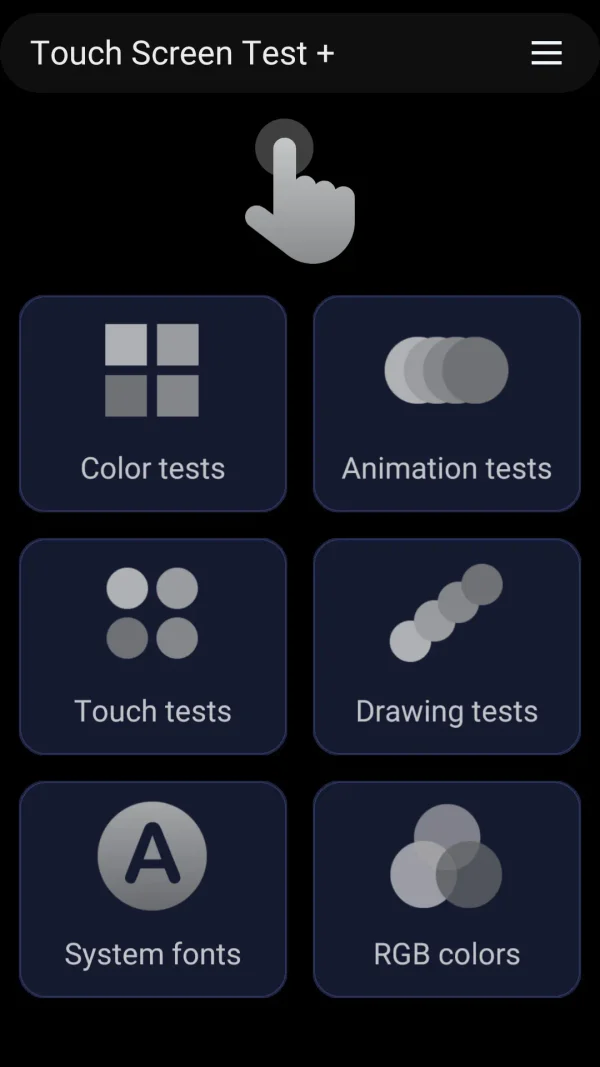
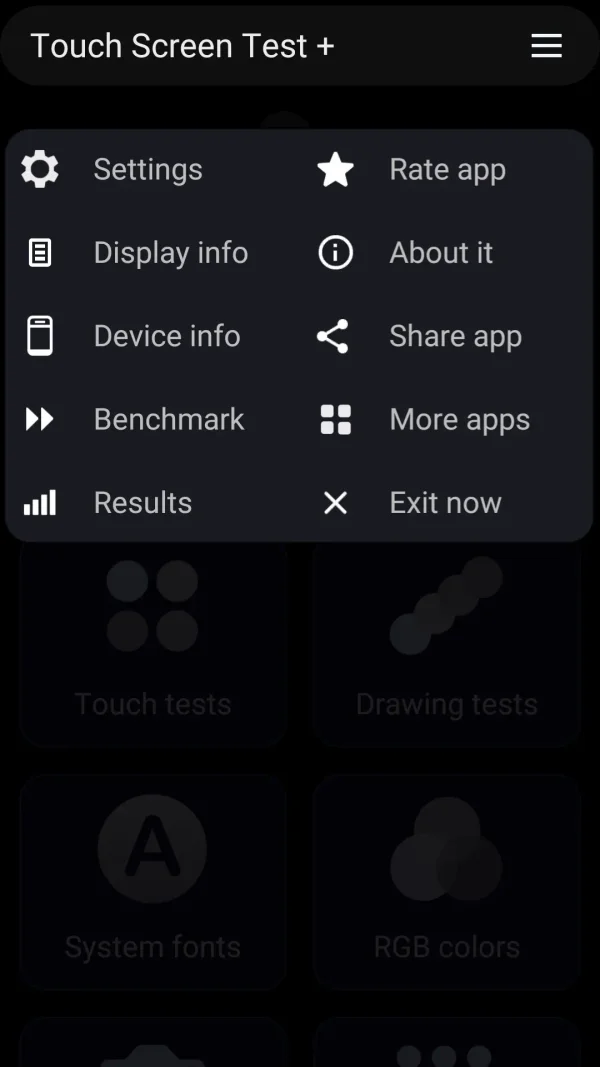
Touch Screen Test + は、スマートフォンの画面の品質やグラフィック機能を素早く評価したい場合、または画面にデッドピクセルがある場合に非常に便利なプロフェッショナルなアプリです。手順は 10 の大きなグループに分かれています: COLOR、ANIMATION、TOUCH、DRAWING、FONTS、RGB COLORS、CAMERA、FIX PIXELS、CONTRAST、EXTRA。ディスプレイとデバイスの情報、ベンチマークと結果がテストパッケージを完成させ、この無料アプリケーションをほとんどの Android スマートフォンとタブレットにとって必須のソフトウェアにしています。画面の解像度、ピクセル密度、アスペクト比、現在の明るさレベルを簡単に確認できます。また、他の 2D および 3D アプリケーションのフレームレートや、重力/加速度センサーが正常に動作しているかどうかも確認できます。すべてのテストを実行すると、たとえば、目の疲れを防ぐためにアイ コンフォート モードを有効にする必要があるかどうか、明るさレベルを調整する必要があるかどうか、画面全体でタッチ感度がまだ良好かどうかを迅速に判断できます。 「カラーテスト」には、利用可能なカラーテスト(純度、グラデーション、スケール、シェード、ガンマテスト)ごとに1つずつ、計5つのボタンが表示されます。これらのテストでは、画面上の主要色の均一性、現在の輝度レベルでのコントラスト、そして識別可能なシェードの数を簡単に確認できます。ガンマテストでは、一連のシェードが表示され、ガンマ値(デバイスの輝度レベルが入力信号をどれだけ正確に反映しているかを示す値)を算出できます。
「アニメーションテスト」には、2Dおよび3Dアニメーション、2Dおよび3D重力テスト、そして様々な色の動くバーを表示するページが含まれています。これらのテストを実行すると、様々な2Dおよび3Dアニメーションの表示FPS(フレーム/秒)値、そして傾斜センサーと重力センサーの動作状態(これらのセンサーの値が画面上のボールの動きを決定します)を確認できます。
「タッチテスト」グループには、シングルタッチテスト2種類、マルチタッチテスト2種類、そして「ズームと回転」ページが含まれています。最初のテストでは、タッチスクリーンの感度を確認し、機能が低下している可能性のある領域を特定できます。画面全体(上部のテキストメッセージが表示されている領域を含む)が青い四角形で埋め尽くされたら、テストは完了です。
「描画テスト」では、指またはスタイラスペンで実線または点線(数秒で消えるか、または消え続ける)を描画できるほどタッチスクリーンの感度が十分かどうかを確認できます。5番目のテストはスタイラスペン専用で、画面上の非常に小さな領域をスタイラスペンでタッチできるかどうかを確認します。
「ピクセル修正」ページには、タッチスクリーンに発生する可能性のあるデッドピクセルを修正するための6つの特別な手順が記載されています。これらの手順は、動く線/四角形、ホワイトノイズ/強いノイズ、点滅する色、および特殊なパターンです。
警告!
- これらの手順では画面の明るさが最大になり、点滅する画像が含まれるため、実行中は画面を直接見ないことをお勧めします。
- グラフィックコントローラーを多用するため、モバイルデバイスに充電器を接続しておくことをお勧めします。
- これらの手順は自己責任で実行してください。(良好な結果を得るには、各手順を最低3分間実行する必要があります。終了するには、画面のどこかをタップしてください。)
新機能
1. コントラストテストと追加テストという2つの新しいテストグループを追加し、より優れた表示を実現しました。
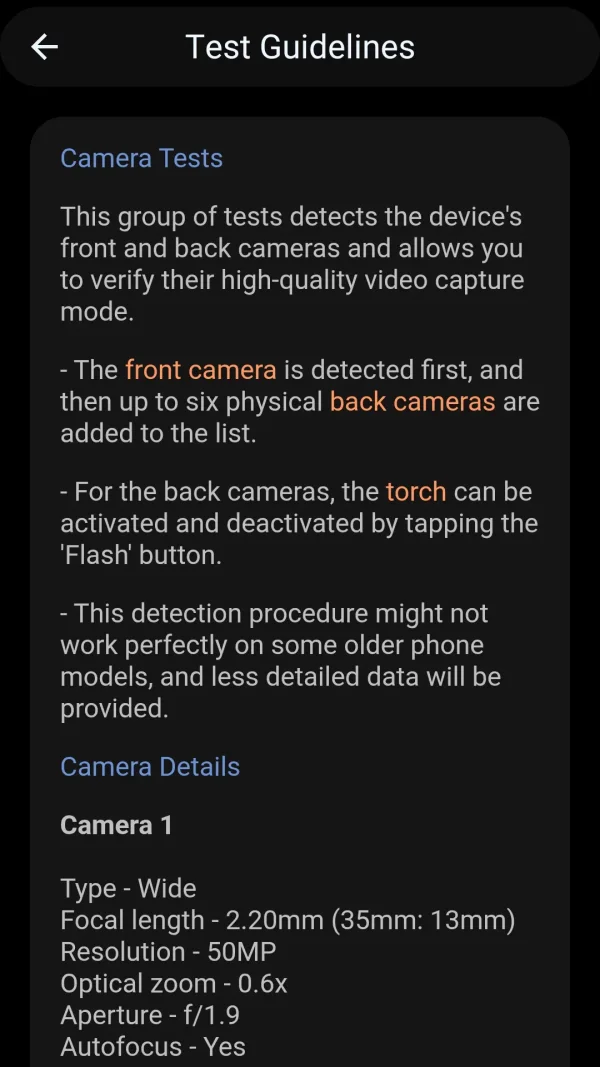
2. 各テストグループの詳細なガイドラインページを、お使いの機種に合わせて最適化しました。
3. テストの改善、視覚的な強化、デバイス設定変更を促すメッセージ表示を追加しました。
4. デバイスのビデオパフォーマンスを測定する2Dおよび3Dテストを含むGPUベンチマークを追加しました。
主な特長
-- タッチスクリーンの包括的なテスト
-- 無料アプリ、目立たない広告がいくつか表示される
-- カメラテスト以外の権限は不要
-- 縦向き表示に対応
-- ほとんどのタブレットとスマートフォンに対応
-- シンプルで直感的なインターフェース
原文を表示
Touch Screen Test + is a professional app that is very useful when you want to quickly assess the quality of your smartphone screen and its graphic capabilities, or when you want to fix some dead pixels it may have. There are ten big groups of procedures: COLOR, ANIMATION, TOUCH, DRAWING, FONTS, RGB COLORS, CAMERA, FIX PIXELS, CONTRAST, and EXTRA. Display and Device information, along with Benchmark and Results, complete the package of tests and make this free application a must-have software for most Android smartphones and tablets. You can easily find out which is the screen resolution, pixel density, aspect ratio, or current level of brightness; also, you can find out the frame rate for other 2D and 3D applications or if the gravity/acceleration sensors are working fine. Run all tests and you can rapidly decide, for example, if the eye comfort mode must be enabled to prevent eye strain, if the brightness level requires some adjustment or if the touch sensitivity is still good all over the screen's surface.
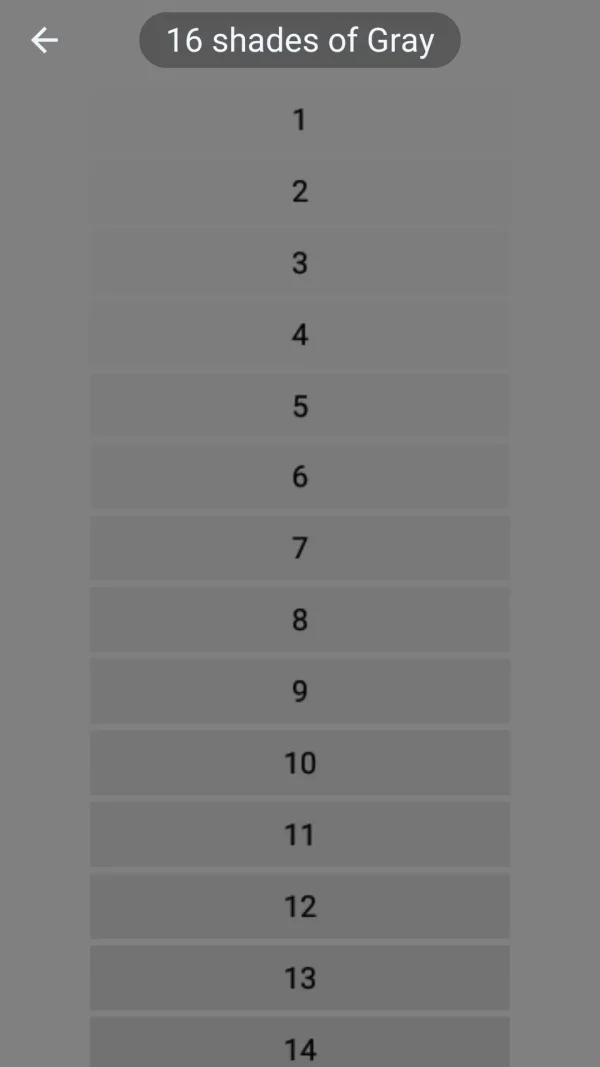
Color tests shows five more buttons, one for each color test available: Purity, Gradients, Scales, Shades, and Gamma test. These tests allow you to simply verify the uniformity of the main colors on the screen, the contrast they offer at the current level of brightness, and see how many of their shades may be identified. The gamma test displays a suite of color shades that allows you to find out the gamma value (it indicates how well the brightness level of your device reflects the input signal).
Animation tests includes 2D and 3D animations, 2D and 3D gravity tests, and a page showing Moving bars of different colors. Execute these tests and you will find out the display FPS (frames per second) value for different 2D and 3D animations, as well as the working state of the inclination and gravity sensors (whose values are determining the motion of a ball on the screen).
The Touch tests group includes two Single-touch tests, two Multi-touch tests, and a page named Zoom and rotate. First tests allow you to verify the sensitivity of your touch screen and to identify the eventual less functional areas; they are complete when the whole screen is filled with blue rectangles - including the area occupied by the upper text message.
Drawing tests may be used to check if your touch screen is sensitive enough to allow you drawing continuous or dotted lines (which are persistent or are fading out in a few seconds) with your finger or your stylus. The fifth test is specially designed for styluses, checking if you can use one of them to touch some very small areas on the screen.
Fix pixels is the page where lie six special procedures you can use to fix the dead pixels your touch screen might have: Moving lines / squares, White / Strong noise, Flashing colors and Special patterns.
WARNING!
- each of these procedures sets the screen brightness to maximum and contains flashing images, so we recommend you avoid looking at the screen directly while they are running
- as they intensively use the graphic controller, we recommend having the charger connected to your mobile device
- proceed with these procedures at your own risk! (each procedure must be active for at least 3 minutes for good results - touch the screen anywhere to exit)
What's new
1. We just added two new groups of tests, Contrast and Extra tests, to offer you an even better perspective.
2. Detailed Guidelines page for each group of tests, adapted to your phone model.
3. Improved tests, visual enhancements, message prompts to change the device's Settings.
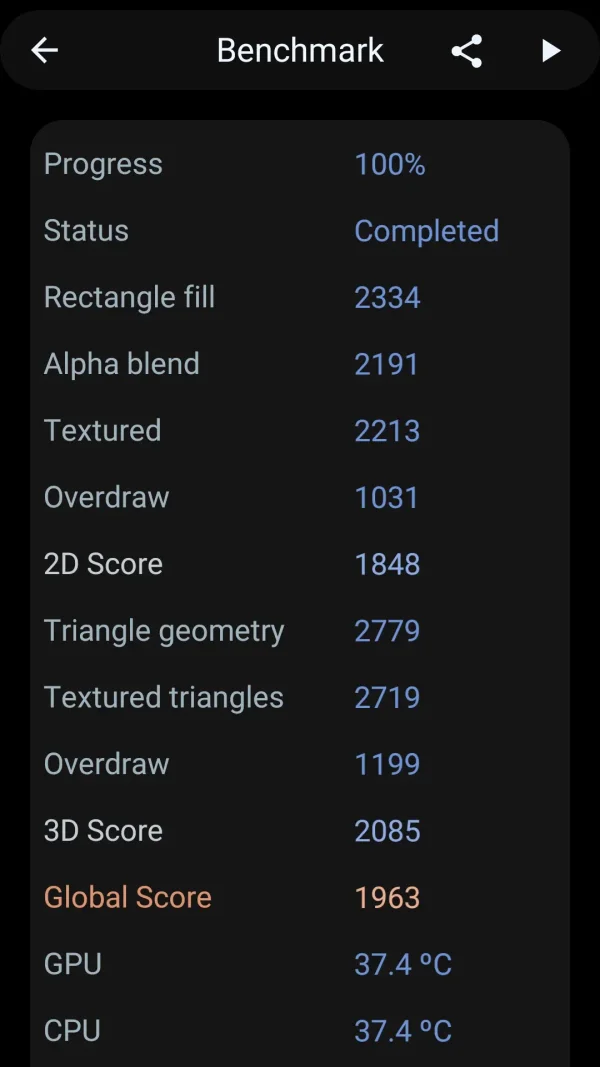
4. A GPU Benchmark, featuring 2D and 3D tests to measure the video performance of your device.
Key features
-- comprehensive tests for touch screens
-- free application, a few non-intrusive ads
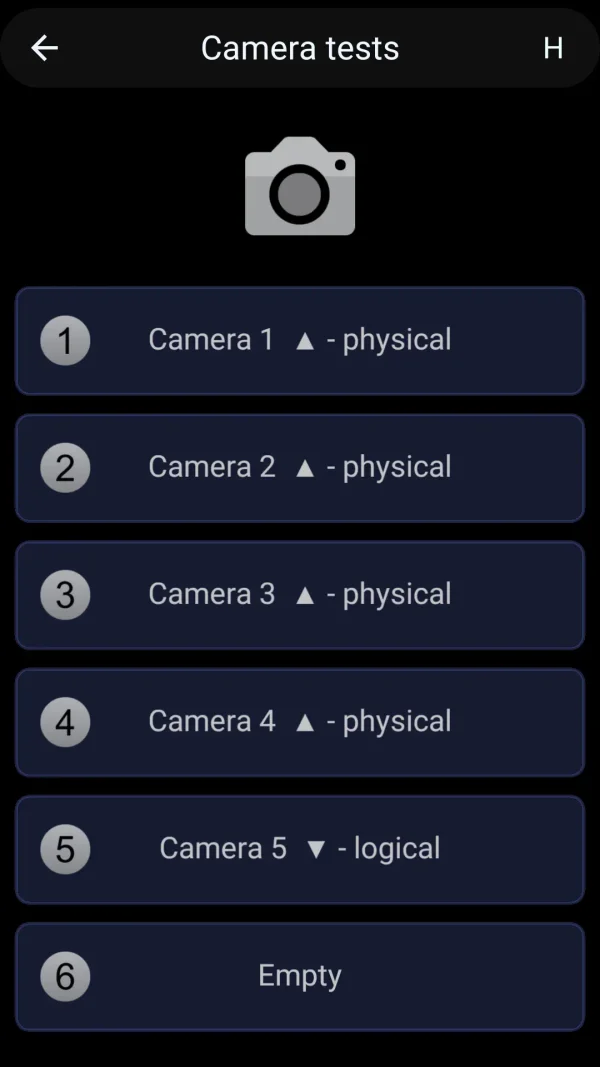
-- no permissions required, except for Camera tests
-- portrait orientation
-- compatible with most tablets and smartphones
-- simple and intuitive interface
データ セーフティ
このアプリが収集・共有するデータについて、Microsys Com Ltd.がGoogle Playで申告している内容です。
- 第三者と共有されるデータはありません詳しくは、デベロッパーが共有を申告する方法についての説明をご覧ください
- データは収集されません詳しくは、デベロッパーが収集を申告する方法についての説明をご覧ください
新機能
バージョン 22.5.0 · 2026/8/20
- a GPU Benchmark was added, to measure the video performance
- two new groups of tests were added, Contrast and Extra tests
- Sounds and better graphics
- More font families
- Device Info added to the menu
- Camera tests group was added to the main menu
- Six more tests were added (1px lines, maximum FPS, response time, color lines, texts, color mixer)
- System Fonts and RGB Colors groups were added to the main menu
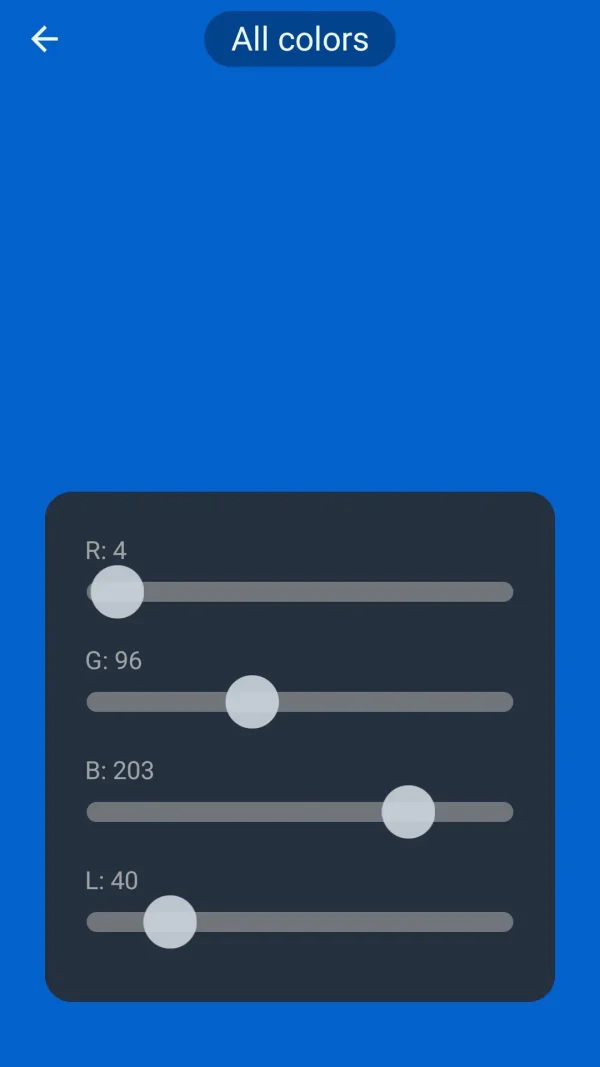
- Custom colors to test your screen for banding, flickering and smudges
開発元の連絡先
- ウェブサイトmicrosys.ro
- メールinfo@microsys.ro
- プライバシーポリシーmicrosys.ro
- 住所STR. DOAMNA GHICA NR. 6 BL. 3 SC. C ET. 10 AP. 119, SECTORUL 2 022832 Bucuresti Romania
情報
- 提供元
- Microsys Com Ltd.
- カテゴリ
- ツール
- バージョン
- 22.5.0
- 更新日
- 2026/8/20
- リリース
- 2022/10/14
- 必要条件
- Android 6.0以降
- 対象年齢
- 3 歳以上
- 価格
- 無料
- パッケージ名
- com.microsys.TouchScreenTestPlus
類似のアプリ
-
 Screen Recorder Unlimited
ツール
-
 G-CPU:Monitor CPU, RAM, Widget
ツール
-
 Deleted Photo & Video Recovery
ツール
-
 EZVIZ
動画プレーヤー&エディタ
-
 1Tap Cleaner (日本語版)
ツール
-
 PingID
仕事効率化
-
 ドライブ、ストレージ、SDカード
仕事効率化
-
 クリーナー 掃除 クリーニング VPN ウイルス対策
ツール
-
 Malwarebytesモバイルセキュリティ
ツール
-
 スイッチ アクセス
ツール
-
 EaseUS MobiSaver-フォト&データ復元
ツール
-
 OnePlus Community
通信