Touch Screen Test +
Microsys Com Ltd.Reklam içerir
- PEGI 3Yaş sınırı
- AraçlarKategori
- 20.08.2026Güncellendi
- ÜcretsizFiyat
com.microsys.TouchScreenTestPlus için resmi Google Play sayfasına bağlanır. Son kontrol: 19.11.2026.

Ekran görüntüleri
Bu uygulama hakkında
Google tarafından otomatik çeviri. Orijinal dil: İngilizce (Amerika Birleşik Devletleri).
Dokunmatik ekranınızı kontrol etmenize ve onarmanıza yardımcı olacak hızlı testler ve prosedürler.
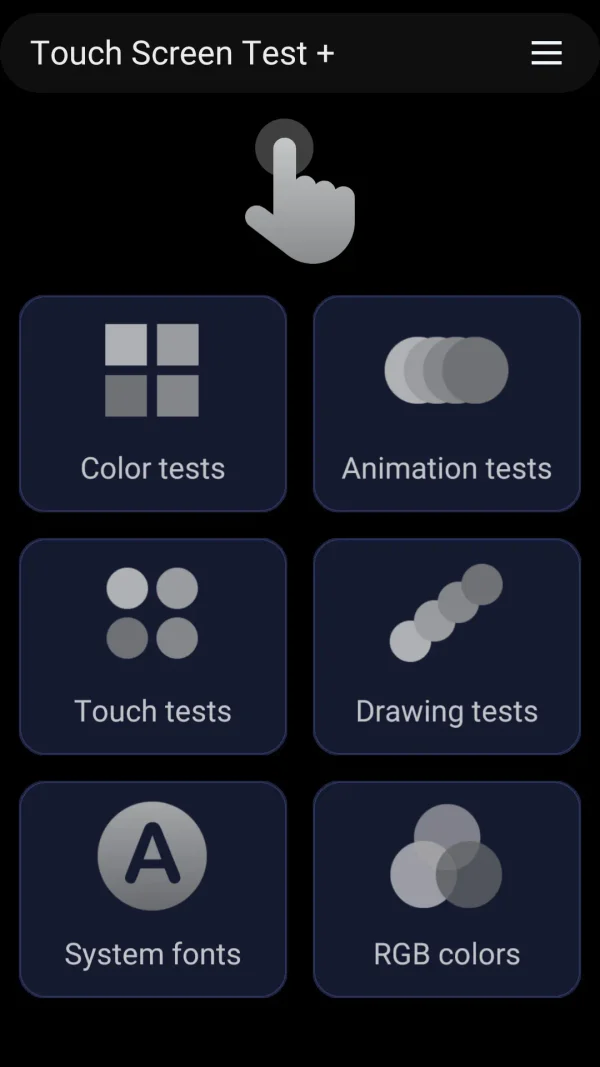
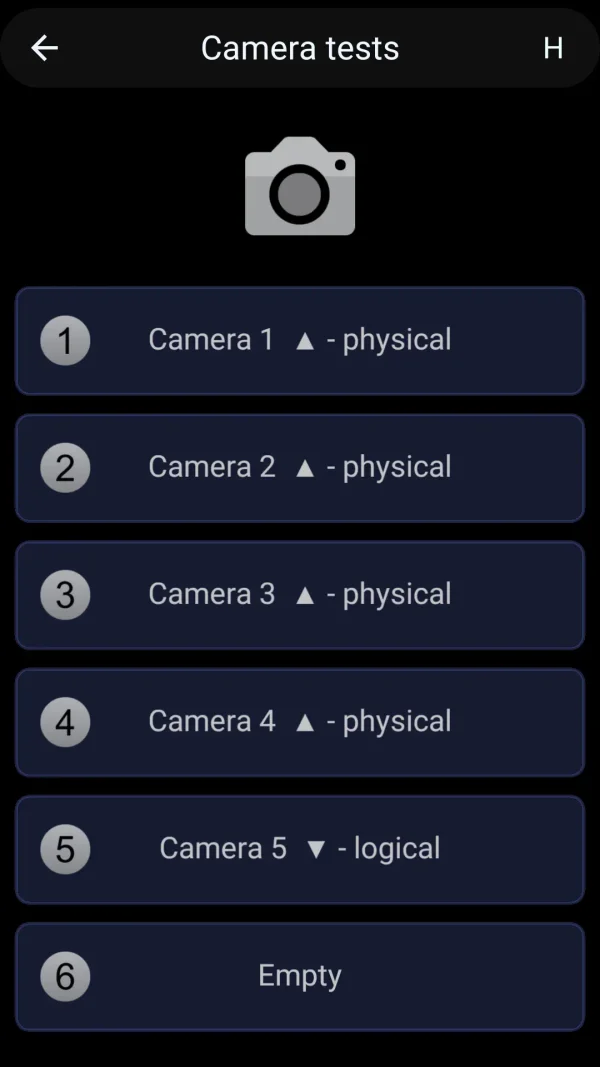
Dokunmatik Ekran Testi +, akıllı telefonunuzun ekranının kalitesini ve grafik yeteneklerini hızlı bir şekilde değerlendirmek veya olası ölü pikselleri düzeltmek istediğinizde çok kullanışlı olan profesyonel bir uygulamadır. On büyük işlem grubu vardır: RENK, ANİMASYON, DOKUNMATİK, ÇİZİM, YAZI TİPLERİ, RGB RENKLER, KAMERA, PİKSEL DÜZELTME, KONTRAST ve EKSTRA. Ekran ve Cihaz bilgileri, kıyaslama ve sonuçlarla birlikte test paketini tamamlar ve bu ücretsiz uygulamayı çoğu Android akıllı telefon ve tablet için olmazsa olmaz bir yazılım haline getirir. Ekran çözünürlüğünü, piksel yoğunluğunu, en boy oranını veya mevcut parlaklık seviyesini kolayca öğrenebilirsiniz; ayrıca, diğer 2D ve 3D uygulamalar için kare hızını veya yerçekimi/ivme sensörlerinin düzgün çalışıp çalışmadığını da öğrenebilirsiniz. Tüm testleri çalıştırın ve örneğin, göz yorgunluğunu önlemek için göz konfor modunun etkinleştirilmesi gerekip gerekmediğine, parlaklık seviyesinin ayarlanması gerekip gerekmediğine veya dokunmatik hassasiyetin ekran yüzeyinin tamamında hala iyi olup olmadığına hızlıca karar verebilirsiniz.
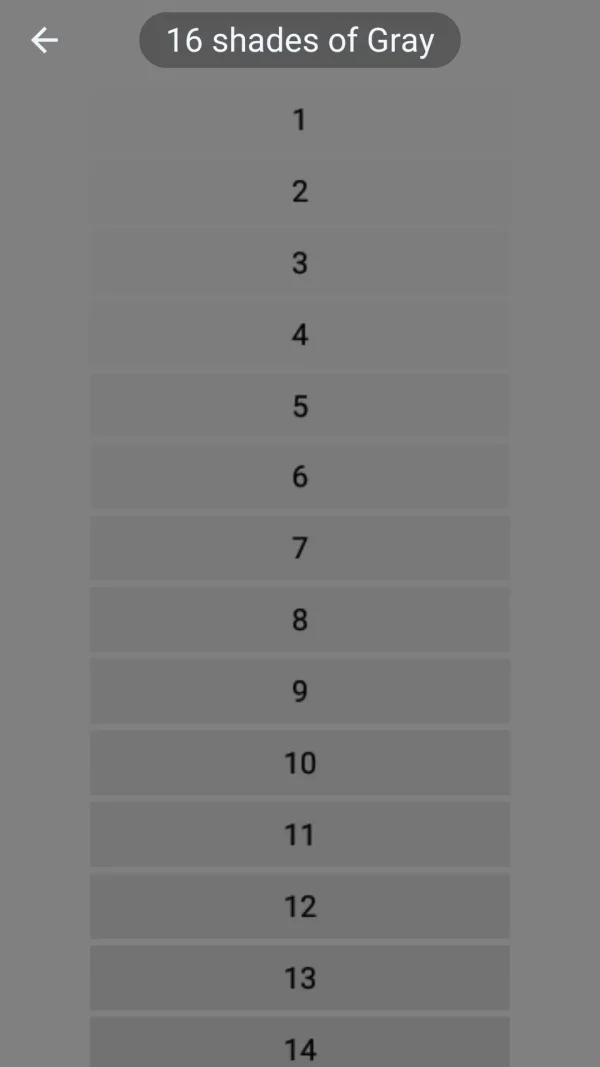
Renk testleri, her bir renk testi için birer tane olmak üzere beş düğme daha gösterir: Saflık, Gradyanlar, Ölçekler, Tonlar ve Gama testi. Bu testler, ekrandaki ana renklerin homojenliğini, mevcut parlaklık seviyesinde sundukları kontrastı ve kaç tonun tanımlanabileceğini kolayca doğrulamanıza olanak tanır. Gama testi, gama değerini (cihazınızın parlaklık seviyesinin giriş sinyalini ne kadar iyi yansıttığını gösterir) bulmanızı sağlayan bir dizi renk tonu görüntüler.
Animasyon testleri, 2D ve 3D animasyonları, 2D ve 3D yerçekimi testlerini ve farklı renklerde hareketli çubukları gösteren bir sayfayı içerir. Bu testleri çalıştırarak, farklı 2D ve 3D animasyonlar için görüntülenen FPS (saniye başına kare) değerini ve ayrıca eğim ve yerçekimi sensörlerinin çalışma durumunu (değerleri ekrandaki bir topun hareketini belirler) öğrenebilirsiniz.
Dokunmatik testler grubu, iki Tekli dokunma testi, iki Çoklu dokunma testi ve Yakınlaştırma ve döndürme adlı bir sayfa içerir. İlk testler, dokunmatik ekranınızın hassasiyetini doğrulamanıza ve olası daha az işlevsel alanları belirlemenize olanak tanır; tüm ekran -üstteki metin mesajının kapladığı alan da dahil olmak üzere- mavi dikdörtgenlerle dolduğunda testler tamamlanır.
Çizim testleri, dokunmatik ekranınızın parmağınızla veya kaleminizle sürekli veya noktalı çizgiler (kalıcı veya birkaç saniye içinde kaybolan) çizmenize izin verecek kadar hassas olup olmadığını kontrol etmek için kullanılabilir. Beşinci test, özellikle kalemler için tasarlanmıştır ve ekranda çok küçük bazı alanlara dokunmak için bir kalem kullanıp kullanamayacağınızı kontrol eder.
Pikselleri düzelt sayfası, dokunmatik ekranınızda olabilecek ölü pikselleri düzeltmek için kullanabileceğiniz altı özel prosedürü içerir: Hareketli çizgiler/kareler, Beyaz/Güçlü gürültü, Yanıp sönen renkler ve Özel desenler.
UYARI!
- Bu işlemlerin her biri ekran parlaklığını maksimuma çıkarır ve yanıp sönen görüntüler içerir, bu nedenle çalışırken ekrana doğrudan bakmaktan kaçınmanızı öneririz.
- Grafik denetleyicisini yoğun olarak kullandıkları için, şarj cihazınızın mobil cihazınıza bağlı olmasını öneririz.
- Bu işlemleri kendi sorumluluğunuzda gerçekleştirin! (İyi sonuçlar için her işlem en az 3 dakika aktif olmalıdır - çıkmak için ekrana herhangi bir yere dokunun)
Yenilikler
1. Size daha iyi bir bakış açısı sunmak için Kontrast ve Ekstra testler olmak üzere iki yeni test grubu ekledik.
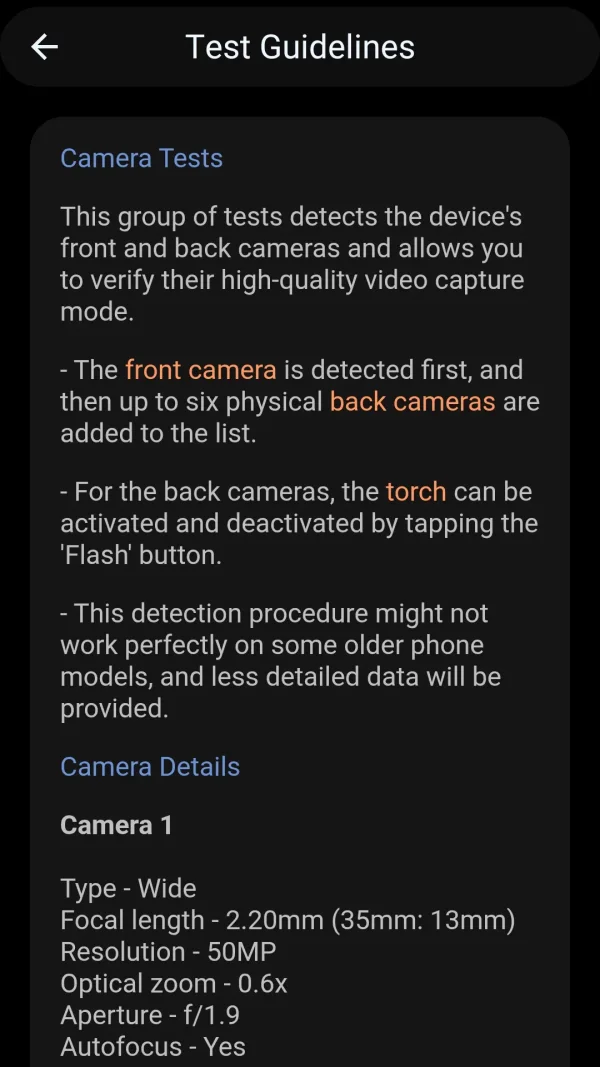
2. Telefon modelinize uyarlanmış, her test grubu için ayrıntılı Kılavuz sayfası.
3. Geliştirilmiş testler, görsel iyileştirmeler, cihaz ayarlarını değiştirmek için mesaj uyarıları.
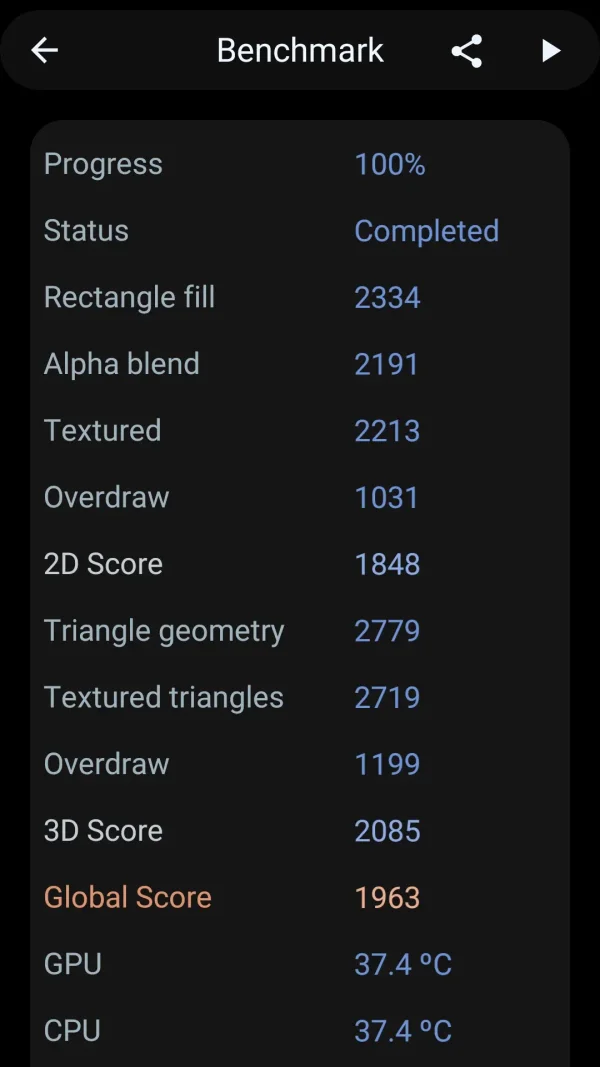
4. Cihazınızın video performansını ölçmek için 2D ve 3D testler içeren bir GPU Karşılaştırması.
Temel Özellikler
-- Dokunmatik ekranlar için kapsamlı testler
-- Ücretsiz uygulama, az sayıda rahatsız edici olmayan reklam
-- Kamera testleri dışında hiçbir izin gerekmez
-- Dikey yönlendirme
-- Çoğu tablet ve akıllı telefonla uyumlu
-- Basit ve sezgisel arayüz
Orijinal metni göster
Touch Screen Test + is a professional app that is very useful when you want to quickly assess the quality of your smartphone screen and its graphic capabilities, or when you want to fix some dead pixels it may have. There are ten big groups of procedures: COLOR, ANIMATION, TOUCH, DRAWING, FONTS, RGB COLORS, CAMERA, FIX PIXELS, CONTRAST, and EXTRA. Display and Device information, along with Benchmark and Results, complete the package of tests and make this free application a must-have software for most Android smartphones and tablets. You can easily find out which is the screen resolution, pixel density, aspect ratio, or current level of brightness; also, you can find out the frame rate for other 2D and 3D applications or if the gravity/acceleration sensors are working fine. Run all tests and you can rapidly decide, for example, if the eye comfort mode must be enabled to prevent eye strain, if the brightness level requires some adjustment or if the touch sensitivity is still good all over the screen's surface.
Color tests shows five more buttons, one for each color test available: Purity, Gradients, Scales, Shades, and Gamma test. These tests allow you to simply verify the uniformity of the main colors on the screen, the contrast they offer at the current level of brightness, and see how many of their shades may be identified. The gamma test displays a suite of color shades that allows you to find out the gamma value (it indicates how well the brightness level of your device reflects the input signal).
Animation tests includes 2D and 3D animations, 2D and 3D gravity tests, and a page showing Moving bars of different colors. Execute these tests and you will find out the display FPS (frames per second) value for different 2D and 3D animations, as well as the working state of the inclination and gravity sensors (whose values are determining the motion of a ball on the screen).
The Touch tests group includes two Single-touch tests, two Multi-touch tests, and a page named Zoom and rotate. First tests allow you to verify the sensitivity of your touch screen and to identify the eventual less functional areas; they are complete when the whole screen is filled with blue rectangles - including the area occupied by the upper text message.
Drawing tests may be used to check if your touch screen is sensitive enough to allow you drawing continuous or dotted lines (which are persistent or are fading out in a few seconds) with your finger or your stylus. The fifth test is specially designed for styluses, checking if you can use one of them to touch some very small areas on the screen.
Fix pixels is the page where lie six special procedures you can use to fix the dead pixels your touch screen might have: Moving lines / squares, White / Strong noise, Flashing colors and Special patterns.
WARNING!
- each of these procedures sets the screen brightness to maximum and contains flashing images, so we recommend you avoid looking at the screen directly while they are running
- as they intensively use the graphic controller, we recommend having the charger connected to your mobile device
- proceed with these procedures at your own risk! (each procedure must be active for at least 3 minutes for good results - touch the screen anywhere to exit)
What's new
1. We just added two new groups of tests, Contrast and Extra tests, to offer you an even better perspective.
2. Detailed Guidelines page for each group of tests, adapted to your phone model.
3. Improved tests, visual enhancements, message prompts to change the device's Settings.
4. A GPU Benchmark, featuring 2D and 3D tests to measure the video performance of your device.
Key features
-- comprehensive tests for touch screens
-- free application, a few non-intrusive ads
-- no permissions required, except for Camera tests
-- portrait orientation
-- compatible with most tablets and smartphones
-- simple and intuitive interface
Veri güvenliği
Bu uygulamanın topladığı ve paylaştığı veriler hakkında Microsys Com Ltd. tarafından Google Play üzerinde yapılan beyan.
- Üçüncü taraflarla veri paylaşımı yokGeliştiricilerin, veri paylaşımını nasıl beyan ettikleri hakkında daha fazla bilgi edinin
- Veri toplanamadıGeliştiricilerin, veri toplamayı nasıl beyan ettikleri hakkında daha fazla bilgi edinin
Yenilikler
Sürüm 22.5.0 · 20.08.2026
- a GPU Benchmark was added, to measure the video performance
- two new groups of tests were added, Contrast and Extra tests
- Sounds and better graphics
- More font families
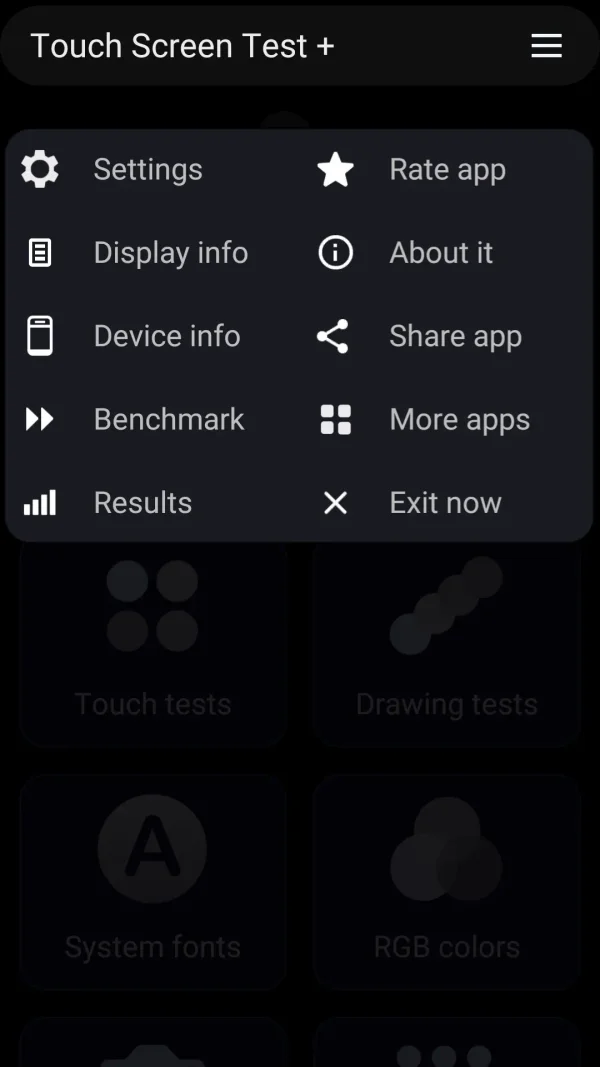
- Device Info added to the menu
- Camera tests group was added to the main menu
- Six more tests were added (1px lines, maximum FPS, response time, color lines, texts, color mixer)
- System Fonts and RGB Colors groups were added to the main menu
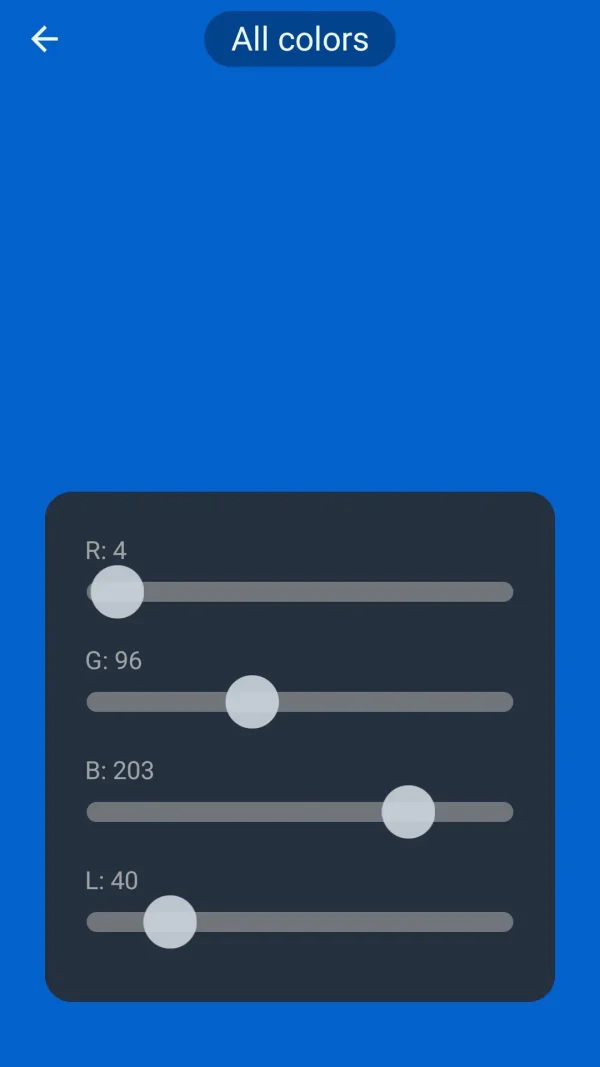
- Custom colors to test your screen for banding, flickering and smudges
Geliştirici iletişim bilgileri
- Web sitesimicrosys.ro
- E-postainfo@microsys.ro
- Gizlilik politikasımicrosys.ro
- AdresSTR. DOAMNA GHICA NR. 6 BL. 3 SC. C ET. 10 AP. 119, SECTORUL 2 022832 Bucuresti Romania
Bilgiler
- Sunan
- Microsys Com Ltd.
- Kategori
- Araçlar
- Sürüm
- 22.5.0
- Güncellendi
- 20.08.2026
- Yayın tarihi
- 14.10.2022
- Gereksinim
- Android 6.0 veya sonrası
- Yaş sınırı
- PEGI 3
- Fiyat
- Ücretsiz
- Paket adı
- com.microsys.TouchScreenTestPlus
Benzer uygulamalar
-
 Screen Recorder Unlimited
Araçlar
-
 G-CPU:Monitor CPU, RAM, Widget
Araçlar
-
 Deleted Photo & Video Recovery
Araçlar
-
 EZVIZ
Video Oynatıcılar ve Düzenleyiciler
-
 1Tap Cleaner (Türkçe)
Araçlar
-
 PingID
Verimlilik
-
 Storage Analyzer: Disk Cleaner
Verimlilik
-
 Cleaner Temizleme VPN Clean
Araçlar
-
 Malwarebytes - Mobile Security
Araçlar
-
 Anahtar Erişimi
Araçlar
-
 MobiSaver: Data&Photo Recovery
Araçlar
-
 OnePlus Community
Haberleşme