Touch Screen Test +
Microsys Com Ltd.Berisi iklan
- Rating 3+Batasan usia
- Alat Kategori
- 20/8/2026Diperbarui
- GratisHarga
Tertaut ke halaman resmi com.microsys.TouchScreenTestPlus di Google Play. Terakhir diperiksa pada 19/11/2026.

Tangkapan layar
Tentang aplikasi ini
Terjemahan otomatis oleh Google. Bahasa asli: Inggris (Amerika Serikat).
Tes dan prosedur cepat untuk membantu Anda memeriksa dan memperbaiki layar sentuh Anda.
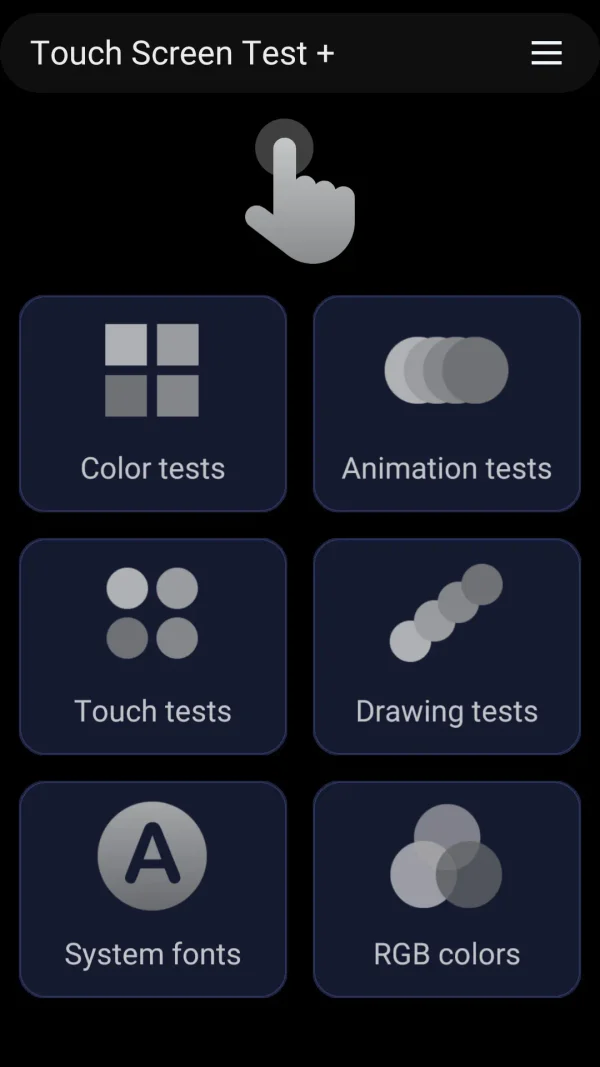
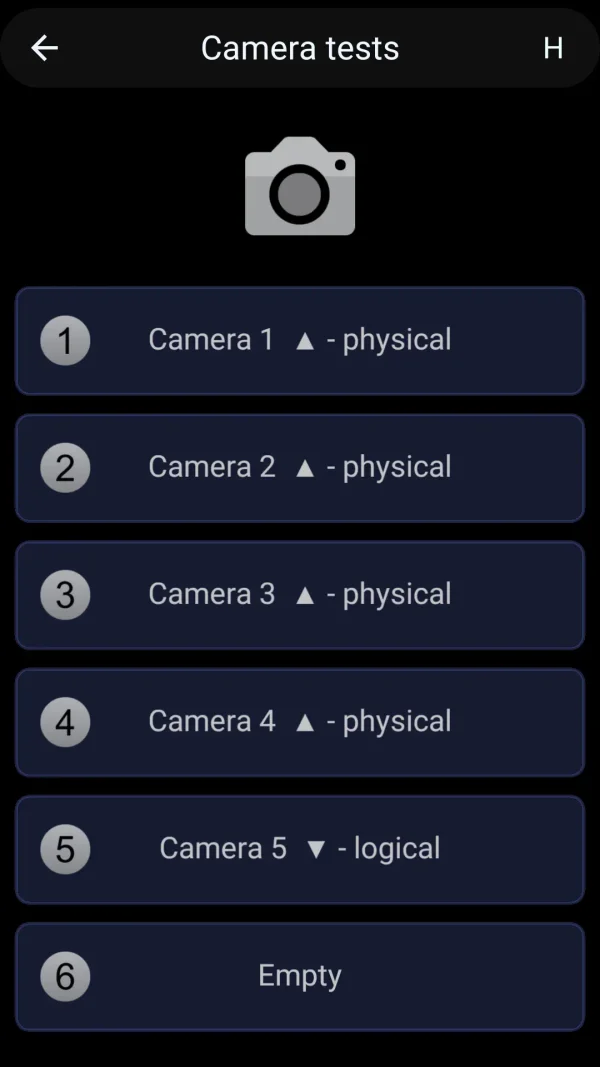
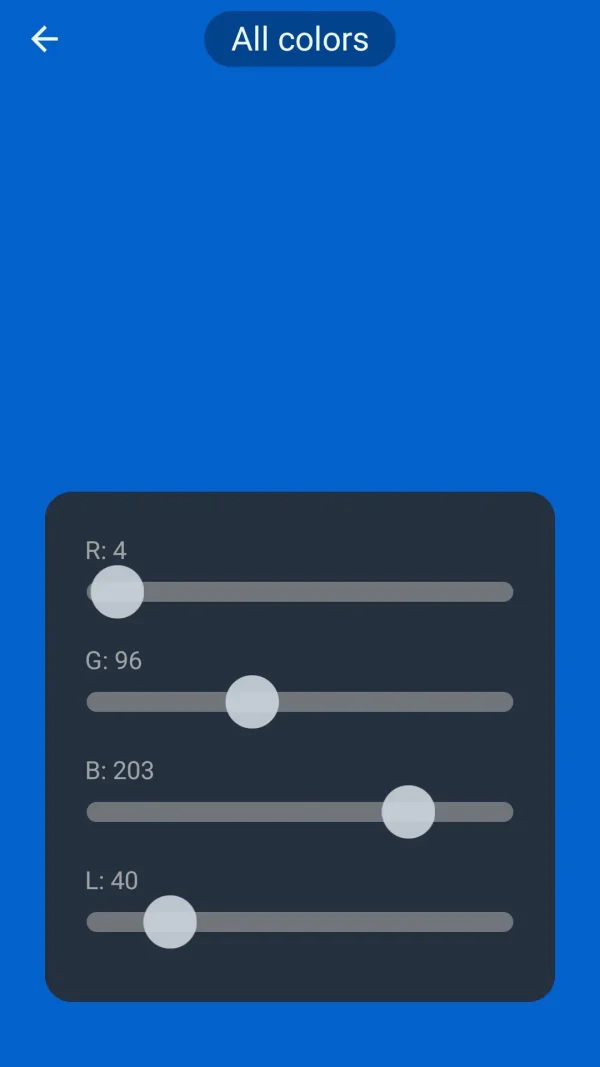
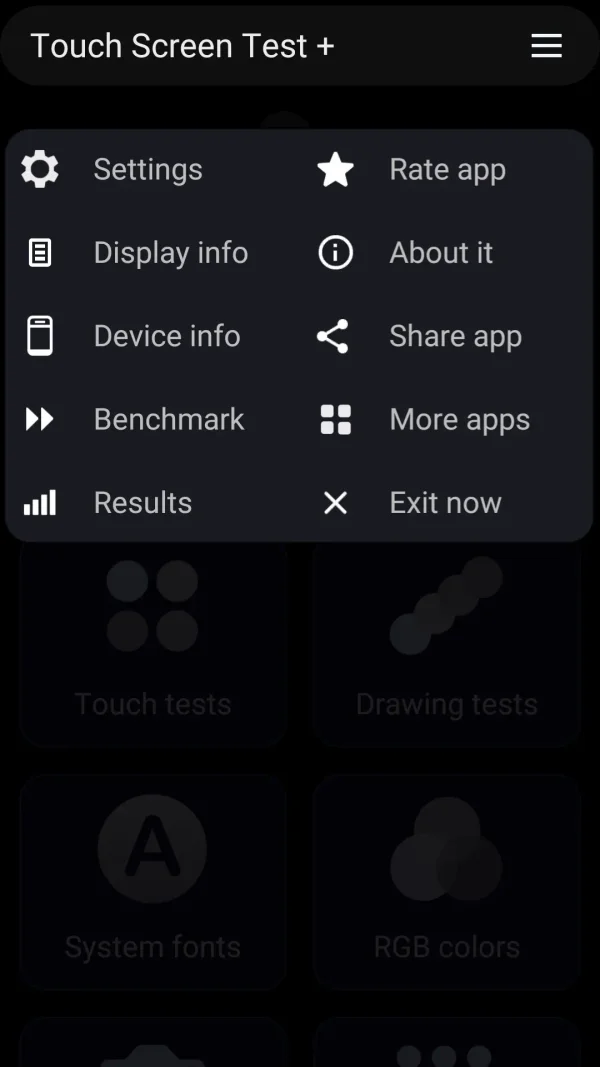
Touch Screen Test + adalah aplikasi profesional yang sangat berguna ketika Anda ingin dengan cepat menilai kualitas layar smartphone dan kemampuan grafisnya, atau ketika Anda ingin memperbaiki beberapa piksel mati yang mungkin ada. Terdapat sepuluh kelompok besar prosedur: WARNA, ANIMASI, SENTUH, GAMBAR, FONT, WARNA RGB, KAMERA, PERBAIKI PIKSEL, KONTRAS, dan EKSTRA. Informasi Tampilan dan Perangkat, bersama dengan Benchmark dan Hasil, melengkapi paket pengujian dan menjadikan aplikasi gratis ini perangkat lunak wajib untuk sebagian besar smartphone dan tablet Android. Anda dapat dengan mudah mengetahui resolusi layar, kepadatan piksel, rasio aspek, atau tingkat kecerahan saat ini; Anda juga dapat mengetahui kecepatan bingkai untuk aplikasi 2D dan 3D lainnya atau apakah sensor gravitasi/akselerasi berfungsi dengan baik. Jalankan semua pengujian dan Anda dapat dengan cepat memutuskan, misalnya, apakah mode kenyamanan mata harus diaktifkan untuk mencegah kelelahan mata, apakah tingkat kecerahan perlu disesuaikan atau apakah sensitivitas sentuh masih baik di seluruh permukaan layar.
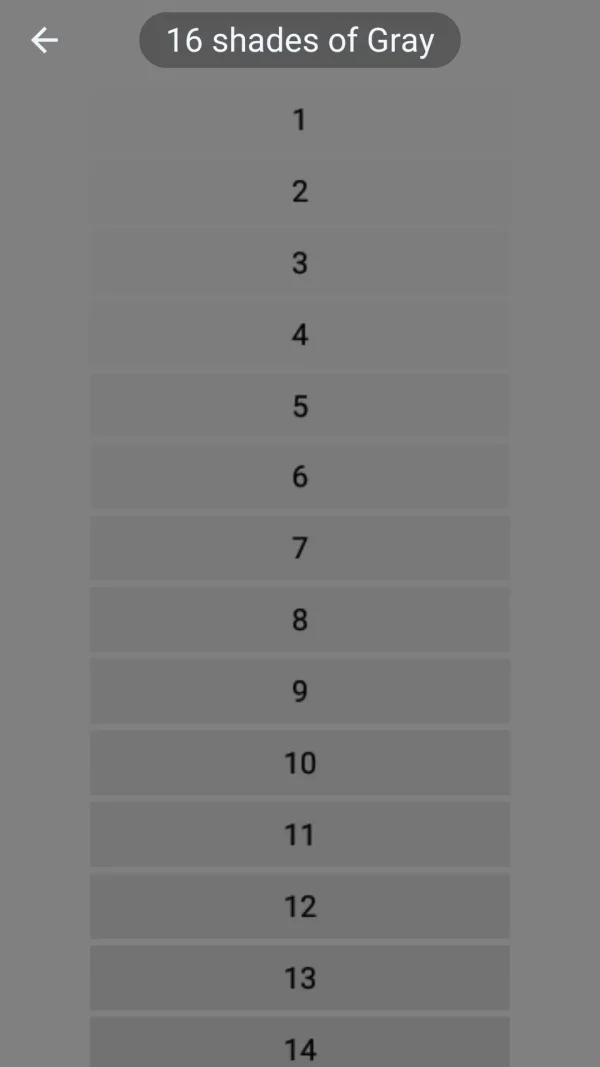
Tes Warna menampilkan lima tombol lagi, satu untuk setiap tes warna yang tersedia: Kemurnian, Gradien, Skala, Nuansa, dan Tes Gamma. Tes ini memungkinkan Anda untuk dengan mudah memverifikasi keseragaman warna utama di layar, kontras yang ditawarkan pada tingkat kecerahan saat ini, dan melihat berapa banyak nuansa warna yang dapat diidentifikasi. Tes gamma menampilkan serangkaian nuansa warna yang memungkinkan Anda untuk mengetahui nilai gamma (menunjukkan seberapa baik tingkat kecerahan perangkat Anda mencerminkan sinyal input).
Tes Animasi mencakup animasi 2D dan 3D, tes gravitasi 2D dan 3D, dan halaman yang menampilkan batang bergerak dengan warna berbeda. Jalankan tes ini dan Anda akan mengetahui nilai FPS (frame per second) tampilan untuk berbagai animasi 2D dan 3D, serta status kerja sensor kemiringan dan gravitasi (yang nilainya menentukan pergerakan bola di layar).
Grup Tes Sentuh mencakup dua tes Sentuh Tunggal, dua tes Sentuh Ganda, dan halaman bernama Zoom dan Putar. Tes pertama memungkinkan Anda untuk memverifikasi sensitivitas layar sentuh Anda dan mengidentifikasi area yang mungkin kurang berfungsi; tes ini selesai ketika seluruh layar terisi dengan persegi panjang biru - termasuk area yang ditempati oleh pesan teks di bagian atas.
Tes Menggambar dapat digunakan untuk memeriksa apakah layar sentuh Anda cukup sensitif untuk memungkinkan Anda menggambar garis kontinu atau putus-putus (yang tetap ada atau memudar dalam beberapa detik) dengan jari atau stylus Anda. Tes kelima dirancang khusus untuk stylus, memeriksa apakah Anda dapat menggunakan salah satunya untuk menyentuh beberapa area yang sangat kecil di layar.
Perbaiki Piksel adalah halaman tempat terdapat enam prosedur khusus yang dapat Anda gunakan untuk memperbaiki piksel mati yang mungkin ada di layar sentuh Anda: Garis/persegi bergerak, Noise putih/kuat, Warna berkedip, dan Pola khusus.
PERINGATAN!
- Setiap prosedur ini mengatur kecerahan layar ke maksimum dan berisi gambar yang berkedip, jadi kami sarankan Anda menghindari melihat layar secara langsung saat prosedur ini berjalan.
- Karena prosedur ini menggunakan pengontrol grafis secara intensif, kami sarankan agar pengisi daya terhubung ke perangkat seluler Anda.
- Lakukan prosedur ini dengan risiko Anda sendiri! (Setiap prosedur harus aktif setidaknya selama 3 menit untuk hasil yang baik - sentuh layar di mana saja untuk keluar)
Apa yang baru
1. Kami baru saja menambahkan dua kelompok pengujian baru, Kontras dan Pengujian Ekstra, untuk menawarkan perspektif yang lebih baik.
2. Halaman Panduan terperinci untuk setiap kelompok pengujian, disesuaikan dengan model ponsel Anda.
3. Pengujian yang ditingkatkan, peningkatan visual, petunjuk pesan untuk mengubah Pengaturan perangkat.
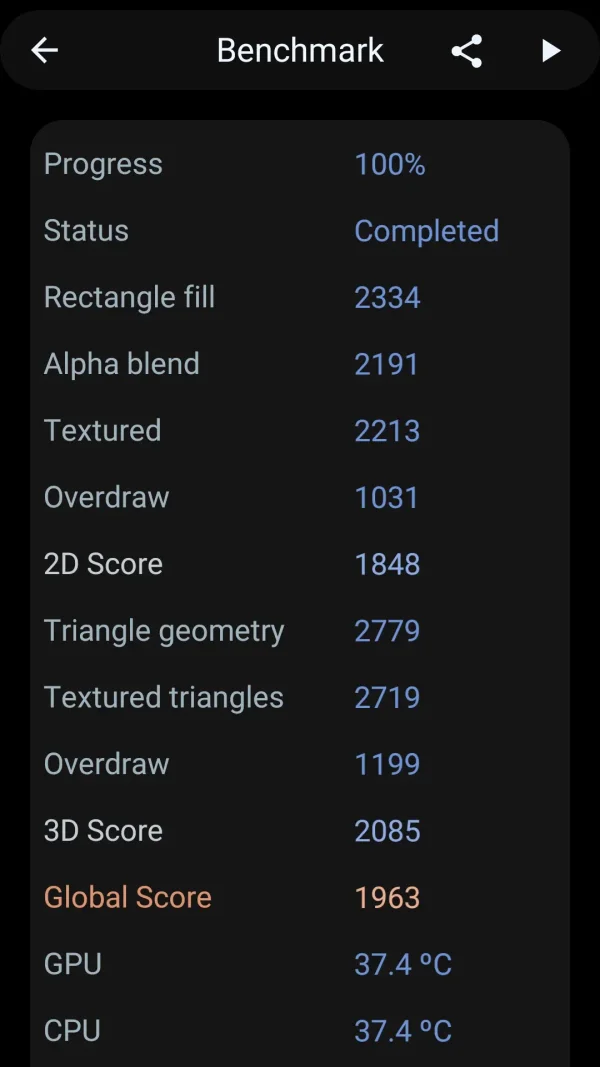
4. Benchmark GPU, yang menampilkan pengujian 2D dan 3D untuk mengukur kinerja video perangkat Anda.
Fitur Utama
-- Pengujian komprehensif untuk layar sentuh
-- Aplikasi gratis, beberapa iklan yang tidak mengganggu
-- Tidak memerlukan izin, kecuali untuk pengujian Kamera
-- Orientasi potret
-- Kompatibel dengan sebagian besar tablet dan ponsel pintar
-- Antarmuka yang sederhana dan intuitif
Tampilkan teks asli
Touch Screen Test + is a professional app that is very useful when you want to quickly assess the quality of your smartphone screen and its graphic capabilities, or when you want to fix some dead pixels it may have. There are ten big groups of procedures: COLOR, ANIMATION, TOUCH, DRAWING, FONTS, RGB COLORS, CAMERA, FIX PIXELS, CONTRAST, and EXTRA. Display and Device information, along with Benchmark and Results, complete the package of tests and make this free application a must-have software for most Android smartphones and tablets. You can easily find out which is the screen resolution, pixel density, aspect ratio, or current level of brightness; also, you can find out the frame rate for other 2D and 3D applications or if the gravity/acceleration sensors are working fine. Run all tests and you can rapidly decide, for example, if the eye comfort mode must be enabled to prevent eye strain, if the brightness level requires some adjustment or if the touch sensitivity is still good all over the screen's surface.
Color tests shows five more buttons, one for each color test available: Purity, Gradients, Scales, Shades, and Gamma test. These tests allow you to simply verify the uniformity of the main colors on the screen, the contrast they offer at the current level of brightness, and see how many of their shades may be identified. The gamma test displays a suite of color shades that allows you to find out the gamma value (it indicates how well the brightness level of your device reflects the input signal).
Animation tests includes 2D and 3D animations, 2D and 3D gravity tests, and a page showing Moving bars of different colors. Execute these tests and you will find out the display FPS (frames per second) value for different 2D and 3D animations, as well as the working state of the inclination and gravity sensors (whose values are determining the motion of a ball on the screen).
The Touch tests group includes two Single-touch tests, two Multi-touch tests, and a page named Zoom and rotate. First tests allow you to verify the sensitivity of your touch screen and to identify the eventual less functional areas; they are complete when the whole screen is filled with blue rectangles - including the area occupied by the upper text message.
Drawing tests may be used to check if your touch screen is sensitive enough to allow you drawing continuous or dotted lines (which are persistent or are fading out in a few seconds) with your finger or your stylus. The fifth test is specially designed for styluses, checking if you can use one of them to touch some very small areas on the screen.
Fix pixels is the page where lie six special procedures you can use to fix the dead pixels your touch screen might have: Moving lines / squares, White / Strong noise, Flashing colors and Special patterns.
WARNING!
- each of these procedures sets the screen brightness to maximum and contains flashing images, so we recommend you avoid looking at the screen directly while they are running
- as they intensively use the graphic controller, we recommend having the charger connected to your mobile device
- proceed with these procedures at your own risk! (each procedure must be active for at least 3 minutes for good results - touch the screen anywhere to exit)
What's new
1. We just added two new groups of tests, Contrast and Extra tests, to offer you an even better perspective.
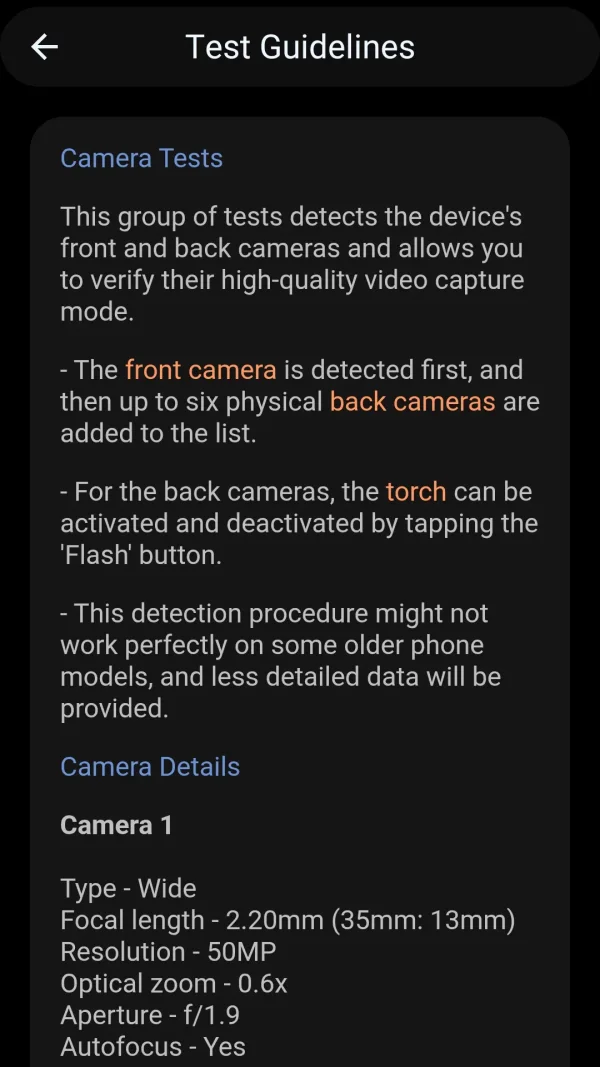
2. Detailed Guidelines page for each group of tests, adapted to your phone model.
3. Improved tests, visual enhancements, message prompts to change the device's Settings.
4. A GPU Benchmark, featuring 2D and 3D tests to measure the video performance of your device.
Key features
-- comprehensive tests for touch screens
-- free application, a few non-intrusive ads
-- no permissions required, except for Camera tests
-- portrait orientation
-- compatible with most tablets and smartphones
-- simple and intuitive interface
Keamanan data
Yang dinyatakan Microsys Com Ltd. di Google Play tentang data yang dikumpulkan dan dibagikan aplikasi ini.
- Tidak ada data yang dibagikan kepada pihak ketigaPelajari lebih lanjut cara developer menyatakan pembagian data
- Tidak ada data yang dikumpulkanPelajari lebih lanjut cara developer menyatakan pengumpulan data
Yang baru
Versi 22.5.0 · 20/8/2026
- a GPU Benchmark was added, to measure the video performance
- two new groups of tests were added, Contrast and Extra tests
- Sounds and better graphics
- More font families
- Device Info added to the menu
- Camera tests group was added to the main menu
- Six more tests were added (1px lines, maximum FPS, response time, color lines, texts, color mixer)
- System Fonts and RGB Colors groups were added to the main menu
- Custom colors to test your screen for banding, flickering and smudges
Kontak pengembang
- Situs webmicrosys.ro
- Emailinfo@microsys.ro
- Kebijakan Privasimicrosys.ro
- AlamatSTR. DOAMNA GHICA NR. 6 BL. 3 SC. C ET. 10 AP. 119, SECTORUL 2 022832 Bucuresti Romania
Informasi
- Ditawarkan oleh
- Microsys Com Ltd.
- Kategori
- Alat
- Versi
- 22.5.0
- Diperbarui
- 20/8/2026
- Dirilis
- 14/10/2022
- Memerlukan
- Android 6.0 atau yang lebih baru
- Batasan usia
- Rating 3+
- Harga
- Gratis
- Nama paket
- com.microsys.TouchScreenTestPlus
Aplikasi serupa
-
 Screen Recorder Unlimited
Alat
-
 G-CPU:Monitor CPU, RAM, Widget
Alat
-
 Deleted Photo & Video Recovery
Alat
-
 EZVIZ
Pemutar & Editor Video
-
 1Tap Cleaner (Versi Indonesia)
Alat
-
 PingID
Produktivitas
-
 DISK USAGE & SD CARD ANALYZER
Produktivitas
-
 Clean Pembersih sampah VPN
Alat
-
 Keamanan Seluler Malwarebytes
Alat
-
 Tombol Akses
Alat
-
 MobiSaver: Data&Photo Recovery
Alat
-
 OnePlus Community
Komunikasi