Camera Remote Controller
Wireless viewfinder & monitor
Diseñada para iPhone, iPad
Gratis
- Clasificación por edad4+
- CategoríaFoto y vídeo
- DesarrolladorAleksandr Pozharov
- IdiomasInglés
- Tamaño2,3 MB
Enlaza a la página oficial de App Store
Download.org no aloja ningún archivo de Camera Remote Controller. El botón abre la página de la aplicación en App Store, donde la publica Aleksandr Pozharov. Ficha comprobada por última vez el 12/11/2026.
Capturas de pantalla
Acerca de
El desarrollador no ha proporcionado este texto en tu idioma.
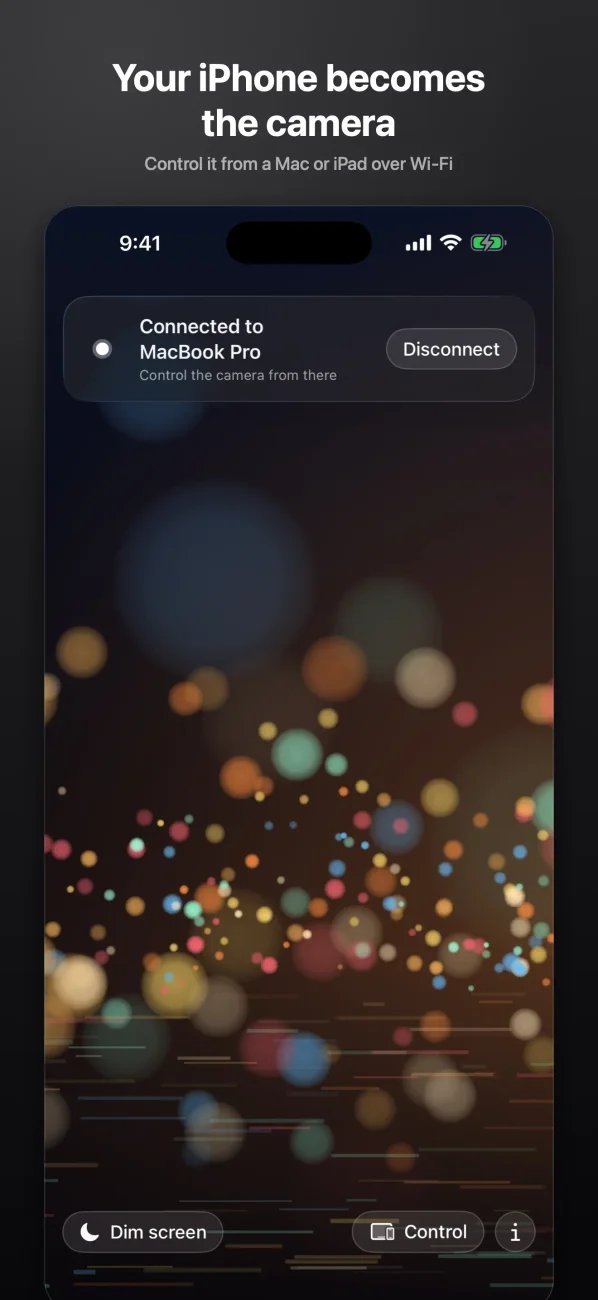
Camera Remote Controller turns your iPhone into a camera and your Mac or iPad into the monitor and remote. Put the iPhone on a tripod, sit down at your desk and see exactly what the camera sees, in real time, while you control every setting.
Made for bloggers, streamers, teachers and anyone who records alone and wants to check framing, focus and exposure without running back to the phone.
WHAT YOU GET
• Live preview with low delay over your Wi-Fi network or a direct device-to-device link
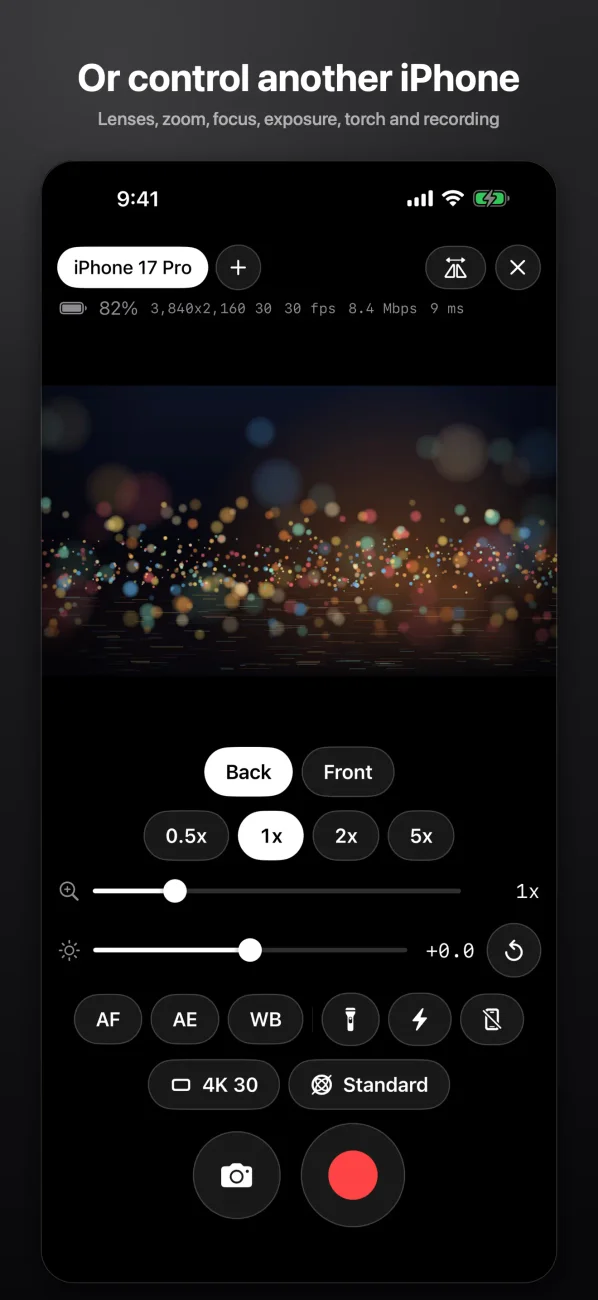
• Full camera control from the Mac or iPad: lenses and smooth zoom, tap to focus, exposure compensation, focus, exposure and white balance locks, torch, stabilization, resolution and frame rate up to 4K 60
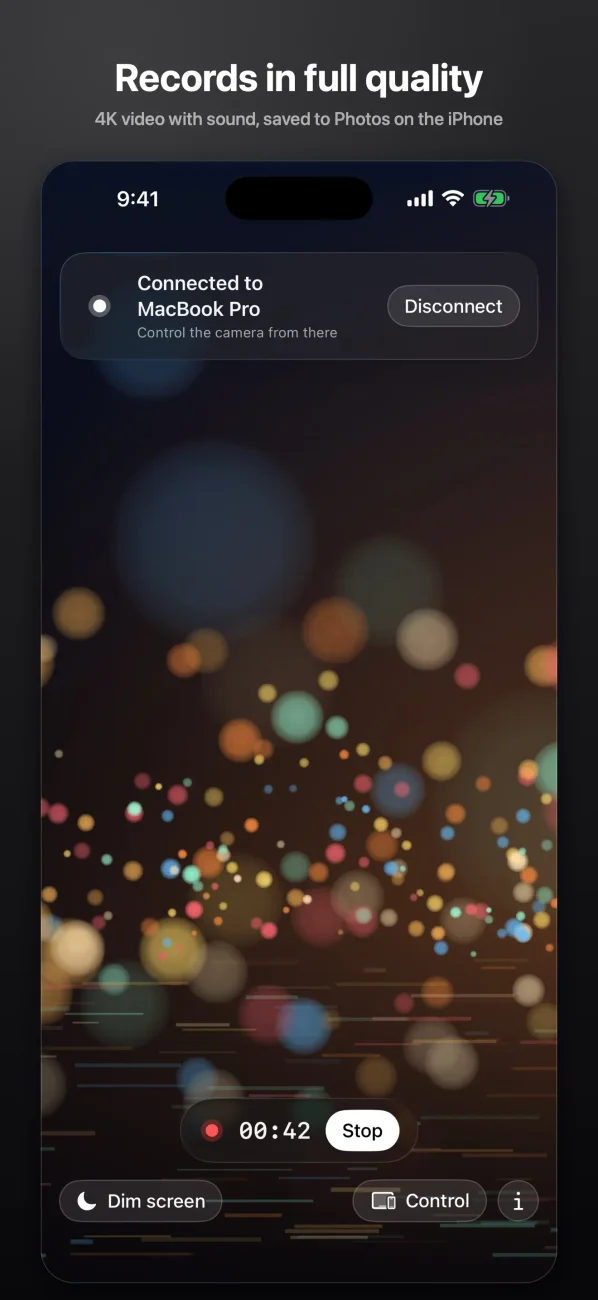
• Photos and videos recorded on the iPhone in full quality, with sound, saved straight to Photos
• Several iPhones at once: connect two or three cameras and switch between them from one screen
• Battery and temperature of the iPhone right on the monitor
• Dim the iPhone screen while it works to save battery
• Keyboard shortcuts on the Mac: Space to record, P for a photo, Command-1, 2, 3 to switch cameras
HOW IT CONNECTS
Open the app on the iPhone. Open it on the Mac or iPad. The iPhone appears in the list. Tap Connect, tap Allow on the iPhone. Next time it connects on its own. Both devices need to be on the same Wi-Fi, or simply near each other with Wi-Fi and Bluetooth turned on.
PRIVACY
Everything stays on your devices. The preview travels directly from the iPhone to your Mac or iPad on the local network. There are no servers, no accounts, no analytics and no ads. Recordings are stored only on the iPhone.
ONE APP, TWO ROLES
The iOS app runs as the camera on iPhone and as the remote on iPad. You can switch the role on any device, so an iPhone can also control another iPhone.
REQUIREMENTS
iPhone with iOS 18 or later as the camera. Mac with macOS 15 or later, or iPad with iPadOS 18 or later, as the remote. The app on the iPhone must stay in the foreground while it streams.
Privacidad de la aplicación
Lo que Aleksandr Pozharov declara en App Store sobre cómo esta aplicación gestiona los datos.
-
No se recopilan datos
El desarrollador no recopila ningún dato de esta aplicación.
Las prácticas de privacidad pueden variar, por ejemplo, según las funciones que uses o tu edad.
Información
- Vendedor
- Aleksandr Pozharov
- Categoría
- Foto y vídeo
- Versión
- 1.0
- Actualizado
- 22/9/2026
- Publicado
- 21/9/2026
- Tamaño
- 2,3 MB
- Requiere
- iOS 18.0 o posterior
- Clasificación por edad
- 4+
- Precio
- Gratis
- Idiomas
- Inglés
- Copyright
- © Aleksandr Pozharov
Quizá también te guste
-
 CamMonitor: visor en vivoUn visor grande en tu red
-
 Remote Shutter: camera connectDisparador remoto de cámara
-
 Remote Camera Control via AirFoto y vídeo
-
 Detail: Editor de Vídeo IAVlog, Shorts y Reels
-
 CapCut PadEditor de video profesional
-
 DaVinci Resolve for iPadFoto y vídeo
-
 Blackmagic CameraFoto y vídeo
-
 Lens Buddy - Self Timer CameraFoto y vídeo
-
 Halide Mark III - Pro CameraRAW, Manual and Macro Capture
-
 Leica LUX - Pro Manual CameraCaptura fotos digitales en RAW