Camera Remote Controller
Wireless viewfinder & monitor
Được thiết kế cho iPhone, iPad
Miễn phí
- Độ tuổi4+
- Danh mụcẢnh & Video
- Nhà phát triểnAleksandr Pozharov
- Ngôn ngữTiếng Anh
- Kích thước2,3 MB
Liên kết đến trang App Store chính thức
Download.org không lưu trữ tệp nào của Camera Remote Controller. Nút này mở trang ứng dụng trên App Store, nơi Aleksandr Pozharov phát hành ứng dụng. Trang được kiểm tra lần cuối: 12/11/2026.
Ảnh chụp màn hình
Giới thiệu
Nhà phát triển chưa cung cấp nội dung này bằng ngôn ngữ của bạn.
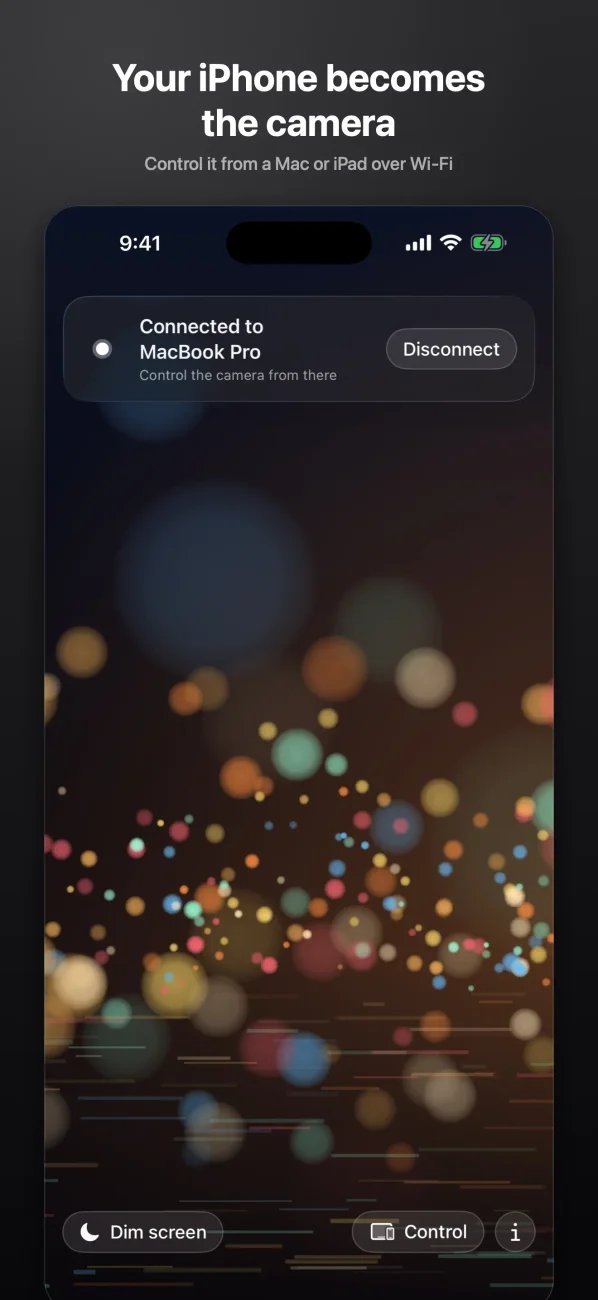
Camera Remote Controller turns your iPhone into a camera and your Mac or iPad into the monitor and remote. Put the iPhone on a tripod, sit down at your desk and see exactly what the camera sees, in real time, while you control every setting.
Made for bloggers, streamers, teachers and anyone who records alone and wants to check framing, focus and exposure without running back to the phone.
WHAT YOU GET
• Live preview with low delay over your Wi-Fi network or a direct device-to-device link
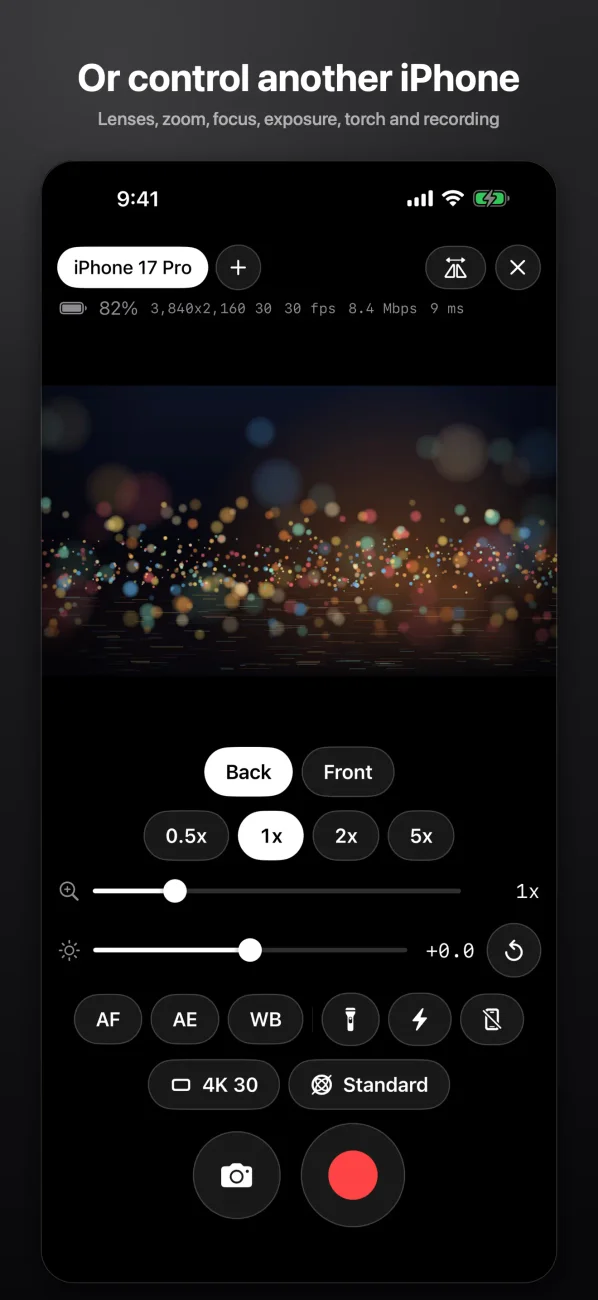
• Full camera control from the Mac or iPad: lenses and smooth zoom, tap to focus, exposure compensation, focus, exposure and white balance locks, torch, stabilization, resolution and frame rate up to 4K 60
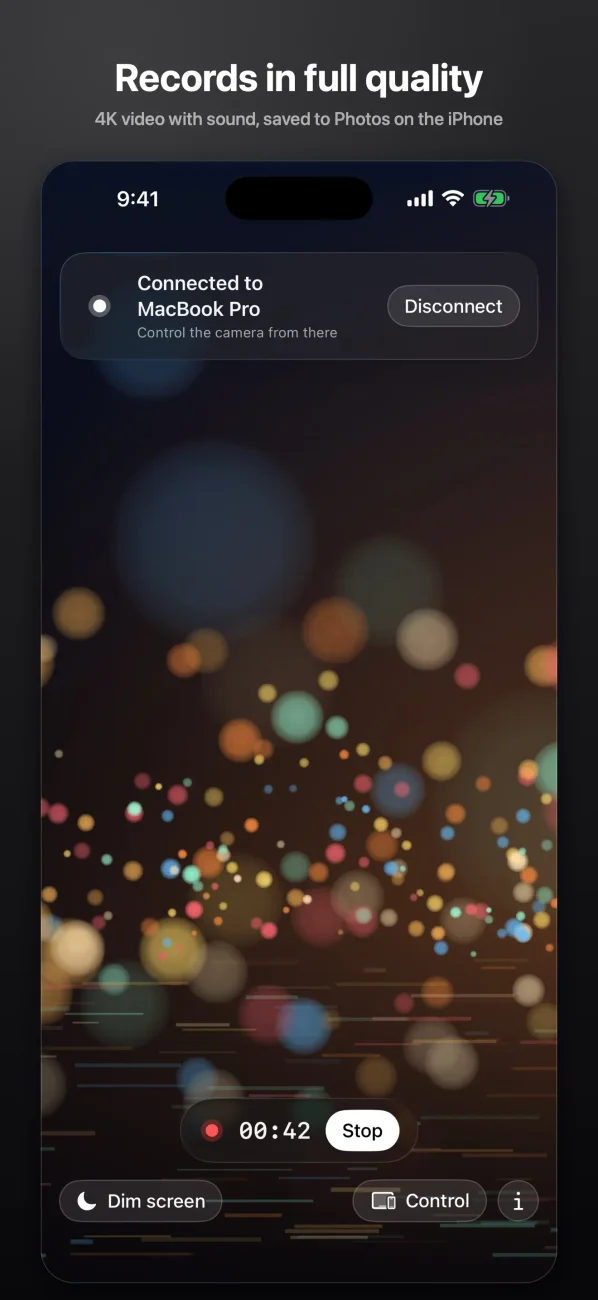
• Photos and videos recorded on the iPhone in full quality, with sound, saved straight to Photos
• Several iPhones at once: connect two or three cameras and switch between them from one screen
• Battery and temperature of the iPhone right on the monitor
• Dim the iPhone screen while it works to save battery
• Keyboard shortcuts on the Mac: Space to record, P for a photo, Command-1, 2, 3 to switch cameras
HOW IT CONNECTS
Open the app on the iPhone. Open it on the Mac or iPad. The iPhone appears in the list. Tap Connect, tap Allow on the iPhone. Next time it connects on its own. Both devices need to be on the same Wi-Fi, or simply near each other with Wi-Fi and Bluetooth turned on.
PRIVACY
Everything stays on your devices. The preview travels directly from the iPhone to your Mac or iPad on the local network. There are no servers, no accounts, no analytics and no ads. Recordings are stored only on the iPhone.
ONE APP, TWO ROLES
The iOS app runs as the camera on iPhone and as the remote on iPad. You can switch the role on any device, so an iPhone can also control another iPhone.
REQUIREMENTS
iPhone with iOS 18 or later as the camera. Mac with macOS 15 or later, or iPad with iPadOS 18 or later, as the remote. The app on the iPhone must stay in the foreground while it streams.
Quyền riêng tư của ứng dụng
Những gì Aleksandr Pozharov khai báo trên App Store về cách ứng dụng này xử lý dữ liệu.
-
Dữ liệu không được thu thập
Nhà phát triển không thu thập bất kỳ dữ liệu nào từ ứng dụng này.
Phương thức đảm bảo quyền riêng tư có thể khác nhau, chẳng hạn như tuỳ theo các tính năng bạn sử dụng hoặc độ tuổi của bạn.
Thông tin
- Người bán
- Aleksandr Pozharov
- Danh mục
- Ảnh & Video
- Phiên bản
- 1.0
- Cập nhật
- 22/09/2026
- Phát hành
- 21/09/2026
- Kích thước
- 2,3 MB
- Yêu cầu
- iOS 18.0 trở lên
- Độ tuổi
- 4+
- Giá
- Miễn phí
- Ngôn ngữ
- Tiếng Anh
- Bản quyền
- © Aleksandr Pozharov
Có thể bạn cũng thích
-
 CamMonitor: Live ViewfinderẢnh & Video
-
 Remote Shutter: camera connect2 thiết bị thành 1 máy ảnh
-
 Remote Camera Control via AirẢnh & Video
-
 Detail: AI Video EditorTạo vlog, shorts và reels
-
 CapCut PadProfessional video editor
-
 DaVinci Resolve for iPadẢnh & Video
-
 Blackmagic CameraẢnh & Video
-
 Lens Buddy - Self Timer CameraẢnh & Video
-
 Halide Mark III - Pro CameraẢnh & Video
-
 Leica LUX - Pro Manual CameraẢnh & Video