Camera Remote Controller
Wireless viewfinder & monitor
Conçue pour iPhone, iPad
Gratuit
- Classification d’âge4+
- CatégoriePhoto et vidéo
- DéveloppeurAleksandr Pozharov
- LanguesAnglais
- Taille2,3 Mo
Renvoie vers la page App Store officielle
Download.org n’héberge aucun fichier de Camera Remote Controller. Le bouton ouvre la page de l’application sur App Store, où Aleksandr Pozharov la publie. Fiche vérifiée pour la dernière fois le 12/11/2026.
Captures d’écran
À propos
Le développeur n’a pas fourni ce texte dans votre langue.
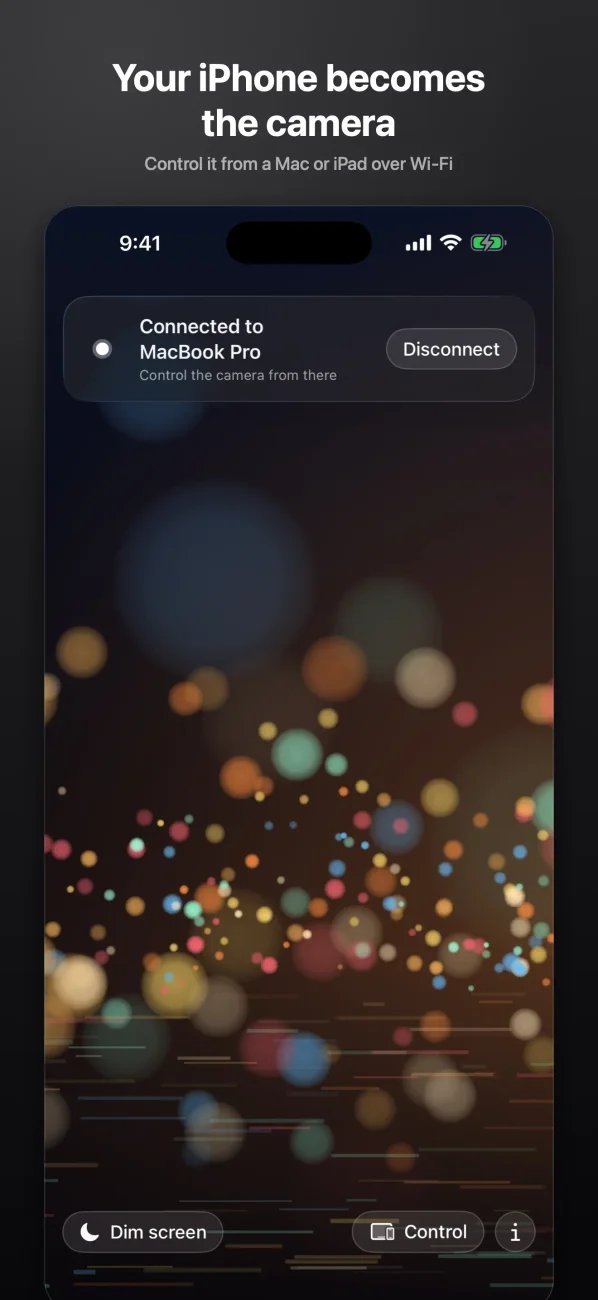
Camera Remote Controller turns your iPhone into a camera and your Mac or iPad into the monitor and remote. Put the iPhone on a tripod, sit down at your desk and see exactly what the camera sees, in real time, while you control every setting.
Made for bloggers, streamers, teachers and anyone who records alone and wants to check framing, focus and exposure without running back to the phone.
WHAT YOU GET
• Live preview with low delay over your Wi-Fi network or a direct device-to-device link
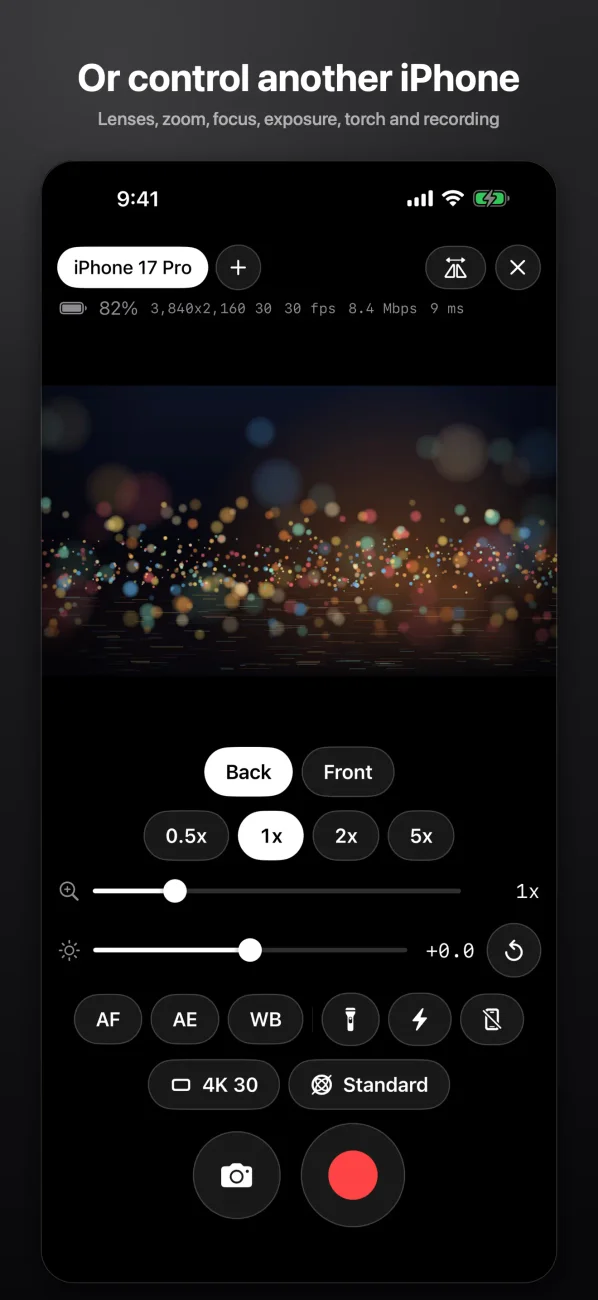
• Full camera control from the Mac or iPad: lenses and smooth zoom, tap to focus, exposure compensation, focus, exposure and white balance locks, torch, stabilization, resolution and frame rate up to 4K 60
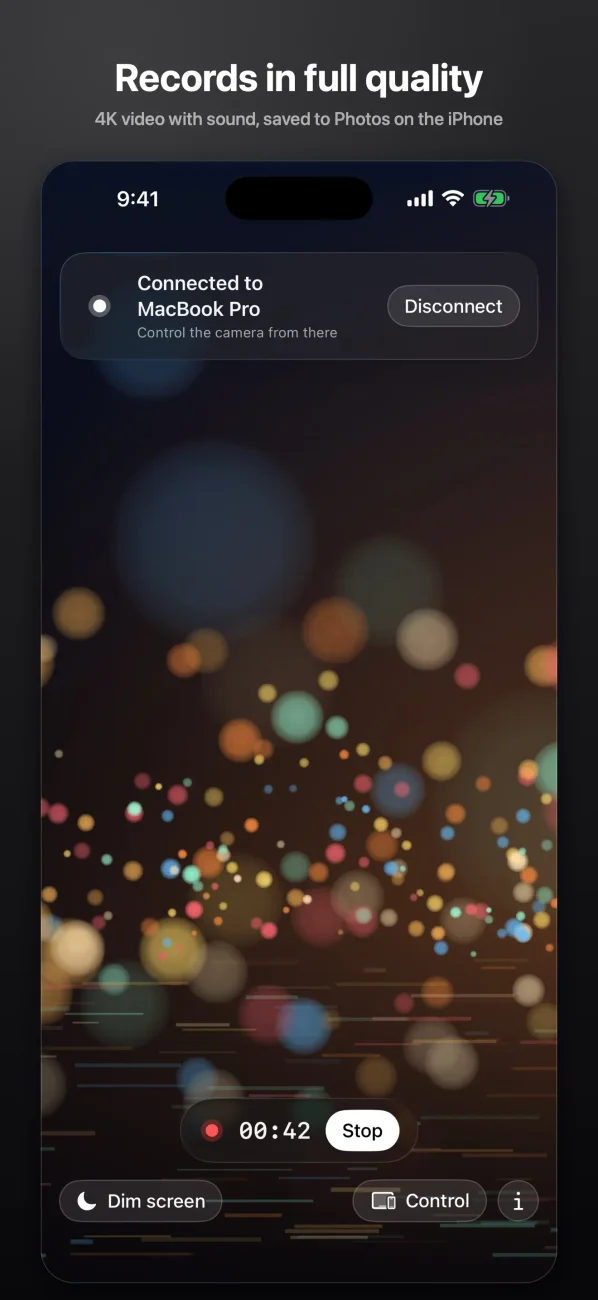
• Photos and videos recorded on the iPhone in full quality, with sound, saved straight to Photos
• Several iPhones at once: connect two or three cameras and switch between them from one screen
• Battery and temperature of the iPhone right on the monitor
• Dim the iPhone screen while it works to save battery
• Keyboard shortcuts on the Mac: Space to record, P for a photo, Command-1, 2, 3 to switch cameras
HOW IT CONNECTS
Open the app on the iPhone. Open it on the Mac or iPad. The iPhone appears in the list. Tap Connect, tap Allow on the iPhone. Next time it connects on its own. Both devices need to be on the same Wi-Fi, or simply near each other with Wi-Fi and Bluetooth turned on.
PRIVACY
Everything stays on your devices. The preview travels directly from the iPhone to your Mac or iPad on the local network. There are no servers, no accounts, no analytics and no ads. Recordings are stored only on the iPhone.
ONE APP, TWO ROLES
The iOS app runs as the camera on iPhone and as the remote on iPad. You can switch the role on any device, so an iPhone can also control another iPhone.
REQUIREMENTS
iPhone with iOS 18 or later as the camera. Mac with macOS 15 or later, or iPad with iPadOS 18 or later, as the remote. The app on the iPhone must stay in the foreground while it streams.
Confidentialité de l’application
Ce que Aleksandr Pozharov déclare sur l’App Store au sujet du traitement des données par cette application.
-
Données non collectées
Le développeur ne collecte aucune donnée à partir de cette application.
Les pratiques en matière de confidentialité peuvent varier, notamment en fonction des fonctionnalités que vous utilisez ou de votre âge.
Informations
- Vendeur
- Aleksandr Pozharov
- Catégorie
- Photo et vidéo
- Version
- 1.0
- Mis à jour
- 22/09/2026
- Publié
- 21/09/2026
- Taille
- 2,3 Mo
- Nécessite
- iOS 18.0 ou version ultérieure
- Classification d’âge
- 4+
- Prix
- Gratuit
- Langues
- Anglais
- Copyright
- © Aleksandr Pozharov
Vous aimerez peut-être aussi
-
 CamMonitor : viseur liveUn grand viseur sur le Wi-Fi
-
 Remote Shutter: camera connectDéclencheur à distance
-
 Remote Camera Control via AirPhoto et vidéo
-
 Detail: Éditeur Vidéo IAVlog, Shorts & Reels
-
 CapCut PadPhoto et vidéo
-
 DaVinci Resolve for iPadPhoto et vidéo
-
 Blackmagic CameraPhoto et vidéo
-
 Lens Buddy - Self Timer CameraPhoto et vidéo
-
 Halide Mark III - Pro CameraRAW, Manual and Macro Capture
-
 Leica LUX - Manual Pro CameraCapture RAW Digital Photos