Coordinate Converter: CoordCap
GPS and CRS Transformations
Diseñada para iPhone
Gratis · Compras en la aplicación
- Clasificación por edad4+
- CategoríaNavegación
- DesarrolladorNicolaas CorneIis Antonius Vertelman
- IdiomasInglés
- Tamaño27,9 MB
Enlaza a la página oficial de App Store
Download.org no aloja ningún archivo de Coordinate Converter: CoordCap. El botón abre la página de la aplicación en App Store, donde la publica Nicolaas CorneIis Antonius Vertelman. Ficha comprobada por última vez el 12/11/2026.
Capturas de pantalla


Acerca de
El desarrollador no ha proporcionado este texto en tu idioma.
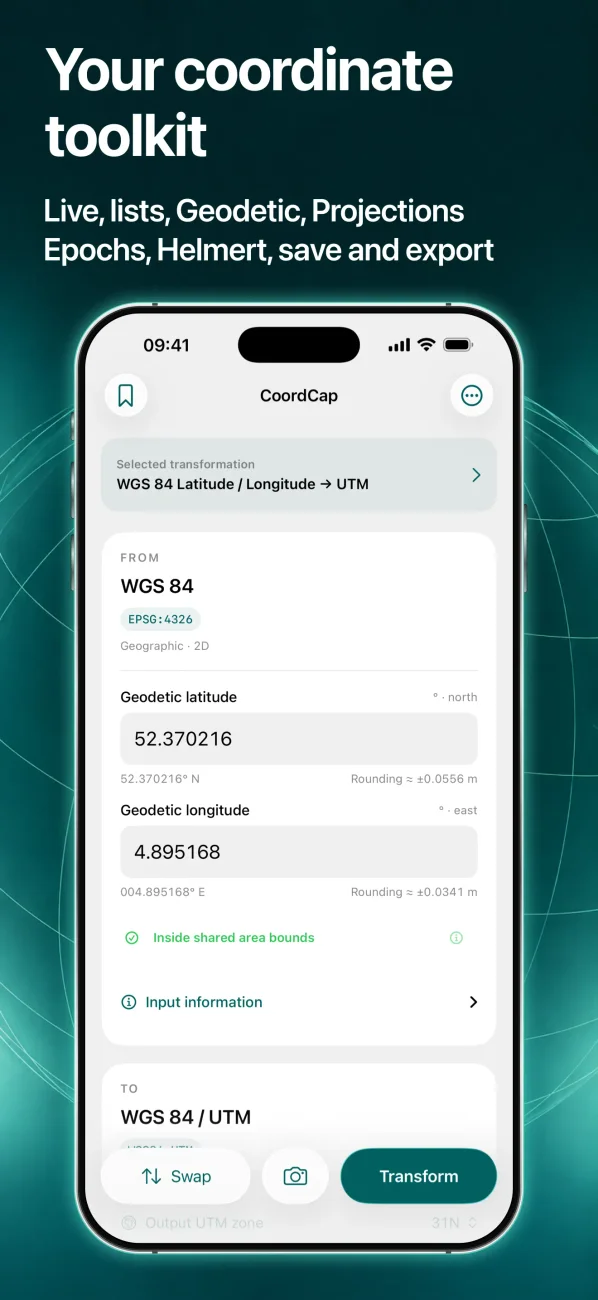
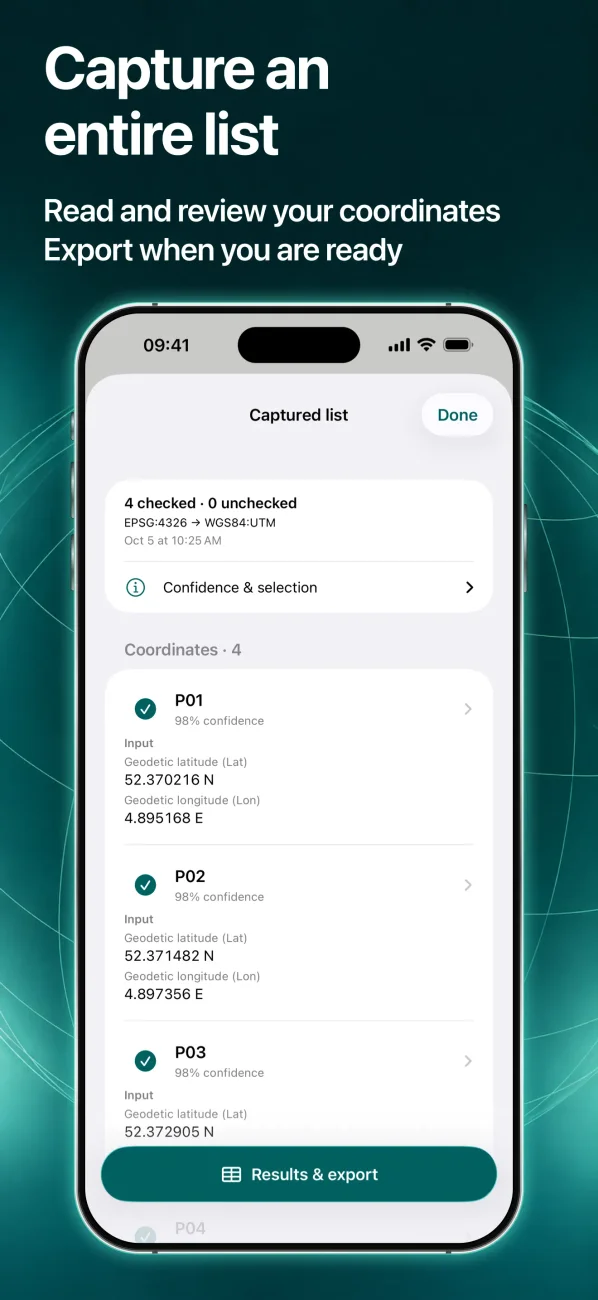
Read coordinates from your camera or an imported image, use your live location or select a point on the map, and convert between reference systems. Keep your results ready for the next step.
CoordCap is free to download. Manual conversions, the built-in WGS 84 / UTM workflow, and Auto UTM on the map are free. CoordCap PRO is an optional, one-time in-app purchase that unlocks other map targets, plus capture and saving with additional transformations. No subscription.
INCLUDED FOR FREE
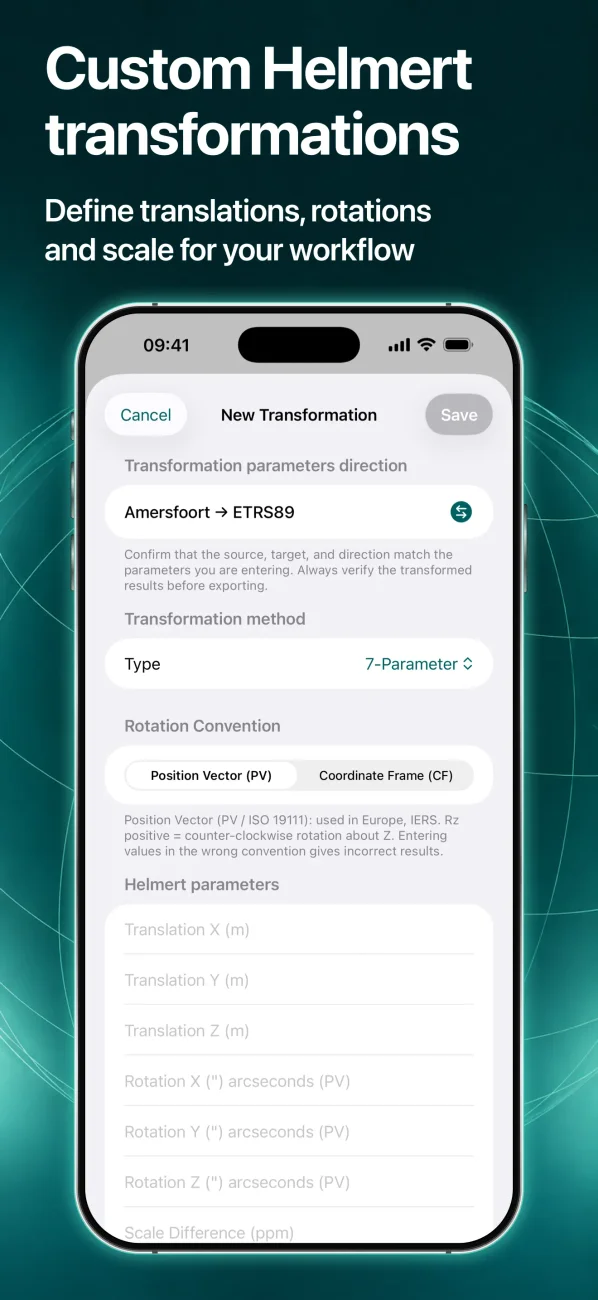
- Enter coordinates manually and convert them using the built-in WGS 84 / UTM workflow or transformations you add.
- Read original coordinates with your camera or from imported images.
- Convert between WGS 84 latitude/longitude and UTM using the built-in workflow.
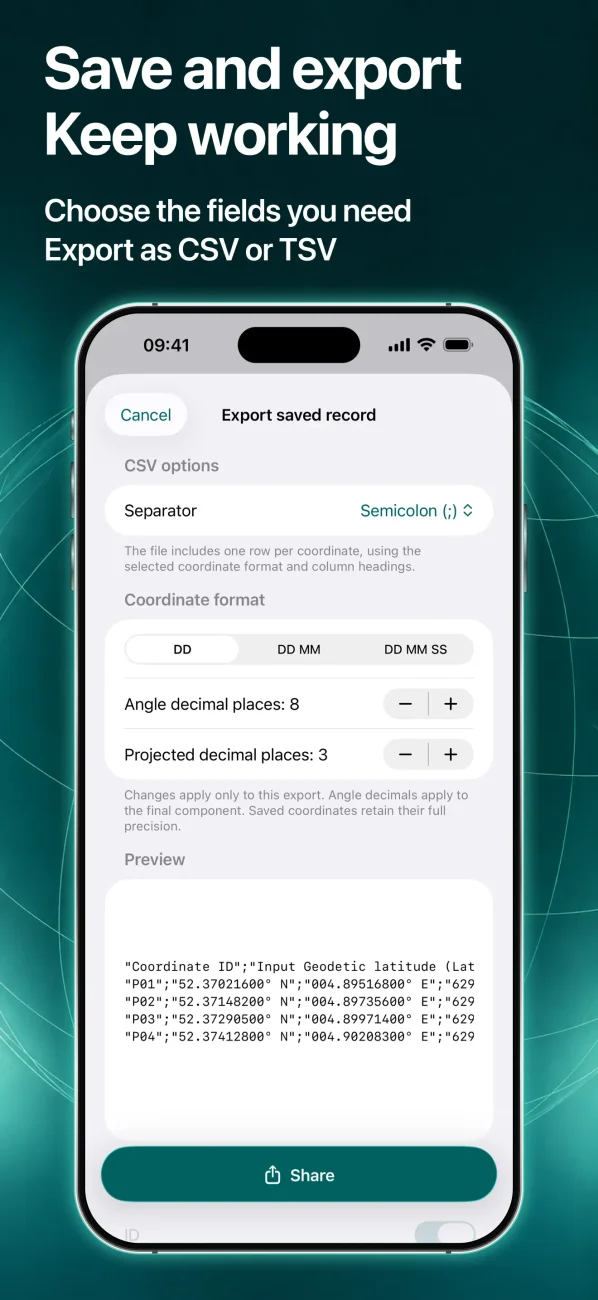
- Capture, review, save, and export individual coordinates and coordinate lists using the built-in WGS 84 / UTM workflow.
- View, copy, and save map coordinates with Auto UTM. Use your live location or select a point with the crosshair; the UTM zone and hemisphere update automatically.
- Copy and share manual conversion results.
REQUIRES COORDCAP PRO
- View, copy, and save map coordinates using any target other than Auto UTM, in both Live and Target modes.
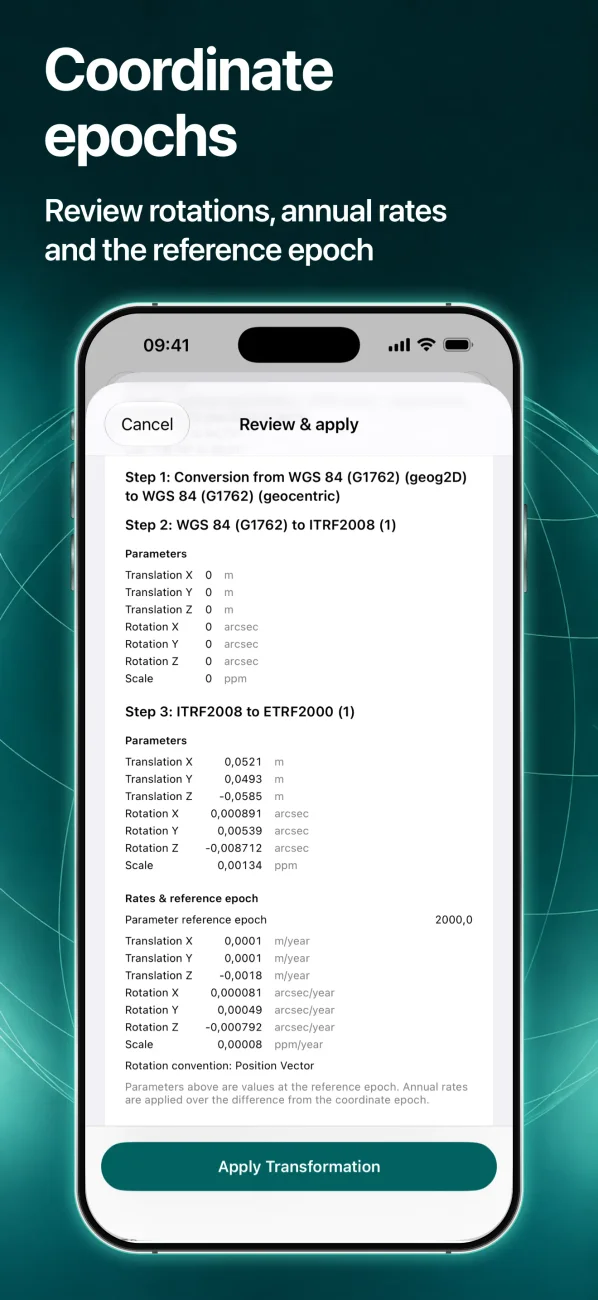
- View converted coordinates from your camera or imported images using transformations you add beyond the built-in WGS 84 / UTM workflow.
- Capture and review coordinate lists using those additional transformations.
- Save individual results using additional transformations, including results entered manually.
- Save and export captured coordinate lists using additional transformations.
Manual conversion with an added transformation is free. Using that transformation to view converted map coordinates, for converted camera or image capture, or to save results requires PRO. Auto UTM on the map stays free, including copying and saving. The built-in WGS 84 / UTM workflow also stays free, including capture, saving, and export.
REVIEW BEFORE YOU USE
Check captured readings, correct coordinates, and choose which rows to include before exporting. Coordinate recognition can make mistakes, so always review results against your source.
Novedades
Versión 3.0 · 5/10/2026
- Target and convert coordinates live on the map
- Easier scanning with improved coordinate recognition.
Privacidad de la aplicación
Lo que Nicolaas CorneIis Antonius Vertelman declara en App Store sobre cómo esta aplicación gestiona los datos.
-
No se recopilan datos
El desarrollador no recopila ningún dato de esta aplicación.
Las prácticas de privacidad pueden variar, por ejemplo, según las funciones que uses o tu edad.
Información
- Vendedor
- Nicolaas CorneIis Antonius Vertelman
- Categoría
- Navegación
- Versión
- 3.0
- Actualizado
- 5/10/2026
- Publicado
- 25/7/2025
- Tamaño
- 27,9 MB
- Requiere
- iOS 18.0 o posterior
- Clasificación por edad
- 4+
- Precio
- Gratis
- Compras en la aplicación
- Sí
- Idiomas
- Inglés
- Copyright
- © 2025 N.C.A. Vertelman
Quizá también te guste
-
 Geo: Conversor de coordenadasConversor de coordenadas
-
 Geo ChangerNavegación
-
 W1 PrivéViajes
-
 Off-Grid GPS: Offline CompassNavegación
-
 Coordenadas GPS ActualesAltímetro, Velocímetro, Altura
-
 NAVIGATOR GISNavegación
-
 BangMap - 3D MapExplora el mundo
-
 Geo XY Pointer - GPS UTMGPS, UTM, MGRS y ED50
-
 Packs - quickly pack and goPacking is easier with a plan
-
 Tank RadarNavegación