Coordinate Converter: CoordCap
GPS and CRS Transformations
Designed for iPhone
Free · In-app purchases
- Age rating4+
- CategoryNavigation
- DeveloperNicolaas CorneIis Antonius Vertelman
- LanguagesEnglish
- Size27.9 MB
Links to the official App Store page
Download.org hosts no file of Coordinate Converter: CoordCap. The button opens its official App Store page, published by Nicolaas CorneIis Antonius Vertelman. Listing last checked on Nov 12, 2026.
Screenshots


About
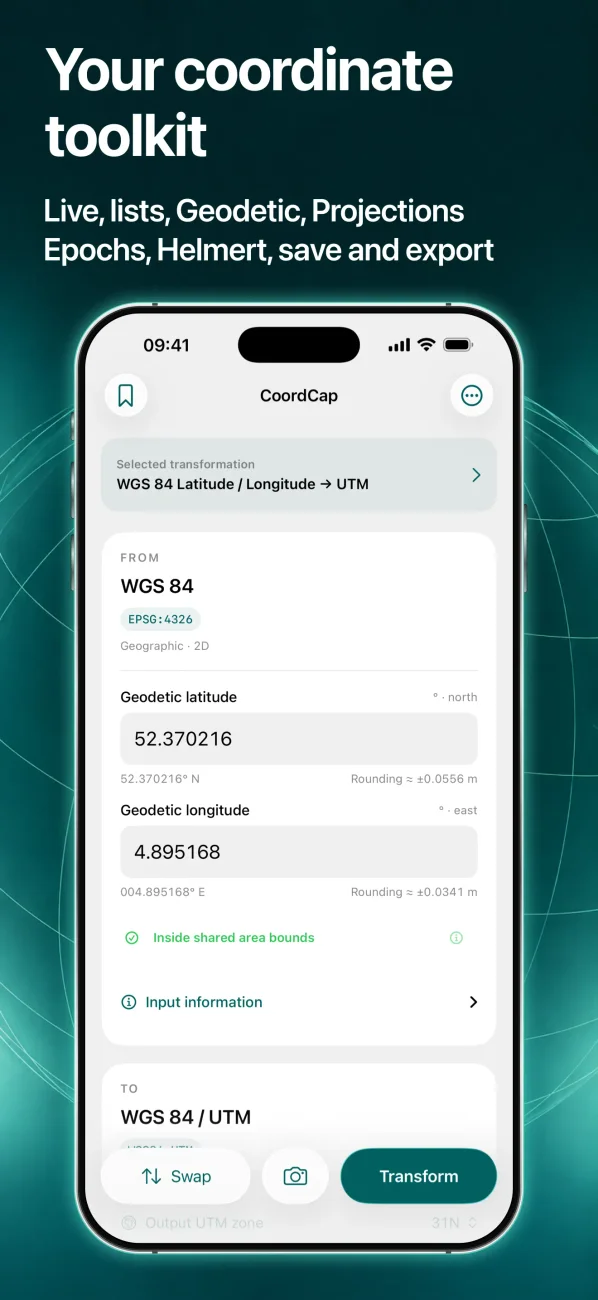
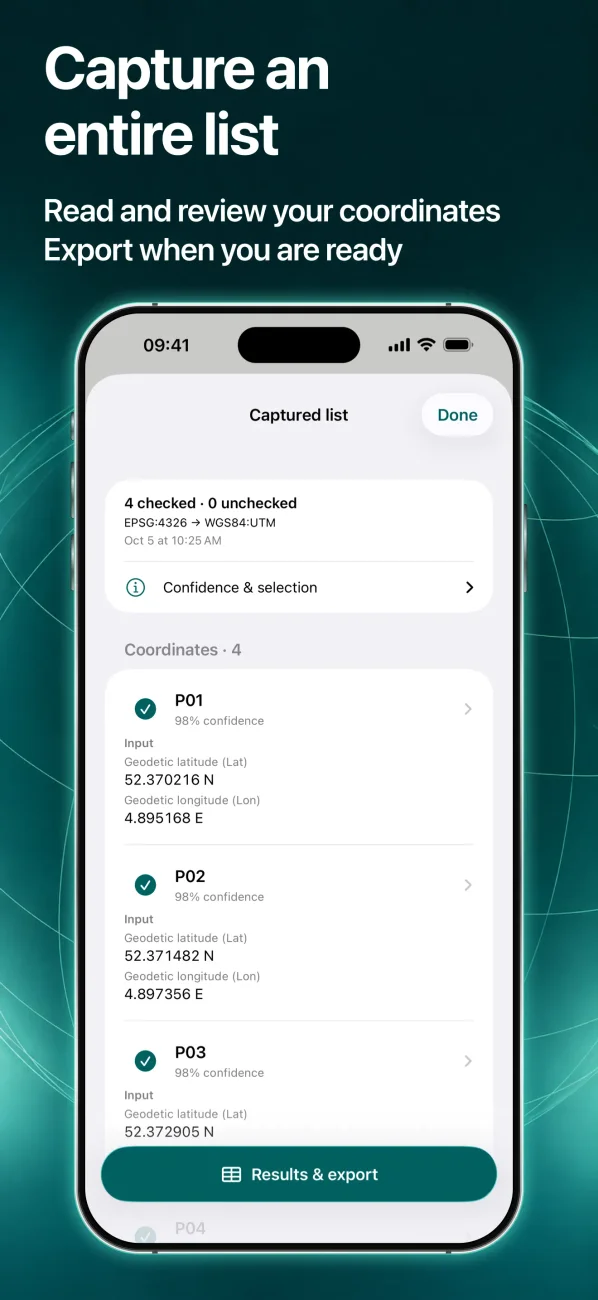
Read coordinates from your camera or an imported image, use your live location or select a point on the map, and convert between reference systems. Keep your results ready for the next step.
CoordCap is free to download. Manual conversions, the built-in WGS 84 / UTM workflow, and Auto UTM on the map are free. CoordCap PRO is an optional, one-time in-app purchase that unlocks other map targets, plus capture and saving with additional transformations. No subscription.
INCLUDED FOR FREE
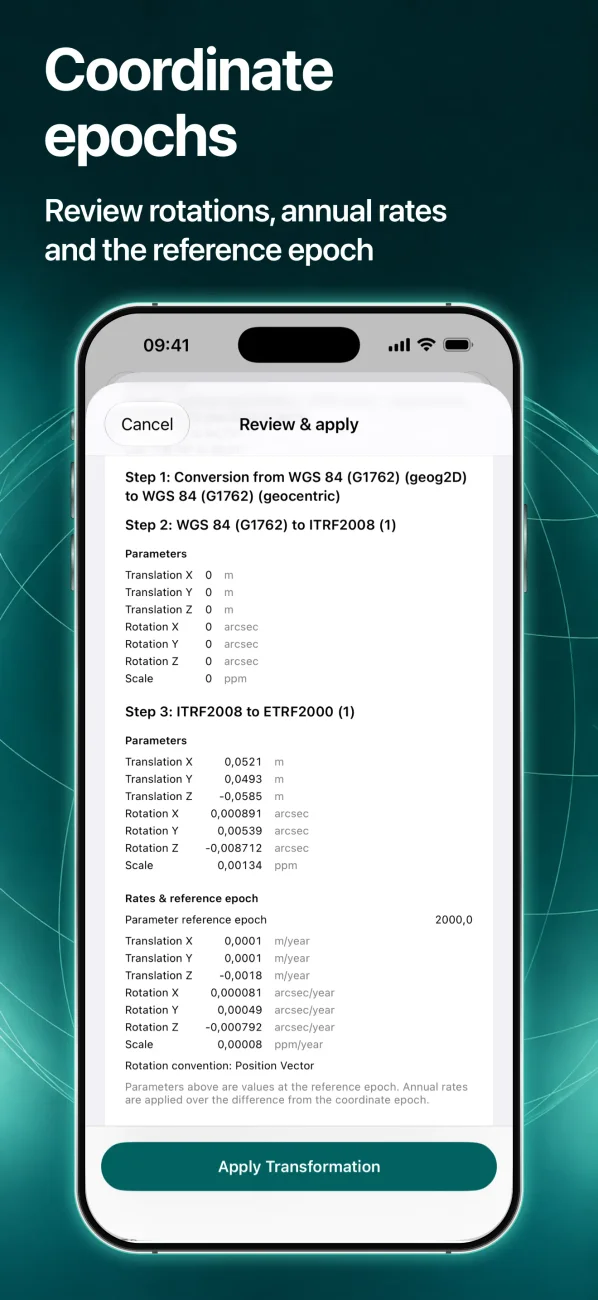
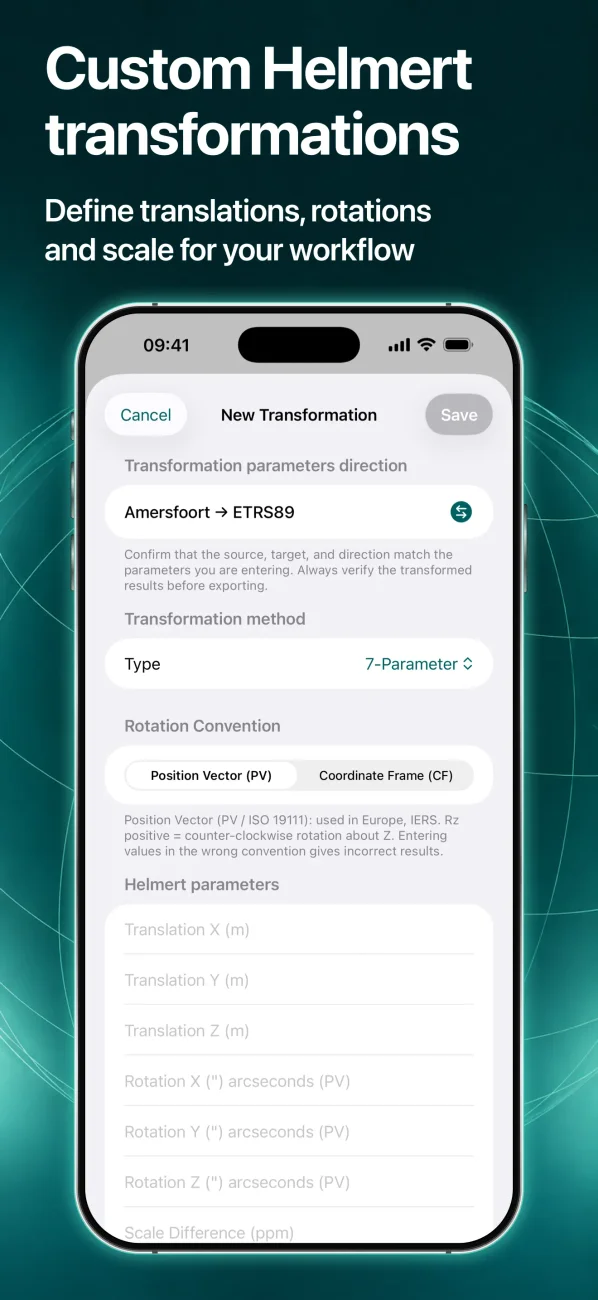
- Enter coordinates manually and convert them using the built-in WGS 84 / UTM workflow or transformations you add.
- Read original coordinates with your camera or from imported images.
- Convert between WGS 84 latitude/longitude and UTM using the built-in workflow.
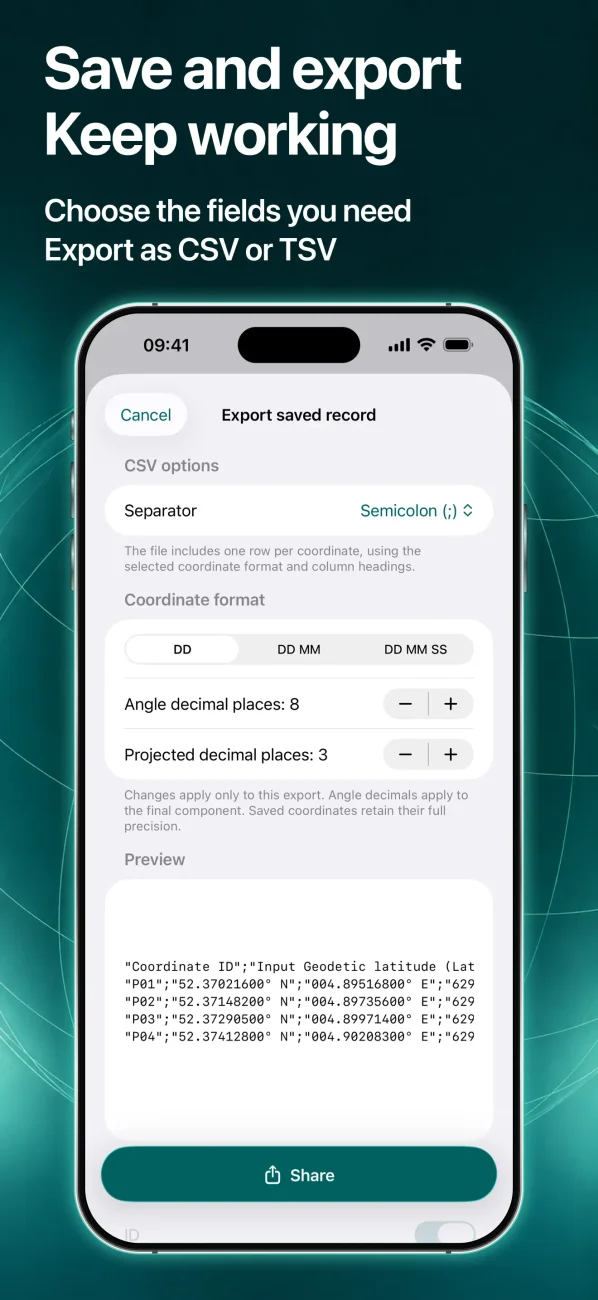
- Capture, review, save, and export individual coordinates and coordinate lists using the built-in WGS 84 / UTM workflow.
- View, copy, and save map coordinates with Auto UTM. Use your live location or select a point with the crosshair; the UTM zone and hemisphere update automatically.
- Copy and share manual conversion results.
REQUIRES COORDCAP PRO
- View, copy, and save map coordinates using any target other than Auto UTM, in both Live and Target modes.
- View converted coordinates from your camera or imported images using transformations you add beyond the built-in WGS 84 / UTM workflow.
- Capture and review coordinate lists using those additional transformations.
- Save individual results using additional transformations, including results entered manually.
- Save and export captured coordinate lists using additional transformations.
Manual conversion with an added transformation is free. Using that transformation to view converted map coordinates, for converted camera or image capture, or to save results requires PRO. Auto UTM on the map stays free, including copying and saving. The built-in WGS 84 / UTM workflow also stays free, including capture, saving, and export.
REVIEW BEFORE YOU USE
Check captured readings, correct coordinates, and choose which rows to include before exporting. Coordinate recognition can make mistakes, so always review results against your source.
What’s new
Version 3.0 · Oct 5, 2026
- Target and convert coordinates live on the map
- Easier scanning with improved coordinate recognition.
App privacy
What Nicolaas CorneIis Antonius Vertelman declares on the App Store about how this app handles data.
-
Data not collected
The developer does not collect any data from this app.
Privacy practices may vary, for example with the features you use or your age.
Information
- Seller
- Nicolaas CorneIis Antonius Vertelman
- Category
- Navigation
- Version
- 3.0
- Updated
- Oct 5, 2026
- Released
- Jul 25, 2025
- Size
- 27.9 MB
- Requires
- iOS 18.0 or later
- Age rating
- 4+
- Price
- Free
- In-app purchases
- Yes
- Languages
- English
- Copyright
- © 2025 N.C.A. Vertelman
You might also like
-
 Geo: Convert GPS CoordinatesMap Coordinates Converter
-
 Geo ChangerCoordinates & Elevations
-
 W1 PrivéBy invitation. At any hour.
-
 Off-Grid GPS: Offline CompassAR waypoints, no signal needed
-
 GPS Coordinates: My LocationAltimeter, Speedometer & Trip
-
 NAVIGATOR GISGPS, GIS & Grid Converter
-
 BangMap - 3D MapExploreCities around the world
-
 Geo XY Pointer - GPS GridGPS, UTM, MGRS & State Plane
-
 Packs - quickly pack and goPacking is easier with a plan
-
 Tank RadarFuel prices. Near you. Now.