Coordinate Converter: CoordCap
GPS and CRS Transformations
Entwickelt für iPhone
Kostenlos · In-App-Käufe
- Altersfreigabe4+
- KategorieNavigation
- EntwicklerNicolaas CorneIis Antonius Vertelman
- SprachenEnglisch
- Größe27,9 MB
Verlinkt auf die offizielle App Store-Seite
Download.org hostet keine Datei von Coordinate Converter: CoordCap. Die Schaltfläche öffnet die App-Seite bei App Store, wo Nicolaas CorneIis Antonius Vertelman die App veröffentlicht. Eintrag zuletzt geprüft am 12.11.2026.
Screenshots


Info
Der Entwickler hat diesen Text nicht in Ihrer Sprache bereitgestellt.
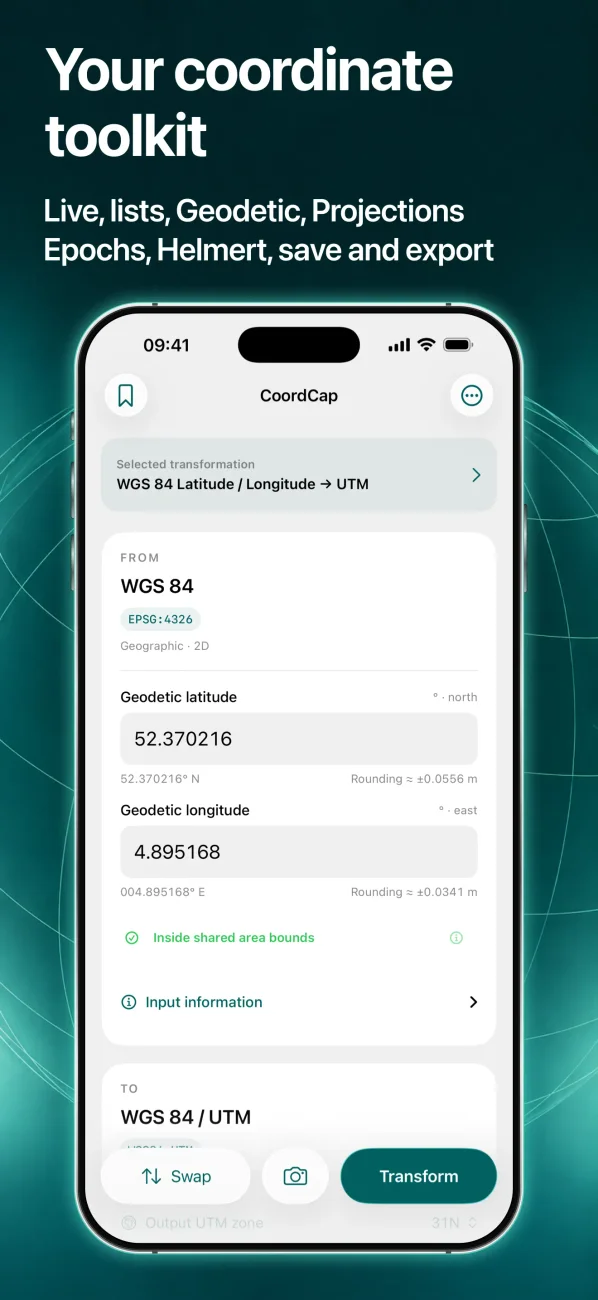
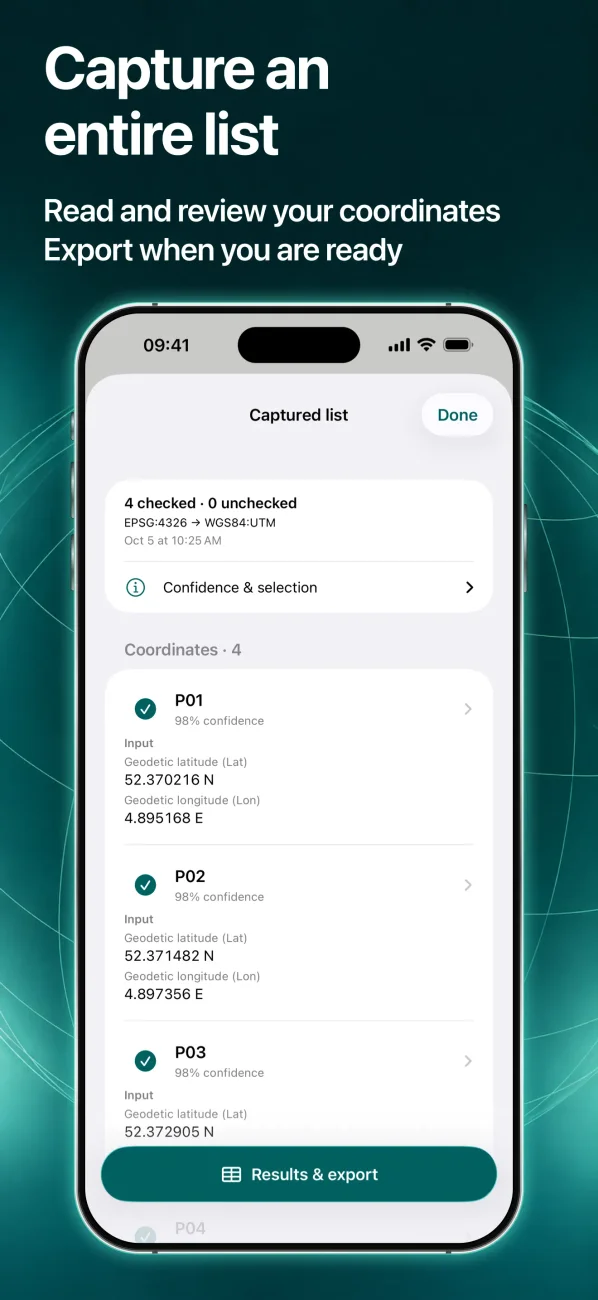
Read coordinates from your camera or an imported image, use your live location or select a point on the map, and convert between reference systems. Keep your results ready for the next step.
CoordCap is free to download. Manual conversions, the built-in WGS 84 / UTM workflow, and Auto UTM on the map are free. CoordCap PRO is an optional, one-time in-app purchase that unlocks other map targets, plus capture and saving with additional transformations. No subscription.
INCLUDED FOR FREE
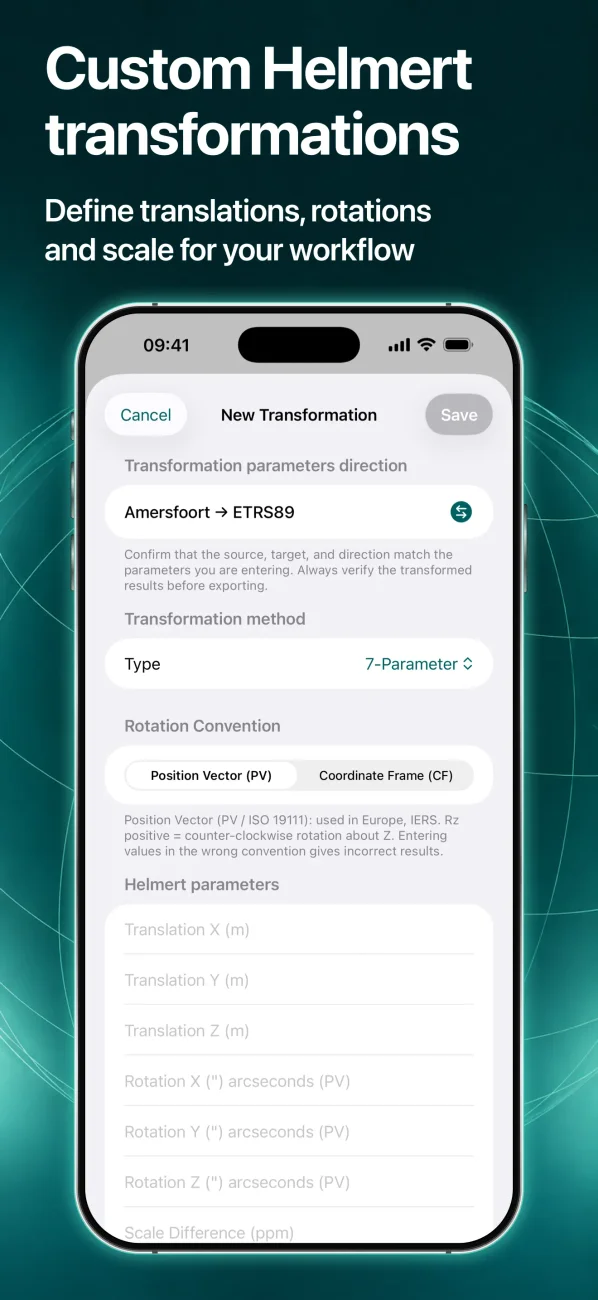
- Enter coordinates manually and convert them using the built-in WGS 84 / UTM workflow or transformations you add.
- Read original coordinates with your camera or from imported images.
- Convert between WGS 84 latitude/longitude and UTM using the built-in workflow.
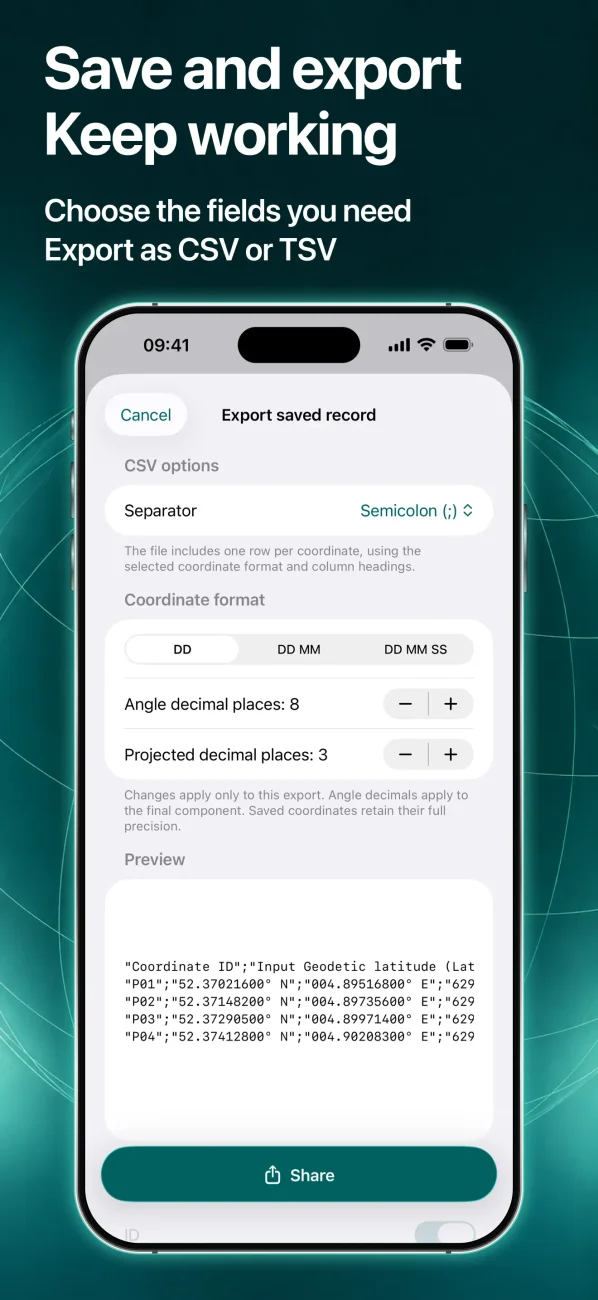
- Capture, review, save, and export individual coordinates and coordinate lists using the built-in WGS 84 / UTM workflow.
- View, copy, and save map coordinates with Auto UTM. Use your live location or select a point with the crosshair; the UTM zone and hemisphere update automatically.
- Copy and share manual conversion results.
REQUIRES COORDCAP PRO
- View, copy, and save map coordinates using any target other than Auto UTM, in both Live and Target modes.
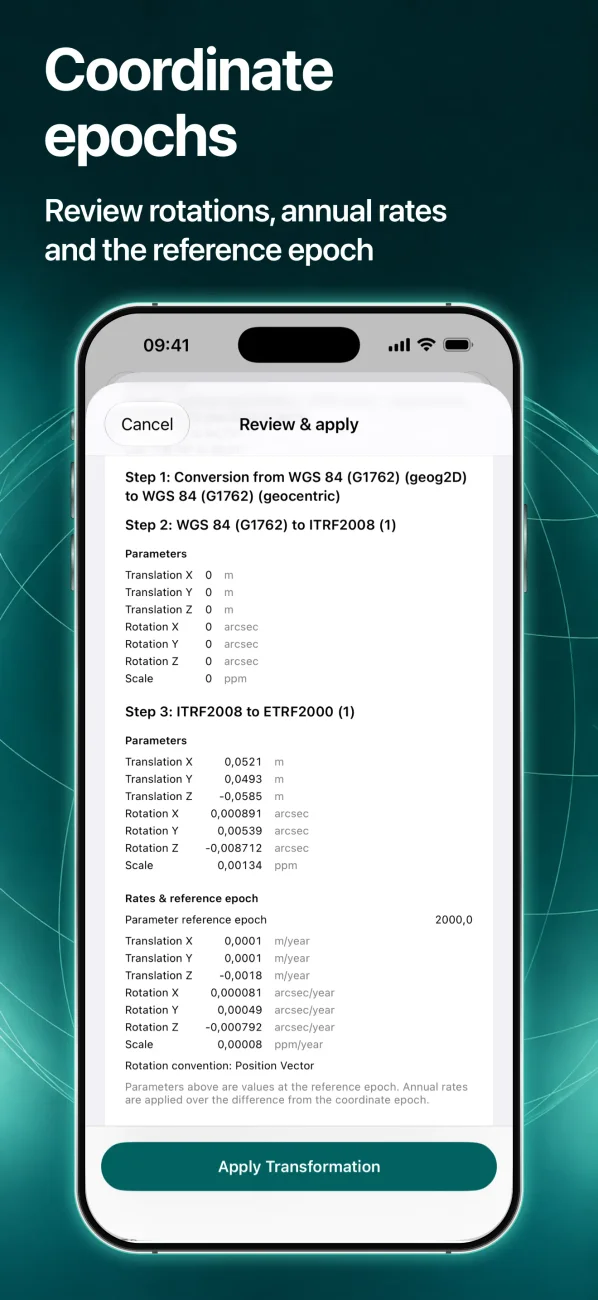
- View converted coordinates from your camera or imported images using transformations you add beyond the built-in WGS 84 / UTM workflow.
- Capture and review coordinate lists using those additional transformations.
- Save individual results using additional transformations, including results entered manually.
- Save and export captured coordinate lists using additional transformations.
Manual conversion with an added transformation is free. Using that transformation to view converted map coordinates, for converted camera or image capture, or to save results requires PRO. Auto UTM on the map stays free, including copying and saving. The built-in WGS 84 / UTM workflow also stays free, including capture, saving, and export.
REVIEW BEFORE YOU USE
Check captured readings, correct coordinates, and choose which rows to include before exporting. Coordinate recognition can make mistakes, so always review results against your source.
Neue Funktionen
Version 3.0 · 05.10.2026
- Target and convert coordinates live on the map
- Easier scanning with improved coordinate recognition.
App-Datenschutz
Was Nicolaas CorneIis Antonius Vertelman im App Store zum Umgang dieser App mit Daten angibt.
-
Keine Daten erfasst
Der Entwickler erfasst keine Daten von dieser App.
Die Datenschutzpraktiken können variieren, zum Beispiel je nach den von Ihnen verwendeten Funktionen oder Ihrem Alter.
Informationen
- Anbieter
- Nicolaas CorneIis Antonius Vertelman
- Kategorie
- Navigation
- Version
- 3.0
- Aktualisiert
- 05.10.2026
- Veröffentlicht
- 25.07.2025
- Größe
- 27,9 MB
- Erfordert
- iOS 18.0 oder neuer
- Altersfreigabe
- 4+
- Preis
- Kostenlos
- In-App-Käufe
- Ja
- Sprachen
- Englisch
- Copyright
- © 2025 N.C.A. Vertelman
Das könnte Ihnen auch gefallen
-
 Geo: GPS-KoordinatenumrechnerKartenkoordinaten-Umrechner
-
 Geo ChangerNavigation
-
 W1 PrivéReisen
-
 Off-Grid GPS: Offline CompassNavigation
-
 GPS Koordinaten: Mein StandortHöhenmesser, Tacho, Kompass
-
 NAVIGATOR GISNavigation
-
 BangMap - 3D MapNavigation
-
 Geo XY Pointer - KoordinatenGPS, UTM, MGRS & Gauß-Krüger
-
 Packs - quickly pack and goPacking is easier with a plan
-
 Tank RadarEchtzeitpreise an Tankstellen