Coordinate Converter: CoordCap
GPS and CRS Transformations
iPhone için tasarlandı
Ücretsiz · Uygulama içi satın alma
- Yaş sınırı4+
- KategoriNavigasyon
- GeliştiriciNicolaas CorneIis Antonius Vertelman
- Dillerİngilizce
- Boyut27,9 MB
Resmi App Store sayfasına bağlanır
Download.org, Coordinate Converter: CoordCap için hiçbir dosya barındırmaz. Düğme, uygulamanın App Store üzerindeki sayfasını açar; uygulamayı orada Nicolaas CorneIis Antonius Vertelman yayınlar. Sayfanın son kontrolü: 12.11.2026.
Ekran görüntüleri


Hakkında
Geliştirici bu metni dilinizde sunmamış.
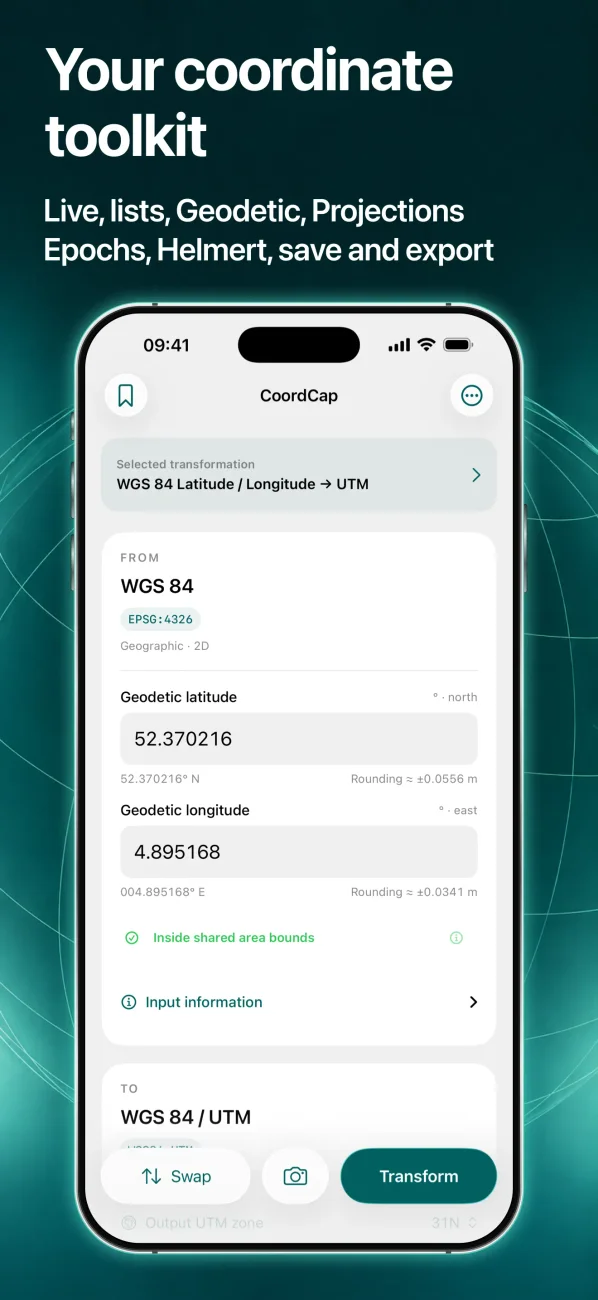
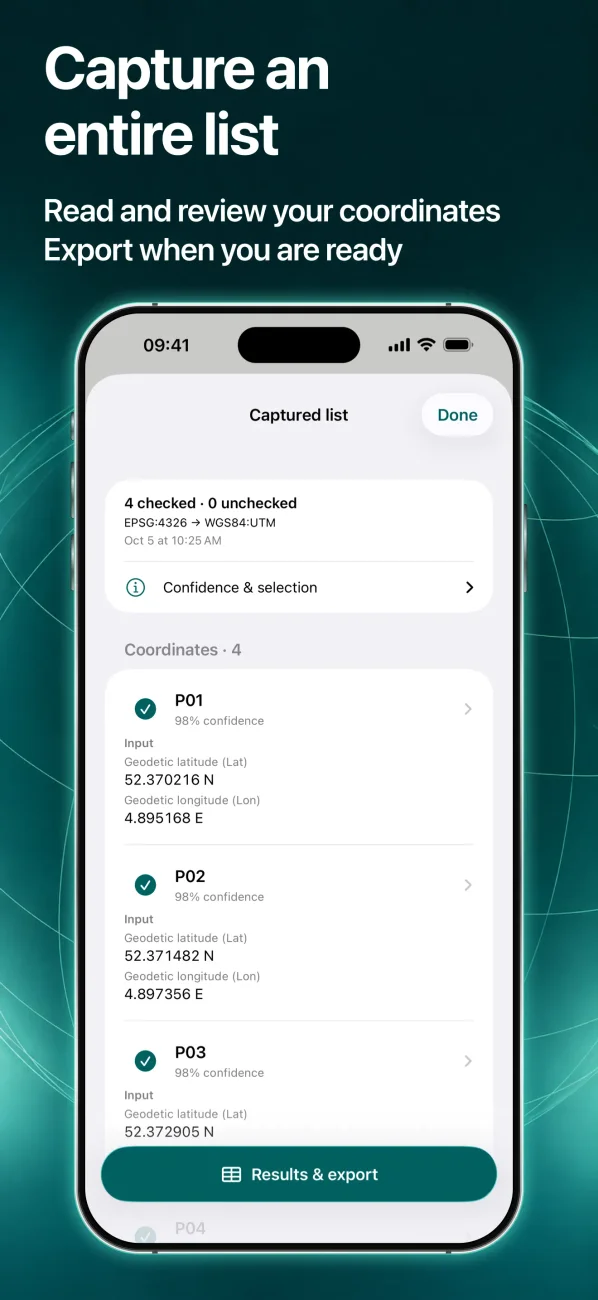
Read coordinates from your camera or an imported image, use your live location or select a point on the map, and convert between reference systems. Keep your results ready for the next step.
CoordCap is free to download. Manual conversions, the built-in WGS 84 / UTM workflow, and Auto UTM on the map are free. CoordCap PRO is an optional, one-time in-app purchase that unlocks other map targets, plus capture and saving with additional transformations. No subscription.
INCLUDED FOR FREE
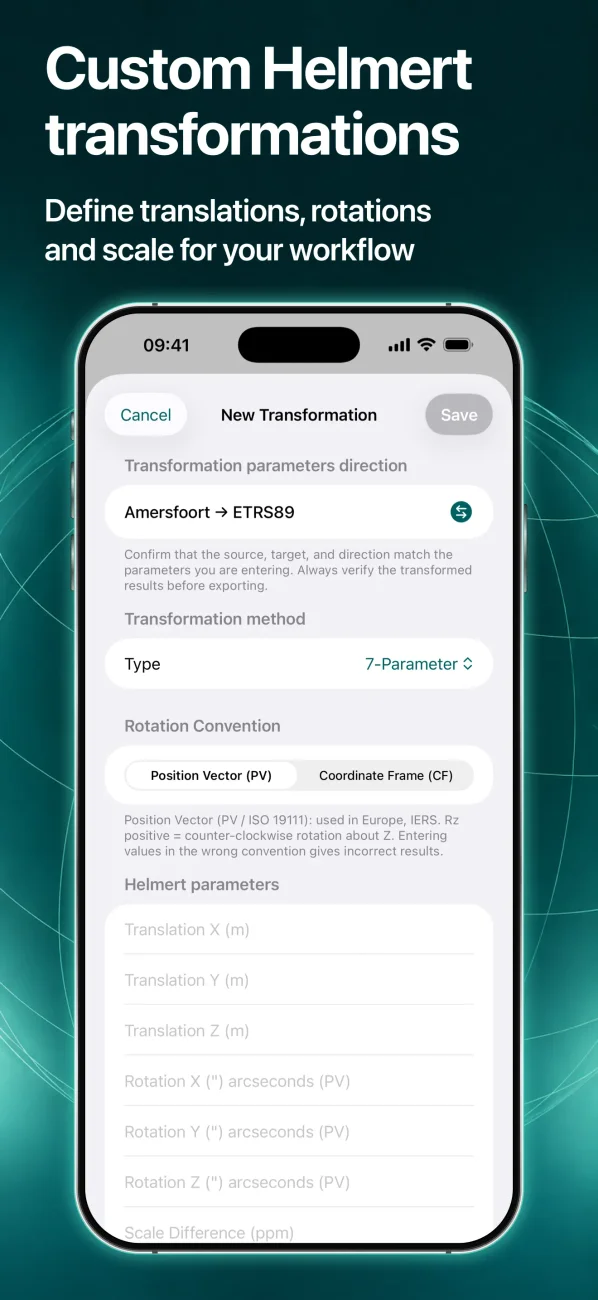
- Enter coordinates manually and convert them using the built-in WGS 84 / UTM workflow or transformations you add.
- Read original coordinates with your camera or from imported images.
- Convert between WGS 84 latitude/longitude and UTM using the built-in workflow.
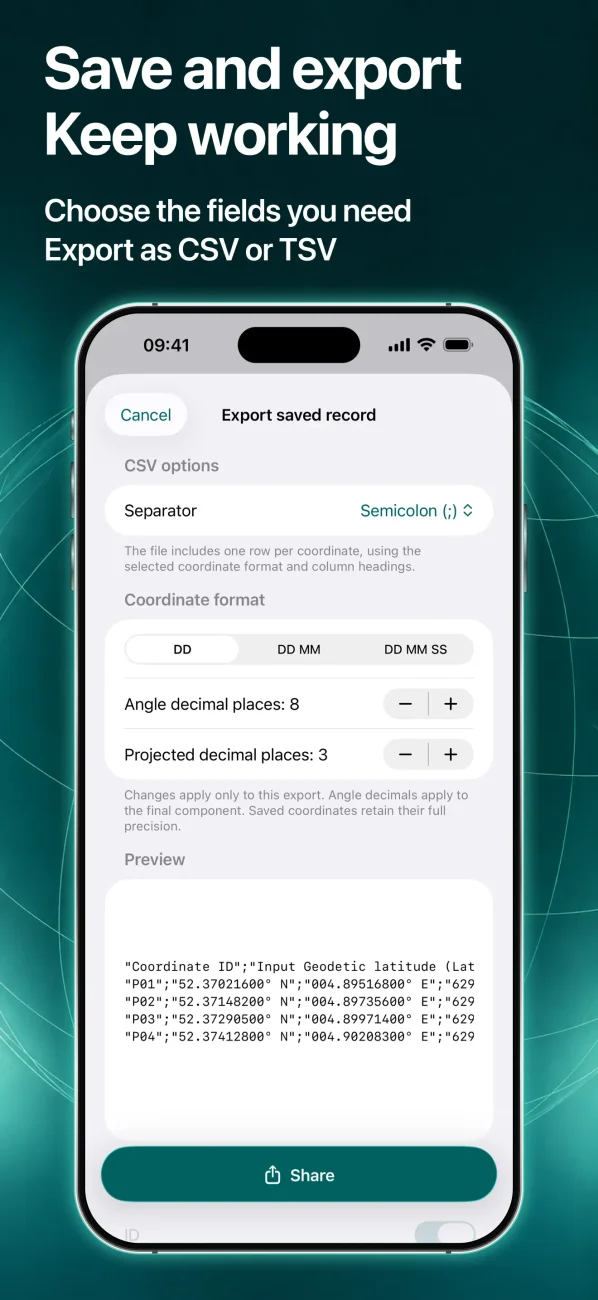
- Capture, review, save, and export individual coordinates and coordinate lists using the built-in WGS 84 / UTM workflow.
- View, copy, and save map coordinates with Auto UTM. Use your live location or select a point with the crosshair; the UTM zone and hemisphere update automatically.
- Copy and share manual conversion results.
REQUIRES COORDCAP PRO
- View, copy, and save map coordinates using any target other than Auto UTM, in both Live and Target modes.
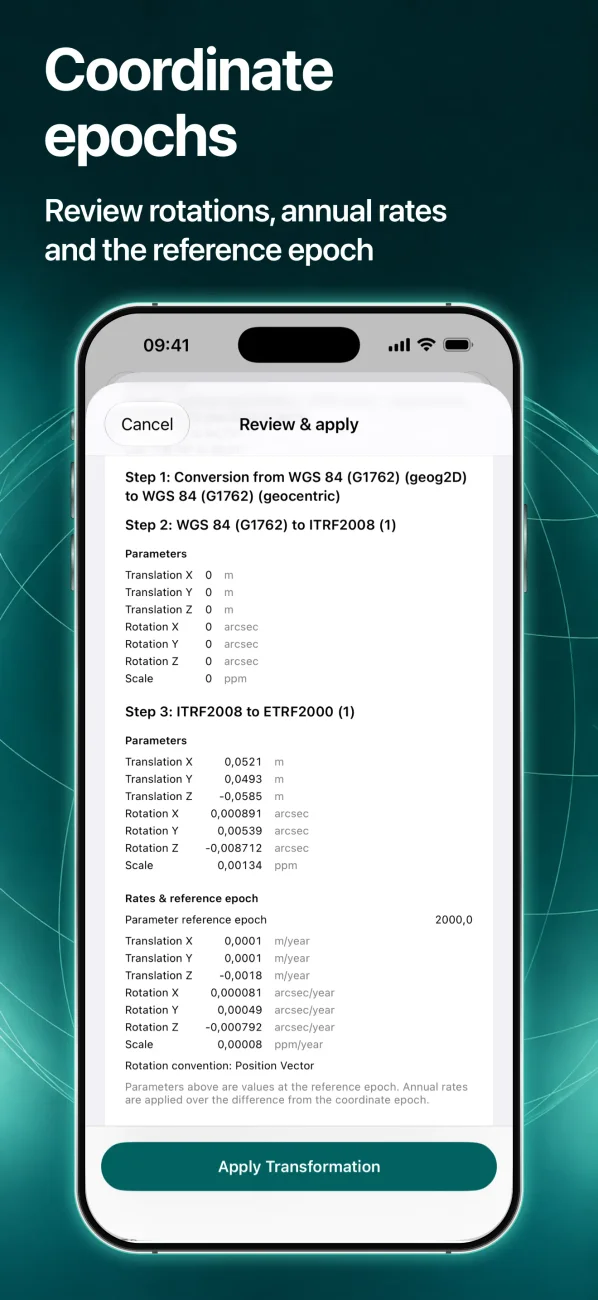
- View converted coordinates from your camera or imported images using transformations you add beyond the built-in WGS 84 / UTM workflow.
- Capture and review coordinate lists using those additional transformations.
- Save individual results using additional transformations, including results entered manually.
- Save and export captured coordinate lists using additional transformations.
Manual conversion with an added transformation is free. Using that transformation to view converted map coordinates, for converted camera or image capture, or to save results requires PRO. Auto UTM on the map stays free, including copying and saving. The built-in WGS 84 / UTM workflow also stays free, including capture, saving, and export.
REVIEW BEFORE YOU USE
Check captured readings, correct coordinates, and choose which rows to include before exporting. Coordinate recognition can make mistakes, so always review results against your source.
Yenilikler
Sürüm 3.0 · 05.10.2026
- Target and convert coordinates live on the map
- Easier scanning with improved coordinate recognition.
Uygulama gizliliği
Bu uygulamanın verileri nasıl işlediği hakkında Nicolaas CorneIis Antonius Vertelman tarafından App Store üzerinde yapılan beyan.
-
Veri toplanmıyor
Geliştirici bu uygulamadan hiçbir veri toplamıyor.
Gizlilik uygulamaları, örneğin kullandığınız özelliklere veya yaşınıza göre değişiklik gösterebilir.
Bilgiler
- Satıcı
- Nicolaas CorneIis Antonius Vertelman
- Kategori
- Navigasyon
- Sürüm
- 3.0
- Güncellendi
- 05.10.2026
- Yayın tarihi
- 25.07.2025
- Boyut
- 27,9 MB
- Gereksinim
- iOS 18.0 veya sonrası
- Yaş sınırı
- 4+
- Fiyat
- Ücretsiz
- Uygulama içi satın alma
- Evet
- Diller
- İngilizce
- Telif hakkı
- © 2025 N.C.A. Vertelman
Bunları da beğenebilirsiniz
-
 Geo: GPS Koordinat DönüştürücüHarita Koordinat Dönüştürücü
-
 Geo ChangerNavigasyon
-
 W1 PrivéSeyahat
-
 Off-Grid GPS: Offline CompassNavigasyon
-
 GPS Koordinat ve KonumumEnlem Boylam Rakım Pusula
-
 NAVIGATOR GISNavigasyon
-
 BangMap - 3D MapNavigasyon
-
 Geo XY Pointer - KoordinatSaha için GPS, UTM, MGRS
-
 Packs - quickly pack and goPacking is easier with a plan
-
 Tank RadarNavigasyon