CoreFiles
Scanner with OCR, File Manager
Diseñada para iPhone, iPad
Gratis · Compras en la aplicación
- Clasificación por edad4+
- CategoríaProductividad
- DesarrolladorDANIEL ROSIER
- IdiomasInglés+ 1 más
- Tamaño79,6 MB
Enlaza a la página oficial de App Store
Download.org no aloja ningún archivo de CoreFiles. El botón abre la página de la aplicación en App Store, donde la publica DANIEL ROSIER. Ficha comprobada por última vez el 14/11/2026.
Capturas de pantalla


Acerca de
El desarrollador no ha proporcionado este texto en tu idioma.
CoreFiles turns scanning and filing documents into seconds - not minutes.
TAP. SCAN. DONE.
Most apps leave you on your own after scanning: you have the document, but no destination folder selected yet. CoreFiles flips that workflow.
Choose your destination first - “Accounting”, “Projects”, or “Archive” - then scan. CoreFiles saves automatically to exactly that location. Local storage, iCloud, NAS, SFTP, WebDAV, SharePoint, and more.
The file manager with a thoughtful scan-to-destination workflow.
QUICK DESTINATIONS - FILE IN ONE TAP
Choose the destination folder before scanning - not after
Create your own custom quick destinations
Works across all connected storage locations
Expand and adjust at any time
INTELLIGENT FILE NAMES
Automatic filename suggestions while scanning
Apple Intelligence support (where available)
Less renaming, faster and more accurate filing
DOCUMENT SCANNER
Multi-page documents in a single pass
Automatic edge detection
Save directly as PDF to your selected destination folder
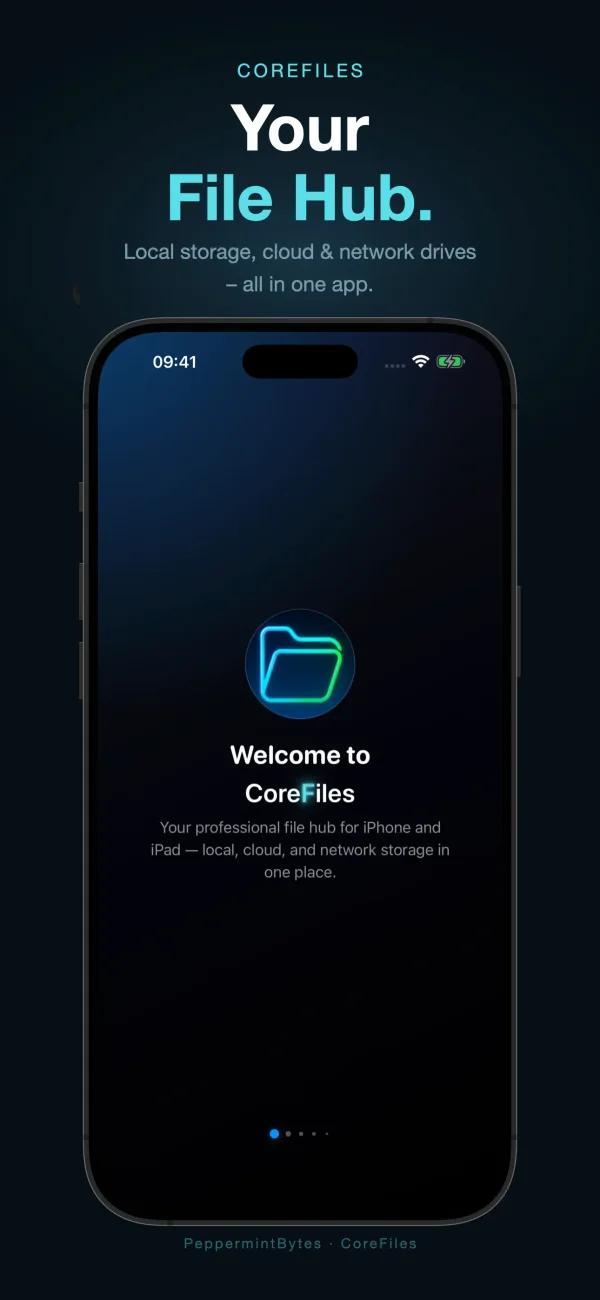
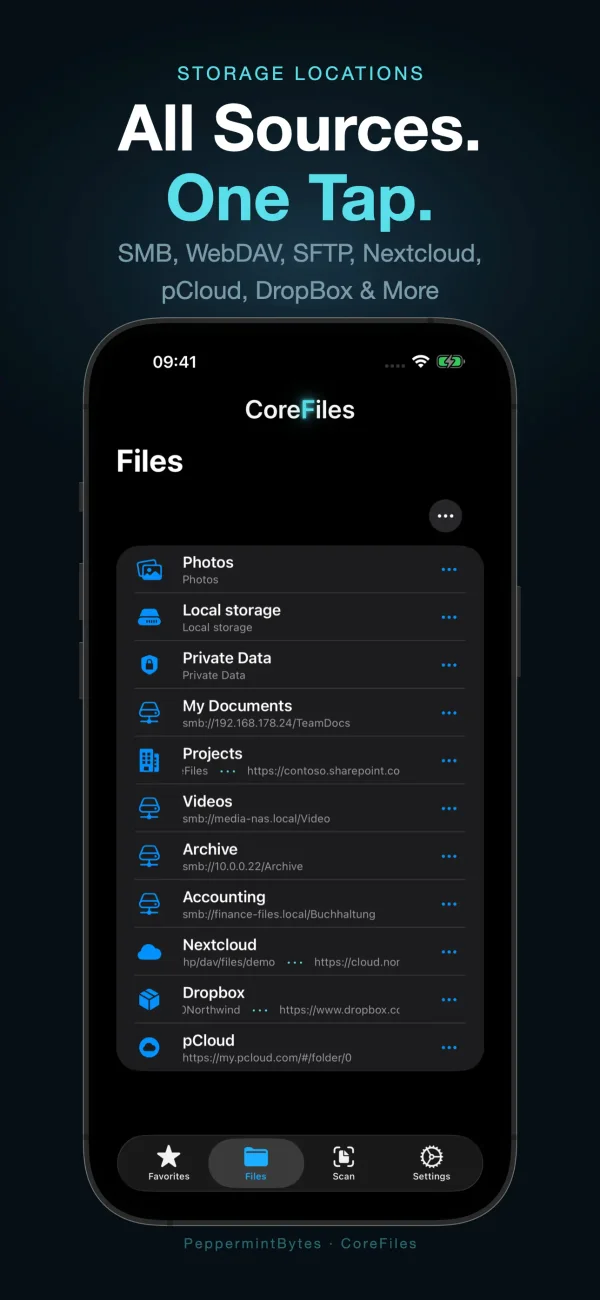
ALL YOUR STORAGE - ONE APP
Local storage & iCloud Drive
SMB network drives / NAS
WebDAV / Nextcloud
SFTP servers
Microsoft SharePoint
Dropbox & pCloud
Google Drive*
RECEIVE & SHARE FILES
Import files from other apps directly into CoreFiles via Share Extension or Action Extension, including quick destination selection.
PREVIEW & MANAGE
Open PDFs, images, audio, video, and documents directly in CoreFiles. Move, copy, rename, and delete - all in one place.
SECURITY & PRIVACY
No ad tracking
Optional anonymous usage analytics (self-hosted Matomo)
Enhanced connection security for cloud and server storage
CoreFiles - Tap. Scan. Done.
*Google Drive is integrated via the official Google Picker (not a native full file system integration).
For subscriptions, Apple’s Standard EULA applies:
https://www.apple.com/legal/internet-services/itunes/dev/stdeula/
Novedades
Versión 1.2.1 · 26/5/2026
Scans that name themselves. Connections you can trust.
Smart File Names
Better automatic name suggestions when scanning – on devices with Apple Intelligence even context-aware. Less typing, faster filing.
Cloud Improvements
Google Drive, Dropbox, pCloud, Nextcloud, and SharePoint run more stable and reliable.
More Security
SFTP now validates the host key. WebDAV and Nextcloud support optional TLS pinning.
No Tracking. Ever.
CoreFiles contains no ad tracking – plus small improvements to accessibility and privacy compliance.
*Google Drive is connected via the official Google Picker (no native file system integration).
Privacidad de la aplicación
Lo que DANIEL ROSIER declara en App Store sobre cómo esta aplicación gestiona los datos.
-
Datos no vinculados a ti
Pueden recopilarse, pero no se vinculan a tu identidad.
- Datos de uso
Las prácticas de privacidad pueden variar, por ejemplo, según las funciones que uses o tu edad.
Información
- Vendedor
- DANIEL ROSIER
- Categoría
- Productividad
- Versión
- 1.2.1
- Actualizado
- 26/5/2026
- Publicado
- 23/4/2026
- Tamaño
- 79,6 MB
- Requiere
- iOS 17.0 o posterior
- Clasificación por edad
- 4+
- Precio
- Gratis
- Compras en la aplicación
- Sí
- Idiomas
- Inglés, Alemán
- Copyright
- © 2026 Daniel Rosier
Quizá también te guste
-
 MyScanPilot: Escanea OrganizaOCR y organiza documentos
-
 Scanno – PDF-ScannerProductividad
-
 Raven DocumentsProductividad
-
 Vocapa - Captura y comparteToma notas al instante
-
 JustSummarize - Resumen IAResumir artículos, PDF, fotos
-
 Lineár CalendarProductividad
-
 Zettel - Quick NotesProductividad
-
 Bookmarks - Send To SelfProductividad
-
 Outspoken: Dictado por vozVoz a texto, en todas partes
-
 Aeru: Offline & Private AIProductividad